What is Vision Pro Spatial UI (2030)?
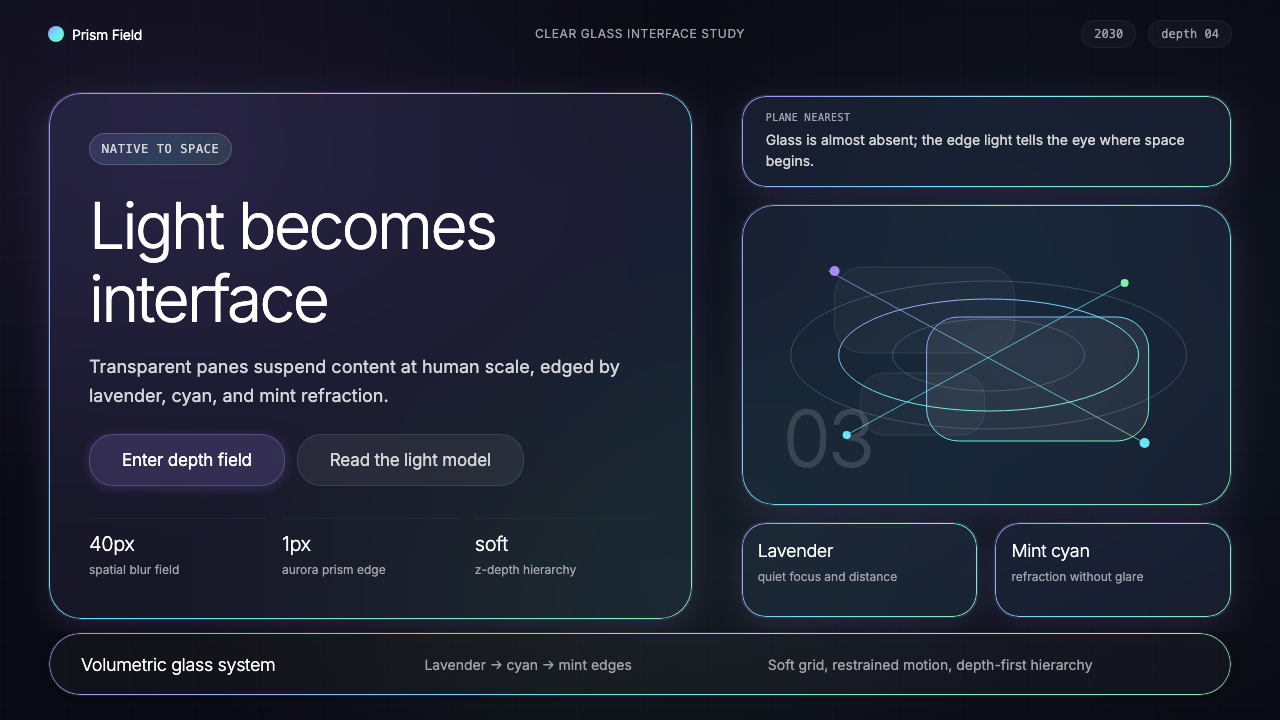
Vision Pro Spatial UI 2030 is not a flat interface — it is structured light suspended in actual space, where glass panels glow at the edge of a prism and the real world is the background.
Vision Pro Spatial UI (2030) in brief
Vision Pro Spatial UI 2030 is the mature design language of head-worn mixed reality — a visual system built entirely for three-dimensional space rather than adapted to it. Its defining elements are clear glass panels floating at varying depths, aurora-iridescent edge lighting in a signature lavender-cyan-mint gradient, ultra-light typography that appears woven from luminescence, and a dark ground that is not a designed backdrop but the actual environment around the wearer.
The language originated with visionOS 1.0, launched by Apple in 2024, and this 2030 extrapolation imagines the grammar fully refined over several product generations. Where earlier spatial interfaces borrowed conventions from flat screens — borders, drop shadows, opaque backgrounds — the mature form abandons all of these in favor of translucency, depth parallax, and iridescent detail that responds to the viewer's position. The result is an interface that behaves like a physical material rather than a digital layer.
What distinguishes Spatial UI 2030 from the broader glassmorphism trend of the early 2020s is intentionality of depth. Glassmorphism applied frosted-glass aesthetics to flat surfaces as decoration; Spatial UI 2030 uses depth as the primary organizational dimension. Foreground panels contain interactive content, mid-depth panels carry contextual information, and deep-background elements recede into the environment. Hierarchy is spatial, not chromatic or typographic alone.

Where does Vision Pro Spatial UI (2030) come from?
The lineage of Spatial UI 2030 begins with Apple's introduction of the Apple Vision Pro headset in February 2024 — the first consumer mixed-reality device designed from the ground up around a spatial operating system. The hardware arrived with visionOS, a platform whose core UI metaphor was the window as a floating glass pane: translucent, borderless on three sides, and able to coexist with the user's physical environment rather than occlude it. Alan Dye, Apple's Vice President of Human Interface, led the team responsible for establishing these foundational principles. The design challenge was without direct historical precedent: how do you create an interface that reads clearly against an infinitely variable real-world background?
The immediate visual ancestor is Apple's 'Liquid Glass' design language announced at WWDC 2024, which brought spatial metaphors — translucency, refraction, iridescent highlights — to flat iOS and macOS surfaces for the first time. Liquid Glass itself drew from a longer tradition. Apple's earlier skeuomorphic phase in the late 2000s and early 2010s had used simulated materials to create familiarity; Jonathan Ive's flat redesign from 2013 onwards stripped those simulations away in favor of pure color and geometry. Liquid Glass represented a third position: materiality without simulation, where surfaces behave like real physical substances — glass, water, crystal — but never pretend to be objects from the non-digital world.
Imran Chaudhri, who led interaction design at Apple for two decades before co-founding Humane, contributed foundational thinking about how wearable computing interfaces should behave differently from screen-mediated ones. His public writings and presentations articulated a principle that became central to Spatial UI: the interface should be a guest in the user's physical environment, not a host demanding the user's full visual attention. This guest-mode philosophy shaped the translucency and depth hierarchy of visionOS — surfaces that are present without being imposing, that yield to the real world when the user's attention moves elsewhere.
Bret Victor's decades of research into dynamic, spatial representations of information — particularly his explorations of 'seeing spaces' in which computational models exist in physical environments rather than on screens — provided a theoretical framework that influenced how the visionOS team thought about depth and interactivity. Victor's work asked what it would mean for a computational system to truly inhabit space rather than represent it. The answer, in Spatial UI terms, is an interface whose organizational grammar is the grammar of architecture: near and far, above and below, overlapping and occluded, rather than left and right, top and bottom, foreground color and background color.
What defines the Vision Pro Spatial UI (2030) look?
Translucent Glass Panels
The foundational surface of Spatial UI 2030 is a panel that transmits rather than blocks. Content sits on a layer of clear glass whose transparency allows the real world — or deeper virtual layers — to show through, tinted and softened. The glass is not uniformly transparent: denser regions gather toward interactive areas, while peripheral zones become nearly invisible. This graduated translucency creates a natural focal gradient without requiring any explicit frame or border.
Aurora-Iridescent Edge Lighting
The signature detail of the system is a hairline edge that shimmers with a lavender-to-cyan-to-mint gradient — reminiscent of aurora borealis or the edge of a glass prism catching oblique light. This iridescent border does not delineate panels as a design choice so much as reveal their physical nature: a glass object in light always has a colored edge. The gradient shifts subtly with the viewer's head position, reinforcing the sense that the panel is a real material in real space.
Depth Hierarchy
In Spatial UI 2030, organizational hierarchy is expressed through depth rather than through color, size, or weight alone. The most immediate interactive elements occupy the nearest depth plane; supporting information occupies a mid-plane; ambient or background elements recede into the far field, where they become nearly one with the environment. This depth grammar is legible without instruction because it mirrors the natural way humans parse three-dimensional scenes: closer means more important, farther means contextual.
Ultra-Light Typography
Typography in Spatial UI 2030 is set at weights far lighter than those used in conventional flat interfaces. Because the type floats against a real-world background with no opaque backing, it must achieve legibility through optical size and careful luminance contrast rather than through a high-contrast background color. The result is text that appears almost printed in light — thin strokes that remain readable because they are precisely sized relative to the viewing distance, not because they are heavy.
Soft-Shadow Blur and Focal Gradient
Behind each panel, a softly diffused shadow extends into the environment — not the hard-edged offset shadows of flat design, but an atmospheric blur that mimics how real three-dimensional objects cast light and shadow in space. This blur is purposeful: it separates the panel visually from whatever lies behind it without requiring an opaque backing, and it creates a sense of dimensional weight. Elements that are out of focus at the perimeter of the visual field behave like elements seen through peripheral vision — suggesting presence without demanding attention.
Dark-World Ground and Luminous Accent
The background of Spatial UI 2030 is not designed — it is the real environment, which at night or in dim conditions appears as a deep, near-black field. Against this ground, the luminous panels and iridescent edges read with exceptional clarity. When the system needs to add designed accents, they take the form of glowing, softly haloed elements — a notification pulse, an active-state indicator, a selection highlight — that borrow their visual language from bioluminescence and fiber optics rather than from solid color fills.
Parallax and Motion as Structure
In a head-worn interface, the user's physical movement is constant and unavoidable — Spatial UI 2030 treats this not as a complication but as a structural tool. Panels at different depth planes shift at different rates as the user moves, creating a natural parallax that continuously communicates depth relationships without requiring explicit visual cues. Transitions between states use motion that feels physically grounded: panels drift, recede, and surface rather than appearing and disappearing, and the motion arc always suggests the depth plane from which each element originates.

Who shaped Vision Pro Spatial UI (2030)?
Alan Dye served as Apple's Vice President of Human Interface from 2012, overseeing the transition from skeuomorphic to flat design under Jony Ive, and later leading the creation of visionOS — the operating system that defines the baseline of Spatial UI. His central design challenge for visionOS was legibility against an unpredictable real-world background, a problem that no mainstream interface design discipline had previously encountered at scale. His team's solution — translucent panels with iridescent edges, depth hierarchy, and atmospheric shadow — established the grammar that the 2030 projection refines.
Imran Chaudhri led interaction design at Apple for over twenty years, contributing to the original iPhone interface and the foundational interaction vocabulary of iOS. After leaving Apple, he co-founded Humane and developed the Ai Pin, a screenless wearable that projects information onto the user's palm — a device premised on the idea that interfaces should occupy the world without demanding screen real estate. His published thinking about ambient, guest-mode interfaces, where computation is present but not intrusive, directly informed how visionOS and its successors conceptualize the relationship between the digital layer and the physical environment.
Bret Victor is a human-computer interaction researcher whose work at Apple, Viewpoints Research, and Dynamicland has consistently explored representations of information that exist in physical space rather than on screens. His concept of the 'seeing space' — an environment in which computational models are materialized as physical objects that people can walk around and touch — anticipates many of the spatial organization principles of visionOS. Victor's influence on the theoretical foundations of spatial computing is oblique but pervasive: his public demonstrations and essays reached a generation of interface designers who went on to build the first wave of spatial operating systems.
Jonathan Ive, Apple's Chief Design Officer from 1996 to 2019, established the material philosophy from which Spatial UI ultimately descends. His flat redesign of iOS 7 in 2013 stripped away simulated textures and established translucency and layering as the primary depth metaphors in the Apple visual system. The frosted-glass panels, depth blur, and vibrancy effects introduced in iOS 7 and expanded through subsequent years represent a direct typological ancestor of the visionOS glass panel. Ive's later work on the Apple Vision Pro hardware itself — establishing the physical form and the optical design of the pass-through lens system — created the hardware context within which the Spatial UI language operates.
Mike Rockwell led Apple's Technology Development Group, the internal team responsible for the research and engineering behind Apple Vision Pro's display, optical, and sensor systems. The feasibility of Spatial UI as a visual language depends entirely on the underlying hardware: the ultra-high-resolution micro-OLED displays that make ultra-light type legible, the eye-tracking system that enables gaze-based interaction, and the spatial audio system that anchors virtual objects in physical space. Rockwell's engineering decisions set the resolution and latency parameters within which the design language operates — in a real sense, the design and the engineering are inseparable in this system.
How do you use Vision Pro Spatial UI (2030) today?
The visual language of Spatial UI 2030 translates to flat-screen design work — slides, web interfaces, and editorial layouts — not by pretending to be a three-dimensional interface but by extracting the governing aesthetic principles: deep dark grounds, translucent layered surfaces, iridescent thin-line accents, ultra-light type, and soft atmospheric depth. When these principles are applied to a flat medium, the result is an interface that feels expensive, contemporary, and spatially intelligent without requiring an actual depth axis.
For presentation slides, the style works with exceptional force on both cover and section divider pages. A cover should establish a deep near-black ground — not pure black, but the particular depth of a dim real environment — and float a single translucent panel slightly off-center, with the lavender-to-mint edge shimmer as the only accent color. Title type should be set at a very light weight, large in optical size, with generous breathing room around it. Data and content slides benefit from a consistent depth vocabulary: one primary panel at high clarity for the core content, a secondary ghost panel behind it for supporting context, and labels in ultra-light type. Avoid competing accents; the iridescent edge should be the only color moment on content slides.
For web UI — dashboards, pricing pages, product landing pages — Spatial UI 2030 provides a distinctive dark-mode framework with a visual hierarchy that reads as technically advanced. The ground should be the deepest tone in the palette, nearly but not quite black. Cards and panels use a matte glass-like surface with very low opacity, allowing the background gradient to show through. Active or selected states use the aurora gradient as a glow at the component's edge rather than a fill color. Typography should lean heavily toward the lighter end of the weight scale for body content, reserving slightly heavier — but still not bold — weights for headings. Navigation and structural elements should appear nearly weightless, distinguishing the interface from conventional dark-mode design patterns.
For editorial and marketing applications, the style supports a premium, forward-looking aesthetic suited to technology brands, spatial computing products, concept launches, and any context where communicating that the product exists in an advanced moment is part of the message. Full-width feature sections work well with a wide translucent panel over a dark environment photograph — real landscape or architecture — allowing the image to read through the panel while the type sits above. Marketing headlines should be wide-tracked and very light in weight. The aurora gradient accent, used sparingly as an underline or a dividing hairline, is more powerful than block color fills and more distinctive than conventional brand-color applications.
A common mistake when applying this aesthetic is confusing it with generic dark-mode design or with the earlier glassmorphism trend. Generic dark mode uses gray backgrounds and white type without the depth logic; generic glassmorphism applies frosted blur without the iridescent edge or the depth hierarchy. The specific character of Spatial UI 2030 comes from the combination of near-black depth, graduated translucency, the signature lavender-cyan-mint edge accent, and ultra-light typography — any one element alone does not produce the effect. A second common mistake is using the aurora gradient as a background fill or a large decorative element; at scale, it reads as decorative and undermines the restraint that gives the system its authority. The gradient belongs at hairline width, at panel edges, and in subtle glow states — not as a hero image or full-screen wash.

Vision Pro Spatial UI (2030) — FAQ
Is Spatial UI 2030 the same as glassmorphism?
They share surface similarities — translucent panels, background blur — but their underlying logic is entirely different. Glassmorphism, as popularized in the early 2020s, applied frosted-glass aesthetics to flat surfaces as a decorative treatment: the blur was present to look appealing, not to communicate depth or hierarchy. Spatial UI 2030 uses translucency and blur as structural tools within a genuine three-dimensional space — each level of opacity and each blur radius communicates a specific depth relationship. When translated to flat screens, Spatial UI retains this depth logic and adds the iridescent edge accent and ultra-light typography that glassmorphism never included. The distinction is not aesthetic but intentional.
Can this aesthetic work on a light background, or does it require a dark ground?
The deep dark ground is not merely a stylistic preference — it is the optical condition that makes the system's other elements legible. Ultra-light type, iridescent hairline edges, and soft atmospheric glow all depend on high contrast against a dark or very deep background to read clearly. On a light background, the iridescent gradient loses its luminous quality and becomes a subtle tint; ultra-light type becomes difficult to read; and the sense of panels floating in space collapses into a conventional layered card layout. A light-mode adaptation of this aesthetic is possible but requires substantial adjustments — heavier type, more saturated accents, reduced blur — that move the result away from the source language. If a light background is required, consider a different design style that was built for that ground.
How does this style handle data visualization and charts?
Data visualization in Spatial UI 2030 treats chart elements as luminous objects rather than flat filled shapes. Line charts use hairline strokes with a subtle glow; area fills use low-opacity translucent surfaces rather than solid color. Bar charts and dot plots work well because their discrete geometry is compatible with the depth-object vocabulary. The aurora gradient can be used selectively to encode one data dimension — progress, positive trend, or a highlighted series — but should not be used to fill all elements simultaneously. Axes and gridlines should be nearly invisible — extremely low opacity against the dark ground — to allow the data shapes to read as the primary objects. Labels use the same ultra-light type as the surrounding interface; they should annotate rather than compete.
What kinds of products or brands suit this aesthetic, and where does it struggle?
Spatial UI 2030 communicates technical sophistication, premium positioning, and a forward orientation — it is most natural for spatial computing products and platforms, developer tools, AI interfaces, high-end consumer electronics, financial data products, and any brand that wants to signal that it lives at the frontier of what interfaces can be. It struggles in contexts that require warmth, accessibility, or cultural specificity. Children's products, food and wellness brands, community platforms, and any context where approachability is more important than precision will find the aesthetic cold, demanding, and alienating. The style's very specific visual signature — the aurora edge, the near-black depth — also makes it a poor choice for brands that need to accommodate the full spectrum of light and dark mode, or that must work across a wide range of display environments and visual abilities.
How is the iridescent edge accent used without becoming decorative excess?
The aurora gradient accent earns its place in this system because it describes something physically true: glass objects in light always have colored edges. When the accent is used at hairline width along the actual boundary of a panel, it reinforces the material logic of the design rather than decorating it. It becomes excess when it is scaled up — used as a background gradient, a wide divider, or an oversized glow element. The discipline is: accent color only at the edge of things, only at the weight of a hairline, only where a real glass panel would actually catch light. If the accent is visible from a distance rather than discovered at close reading, it is too prominent. Used correctly, the iridescent edge is a quality detail that rewards attention without demanding it.
Related design styles
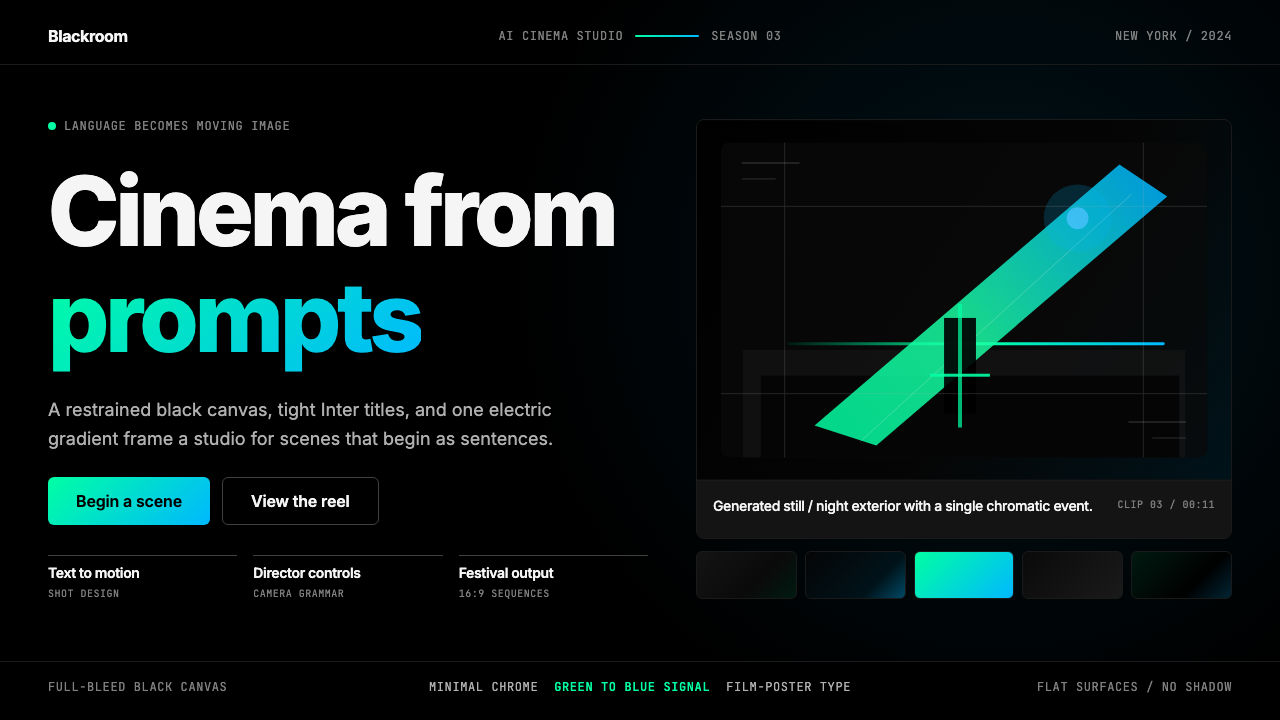 Runway MLCinema, not dashboard. Deep black frames tight Inter type and one green-blue…
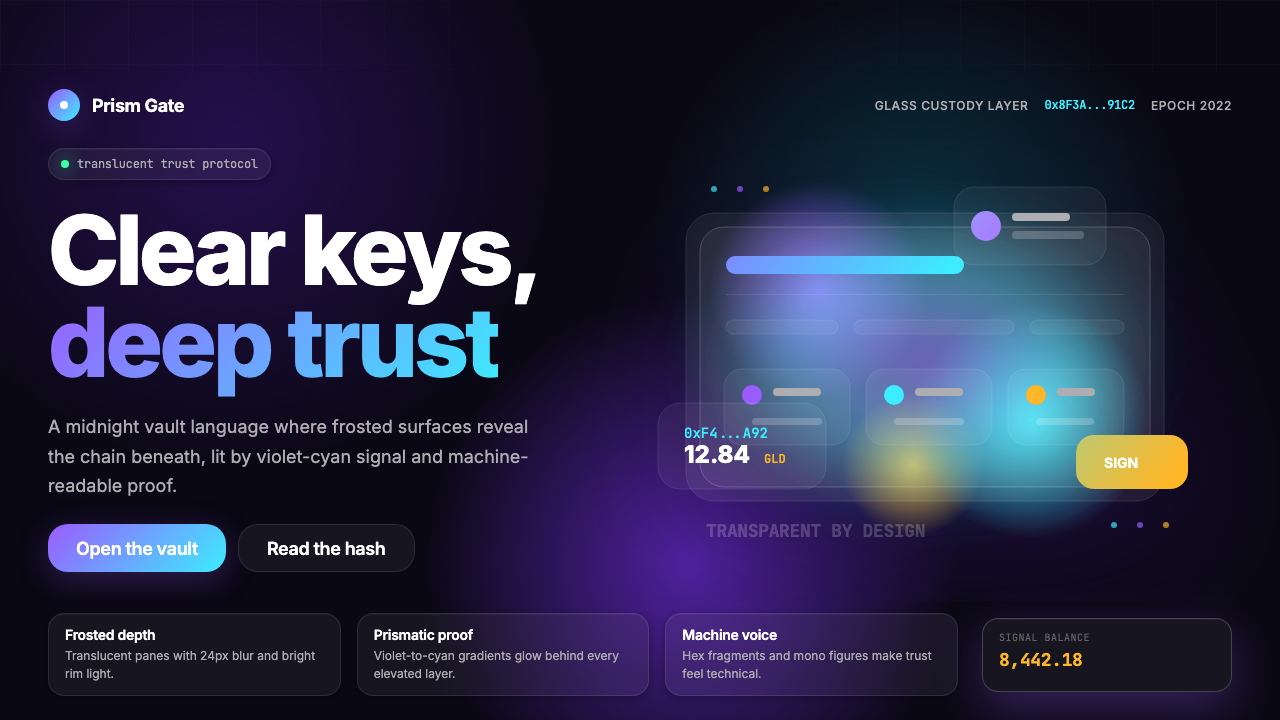 Web3 Glass Morphism (2022)Midnight trust in glass. Onyx, violet-cyan glow, and mono hashes make transpa…
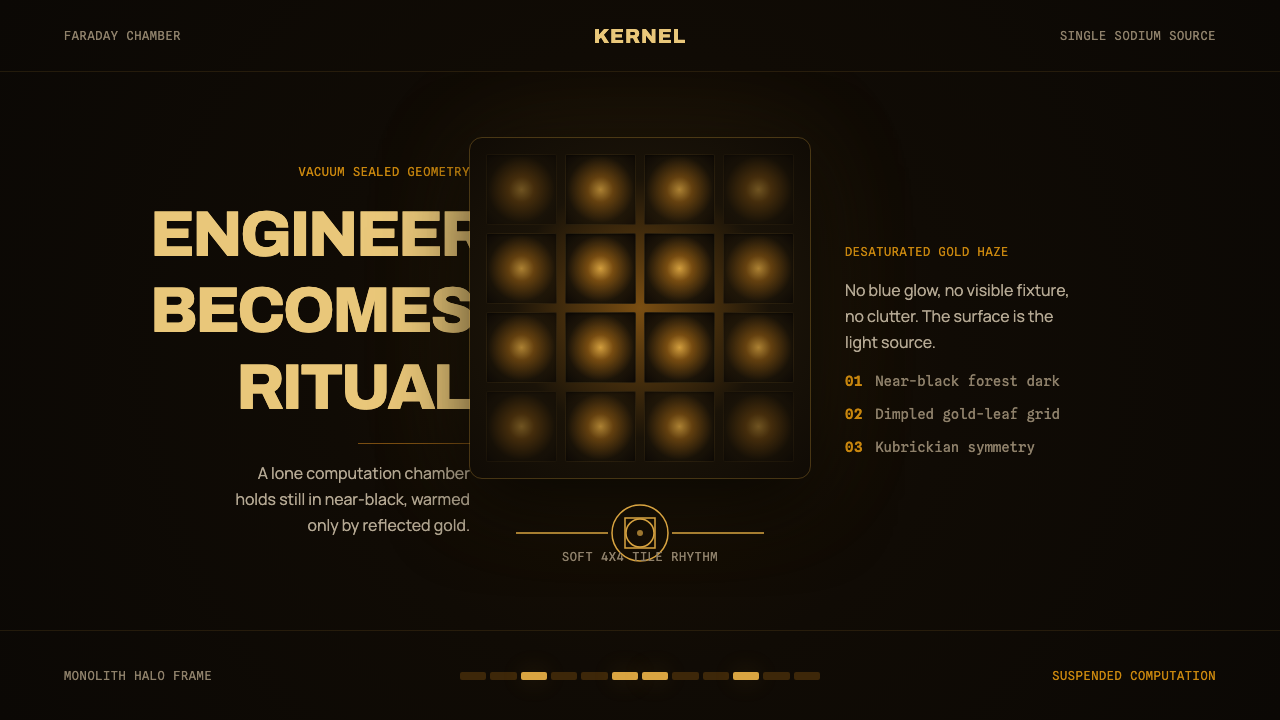 DevsEngineering turns sacred. Near-black void, sodium gold, and a centered dimple…
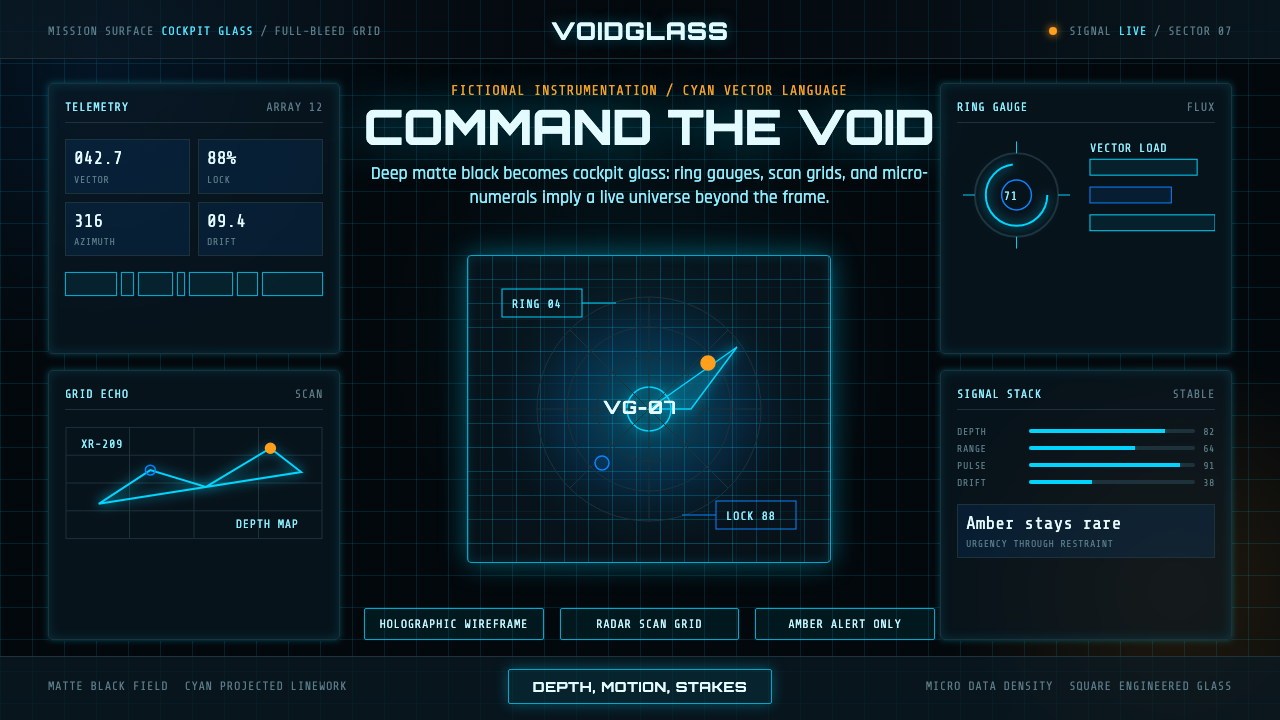 FUI Sci-Fi HUDBlack until it glows. Cyan wireframes, ring gauges, and radar grids sell live…
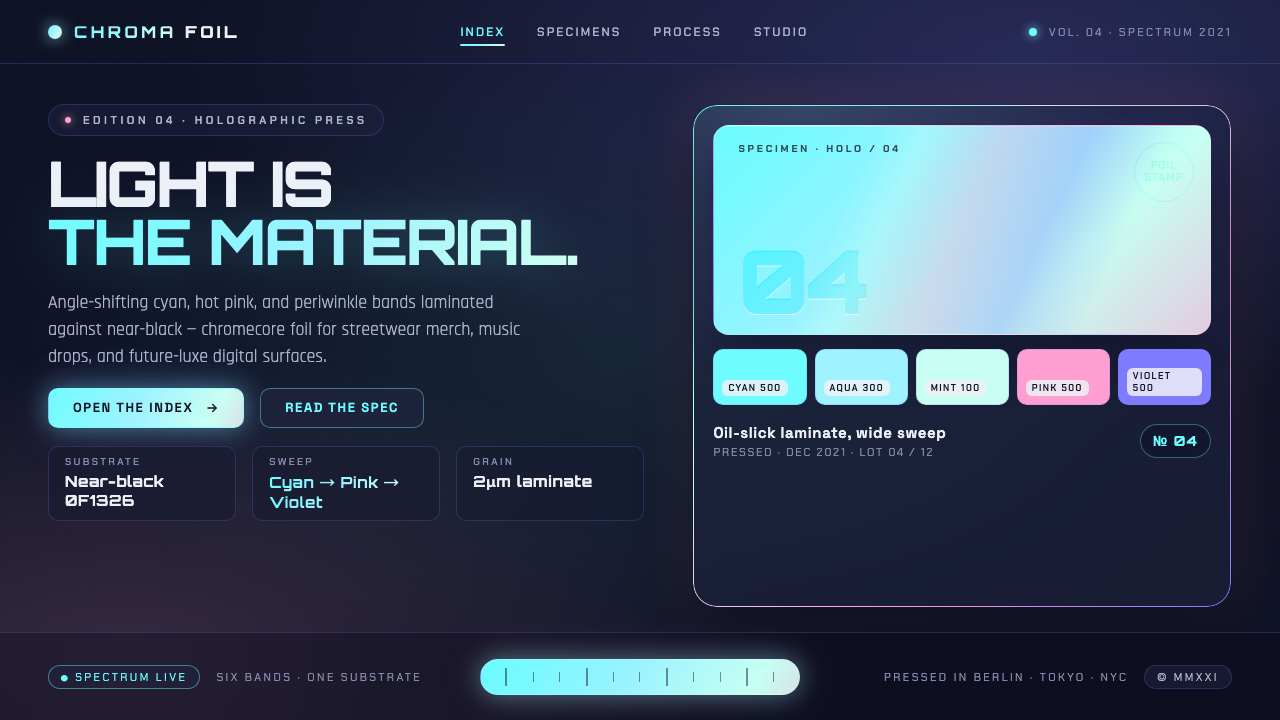 Holographic IridescentLight as material. Cyan-pink-violet foil sweeps anchored against near-black,…
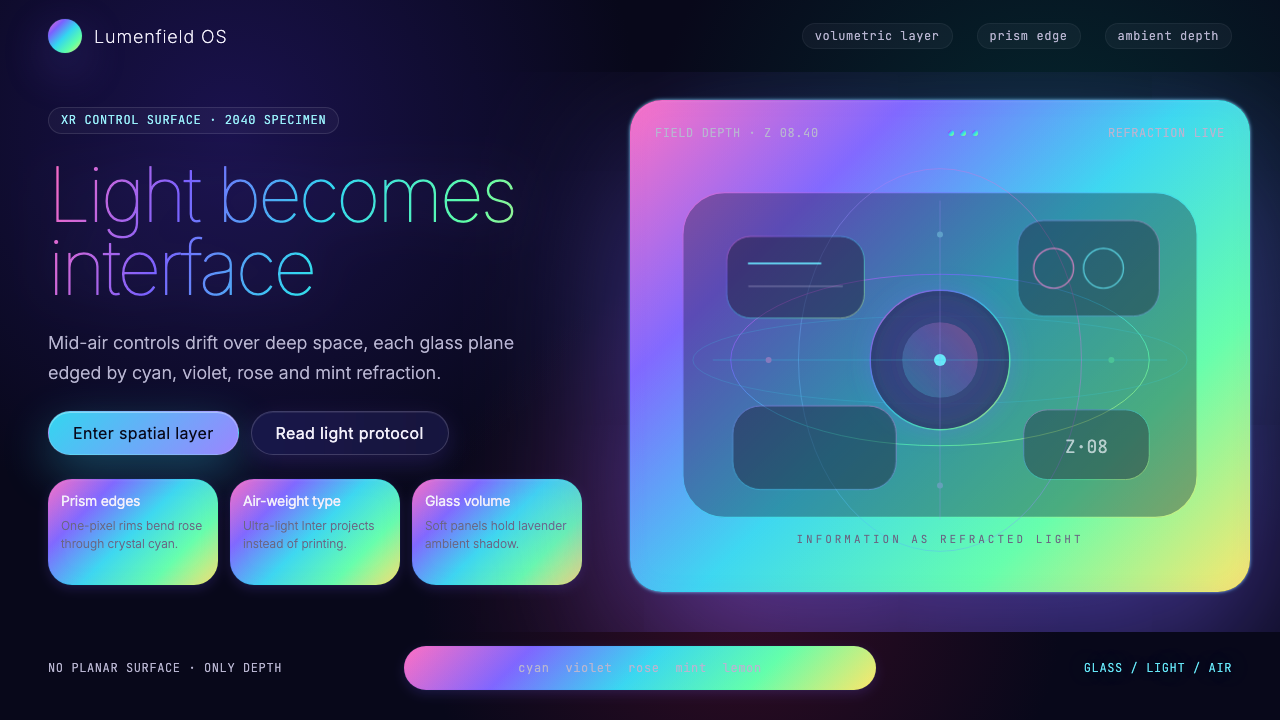 Holographic UI 2040Information made of light. Deep-space black, ultra-light Inter and prismatic…