What is Holographic UI 2040?
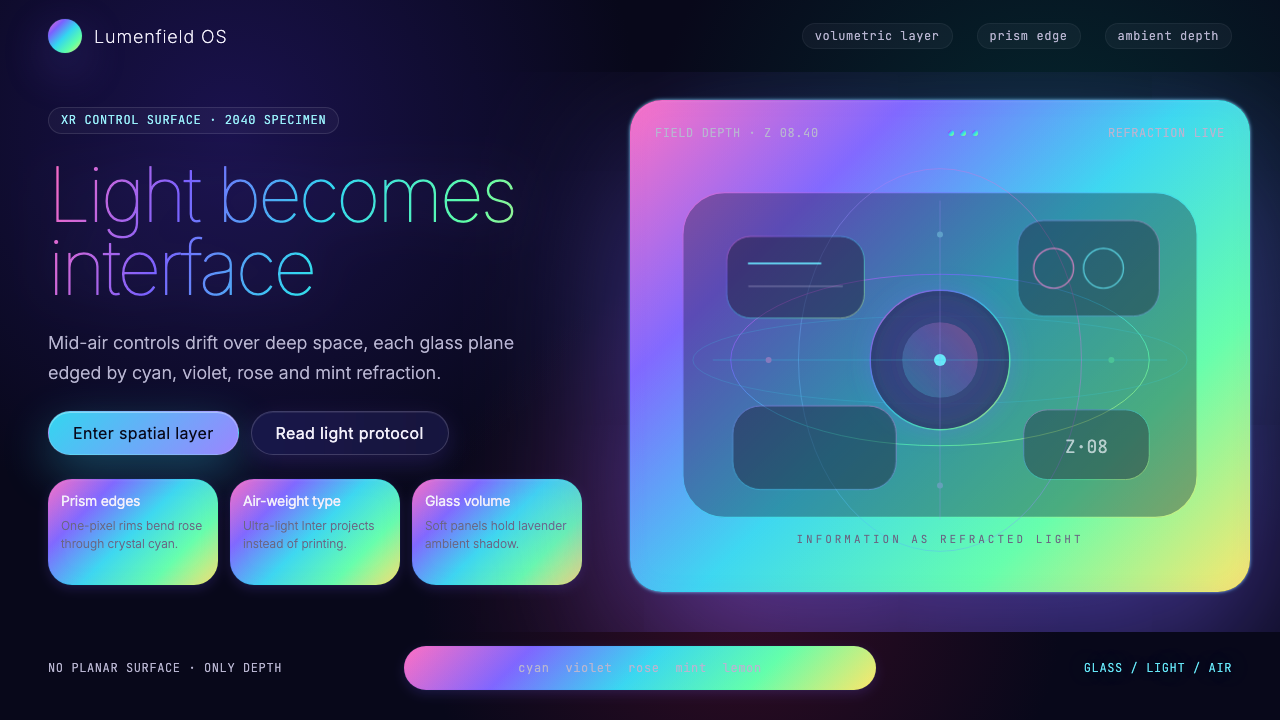
Holographic UI 2040 treats information as made of light — every surface refracts, every edge bends a rainbow, and the screen as we know it dissolves into mid-air.
Holographic UI 2040 in brief
Holographic UI 2040 is a speculative design language that projects two decades beyond Apple Vision Pro's debut in 2024, imagining the visual grammar of an era when volumetric displays, prismatic light dispersion, and mid-air spatial computing have moved from laboratory curiosity to everyday interface. It asks a foundational question: if the display surface itself becomes three-dimensional light, what should the visual system that runs on it look and feel like?
The aesthetic draws from three natural phenomena — dichroic glass, the interference patterns of soap bubbles, and the iridescent wing-cases of beetles such as Plusiotis resplendens. These sources share a single optical principle: color is not a pigment applied to a surface but a property of light bending through or bouncing between thin layers. Holographic UI internalizes this principle completely. Deep-space black grounds anchor floating panels whose edges shimmer with prismatic gradients. Ambient shadows beneath each panel are tinted in soft lavender or crystalline cyan rather than neutral grey, as though the panels themselves emit a faint glow onto whatever lies beneath them.
Typography in this system is deliberately weightless. Ultra-light letterforms — airy, widely tracked, and almost transparent — feel suspended rather than placed. The contrast between the heavy darkness of the void background and the gossamer quality of the type is the system's primary expressive tension. Elements do not sit on a surface; they occupy a depth. Every interface gesture in this language implies that the viewer could reach through the screen and touch the information floating behind it.

Where does Holographic UI 2040 come from?
The direct ancestor of Holographic UI 2040 is glassmorphism, the design trend that surfaced around 2020 in Apple's macOS Big Sur and quickly spread across the industry. Glassmorphism introduced frosted glass panels with translucency, blur, and delicate border highlights — a visual metaphor for windows into layered space. But glassmorphism was still bound to the flat screen: its depth was simulated, its translucency was an effect applied to a 2D surface. Holographic UI 2040 treats that metaphor as a literal departure point and asks what happens when the interface escapes the plane entirely.
The Looking Glass holographic display factory, which from the mid-2010s onward produced commercial light-field displays allowing true parallax without headsets, demonstrated that holographic computing was not purely science fiction. Simultaneously, spatial computing research at institutions like the MIT Media Lab — where Hiroshi Ishii's Tangible Media Group had since the 1990s advocated for computing that occupied physical space rather than rectangular screens — established the intellectual framework for thinking about interfaces as spatial objects. When Apple Vision Pro arrived in early 2024, it collapsed decades of speculative spatial UI research into a consumer product, and designers began extrapolating forward: if this was 2024, what would 2040 look like?
The visual language that emerged from this speculation drew heavily on existing post-glassmorphism experiments in dichroic and iridescent design. Dichroic glass — originally an aerospace material developed for satellite filters — had already entered high-end architectural and product design as a luxury material whose color shifts depending on viewing angle and light source. Designers like Karim Rashid were applying iridescent surfaces to consumer objects, while digital artists like Refik Anadol were using machine learning to generate fluid, light-based environments at architectural scale. Holographic UI 2040 synthesizes these threads: it is the visual language that would feel native to a world where Anadol's data sculptures are not gallery installations but everyday operating environments.
The movement is geographically distributed in ways that mirror the global nature of speculative design itself. Its conceptual roots run through Cupertino, where vision-display hardware was engineered; through Brooklyn, where the post-glassmorphism design community developed its visual experiments; through Tokyo's Akihabara district, where a long tradition of light-saturated urban display culture provided visual precedents for immersive luminous environments; and through Helsinki, where human-computer interaction research institutions contributed rigorous thinking about how people actually inhabit spatial computing environments. Holographic UI 2040 is not a movement with a manifesto or a founding institution — it is a collective extrapolation, the design community's best shared guess at what visual grammar will feel inevitable in 2040.
What defines the Holographic UI 2040 look?
Deep-Space Grounds
The foundational surface is a near-absolute black, closer to the void between stars than to any earthly dark tone. This depth of darkness is essential: it makes the luminous elements above it appear to emit rather than reflect light, reinforcing the illusion that panels and type are made of photons rather than rendered pixels. No warm undertone softens the ground; no texture interrupts it. The black is total, because space is total.
Prismatic Edge Highlights
Panel borders and card edges are defined not by a single color line but by a thin band of prismatic gradient — the full spectrum compressed into a thread of light. The effect references dichroic glass and soap-bubble thin-film interference, where color emerges from structure rather than pigment. These edge highlights do not merely outline a shape; they suggest that the panel is a physical object with optical depth, a slice of material through which light is bending on its way to the viewer's eye.
Chromatic Ambient Shadows
Where conventional interfaces use neutral grey or darkened versions of the background for drop shadows, Holographic UI 2040 uses tinted ambient glows — soft blooms of lavender, cool cyan, or spectral violet pooling beneath each floating panel. These colored shadows reinforce the fiction that the panels emit their own light: the color spills down from the panel's edge highlights onto the surface below, as a luminous object would cast a colored pool of light onto a dark floor.
Ultra-Light Typography
Type in this system is intentionally ethereal. The thinnest available weights of a geometric sans-serif serve as the primary voice — headlines and body text alike remain hairline-thin, wide-tracked, and luminous against the dark ground. The effect is the opposite of authoritative weight: these letterforms feel projected rather than printed, suspended in space rather than resting on a surface. Hierarchy is achieved through scale and tint rather than through weight contrast, because adding weight would undermine the weightless quality the system depends on.
Iridescent Glassmorphism Panels
The panel is the primary compositional unit. Each panel combines a dark translucent fill — semi-transparent, allowing a dim impression of depth behind it — with a prismatic edge highlight and a subtle inner surface sheen that shifts between a cool teal and a warm violet depending on implied viewing angle. The combination reads as a physical slab of dichroic glass floating in space. Content within the panel is legible but the panel itself is never fully opaque: the viewer is always aware of the spatial depth the panel inhabits.
Spectral Accent Color
While the ground is absolute black and the panels are largely neutral-dark, interactive elements, data highlights, and calls to action are marked by single spectral hues pulled from the prismatic edge vocabulary — a pure cyan for primary actions, a violet for secondary states, a prismatic white-to-spectrum shift for hover or focus. These accents are never warm; all hues sit in the cool half of the spectrum, aligning the palette with the physics of short-wavelength light and the cultural association between blue-shifted light and technological precision.
Spatial Layering and Depth
Holographic UI 2040 organizes information across multiple perceived depth planes rather than on a single flat surface. Primary content panels float closest to the viewer; secondary information recedes behind them; contextual or ambient data drifts furthest back, nearly absorbed by the void. Scale, opacity, and the intensity of prismatic edge highlights all diminish with perceived distance. The result is a compositional logic borrowed from physical space rather than from the page — elements have a relationship to each other in depth, not just in horizontal and vertical position.

Who shaped Holographic UI 2040?
As Apple's design lead from 1997 through 2019, Ive presided over the hardware and software aesthetic that would eventually culminate in Vision Pro — the thin materials, precision machining, and commitment to the idea that technology should feel inevitable rather than assembled. His influence on the visual grammar of spatial computing is structural: the assumption that an interface should recede toward invisibility, allowing the content it presents to appear self-sufficient, runs directly through his tenure at Apple and resurfaces as a core principle in Holographic UI 2040.
Ishii founded the Tangible Media Group at the MIT Media Lab in 1995 and has since spent three decades arguing, through working prototypes, that digital information should take physical form — that the gap between bits and atoms is a design failure waiting to be solved. His concepts of Radical Atoms and programmable matter imagined interfaces that exist in physical space and respond to human touch without the mediation of a flat screen. These ideas constitute the philosophical backbone of the spatial computing UI tradition that Holographic UI 2040 extrapolates.
Anadol, a Turkish-American media artist and designer, has since the mid-2010s produced large-scale data sculptures — immersive light environments generated by machine learning models trained on enormous image and environmental datasets. His work demonstrated, at the scale of buildings and public spaces, that digital information could be rendered as something that feels physically present and luminous rather than displayed on a flat panel. The aesthetic of his installations — flowing light fields, spectral color shifts, deep spatial depth — is a direct precedent for the ambient and architectural applications of Holographic UI 2040.
Eckler is a designer and writer who through his publication Particle has consistently mapped the intersection of emerging technology and speculative design aesthetics. His writing on post-glassmorphism and iridescent design trends articulated, earlier than most, the visual logic that would evolve into the Holographic UI 2040 language — the move from simulated translucency to true optical depth, from soft blur to prismatic edge definition, from flat tinting to spectral color behavior.
Rashid's industrial and product design work has long explored what he calls sensual minimalism — smooth biomorphic forms, iridescent surface treatments, and a conviction that designed objects should feel pleasurable and futuristic rather than merely functional. His use of dichroic and iridescent materials in consumer product contexts normalized the association between prismatic color-shift surfaces and a premium technological aesthetic, seeding the cultural readiness for the more extreme optical language of Holographic UI 2040.
How do you use Holographic UI 2040 today?
Holographic UI 2040 is among the most context-sensitive styles available in contemporary design work. Its visual language is so specific — the dark void, the prismatic edges, the chromatic ambient glows — that it communicates an unmistakable set of values: technological precision, speculative ambition, and an aesthetic relationship with light and physics. Applying it correctly requires aligning those values with the product or content being designed, then executing the system with enough discipline that individual elements reinforce rather than compete with each other.
For presentation slides, the style is most powerful in covers and section dividers. A cover built in this language should commit fully to the dark ground: a single large floating panel with a prismatic edge occupies the center, while the title sits in ultra-light type with generous tracking. Avoid centering both the panel and the type — a slight asymmetry, with the panel drifting slightly off-axis, reinforces the spatial fiction that things are floating rather than placed. Content slides should be treated as depth compositions: primary text floats in the foreground panel, supporting data or annotations recede into a secondary layer behind it. Data visualizations — charts, graphs, timelines — take on the language's prismatic palette, with bars and line graphs rendered in spectral hues against the dark field rather than in conventional categorical colors.
For web interfaces and dashboards, Holographic UI 2040 suits contexts that benefit from a strong sense of technological authority and spatial sophistication — fintech monitoring tools, developer consoles, data analytics platforms, and premium software products positioning themselves at the frontier of their field. The approach: treat the entire interface as a depth field rather than a flat page. Panel-based layouts with visible edge highlights define content regions more effectively than borders or background color changes alone. Navigation should be minimal and typographic; icon decoration, if present, should be limited to thin-line or outline forms that match the ultra-light type. Pricing pages built in this language can convey premium status effectively — a dark ground with one featured tier presented as a taller, brighter panel with more intense prismatic edge definition signals hierarchy without using size or color-badge shortcuts.
For editorial and marketing work, the style supports a specific kind of forward-looking authority — the visual register of a technology report, a speculative product reveal, or a science-adjacent brand that wants to communicate that it is operating in genuinely new territory. Full-width image sections should use photographs or renders with strong dark tones and any existing iridescent or spectral elements amplified in post-processing. Pull quotes and section headers should be set in the ultra-light typographic voice, never at heavy or medium weight. Marketing pages benefit from restraint in color: the entire page might use only the spectral cyan as its single accent, with every call to action rendered in that one hue, rather than a varied palette that diffuses the system's coherence.
The most common mistake when applying Holographic UI 2040 is importing warm tones or adding ambient warmth in an attempt to make the interface feel more approachable. This breaks the system at a fundamental level: the entire aesthetic depends on the physics of cool, short-wavelength light — blue, cyan, violet, prismatic white. Introducing amber, orange, or warm white creates a perceptual contradiction, as though two incompatible light environments are occupying the same scene. A related error is over-applying the prismatic gradient effect to every element; in authentic executions, prismatic edges are reserved for panel borders and key interactive states, while the majority of the surface remains in the deep, unmarked dark. Abundance of prismatic detail reads as noise, not sophistication.

Holographic UI 2040 — FAQ
Is Holographic UI 2040 only suitable for dark-mode interfaces?
Essentially, yes. The system's entire visual logic depends on the deep void background: prismatic edges only shimmer against darkness, chromatic ambient glows only read against a near-black ground, and the illusion of self-luminous panels only holds when the surrounding field is dark enough to make glow plausible. A light-ground version of this aesthetic loses most of its distinguishing qualities — what remains tends to look like standard glassmorphism with iridescent border accents, which is a different and less distinctive system. If you need a light-background variant, treat it as a different design system inspired by the same references rather than a faithful application of Holographic UI 2040.
How is this different from glassmorphism?
Glassmorphism, as it emerged around 2020, is fundamentally a flat-screen technique: it uses blur, translucency, and border highlights to simulate the appearance of frosted glass panels layered on a flat surface. The depth it creates is an optical illusion within a 2D frame. Holographic UI 2040 extends that metaphor into a genuinely spatial logic — panels are understood as floating objects in a three-dimensional void, not as translucent layers stacked on a page. The color language also differs: glassmorphism typically uses neutral white or very lightly tinted glass with soft neutral shadows, while Holographic UI 2040 introduces prismatic spectral edges, chromatic ambient glows, and a systematic color palette that references the physics of light dispersion rather than frosted glass.
Can this style work for consumer-facing products, or is it too cold?
It works for consumer products where the product's value proposition is itself technological, futuristic, or precision-oriented — consumer electronics, gaming, fintech, premium SaaS, or any product that wants users to feel they are interacting with something genuinely advanced. It struggles wherever warmth, tactility, or emotional softness are important — food, wellness, children's products, social applications built around human connection. The style's challenge in consumer contexts is that its aesthetic values read as inhuman precision rather than tool for human use. This is not a fatal flaw, but it requires the content and copy voice to compensate, bringing warmth through language rather than visual texture.
How do you use this style without it looking like science fiction concept art?
The line between a functional UI in this style and a science fiction prop is almost entirely a matter of restraint in the prismatic effects and commitment to actual information architecture. Concept art in this aesthetic tends to overload every surface with spectral detail — every edge glows, every panel has multiple overlapping gradients, glitch effects and particle systems fill negative space. A functional application of Holographic UI 2040 treats the prismatic edges as structural markers, not decoration: they appear on panel boundaries and key interactive states only. The dark field between panels remains genuinely empty. Typography follows a real information hierarchy rather than being arranged for visual drama. If the design would function as a readable, usable interface with the prismatic edges removed, you have probably struck the right balance.
What kinds of content are genuinely not suited to this style?
Any content that depends on warm, organic, or natural visual associations will fight this style rather than benefit from it. Food and beverage brands rely on warm tones and photographic richness that the deep-space palette actively suppresses. Wellness and mental health products require the soft, rounded, and humanly warm qualities that the style's precision-coldness contradicts. Print and physical collateral presents a practical challenge: deep-space blacks and prismatic edge effects depend on backlit digital screens; they translate poorly to print, where the black is ink rather than void and the prismatic gradients lose their luminous quality entirely. If your primary deliverable is printed matter, choose a different system and use Holographic UI 2040 only for accompanying digital touchpoints.
Related design styles
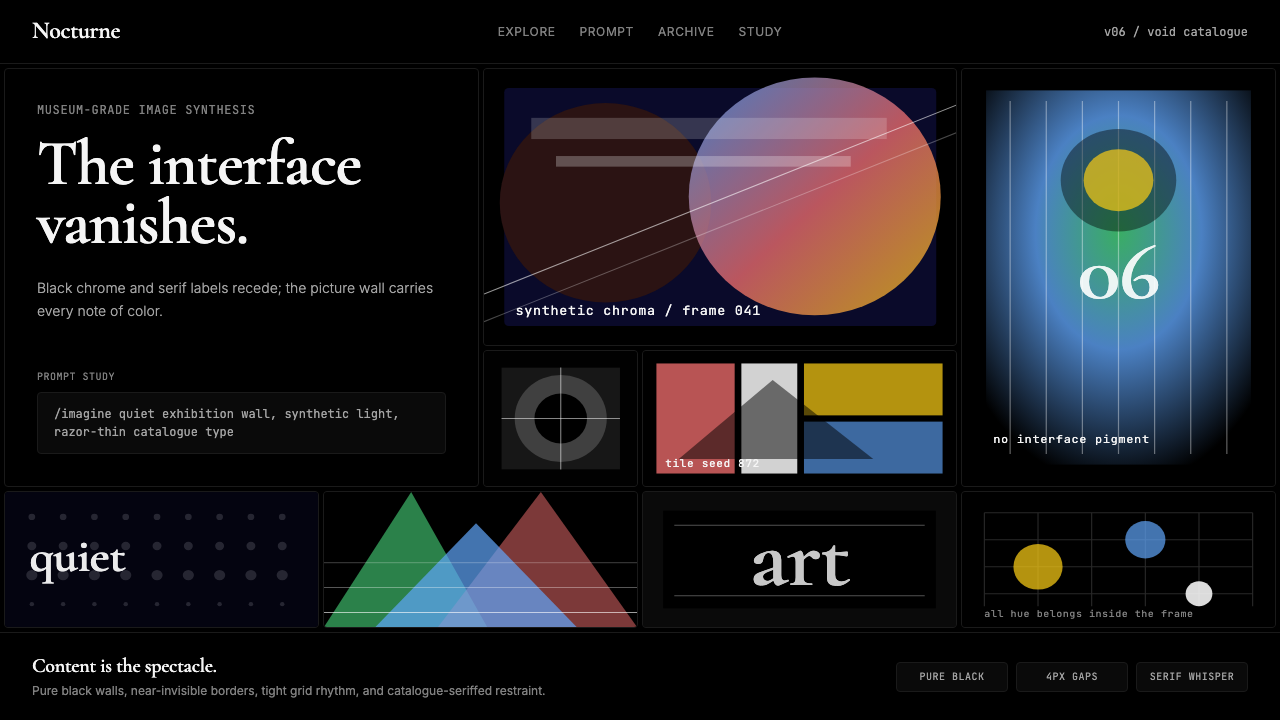 MidjourneyInvisible chrome, visible art. Pure black grid and Cormorant serif give color…
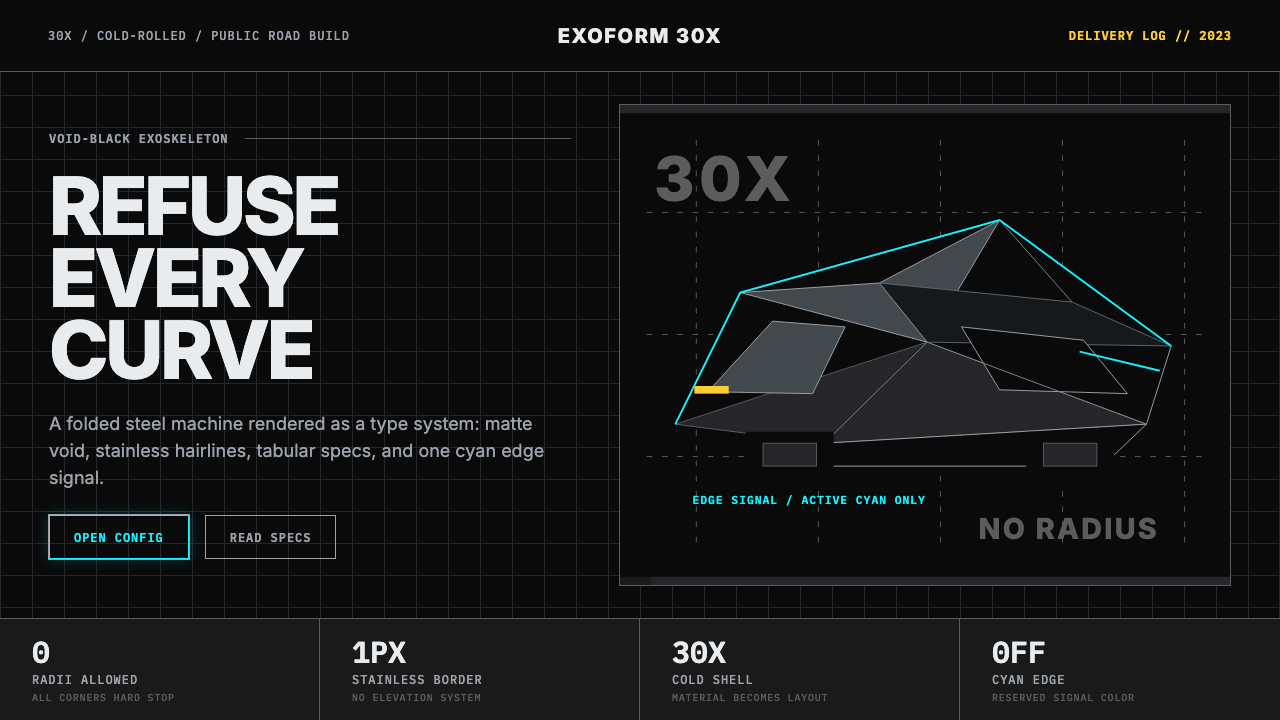 Tesla Cybertruck Stainless (2023)Refusal made material. Void black, stainless hairlines, cyan edges, faceted I…
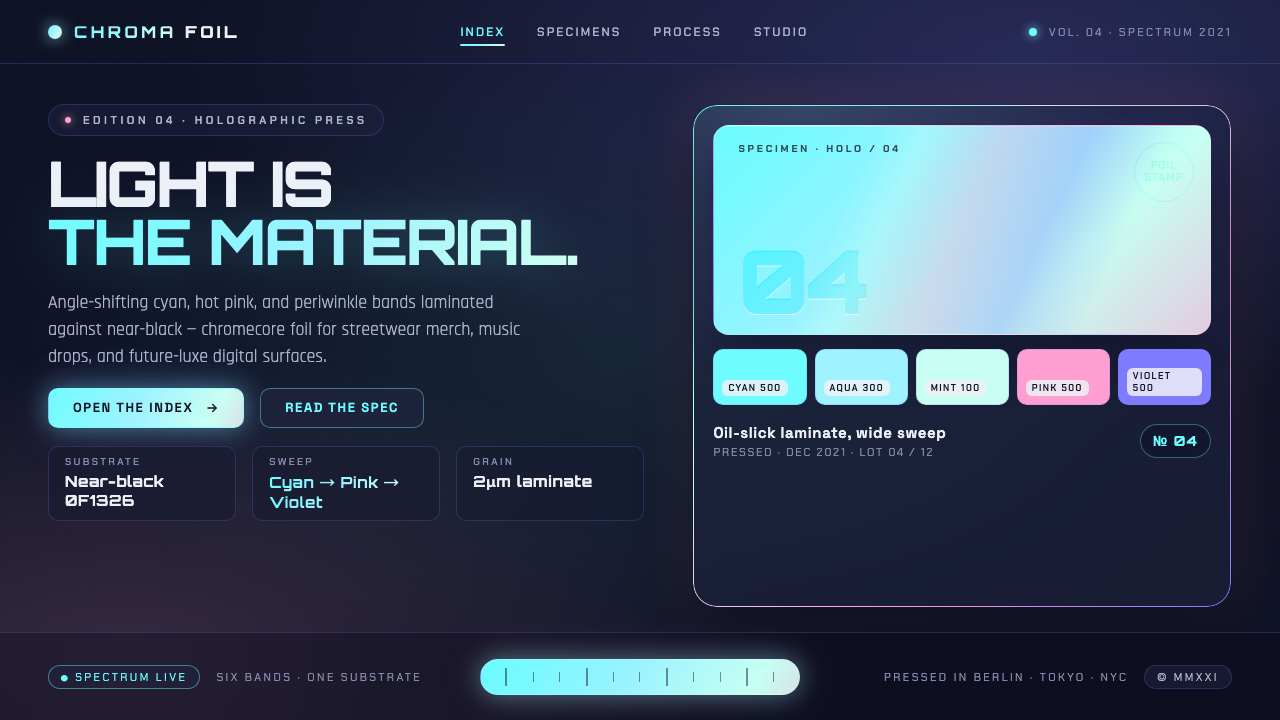 Holographic IridescentLight as material. Cyan-pink-violet foil sweeps anchored against near-black,…
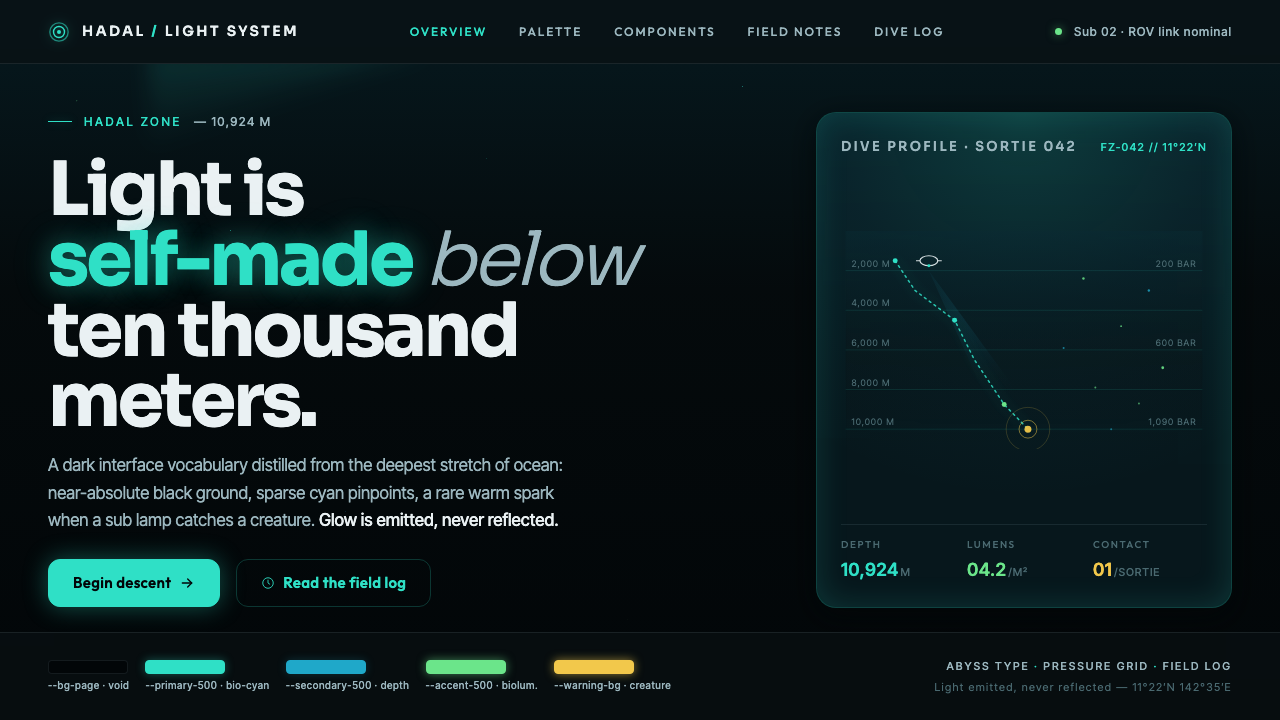 Mariana TrenchLight is self-made below ten thousand meters. Hadal-black ground, cyan pinpoi…
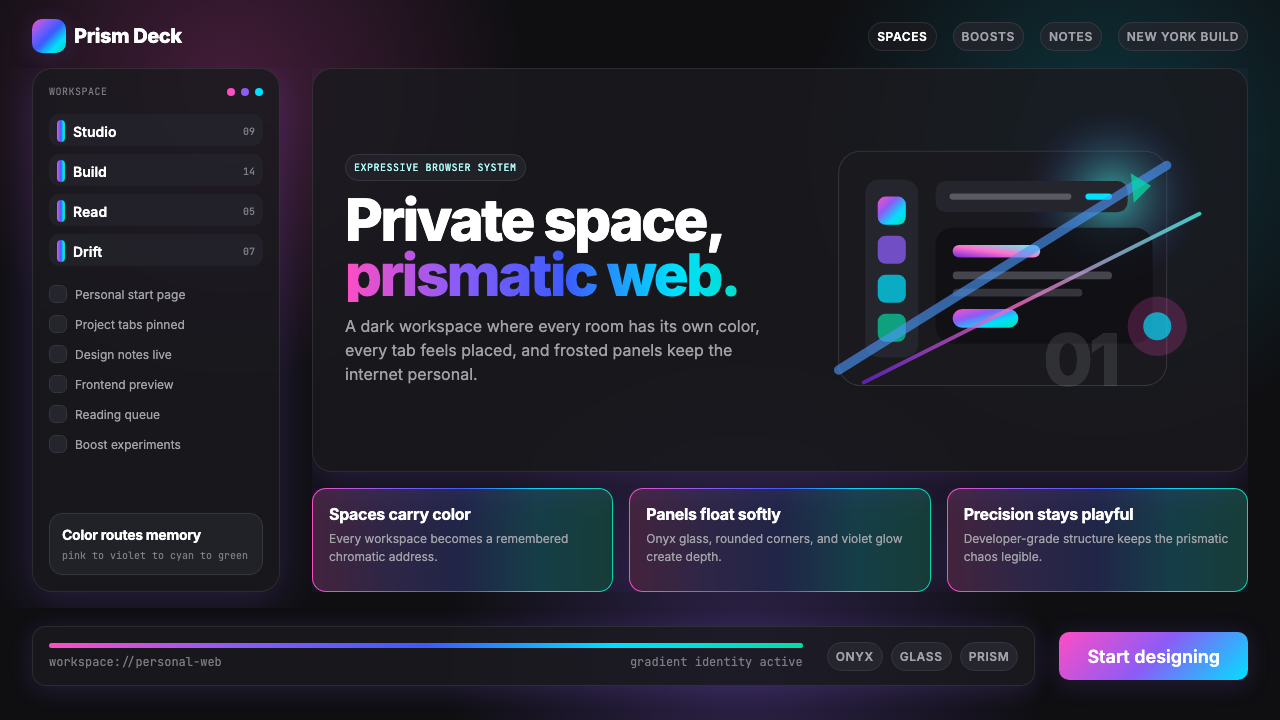 Arc Browser Prismatic (2023)Color is architecture. Pink-violet-cyan ribbons glow over onyx glass and roun…
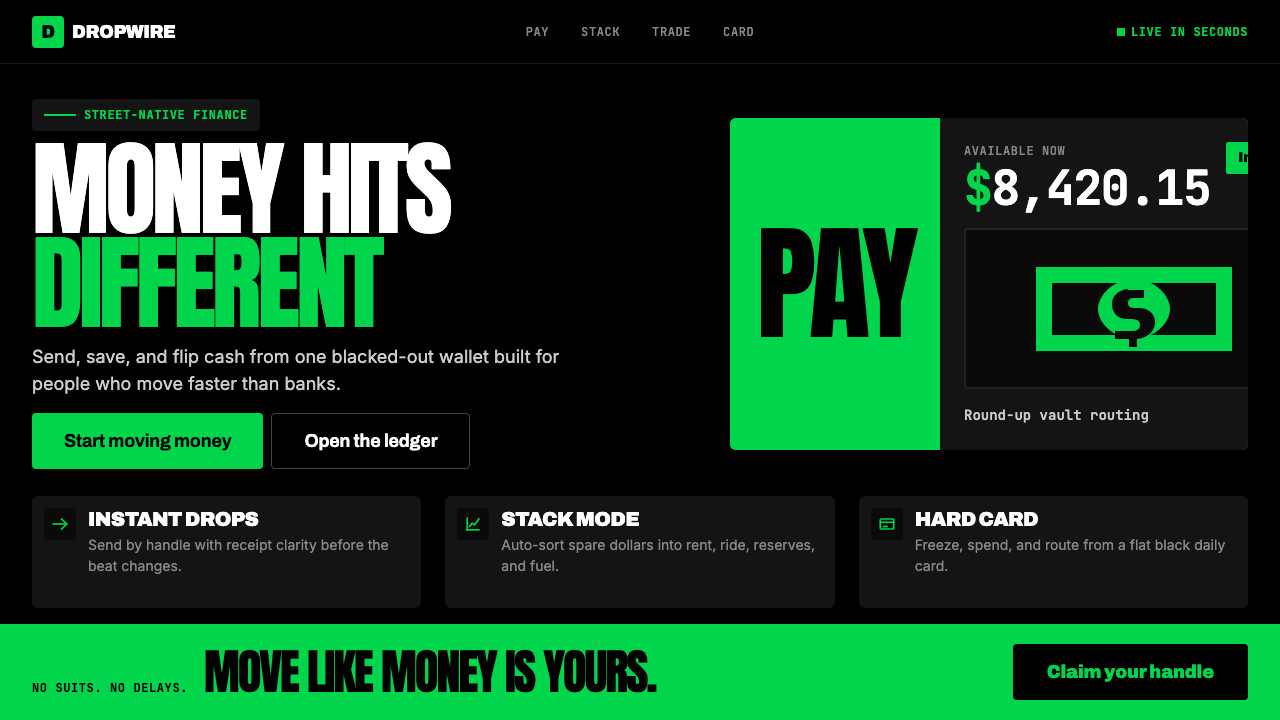 Cash App 2024Fintech that talks like a record label. Pure black, dollar-bill green, type a…