What is Arc Browser Prismatic (2023)?
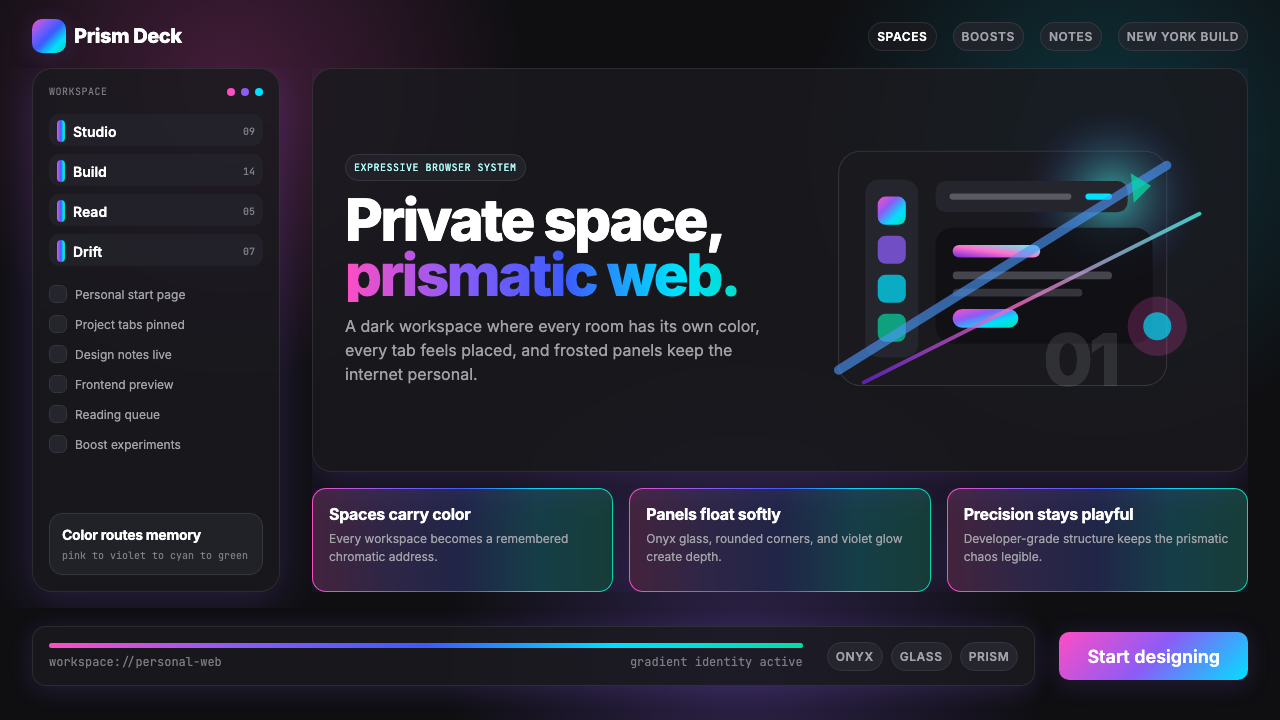
Arc Browser turned the browser chrome into a chromatic identity system — where your workspace's gradient is as personal as a signature.
Arc Browser Prismatic (2023) in brief
Arc Browser Prismatic is the visual design language developed by The Browser Company of New York for their Arc browser, reaching its distinctive form around 2022 to 2024. Where conventional browsers aspired to invisibility — a neutral pane of glass between user and web — Arc made the browser shell itself an expressive object. The defining gesture is a family of prismatic gradients, typically flowing from warm pink through violet and into cool cyan or emerald, applied as navigational identity markers called Spaces. Each Space carries its own chromatic personality, making the software feel closer to a personal studio than a productivity utility.
The aesthetic rests on a dark foundation. Deep, near-black surfaces — sometimes described as onyx glass — provide the ground against which gradient ribbons glow with particular intensity. Frosted or translucent panel treatments float above this dark field, creating a sense of luminous depth without resorting to literal 3D rendering. Rounded corners appear consistently throughout the interface, softening every panel, button, and container into an approachable geometry that reads as both modern and warm.
Arc Prismatic sits within a recognizable wave of early 2020s product aesthetics that celebrated expressiveness and individual identity after years of flat, monochromatic interfaces. It is distinguishable from generic 'dark mode plus gradients' by the deliberate, structured role color plays: gradients are not decoration sprinkled over an existing layout but the primary means of organizing spatial identity within the application. The result feels holographic and alive — a browser that greets you differently depending on which part of your digital life you are inhabiting.
Where does Arc Browser Prismatic (2023) come from?
The Browser Company of New York was founded in 2019 by Josh Miller, a former Facebook product manager, and Hursh Agrawal. Their founding premise was that the browser — arguably the most-used software on the planet — had not been meaningfully redesigned in over a decade. Chrome, Safari, Firefox, and Edge had all converged on a similar paradigm: a tab bar at the top, an address bar, a settings menu, and a neutral frame around website content. The Browser Company wanted to revisit the browser as a primary creative environment, not just a viewing window.
The visual design language emerged through the work of designers including Nate Parrott and Cassidy Williams, who brought a sensibility rooted in the New York City design and tech community of the early 2020s — a milieu that valued craft, personality, and a kind of Williamsburg playfulness that had more in common with editorial and brand design than with the utilitarian interface conventions of Silicon Valley. The prismatic gradient system was not a late decoration layered onto a finished product; it was developed in parallel with the core concept of Spaces — Arc's mechanism for organizing different areas of a user's browsing life into distinct contexts.
The timing connected Arc Prismatic to a broader cultural moment. The early 2020s saw a wide resurgence of expressive, gradient-rich aesthetics in consumer software, partly as a reaction to the rigidly flat, icon-grid interfaces that had dominated since the mid-2010s. Apps like Notion, Linear, and various productivity tools were beginning to experiment with dark surfaces and color personality. Arc arrived in this environment and pushed the gradient from accent to identity — from something used sparingly in illustrations to something embedded in the navigational skeleton of the application itself.
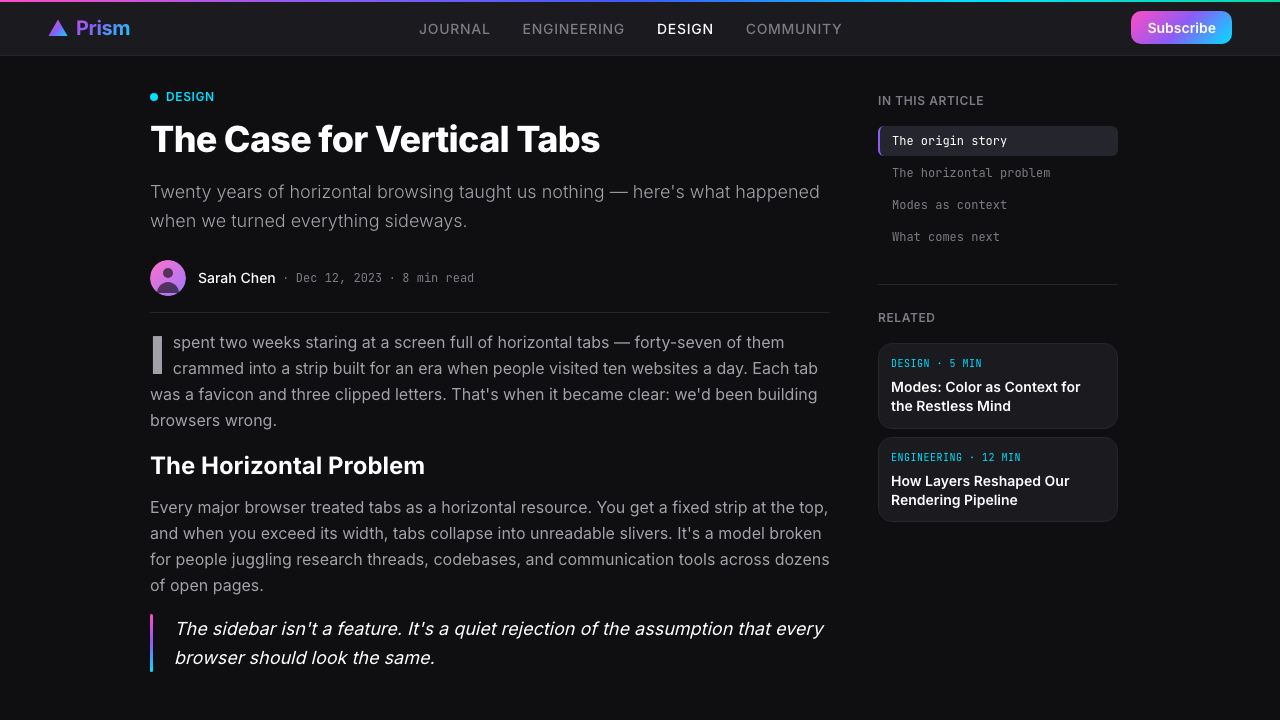
The prismatic gradient family — pink, violet, cyan, emerald — was chosen to evoke both sunrise light and the spectral quality of light passing through a prism, fitting a browser whose core metaphor was opening new spaces of possibility. The dark surface treatment came from a practical and aesthetic judgment: dark interfaces suit sustained screen time, reduce eye fatigue in low-light environments, and allow gradient colors to appear more luminous and saturated than they would against a white ground. The frosted glass treatment drew on a lineage that included iOS design language while pushing transparency further, creating a sense that content layers were genuinely floating rather than stacked.
What defines the Arc Browser Prismatic (2023) look?
Prismatic Gradient Identity
The defining feature of the style is a family of multi-stop gradients that move through warm and cool hues in a single continuous sweep — from pink or rose through violet or purple and into cyan or teal, sometimes extending to emerald green. These are not ambient washes applied to backgrounds; they are structural identity markers assigned to distinct navigational contexts. The gradient becomes a signature, a spatial address, a way of knowing at a glance which part of your digital life you are inside.
Dark Glass Surface
The base layer of the interface is deep and near-black — not flat matte black but a surface with implied depth and subtle sheen, evoking polished onyx or tempered glass. This dark ground serves a precise optical function: it amplifies the perceived luminosity and saturation of the gradient overlays, making them glow rather than simply tinting. The darkness is not minimalism; it is contrast engineering in service of the chromatic identity system.
Frosted Panel Layering
Over the dark base float translucent panels with a frosted or blurred treatment — sidebar containers, modal sheets, and pop-up cards that suggest depth through controlled opacity rather than hard-edged separation. The frosted surface catches the gradient light from below and diffuses it, creating a soft chromatic bleed that unifies layers without merging them. This layering technique produces a sense of genuine spatial depth within what remains a flat, screen-native interface.
Rounded Geometry
Every container in the interface — panels, buttons, inputs, cards, and icons — is rounded to a degree that reads as deliberate and generous rather than incidental. Corners are soft enough to feel approachable without collapsing into bubble-like softness. This consistency of rounding creates a visual rhythm: the eye moves through the interface without encountering a single sharp corner, giving the experience a flowing, low-friction quality that complements the gradients' own sense of movement.
Soft Glow Shadows
Rather than the hard-edged drop shadows of flat design or the ambient occlusion of skeuomorphic interfaces, Arc Prismatic uses glow-style shadows — diffuse halos of light that radiate from illuminated or elevated elements. These glows are often tinted with the prevailing gradient color, so a violet Space produces violet-tinted glow shadows around its panels. The effect is closer to the luminescence of a backlit object than to a cast shadow, reinforcing the sense that elements emit rather than block light.
Color as Spatial Address
In conventional interfaces, color is used decoratively or as an accent signal. In Arc Prismatic, color is architectural. Each Space — a distinct organizational context within the browser — has its own gradient signature, making the chromatic palette a navigational system. A user does not only know which Space they are in by reading a label; they know it by feeling the color. This is color-as-information-architecture: hue replaces text as the primary spatial identifier.
Holographic Atmosphere
Taken together — the dark ground, the spectral gradients, the frosted layers, the glow shadows, the rounded forms — the visual language produces an atmosphere that feels holographic: luminous, layered, and slightly otherworldly. It evokes the shimmer of light on a CD surface, the glow of a neon sign reflected in a rain-wet street, or the spectral spread of dawn light. The style does not represent a physical environment; it creates a digital one with its own distinct ambient quality.
Who shaped Arc Browser Prismatic (2023)?
Miller co-founded The Browser Company after working in product roles at Facebook and elsewhere. His vision was to reclaim the browser as a creative and personal environment rather than a neutral utility. Under his leadership, Arc developed the concept of Spaces — distinct browsing contexts each with their own identity — which became the structural justification for the entire gradient-based color system. Miller's background in product management rather than pure engineering gave the company's approach an unusual emphasis on emotional resonance and personal expression as legitimate product values.
Agrawal co-founded The Browser Company alongside Miller and served in engineering leadership roles. The technical challenge of implementing the Arc visual language — particularly the performant rendering of layered translucent surfaces, gradient compositing, and dynamic color theming — fell substantially to the engineering team he helped build. The fact that the gradient system is dynamic (users can choose or generate their own Space gradients) rather than fixed represents a significant engineering achievement that distinguishes Arc from products that use static branded gradients.
Parrott joined The Browser Company as a designer and was instrumental in shaping the Arc visual language, including the prismatic gradient system and the overall dark, holographic aesthetic. His design background encompassed both product interfaces and a sensibility for crafted, expressive software. His work on Arc demonstrated that a browser's own chrome could be treated with the same level of aesthetic intentionality usually reserved for consumer apps or editorial products.
Williams brought to The Browser Company a background in developer relations and engineering, combined with a strong public presence in the web development community. Her involvement with Arc helped shape the browser's identity at the intersection of developer sensibility and consumer expression — a pairing that is characteristic of Arc's overall positioning. The browser's appeal to creative technologists and frontend developers owes something to the credibility her voice lent to the project.
Beyond named individuals, Arc's visual language was produced by a small, tight-knit design team operating in New York City's creative technology community. The team's collective sensibility — inflected by editorial design, brand identity work, and the specific cultural texture of early 2020s Brooklyn and lower Manhattan — is legible in the finished product. Arc Prismatic is in many ways a NYC product: opinionated, expressive, slightly theatrical, and convinced that software can and should have a genuine aesthetic personality.
How do you use Arc Browser Prismatic (2023) today?
Arc Browser Prismatic translates most naturally into digital contexts where personal identity, expressiveness, and immersive depth are desired qualities. The style rewards careful application: it is not a palette to be borrowed piecemeal but a system whose power comes from the interaction of several components simultaneously — dark ground, luminous gradient, frosted layering, and rounded geometry working together.
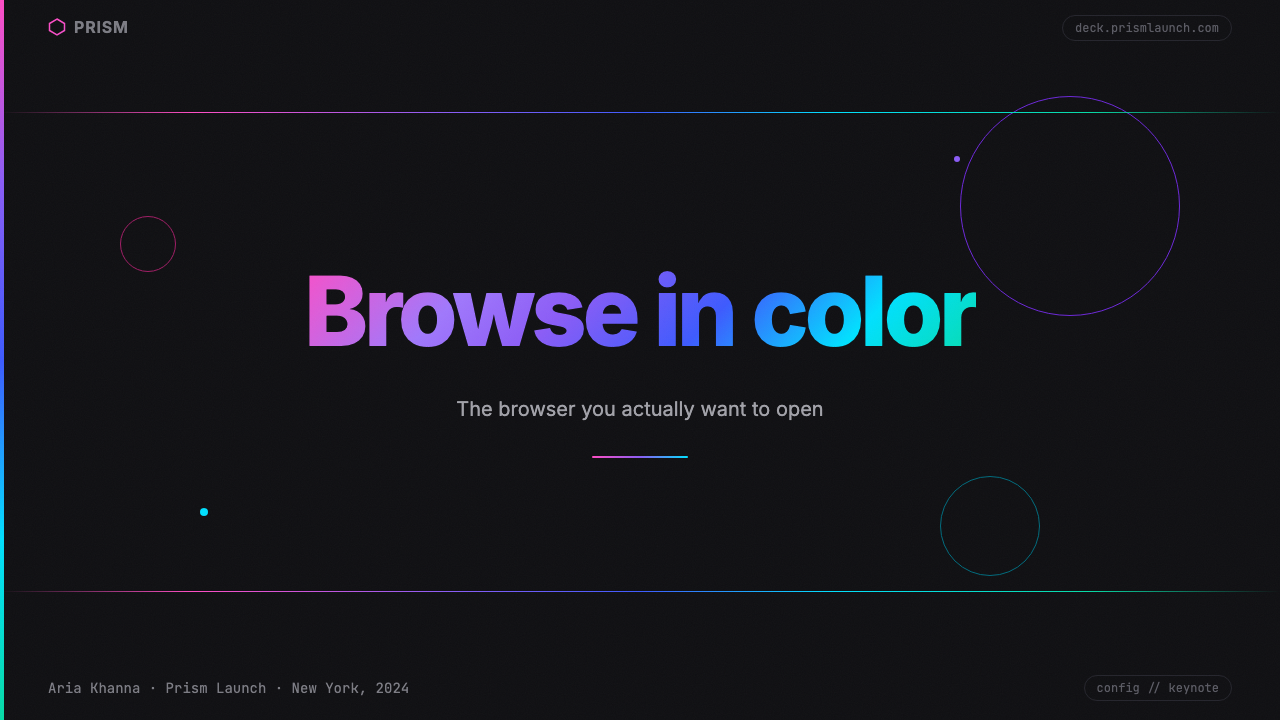
For presentation slides, the style works best on covers and section dividers where full-bleed impact matters. A dark cover slide with a prismatic gradient sweeping from one corner — tinted pink through violet into cyan — immediately establishes a tone of creative sophistication. The gradient should function as a light source: other elements on the slide appear to be illuminated by it rather than placed on top of it. Content slides should be treated more sparingly: maintain the dark background, use light type with high contrast, and reserve gradient accents for emphasis elements like pull-quotes or highlighted data points. Overusing the gradient on every content slide produces visual fatigue; the system works through contrast between expressive and restrained moments.
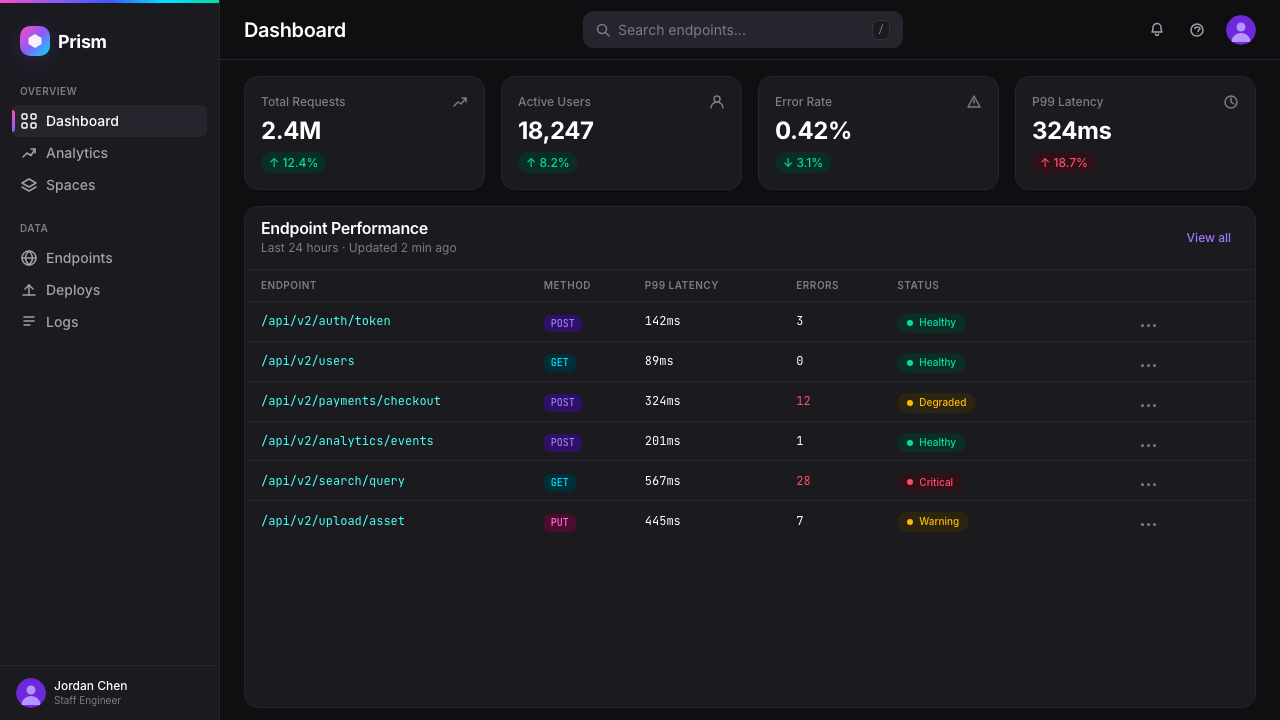
For web interfaces and dashboards, Arc Prismatic suits contexts where the user maintains an ongoing relationship with the product — creative tools, personal productivity environments, portfolio platforms, and developer tools. The dark surface with gradient identity markers communicates that the interface is an environment to inhabit, not just a form to fill. Apply gradients sparingly as sidebar accents, active-state indicators, or header treatments; use frosted card components for elevated content; and maintain generous rounded corners throughout. Flat, unshadowed cards undermine the system — soft glow shadows are essential to the sense of floating depth.
For marketing and editorial work, the style handles hero sections and campaign imagery well, particularly for technology products that want to communicate creative energy without relying on photography. A dark hero with a gradient wash, minimal type in high contrast, and a single frosted feature panel creates a visual hierarchy that reads at a glance. The style is less suited to text-heavy editorial contexts: the dark background and chromatic complexity work against sustained reading comfort. Use it for visual identity and short-copy moments, then transition to lighter surfaces for long-form content.
A common mistake is treating the gradient as decorative wallpaper — tiling it uniformly behind content as a textured background without structural intent. Authentic Arc Prismatic uses gradient purposefully: it marks a Space, a boundary, a state change, or a moment of emphasis. When the gradient appears everywhere, it loses its identity function entirely and reads as mere decoration. Similarly, mixing the full warm-to-cool range with additional unrelated colors destroys the spectral coherence that makes the system feel prismatic rather than randomly colorful.
Arc Browser Prismatic (2023) — FAQ
How is Arc Prismatic different from generic dark-mode gradients?
The distinction is structural versus decorative. Generic dark-mode products with gradients typically use gradient as background decoration — a visual flourish applied to an existing layout without changing how the interface is organized. Arc Prismatic uses gradient as the primary organizational signal: each distinct context (Space) has a unique gradient signature, so the color itself tells you where you are. The gradient is the navigation, not the wallpaper. Additionally, Arc's gradient system is dynamic — users can assign or generate their own gradient signatures — which makes color identity genuinely personal rather than brand-imposed.
Can this style work on a light background?
Technically possible but fundamentally compromised. The optical logic of Arc Prismatic depends on the dark ground to amplify the perceived luminosity of the gradients — the gradients glow because they are contrasted against near-black. On a white or light background, the same gradients appear washed out and lose the sense of internal light. The frosted glass treatment also loses its visual logic on light backgrounds, where translucency reads as muddy rather than ethereal. If a light-background variant is required, consider treating the gradients only as thin accent bands, active-state highlights, or hover states, rather than as atmospheric elements.
Is this style appropriate for enterprise or B2B products?
It depends heavily on the product's positioning and the audience's expectations. Arc Prismatic signals creative expressiveness and personal identity — qualities that resonate in developer tools, design software, creative agency platforms, and products targeting technically sophisticated early adopters. It is a poor fit for financial dashboards, healthcare applications, legal software, or any context where institutional authority and neutral clarity are the primary trust signals. The gradient-driven identity system can feel playful rather than professional in contexts where users expect the interface to subordinate itself to the task. Read your audience's aesthetic expectations before committing.
How many gradient colors should a single Space use?
Arc's own gradient signatures typically move through three to four hue stops — enough to create the prismatic spectral effect without becoming visually chaotic. The key constraint is that the gradient should read as a coherent sweep, not as a collection of separate color bands. This means the hues must be adjacent or near-adjacent on the color wheel, or connected through a shared warm-to-cool logic. Gradients that jump discontinuously across the color wheel feel jarring rather than prismatic. In practice, two or three stops with carefully chosen intermediate values will produce a cleaner, more sophisticated result than five or six stops in rapid sequence.
Does Arc Prismatic have a relationship to earlier holographic or iridescent design trends?
Yes, it sits within a broader wave of holographic and iridescent aesthetics that gained prominence in graphic design and fashion roughly between 2016 and 2020 — think holographic foil packaging, iridescent gradients in music merchandise, and the metallic shimmer that appeared across fashion and luxury branding. Arc Prismatic inherits the spectral, multi-hue gradient logic from this wave but domesticates it into a functional interface context. Where the earlier trend was largely decorative and was associated with a specific pop-cultural moment, Arc Prismatic deploys the same optical logic with structural purpose, embedding it in a navigation system rather than using it as surface texture. This transformation from decoration to function is what gives the style durability beyond its trend moment.
Related design styles
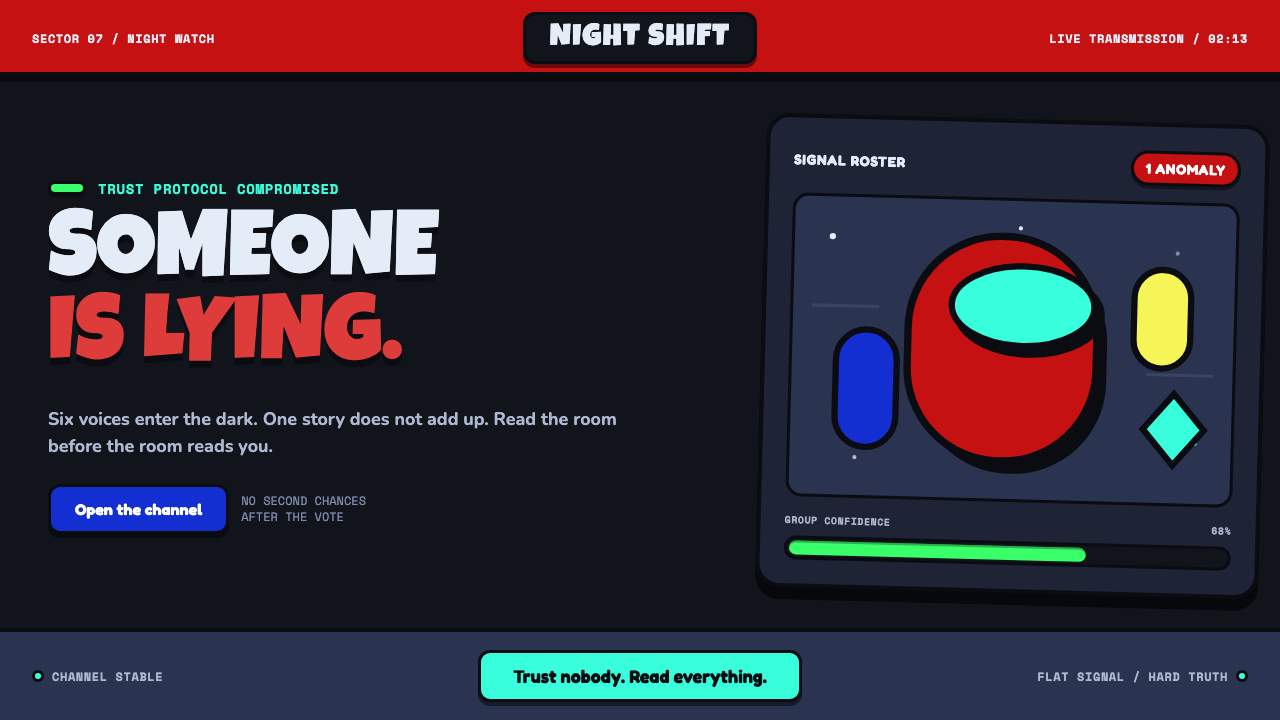 Among Us (crewmate space)Trust is ready to break. Loud capsule colors cut through a navy void with har…
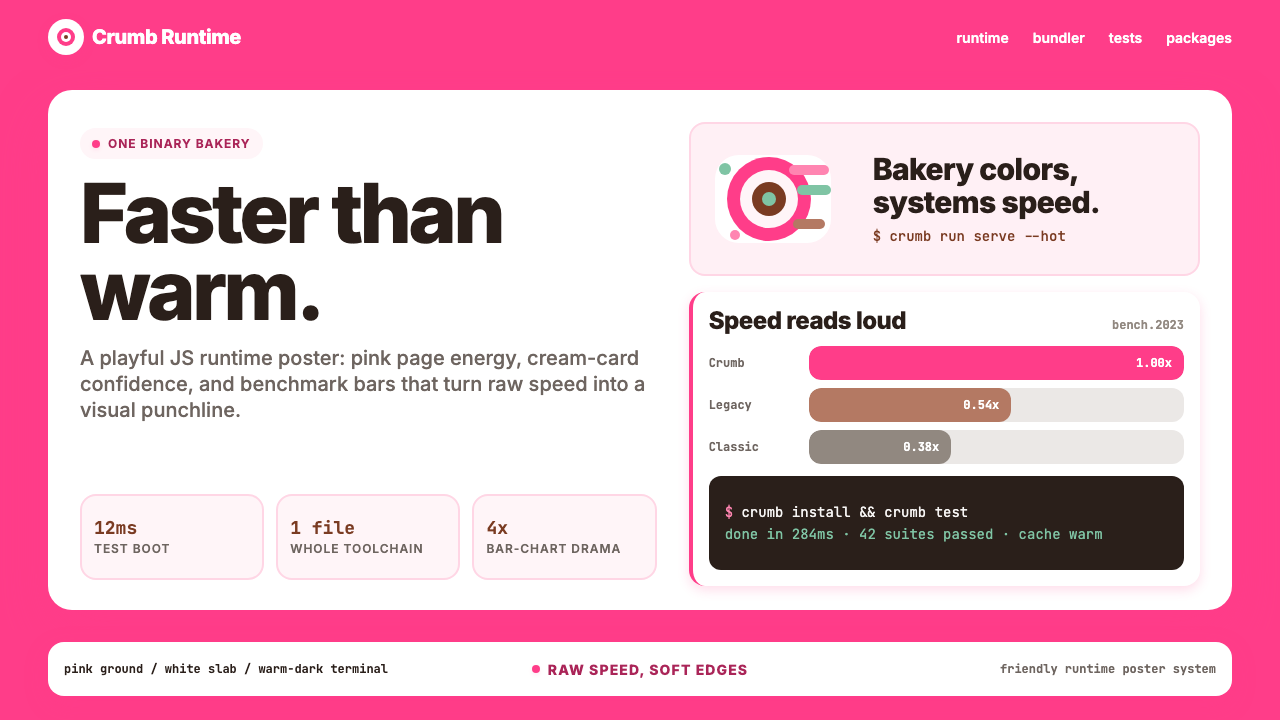 Bun JS Runtime Pink 2023Dev speed gets bakery-bright. Hot pink grounds white slabs, mono bars, and wa…
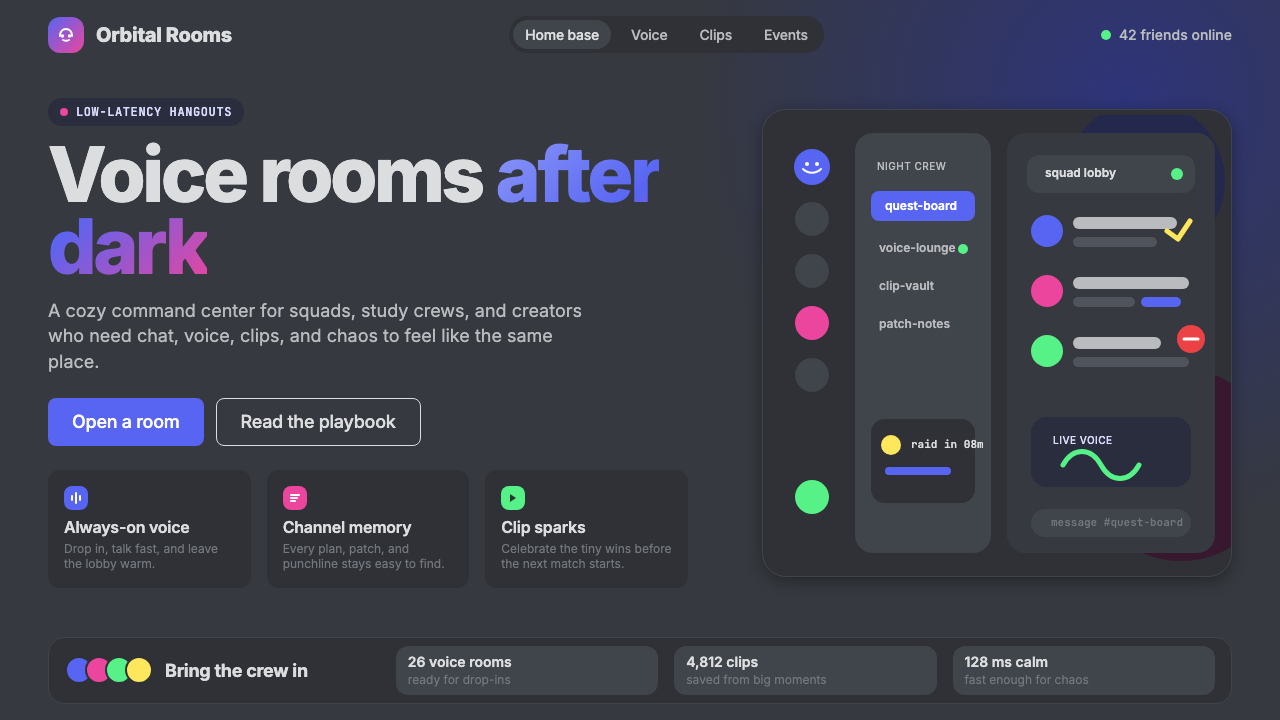 Discord 2024Blurple cozy. Charcoal grounds, illustrated characters — every surface says '…
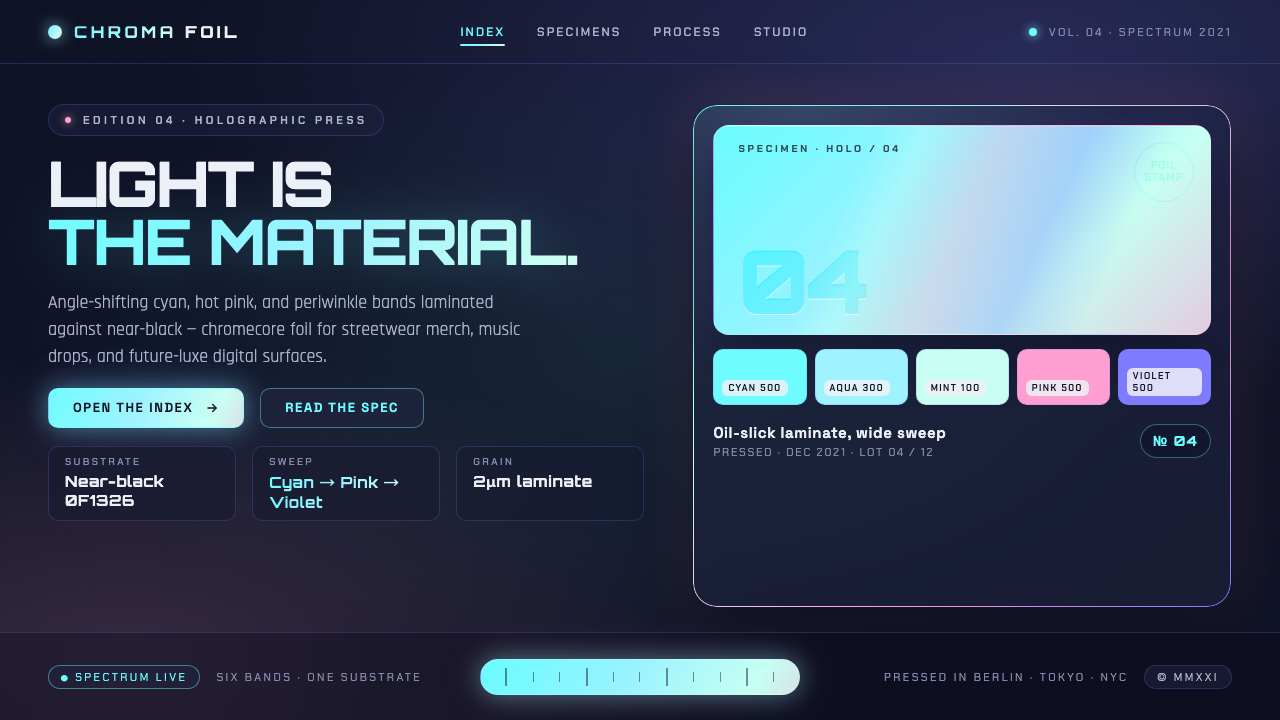 Holographic IridescentLight as material. Cyan-pink-violet foil sweeps anchored against near-black,…
 Holographic UI 2040Information made of light. Deep-space black, ultra-light Inter and prismatic…
 Hyperpop 100 gecs (2019)Cute chaos detonates. Blacklight candy, Bungee type, and pixel trash collide.