What is Retool Internal-Tools Red?
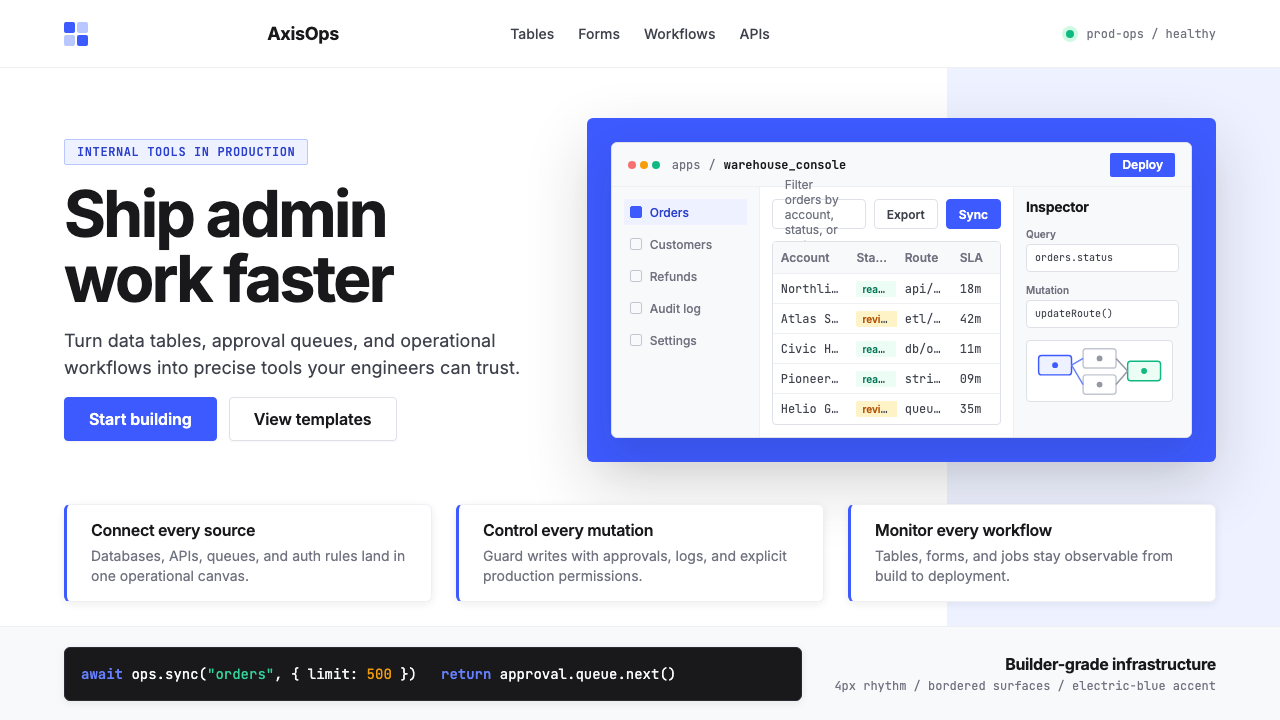
Retool turned the unglamorous problem of internal tooling into a visual language — electric-blue saturation, sharp UI mockups, and Inter's clean strokes saying: precision ships fast.
Retool Internal-Tools Red in brief
Retool Internal-Tools Red is the contemporary design language developed by and around Retool — a San Francisco low-code platform founded in 2017 — that has since become a recognizable visual signature for the broader developer-productivity and internal-tools category. The style combines an intensely saturated blue-violet accent, crisp white grounds, slate-gray body text, and an almost exclusive use of Inter, the humanist sans-serif designed for screen legibility. Its most distinctive element is the liberal use of real product screenshots — tables, forms, dashboards, workflow node diagrams — treated as primary visual assets rather than supporting decoration.
The aesthetic's organizing principle is clarity at the cost of warmth. Nothing in the visual system gestures toward playfulness, nostalgia, or organic texture. Every element earns its place by communicating something structural: a bordered table asserts data density, a workflow diagram maps system logic, a blue-accented button declares the primary action. The result is a style that signals serious engineering infrastructure to its target audience of developers and product managers.
As a named design category, the style represents a broader 2020s movement in developer-tooling branding — companies like Linear, Vercel, PlanetScale, and Clerk adopted related vocabularies of technical precision — but Retool's version is distinguished by its specific reliance on UI mockup imagery and its willingness to let raw product screenshots carry marketing weight that other categories would give to illustration or photography.

Where does Retool Internal-Tools Red come from?
Retool was founded in 2017 by David Hsu, then a Stanford student, through Y Combinator's Winter 2017 batch. The founding insight was blunt: software engineering teams at every company were spending weeks rebuilding the same category of internal tools — admin panels, data dashboards, approval workflows, inventory management interfaces — from scratch, every time. Retool's answer was a drag-and-drop builder for internal applications that connected directly to databases and APIs. The product's visual identity needed to speak immediately to engineers and technical founders, not to consumer-facing design sensibilities.
The brand visual system that emerged by the early 2020s was a direct product of that constraint. Engineers are skeptical of marketing gloss; they trust legible data, coherent system diagrams, and evidence of real product capability. Retool's marketing materials leaned into raw interface screenshots — not cleaned-up illustrations of what a tool might look like, but actual Retool-built dashboards, with realistic data, exposed query panels, and component libraries visible in context. The blue-violet accent — the specific hue that anchors the palette — was consistent enough across touchpoints to become a brand recognition signal in its own right, even before a viewer registered the wordmark.
The years 2020 to 2022 marked the style's crystallization. Retool raised a Series C at a three-billion-dollar valuation in 2022, bringing the product into mainstream awareness among startup operators and enterprise engineering leadership. Marketing budgets expanded, but the visual language remained disciplined: Inter as the dominant typeface, white and near-white grounds, the single saturated accent, bordered UI components, and workflow diagrams as hero imagery. The restraint was not accidental — it was a deliberate signal that the company was a tool for builders, not a platform dressing itself in consumer-product aesthetics.
The broader context is the 2020s developer-tools design convergence. Tools like Vercel, Supabase, Railway, and Linear were simultaneously developing related vocabularies — technical, dark-mode-capable, grid-ordered, typographically driven — and the collective effect established a new category expectation: internal and developer tools should look like they were designed by engineers who care about design, not by marketing departments chasing consumer trends. Retool's contribution to this convergence was specifically the internal-tools variant: lighter background, more data-table imagery, more explicit UI-component illustration, and a saturated accent that reads as both professional and energetic.
What defines the Retool Internal-Tools Red look?
Saturated Blue-Violet Accent
The palette anchors on a single, intensely saturated blue that tilts toward violet — a hue energetic enough to read as modern and technical, yet distinct from the pure primaries of earlier design movements. It appears on primary buttons, interactive states, selected rows in data tables, active navigation items, and key chart series. The rest of the palette is deliberately neutral: white or near-white backgrounds, dark slate for body text, light gray for borders and dividers. The single accent does all the chromatic work; no secondary accent competes with it.
UI Mockup Imagery as Hero Visual
Where other design styles use photography, illustration, or abstract shape-work as primary visual assets, the Retool aesthetic uses real or near-real product interface screenshots. Dashboard tables with realistic column headers, form builders with visible validation states, workflow diagrams with labeled connector lines — these function as both marketing evidence and aesthetic composition. The practice signals confidence: the product is the visual, and the visual is the product. Mockups are typically shown at a slight perspective angle or set inside a browser or app-frame chrome to ground them in context.
Inter Typography as System Voice
The visual system relies almost exclusively on a single humanist sans-serif that was purpose-built for user interfaces: legible at small sizes, metrically consistent across weights, and carrying no historical period associations. Headlines are set large and relatively light in weight — confident rather than aggressive. Body text is set at a compact measure with controlled line spacing. Code and data values appear in a monospaced companion face. The typographic system communicates technical precision through its own regularity, without requiring decorative intervention.
Bordered Components and Hard Grid
UI components — cards, input fields, table cells, modal dialogs — are defined by visible borders rather than shadow elevation. A one-pixel border in light gray is the standard separator; it reads as precise, not decorative. This choice is practical and aesthetic simultaneously: bordered components communicate data structure clearly at high density, without the blurring effect that soft shadows introduce at small scales. The underlying layout grid is strict and visible in negative space — columns align, gutters are consistent, nothing floats arbitrarily.
Workflow and System Diagrams
Node-and-connector diagrams — representations of automated workflows, data pipeline routing, conditional logic branches — appear throughout the visual system as a secondary imagery type alongside data tables. These diagrams are rendered in the same restrained palette: white node cards with thin borders, the accent color for active or highlighted paths, and monospaced text for labels. They serve double duty: they communicate actual product capability (Retool can build workflow automations) while reinforcing the style's core message of systematic, engineered thinking.
Controlled Density
Unlike minimalist design systems that use generous whitespace to signal premium positioning, the Retool aesthetic is comfortable with information density. A marketing screenshot might show a thirty-column data table, a sidebar of query parameters, and a header navigation bar simultaneously — and this density is presented as a feature, not a problem. Whitespace is used structurally, to separate major sections or establish component hierarchy, not as a luxury signal. The style communicates that it can handle serious data loads, which is precisely what its target users need to believe.
Zero Decorative Illustration
Abstract blob shapes, character illustrations, isometric city scenes, hand-drawn icon sets — none of the decorative illustration vocabulary common in consumer SaaS appears here. When non-screenshot imagery is needed, it takes the form of geometric diagrams (architecture charts, feature comparison tables, icon-plus-label category blocks) rather than representational or expressive art. The discipline is deliberate: decorative illustration would signal that the brand is trying to appear approachable or playful, which is not the target positioning. The technical austerity is the warmth, for the right audience.

Who shaped Retool Internal-Tools Red?
Hsu founded Retool in 2017 as a Y Combinator W17 company while still a student at Stanford. His framing of the core problem — that engineering teams were rebuilding the same internal tools repeatedly at enormous cost — defined the product category and, in turn, the brand's visual mission. By presenting the product as a serious engineering infrastructure decision rather than a productivity app, Hsu's positioning choices shaped the aesthetic imperative: the visual language had to speak engineer-to-engineer, foregoing consumer-product softness entirely. Under his leadership, Retool reached a three-billion-dollar valuation by 2022.
Y Combinator's W17 batch — one of the accelerator's most consequential cohorts in developer tools — provided the initial context and peer network that validated Retool's approach. The YC ecosystem, with its strong orientation toward technical founder aesthetics (dense documentation, GitHub-first distribution, API-first product thinking), directly influenced the visual conventions that companies like Retool adopted: no-nonsense type, real product screenshots, minimal color, and an implicit distrust of anything that looked like it was designed for a non-technical buyer.
Sequoia's investment in Retool — part of its Series B and Series C rounds — brought the company into alignment with a portfolio of developer-infrastructure companies whose visual identities collectively reinforced similar conventions. The pattern across Sequoia-backed developer tools of the 2020s was a convergence toward technical austerity: companies learned from each other's brand signals, investor-facing materials shaped how founders thought about design legibility, and the resulting visual ecosystem created a strong category expectation that new entrants in the space felt pressure to match.
Andersson designed Inter, the typeface that became nearly universal across developer-tools branding of the 2020s, releasing it as an open-source project. Inter was explicitly designed to maximize legibility in user interfaces at small sizes, with metrics optimized for digital rendering rather than print. Its adoption by Retool and subsequently by a significant portion of the developer-tools category made it the de facto voice of technical seriousness in that space — much as Helvetica became synonymous with modernist corporate identity in the twentieth century, Inter became the unmarked typeface of 2020s developer infrastructure.
The visual language of Retool did not develop in isolation — it was part of a broader cohort of developer-tools companies (Linear, Vercel, Supabase, Railway, Clerk, and others) that collectively defined a 2020s visual register for technical products. Each company's designers watched and influenced each other; design blogs, Twitter design circles, and portfolio sites created rapid cross-pollination. The collective effect was the establishment of what could be called the developer-tool design canon: dark-mode-capable, grid-rigorous, accent-minimal, typographically confident, and photographically or screenshot-driven rather than illustration-heavy.
How do you use Retool Internal-Tools Red today?
The Retool Internal-Tools Red aesthetic is highly transferable to any communication context where the intended audience is technical — developers, product managers, data analysts, engineering leaders — and where the goal is to project competence, precision, and infrastructure-grade reliability rather than delight or warmth. The core transfer principle is the same as the original brand's: let the product evidence do the visual work, and let the type and color system communicate seriousness without ornamentation.
For presentation slides, the style works powerfully on both cover and content pages. A cover built in this aesthetic uses a white or very light ground, the saturated blue-violet accent reserved for a single title word or a thin horizontal bar, and a large UI mockup image — a dashboard screenshot, a workflow diagram, a data table — set at a slight perspective angle to suggest three-dimensionality without relying on illustrative artifice. Content slides adopt a strict two- or three-column grid: one organizing typographic hierarchy (one large weight for headings, one regular weight for body), no decorative dividers, and data visualizations rendered as if they were the product's own chart components — which, for internal-tools pitches, they often literally are.
For web UI design — whether a dashboard product, an admin panel, a data tool, or a pricing page for a developer-facing service — the aesthetic translates directly. Use a white background with a near-white surface layer for cards and panels. Define borders using a fine, consistent line weight in light gray; avoid shadow-based elevation for primary components. Reserve the blue-violet accent for primary interactive elements only: the main call-to-action button, the active state of navigation items, the selected row highlight in a data table, and the primary chart series. All other elements — labels, metadata, secondary text, inactive states — use the neutral slate-gray palette. Navigation should be text-driven with no illustrative icons beyond simple geometric indicators.
For editorial and marketing applications — landing pages, feature announcement posts, company blog headers, social media graphics — the style supports strong hierarchy at large formats. Full-width sections alternate between white-ground layouts (with the blue accent for calls to action) and very-dark-ground layouts (where the UI mockup screenshot glows against the dark field). Product screenshots should be presented in a browser-chrome or device-frame container to anchor them in realistic context; avoid floating raw screenshots without framing. Marketing copy should be set in the same single typeface at high size contrast: a display heading at a much larger scale than subheadings, subheadings at a clearly larger scale than body text. The accent color touches one word or phrase per section only.
A common mistake when applying this aesthetic is importing decorative illustration habits from consumer-product design. Abstract background shapes, gradient meshes, lottie animations of cartoon characters, hand-drawn connector lines, or pastel secondary palettes will break the style's logic immediately — they signal approachability when the style is deliberately not trying to be approachable. A second common mistake is treating the blue-violet accent as a general-purpose color rather than a precision instrument: if it appears on borders, backgrounds, text labels, icons, buttons, and chart bars simultaneously, it loses its ability to signal action and attention. Reserve it, use it once per visual unit, and let the neutrals carry the structural weight.

Retool Internal-Tools Red — FAQ
Is this style only appropriate for developer tools, or can other product categories use it?
The style is not exclusive to developer tools, but it carries strong category signals. Any product positioning itself as infrastructure-grade — data tools, financial dashboards, analytics platforms, enterprise admin systems, operations software — can adopt the aesthetic credibly. It becomes inappropriate in consumer contexts that depend on warmth, sensory richness, or cultural resonance: food brands, wellness applications, children's products, luxury goods, or any product where the emotional register is the primary differentiator. The test is whether your audience reads technical precision as a positive signal or as a barrier. For technical buyers, the aesthetic's austerity is itself trustworthy. For general consumers, it can read as cold or unapproachable.
How does this style relate to dark-mode design? Should it be dark or light?
The canonical Retool aesthetic is light-ground — white and near-white backgrounds are the system's default. This distinguishes it from peer styles like Vercel or Linear, which lean into dark modes as their primary presentation. The light-ground choice is functional for internal tools: data tables and form interfaces are more legible on light backgrounds at high information density. Dark-mode variants exist and work well for specific use cases — full-screen dashboards in operational contexts, marketing hero sections — but the full dark inversion requires care. The blue-violet accent can appear very aggressive against a very dark field, and bordered components need their border values recalibrated to maintain the same visual weight. If building a dark variant, treat it as a complementary mode rather than the default.
What is the right way to handle data visualization in this aesthetic?
Data visualization should feel like it belongs to the same component system as the rest of the UI — which, in Retool's case, it literally does. This means charts should use the same border conventions (thin light-gray borders around the chart container), the same typographic hierarchy (chart titles and axis labels in the same typeface, proportionally scaled), and the same limited color vocabulary. The primary accent color is the default series color for single-series charts. For multi-series charts, extend the palette with neutralized versions of the accent — desaturated variants and light grays — rather than introducing entirely new hues. Avoid gradient fills inside bars, slices, or areas; flat fills are correct. Grid lines inside the chart area should be hairline weight and very light — they should organize without competing with the data.
How do you prevent the style from looking generic, given how many developer tools now use similar conventions?
The risk of category convergence is real — the visual conventions of developer-tools design have spread widely enough that a default implementation can now read as generic. Differentiation within the style comes from three levers: specificity of the product imagery (showing your actual product's distinctive UI rather than generic dashboard screenshots), tightness of the typographic hierarchy (a well-calibrated type scale has a precise personality that generic implementations lack), and the particular calibration of the accent color. Within the blue-violet range, there is meaningful variation — a hue that leans slightly warmer reads differently than one that leans cooler or more violet. None of these adjustments require abandoning the style's core conventions; they require executing those conventions with enough craft that the system feels native rather than borrowed.
Can this aesthetic work for print or physical materials, or is it purely digital?
The style transfers to print with some adaptation. Its core conventions — high contrast, strong typographic hierarchy, the single saturated accent, bordered layout structures — all reproduce cleanly in print. The primary challenge is that UI mockup screenshots, which carry much of the visual weight in the digital application, lose their legibility in small-format print or at low resolution. For print materials like conference handouts, pitch decks printed for in-person delivery, or white papers, the screenshot imagery needs to be either rendered at much larger scale, replaced with simplified diagrammatic versions, or supplemented with supporting labels. The typographic and color system transfers without modification. The overall effect in print reads as precise, technical, and confident — well-suited for enterprise sales materials, technical documentation covers, and event branding for developer-focused conferences.
Related design styles
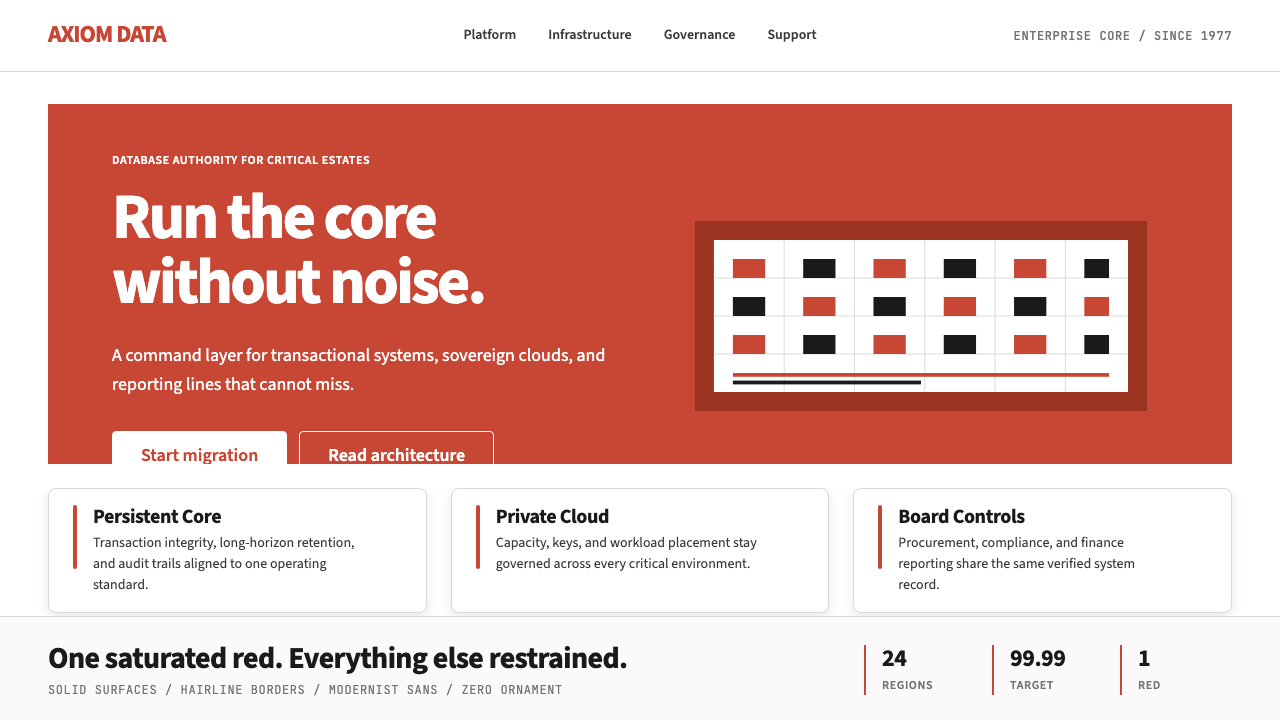 Oracle Corporate RedEnterprise certainty. Saturated red, tight sans, and white space do all the w…
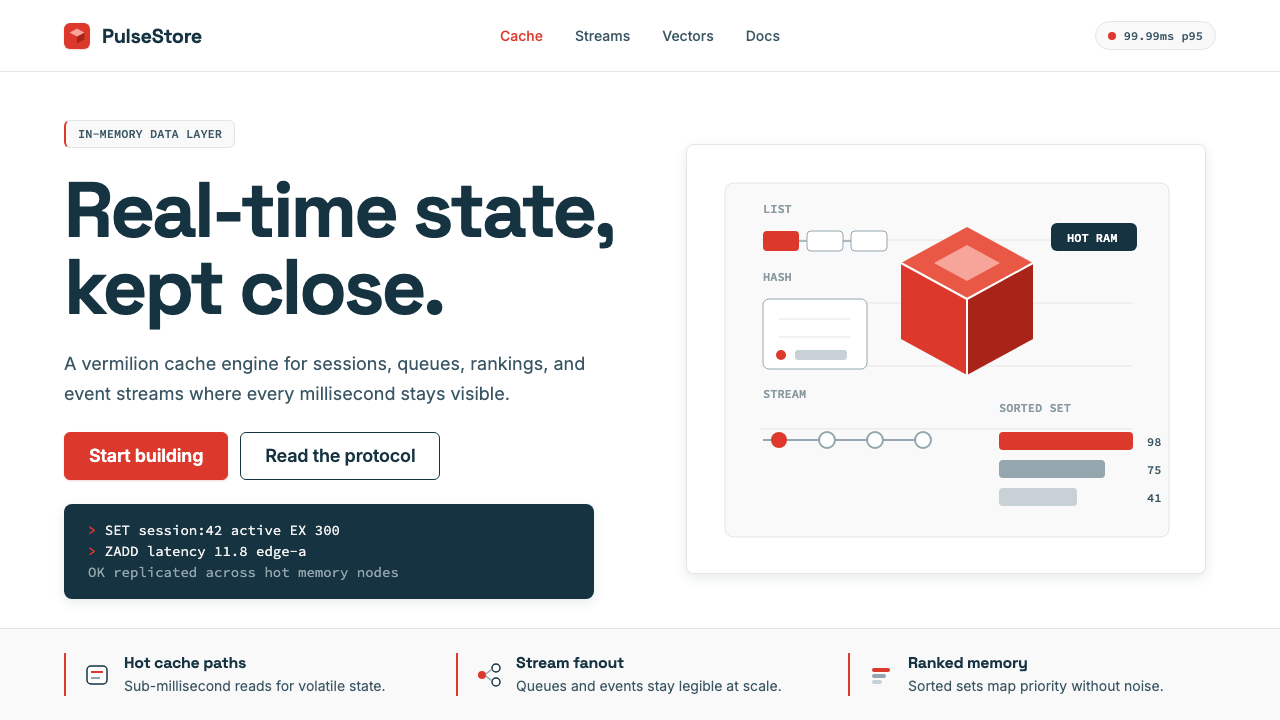 Redis Cache RedWarm database rigor. Vermilion cube, slate type, and white-space grids make s…
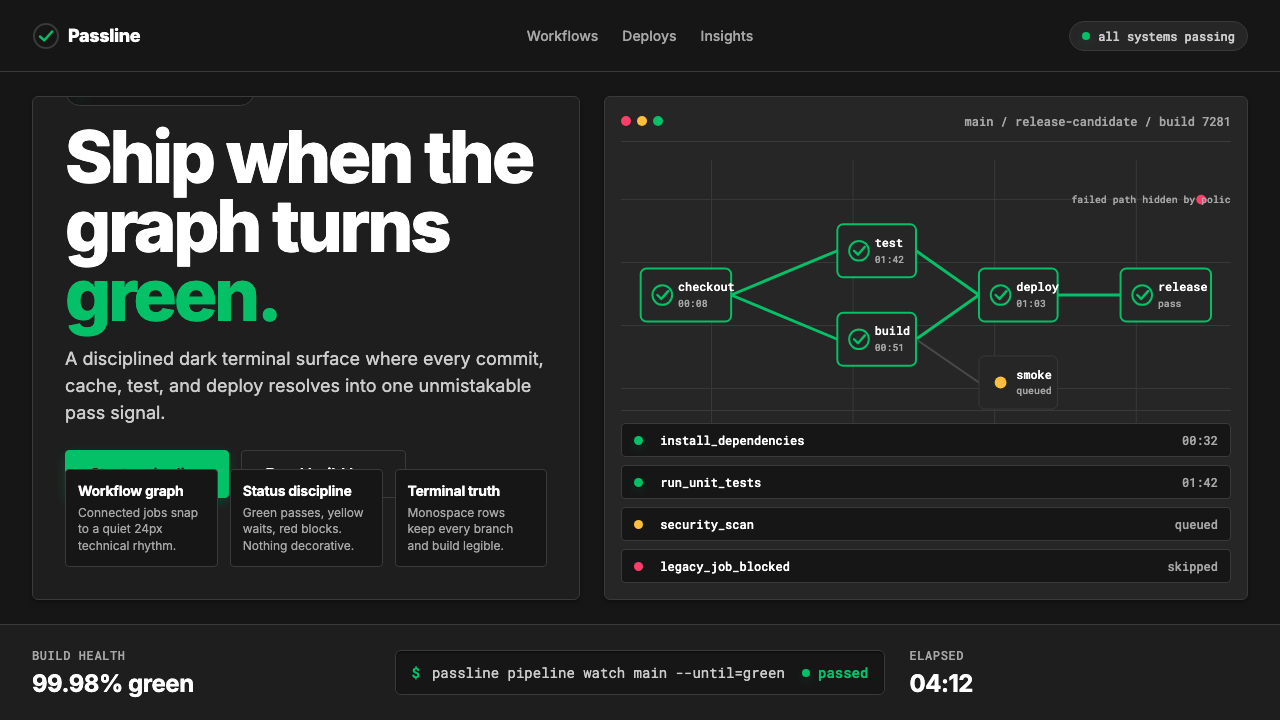 CircleCI Pipeline-GreenConfidence goes green. Emerald status lines cut through terminal-black pipeli…
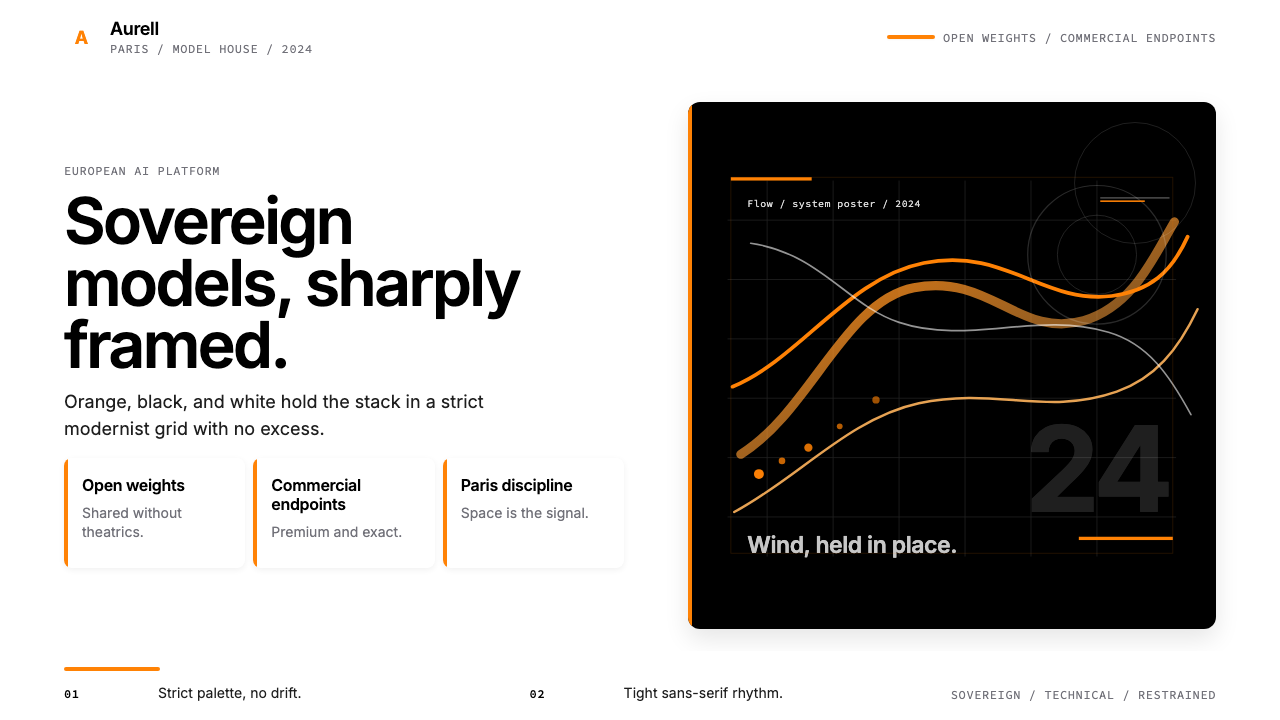 Mistral AI OrangeSovereign AI with restraint. Orange, black, and white lock the grid.
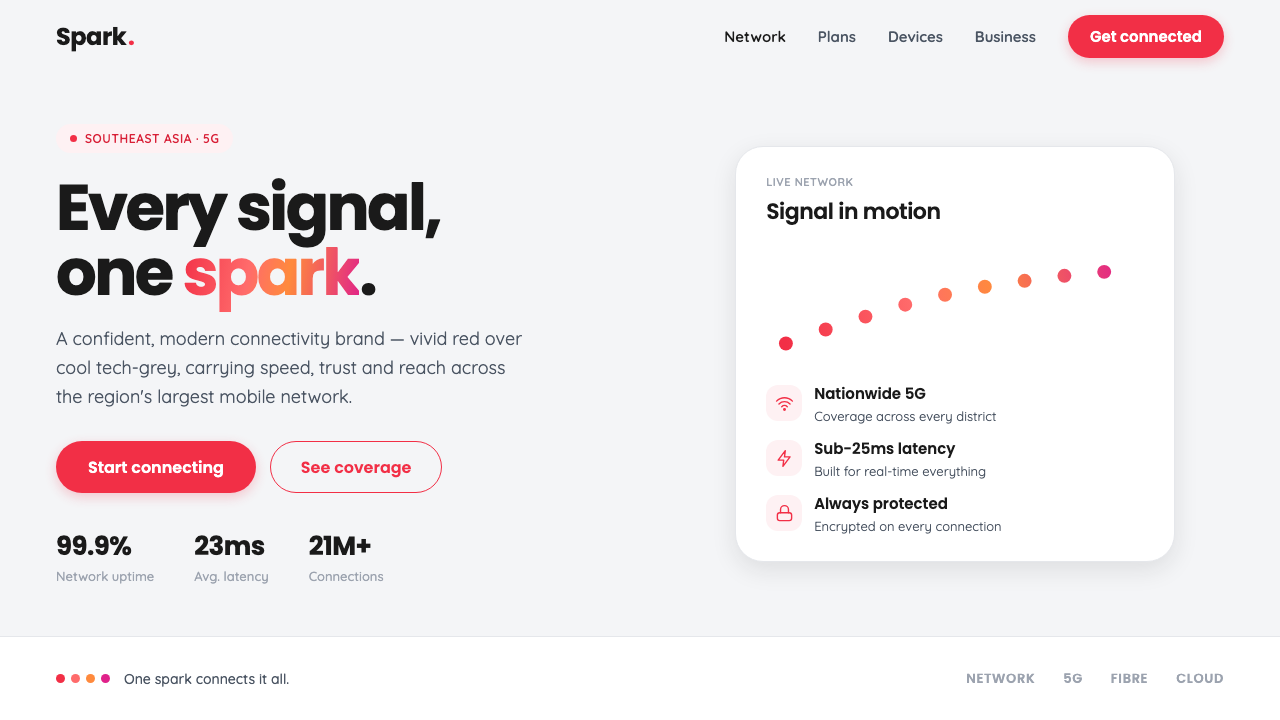 Singtel Modern BrandKeeps the red loudest on screen. Vivid Singtel red on cool tech-grey, with a…
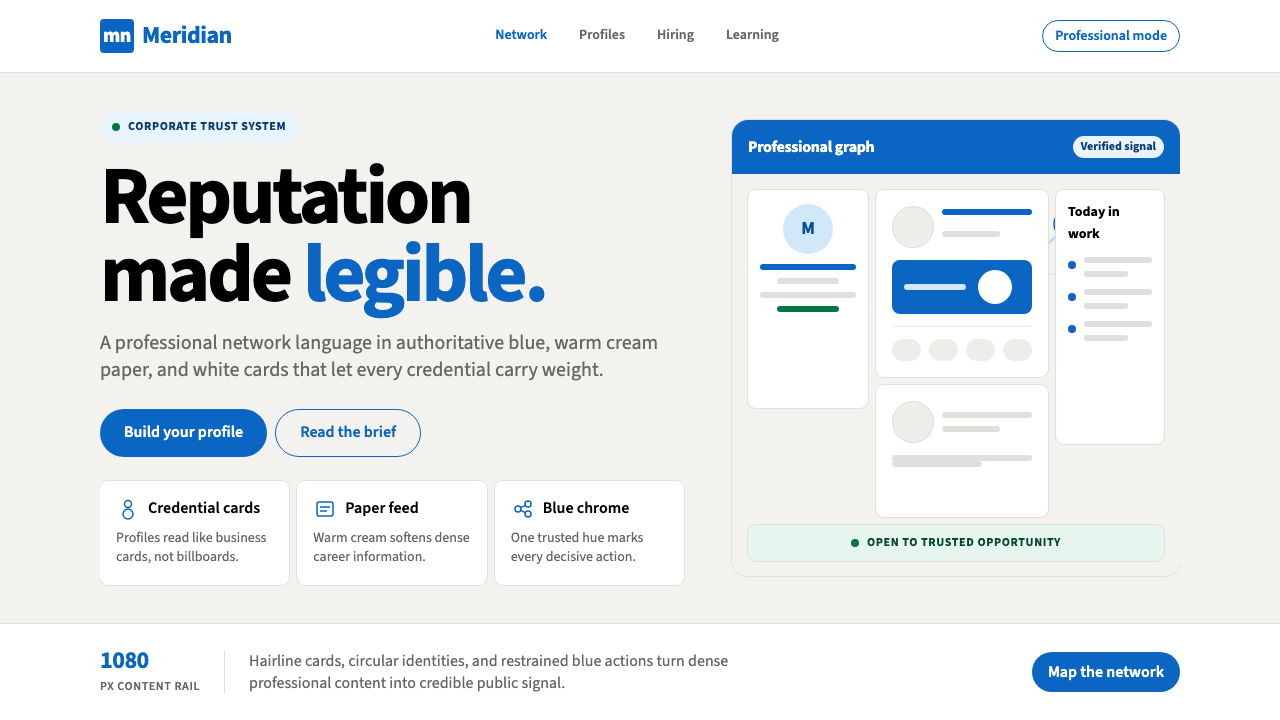 LinkedInCorporate trust, digitized. Authoritative blue frames white cards on warm cre…