What is CircleCI Pipeline-Green?
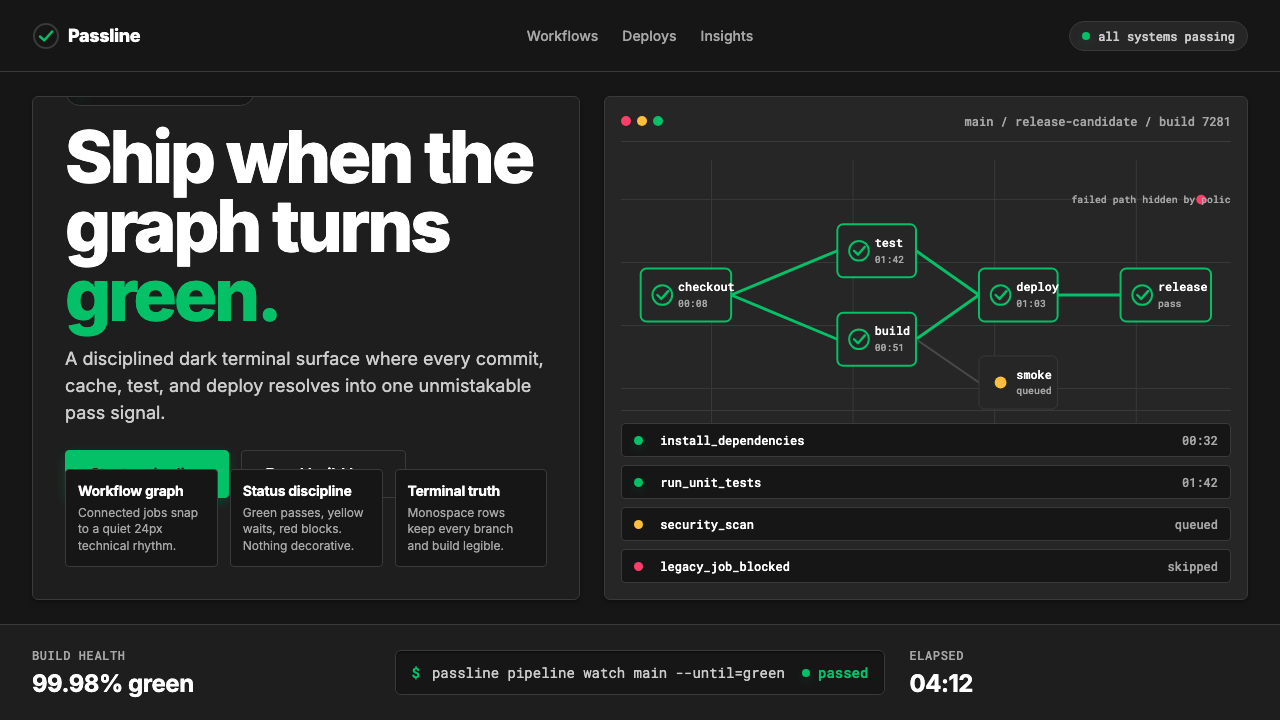
One saturated emerald against terminal black — CircleCI's Pipeline-Green is the visual shorthand for a build that passed.
CircleCI Pipeline-Green in brief
CircleCI Pipeline-Green is the design language of one of the most influential cloud continuous-integration platforms ever built. Its defining gesture is radical restraint: nearly every surface in the interface is deep developer-terminal black or clean white, while a single saturated bright emerald acts as the system's pulse — appearing on success badges, status indicators, and progress rings. This is not a decorative choice; it is a functional one. In a workflow dashboard where developers scan dozens of job states at a glance, a single high-confidence green reading means everything is clear.
The system extends that core signal into a strict status-color discipline. Green means passed. A warm amber signals a warning or a queued state. Red marks failure. Everything else — labels, secondary metadata, structural dividers — resolves to white, slate, or near-black. The result is a visual grammar that is as close to machine communication as human-facing interface design gets: unambiguous, hierarchical, and entirely free of decorative noise.
CircleCI's typographic register reinforces the terminal aesthetic. Monospace type appears wherever code, commit hashes, or pipeline identifiers are displayed, grounding the interface in the developer's native environment. Workflow pipeline diagrams — horizontal chains of nodes connected by directional lines — are the compositional backbone of the product's data visualization layer, treating software build processes as visual objects in their own right.

Where does CircleCI Pipeline-Green come from?
CircleCI was founded in 2011 by Paul Biggar and Allen Rohner in San Francisco. The company arrived at a moment when software development teams were beginning to move version control and build infrastructure to the cloud, and when the idea of continuous integration — automatically building and testing every code change — was transitioning from enterprise luxury to expected practice. CircleCI's early interface was utilitarian in the way most developer tooling of that era was: functional, dark-themed where developers preferred it, with color used only incidentally.
The platform's visual identity consolidated through the 2010s as the cloud CI/CD category itself matured. Jim Rose, who became CEO in 2018, presided over an era in which developer tools began receiving the same design investment as consumer products. The competitive landscape — including Jenkins, Travis CI, GitHub Actions, and later GitLab CI — made differentiation through brand clarity increasingly important. CircleCI's brand team leaned into the single-color signal that had always been implicit in the product: the green checkmark, the green status badge, the green ring completing its circuit.
The current visual identity, substantially refreshed in the early 2020s, made explicit what had been implicit for years. The bright emerald became the official brand color — saturated, confident, and chosen precisely because it is the color most associated with successful system states in developer culture. The dark-mode-first orientation of the design system reflected both user preference data from the developer community and the wider industry shift toward interfaces that felt native to the terminal. The result was a brand that felt less like a website and more like a well-designed command-line tool.
The aesthetic influences are a specific lineage within developer-tool design: the dark theme conventions pioneered by editors like Sublime Text and VS Code, the structured badge systems of open-source platforms like GitHub and npm, and the functional minimalism of monitoring dashboards from tools like Grafana and Datadog. Pipeline-Green distills these influences into a single coherent product identity — one that signals technical credibility without requiring the user to read a single word.
What defines the CircleCI Pipeline-Green look?
Signal Green
The system is organized around a single dominant hue — a saturated, highly legible bright emerald — that carries one unambiguous meaning: success. It appears at full intensity only on passed states, completed progress indicators, and positive confirmation elements. The brightness and saturation are calibrated to remain instantly readable against both deep terminal backgrounds and light white surfaces, ensuring the signal reads correctly across every context in which it appears.
Status-Color Discipline
Pipeline-Green imposes a strict semantic grammar on color: each hue maps to exactly one state and is never used decoratively. The emerald anchors success and affirmation. A warm amber shade handles warnings, queued jobs, and transitional states. A vivid red marks failures and errors. No additional colors enter the system for ornamental purposes. This discipline means that a user who has internalized the system can read a pipeline dashboard without processing any text — the color field alone communicates the complete state of every job.
Terminal-Black Ground
The background register is drawn from the developer terminal tradition: deep, near-black darks that eliminate ambient glare and allow status colors to read at maximum contrast. Surfaces are not purely black but carry subtle warmth or slight neutral undertones that prevent the aesthetic from feeling harsh. The darkness is not dramatic — it is functional, a canvas calibrated to make the signal colors do exactly what they are supposed to do.
Monospace Typography
Code values, commit hashes, pipeline identifiers, build numbers, and command-line output all appear in monospace type, visually grounding interface content in the developer's native environment. This is not a stylistic flourish — it carries information. Monospace letterforms communicate that a given string is machine-generated, unique, and precise. Proportional typefaces handle all human-facing labels and marketing copy, creating a clear register distinction between data and description.
Pipeline Diagram as Primary Visual Form
The central data structure of the CircleCI interface is the workflow pipeline diagram: a horizontal graph of node circles connected by directed lines, where each node represents a job and its color reflects its current state. This form is not decorative infographics — it is the literal structure of the product's core abstraction. Applying the Pipeline-Green aesthetic means treating connected node diagrams as a first-class visual element, with the same weight that a Bauhaus designer would give to geometric form.
Functional Minimalism
Every element present in a Pipeline-Green composition must earn its place through informational function. There are no gradient fills for visual richness, no ambient glow effects for atmosphere, no decorative borders or ornamental dividers. The spare quality of the aesthetic is not the result of insufficient effort but of principled removal — the same logic that makes a well-written shell script more maintainable than a sprawling one. Negative space between elements is treated as structure, not gap.
High-Contrast Legibility
The system is engineered for legibility under adverse conditions: small type against dark backgrounds, quick-scan dashboards, side-by-side terminal windows. This requires that every text element clears a high contrast threshold against its ground, that interactive affordances are visually distinct from passive ones, and that the bright emerald signal color reads correctly even in peripheral vision. No element earns decorative contrast at the expense of informational contrast.

Who shaped CircleCI Pipeline-Green?
Biggar co-founded CircleCI in 2011 and served as CEO during its formative years, shaping the early product philosophy that put developer experience at the center of every decision. His background as a compiler researcher at Mozilla informed the technical credibility of the platform's initial design — an interface designed by engineers for engineers, where utility preceded aesthetics. The developer-native values he embedded in the early product became the foundation on which the current visual identity was later built.
Rohner co-founded CircleCI alongside Biggar and served as CTO, defining the technical architecture that made the platform's speed and reliability its primary differentiators. The visual emphasis on status confidence — on knowing immediately whether a build passed — is inseparable from the engineering culture Rohner helped establish, in which build speed and outcome clarity were treated as first-order values rather than afterthoughts.
Rose became CEO of CircleCI in 2018 and led the company through a period of significant expansion and brand maturation. Under his leadership, CircleCI invested in the visual coherence of its product and brand, sharpening the pipeline-green signal from an incidental element into a deliberate brand identifier. The 2020s visual refresh that transformed the saturated emerald into a canonical brand asset occurred during the era Rose shaped — one in which developer tools competed as much on perceived quality and brand clarity as on technical performance.
Pipeline-Green did not emerge in isolation. The early 2020s saw a wave of developer-tool companies — including Vercel, Linear, Raycast, and Fly.io — invest seriously in product design as a differentiator, treating interface quality as a signal of engineering quality. This movement established that developer audiences respond strongly to aesthetic intentionality when it is expressed through their native vocabulary: dark themes, monospace type, dense information layouts, and status-color discipline. CircleCI's brand occupies the CI/CD niche within this broader movement, the same way a specialist craftsman occupies a guild.
How do you use CircleCI Pipeline-Green today?
Pipeline-Green is a high-discipline system — its power comes from what it refuses to do as much as from what it does. Before applying it, the designer must commit to a single operating rule: color carries only semantic weight. The bright emerald appears exclusively to signal success or positive completion. No other element in the composition may borrow that hue for decoration, emphasis, or brand visibility. Once that constraint is accepted, the system rewards the discipline with exceptional visual clarity.
For presentation slides, Pipeline-Green suits technical and data-driven decks — product launch decks for developer audiences, engineering roadmap reviews, CI/CD workflow explainers, and infrastructure architecture presentations. Cover slides work best with a deep terminal-black background, the emerald used selectively for a single focal element or status indicator, and a title in clean, high-contrast type. Content slides should lean into the dashboard aesthetic: horizontal pipeline diagrams replace bullet points where possible, status-color coding distinguishes categories in tabular data, and monospace type handles all code references and identifiers. Data visualization should be treated as functional rather than decorative — charts and graphs use the status-color palette (green for target states, amber for caution zones, red for failure thresholds) and avoid chartjunk entirely.
For web and product interfaces, Pipeline-Green is most naturally at home in dashboards, status pages, developer documentation portals, and SaaS pricing pages aimed at engineering buyers. The approach: commit to a dark-mode primary layout or a clean white-mode alternative, with the emerald appearing only on active, complete, or selected states. Navigation systems should be typographic and legible with no decorative iconography beyond functional status indicators. Card components should use crisp borders rather than ambient shadows, keeping the aesthetic close to the structured, scannable quality of a terminal window.
For editorial and marketing applications, the style works well for technical content aimed at developer or engineering audiences — case studies showing pipeline performance improvements, developer experience reports, conference keynote materials, and social cards announcing new platform features. The visual grammar: pair the deep background with the emerald only on elements carrying affirmative meaning (achieved metrics, successful outcomes, positive comparisons), and use slate or white for all neutral content. Marketing pages benefit from the style's poster-like contrast — alternating dark and light sections, with the emerald appearing as a consistent accent on calls to action and feature highlights.
The most common mistake when applying Pipeline-Green is using the emerald as a general-purpose brand accent rather than as a semantic status signal. This error typically manifests as emerald headlines, emerald decorative dividers, emerald background sections, or emerald icon fills — all of which dilute the one thing the color is actually doing. A second frequent error is introducing soft gradients or ambient glow effects behind the signal green, treating it as atmospheric decoration rather than a hard functional indicator. The style reads as authentic only when the emerald appears sparingly, contextually, and always in the role of confirmation.

CircleCI Pipeline-Green — FAQ
Can Pipeline-Green be applied in a light-mode layout?
Yes, but with adjustment. The style's canonical form is dark-ground, and the saturated emerald was calibrated against deep backgrounds. On a white or light-gray ground, the emerald remains highly readable but loses some of its punch because it no longer benefits from the contrast amplification of a near-black surround. A light-mode version works best when the background is a clean, cool white rather than warm cream, when the emerald is used even more sparingly than in the dark version, and when the amber and red status colors are confirmed to pass accessibility contrast standards against the light ground. Avoid ivory or warm-toned backgrounds — they introduce a color temperature conflict with the cool-leaning emerald.
How should the amber and red status colors be handled alongside the pipeline green?
The three status colors — green, amber, and red — form a complete semantic system, and they should always appear together only when all three states are genuinely present in the same view. Using all three decoratively in a layout that does not actually represent multiple job states corrupts the semantic contract. When designing a static composition such as a slide or a marketing visual, choose one status color to anchor the composition and treat the others as absent unless they serve a direct illustrative purpose. The amber and red should maintain their own saturation and brightness levels — they are not muted accent colors, but they are also never used at areas of the composition equal to the green's prominence.
How does Pipeline-Green differ from general tech-company dark-mode aesthetics?
Most dark-mode tech interfaces use darkness as an aesthetic preference — it looks sleek, reduces eye strain, and signals technical seriousness. Pipeline-Green uses darkness as a functional decision: the deep background exists to maximize the legibility and signal strength of the status colors. A generic dark-mode interface might use a dozen accent colors, soft gradient glows, layered translucencies, and multiple typeface families. Pipeline-Green uses one dominant signal color, hard-edged structural elements, monospace type for data, and absolute consistency in the semantic assignment of every hue. The difference is between darkness as style and darkness as system.
Is Pipeline-Green appropriate for consumer-facing products outside of developer tools?
It depends on what the product needs to communicate. Pipeline-Green reads as authoritative, technical, and precision-oriented — qualities that are highly valued in developer tools, infrastructure software, monitoring platforms, and B2B SaaS for engineering teams. Applied to a consumer product in a warm or social category — a food ordering app, a social network, a wellness platform — those same qualities would likely feel cold, clinical, or alienating. The style's status-color system also depends on users understanding what green means, which works reliably in developer culture but may not transfer to general consumer contexts. A useful test: does the product need to communicate 'this worked' as a primary message? If yes, Pipeline-Green is worth considering. If the primary message is warmth, community, or delight, choose a different system.
What makes the pipeline diagram such a central visual element in this style?
Because it is the literal diagram of the product's core abstraction — a CI/CD workflow is a directed graph of jobs, and the pipeline diagram makes that graph visible and scannable. In this way it functions like the grid in Swiss International Style or the geometric form in Bauhaus: it is both the underlying organizational logic and the primary visual surface. When using Pipeline-Green in non-product contexts, the pipeline diagram can be adapted as a general visual metaphor for sequential processes, dependency chains, or workflow stages — provided that the nodes are colored strictly according to the status-color grammar and that the diagram reads from left to right in a clear directional flow.
Related design styles
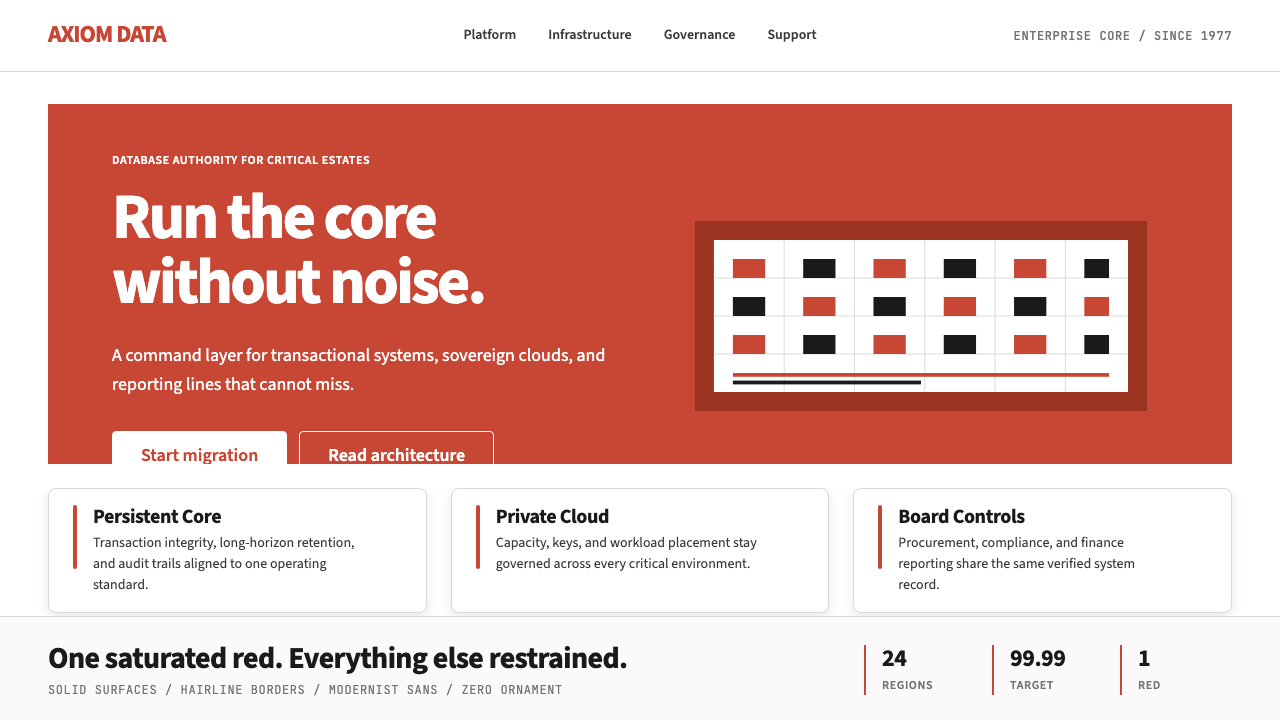 Oracle Corporate RedEnterprise certainty. Saturated red, tight sans, and white space do all the w…
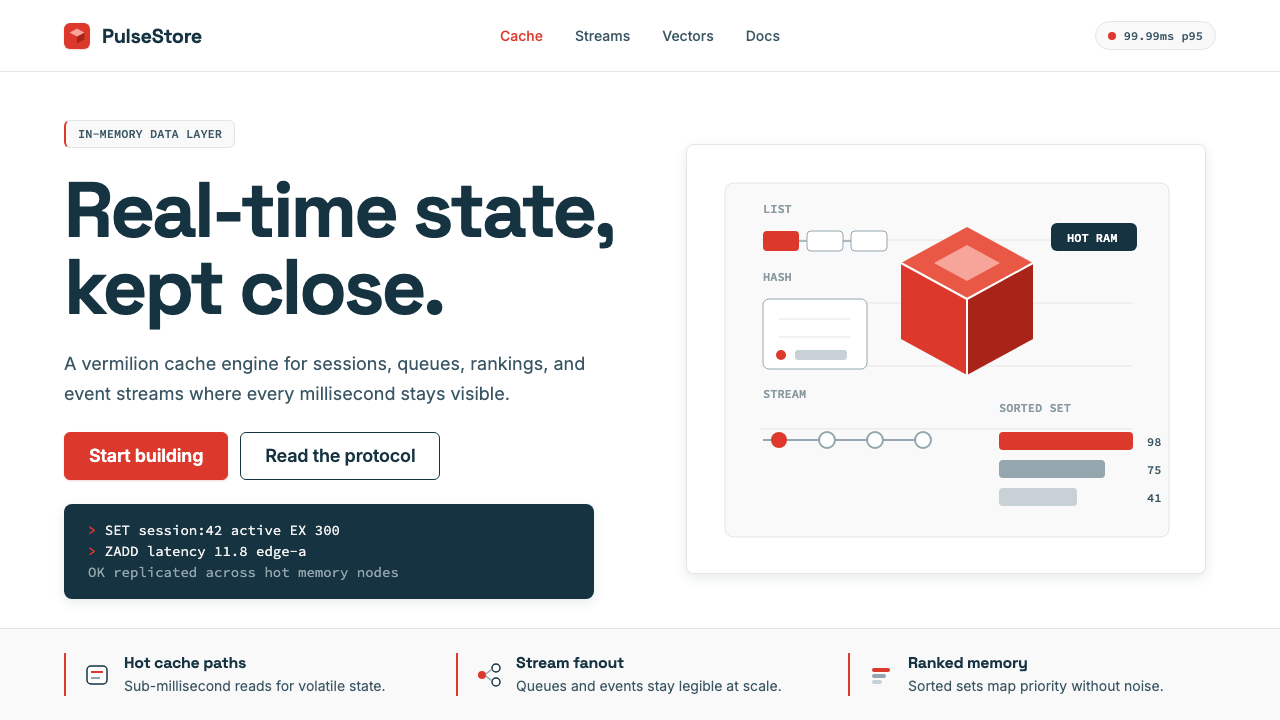 Redis Cache RedWarm database rigor. Vermilion cube, slate type, and white-space grids make s…
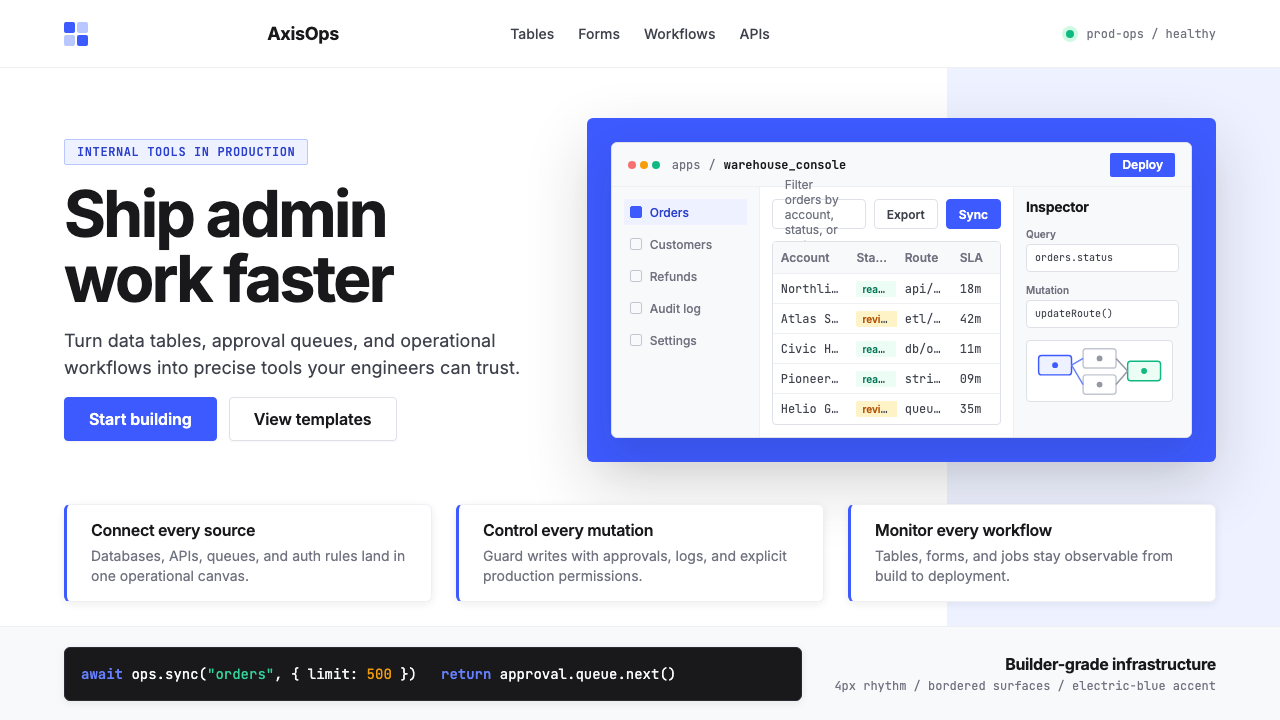 Retool Internal-Tools RedPrecision ships fast. Electric blue panels, Inter type, and bordered UI mocku…
 Apple Fitness Rings Closed (2024)Midnight feels exact. Magenta, green, and cyan rings lock onto OLED black.
 DatadogSerious telemetry, friendly pulse. Purple dark grids pack charts, badges, and…
 FedExDirections, not decoration. Purple authority and one orange bar organize a fl…