What is Datadog?
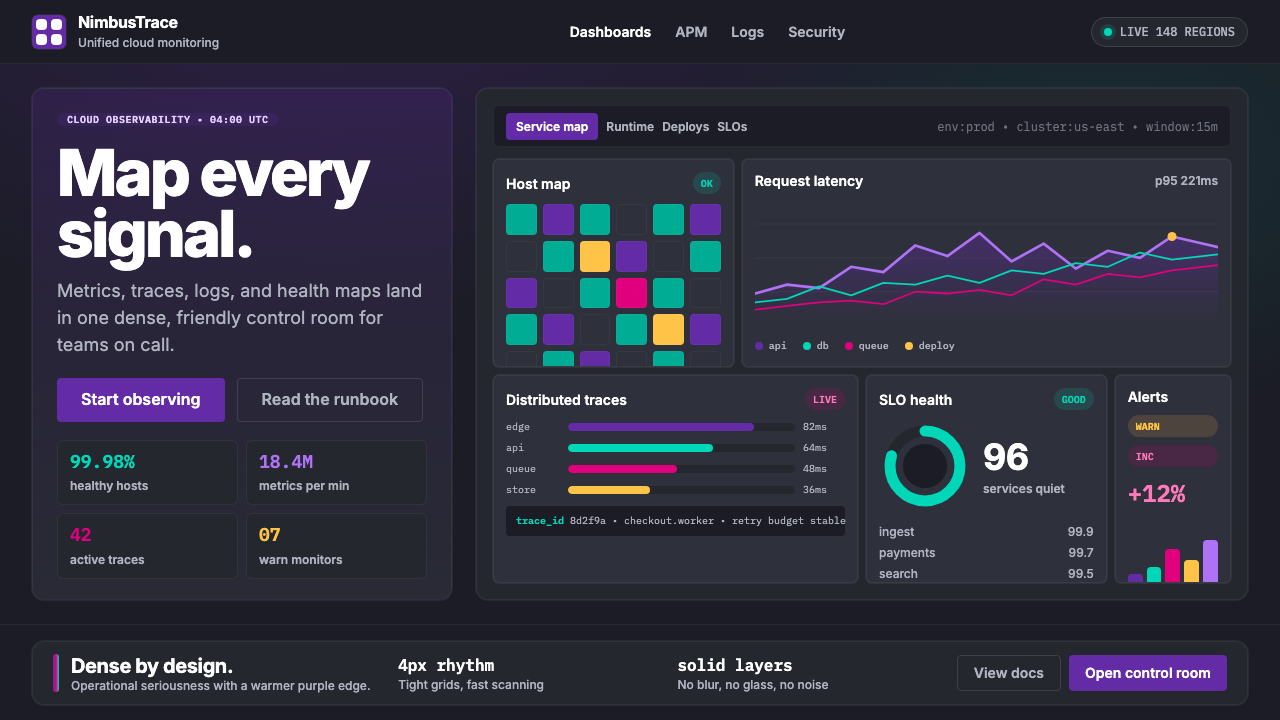
Datadog turned enterprise observability into something you actually want to look at — dense purple dashboards where every chart, trace, and metric earns its pixel.
Datadog in brief
Datadog is a cloud monitoring and observability platform whose visual identity — deep purple backgrounds, saturated accent colors, tightly packed rectangular tiles, and a friendly cartoon dog mascot — has become one of the most recognizable aesthetics in enterprise software. Where most infrastructure tooling defaulted to grey utility panels, Datadog introduced a palette that is simultaneously readable under stress and visually compelling at a glance.
The design system is built for information density. Flame charts, host maps, distributed traces, log streams, and service topology diagrams coexist within the same dashboard canvas, organized into tight rectangular cards that share a common dark ground. Saturated purple anchors the brand while magenta, teal, yellow, and green are deployed as semantic signal colors — each assigned a consistent meaning across chart types, alert states, and product lines.
What distinguishes the Datadog aesthetic from generic dark-mode software is its intentional warmth. The cartoon dog mascot named Bits appears across loading screens, empty states, and marketing materials, softening a product whose core subject matter — infrastructure failures, latency regressions, anomaly detection — is inherently stressful. The overall character of the system is: serious data, approachable presentation.

Where does Datadog come from?
Datadog was founded in New York City in 2010 by Olivier Pomel and Alexis Lê-Quôc, two engineers who had met while working together at a previous startup. The company emerged from a specific frustration: as cloud infrastructure grew more complex and ephemeral — servers spun up and down in minutes, microservices multiplied, deployments happened dozens of times a day — the existing monitoring tools, designed for static on-premises hardware, could not keep pace. Datadog set out to build monitoring for infrastructure that moves.
The visual identity that the company is known for today took shape gradually across the 2010s and was substantially consolidated between roughly 2018 and 2024, as the company grew from a developer tool into a publicly traded observability platform. The deep purple that anchors the brand was a deliberate departure from the blue that dominated enterprise software at the time — a color choice that signaled differentiation while retaining the authority associations that darker, saturated hues carry in professional contexts.
The choice of dark-mode dashboards as the primary product surface was not purely aesthetic. Engineers monitoring production infrastructure typically work across long sessions, often at night or during incident response, where a dark background reduces eye strain and allows bright signal colors — the reds of critical alerts, the greens of healthy services — to carry maximum perceptual weight. Dashboard maximalism, the practice of fitting as much meaningful information as possible into the visible canvas, became a defining characteristic of the Datadog approach, distinguishing it from products that prioritized white space and visual simplicity over data density.
The brand's personality was shaped in part by its mascot, a cartoon dog conceived to humanize a product operating in one of enterprise software's most anxiety-inducing domains. Infrastructure monitoring is a discipline associated with 3 a.m. incident pages and cascading failure alerts; a friendly, slightly absurd mascot creates psychological permission to engage with the product's complexity without dread. This balance — rigorous data presentation alongside deliberate levity — reflects broader trends in the DevOps tooling renaissance of the 2010s, when a generation of developer tools consciously rejected the cold corporate design vocabulary of earlier enterprise software.
What defines the Datadog look?
Dark Ground with Saturated Purple
The primary product surface is a near-black background — dark enough to provide maximum contrast for colored chart elements, but with a subtle warm undertone that prevents the harshness of pure black. Against this ground, a deeply saturated purple serves as the brand's structural color: navigation bars, selected states, primary buttons, and branded surfaces are all anchored in this hue. The overall effect is one of depth and authority, with the purple acting as a calm organizing force rather than an aggressive accent.
Semantic Signal Colors
A tightly controlled palette of accent colors — magenta, teal, yellow, green, and orange — is assigned semantic meaning and applied consistently across the entire product. These colors do not decorate; they communicate. Green signals healthy or nominal states, red signals critical failure, yellow signals warning or degraded, teal marks infrastructure elements, and magenta often distinguishes a highlighted series in a multi-line chart. The discipline of this system means that a user who has internalized the color logic can scan a complex dashboard and extract its meaning in seconds.
Tile-Based Dashboard Maximalism
The dashboard canvas is organized into a modular grid of rectangular tiles, each containing a single visualization: a time-series graph, a numeric counter, a flame chart, a distribution histogram, or a log stream. Tiles are edge-to-edge with minimal internal padding, maximizing the ratio of data to chrome. The composition has a mosaic quality — each tile is self-contained and legible, but the full canvas reads as a unified status picture. This tile maximalism is the antithesis of the whitespace-first design philosophy common in consumer software.
Clean Headline Typography against Dark
Marketing and product surfaces pair a geometric sans-serif headline typeface — assured and contemporary in character — with a highly legible neutral sans-serif for body and UI text. The headline face is set large and with generous tracking on campaign pages, giving the brand a confident editorial quality. Inside the product, type is predominantly small and tight, optimized for information density rather than expressiveness. The contrast between these two registers — expressive marketing type and utilitarian product type — is a deliberate brand decision.
Cartoon Mascot as Emotional Counterweight
The Datadog mascot — a cartoon dog named Bits, rendered in a simple, friendly illustration style — appears at moments of low data density: loading screens, empty states, error pages, and marketing imagery. The mascot's visual style is intentionally distinct from the product's data-dense aesthetic; it is soft, rounded, and playful where the dashboards are sharp, angular, and dense. This contrast is functional: the mascot signals a non-critical moment, providing psychological relief within a product whose primary use context involves operational stress.
Consistent Iconography and Badge System
Service integrations, infrastructure components, and product categories are identified through a comprehensive icon and badge system. Integration icons use a consistent visual treatment — typically a recognizable logomark or a simplified geometric symbol — displayed against a lightly colored or dark square badge. The badge dimensions and corner rounding are uniform across the product, giving the integration catalog a visual coherence that allows hundreds of service logos to coexist without chaos. Color in the badge system is drawn from the main semantic palette, with badge backgrounds using muted or mid-tone variants to avoid competing with active chart data.
Purple-to-Neutral Brand Gradient in Marketing
While the product dashboards are predominantly flat and grid-based, marketing surfaces — campaign pages, conference displays, and social graphics — use sweeping color gradients that blend the core purple with adjacent dark blues or near-black, creating a sense of depth and movement. These gradients are applied to large background fields rather than to typographic or data elements, so they function as atmospheric framing rather than informational encoding. The practice marks a clear distinction between the marketing layer, where emotional impression matters most, and the product layer, where precise information density is paramount.

Who shaped Datadog?
Pomel co-founded Datadog and serves as its CEO. As the company's technical co-founder, he shaped the product philosophy that underpins the visual system: monitoring tools should be as pleasant to use as they are powerful, and operational data should be presented in a way that makes patterns immediately visible rather than buried in tables. His insistence on a product that engineers actually enjoy using — not merely tolerate — is reflected in the design team's investment in visual quality at a level unusual for infrastructure software.
Lê-Quôc co-founded Datadog and served as its CTO. His engineering background informed the product's commitment to presenting complex distributed systems data in human-legible form — a challenge that is as much a design problem as an engineering one. The distributed tracing visualizations and flame charts that are central to Datadog's identity required innovations in how time-series and hierarchical data could be rendered within a constrained, tile-based canvas without losing analytical fidelity.
The internal brand team, whose design decisions solidified across multiple major identity refreshes through the 2018–2024 period, is responsible for the coherent system that connects product dashboards, developer documentation, marketing pages, and conference presence under a single visual language. The team's most consequential decisions include the commitment to deep purple as a brand anchor at a time when most enterprise software was still in blue, the development of the semantic color system that spans all product areas, and the integration of the mascot into product empty states — a choice that humanized operational software in an unexpected way.
The broader design movement toward information-dense dark dashboards — sometimes called dashboard maximalism — emerged from the needs of site reliability engineering and DevOps culture in the 2010s. Tools including Grafana, Kibana, and Datadog collectively established an aesthetic vocabulary in which dark backgrounds, small tight type, and high-saturation accent colors became the expected visual register for observability tooling. Datadog distinguished itself within this movement by pairing the maximalist data surface with strong brand personality, whereas many competitors kept their visual identity minimal or generic.
How do you use Datadog today?
Applying the Datadog visual style is most effective when the context genuinely shares its values: information density, operational clarity, and a dark viewing environment. The system is designed for users who need to extract meaning quickly from complex data, not for users browsing at leisure. Before applying the aesthetic, confirm that the audience and context actually call for dense, dark, data-rich presentation — otherwise the style's severity will work against rather than for the communication goal.
For presentation slides, the Datadog palette works powerfully on both cover and data-heavy content pages. A cover slide benefits from the brand's sweeping gradient approach: a deep purple-to-near-black background field, a single bold headline in a large, clean sans-serif, and the product or company logomark positioned with confident whitespace. Content slides should embrace the tile metaphor — organizing data visualizations, key metrics, and supporting text into clear rectangular zones that share a common dark ground. Chart legends should use the semantic color sequence rather than arbitrary hues. Avoid light backgrounds within this system; a single cream or white slide breaks the visual continuity of a dark-mode deck.
For web UI dashboards and product interfaces, the Datadog style is directly applicable wherever monitoring, analytics, or operational data is the primary content. Define a strict grid of equal-width columns, use a near-black base surface, and reserve the saturated purple for structural UI elements like the primary navigation, selected tabs, and call-to-action buttons. Data visualization colors should be drawn from the semantic palette and applied consistently — a color that means warning on one chart should mean warning everywhere. Avoid introducing decorative gradients into chart areas; keep data surfaces flat so that color carries unambiguous informational weight. Pricing and tier-differentiation pages benefit from the badge and card system, using accent color fills to distinguish tiers without needing illustrative decoration.
For editorial and marketing applications, the style's most transferable quality is its confident use of purple at scale. A marketing page benefits from alternating full-width sections: deep purple with white type, near-black with lighter purple type, and occasional neutral sections for body content. The mascot or friendly illustration elements can be introduced in low-information moments — section transitions, scroll breaks, or feature callouts — to add warmth without disrupting the overall authoritative tone. Social media graphics and conference materials should use the gradient background treatment combined with large, clean typography and a single highlighted data point or product screenshot.
A common mistake when adapting this style is overusing the full range of semantic colors as decoration. In the original system, magenta, teal, yellow, and green are reserved for data meaning — they signal status, not visual interest. Deploying all of them in a presentation background or a marketing illustration strips them of their communicative value and produces visual noise. A second frequent error is pairing the dark product aesthetic with light-weight or script typefaces, which undermine the system's technical authority. The style is built on clean, geometric sans-serifs at confident weights; any typographic choice that reads as soft or informal will create a contradiction the eye reads as inconsistency.

Datadog — FAQ
Can the Datadog style work on a light background?
The style can be adapted to light backgrounds, but it requires significant recalibration. The deep purple that functions as a background color in the dashboard context becomes a strong foreground or accent color on a light ground. The semantic signal colors — especially the saturated greens, reds, and yellows — remain effective on white or near-white backgrounds because they were originally designed to stand out against dark surfaces. However, the overall character shifts considerably: the authoritative depth of the dark-background version gives way to a lighter, more conventional enterprise software feeling. Datadog's own marketing pages use a mix of light and dark sections, which is a reasonable model for contexts where full dark-mode is impractical.
How does this style differ from generic dark-mode software design?
Generic dark-mode design typically uses dark grey or near-black backgrounds with muted accent colors and prioritizes visual quietness — reducing eye strain over long sessions by keeping saturation low and contrast moderate. The Datadog style inverts this priority: it uses high-saturation accent colors deliberately because those colors carry semantic meaning that must be readable at a glance across a dense canvas. The purple brand color is also notably warmer and more characterful than the neutral dark greys that most dark-mode design systems use. Additionally, the presence of the cartoon mascot and the confident marketing typography give the system a personality that generic dark-mode tooling lacks.
Is dashboard maximalism appropriate for audiences who are not engineers?
Dashboard maximalism in its full form — dozens of tiles, multiple chart types, dense small type — is designed for expert users who have already internalized the data model and need peripheral awareness of many metrics simultaneously. For executive audiences, business users, or first-time viewers, the same canvas would be overwhelming. A responsible adaptation reduces the tile count dramatically, increases the type size on key numbers, and strips the color palette down to three or four colors with clear legend explanations. The Datadog-style dark ground and purple anchor can remain, but the density must be calibrated to the audience's familiarity with the underlying data.
What kinds of products should avoid the Datadog aesthetic entirely?
Any product where warmth, organic texture, or cultural specificity are central to the experience should avoid this aesthetic. Consumer wellness applications, food and beverage brands, children's products, travel experiences, luxury goods, and creative platforms all depend on visual qualities — softness, natural materials, handcraft signals, photographic richness — that are antithetical to the Datadog visual language. The dark-ground, high-saturation, data-dense aesthetic communicates expertise, technical authority, and operational seriousness; it does not communicate comfort, delight, or sensory pleasure. Misapplying it to consumer emotional contexts is likely to create a product that feels cold or alienating rather than authoritative.
How should the mascot be used without undermining the professional tone?
The mascot works precisely because it appears at moments of low operational stakes — loading screens, empty states, onboarding flows, and marketing imagery — not during active data analysis. The design logic is that the mascot provides psychological relief exactly where the product is not asking the user to make decisions. Placing the mascot within an active dashboard tile, alongside live chart data, or adjacent to a critical alert would create a tonal contradiction: playfulness at a moment requiring concentration. The rule of thumb is that the mascot belongs where there is nothing yet to analyze, and data belongs where there is something to act on.
Related design styles
 Platzi EdtechA developer dashboard you learn inside. Electric spring-green on teal-navy, w…
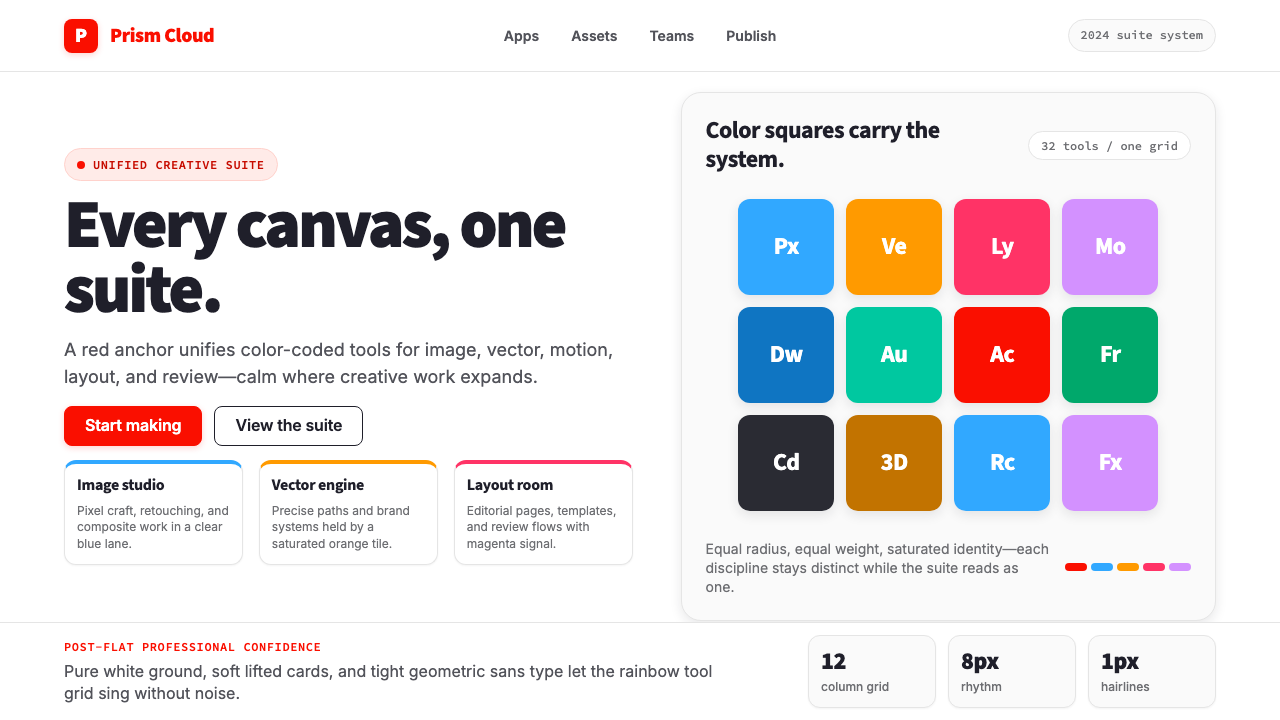 Adobe Creative CloudUnified, not uniform. Red anchor, white space, and saturated app tiles organi…
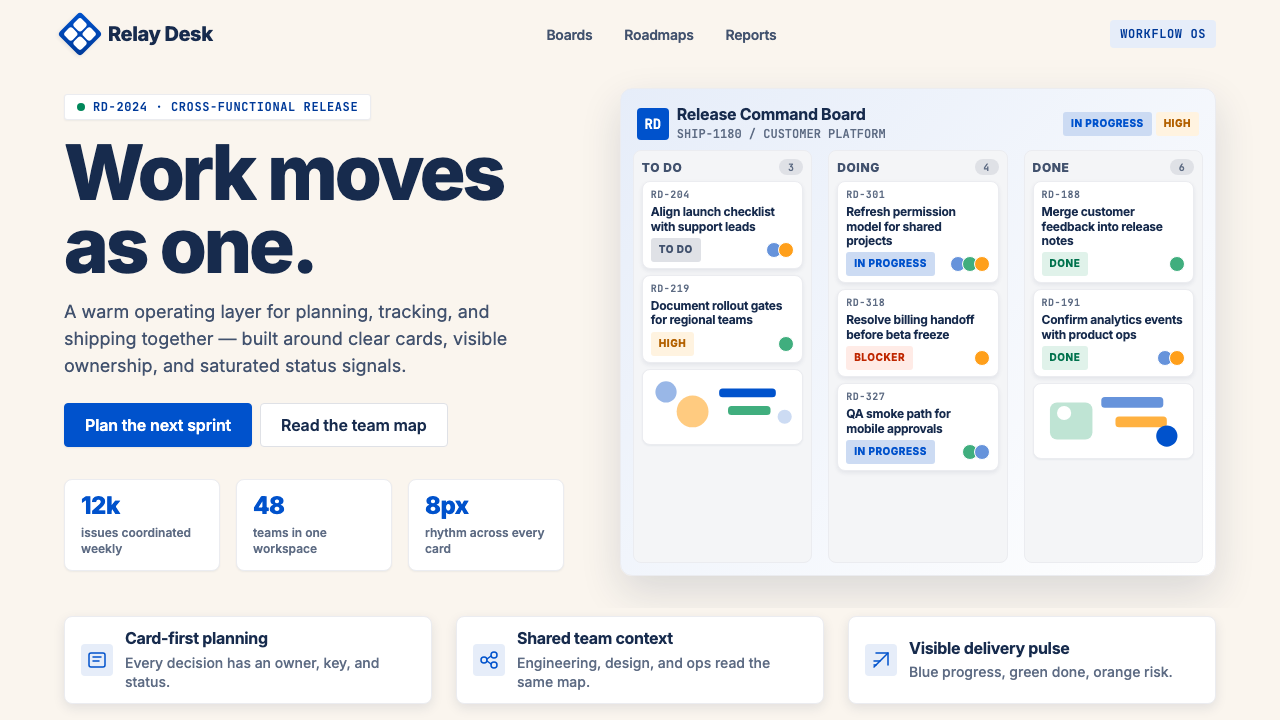 Atlassian Jira BlueWarm enterprise teamwork. Saturated blue cards on cream make status feel huma…
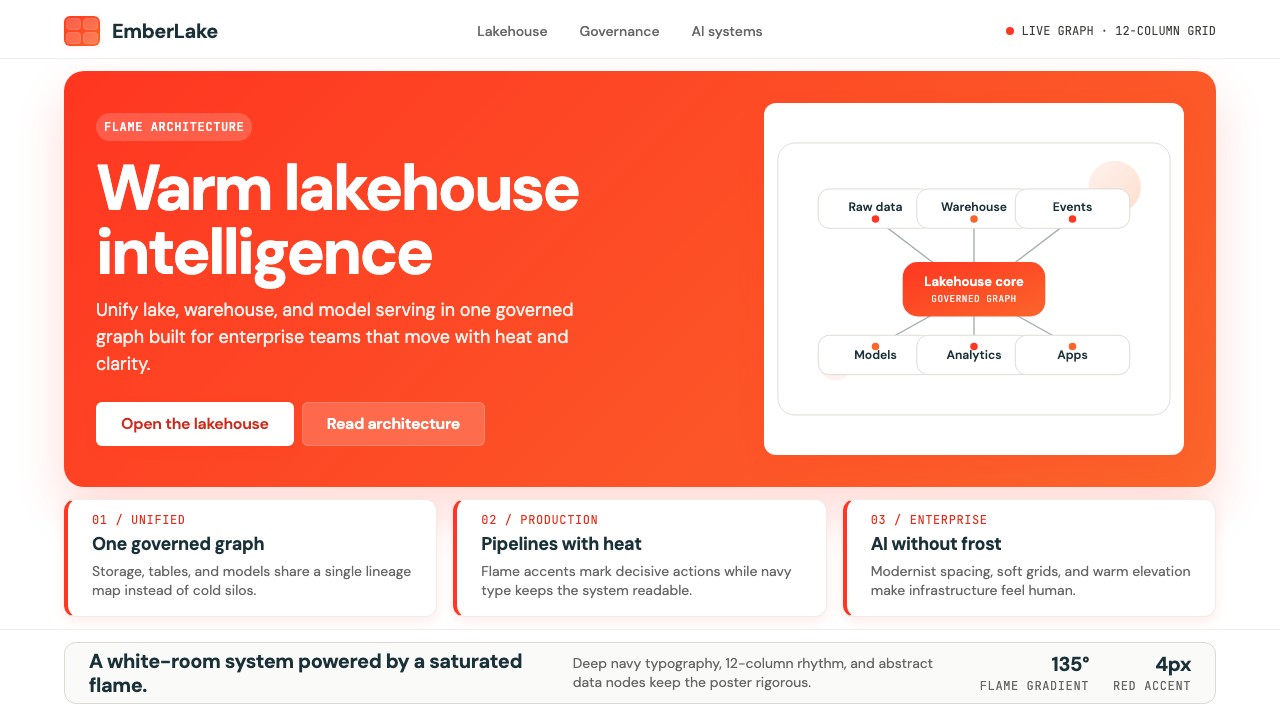 Databricks LakehouseWarm enterprise confidence. Flame red-orange gradients meet DM Sans and clean…
 Microsoft AzureEnterprise calm, sharply diagrammed. White ground, saturated blue, hairline l…
 Webflow No-CodeA designer's tool, dressed like one. Saturated electric cobalt on pure white,…