What is Microsoft Azure?
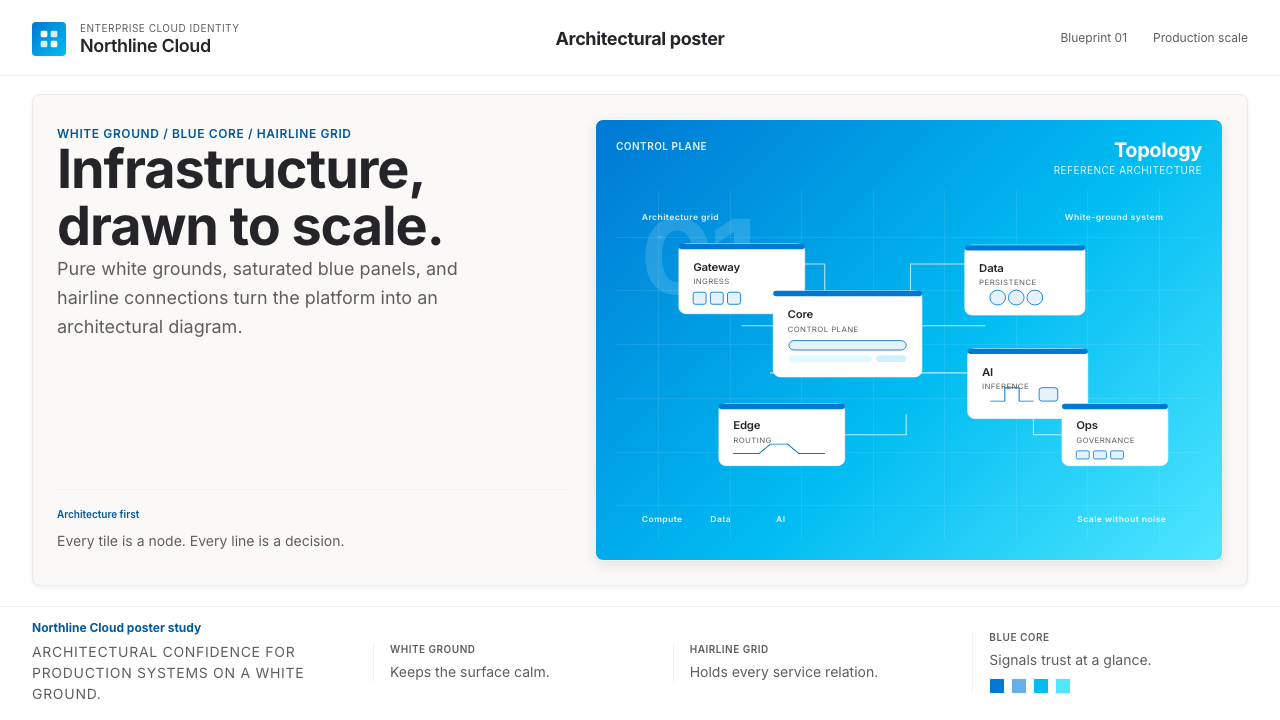
Azure's visual identity speaks the language of infrastructure — saturated cobalt blue on pure white, geometric icons, and hairline connectors that make even the most complex cloud architecture look like a well-reasoned diagram.
Microsoft Azure in brief
Microsoft Azure is the enterprise-cloud visual identity developed by Microsoft for its global cloud computing platform. Launched in 2010 as Windows Azure and rebranded in 2014, the platform's visual design has evolved into one of the most disciplined and widely recognized corporate technology aesthetics of the current era. The system is built around a single canonical hue — a saturated, slightly cyan-shifted cobalt blue — deployed against pure white grounds with generous whitespace, rounded-rectangle service icons, and thin connecting lines that trace logical relationships between infrastructure components.
The Azure aesthetic speaks directly to its audience of enterprise architects, cloud engineers, and IT decision-makers — not to consumers. Every visual choice reflects this orientation: restraint over warmth, geometric precision over organic illustration, confident whitespace over visual density. The result is a design language that feels authoritative and calm at the same time, communicating that the underlying infrastructure is equally trustworthy.
What separates Azure's visual identity from generic corporate design is its systematic coherence. The icon library — representing hundreds of individual cloud services — follows a unified geometric vocabulary: each service icon lives inside a consistently shaped container, uses the same stroke weight, and occupies the same visual weight within an architecture diagram. This consistency allows engineers to compose detailed technical diagrams that remain visually readable, a quality that directly serves the platform's core use case.

Where does Microsoft Azure come from?
Microsoft Azure was announced at the Professional Developers Conference in October 2008 and became commercially available in February 2010 under the name Windows Azure. The name change to Microsoft Azure in March 2014 coincided with a broader strategic shift under CEO Satya Nadella, who repositioned Microsoft from a Windows-centric software company into a cloud-first, mobile-first enterprise platform. This reorientation had deep consequences for visual identity: the brand needed to move away from the consumer-facing warmth of Windows and toward the architectural confidence expected by enterprise buyers.
The early visual language of Azure was relatively undifferentiated — drawing on the broader Microsoft corporate palette and design conventions of the early 2010s. The decisive refinement came with the sustained investment in what would become the Fluent Design System, a Microsoft-wide design language formalized around 2017 that introduced systematic thinking about light, depth, motion, and material. While Fluent Design served Microsoft's full product portfolio, Azure adapted it with a narrower and more disciplined palette — eliminating the warmer tones and playful illustration styles appropriate for consumer products and amplifying the structured, diagrammatic qualities suited to enterprise infrastructure.
The 2023 introduction of Azure Sans marked the most visible single milestone in the platform's typographic maturity. Azure Sans is a custom typeface developed specifically for the platform, characterized by generous letter-spacing, open apertures, and stroke proportions calibrated for legibility at the small sizes used in interface labels, architecture diagrams, and dense data displays. Its design reflects the specific readability demands of technical communication — where a misread character in a service name or a configuration value carries real consequences — while maintaining the clean, unpretentious tone appropriate to the platform's professional audience.
The Azure icon system — perhaps the most operationally significant part of the visual identity — has grown from a small set of early service icons into a library spanning hundreds of distinct services, each requiring a recognizable visual form while maintaining harmony with the whole. The design team's solution was to establish a strict container system: service icons are organized into color-coded categories, with the icon's primary hue signaling its functional domain. This categorical color logic transforms the icon library from a collection of individual marks into a navigational system, allowing users to read architecture diagrams at a glance and quickly identify service types without reading labels.
What defines the Microsoft Azure look?
Color
The Azure palette is anchored by a single dominant hue: a deeply saturated cobalt blue that tilts slightly toward cyan — clear and confident without being aggressive. This canonical blue appears on nearly every Azure surface: primary buttons, active navigation states, the platform's wordmark, and the fill of the platform's own hero icon. It is deployed against pure white or very light neutral grounds, with a near-black slate tone reserved for body text and secondary interface elements. Accent colors within the icon system are categorical rather than decorative — they signal service domain rather than create visual interest for its own sake.
Typography
Azure's typographic system is built for technical legibility above all else. The custom Azure Sans typeface, introduced in 2023, uses generous letter-spacing and carefully proportioned strokes that remain distinguishable at the small sizes common in interface labels, code snippets, and architecture diagram callouts. The broader Microsoft Segoe family serves as a companion in general interface contexts. Type hierarchies are established through scale and weight contrast rather than decorative treatment — headings are set large and light, body text is set at a comfortable reading size with ample line-height, and data labels are set tight and compact. The overall texture is open, unhurried, and confident.
Geometry and Iconography
The Azure icon system is one of the most extensively developed corporate icon libraries in enterprise software. Every service icon is housed within a consistent rounded-rectangle container, giving the entire system a unified silhouette when icons appear at scale in architecture diagrams. Individual icons use simple, readable geometric forms — avoiding pictorial complexity that would become illegible at small sizes. The result is a library where hundreds of distinct marks coexist without visual cacophony, because every mark obeys the same underlying formal grammar.
Whitespace and Breathing Room
Generosity with whitespace is one of the most distinctive qualities of the Azure visual language. Architecture diagrams, documentation pages, and the Azure Portal interface all share a commitment to giving each element room to exist independently before being read in relation to its neighbors. This is not minimalism as an aesthetic posture — it is a functional choice. In a context where users regularly work with diagrams containing dozens of connected service icons, visual congestion is a usability failure. Whitespace is load-bearing in the Azure system.
Line Weight and Connectors
Hairline connectors — thin, precise lines linking service icons in architecture diagrams — are one of the most characteristic visual signatures of Azure design. These lines are deliberately slender: their thinness signals that they are relationships, not objects. In the Azure visual vocabulary, thick forms are services and resources; thin forms are connections and flows. This weight hierarchy is applied consistently enough that experienced users internalize it and can read complex diagrams rapidly. The connectors are typically rendered in a neutral mid-gray, ensuring they do not compete with the colored service icons they connect.
Depth and Surface
Azure's interface aesthetic is largely flat, but not in the severe sense of early flat-design orthodoxy. Subtle surface differentiation — light card backgrounds lifted slightly from the page ground, gentle borders rather than heavy drop shadows — creates the mild spatial layering needed to distinguish interactive components from static content without introducing visual noise. When elevation is used, it is restrained: barely perceptible at a casual glance, but present enough to orient the user. This calibrated approach to depth is part of the Fluent Design lineage and distinguishes Azure from both the purely flat look of earlier enterprise dashboards and the heavily shadowed skeuomorphism it replaced.
Grid and Structural Discipline
Azure documentation, marketing pages, and interface screens share a strong underlying grid discipline. Content is organized into clean columns with consistent gutters; sections are separated by whitespace rather than decorative dividers; data is presented in well-structured tables and cards rather than freeform prose. This structural rigor reflects the platform's audience: engineers and architects who work in environments where spatial precision carries meaning. A misaligned column in an Azure architecture diagram is not an aesthetic failure — it is potentially a logical error. The grid is not decoration; it is communication.

Who shaped Microsoft Azure?
Nadella became Microsoft CEO in February 2014, and his tenure transformed the company's strategic identity from a Windows-centric software maker into a cloud-first enterprise platform. The rebranding from Windows Azure to Microsoft Azure occurred in the same month he took office, and his sustained investment in Azure's commercial and technical development made it one of the two dominant global cloud platforms. Nadella's influence on Azure's visual identity is indirect but foundational: his positioning of Azure as a serious enterprise infrastructure brand — not a consumer product — established the strategic direction that the design language had to serve.
Russinovich joined Microsoft in 2006 after the acquisition of Sysinternals and became Azure's Chief Technology Officer. As one of the most technically visible figures associated with the platform, he has played a significant role in shaping how Azure communicates its technical depth and architectural philosophy to the engineering community. His public presence — through talks, blog posts, and technical deep-dives — has helped establish the platform's reputation for architectural transparency, a quality that the visual design system reinforces through its emphasis on diagrammatic clarity and structural honesty.
The Azure design organization — working within the broader Microsoft Design group and in close collaboration with Fluent Design System teams — is responsible for the platform's sustained visual coherence across an extremely complex product surface. The team's output includes the Azure icon system (now spanning hundreds of service icons), the Azure Portal interface, documentation design standards, architecture diagram templates, and the specifications that govern how third-party partners represent Azure services in their own materials. The 2023 Azure Sans typeface is among the team's most visible recent contributions to the platform's maturing visual identity.
While not a single person, the Fluent Design System represents the design-language lineage from which Azure's visual identity directly descends. Fluent was Microsoft's response to the need for a coherent cross-platform design language spanning Windows, Office, Xbox, and cloud products. Its core principles — light, depth, motion, material, scale — gave Azure's design team a formal vocabulary to work within, and the subsequent Azure-specific refinements (narrower palette, stronger diagrammatic emphasis, technical typographic standards) represent how that vocabulary was adapted for an infrastructure-facing audience. Understanding Fluent as Azure's parent language is essential to understanding why Azure looks the way it does.
How do you use Microsoft Azure today?
Azure's visual system translates naturally into presentation work, but it requires understanding that the aesthetic's power comes from restraint and structure rather than from decoration. For a slide deck cover, the canonical approach is a dominant field of the platform's deep cobalt blue — occupying most or all of the slide — with the title set in clean, generously spaced type in white. A single geometric icon or simplified architectural motif can anchor the composition without cluttering it. The key discipline: resist adding gradients, glows, or secondary accent colors. The blue field should be flat and confident.
For content slides, the Azure approach treats each slide as a diagram surface. Text hierarchies are established through size and weight contrast alone — no decorative rules or colored label backgrounds needed. When data appears, it should be handled with the same diagrammatic logic as an architecture chart: bar and line charts rendered as clean geometric objects, with the canonical blue reserved for the primary data series and neutral tones for secondary series. Tables benefit from alternating row tints in very light neutral values rather than aggressive banding. Throughout, whitespace is a structural element, not empty space to be filled.
For web UI work — particularly dashboards, cloud service pricing pages, and developer portals — the Azure language is exceptionally well-suited. The grid should be strict and consistent; the background ground should be a very light neutral approaching white; body text should sit in a dark near-black. Interactive states — hover, focus, active — are signaled by the canonical blue, which provides immediate and unambiguous affordance cues. Card components should use thin borders or very subtle elevation rather than heavy shadows. Navigation elements should be typographic and understated, with icon use limited to the service-icon context where categorical meaning is needed.
In editorial and marketing applications — product announcements, whitepapers, technical blog posts, event materials — Azure's aesthetic supports strong information hierarchy without feeling promotional. Feature sections work well in a two-column grid alternating a visual element (an architecture diagram, an icon cluster, a clean product screenshot) with explanatory text. Section breaks are marked by whitespace or a thin rule, never by decorative ornaments. Color is used sparingly: the canonical blue for interactive calls to action, a very light blue tint for background differentiation between sections, and neutral tones for everything else. Marketing headlines should be set large and confident, not playful.
A common mistake when applying the Azure aesthetic is treating the canonical blue as a general-purpose accent color and scattering it across every interactive and decorative element simultaneously. In authentic Azure design, the blue is reserved primarily for primary actions, active states, and categorical signaling in the icon system. When blue appears everywhere, it loses its navigational meaning and becomes wallpaper. A second frequent error is using the rounded-rectangle icon container style for non-Azure-service content, which imports a technical, diagrammatic register into contexts that call for something warmer or more narrative. The Azure system works best when its diagrammatic vocabulary is applied where diagrammatic logic actually applies — infrastructure, data, and technical decision contexts — and stepped back from where it does not.

Microsoft Azure — FAQ
How does Azure's visual style relate to the broader Microsoft design language?
Azure's visual identity descends directly from Microsoft's Fluent Design System, which serves as the parent language for all Microsoft products. However, Azure applies Fluent with a significantly narrower and more disciplined palette than consumer-facing products like Windows or Microsoft 365. Where consumer products use Fluent's full expressive range — including warmer tones, softer surfaces, and more illustrative visual elements — Azure strips these back in favor of the structured, diagrammatic, and architecturally rigorous qualities appropriate to an enterprise infrastructure platform. Think of Azure's visual language as Fluent Design with the warmth reduced and the precision amplified.
Why does Azure rely so heavily on a single dominant blue rather than using a richer color palette?
The reliance on a single canonical blue is both strategic and functional. Strategically, a single dominant color creates immediate brand recognition — the Azure blue is now as strongly associated with enterprise cloud infrastructure as any color in the technology sector. Functionally, restricting the primary palette to one assertive hue and deploying additional colors only for categorical purposes in the icon system means that color always carries meaning rather than being decorative. In complex architecture diagrams containing dozens of service icons, a color-rich palette would create visual chaos; a single dominant hue with categorical accent colors creates a readable system.
Can Azure's aesthetic work for dark-mode or dark-background interfaces?
Yes, and Azure Portal itself includes a dark theme as a user-selectable option. Dark-mode Azure applies the same structural principles on a very dark near-black ground: the canonical blue retains its primary interactive role, text shifts to a light near-white, and the icon system maintains its color categories with brightness adjustments for contrast. The key challenge in dark-mode Azure is maintaining the same sense of spaciousness and clarity that the light version achieves — dark surfaces tend to compress perceived space. The solution is to be even more disciplined with whitespace (or dark-space) and to avoid introducing additional colors beyond the canonical blue and strict neutrals.
How should Azure-style architecture diagrams handle complexity without becoming illegible?
The Azure icon and diagramming system addresses complexity through hierarchical grouping and categorical color rather than by reducing the number of elements shown. Service icons are grouped into named boundary boxes — representing resource groups, virtual networks, or logical tiers — that use very light tint fills or simple dashed outlines to indicate membership without visual noise. Within those groups, hairline connectors trace relationships, with directionality indicated by minimal arrowheads rather than decorative elements. The discipline is to use whitespace inside and between groups as generously as the content allows, accepting that a legible diagram may need to span multiple pages rather than compressing everything onto one.
Is Azure's visual style suited for non-technical audiences, or does it work only for engineers?
Azure's visual style was designed for a technical and enterprise audience, and it works best in contexts where that audience's values — precision, clarity, structural authority — are what the design needs to communicate. For executive-level presentations about cloud strategy, the style transfers well: the clean, architectural quality reads as competent and trustworthy even to non-technical viewers. Where it struggles is in contexts requiring genuine warmth, consumer-facing storytelling, or emotional resonance — onboarding flows aimed at non-technical end users, consumer marketing campaigns, or community content aimed at developers as people rather than as engineers. In those contexts, leaning fully into the Azure aesthetic without adaptation risks communicating coldness or inaccessibility rather than confidence.
Related design styles
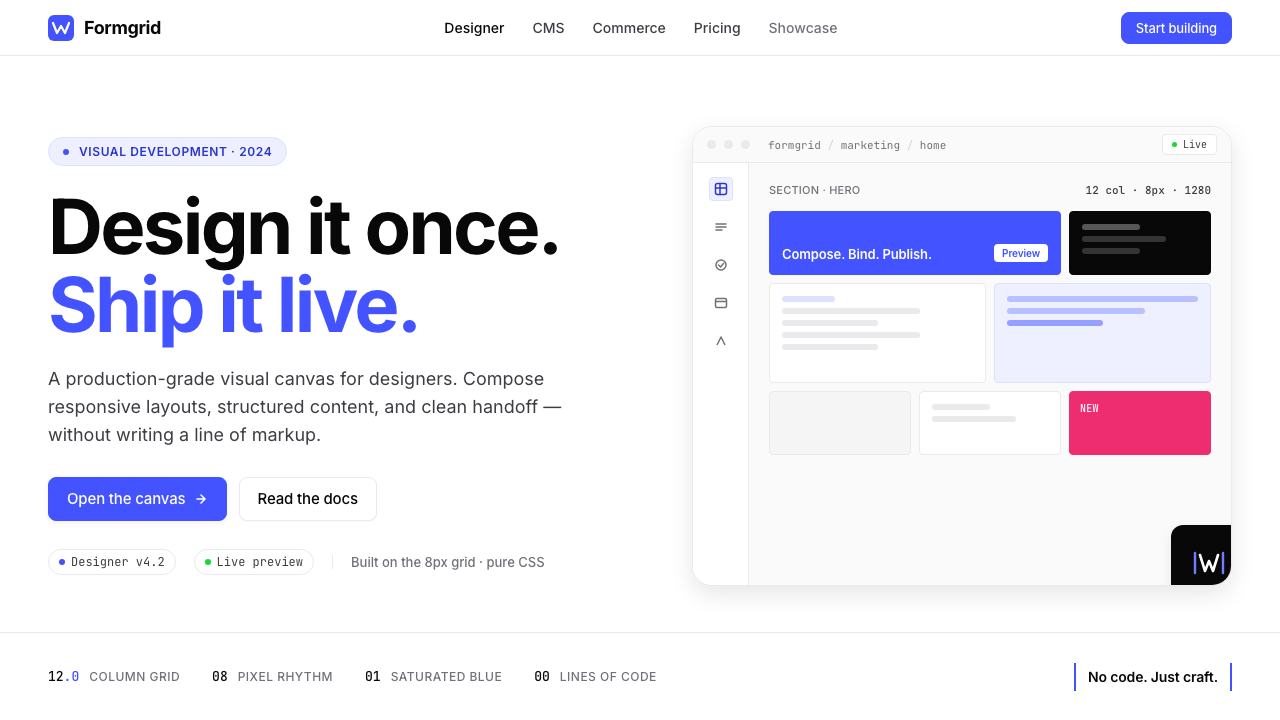 Webflow No-CodeA designer's tool, dressed like one. Saturated electric cobalt on pure white,…
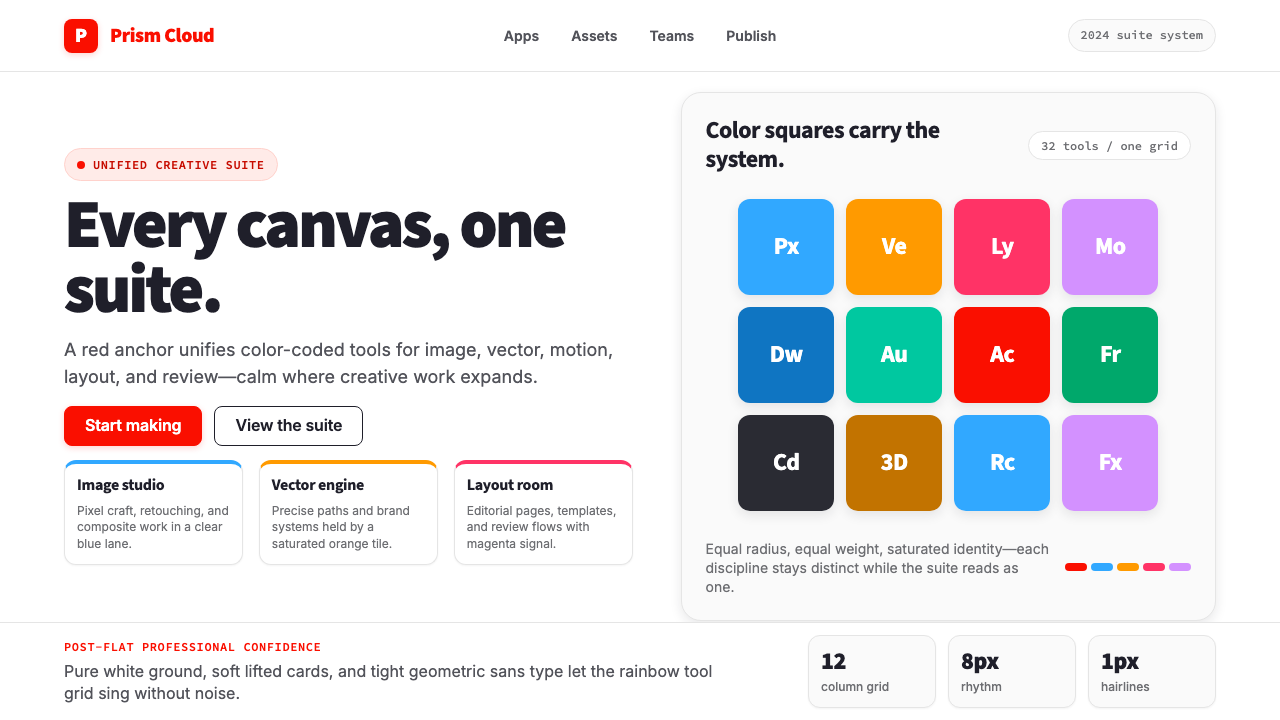 Adobe Creative CloudUnified, not uniform. Red anchor, white space, and saturated app tiles organi…
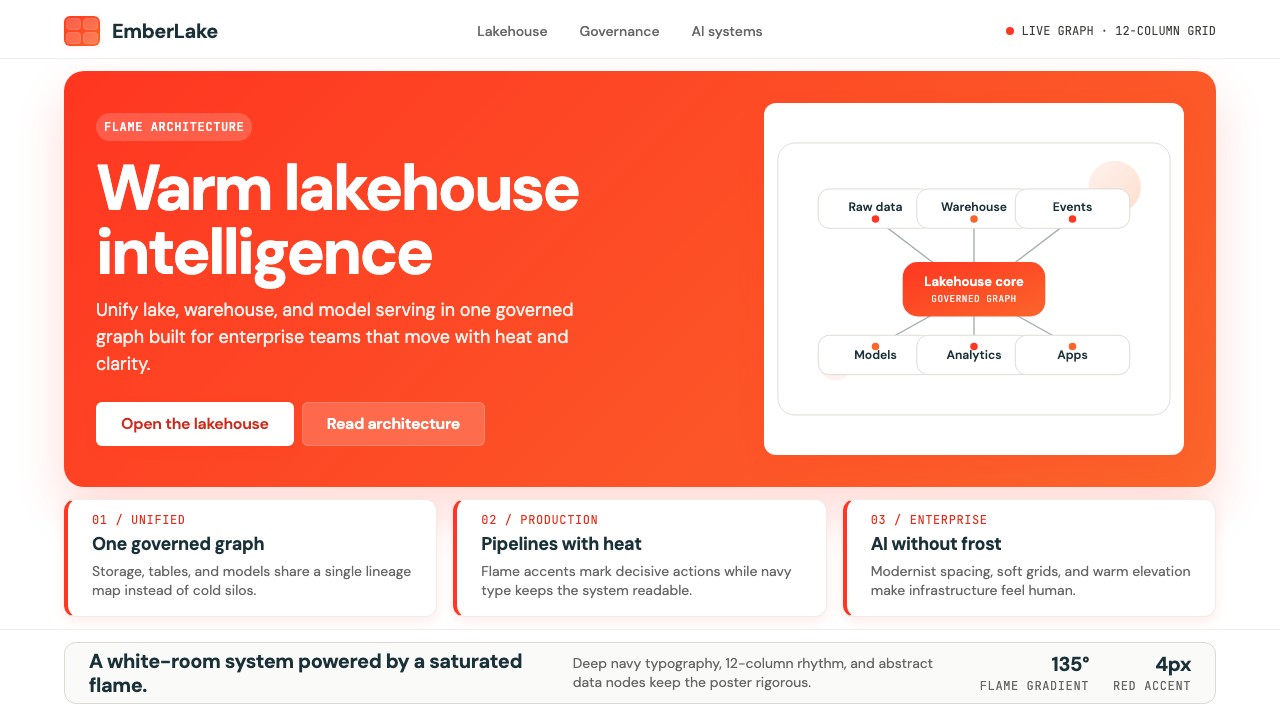 Databricks LakehouseWarm enterprise confidence. Flame red-orange gradients meet DM Sans and clean…
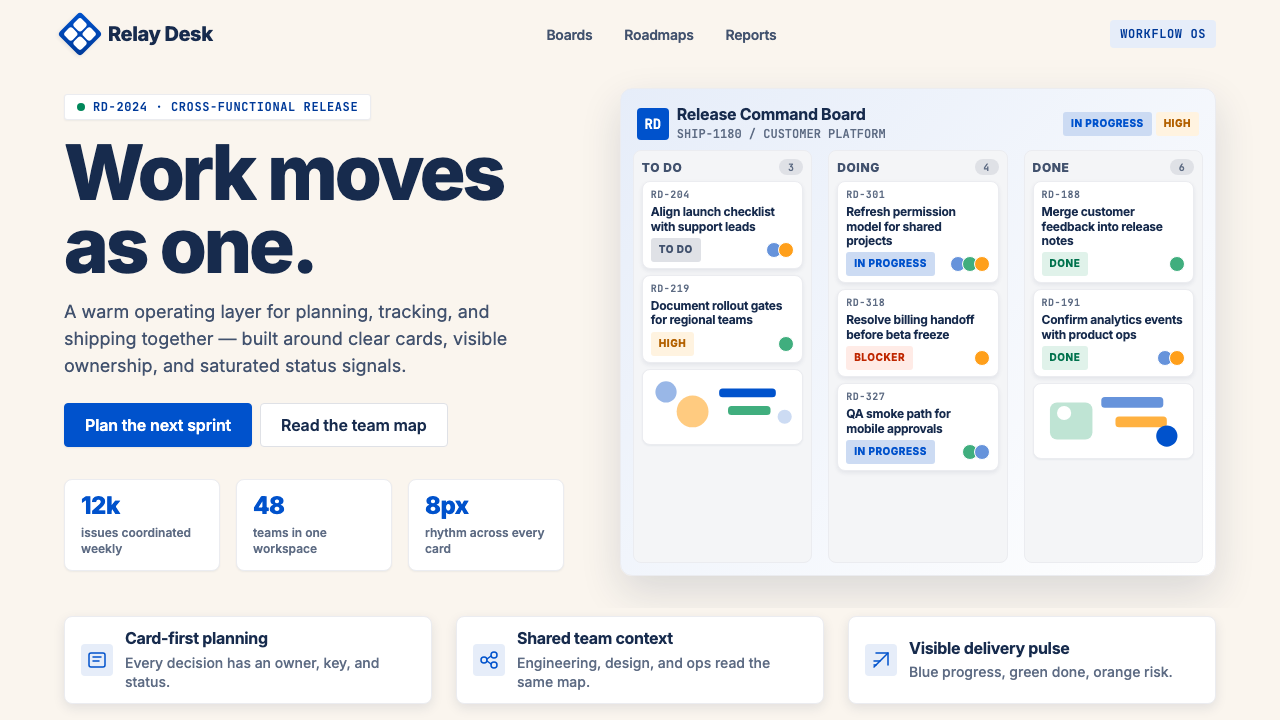 Atlassian Jira BlueWarm enterprise teamwork. Saturated blue cards on cream make status feel huma…
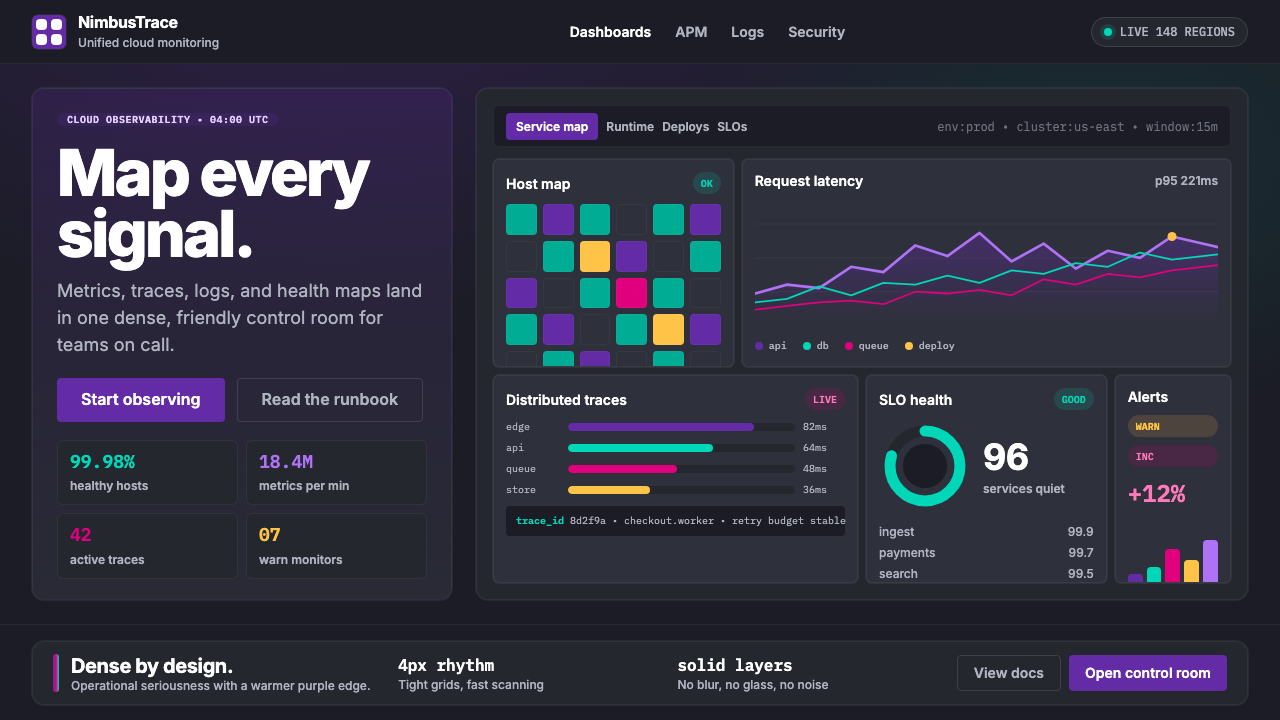 DatadogSerious telemetry, friendly pulse. Purple dark grids pack charts, badges, and…
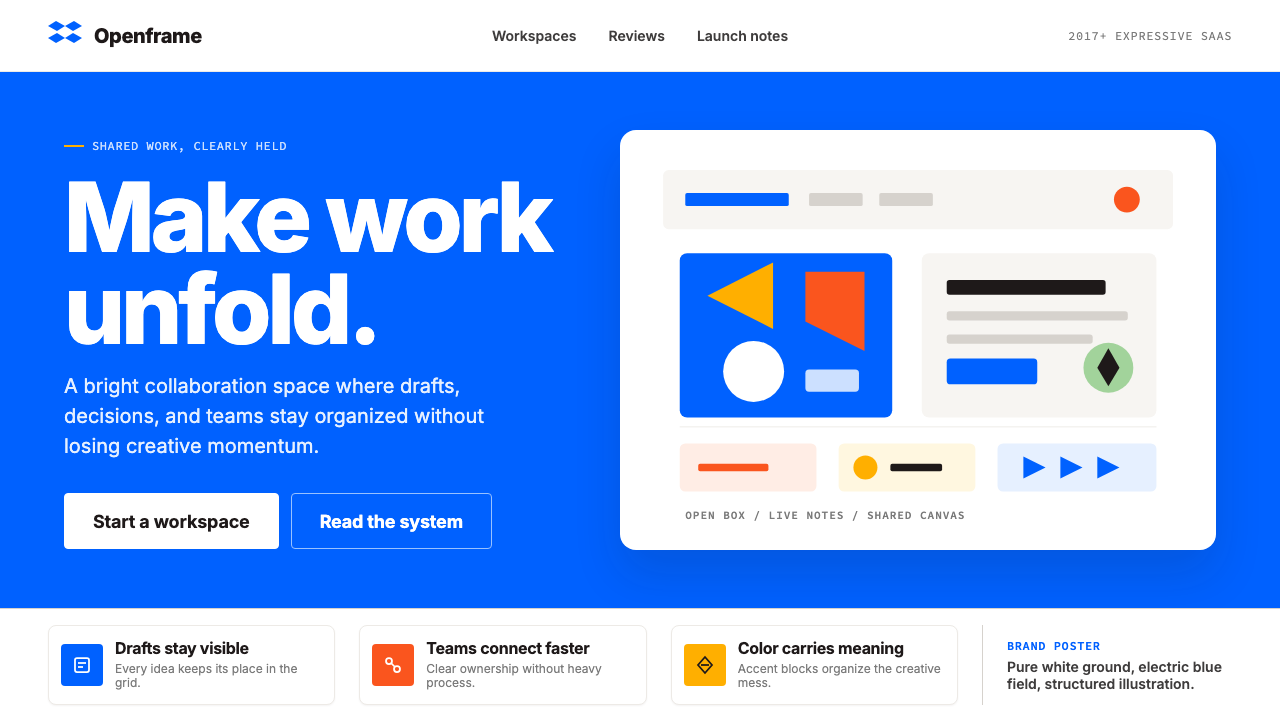 Dropbox ModernFriendly SaaS gets loud. Electric blue and Sharp Sans drive a structured geom…