What is Adobe Creative Cloud?
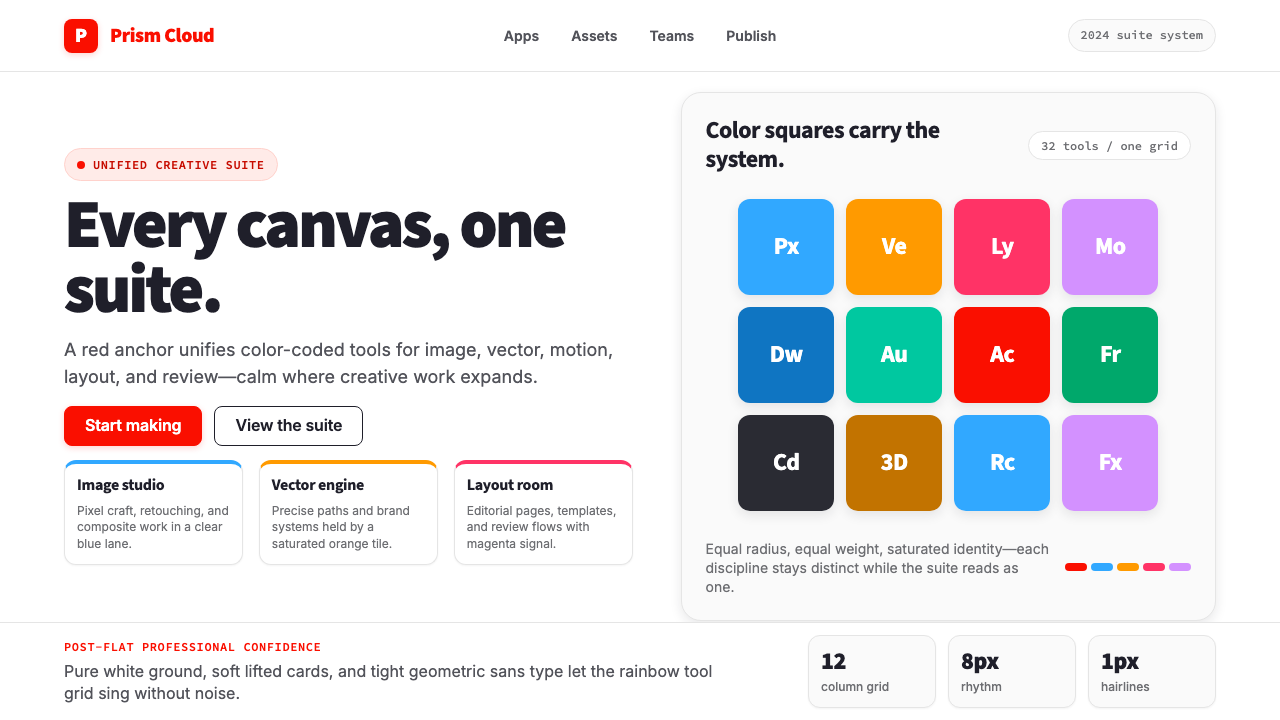
Adobe Creative Cloud unified thirty-plus creative tools under one unmistakable visual identity — a red wordmark, a spectrum of saturated app tiles, and the quiet confidence of a professional toolkit designed to get out of your way.
Adobe Creative Cloud in brief
Adobe Creative Cloud is the unified visual identity system Adobe built beginning in 2013 to bind its entire software suite — Photoshop, Illustrator, Premiere Pro, InDesign, After Effects, and dozens more — under a single subscription brand. The system is organized around two anchors: the Adobe-red wordmark, which functions as the brand's fixed point of gravity, and a per-application color-tile scheme in which every product is assigned its own saturated square. Photoshop carries a shade of blue, Illustrator a warm orange, InDesign a deep magenta, Premiere Pro a vivid purple — each tile a distinct hue that, assembled together, reads as a full rainbow spectrum.
The visual language of Creative Cloud belongs to the post-flat era of corporate design: it retains the clean geometry and generous white space of flat design while introducing a sense of solidity through carefully placed color and restrained surface treatment. The grid that underlies the system is disciplined but not rigid — marketing pages breathe, app icons snap cleanly into rows, and the wordmark holds its proportions across scales from mobile splash screen to billboard. The 2023 brand refresh sharpened the geometric-sans wordmark and shifted the overall palette toward greater contemporary clarity without abandoning the established color associations each application had accumulated over decades.
Functionally, the system is a corporate identity toolkit adapted for a creative audience. It borrows the structural vocabulary of modernist corporate design — neutral white grounds, systematic color coding, typographic hierarchy — and inflects it with just enough vibrancy to signal that the software inside is for people who make visual things for a living. The aesthetic communicates competence, scalability, and creative latitude simultaneously, which is why it has proven durable across web, print, video, and physical touchpoints for more than a decade.

Where does Adobe Creative Cloud come from?
Adobe Systems was incorporated in December 1982 in Mountain View, California, by John Warnock and Charles Geschke, two engineers who had left Xerox PARC. Their first product was PostScript, a page-description language that would transform desktop publishing and cement Adobe's foundational role in the design industry. The company's early visual identity reflected the technical, precision-oriented culture of Silicon Valley engineering: the iconic stylized-A logo, designed with input from Warnock's wife Marva Warnock, was itself a piece of rigorous geometric letterform design. From the beginning, Adobe's brand communicated that design and technology were not separate disciplines.
For much of its history, Adobe sold software in the familiar perpetual-license model — boxed products with version numbers, sold in retail stores and upgraded every eighteen to twenty-four months. Each major product carried its own visual identity, and the relationships between applications were informal. The shift came at Adobe MAX in May 2013, when the company announced that it would discontinue perpetual licenses for its Creative Suite and transition entirely to a subscription model under the new Creative Cloud brand. The announcement was controversial among long-time users, but it forced Adobe to invest seriously in a unified brand architecture that could make the suite feel like a coherent ecosystem rather than a collection of separate tools.
The Creative Cloud visual identity that emerged from this transition drew heavily on the modernist corporate design tradition — clean grids, disciplined typographic hierarchy, systematic color — but adapted it for the particular demands of a software company whose customers were themselves visual professionals. The per-app color tile system was a practical solution to a genuine problem: how do you distinguish thirty-plus products within a single brand without creating visual chaos? The answer — assign each app a unique saturated hue within a consistent square geometry — turned a logistical challenge into a recognizable aesthetic feature. By the mid-2010s, the rainbow tile grid had become one of the most recognized visual systems in the design software industry.
Russell Brown, Adobe's long-serving senior creative director, played an important role in shaping the company's creative culture and public-facing aesthetic sensibility during the decades when Creative Cloud's foundations were being laid. The 2023 brand refresh — which refined the wordmark geometry and evolved the color treatment — was part of a broader repositioning effort as Adobe expanded into areas including artificial intelligence tools, collaborative web applications, and video workflows. The refresh retained the core elements that users had learned to associate with the brand while signaling that the company was moving decisively into the next phase of creative software development.
What defines the Adobe Creative Cloud look?
Anchored Brand Color
The Adobe-red wordmark functions as the immovable center of gravity in the entire system. It appears at full saturation regardless of background, product category, or layout context, creating visual continuity across an otherwise highly varied color environment. The red is neither warm nor cool in character — it occupies a precise middle position that reads as authoritative rather than aggressive, making it suitable as a brand anchor across both light and dark contexts.
Per-App Spectrum Tiles
Every application in the suite is assigned a saturated square in a distinct hue, and these tiles collectively span the visible spectrum from blue through green, yellow, orange, magenta, and purple. The squares are uniform in geometry — always a precise square with slightly rounded corners — ensuring that color alone carries the product-differentiation work. This systematic approach means the tile for any given app is immediately recognizable even when the accompanying wordmark is absent.
Geometric-Sans Wordmark
The Creative Cloud wordmark uses a geometric sans-serif letterform of considerable visual weight. The letterforms are clean and constructed rather than humanistic, reflecting the technical precision of the software it names. The 2023 refresh made the proportions of the wordmark more compact and the stroke contrasts more deliberate, moving it closer to the pure geometric end of the spectrum. In use, the wordmark maintains its visual authority across a wide range of sizes without requiring optical correction.
White-Space Discipline
Creative Cloud marketing surfaces — web pages, app store listings, packaging, and promotional materials — consistently employ generous white space as a structural element rather than merely the absence of content. Product tiles are given room to breathe individually, headlines sit well clear of supporting body text, and the overall composition communicates openness and professional confidence. This spatial discipline is one of the clearest ways the system distinguishes itself from competitors who cluster features to signal value.
Post-Flat Surface Treatment
The system occupies the productive middle ground between pure flat design and full material-design depth. App icons use subtle gradient fills within their color tiles — not photorealistic shading, but a gentle luminosity shift that gives the squares a sense of solidity without adding visual noise. Shadows, where they appear, are soft and ambient rather than hard-offset geometric shapes, reinforcing the sense that objects sit in a light physical space rather than on a pure two-dimensional plane.
Systematic Color Coding
Beyond the per-app tile colors, the Creative Cloud system uses color systematically to encode information hierarchy across its interfaces. Calls to action, plan-tier labels, and interactive states each receive consistent color treatment that allows users to scan and orient quickly across different product pages. The system's color logic is not symbolic in the Bauhaus sense — it is functional, trained through repetition to produce reliable visual shortcuts for an experienced user base.
Scalable Icon Architecture
The app-icon system is designed to function as an architecture: each icon is a two-letter abbreviation set in the same typeface weight against its application color tile, and the consistency of this structure means new products can be added to the suite without breaking the visual system. The icons are immediately legible at the scale of a dock icon and remain recognizable even as small thumbnails in a crowded interface. This scalability is a deliberate structural property, not a side effect.

Who shaped Adobe Creative Cloud?
John Warnock co-founded Adobe in 1982 and served as CEO until 2000, then as chairman until 2017. His invention of PostScript transformed desktop publishing and made Adobe's foundational relationship with the design industry. His vision of software as a medium for creative expression, rather than purely a productivity tool, shaped the company's product philosophy in ways that are still visible in Creative Cloud's positioning as a platform for creative professionals rather than general-purpose office software.
Charles Geschke co-founded Adobe alongside Warnock after both left Xerox PARC in 1982. Geschke's background in computer science and his work at PARC on the Interpress page-description language directly preceded PostScript, and his operational leadership of the company's early years established the engineering discipline that would underpin Adobe's long-term reliability as a software platform. He served as president and then co-chairman until his death in 2021.
Marva Warnock, a graphic designer and wife of John Warnock, played a direct role in the creation of Adobe's original logotype. The stylized-A mark she helped design became one of the most recognized logos in the technology industry and established from the outset that Adobe's brand identity would be treated with the same care the company applied to its technical products. Her contribution is a reminder that the design sensibility embedded in Adobe's visual identity has roots in professional graphic design practice from the company's founding.
Russell Brown joined Adobe in 1984 as its first art director and spent decades as the company's senior creative director, becoming one of the most visible advocates for the creative uses of Adobe software. His role in shaping the company's internal creative culture and its public-facing design demonstrations helped establish the tone of confident, professional creativity that continues to inform Creative Cloud's visual identity. Brown was also known for his theatrical product demonstrations at industry events, which themselves modeled the kind of creative freedom the software was meant to enable.
Shantanu Narayen became Adobe's CEO in 2007 and led the company through the pivotal transition to Creative Cloud subscription in 2013. His strategic decision to abandon perpetual licensing — despite significant customer resistance — was the single most consequential business move that necessitated the development of a unified Creative Cloud visual identity. Under his leadership, Adobe also expanded into marketing technology, document workflows, and artificial intelligence, each of which required the Creative Cloud brand architecture to stretch into new contexts while maintaining coherence.
How do you use Adobe Creative Cloud today?
Adobe Creative Cloud's visual system is a productive reference for anyone building interfaces, presentations, or marketing materials aimed at creative professionals or technical knowledge workers. The system's core logic — systematic color coding, geometric icon architecture, generous white space, and a single strong brand-color anchor — translates well across contexts when understood structurally rather than imitated superficially.
For presentation slides, the Creative Cloud approach works particularly well when a deck needs to communicate product range or system breadth. A cover slide can use the multi-tile color grid as an organizational motif — each section or topic assigned its own saturated square, assembled into a coherent matrix that signals depth without requiring detail on the first page. Content slides benefit from the system's white-space discipline: let the primary visual element occupy the center with substantial breathing room, set the supporting text in a clearly subordinate size, and use the brand anchor color sparingly for emphasis or calls to action. Data slides should treat charts and diagrams as tile-like objects — clean, color-coded, and bounded — rather than as freeform graphics overlaid on a background.
For web user interfaces — particularly dashboards, SaaS pricing pages, and feature comparison tables — the Creative Cloud visual grammar is especially instructive. Define a tight grid, keep the background near-white, use a single strong anchor color for primary interactive elements and calls to action, and deploy a small palette of secondary colors to encode categories or tiers. Card components in this style should have clean borders or very subtle shadows rather than heavy depth effects; the goal is to make information scannable, not to create tactile richness. Navigation should be typographic and clear — no decorative icons, no gradients in the navigation bar.
For editorial layouts, marketing materials, and brand collateral targeting creative or design-adjacent audiences, the system's confidence and clarity translate directly. Hero sections work well with a full-width color block — either the brand anchor color or a product-category hue — against which a clean white wordmark or headline sits. Section breaks can be marked by a shift in background color rather than a dividing line, using the tile-color logic to distinguish topic areas. Marketing emails and landing pages benefit from the same white-space generosity that characterizes the Creative Cloud web experience: resist the urge to fill every row, and let the color carry the visual weight.
A common mistake when drawing on this system is treating the rainbow tile palette as permission to use every color at full saturation simultaneously. The Creative Cloud system is disciplined precisely because, in any given composition, one or two colors dominate while the rest appear as accent or catalog elements. Similarly, the white-space principle is often abandoned in favor of information density — but compressing the layout undermines the premium, professional signal the style is designed to send. Restraint in both color and space is what makes the system legible and authoritative rather than cluttered and anxious.

Adobe Creative Cloud — FAQ
How does the Creative Cloud visual system differ from traditional corporate identity design?
Traditional corporate identity systems are typically built around a single primary color, a single typeface family, and a strict set of logo usage rules designed to maintain consistency across hundreds of product lines. Creative Cloud inverts part of this logic: instead of enforcing visual uniformity through a single color, it creates coherence through a consistent geometric system — the square tile format, the two-letter abbreviation convention, the uniform typeface treatment — while deliberately allowing a wide range of distinct hues to differentiate products. The result is a system that is simultaneously systematic and visually varied, which suits a product company whose customers are professional designers accustomed to working with color.
Can the Creative Cloud aesthetic be used for dark-background interfaces?
Yes, and Adobe itself provides dark-mode interfaces for many of its applications. The system adapts to dark backgrounds by shifting the white-ground discipline to a deep-neutral-ground discipline: the overall surface becomes dark, body text shifts to near-white, and the saturated tile colors and the Adobe-red wordmark retain their roles as accent and anchor respectively. The key is maintaining the same restraint — not flooding the dark surface with all tile colors simultaneously, but letting one or two appear as focal accents against the neutral ground. Dark versions of the system work particularly well for video editing and color-grading interfaces where ambient light reduction is a practical concern.
What makes the two-letter app abbreviation system effective?
The two-letter abbreviation system works because it solves three problems simultaneously. First, it creates a consistent visual rhythm across all icons regardless of the underlying product name length — whether the product is called Photoshop, After Effects, or Dimension, the icon always occupies the same visual footprint. Second, the abbreviations are short enough to remain legible at small sizes, which matters enormously in crowded docks, taskbars, and application switchers. Third, the constraint of two letters forces a naming discipline on new products: they must be named in ways that produce a recognizable and non-conflicting two-letter code. This is a case where a visual constraint produces an organizational benefit.
How should I handle the Creative Cloud palette when I only need two or three colors?
Select colors from the spectrum palette based on the specific products or categories most relevant to your context, and treat the Adobe-red wordmark color as a reserved anchor that appears only in brand-identity contexts rather than as a general accent. When you need to represent a range of topics or sections, resist the temptation to use more colors than you have topics — one color per meaningful category is the correct unit of measurement. If you only need two colors, choose hues from opposite ends of the spectrum (blue and orange, or purple and yellow) for maximum contrast, and rely on the white or neutral background to provide visual separation between elements rather than adding additional hues for that purpose.
Is the Creative Cloud style appropriate for consumer-facing products, or is it primarily a B2B aesthetic?
The Creative Cloud visual system is optimized for an audience of creative professionals — people who use design tools daily and bring a high degree of visual literacy to every interface they encounter. This makes it an excellent reference for B2B products targeting designers, developers, marketers, and similar knowledge workers. For general consumer products, the system's precision and restraint can feel slightly clinical or demanding — it presupposes a viewer who is comfortable navigating color-coded systems and reading dense typographic hierarchy. Products that need to communicate warmth, playfulness, accessibility to non-experts, or strong emotional resonance will typically need to modify the system significantly or look to other visual references. The Creative Cloud aesthetic works best when the product's values — professional capability, systematic thinking, creative ambition — align with the visual system's own character.
Related design styles
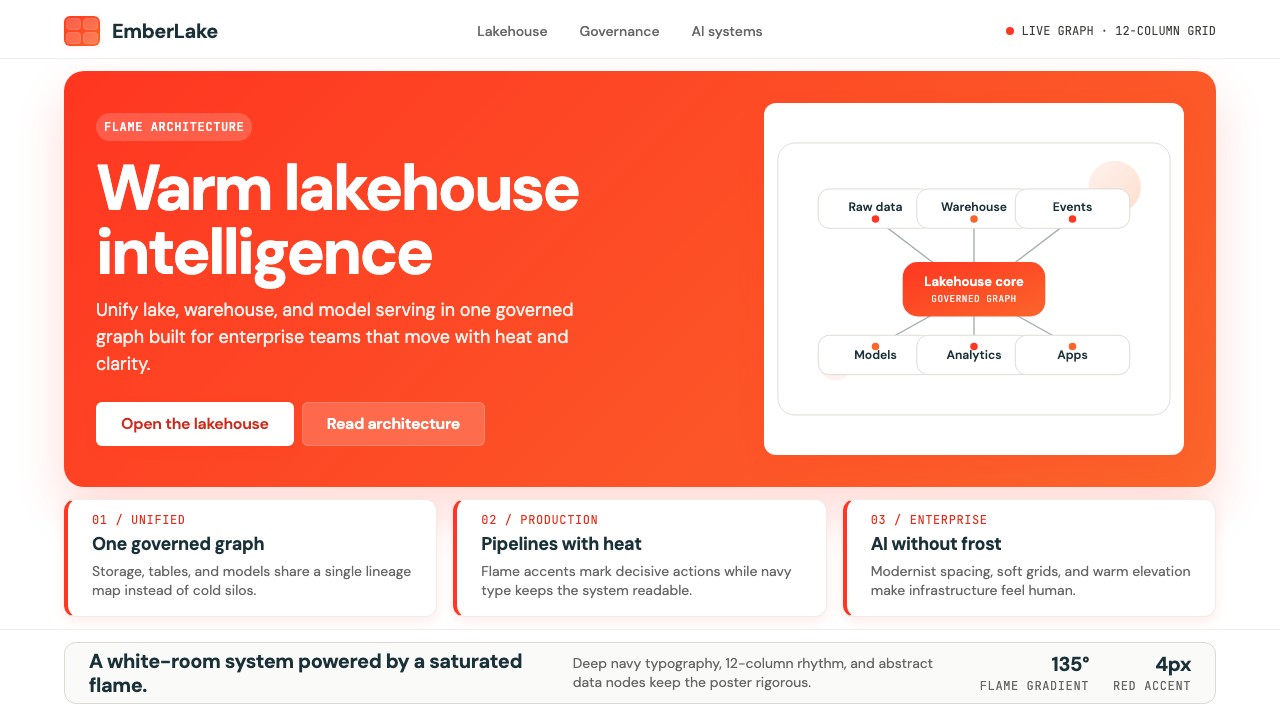 Databricks LakehouseWarm enterprise confidence. Flame red-orange gradients meet DM Sans and clean…
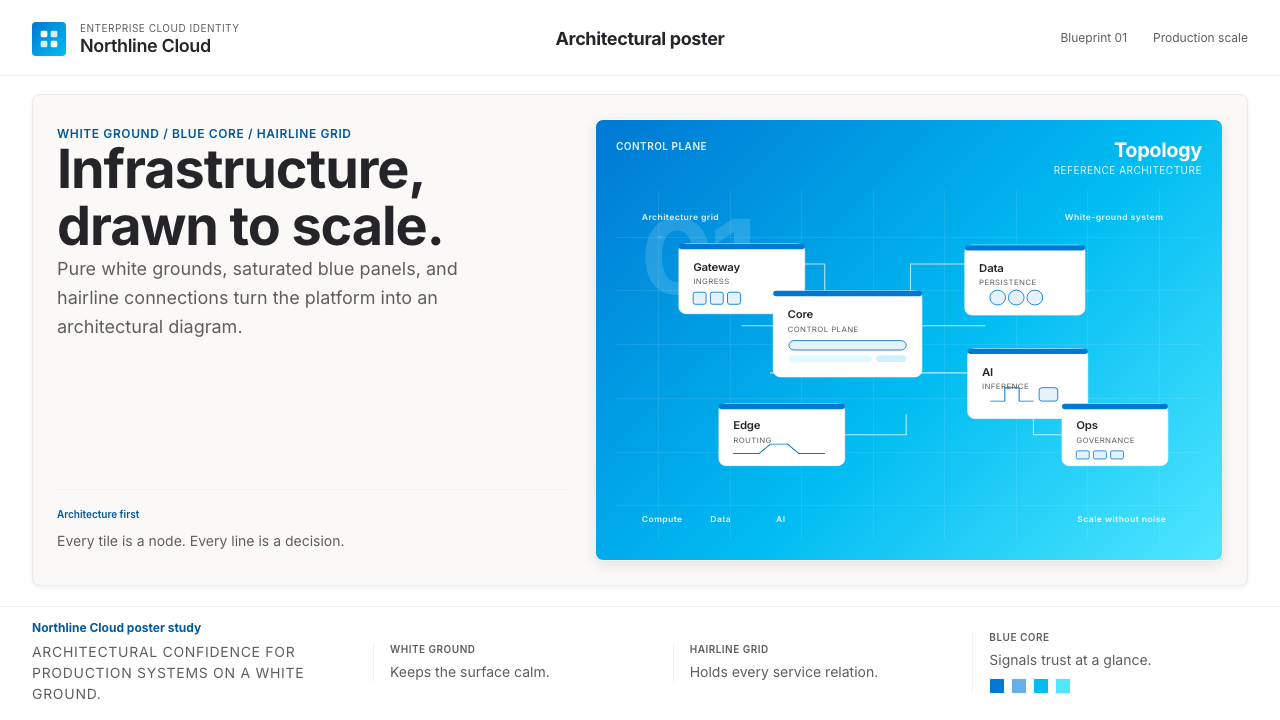 Microsoft AzureEnterprise calm, sharply diagrammed. White ground, saturated blue, hairline l…
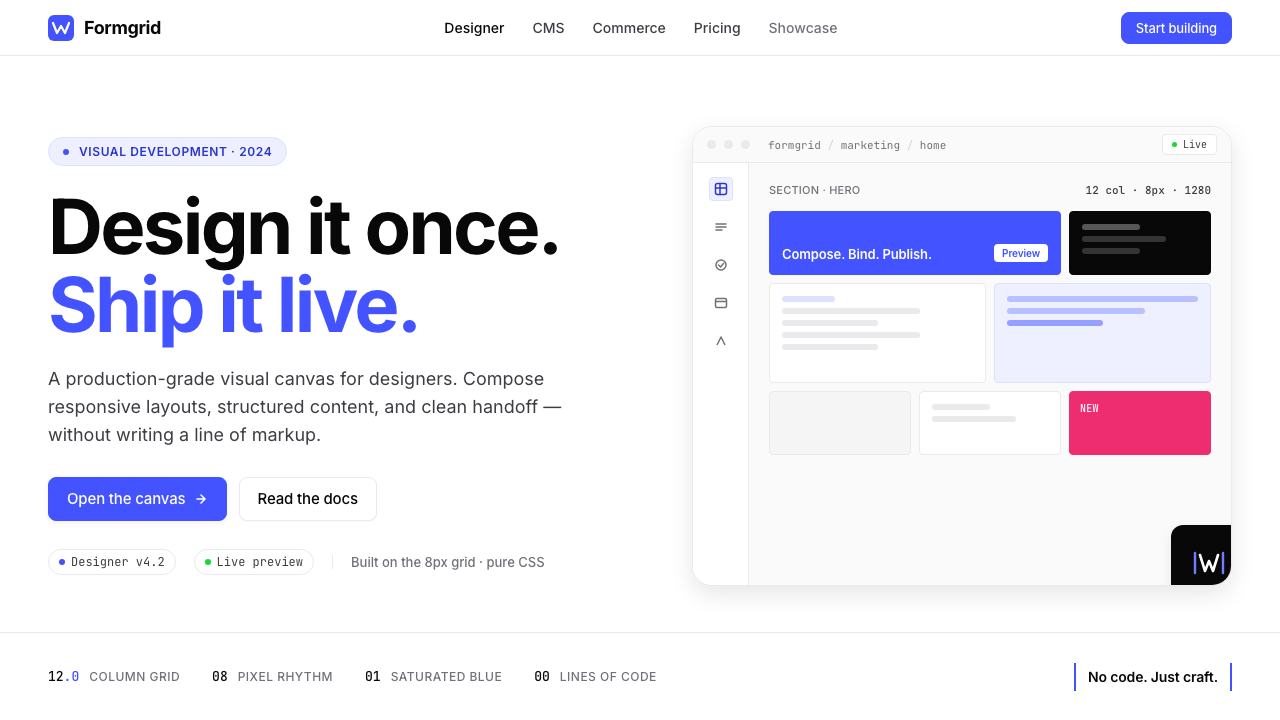 Webflow No-CodeA designer's tool, dressed like one. Saturated electric cobalt on pure white,…
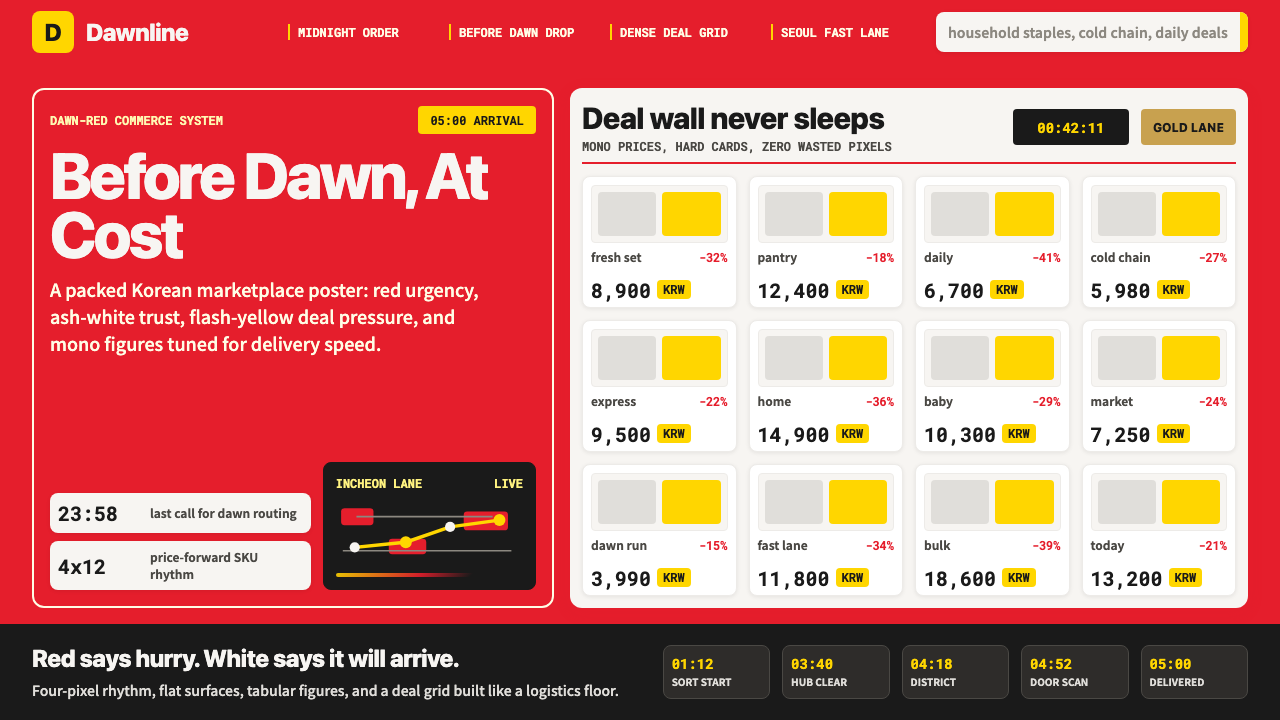 Coupang Rocket DeliveryUrgency made trustworthy. Rocket red, flash yellow, mono prices and packed gr…
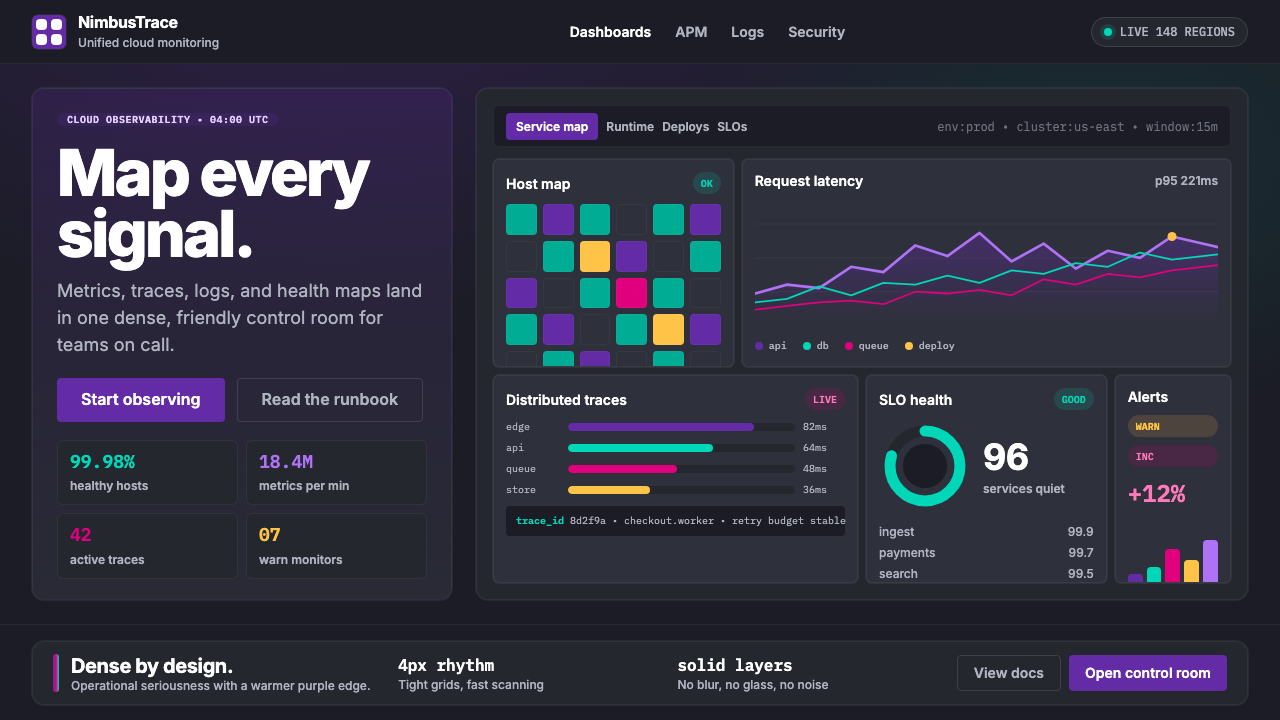 DatadogSerious telemetry, friendly pulse. Purple dark grids pack charts, badges, and…
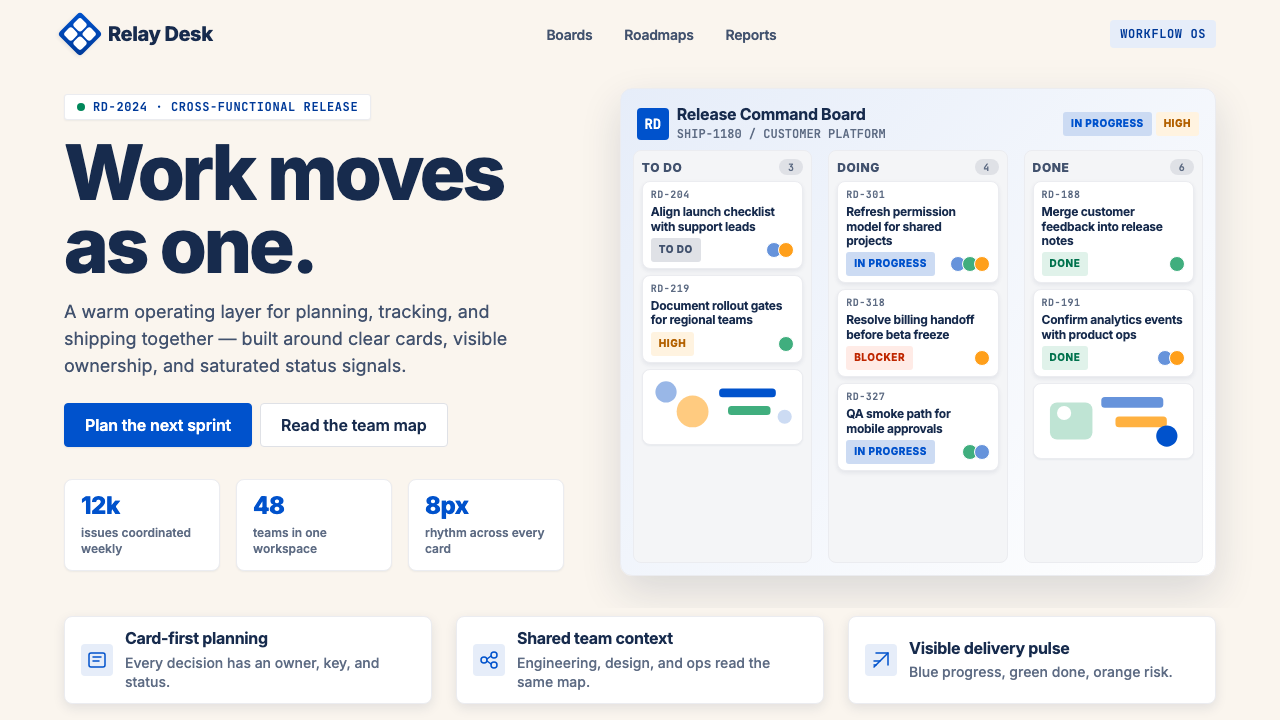 Atlassian Jira BlueWarm enterprise teamwork. Saturated blue cards on cream make status feel huma…