What is Atlassian Jira Blue?
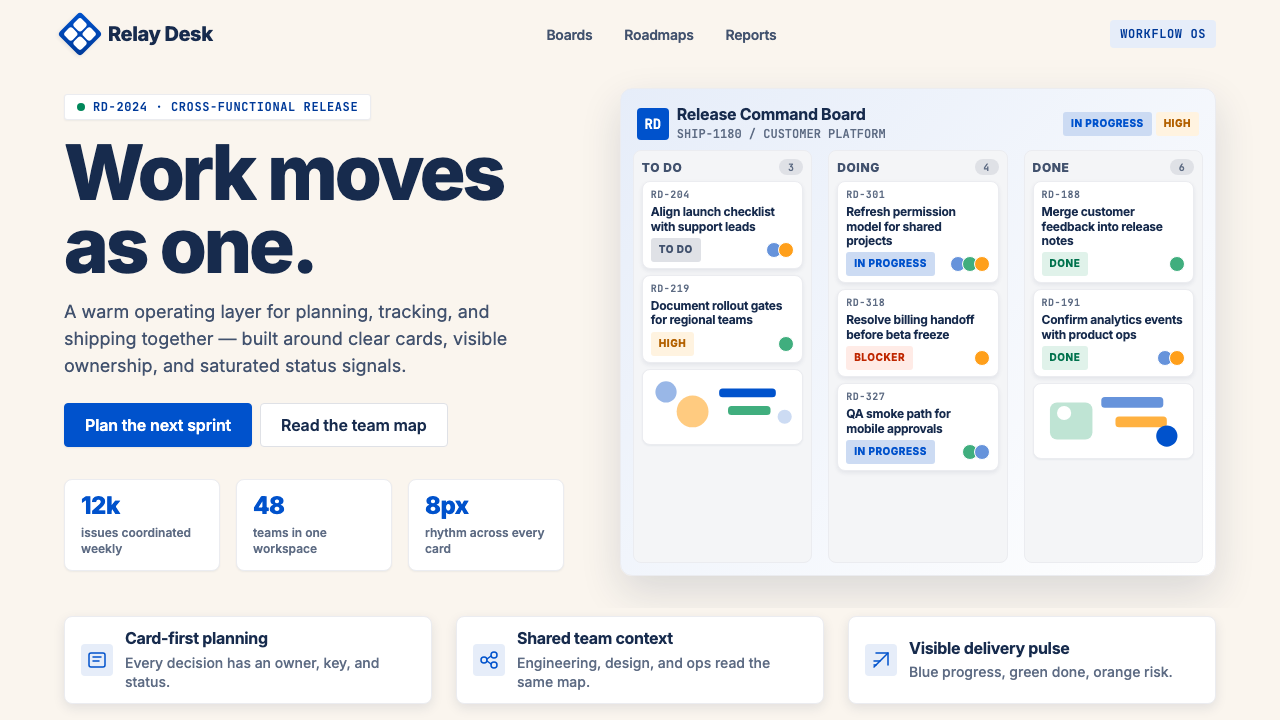
Atlassian Jira Blue proves that enterprise software can feel genuinely human — saturated blue on warm cream, built for engineers but designed for everyone in the room.
Atlassian Jira Blue in brief
Atlassian Jira Blue is the visual design language anchoring Atlassian's sprawling enterprise-collaboration suite — Jira for issue tracking, Confluence for documentation, Bitbucket for code, Trello for kanban, and Loom for async video. The system is built around a signature saturated blue that reads as confident without being cold, paired with a warm cream ground that softens the formality typically associated with enterprise tooling.
The style's core gesture is the relationship between its primary blue and its cream background. Rather than placing high-contrast color on stark white — the default move for developer tools — Jira Blue tilts the background toward warmth, creating a visual register that feels closer to a thoughtfully produced publication than to a software dashboard. Deep navy text reinforces legibility without introducing harshness. Abstract, rounded team illustrations add personality in a way that feels consistent rather than decorative.
What distinguishes Jira Blue from generic corporate blue palettes is the deliberate humanity threaded through every touchpoint. Status tags are color-coded but not aggressive. Kanban cards carry subtle structure without becoming clinical. The illustration style anthropomorphizes abstract team dynamics — sprints, blockers, approvals — into scenes that non-engineers can parse at a glance. The system is modern and confident, but it never sacrifices approachability for authority.

Where does Atlassian Jira Blue come from?
Atlassian was founded in Sydney, Australia, in 2002 by university friends Mike Cannon-Brookes and Scott Farquhar, who bootstrapped the company with a credit card loan and built Jira as a bug and issue tracker for software teams. The name 'Jira' derives from 'Gojira,' the Japanese name for Godzilla, a nod to the founders' playful culture that would later become embedded in the brand's visual personality. From the earliest versions, Atlassian's products had a character distinct from the sterile utilitarian tools common in enterprise software of the early 2000s.
The Atlassian blue emerged as a product identity color in the brand's early years, serving as a clear differentiator in a market dominated by gray enterprise interfaces and the default blues of legacy project management software. As Atlassian expanded its product suite through the 2000s and 2010s — acquiring Trello in 2017, Loom in 2023, and building out Confluence and Bitbucket alongside Jira — the need for a cohesive multi-product design language became urgent. Individual product teams had developed their own visual conventions, and the growing suite risked fragmenting into a visual patchwork.
The Atlassian Design System (ADS) emerged in the late 2010s and was substantially formalized around 2020 as a company-wide response to this fragmentation. ADS codified not just the blue color and the cream ground, but a complete type system, icon library, spacing philosophy, component library, and illustration style. Central to the ADS was the commissioning of Charlie Sans, a proprietary humanist typeface designed specifically for Atlassian's needs — approachable enough for marketing contexts, legible enough for dense product interfaces, and distinctive enough to anchor a corporate identity across dozens of product surfaces.
The cream background — a deliberate departure from pure white — was introduced as part of the ADS refresh to address a specific user-experience problem: long work sessions in software tools with pure-white backgrounds cause eye fatigue, particularly in regions of the world where Atlassian had significant user bases operating under fluorescent office lighting. The warm ground is practical as well as aesthetic. The combination of saturated blue, warm cream, deep navy text, and the rounded humanist forms of Charlie Sans produces a system that is instantly legible across monitor types, robust at both large display sizes and small mobile screens, and recognizable as Atlassian at a fraction of a second.
What defines the Atlassian Jira Blue look?
Color Hierarchy
The palette operates as a deliberate three-level hierarchy. The primary saturated blue carries the brand identity and is reserved for key interactive elements, primary buttons, and focal-point accents — it signals 'this matters, act here.' The warm cream ground establishes the visual tone of the entire surface, pushing the palette away from clinical neutrality and toward comfortable familiarity. Deep navy type anchors all information in high legibility without introducing the harshness of pure black. Secondary and semantic colors — greens for success states, reds for errors, yellows for warnings — are used functionally and sparingly within this hierarchy, never competing with the primary blue.
Warm Ground
The choice of a cream-tinted background rather than pure white is one of the most consequential decisions in the Jira Blue system. It shifts the entire visual register: interfaces feel less like software interfaces and more like a workspace — a well-lit desk rather than a glowing terminal. This warmth reduces visual fatigue during extended use, creates a subtle contrast differentiation from the white surfaces of modals and cards that sit above it, and gives the saturated blue a richer ground to read against. The cream is not decorative; it is structural to the system's emotional character.
Humanist Typography
Charlie Sans, the proprietary typeface developed for Atlassian, is a humanist sans-serif — a category that draws on calligraphic proportions and subtly varying stroke weights to produce letterforms that feel crafted rather than mechanical. This makes it inherently warmer than geometric sans-serifs, which are based on circles and rigid construction. In practice, Charlie Sans reads efficiently at small sizes in dense product interfaces while retaining enough personality to carry large display type in marketing contexts. The typographic hierarchy in Jira Blue relies on scale and weight contrast rather than ornamental variation: headlines communicate through size, body text through consistent rhythm, and labels through compactness.
Rounded Illustration Language
The illustration system within Jira Blue uses abstract, rounded figures to represent teams, workflows, and collaborative concepts. Figures are simplified to near-geometric forms — heads as circles, bodies as smoothed rectangles — but retain enough relational posture to convey social dynamics: a team huddled around a board, a figure pointing to a chart, two figures shaking hands. The color palette in illustrations draws from the main product palette, keeping visual consistency. This style sits between the extreme abstraction of pure iconography and the specificity of realistic illustration, allowing Atlassian to represent diverse global users without defaulting to any particular ethnicity or body type.
Status-Color Semantics
One of Jira Blue's most practically significant contributions to enterprise UI is its color-coded status system for issue tracking. Each work state — to do, in progress, in review, done, blocked — carries a distinct color that is immediately scannable across a kanban board or backlog list. The semantic colors are calibrated to avoid visual aggression: the red for blocked states is muted enough not to induce panic while still signaling urgency; the green for done is positive without becoming celebratory. This calibration reflects an understanding that these colors will be in view for hours each working day, and eye fatigue is a real design constraint.
Component Density and Breathing Room
Jira interfaces are information-dense by necessity — issue lists, sprint boards, and roadmaps carry significant data loads — but the design system manages this density through generous internal spacing within each component. Cards are well-padded; labels are given room to breathe; action icons are grouped with clear separation. This approach means the visual impression is never cluttered, even when the information volume is high. The cream ground helps here too: its visual warmth absorbs density more gracefully than a pure-white background, which tends to amplify the sense of crowding when content is heavy.
Confident Simplicity in Iconography
The icon system throughout Atlassian products uses a consistent stroke weight, rounded terminals, and a deliberately limited level of detail. Icons read as tools, not decorations: a spanner for settings, an arrow for transitions, a checkmark for completion. The rounded terminals echo the humanist quality of Charlie Sans, creating visual kinship between type and icon across the interface. The stroke-based approach also ensures icons remain legible at the small sizes common in dense product views, and scale gracefully to larger display contexts without looking cartoonish or thin.

Who shaped Atlassian Jira Blue?
Co-founder and long-serving co-CEO of Atlassian, Cannon-Brookes set the cultural tone that shaped Jira Blue from its earliest days. His commitment to building enterprise software that felt genuinely human — and to investing in design quality at a time when enterprise tools were notorious for visual neglect — established the mandate under which the Atlassian Design System was eventually developed. His public advocacy for Australian technology and social responsibility also informed the brand's personality: confident, direct, and unpretentious.
Co-founder and co-CEO alongside Cannon-Brookes, Farquhar shaped Atlassian's early go-to-market approach — low-touch, self-serve, priced for teams rather than enterprises — which directly influenced the design imperative that Jira be understandable and usable without extensive training. This commercial logic drove the style toward accessibility and clarity rather than the complexity-signaling common in expensive enterprise software. Farquhar's operational focus ensured that design decisions were made with the real working habits of engineering teams in mind.
The team responsible for developing and maintaining the Atlassian Design System represents the institutional force behind Jira Blue's systematization. Working across brand, product design, engineering, and accessibility disciplines, this multi-functional group translated a historical brand color and visual intuitions developed across many years into a complete, documented, and scalable design language. Their work on Charlie Sans — including the decisions about proportion, weight range, and hinting for screen rendering — was particularly consequential for giving the system its distinctive warmth and legibility across Atlassian's global user base.
Though primarily associated with Slack and Flickr rather than Atlassian, Butterfield's influence on collaborative-tool design philosophy shaped the ambient standards against which Atlassian positioned Jira Blue. Slack's demonstration that enterprise communication tools could be visually warm, playful, and human — and that this warmth drove adoption across non-technical users — validated the design direction Atlassian was pursuing with Jira Blue. The competition between Slack and Atlassian's Stride (later wound down) made the question of design personality in enterprise tools commercially urgent for the entire industry.
How do you use Atlassian Jira Blue today?
Atlassian Jira Blue translates well to presentation design precisely because it was built to communicate complex project states clearly at a glance. The system's logic — primary blue for focal emphasis, cream for the base field, deep navy for all informational text, and semantic colors for status — maps naturally onto the hierarchy problems that presentations face. A cover slide works best with a confident full-bleed arrangement: the primary blue occupies a dominant portion of the composition, with the title in clean, well-spaced type on the cream or white portion. The blue should feel like a declaration, not a background wash.
Content slides built in this style benefit from the system's inherent discipline around information density. Treat each slide as a Jira board view: group related items into clearly bounded card-like regions, use the cream background as the base surface, and let the primary blue appear only on the one element that demands action or emphasis. Avoid placing blue on every section header — this flattens the hierarchy and loses the system's ability to direct attention. Data slides can use the blue for the primary data series, with cream or light gray for secondary series, and deep navy for axis labels and annotation text.
For web interfaces and dashboards, Jira Blue is particularly well-suited to tool-like products where users spend extended time in the interface. Apply the cream background across the main canvas — not pure white — and reserve white for modals, drawers, and overlaid panels, which will naturally appear to float above the base surface. Navigation and sidebar elements should stay typographically lean: labels in deep navy, the active state highlighted in blue, no gratuitous icon density. Pricing pages work well with this style when tiers are differentiated by a blue highlight on the recommended plan, with the remaining plans presented in the cream-and-navy register.
In editorial and marketing contexts, Jira Blue supports a modernist confidence that translates well to brand communication for software and enterprise products. Feature-led landing pages can alternate full-width sections between cream-ground-with-blue-accents and blue-ground-with-cream-text — creating rhythm without introducing additional colors. The illustration style — abstract, rounded, team-focused — should appear in contexts where social proof or process narrative is needed, not as pure decoration. Headlines in large display type on cream, with the primary blue reserved for a single call-to-action button, maintains the system's hierarchy even at marketing scale.
A common mistake when applying Jira Blue is diluting the cream ground by mixing it with multiple background tones — adding light gray sections, off-white panels, and bone-colored dividers alongside the cream. The system's warmth depends on the cream reading as a deliberate, unified field, not as one option among several neutral backgrounds. Similarly, the primary blue loses its weight when it is applied to too many elements simultaneously: if blue appears on the header, the sidebar, the primary button, and the card borders all at once, the eye has no anchor point. Reserve the saturated blue for one role per layout view, and let the cream and navy carry everything else.

Atlassian Jira Blue — FAQ
How is Jira Blue different from generic corporate blue palettes?
The defining difference is the cream ground. Most corporate blue palettes place their primary blue against pure white, which produces high contrast but also a clinical, cold register. Jira Blue's warm cream background shifts the emotional character of the entire system — the same saturated blue reads differently against cream than against white, picking up warmth and becoming less aggressive. The combination of humanist typography, rounded illustration style, and the cream ground makes Jira Blue distinctly approachable for an enterprise palette, rather than just authoritative.
Can Jira Blue work for non-software products and brands?
Yes, with selectivity. The style works well for any product or service that needs to project collaborative competence — consulting firms, financial services platforms, educational institutions, professional associations, and any B2B context where trust and clarity are primary values. It is less suited to consumer contexts where warmth needs to be sensory and organic rather than systematic: food, wellness, fashion, and children's products will feel constrained rather than humanized by this system. The key question is whether the brand's core promise is about organized capability or about emotional resonance.
How should status colors be handled if the primary blue is already heavily used?
The Jira Blue system handles this by treating status colors as a separate semantic layer that operates within the component level — inside cards, badges, and tags — rather than at the page composition level. The primary blue dominates the layout architecture: primary buttons, active navigation states, key CTAs. Status colors appear inside data items and are deliberately muted in saturation so they do not compete with the primary blue at the composition level. When designing with this system, think of the primary blue as the page's voice and the status colors as annotations within individual data points.
Is a dark-mode version of Jira Blue authentic to the system?
Atlassian does offer dark-mode variants in its products, but dark mode represents a significant inversion of the system's core logic. The defining warmth of Jira Blue comes from placing saturated blue against a warm cream ground — on a dark ground, the cream disappears, the blue reads differently, and the emotional character of the system changes substantially. A dark version can be executed well, but it requires rebuilding the semantic relationships rather than simply inverting values. The cream's role as a warmth carrier needs to be assigned to another element — perhaps a more amber-tinted dark surface rather than a pure dark gray — to preserve the system's distinguishing quality.
What makes Jira Blue illustrations distinctive, and how closely should they be followed?
The Atlassian illustration style is distinctive for its combination of near-geometric figure simplification with subtle posture and relational dynamics — figures that read as types rather than individuals, but still communicate human emotion and interaction. The key qualities to preserve when drawing from this style are: roundedness over angularity, abstraction over specificity, relational composition over portrait-style isolation, and palette consistency with the surrounding interface. You do not need to replicate the exact visual style, but any illustration used alongside Jira Blue should avoid photorealism, heavy shading, and cultural or physiological specificity that would undermine the system's universal-team quality.
Related design styles
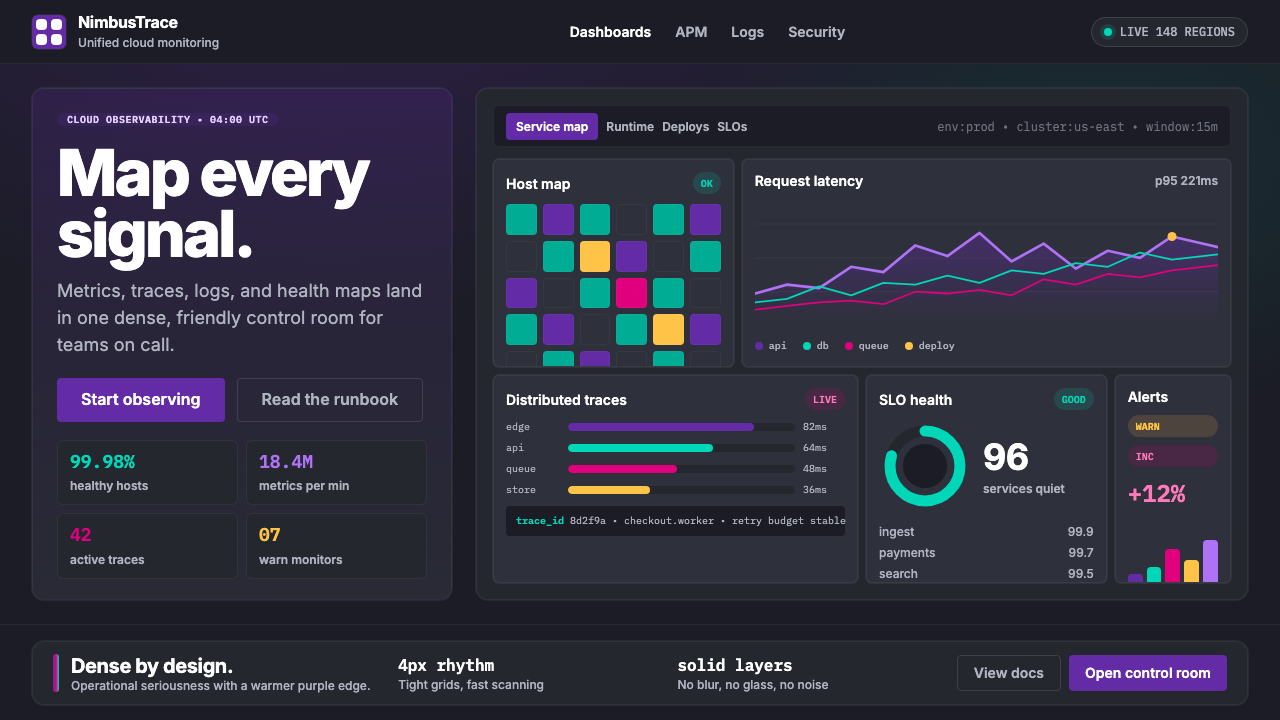 DatadogSerious telemetry, friendly pulse. Purple dark grids pack charts, badges, and…
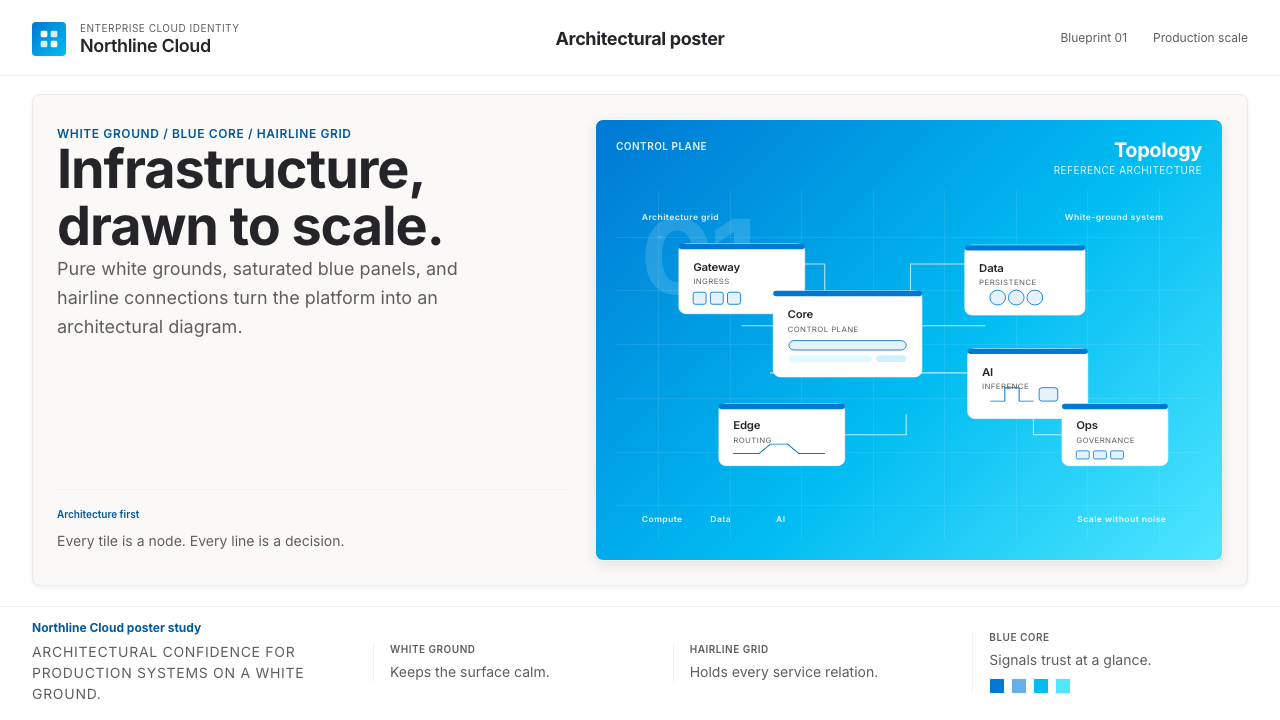 Microsoft AzureEnterprise calm, sharply diagrammed. White ground, saturated blue, hairline l…
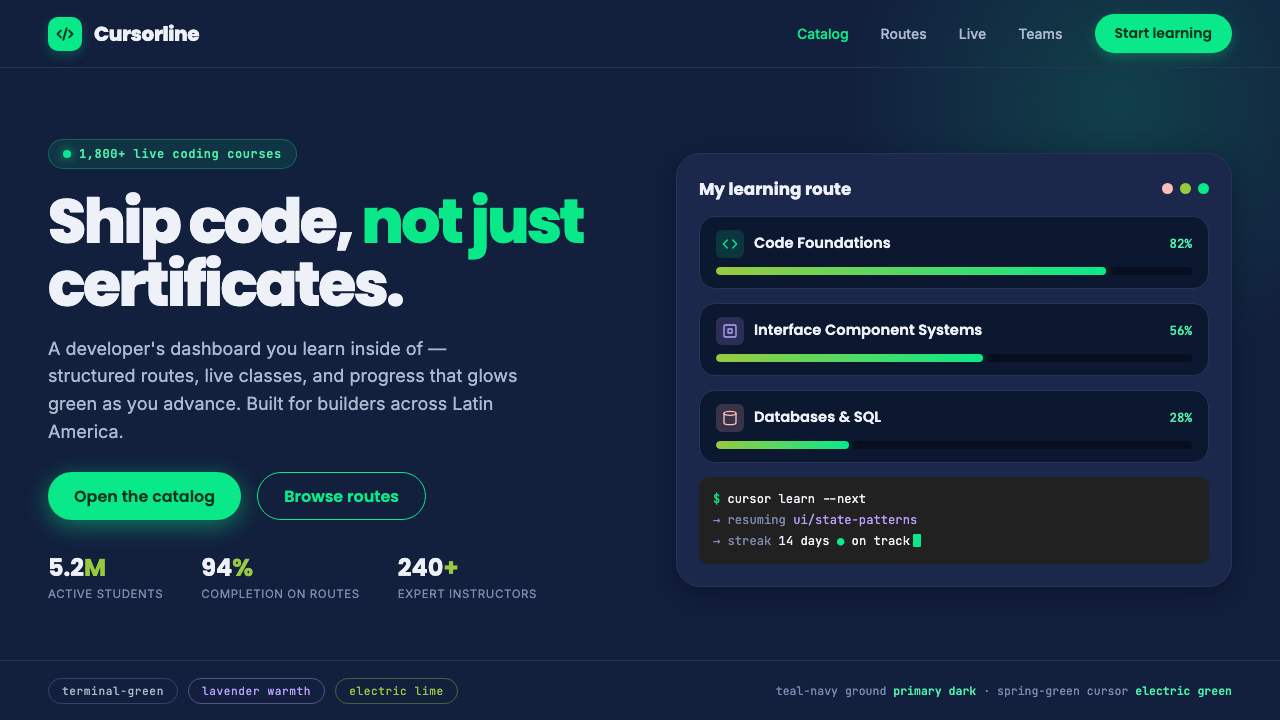 Platzi EdtechA developer dashboard you learn inside. Electric spring-green on teal-navy, w…
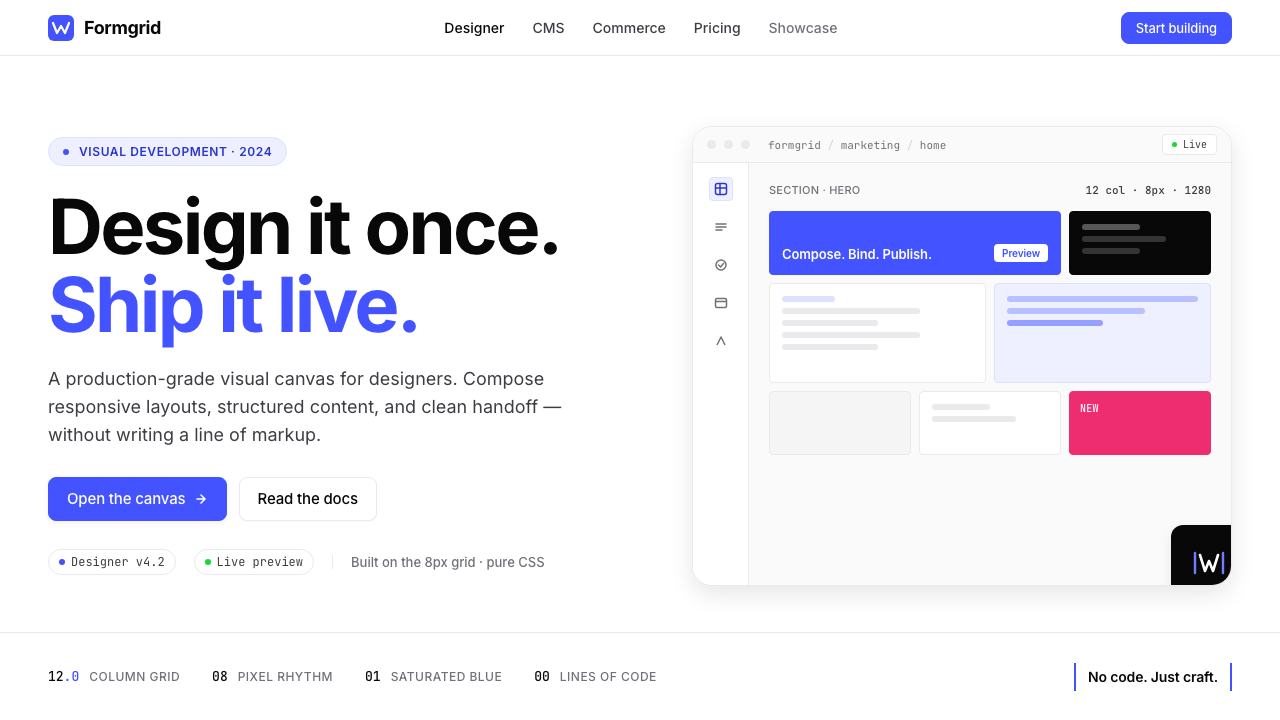 Webflow No-CodeA designer's tool, dressed like one. Saturated electric cobalt on pure white,…
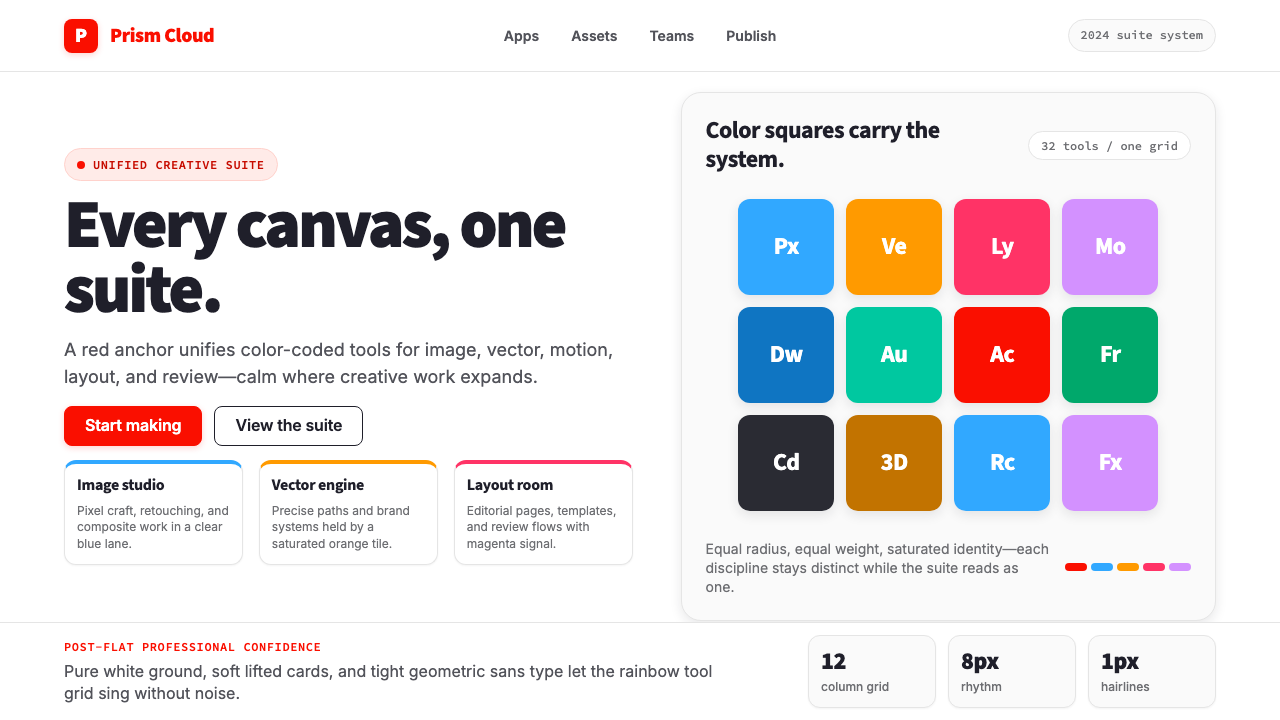 Adobe Creative CloudUnified, not uniform. Red anchor, white space, and saturated app tiles organi…
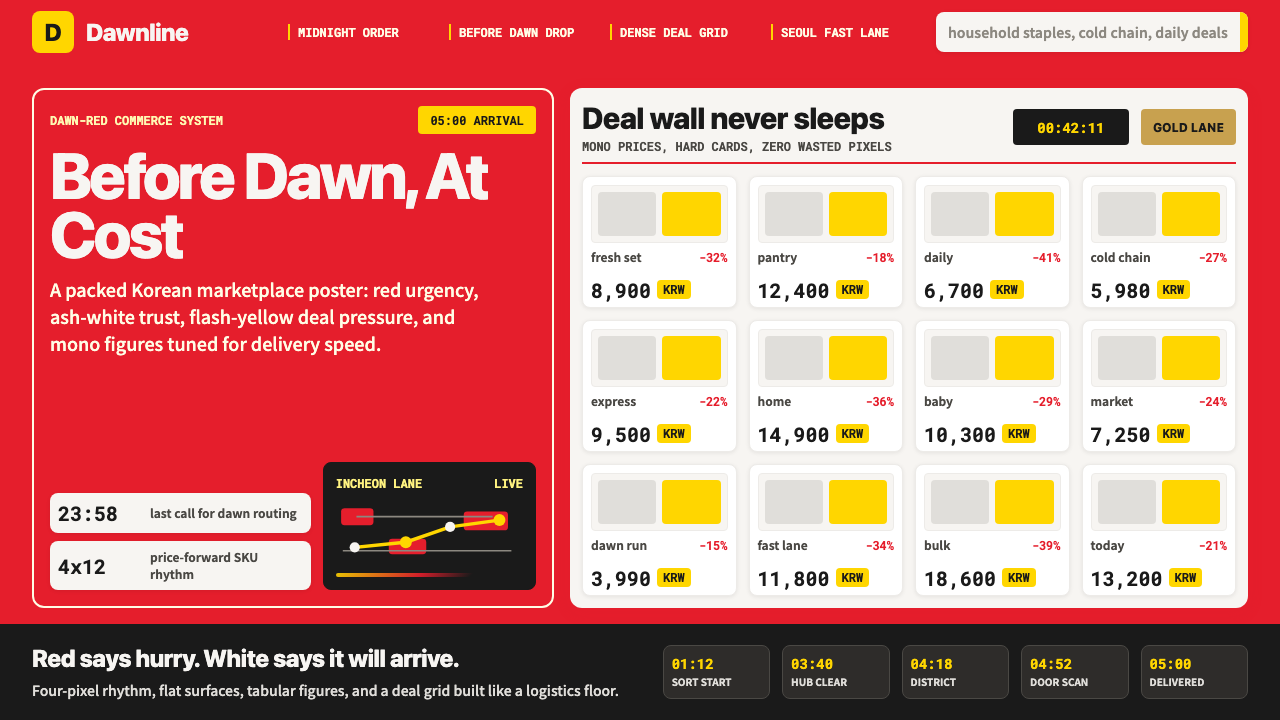 Coupang Rocket DeliveryUrgency made trustworthy. Rocket red, flash yellow, mono prices and packed gr…