What is Material Design 1.0?
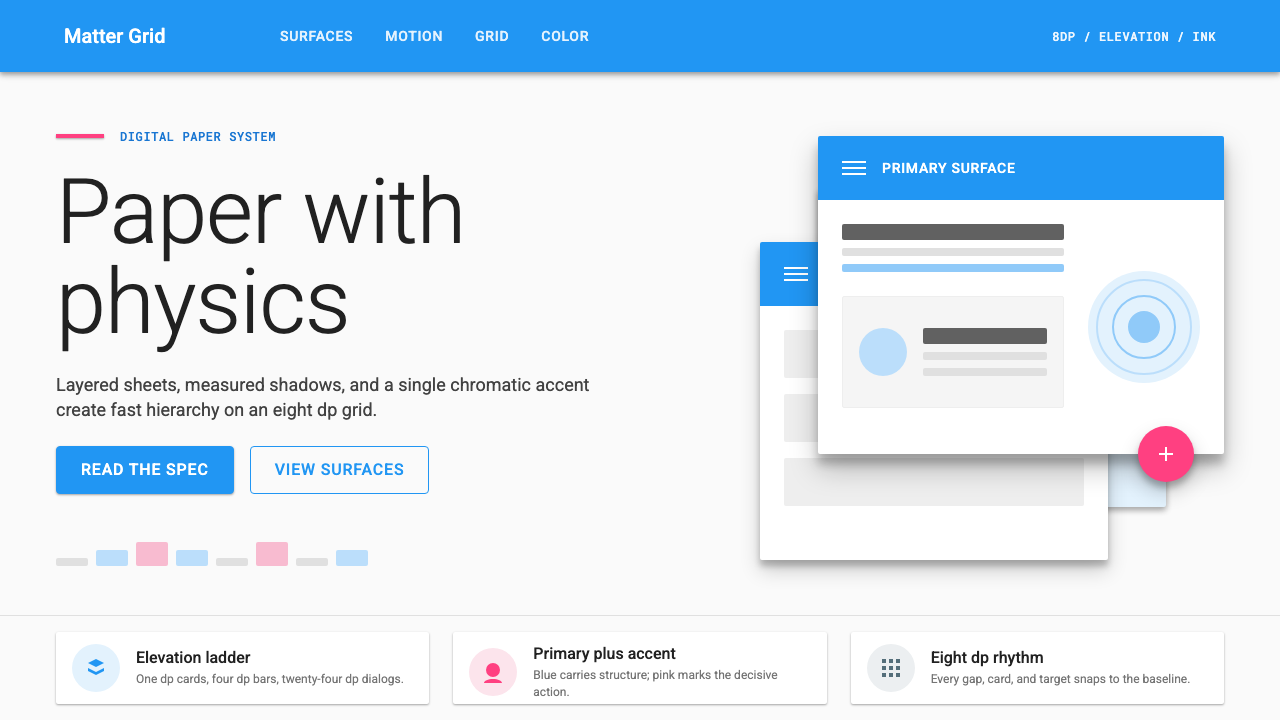
Material Design gave Google's fragmented digital world a single physical metaphor — surfaces that float, shadows that tell the truth, and color that earns its saturation.
Material Design 1.0 in brief
Material Design 1.0 is the design language Google introduced in 2014 to bring coherence to the sprawling ecosystem of Android, the mobile web, and Chrome OS. At its philosophical core is a single metaphor: the screen as a lit surface on which sheets of digital paper are arranged at different elevations. Those sheets — cards, app bars, sheets, dialogs — cast shadows proportional to how high they sit, creating a spatial hierarchy that users can read intuitively without needing to learn it explicitly.
What made the system distinctive was its marriage of flat aesthetics with physical depth. The mid-2010s design world had largely abandoned the skeuomorphic textures of the iOS 6 era in favor of a flatter, more abstract visual language. Material Design accepted flatness but refused to make the screen feel weightless. Every surface has a place in a stack. Every elevation level casts a specific shadow. Touch interactions trigger an ink-ripple animation that radiates outward from the exact point of contact, reinforcing the metaphor that the user is pressing on a responsive material rather than clicking a button drawn on glass.
The system also introduced rigorous structural rules that extended far beyond metaphor. An eight-unit baseline grid governed spacing at every scale. A strict two-color model — one dominant primary color and one contrasting accent — kept interfaces focused without becoming visually noisy. A floating action button in the accent color anchored the single most important action on each screen. Typography was organized into a named scale from display sizes down to captions, each with a defined size relationship and weight, giving every application built on the system an immediate sense of order.

Where does Material Design 1.0 come from?
The story of Material Design begins at Google I/O in June 2014, when Matias Duarte — the Vice President of Design who had previously shaped the visual language of webOS and the early Android Holo theme — took the stage to announce a unified design system for the company's entire product range. The announcement came at a moment of genuine crisis for Google's visual identity. By 2013, Android had accumulated a patchwork of inconsistent interfaces: Gmail looked nothing like Google Maps, the Play Store had its own conventions, Chrome had others. On the web, Google's properties were equally fragmented. The need for a single, coherent, scalable system was urgent.
Duarte and the Google Design team drew on several intellectual traditions to construct the system. The paper-and-ink metaphor was chosen deliberately to evoke physical legibility — paper is something humans have been reading for centuries, and the spatial relationships between stacked sheets are immediately intuitive. But the team pushed the metaphor further than simple analogy: they posited a kind of physics for the digital material, with rules about how surfaces could move, overlap, and transform. Surfaces could stretch and reshape; they could never pass through one another. Light came from above, casting shadows downward at a consistent angle, with a secondary ambient component to soften hard edges. These physics gave Material Design an unusual internal consistency: because behavior followed rules, designers working across different Google products could make locally correct decisions that would still feel globally coherent.
The color system grew from a different inspiration. Google's brand had long featured the four-color palette of its logo — red, blue, yellow, and green — but the Material Design color palette expanded this into a comprehensive swatch system with sixteen hues each available in ten tonal steps from near-white to near-black, plus an accent column of especially saturated tones intended for the floating action button and interactive highlights. The logic was explicit: applications should choose one primary color from the mid-range of a single hue family, one accent from a contrasting hue, and use no other colors for interface chrome. This restraint ensured that any app built within the system would look intentional rather than arbitrary, even if its development team had no dedicated design resources.
Christian Robertson's Roboto typeface, which had debuted with Android Ice Cream Sandwich in 2011, became the typographic foundation of Material Design. Robertson designed Roboto to be a mechanically legible geometric sans-serif with some of the warmth of a humanist face — a balance that allowed it to function clearly at small caption sizes while remaining readable in large display applications. Material Design organized Roboto into a named typographic scale with distinct roles for each level, from the bold, widely-spaced display style at the top to the compact, dense caption style at the bottom. This hierarchical organization meant that any interface following the system would have a consistent reading rhythm regardless of the content it contained.
What defines the Material Design 1.0 look?
Elevation and Shadow
Every surface in Material Design occupies a specific elevation in a shared z-axis space. The higher a surface sits above the background, the larger and more diffuse its shadow becomes. App bars float at a low elevation with a modest cast shadow; dialogs float high with a pronounced one. This shadow system is not decorative — it is a spatial communication tool that tells users at a glance which elements are interactive, which are contextual, and which are permanent. The shadows themselves are composed of two light components: a key light creating the main directional shadow and an ambient light softening the overall effect.
Ink Ripple and Motion
Material Design treats motion not as embellishment but as information. The ink ripple — a circular wave that expands from the point of touch contact before fading — confirms to the user that their input was registered and identifies the precise location of that input. Beyond the ripple, the system defines motion curves and durations for common transitions: elements enter and exit along arcs rather than straight lines, shared elements between screens travel in consistent directions, and the duration of a transition is proportional to the distance traveled. All of this communicates spatial relationships between screens and states, making navigation feel oriented rather than arbitrary.
Primary-plus-Accent Color Model
Material Design's color discipline is built on deliberate restraint: one primary color for toolbars, status bars, and large background areas; one accent color — typically vibrant and from a contrasting hue family — for floating action buttons, switches, sliders, and interactive highlights. No other colors should enter the interface chrome. The primary color carries the brand and provides overall tone; the accent color signals interactivity and draws the eye to the most important action on each screen. The palette extends this logic into light and dark variants of the primary for subtle depth within the same hue family.
Eight-Unit Spatial Grid
All spacing in Material Design — between cards, inside component padding, between icons and labels, at screen edges — follows multiples of a single base unit. This consistency creates visual alignment that is felt even when it is not consciously noticed: related elements feel close, unrelated elements feel separated, and the overall layout has an internal logic that holds at every zoom level. Icons and touch targets follow their own consistent sizing rules derived from the same base, ensuring that interactive areas are always large enough for reliable finger activation while remaining visually proportionate.
Typographic Hierarchy
Material Design organizes type into a named scale that covers every use case from full-screen display headings to dense caption text. Each level in the scale has a distinct size relationship to the levels above and below it, a specific weight, and a defined role. Display and headline styles use generous size and light or regular weight to create openness; body text uses a reading-optimized size and weight; caption and overline styles use compressed size and are reserved for supplementary information. The result is that any screen built within the system has an automatic reading hierarchy — the most important text is largest, the least important is smallest, and the steps between are consistent.
Card-Based Content Surfaces
Cards — self-contained surfaces with rounded corners, consistent padding, and an elevation shadow — became the signature organizational unit of Material Design. A card groups related information and actions that belong together, separating them from adjacent cards by the background plane rather than by dividing lines. The card metaphor extends the paper analogy directly: each card is a discrete sheet containing one coherent piece of content. This approach made Material Design especially well-suited to feed-based and list-based interfaces, where the same structural pattern needed to accommodate text, images, actions, and metadata in variable combinations.
Floating Action Button
The floating action button — a circular button in the accent color that hovers above the content at a consistently high elevation — is Material Design's most immediately recognizable innovation. Its purpose is structural: every screen has at most one primary action, and the FAB makes that action visually and spatially dominant. The circular form, the accent color, and the high elevation shadow together ensure that the FAB is always findable regardless of the content below it. In screens where no single primary action exists, the FAB is absent. This restraint distinguishes authentic Material Design application from superficial borrowing of the component.

Who shaped Material Design 1.0?
Duarte is the designer most responsible for the concept and communication of Material Design. He joined Google in 2010 after shaping the visual language of Palm's webOS, which had already explored card-based spatial interfaces. At Google he led the team that produced the system, and his public articulation of the paper-and-physics metaphor — in keynotes, interviews, and the design guidelines themselves — gave the project a coherent philosophical identity that distinguished it from purely technical specification work. Duarte served as Google's VP of Design through the Material Design 1.0 era and continued to shape its evolution.
Robertson designed Roboto, the typeface that underpins Material Design's typographic system. Roboto was initially created for Android 4.0 Ice Cream Sandwich in 2011 and was revised for Material Design in 2014. Robertson's design challenge was to create a typeface that would be legible at the full range of Android screen densities and sizes — from watch displays to tablet interfaces — while maintaining enough personality to feel distinctly Google rather than generically neutral. The typeface has since become one of the most widely served fonts on the web and a foundational element of how Material Design communicates at every scale.
The Material Design specification was the work of a large cross-functional team at Google that included visual designers, interaction designers, engineers, and researchers. The team produced not only the visual guidelines but also a comprehensive component library, iconography guidelines, and motion specifications — all published as open documentation. The scale and openness of this documentation effort was itself significant: by publishing the full system as a public resource, Google made Material Design accessible to the vast ecosystem of third-party developers building on Android and the web, effectively spreading the visual language well beyond Google's own products.
While the design leadership defined the system's principles, the Android engineering team translated Material Design into the runtime components that shipped with Android 5.0 Lollipop in November 2014. This included the native implementation of elevation shadows, the ripple touch feedback system, and the transition framework that powered shared-element animations between screens. The technical implementation was as consequential as the design specification: by building the system into the platform layer rather than leaving it as a set of optional guidelines, Android ensured that any app targeting Lollipop would inherit the core behaviors without requiring each developer to rebuild them from scratch.
The Material Design icon set — several hundred product and system icons drawn to a consistent geometric specification — was a critical component of the visual system that often goes unacknowledged. The icon guidelines defined a shared grid, consistent stroke weights, padding rules, and a construction vocabulary based on circles, squares, and diagonal geometry. Applied consistently, the icon set gave the system a visual coherence at small scale that complemented the type and color systems at larger scales. The full icon library was released as open source, making it a foundational resource for Android development and, through the web component libraries, for a generation of Material-influenced web interfaces.
How do you use Material Design 1.0 today?
Material Design 1.0 is one of the most immediately recognizable design systems in contemporary visual culture, and applying it well requires understanding its internal logic rather than just borrowing its most visible components. The system's recognizable elements — elevated cards, ink ripples, accent-color FABs, the named color palette — are outputs of a coherent philosophy about surfaces, depth, and hierarchy. When that philosophy is understood, the elements can be used or adapted with confidence. When it is borrowed without that understanding, the result is typically a layout that has the cosmetic appearance of Material Design without the spatial clarity that makes it legible.
For presentation slides, Material Design translates effectively to both cover and content pages. A cover benefits from the system's bold color logic: set the slide background to a mid-range primary hue, place the title in a contrasting light tone at a generous size, and use the accent color sparingly for a single supporting element such as a dividing line or a call-to-action label. Content slides should be treated as card surfaces: each slide is a single elevated sheet containing one main idea. Use the typographic hierarchy to differentiate heading from body from caption; avoid decorative borders or background textures. Data slides gain from the system's diagrammatic clarity — charts rendered in the primary and accent colors feel purposeful rather than decorative, and consistent grid alignment makes comparisons across slides feel coherent.
For web interfaces, Material Design is exceptionally well-suited to dashboards, admin tools, and enterprise software where hierarchy, scannability, and spatial orientation are primary concerns. Apply the two-color model strictly: one primary color for navigation chrome, headers, and dominant interactive states; one accent for the single highest-priority action on each view. Use elevation shadows on cards and modals to communicate which content is above the base plane. Reserve the FAB pattern for screens with a genuinely singular primary action — adding it to every page without that discipline undermines its communicative value. Navigation drawers, bottom navigation bars, and app bars should follow the system's proportioning rather than being freely resized.
For editorial layouts and marketing materials, the system's card structure and bold color fields translate well to section-based page designs. A landing page built in the Material Design idiom uses full-width colored bands alternating with white card surfaces, places the accent-color call-to-action button consistently at the end of each section, and uses the typographic hierarchy to distinguish section headings from body text without relying on decorative type treatments. The system's strong grid alignment supports multi-column layouts on wider screens while degrading gracefully to single-column on mobile — a practical quality for editorial content that must function across breakpoints.
A common mistake when applying Material Design 1.0 is treating the component library as the system itself. Developers who adopt the Material component implementations without internalizing the elevation and color rules often produce interfaces where every component looks correct in isolation but the screen as a whole lacks spatial coherence — surfaces appear to float at arbitrary heights, the primary and accent colors are used interchangeably, and the typographic scale is applied inconsistently. The system's components are expressions of its rules; the rules must be understood first. A second common error is extending the color model beyond the intended two-color constraint — introducing a third or fourth independent color for different content types typically produces an interface that feels decorative rather than structured.

Material Design 1.0 — FAQ
How is Material Design 1.0 different from Material Design 2 and Material You?
Material Design 1.0, released with Android 5.0 Lollipop in 2014, established the paper-physics metaphor, the elevation shadow system, the two-color model, and the FAB pattern. Material Design 2, introduced in 2018, refined the system toward a lighter, more open aesthetic — surfaces became more white, shadows became subtler, and rounded corners became more prominent. Material You, announced in 2021, made the most radical change: it introduced dynamic color extraction from the user's wallpaper, allowing the system palette to be personalized rather than fixed. The core spatial logic — surfaces, elevation, shadow — persists across all three versions, but Material You significantly loosened the strict two-color discipline of the original.
Can Material Design 1.0 work for non-Google products, or does it feel brand-specific?
The system was designed to be customizable at the color level precisely so that non-Google products could adopt the structural logic without looking like Google applications. The two-color model allows any brand palette to be slotted in as primary and accent, and the component shapes, elevation system, and typographic hierarchy are neutral enough to carry different brand identities. The risk of brand association is real but manageable: the FAB, the navigation drawer, and the bottom navigation bar are so strongly associated with Android that using them outside a mobile context can feel derivative. On web products and in presentation contexts, the structural elements — cards, elevation, typographic scale — transfer well without triggering the Android brand association.
Why did Material Design 1.0 use such saturated accent colors?
The accent colors in Material Design 1.0 — pinks, teals, limes, ambers at their most vivid — were chosen to perform a specific communicative function: they needed to be identifiable as interactive affordances regardless of which primary color they were paired with, and they needed to remain visible against both light and dark background surfaces. A less saturated accent would risk being absorbed into the primary color or losing contrast against light backgrounds. The system also reflected the screen technology of 2014: OLED and AMOLED displays, increasingly common in Android devices of that era, render highly saturated colors with particular vibrancy, and the palette was calibrated with those displays in mind. On contemporary calibrated displays, the original accents can appear aggressive; reducing their saturation slightly while keeping the hue family intact is a common and defensible adaptation.
Is the ink ripple animation essential to the system, or can it be omitted?
The ripple is structurally important in touch-first contexts where it confirms input registration — on mobile, where users cannot rely on hover states to preview interactivity, the ripple provides feedback that the interface has responded. In pointer-based contexts — desktop web, presentation software — hover states and cursor changes perform a similar function, and the ripple is less necessary. Omitting it on the web is common and generally acceptable. What cannot be omitted without abandoning the system's spatial logic is the elevation shadow structure: the ripple is a feedback mechanism, but the shadows are the fundamental spatial communication tool that tells users where surfaces sit relative to one another.
How should Material Design 1.0 handle dark-mode interfaces, given it was designed for light backgrounds?
Material Design 1.0 was designed with light backgrounds as the canonical surface, and the elevation shadow system — which relies on dark shadows on light backgrounds — does not invert cleanly. In the original system, dark surfaces were used only selectively for app bars and status bars to reinforce the primary brand color. Material Design 2 later addressed dark mode explicitly with a surface tinting approach: surfaces at higher elevations lighten by a small amount rather than casting darker shadows, and the accent colors are desaturated slightly to reduce glare. Applying this logic retrospectively to Material Design 1.0 work — replacing shadow-based elevation with subtle surface lightening, using the dark variant of the primary color for headers — is the most coherent approach to dark-mode adaptation within the original system's spatial framework.
Related design styles
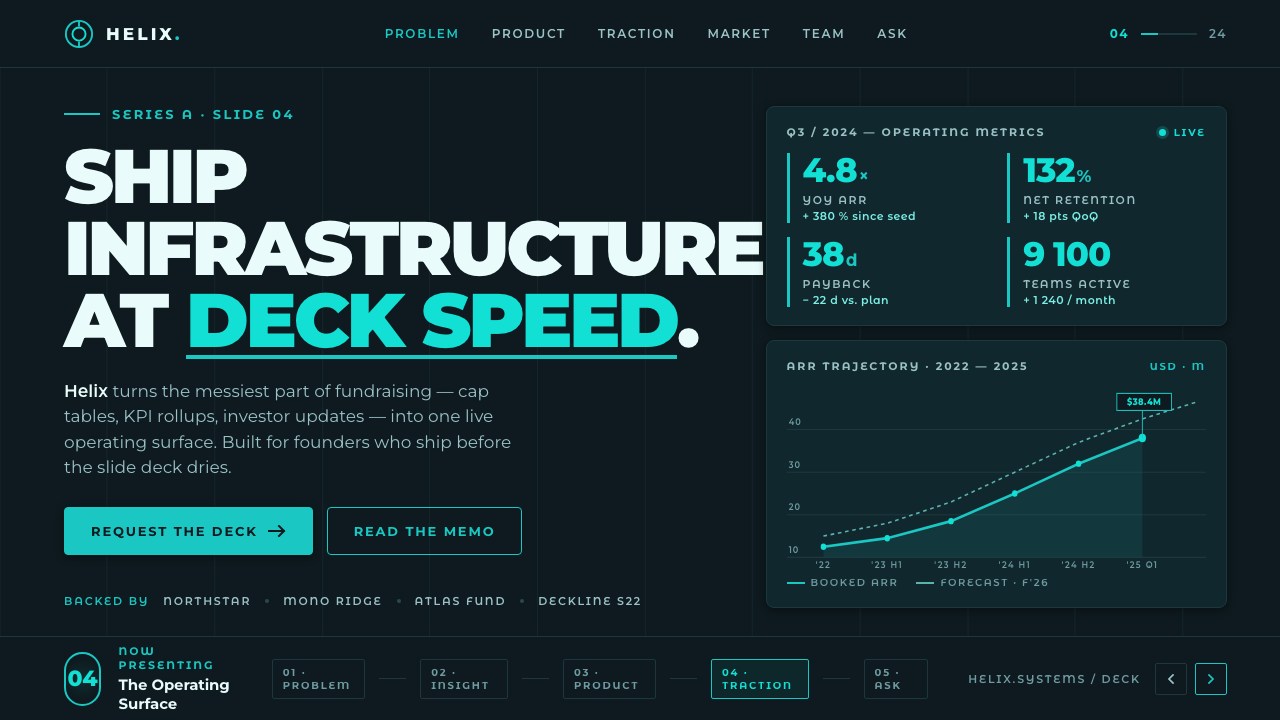 Montserrat StartupSeries-A on a projector. Black Montserrat on charcoal-teal, lit by one bright…
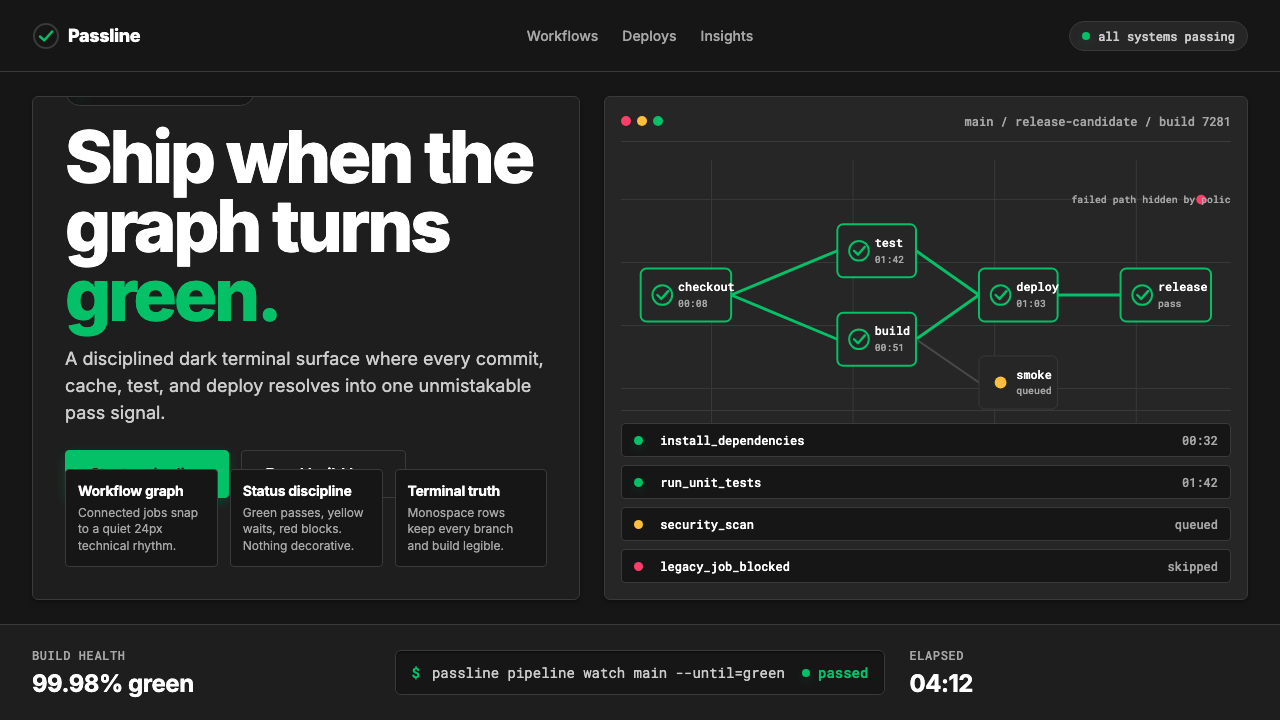 CircleCI Pipeline-GreenConfidence goes green. Emerald status lines cut through terminal-black pipeli…
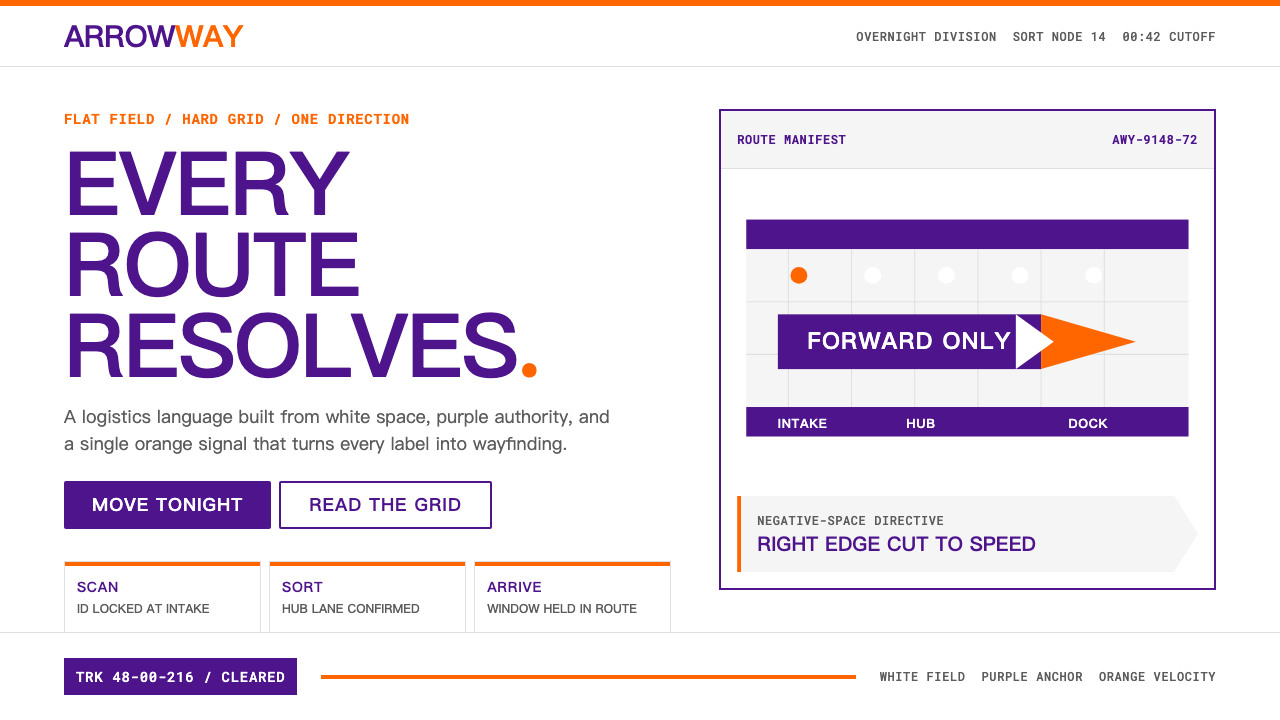 FedExDirections, not decoration. Purple authority and one orange bar organize a fl…
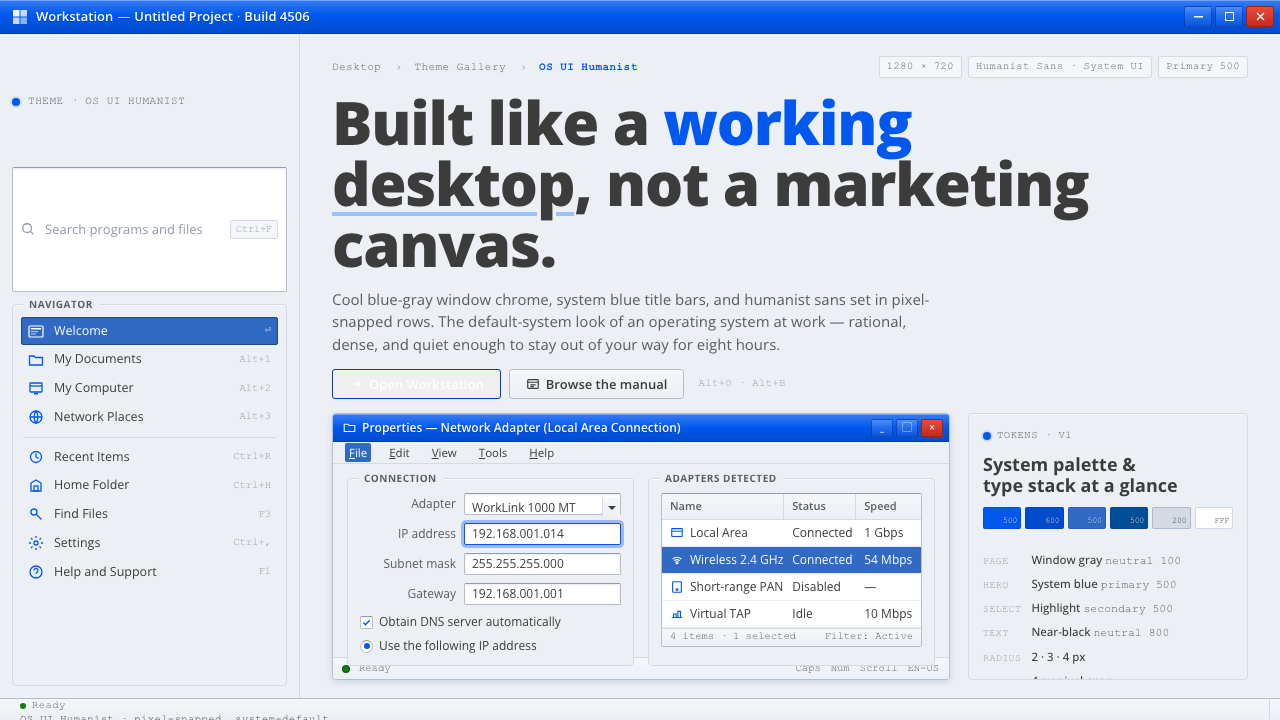 OS UI HumanistBuilt like a working desktop, not a brand. Window-gray ground, system-blue ch…
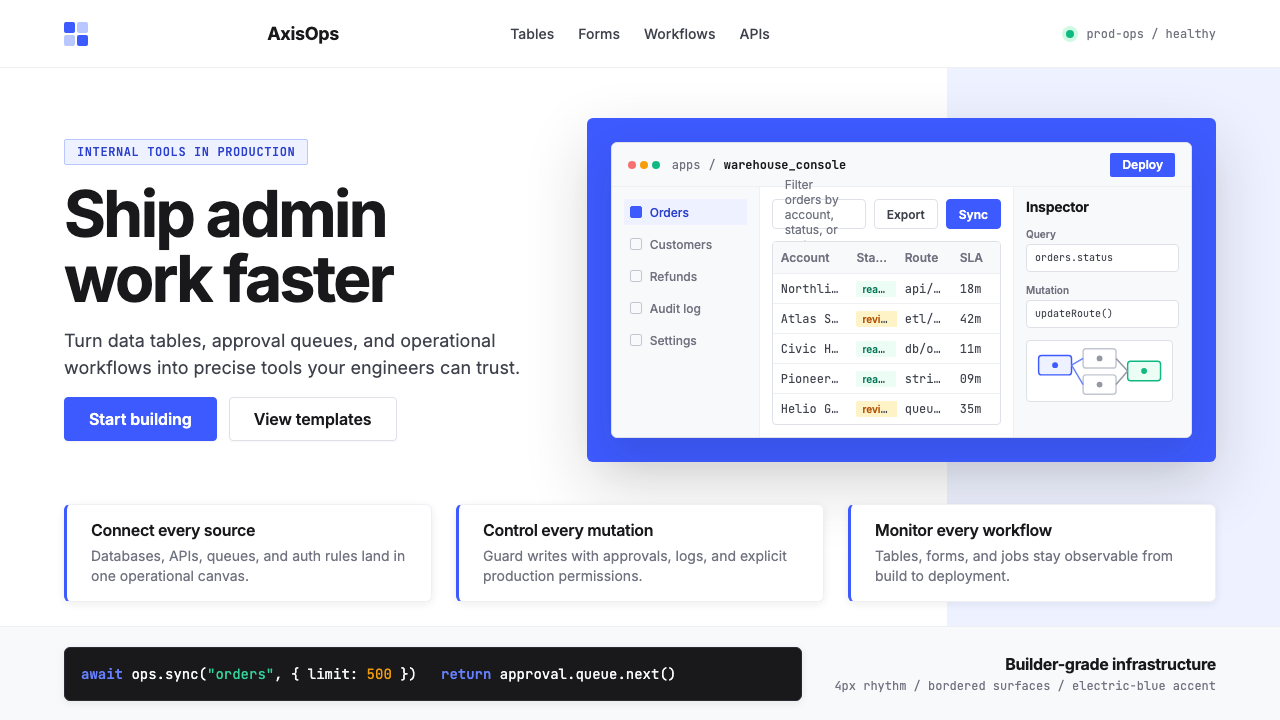 Retool Internal-Tools RedPrecision ships fast. Electric blue panels, Inter type, and bordered UI mocku…
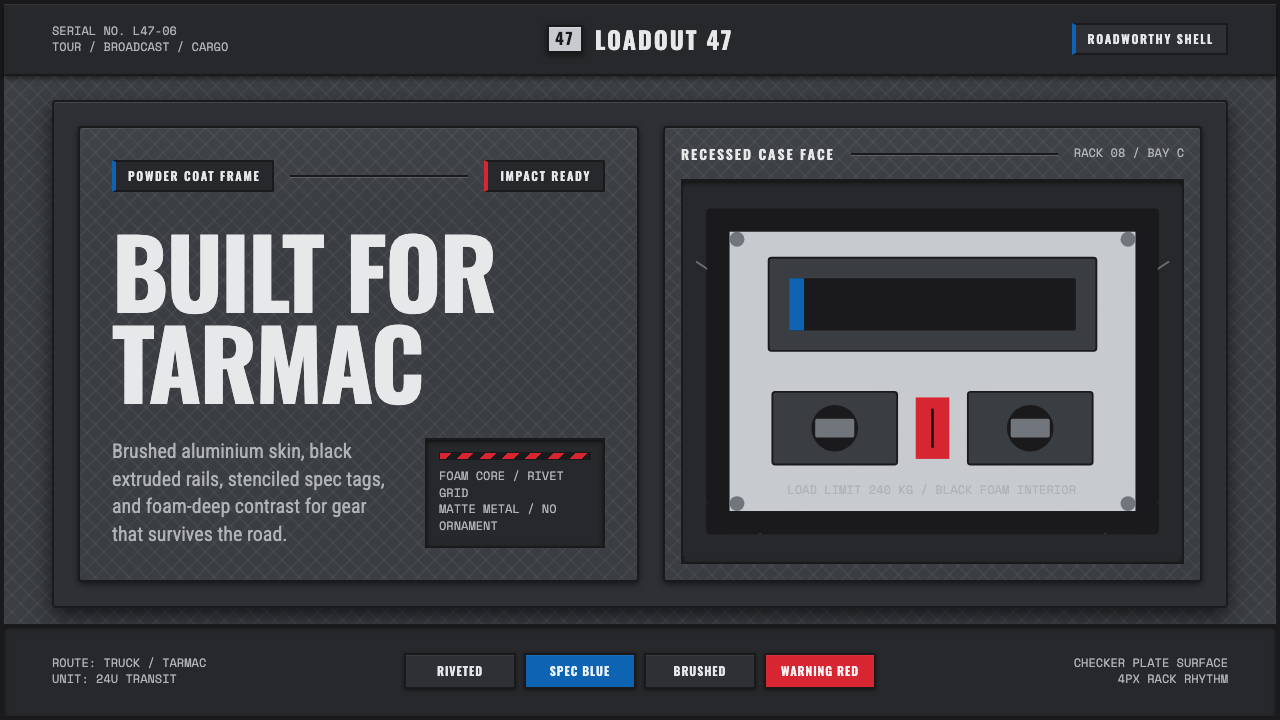 Aluminium Flight CaseRoadproof and exact. Diamond-plate gray, stencil type, black frames, blue-red…