What is LinkedIn?
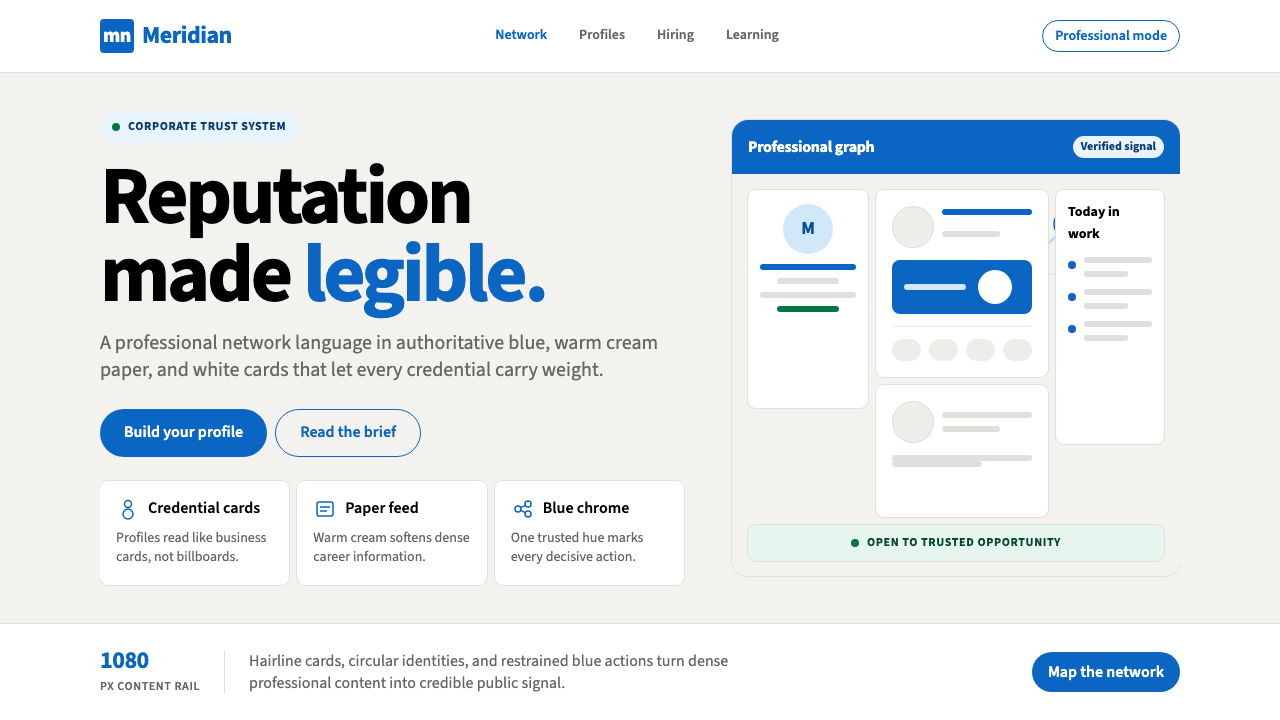
LinkedIn's visual language is corporate trust rendered in pixels — a single authoritative blue against warm cream paper, where every card is a business card and every interaction carries the weight of professional reputation.
LinkedIn in brief
LinkedIn's design system is one of the most widely recognized corporate digital aesthetics in the world — a disciplined palette of cool authoritative blue, white card surfaces, and warm cream backgrounds that has come to signify professional credibility itself. The system is not expressive; it is declarative. Every visual choice asserts that what happens here is serious, structured, and consequential.
At its core, the LinkedIn visual language prioritizes information hierarchy over personality. Content — résumés, posts, endorsements, job listings — is the protagonist. The interface recedes into reliable scaffolding: blue for navigation and primary actions, white for content cards, cream for page backgrounds, and controlled typographic scale to distinguish names, headlines, and supporting metadata. There is no playfulness, no organic texture, no expressive color variation. The design system trusts its content to generate interest.
The effect is immediately legible as professional. LinkedIn's palette and card-based layout have trained an entire generation of white-collar workers to associate these visual conventions with career authority. Using the style outside of LinkedIn — in a résumé, a professional presentation, a business pitch deck — instantly borrows that connotation, signaling seriousness and institutional belonging without a word of copy.

Where does LinkedIn come from?
LinkedIn was founded in December 2002 and launched publicly in May 2003 by Reid Hoffman, Allen Blue, and a small co-founding team in Mountain View, California. The platform entered a web landscape that was still dominated by dial-up aesthetics and busy portal designs — think the cluttered link-lists of early Yahoo or the dense text pages of Monster.com. From the outset, LinkedIn positioned itself as something different: a professional network, not a social network, and its design choices reflected that distinction at every level.
The early LinkedIn interface was modest and functional — white pages, blue navigation bars, text-heavy profiles. This was less a deliberate aesthetic choice than a practical one: the site needed to feel authoritative and safe to the business professionals it was courting, many of whom were skeptical of social networking in a corporate context. Blue, the color of bank logos and enterprise software, was the obvious choice. White card surfaces signaled document-like formality. The visual language borrowed from the conventions of business software rather than consumer social platforms.
The platform's visual identity matured significantly during the tenure of Jeff Weiner, who became CEO in 2009 and presided over the company's IPO in 2011 and its growth from a niche professional tool to a mainstream career platform. Microsoft's acquisition of LinkedIn in 2016 for $26.2 billion marked a new phase: deeper enterprise integration, expanded product surface area, and a more systematic approach to design. The current visual identity — cleaner, more consistent, with a refined blue system and a cream-toned background — emerged primarily in the 2019 to 2021 period under CEO Ryan Roslansky, who succeeded Weiner in 2020.
The design choices that define LinkedIn's aesthetic are inseparable from its product positioning. LinkedIn sells professional reputation and career opportunity — abstract, high-stakes, deeply personal values — to an audience that is simultaneously wary of informality and hungry for connection. A design that felt playful or consumer-facing would undermine trust. A design that felt too cold or institutional would suppress engagement. The warm cream background is a precise calibration: it softens the authority of blue and white without abandoning corporate seriousness. The card metaphor — each profile, each post, each listing as a discrete contained rectangle — maps directly onto the physical business card, one of the most loaded objects in professional culture.
What defines the LinkedIn look?
Authoritative Blue
The signature blue sits in the cool, medium-depth register — darker than a sky blue, lighter than navy, with enough saturation to read as confident without veering into aggressive. It anchors navigation bars, primary buttons, links, and brand marks. The blue is used sparingly on content surfaces, appearing as an accent rather than a fill, which preserves its authority: every blue element is significant. Secondary blue tones — lighter, more muted variants — support hover states and secondary actions without diluting the primary signal.
Warm Cream Ground
The background is not pure white — it carries a faint warmth, somewhere between white paper and aged ivory. This calibration is deliberate: pure white reads as clinical or stark; the cream tone humanizes the interface without crossing into warmth that would undermine professional authority. All content cards sit as white rectangles against this cream ground, creating a shallow depth effect that organizes the page without resorting to heavy borders or harsh shadows.
Card-as-Business-Card
The card is LinkedIn's fundamental compositional unit. Every discrete piece of content — a profile block, a post, a job listing, a company summary — occupies its own rounded-corner white rectangle. This is not merely a layout device: it maps the interface onto the physical metaphor of a business card, one of professional culture's most charged objects. Cards create containment and equality — each piece of content gets the same frame — while their stacking arrangement establishes a feed logic that feels familiar to both document readers and social network users.
Restrained Shadow and Depth
LinkedIn uses shadow minimally and softly. Card shadows are diffuse and low-contrast — a barely perceptible lift from the cream background rather than a dramatic three-dimensional effect. This restraint is intentional: heavy shadows would introduce expressiveness and drama inconsistent with professional credibility. The depth system exists to separate layers — cards from ground, modal dialogs from page — not to create visual interest for its own sake.
Typographic Hierarchy by Scale
Text hierarchy on LinkedIn is organized primarily through size and weight contrast — large, medium-bold for names and section headers; smaller, regular-weight for supporting information; muted and condensed for metadata like timestamps and connection degrees. There is little reliance on decorative type treatments, unusual weights, or expressive letterforms. The system reads quickly and consistently because it prioritizes recognition over personality. Profile names carry the most visual weight; everything else organizes around them.
Iconography as Function
LinkedIn's icon set is understated and strictly functional. Icons are line-based, thin-stroked, and monochromatic — they convey action and category without competing with content. The profile photo — always a human face in a circle — is the most visually prominent image element in any interface context, a deliberate choice that foregrounds individual identity. Decorative illustration is minimal; when it appears, it is flat and abstract, typically in the blue-and-cream palette of the broader system.
Professional Neutrality
The LinkedIn visual system consciously avoids cultural specificity, regional associations, or lifestyle connotations. The palette has no warmth that reads as leisure, no darkness that reads as luxury, no brightness that reads as playfulness. It is calibrated to feel appropriate across industries, geographies, and seniority levels — the same design language works for a software engineer in Seoul, a finance director in São Paulo, and a recruiter in Amsterdam. This neutrality is itself a strong signal: it says that professional context overrides personal identity.

Who shaped LinkedIn?
Hoffman co-founded LinkedIn in 2002 after his experience at SocialNet and PayPal, where he had observed how professional relationships functioned as infrastructure for economic opportunity. His foundational product insight — that career capital was a network effect, not a static résumé document — shaped every design decision that followed. The card-as-profile, the connection as endorsement, the feed as professional signal: all trace back to Hoffman's conception of professional identity as something actively maintained and publicly declared. He remained executive chairman after Microsoft's acquisition and continues to write extensively on professional culture and network theory.
Blue was one of LinkedIn's five co-founders and served as Vice President of Product Management. He is closely associated with the platform's early product philosophy — particularly the emphasis on authentic professional identity over anonymous or pseudonymous social interaction. His thinking helped establish LinkedIn's design principle that every element of the interface should reinforce the gravity and authenticity of real professional identity, a principle that explains the insistence on real names, profile photos, and verifiable credentials that still shapes the platform's visual and product logic today.
Weiner served as LinkedIn's CEO from 2009 to 2020, presiding over the platform's most consequential growth period. Under his leadership, LinkedIn expanded from roughly 30 million users at his arrival to over 700 million by the time he transitioned to executive chairman. He oversaw the platform's IPO in 2011, the Microsoft acquisition in 2016, and a significant maturation of the design system — from the utilitarian early interface to a more polished, consistent visual language. Weiner's emphasis on compassionate management and mission-driven culture permeated the product philosophy: the design had to feel both professional and human.
Roslansky became LinkedIn's CEO in June 2020, succeeding Weiner after fifteen years of product leadership at the company. The visual identity refinement that produced the current blue system, cream background, and more consistent card language happened substantially under his tenure. Roslansky has pushed LinkedIn toward being a broader content and learning platform, not just a professional directory — a shift that required the design system to accommodate longer-form posts, video content, and newsletter publishing while maintaining the core visual language of professional authority. His product vision continues to expand the contexts in which LinkedIn's blue-and-cream aesthetic appears.
Following the 2016 acquisition, Microsoft's design organization brought the Fluent Design System's influence to bear on LinkedIn's interface — most visibly in the refinement of depth, motion, and consistency across platforms. The collaboration between LinkedIn's in-house design team and Microsoft's broader enterprise design language produced a more systematic approach to the blue hierarchy, shadow usage, and typographic scale. This period also introduced deeper integration with Microsoft Office aesthetics, particularly in LinkedIn's enterprise products like Talent Solutions and Sales Navigator, where the visual language aligns closely with Microsoft's own professional software conventions.
How do you use LinkedIn today?
The LinkedIn visual system is one of the most immediately legible professional aesthetics in contemporary design — which is both its greatest strength and its primary constraint. Used correctly, it transfers corporate authority, digital-era credibility, and organizational belonging to whatever it frames. Used carelessly, it reads as corporate cliché or as a direct imitation of the platform itself.
For presentation slides, the LinkedIn style works especially well on both cover and professional summary pages. A cover slide benefits from the card logic: a centered or slightly offset white panel against a cream or cool-light background, carrying name, title, and organizational affiliation in clean typographic hierarchy. The authoritative blue should appear as a single accent — a thick top border on the card, a logo mark, a highlighted label — rather than flooding the background. Content slides should use the card-as-container principle: each data point, quote, or evidence block occupies its own white rectangle, with the cream or white ground providing breathing room between cards. Avoid using blue for body text; reserve it entirely for interactive or primary labeling functions. Data visualizations work well rendered as clean bar or line charts with blue as the primary data series color, white backgrounds, and light gray gridlines — the aesthetic equivalent of a Bloomberg or financial terminal readout without the terminal grimness.
For web UI, the LinkedIn aesthetic is a natural fit for professional dashboards, SaaS pricing pages, and enterprise onboarding flows. The grid should be strict and generous — wide gutters, clearly delineated columns, no edge-to-edge color floods except in the navigation bar. The cream ground holds the page together while white cards layer atop it; the visual hierarchy is immediately clear without requiring borders or heavy separation lines. Interactive elements — buttons, tabs, selected states — carry the authoritative blue; inactive and secondary elements use gray or muted type. Profile-like modules (user cards, team member listings, credential badges) directly quote LinkedIn's own conventions, which users will recognize as a trust signal. Navigation is typographic and compact, without decorative icon ornamentation.
For editorial and marketing materials, the style supports strong professional positioning. A business report or white paper in the LinkedIn aesthetic uses a cream or warm-white ground, a strong typographic header hierarchy, and section breaks marked by thin blue rules rather than decorative dividers. Photography, when used, should be professional in subject — real people in real contexts rather than stock-photo artificiality — cropped to rectangular cards and never bled to the edge in a way that feels editorial or magazine-like. The cover of a white paper or case study can use the card metaphor literally: a white panel centered on a cream background, with the title in large medium-weight type and a blue rule or logo mark as the sole accent element. Marketing pages for professional services benefit from alternating card sections rather than cinematic full-bleed photography; this reinforces the systematic, trustworthy feeling over emotional spectacle.
A common mistake when applying the LinkedIn aesthetic is treating the authoritative blue as a dominant fill color — using it for large backgrounds, section panels, or heavy graphic shapes. In LinkedIn's own system, blue is an accent and signaling color, not a primary surface. Large blue backgrounds shift the register from corporate authority toward government branding or generic enterprise software. A second common error is eliminating the cream ground entirely and working on pure white, which removes the warmth that distinguishes LinkedIn from colder, more clinical interfaces like hospital software or legal databases. The cream is load-bearing: without it, the white cards have nothing to lift from, and the depth system collapses into a flat document feel. Finally, resist the temptation to add expressive color accents — orange highlights, green success states, purple tags — beyond the minimal secondary palette. Each additional color chips away at the professional neutrality that makes the system work.

LinkedIn — FAQ
How does LinkedIn's design language differ from other enterprise software aesthetics?
Most enterprise software — think legacy ERP systems, financial terminals, or database management tools — prioritizes information density and functional utility over perceived warmth or social legibility. LinkedIn occupies a different position: it is enterprise in its authority but social in its interaction model. The cream background, the circular profile photo, the card metaphor, and the generous white space are all concessions to social engagement that a pure enterprise aesthetic would not make. LinkedIn's design is closer to a premium business publication — the Financial Times, Harvard Business Review — than to enterprise software proper. It is corporate but not cold, structured but not mechanical.
Can the LinkedIn aesthetic work for consumer-facing products, or is it limited to B2B and professional contexts?
The aesthetic works in consumer contexts where professional credibility is the desired signal — financial services, legal technology, healthcare platforms, insurance, credentialing systems, and professional education. It struggles in contexts where warmth, playfulness, cultural specificity, or sensory richness are primary values: food, fashion, wellness, children's products, or entertainment. The style's neutrality is an asset when you want the user to project their own identity into the interface; it becomes a liability when the product needs to project a personality of its own. A useful test: if the product's primary promise involves trust, clarity, and consequence rather than delight, discovery, or belonging, LinkedIn's design language is likely an appropriate register.
Is this style the same as what is sometimes called 'SaaS design' or 'B2B boring'?
There is significant overlap, but LinkedIn's design language is more specific and more considered than the generic 'SaaS boring' category suggests. The SaaS design trope — blue-and-white, card-based, generous white space, sans-serif type — is partly derived from LinkedIn's conventions and partly from a convergence of Figma templates, component libraries, and design-system defaults that spread similar patterns across thousands of products. The pejorative 'B2B boring' label points to the failure mode: applying the conventions without understanding why they exist, producing interfaces that are merely safe rather than meaningfully professional. LinkedIn's own design is distinguished by the deliberateness of the cream ground, the restraint in using blue, and the consistency of the card metaphor — details that generic SaaS design often abandons in favor of pure white backgrounds and decorative gradients.
What is the biggest risk of using this style for a brand that is not actually LinkedIn?
The primary risk is recognition confusion — users immediately read the blue-and-cream card aesthetic as LinkedIn-adjacent, which can undermine brand distinctiveness. If a competitor or complementary product uses a visual language that strongly echoes LinkedIn, users may unconsciously assume a closer relationship with the platform than exists, or they may find the imitation derivative. The solution is not to avoid the style entirely but to introduce a distinctive element — an unusual typeface character, a non-standard accent color in a secondary role, a different card radius, a proprietary illustration style — that anchors the brand identity while still operating within the professional register that the style provides. The goal is to borrow the authority without borrowing the identity.
Does the style work in dark mode?
LinkedIn itself offers a limited dark mode, but the classic aesthetic is fundamentally a light-ground system — the cream-and-white hierarchy depends on lightness to function. A dark inversion is possible and increasingly common in professional tools, but it requires rethinking several elements. The signature authoritative blue needs to shift lighter and more saturated to maintain contrast on a dark ground; the card system, which separates content from ground using lightness, must instead use subtle surface tints and restrained glow-shadows. The cream tone has no direct equivalent in a dark palette — a very dark warm gray can suggest the same warmth without sacrificing legibility. The risk in dark mode is that the professional neutrality collapses into either a luxury dark aesthetic or a developer-tool darkness, both of which carry different connotations. Dark LinkedIn is possible, but it is a more fragile system that requires more careful calibration to maintain the specific signal of corporate professional authority.
Related design styles
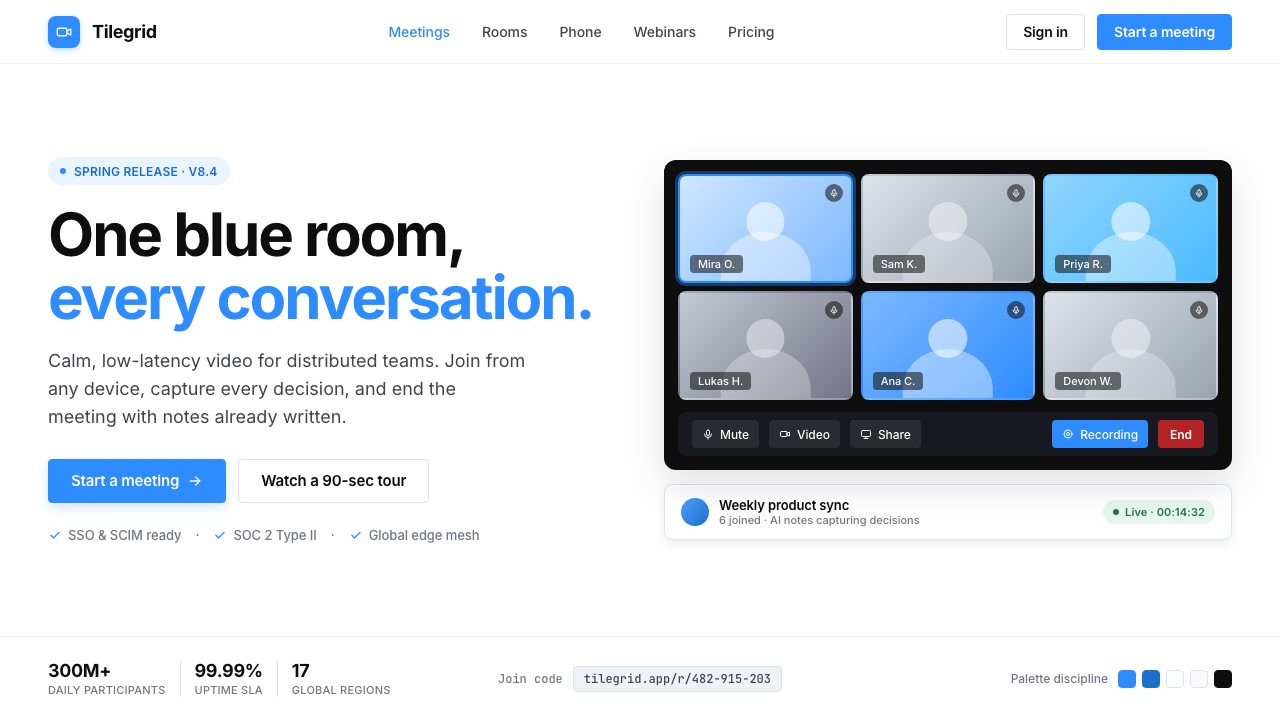 Zoom Meeting BlueRemote work's default discipline. One saturated cobalt on pure white, Inter s…
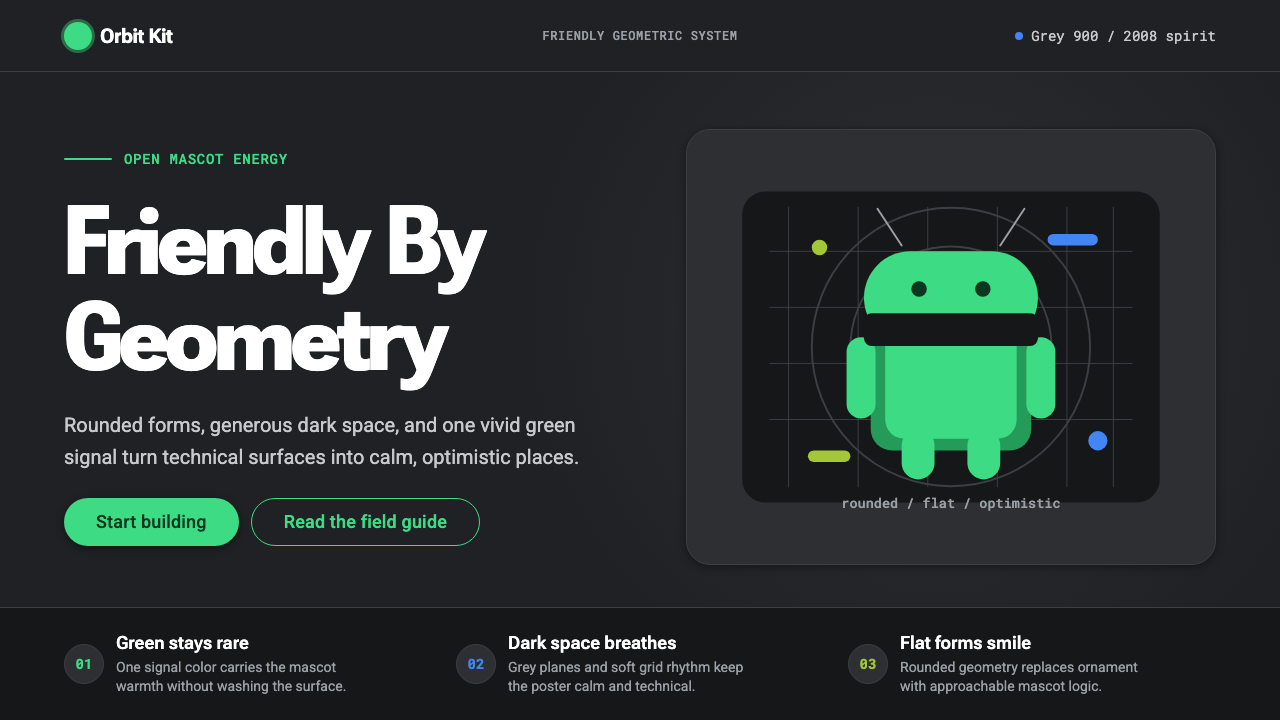 Android Bugdroid GreenFriendly tech, reduced to geometry. Vivid green pops from Grey 900 and rounde…
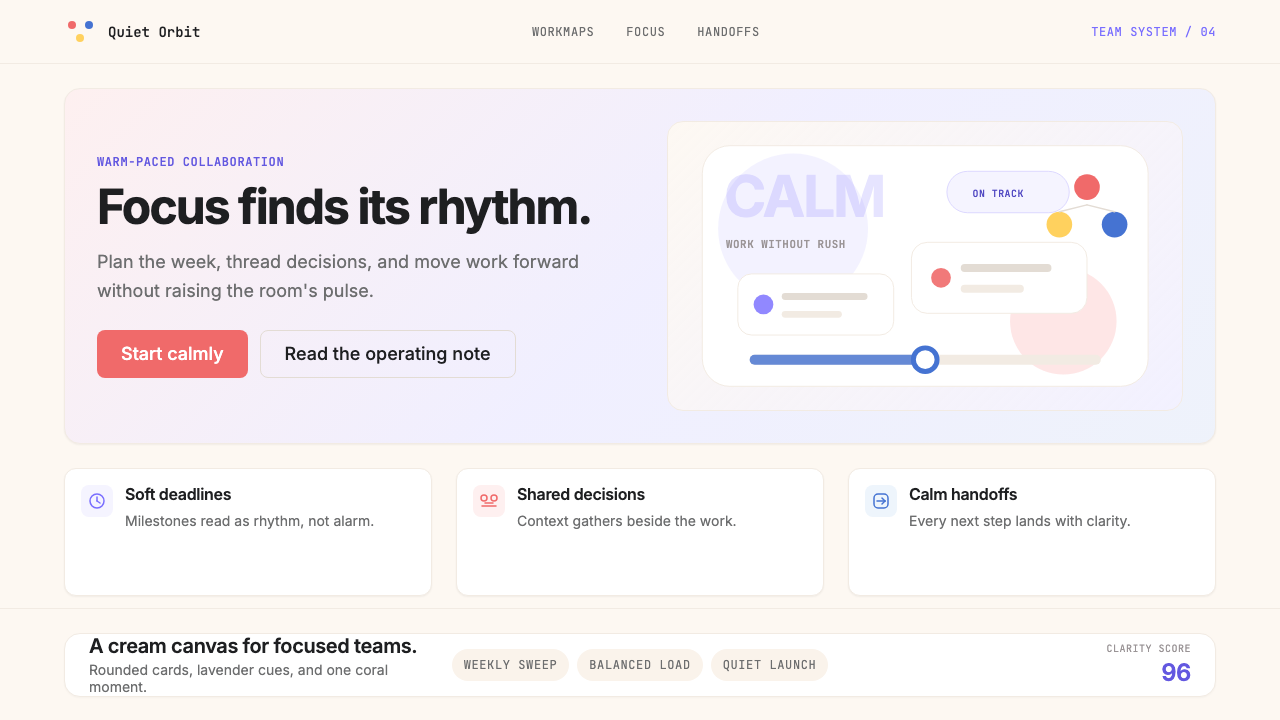 AsanaCalm productivity breathes. Cream canvas, lavender panels, coral-blue-yellow…
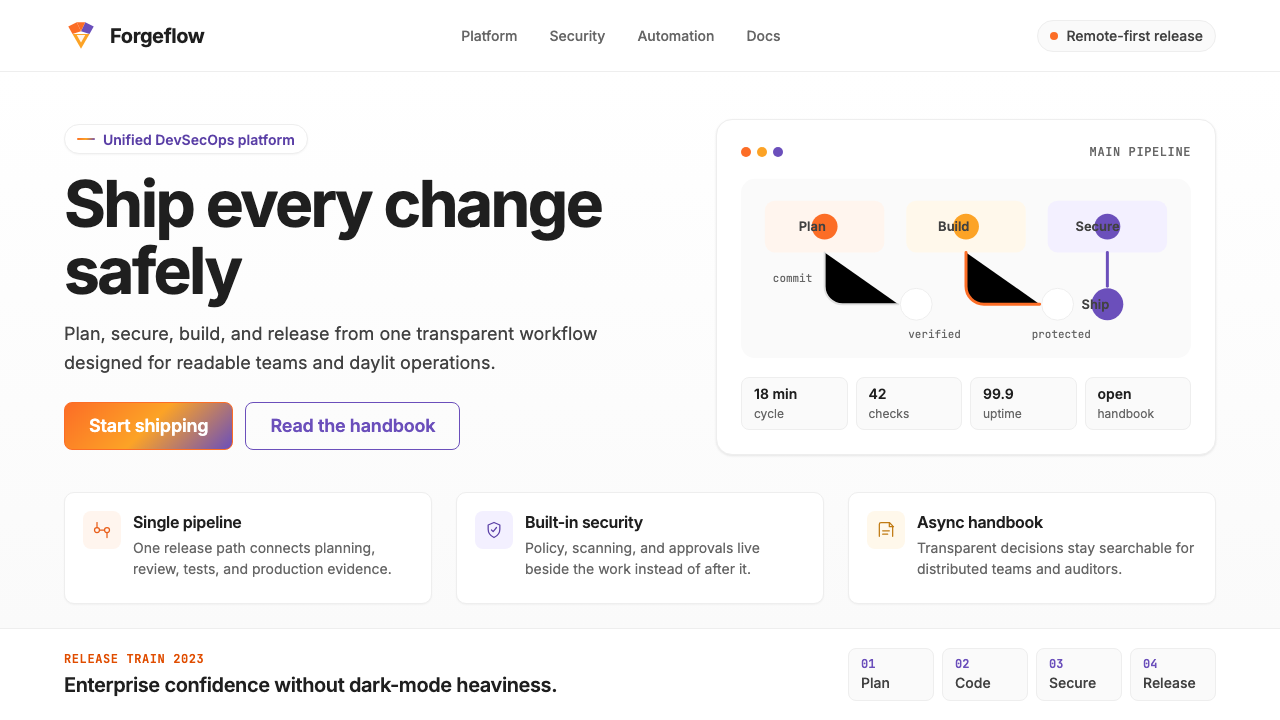 GitLab 2023DevOps in daylight. Tanuki orange-to-purple gradient, Inter, warm enough for…
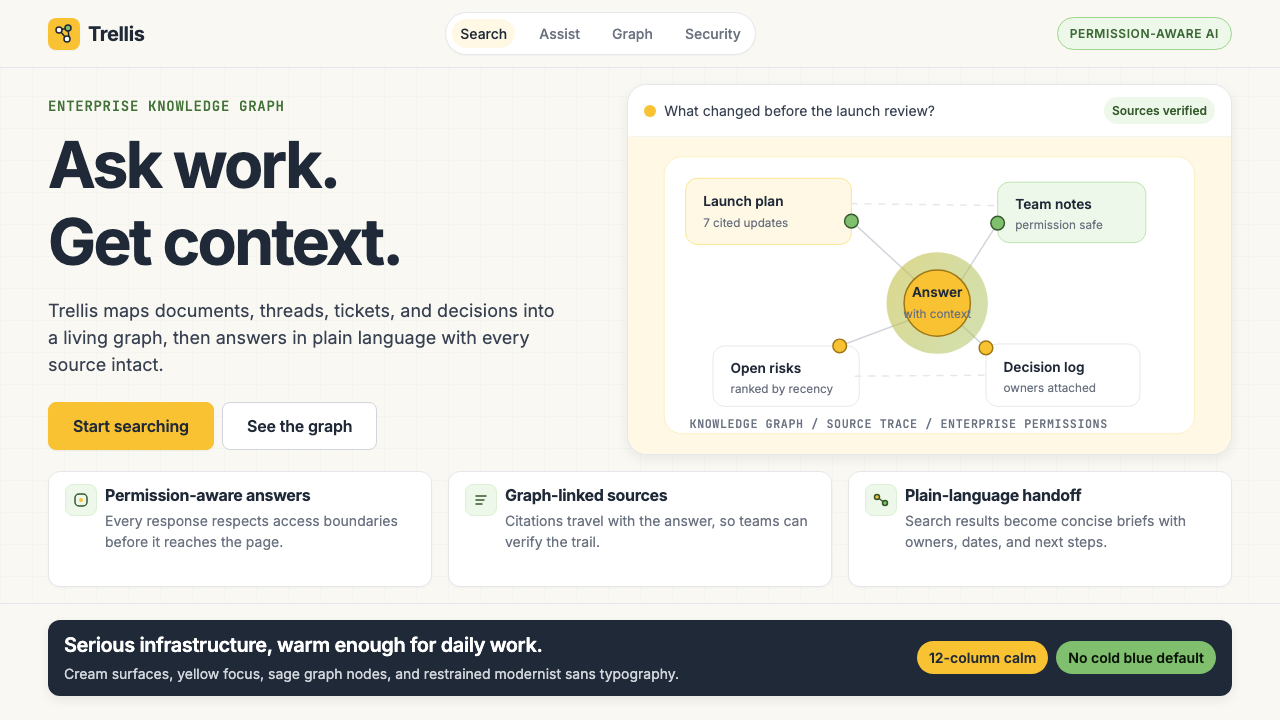 Glean Enterprise-SearchWarm enterprise AI. Cream ground, yellow focus, sage graph nodes, and sans ca…
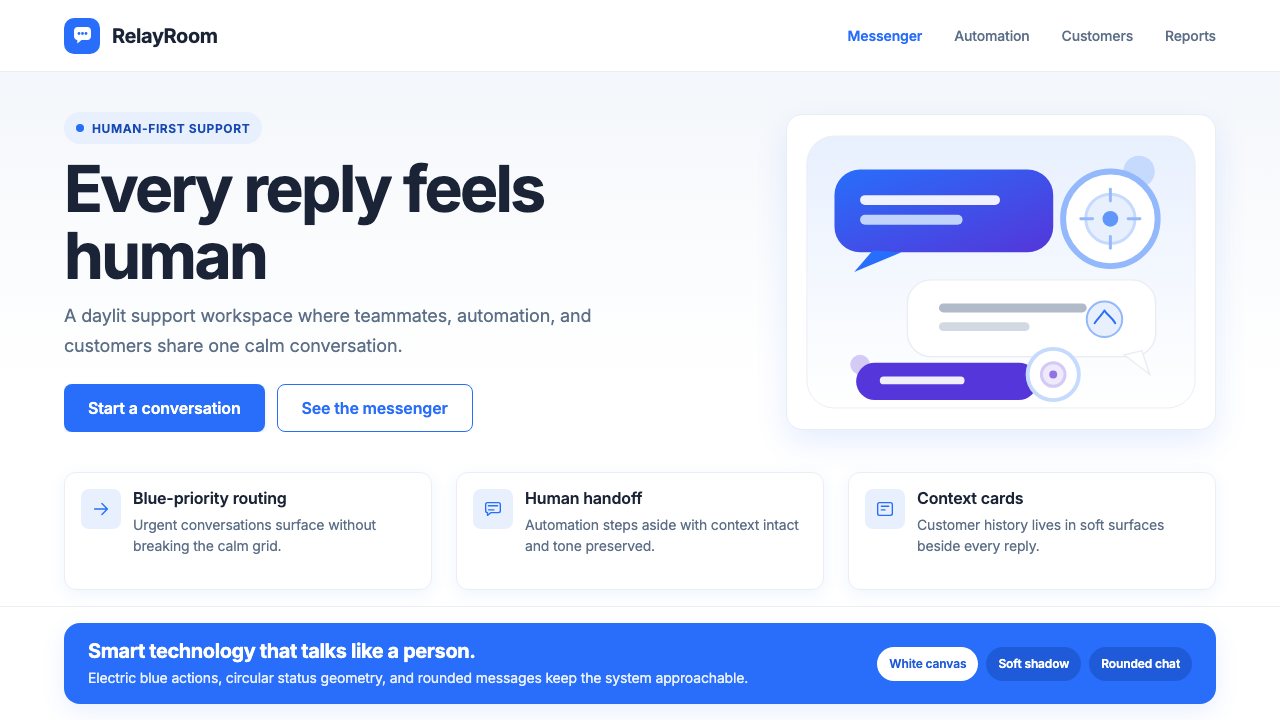 Intercom ModernWarm chat, sharp software. Electric blue bubbles on a daylit white grid.