What is GitLab 2023?
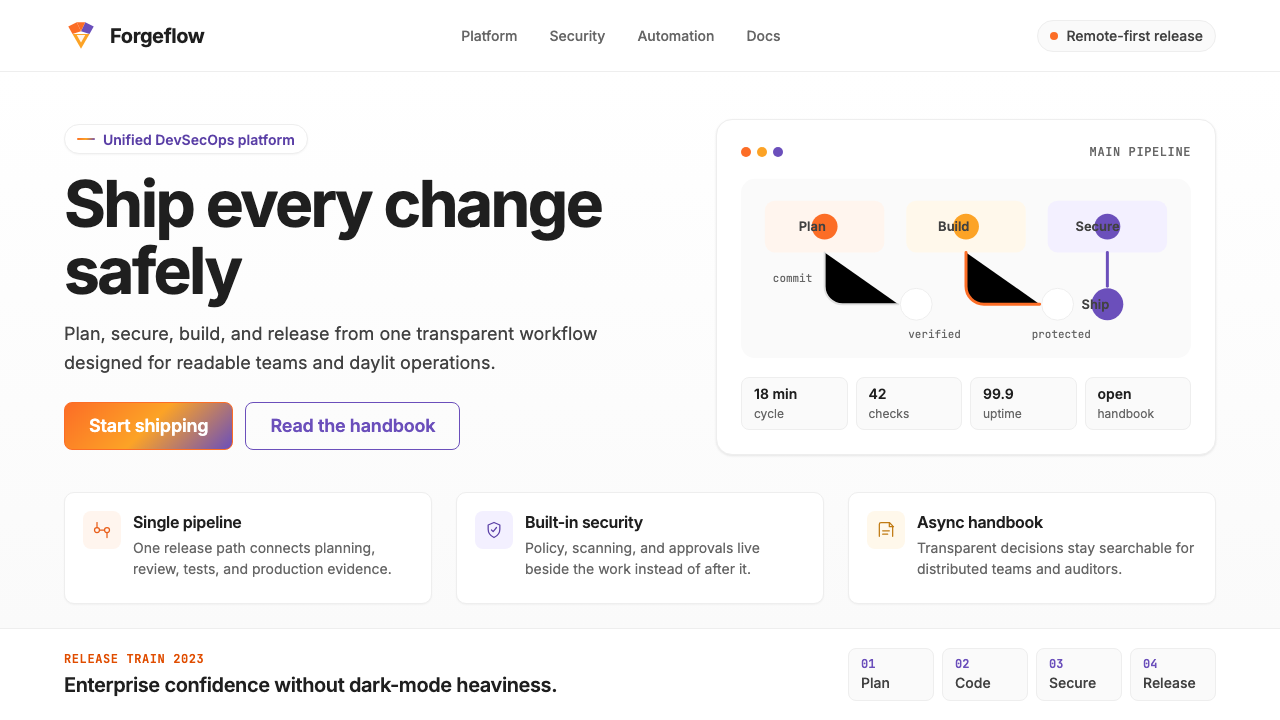
GitLab 2023 proves that enterprise DevOps software can be warm, daylit, and distinctly human — anchored by a tanuki's iconic orange-to-purple gradient and generous, readable typography.
GitLab 2023 in brief
GitLab 2023 is the visual design system behind the GitLab DevSecOps platform as it matured through its post-IPO era. It is a light-first, gradient-accented interface language built to wrap an entire software development lifecycle — from code commit to security scan to deployment pipeline — in a single, coherent visual experience. Its most recognizable element is the tanuki gradient: a sweep from the brand's signature warm orange into a complementary purple, used across hero sections, primary calls to action, and brand touchpoints.
Unlike the dark, terminal-aesthetic interfaces that dominated developer tooling through the early 2020s, GitLab's design deliberately chose the opposite direction: high ambient brightness, warm neutral backgrounds, clean open spacing, and a typographic hierarchy built for long-form reading. The system had to perform equally well across dense pipeline dashboards, multi-column merge-request threads, and long-form documentation pages — a range of information density that few design systems are asked to handle.
The resulting visual language sits in a distinct position within the enterprise software landscape. It is professional enough for procurement decisions at large organizations, yet approachable enough for individual contributors who spend hours per day inside it. The warmth of the orange accent, the generous line-height decisions, and the consistent use of soft structural dividers rather than heavy borders all signal a company that thinks of its tool as something people live in, not merely use.

Where does GitLab 2023 come from?
GitLab was founded in 2011 by Sytse 'Sid' Sijbrandij and Dmytro Zaporozhets, initially as an open-source alternative to GitHub for self-hosted code collaboration. For most of its first decade, GitLab's interface was functional and developer-centric but not especially considered as a visual system — it was built to work, not to express a brand identity. That changed meaningfully as the company scaled through successive funding rounds and began positioning itself as a complete DevSecOps platform rather than a code-hosting tool.
The visual identity that would become recognizable as 'GitLab 2023' began consolidating around 2022 as the company moved through the period following its 2021 IPO. The tanuki — the Japanese raccoon dog that has been GitLab's mascot from the earliest days — moved from a quirky logo to a full brand anchor. The orange-to-purple gradient encoding its warm fur and expressive eyes became systematized as the primary brand expression, applied consistently across marketing materials, conference presence, and increasingly within the product interface itself.
The design team's central challenge during this period was coherence across an enormous product surface area. GitLab's single-application philosophy — the commitment that one platform should handle the entire DevSecOps lifecycle rather than requiring a patchwork of integrations — meant the design system had to serve radically different use contexts: a project manager reviewing milestone burndown charts, a security analyst triaging vulnerability findings, a developer reading pipeline logs at two in the morning. The 2023-era system addressed this by establishing a warm neutral foundation that could recede when density was needed and assert itself when brand expression was called for.
Remote-first culture shaped the design in ways that are easy to overlook. As a company that operated without a physical headquarters and employed contributors across dozens of countries, GitLab's interface was the primary shared space of its community. This placed unusual demands on accessibility and readability — the system needed to work well on a wide range of monitor qualities, in varied ambient lighting, and for users whose primary language was not English. The generous line-heights, restrained color contrasts, and clear typographic hierarchy all reflect a system designed to be read for long stretches, not merely glanced at.
What defines the GitLab 2023 look?
Tanuki Gradient
The defining visual signature is a warm orange flowing into a mid-range purple — a gradient arc that references the tanuki mascot's coat and serves as the primary brand differentiator across all surfaces. It appears on hero section backgrounds, primary button states, illustration backdrops, and conference materials. The gradient is never flat or mechanical; it retains warmth even at its purple terminus, avoiding the cold shift that often afflicts orange-to-blue gradients. When used at full strength it commands attention; when tinted or desaturated it becomes a unifying wash behind otherwise neutral content.
Light-First Foundation
GitLab's interface is built on a near-white canvas with warm undertones, in deliberate contrast to the dark-mode-first tooling culture of its competitive set. Backgrounds are airy without being stark, allowing ink-dark text to sit at comfortable reading contrast without the harshness of a pure black-on-white relationship. Section dividers and card containers use subtle warm-tinted backgrounds rather than heavy borders, creating structural separation without visual noise. The light foundation makes the orange accent colors feel energetic and the purple touches feel rich rather than heavy.
Readable Typography System
Inter — a screen-optimized sans-serif designed for clarity at small sizes and in extended reading — serves as the typographic backbone. The system deploys it at a range of weights and sizes calibrated for GitLab's specific information density demands: comfortable body sizes with generous line-height for documentation, more compact settings for table and sidebar contexts, and confident display scales for empty states and onboarding moments. Heading hierarchies are clear and sequential; users navigating long merge-request threads or lengthy YAML configuration files can orient themselves typographically without relying on color or iconography.
Functional Color Hierarchy
Color is assigned roles rather than applied decoratively. The tanuki orange anchors primary interactive elements: main action buttons, active navigation states, progress indicators, and key status highlights. Purple complements as a secondary brand voice, appearing in illustrative contexts and secondary accents. A semantic layer sits beneath: greens signal successful pipeline runs and passing checks, reds flag failures and critical alerts, yellows mark warnings and pending states, blues indicate informational and navigational contexts. This functional color map means that a developer reading a pipeline output can parse status at a glance without reading each label.
Warm Spatial Rhythm
Spacing decisions throughout the system favor breathing room over compactness. Content areas sit within comfortable margins; related items group visibly without crowding; form fields and table rows carry enough vertical space that scanning does not feel like parsing compressed code. This spatial generosity is a deliberate UX position: GitLab's interface is one that users return to hundreds of times per week, and fatigue compounds over long sessions. The warm spatial rhythm — consistent, predictable, unhurried — reduces that cognitive load in ways that highly compressed interfaces cannot.
Illustrative Warmth
Empty states, onboarding flows, and error pages feature custom illustrations that extend the tanuki character family. These illustrations use a rounded, approachable drawing style rendered in the brand's gradient palette — orange and purple feature prominently, with supporting warm neutrals. The illustrative register is notably warmer and more playful than the product UI it accompanies, creating tonal contrast that makes functional interfaces feel less mechanical. The tanuki appears in various roles: as a developer, a security analyst, a collaborator — reflecting GitLab's commitment to representing its diverse contributor community.
Structured Information Density
DevOps tooling is inherently data-dense: pipeline stages, CI/CD logs, merge request diff views, vulnerability matrices. GitLab 2023 manages this density through a clear component hierarchy — primary data lives in full-width content wells, secondary metadata tucks into right-column sidebars, tertiary context collapses into expandable sections. Tables use alternating warm-tinted row backgrounds rather than heavy grid lines, making rows scannable without visual noise. Status badges, pipeline stage chips, and severity labels use compact but legible scales with consistent color-coding, allowing expert users to read status states in seconds.

Who shaped GitLab 2023?
As co-founder and CEO, Sid Sijbrandij established GitLab's foundational design philosophy through the company's values: transparency, collaboration, efficiency, diversity, iteration, and results — the acronym CREDIT. These values shaped the visual system directly: transparency informed the preference for light, open interfaces over obscuring dark modes; iteration meant the design system evolved incrementally and publicly, with every change logged in GitLab's famously open handbook. Sid's remote-first conviction — GitLab operated without a central office from the earliest days — meant the interface had to function as the primary shared space for thousands of contributors worldwide, raising the stakes for readability and accessibility across diverse environments.
Co-founder Dmytro Zaporozhets built GitLab's first interface and established the technical architecture that the visual system would eventually have to serve. His early decisions about the structure of projects, pipelines, merge requests, and issues created the information hierarchy that the 2023 design system needed to express clearly. Zaporozhets represents the engineering-first context in which GitLab's design evolved: the visual system was always in dialogue with deeply complex underlying data structures, and its clarity achievements are partly a function of understanding what those structures actually required from a layout and navigation standpoint.
The internal brand and design team responsible for Pajamas — GitLab's open-source design system — built one of the few enterprise design systems that is itself a public product. Pajamas documents components, design principles, and usage guidelines openly on the web, inviting community contribution and external scrutiny. This open-design-system approach means the visual decisions behind GitLab 2023 are unusually well-documented: every component has a rationale, every pattern has a named author or working group, and the evolution from earlier interface generations is publicly traceable. The team's work demonstrates that a design system can be simultaneously a product discipline and a form of brand transparency.
Pajamas is GitLab's publicly available component library and design language documentation. It serves simultaneously as the internal handbook for GitLab's own product teams and as an open resource for the wider community building on or integrating with GitLab. The system is notable for its practical completeness: it covers not just visual components but also content guidelines, icon usage, accessibility requirements, and motion principles. For designers studying GitLab's visual language, Pajamas provides primary-source access to the reasoning behind design decisions — a level of transparency that is uncommon in proprietary enterprise design systems and that makes GitLab's aesthetic choices particularly well-understood and learnable.
How do you use GitLab 2023 today?
GitLab 2023 translates naturally into presentation design, particularly for technology, developer tools, and infrastructure products. A cover slide benefits from the tanuki gradient at full expression: sweep it diagonally or horizontally across the upper half or the entire background, set the title in a clean sans-serif at generous weight in white, and let the gradient carry the brand statement without additional illustration. The warmth of the orange-to-purple arc avoids the cold, generic feel of many technology gradient covers. For content slides, shift to the light foundation — near-white background, near-black body text, with the orange reserved for section labels, callout figures, or progress indicators. This contrast between gradient-forward covers and light-ground content pages creates a satisfying visual rhythm through a deck.
Data slides in this system work best when status semantics are respected. Pipeline diagrams, deployment timelines, and infrastructure charts should use the system's green-red-yellow-blue color logic rather than introducing arbitrary palette choices. Bar and line charts benefit from the orange as the primary data series color, with supporting series in purple or neutral grays. Avoid applying the tanuki gradient to data visualization fills — the gradient implies brand or hero-level emphasis and reads as decorative rather than informational when applied to chart elements. Keep chart backgrounds near-white and let the data colors speak at full saturation against the quiet ground.
For web interfaces and dashboards, the system's strengths are most visible in information-dense contexts. A developer dashboard built in this language should establish a light warm-neutral sidebar for navigation, a full-width content area with generous vertical spacing between items, and a right-rail or inline sidebar for metadata. Status chips — build passing, merge conflict detected, pipeline running — should use the semantic color layer consistently. The orange gradient works well as a top-of-page header band that contextualizes which project or pipeline is in focus. Pricing and marketing pages benefit from alternating light-section and gradient-section layouts, using the brand arc to mark tier differentiation or feature highlights.
In editorial and marketing contexts, the visual language supports strong hierarchy and brand confidence. Long-form articles or technical documentation pages should use the typographic system's generous line-height settings, a comfortable measure for body text, and clearly differentiated heading scales. Pull quotes and callout boxes work well with a subtle warm-tinted background rather than a colored border — consistent with the system's preference for background treatment over edge treatment. Marketing layouts can deploy the tanuki gradient more boldly: full-bleed gradient hero sections, gradient-accented feature cards, and section transitions that use the orange-to-purple arc as a structural divider. The key is keeping the gradient purposeful — an event, not a wallpaper.
A common mistake when applying GitLab 2023 is using the tanuki gradient everywhere it can fit, which quickly dilutes its impact and reads as visual noise. The gradient earns its authority through restraint: when it appears, it should feel like a deliberate brand moment. Similarly, the warm-neutral background system can drift toward being too beige if warm undertones are applied without calibration — the correct register is barely perceptible warmth, not a cream or off-white that competes with the accent colors. Another frequent error is treating the semantic color layer as decorative: green should not appear on success-adjacent elements that are not actually status indicators, and red should be reserved for genuine error and alert states rather than used as an accent for visual variety.

GitLab 2023 — FAQ
Is GitLab 2023 only suitable for developer tools and DevOps products?
Not exclusively, though that is its native context. The underlying qualities of the system — light, warm, readable, with a clear semantic color layer — transfer well to any information-dense product that values clarity over decoration: project management platforms, data observability tools, security dashboards, enterprise analytics interfaces. The tanuki gradient is specifically GitLab's, and direct use of it in unrelated products would feel derivative, but the spatial rhythm, typographic generosity, and functional color logic are transferable principles. Products outside the developer tooling space should adapt the approach — warm neutral foundation, restrained accent usage, readable type scales — without importing the gradient as a signature element.
How does GitLab 2023 differ from other modern enterprise SaaS design systems like Salesforce Lightning or Atlassian Design?
The primary differentiator is warmth. Salesforce Lightning leans toward a cooler, bluer corporate palette and a denser component grid; it prioritizes enterprise formality. Atlassian's design language is also cooler in temperature and places heavier emphasis on iconography and color-coded product differentiation across its suite. GitLab's warmer orange-purple axis and its documentary openness through Pajamas give it a more approachable register. All three systems share the functional color logic — semantic greens, reds, and yellows for status — but GitLab's gradient-anchored brand expression is less conservative than either alternative, and its open-source-friendly transparency is part of its design identity in a way that the others' are not.
Can the GitLab 2023 approach work in dark mode?
GitLab itself provides a dark mode within the product, and the system's approach to dark inversion is instructive. Rather than simply inverting the light palette, GitLab's dark mode uses deep warm-neutral backgrounds — closer to a very dark warm gray than to pure black — which maintains the warmth register even at low brightness. The tanuki gradient retains its orange-to-purple character in dark mode because both colors hold their luminance well against dark grounds. The semantic color layer requires most adjustment: success greens and warning yellows both need their saturation lowered to avoid appearing to glow against dark backgrounds. The overall lesson is that the system's warm character can survive dark inversion if the background warmth is preserved and the accent saturation is managed.
What makes the tanuki mascot unusual as a design system anchor?
Most enterprise design systems deliberately suppress character and personality in favor of neutral professionalism. GitLab went the other direction: the tanuki is not a secondary brand element but a structural component of the visual system. The gradient derives from the mascot; the illustrative style extends the mascot's character across empty states and onboarding; conference and marketing materials feature the tanuki in context-specific roles. This mascot-anchored approach is more common in consumer products than enterprise software, and it creates a tonal tension that is, in GitLab's case, generative rather than dissonant: the playful character gives the interface warmth that pure UI components cannot, and it signals cultural values — openness, humor, community — that the more formal aspects of the system cannot express alone.
How should the orange-to-purple gradient be used without overusing it?
The gradient earns its power through scarcity. A reliable heuristic: use it in one place per screen or layout section, and treat that use as the most important visual event on the surface. On a landing page, the hero section gradient should be the only gradient; everything below it runs on flat, light, warm-neutral backgrounds. In a presentation, gradient covers and section dividers should not compete with gradient chart fills or gradient button styles — the latter two should be flat. In a dashboard, a gradient header band contextualizes the page without needing gradient treatment at the component level. When the gradient appears on an interactive element such as a primary button, it should be the most prominent interactive element on the page, not one among several. The rule of thumb: if the gradient appears more than twice in a single view, it has likely been overused.
Related design styles
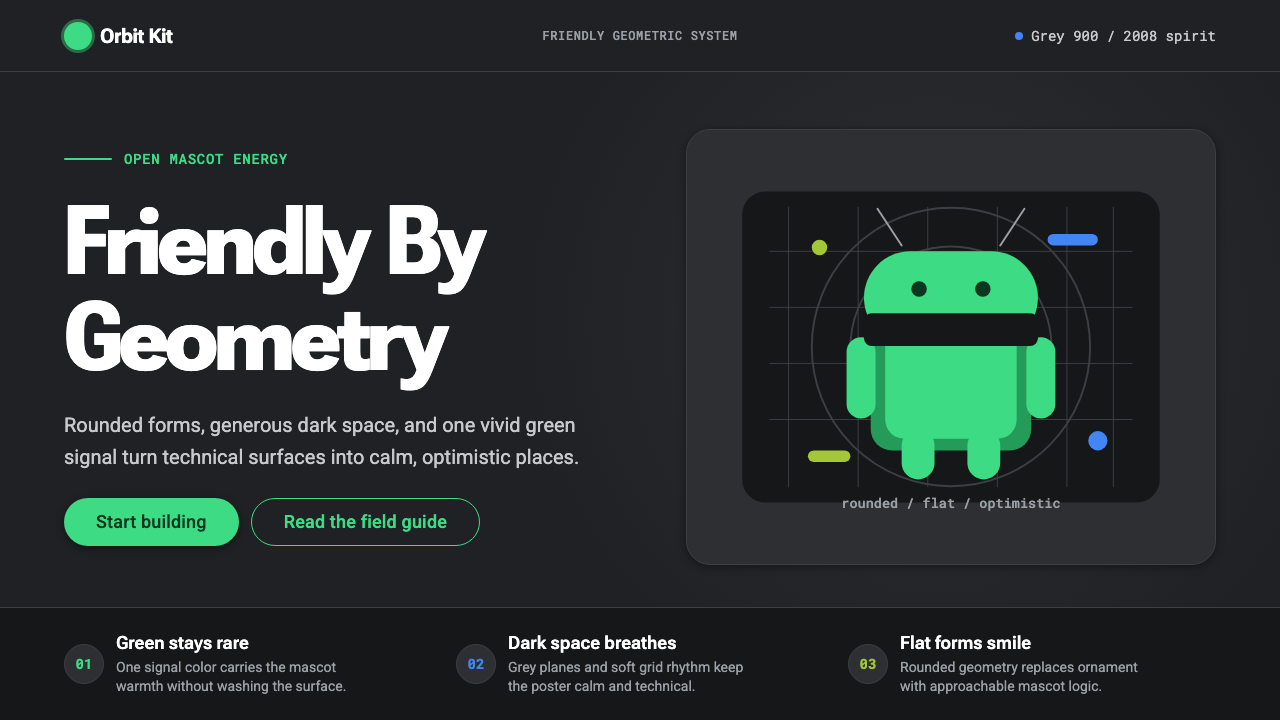 Android Bugdroid GreenFriendly tech, reduced to geometry. Vivid green pops from Grey 900 and rounde…
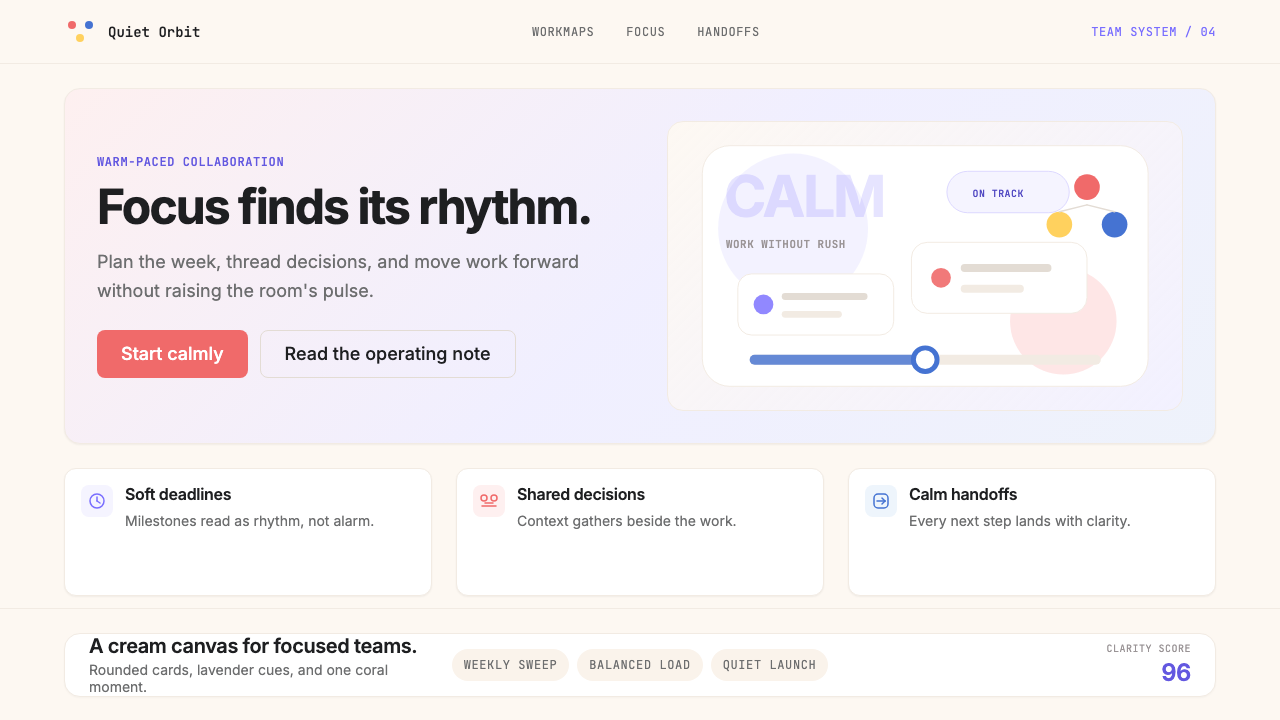 AsanaCalm productivity breathes. Cream canvas, lavender panels, coral-blue-yellow…
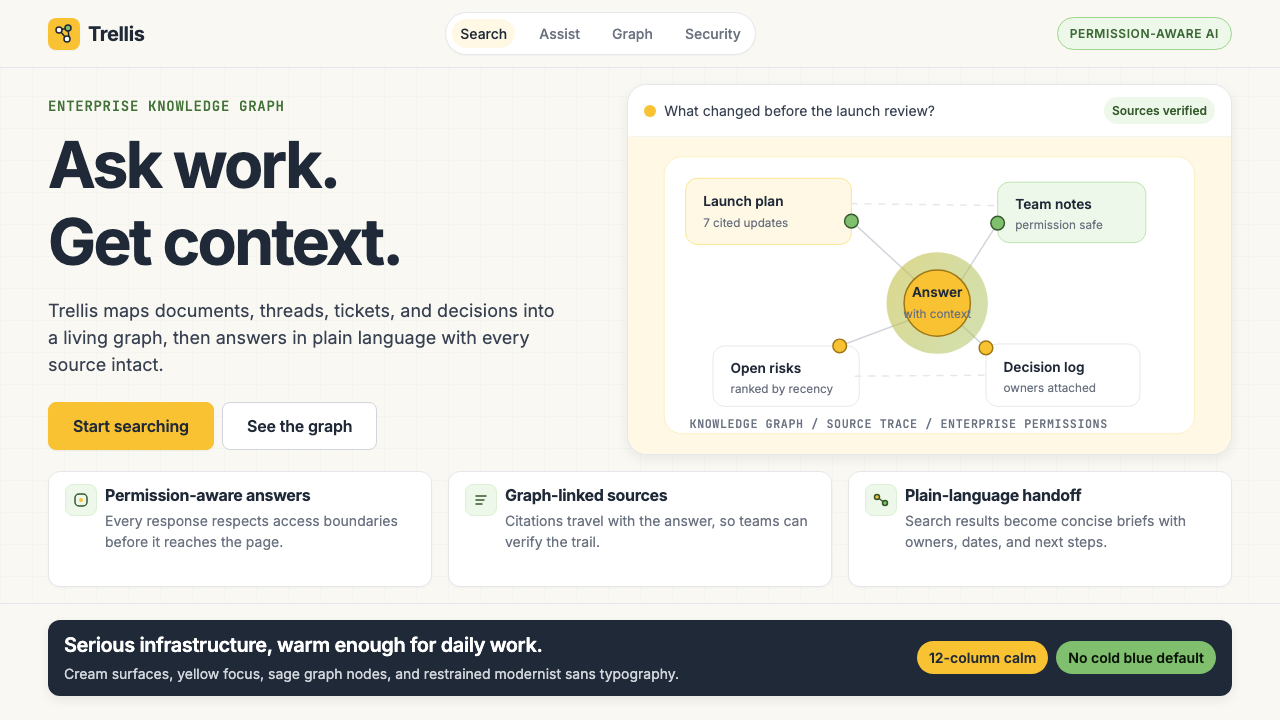 Glean Enterprise-SearchWarm enterprise AI. Cream ground, yellow focus, sage graph nodes, and sans ca…
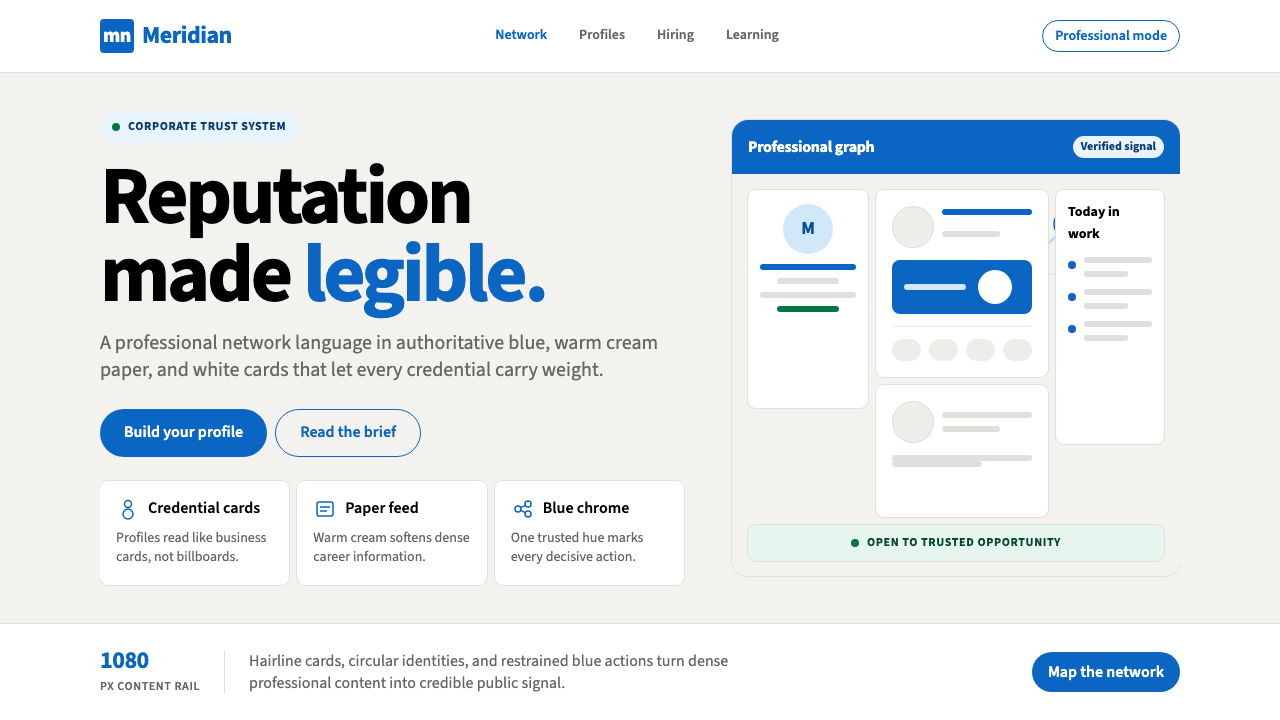 LinkedInCorporate trust, digitized. Authoritative blue frames white cards on warm cre…
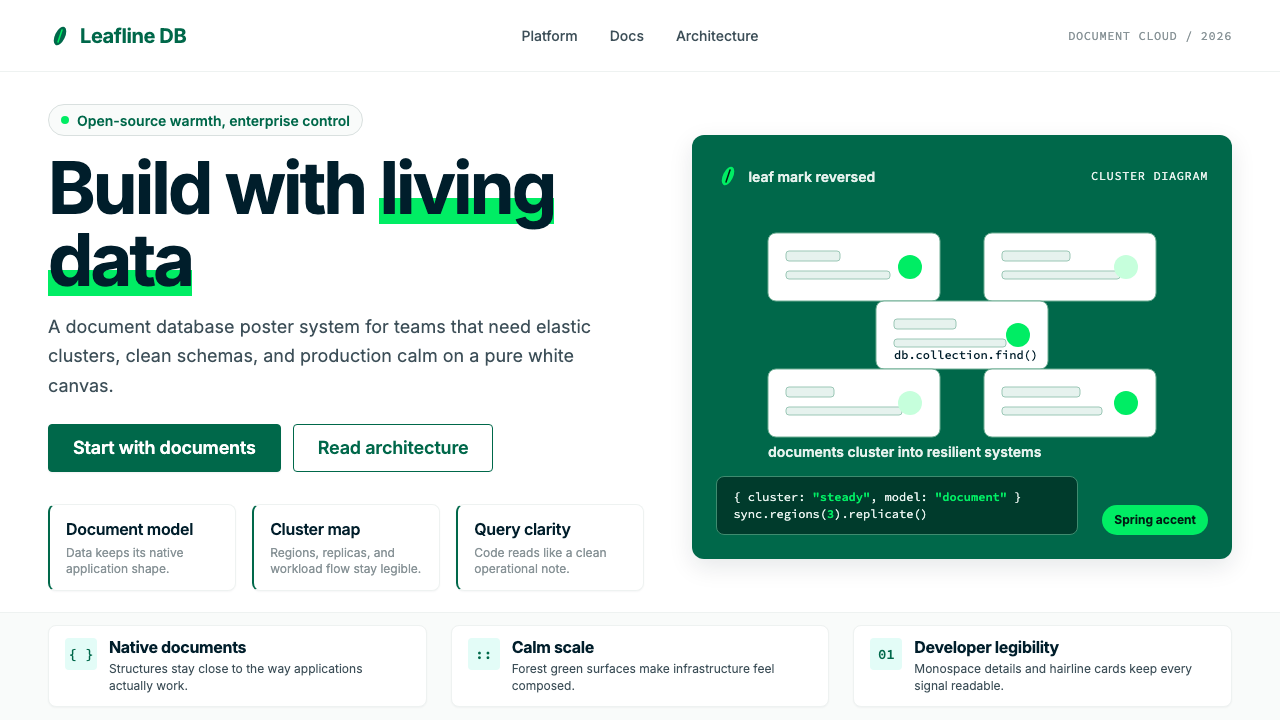 MongoDB Leaf GreenDisciplined green, open warmth. Forest leaf forms and Spring accents breathe…
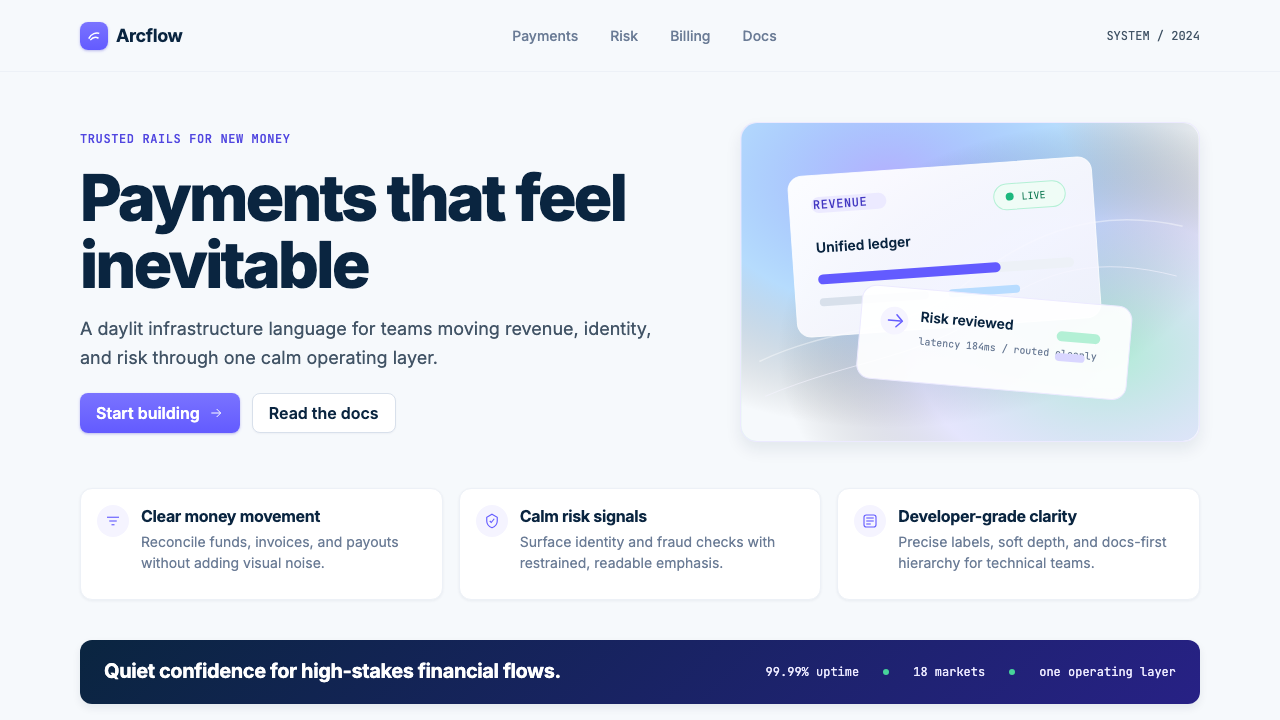 Stripe 2024Trust earns its glow. Indigo mesh, neutral type, and whisper cards float on n…