What is miHoYo Game UI?
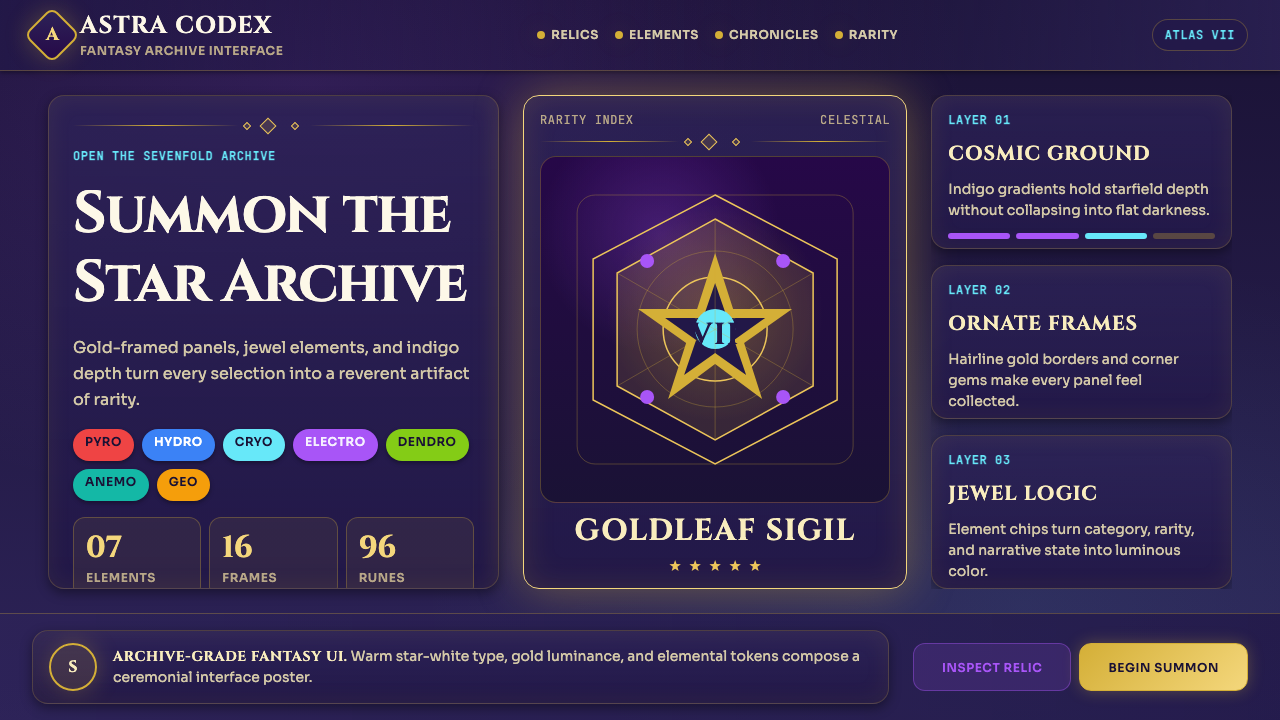
miHoYo turned the gacha inventory screen into a ceremonial act — indigo starfields, gold-leaf frames, and jewel-chip element badges that make every pull feel like opening a reliquary.
miHoYo Game UI in brief
miHoYo Game UI is the visual language developed by Shanghai studio miHoYo across its flagship titles Genshin Impact (2020), Honkai: Star Rail (2023), and Zenless Zone Zero. It is the most widely imitated Chinese-originated interface aesthetic in contemporary gaming, and the first gacha-game design system to achieve global design-press recognition as a coherent, intentional style rather than a genre convention.
The system is built around a dark indigo canvas that evokes a night sky or deep-sea archive. Over this ground, ornamental card frames — with corner flourishes echoing classical Chinese border motifs and Art Nouveau scroll work — contain character portraits, ability descriptions, and equipment stats. A seven-color element palette (Pyro, Hydro, Cryo, Electro, Dendro, Anemo, Geo) provides the primary accent vocabulary, each hue corresponding to one of the game's elemental affinities and appearing in consistent roles: icon chip, progress ring, active-state glow.
Typography in this system pairs fantasy-inflected serif display faces — used for character names, chapter titles, and gacha banner headlines — with warm geometric body text for menus, stat values, and tutorial copy. The result deliberately rejects the corporate minimalism that dominates Western game UI, proposing instead a scroll-archive grandeur where information density and decorative richness coexist without visual chaos.

Where does miHoYo Game UI come from?
miHoYo was founded in Shanghai in 2012 by three Shanghai Jiao Tong University graduates — Cai Haoyu, Liu Wei, and Luo Yuhao — who began by making mobile games inspired by Japanese anime aesthetics. The studio's early work, including the Honkai Impact series starting in 2016, established an internal visual grammar centered on high-contrast character art, dramatic lighting effects, and dense information panels. These early titles were commercially successful across East and Southeast Asia but remained largely invisible to Western design discourse.
The design language crystallized with the development of Genshin Impact, which launched globally in September 2020. The Genshin UI team drew from a wider and more eclectic set of references than any prior miHoYo project: traditional Chinese decorative arts contributed the corner bracket motifs and gold-leaf frame vocabulary; Japanese RPG UI conventions provided the model for stat panels and ability layouts; and the aesthetic of celestial and alchemical manuscripts — European and East Asian alike — informed the starfield backdrop and ornamental flourishes. The decision to make the UI feel archival and precious, rather than slick and modern, was a deliberate counter-positioning against the flat, neutral UI common in Western mobile games of the period.
Between 2020 and 2023, the system matured through Genshin's update cadence — approximately six weeks between major version releases — which forced the UI team to extend and reapply the design language across hundreds of new characters, event screens, and seasonal banner compositions without losing coherence. This production discipline imposed a rigorous internal consistency: the ornamental frame vocabulary, element color system, and typographic hierarchy became load-bearing, not decorative, because they were the only constants across an enormous surface area of content.
Honkai: Star Rail, launched in April 2023, demonstrated that the core visual vocabulary could be transposed to a science-fantasy setting — replacing the open-world scroll aesthetic with a space-opera register — while remaining unmistakably miHoYo. The UI team shifted the dominant frame motifs from botanical scroll work toward mechanical and circuit-board geometries, substituted a cooler, more violet-leaning indigo for Genshin's warmer blue-indigo, and introduced new interface metaphors drawn from train timetables and transit maps. The adaptation confirmed that the system was genuinely architectural — a flexible grammar — rather than a fixed visual formula.
What defines the miHoYo Game UI look?
Deep Indigo Canvas
The foundational ground is a deep indigo that reads simultaneously as a night sky, a deep ocean, and the cover of an arcane manuscript. This is not a neutral dark mode: it has perceptible warmth at the blue-violet boundary that prevents it from feeling cold or corporate. All other elements — frames, text, element chips — are layered above it, creating a sense that the interface inhabits a dimensional depth rather than sitting flat on a screen. The indigo never competes with the accent colors because it occupies a distinct luminosity register, dark enough to make even moderately bright hues appear to glow.
Ornamental Frame Language
Card and panel borders are never plain rectangles. Corners carry flourishes — small bracket shapes, floral terminals, or geometric rosettes — that echo both classical Chinese decorative borders and European Art Nouveau frame vocabulary. These corner treatments serve a structural function: they establish the boundary of a panel at a glance and create a visual hierarchy between container and content. The frames are rendered in gold or gilt tones that contrast warmly against the indigo ground, and they vary in complexity according to rarity — common items receive simpler borders, five-star characters receive the most elaborate treatment.
Seven-Element Color System
The seven elemental affinities — Pyro, Hydro, Cryo, Electro, Dendro, Anemo, and Geo — each map to a distinct accent hue: a warm amber-red for fire, a deep teal for water, a pale icy blue-white for ice, a vivid violet for lightning, a fresh leafy green for nature, a soft sage-grey for wind, and a warm ochre-gold for earth. These hues appear consistently across icon chips, ability highlights, and elemental reaction indicators. The system functions like a semantic palette: once learned, color alone communicates element type at a glance, reducing the cognitive load of parsing icon shapes in fast-paced gameplay.
Cosmic Gradient and Glow
Unlike flat design systems, miHoYo UI embraces luminous gradients as a primary tool for conveying rarity and importance. Background panels shift subtly from a deeper indigo at the edges to a slightly lighter or more violet-tinted center, creating a sense of depth without hard geometry. Five-star character reveal animations and gacha pull screens intensify this with radial starfield effects — the canvas itself seems to breathe. Glows around element chip colors and active-state borders are soft enough to suggest internal light source rather than screen backlight, reinforcing the impression that every high-rarity item is emitting rather than reflecting light.
Fantasy Serif Display Type
Display type — used for character names, banner headlines, chapter titles, and system UI headers — is set in typefaces with perceptible calligraphic or historical serif qualities that evoke manuscript culture rather than contemporary digital interfaces. These faces carry implied weight and ceremony: a character name in the Genshin header style reads as a title rather than a label. Body text and numerical values shift to geometric or humanist faces with higher legibility at small sizes, creating a clear typographic split between the ceremonial and the functional.
Information Density as Richness
Western mobile game UI after 2015 trended toward sparse, card-based layouts with generous whitespace and single-focus screens. miHoYo's system explicitly rejects this convention, treating density as a positive quality rather than a problem to be solved. A typical character detail screen contains the portrait, a constellation diagram, six ability icons with expandable descriptions, equipment slots, and a stat breakdown — all visible simultaneously without scrolling. The visual system prevents this density from becoming cluttered by using the frame language and color hierarchy to group related elements and create clear regions of visual weight.
Rarity as Visual Grammar
Perhaps the most structurally significant aspect of the system is its formalization of rarity as a design variable. Three-star items, four-star items, and five-star items are not merely distinguished by a star count: they exist in entirely different visual registers. Three-star backgrounds are muted and their frames simple; four-star adds a secondary border detail and increases glow intensity; five-star borders are fully ornamental with gold leaf, complex corner treatments, and the most saturated elemental color expression. This graduation means that rarity is legible before any text is read — the visual hierarchy carries semantic meaning independently of language.

Who shaped miHoYo Game UI?
Cai Haoyu is a co-founder and long-serving president of miHoYo. While his public role is primarily organizational, he has been identified in industry reporting as a driving creative force behind the studio's aesthetic ambition — particularly the insistence on combining high production-value character art with dense, lore-saturated world-building. His leadership through the multi-year development of Genshin Impact established the studio's practice of investing in UI polish at a level more typically associated with console-first titles, not mobile games.
The broader UI design team — working under the HoYoverse brand that miHoYo adopted for international operations — is responsible for developing and extending the visual system across multiple simultaneous live-service titles, each with different genre settings and tonal registers. The team's most significant achievement is maintaining visual coherence across Genshin Impact's enormous volume of ongoing content while simultaneously designing distinct but family-related systems for Honkai: Star Rail and Zenless Zone Zero. Industry observers have noted that the team's work represents a new benchmark for UI artisanship in live-service games.
The character art directors — whose individual names are not consistently credited in public-facing communications — define the visual identity of each playable character through concept art and final model direction. Their work is inseparable from the UI system because characters are not only game assets but the primary organizing metaphor of the entire interface: banner screens, profile pages, equipment menus, and gacha results are all built around the character portrait as the central design element. The art direction decisions made at the character level — pose, color temperature, elemental expression — propagate directly into UI color and compositional choices.
The writers and narrative designers who built Genshin Impact's seven-nation world — each nation corresponding to one element and drawing from a distinct real-world cultural tradition — created the conceptual framework that made the element color system meaningful rather than arbitrary. The decision to tie element identity to nation identity, and to express both through consistent visual language, transformed what could have been a mechanical taxonomy into a lore-saturated chromatic system. This deep integration of narrative and visual design is one reason the interface resonates so strongly with players who have no prior design training.
How do you use miHoYo Game UI today?
miHoYo Game UI is most effective when applied to contexts that benefit from a sense of ceremony, rarity hierarchy, and immersive darkness — settings where the interface should feel like a window into a curated world rather than a tool for completing tasks. The style translates well to presentation contexts including game pitch decks, fantasy product launches, and entertainment brand identity systems. Applied to a slide deck, it works best when the dark indigo canvas is established as the consistent ground across all slides, the ornamental frame vocabulary is used to demarcate content sections rather than every individual element, and the element color system is repurposed as a category-coding device for data or content types.
For cover and hero slides, the style supports bold portrait-centered compositions: a character illustration or product hero image occupies the upper two-thirds, framed by corner flourishes, while the title sits in display type below on a subtly lighter panel. Section divider slides can lean into the archival aesthetic with chapter-title type at large scale against the bare indigo field, evoking the opening scroll of a game chapter. Data slides require restraint — the ornamental frame should surround the entire data region rather than individual data points, and the element palette should be limited to two or three hues for categorical distinction, avoiding the full seven-color spectrum which would be visually overwhelming in a chart context.
For web UI applications — particularly dashboards, gaming platform interfaces, membership tier pages, and entertainment subscription products — the system translates well when the dark canvas is used as the primary background, card components adopt simplified versions of the ornamental border treatment, and interactive states are expressed through the element-glow convention. Membership or pricing tier pages benefit specifically from the rarity graduation logic: visually differentiating tiers through border complexity and background luminosity, rather than only through color or icon count, makes premium tiers feel genuinely elevated rather than merely labeled differently. Navigation should use the typographic hierarchy conventions — larger, display-weight wordmarks for top-level categories, smaller geometric body text for subcategories.
For editorial and marketing applications — event posters, game announcements, brand campaign collateral, and social media cards — the style is at its most expressive when composition is asymmetric, the indigo field bleeds to all edges, and a single element-color accent is used for the primary call to action or featured product highlight. Fantasy-genre publishing, music releases with otherworldly themes, and luxury product launches in categories that benefit from mystique (fragrance, collector editions, limited drops) are natural applications. The system should be adapted rather than copied literally: using the frame language and color logic while replacing the game-specific element icons with contextually appropriate symbols.
The most common mistake when applying this style is treating the ornamental elements as decoration to be added after the layout is complete. In authentic miHoYo UI, the frame language is structural — it defines spatial regions and content hierarchy. If the ornamental borders are applied as a surface treatment over an existing neutral layout, the result feels costumed rather than coherent. Start with the dark canvas and the frame architecture, then place content within those regions. A second common mistake is using the full element palette indiscriminately: the seven-color system was designed to be learned progressively in a gameplay context, not encountered all at once. In non-game applications, select two or three element hues that are harmonically compatible and assign each a consistent semantic role before introducing any further accent color.

miHoYo Game UI — FAQ
Is this style appropriate for non-gaming products?
Yes, with adaptation. The core visual grammar — dark canvas, ornamental framing, luminous accents, rarity hierarchy — transfers well to entertainment, luxury, and collector-culture contexts where ceremony and desirability are core brand values. It is less appropriate for productivity tools, enterprise software, healthcare products, or any context where the interface should feel efficient and neutral rather than immersive and precious. The key test is whether your product benefits from making users feel they are engaging with something rare and curated, rather than completing a task. If that emotional register is right, the style can work outside gaming.
How does this style handle light backgrounds?
It does so with significant difficulty. The entire visual system is engineered for dark ground: the ornamental gold frames depend on the indigo contrast to read as precious rather than garish, the element color glows require darkness to appear luminous, and the sense of archival depth is fundamentally a property of the dark canvas. A light-background version is possible in principle — Genshin's loading screens and some promotional materials use brighter fields — but it tends to flatten the system, making the ornamental borders feel heavy and the element colors feel saturated rather than glowing. If a light background is a hard requirement, the ornament vocabulary should be significantly simplified and the element colors desaturated to work in ambient light conditions.
What makes miHoYo UI distinct from other dark fantasy game interfaces?
Most dark fantasy game UIs — including those from Western RPG titles in the same era — use darkness as atmosphere without systematizing it into a design grammar. They apply rough textures, desaturated earth tones, and aggressive distressing effects that evoke ruggedness or menace. miHoYo's approach is the opposite: the darkness is elegant and aspirational, closer to a jewel box or an astronomical atlas than a dungeon. The gold frame vocabulary, the jewel-toned element chips, and the smooth starfield gradients all position the darkness as a backdrop for preciousness rather than threat. This is fundamentally a luxury-object aesthetic applied to game UI, and that distinction is what makes it genuinely new rather than merely genre-conventional.
Can the element color system be used without the rest of the miHoYo visual vocabulary?
Partially. The semantic logic of assigning a distinct, consistently applied hue to each category or type — and using that hue across icon, highlight, and active-state expressions — is a transferable principle that works in any sufficiently complex categorization system: skill taxonomies, asset classes, content genres, user segments. However, the specific hues of the element palette were designed to work against deep indigo and to complement the gold frame vocabulary. Transplanted into a neutral or light-background system without those supporting elements, the colors can feel arbitrary or overly saturated. Use the logic, not the specific colors, unless you are also committing to the full dark-canvas context.
How should the ornamental frame vocabulary be scaled down for small components like mobile cards?
miHoYo itself demonstrates the answer across its own interfaces: the corner flourish is the minimum viable unit of the frame vocabulary. Full borders with mid-edge decorations, complex corner rosettes, and multi-layer treatments are reserved for hero moments — five-star character reveals, main menu panels, event landing screens. Smaller components — inventory thumbnails, party selection cards, buff icons — retain only the corner treatment at reduced scale, sometimes simplified to a single geometric bracket rather than a full flourish. At the smallest sizes, even the corner treatment disappears and only the color register (the gold or element-tinted border stroke) signals membership in the system. Apply the same progressive simplification logic in any adapted context: full ornament for hero components, bracket-only for mid-scale cards, color-stroke-only for small elements.
Related design styles
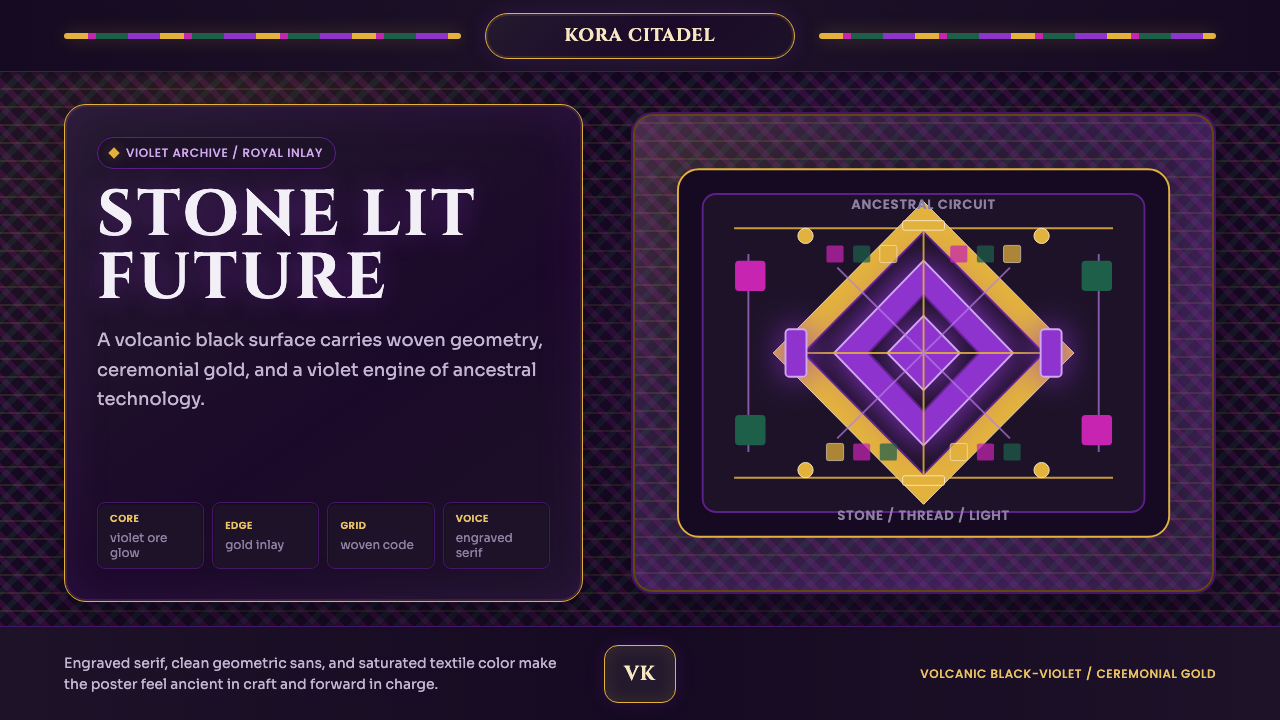 Africanfuturism VibraniumCeremony goes electric. Violet glow and gold inlay thread a volcanic textile…
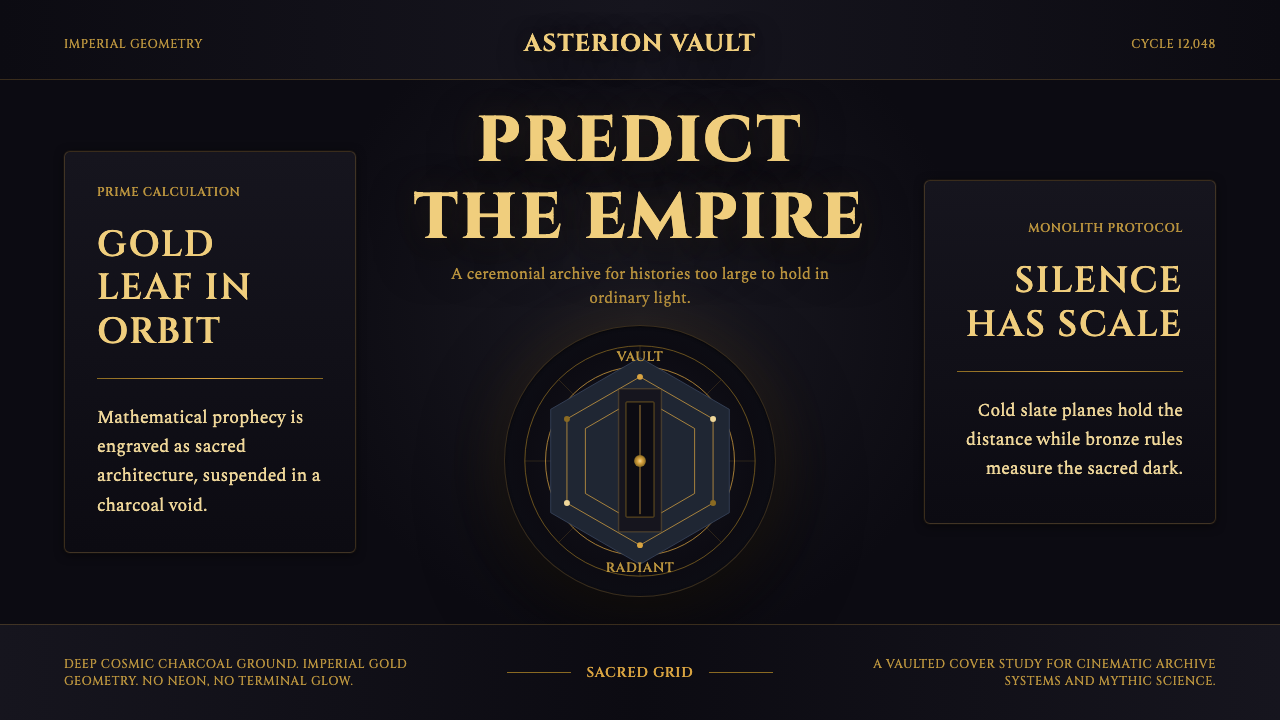 Foundation AppleSacred empire in shadow. Cinzel capitals and gold geometry float on cosmic ch…
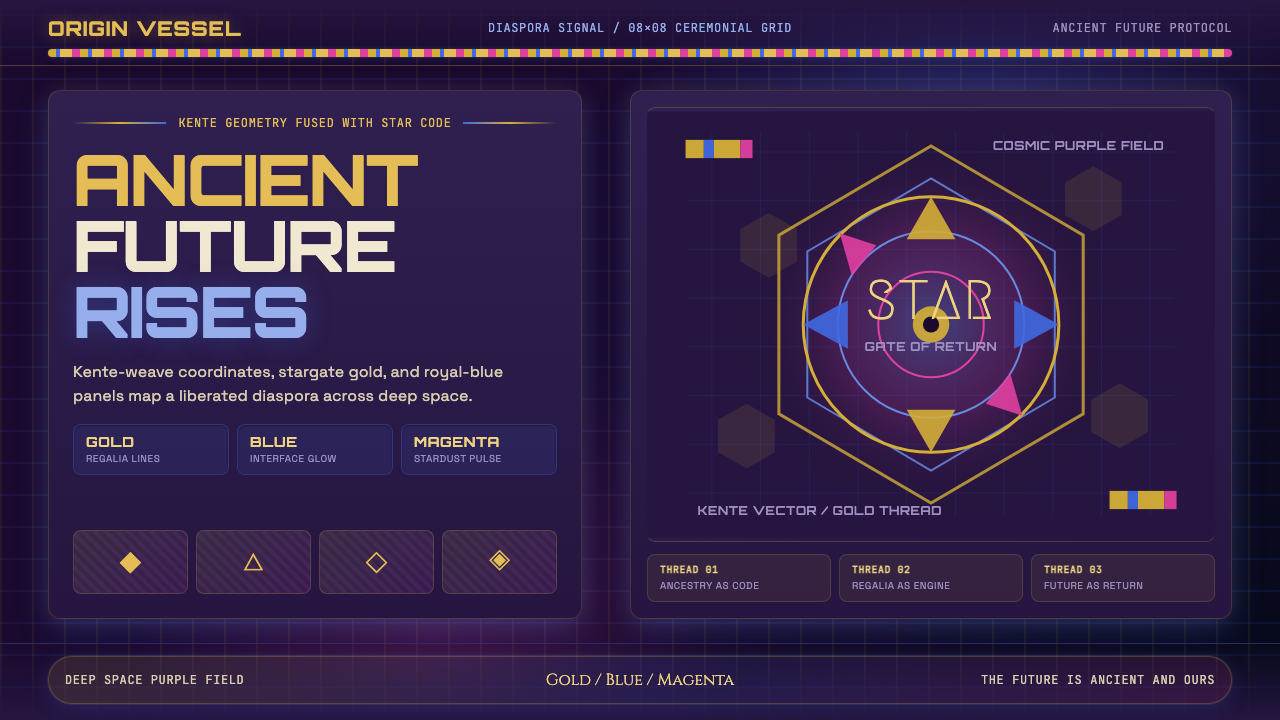 AfrofuturismAncient future, fully luminous. Gold kente grids cut through cosmic purple an…
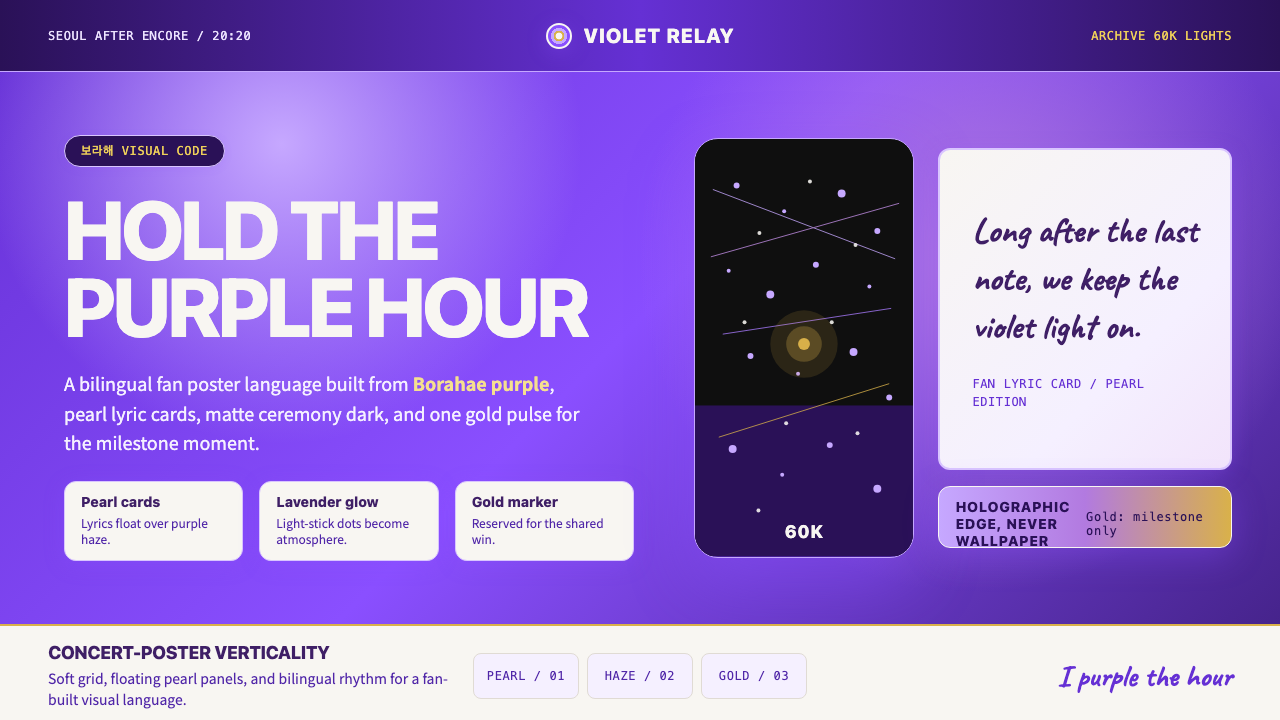 BTS Army Purple 2020Fandom becomes atmosphere. Borahae purple, pearl cards, lavender glow, one go…
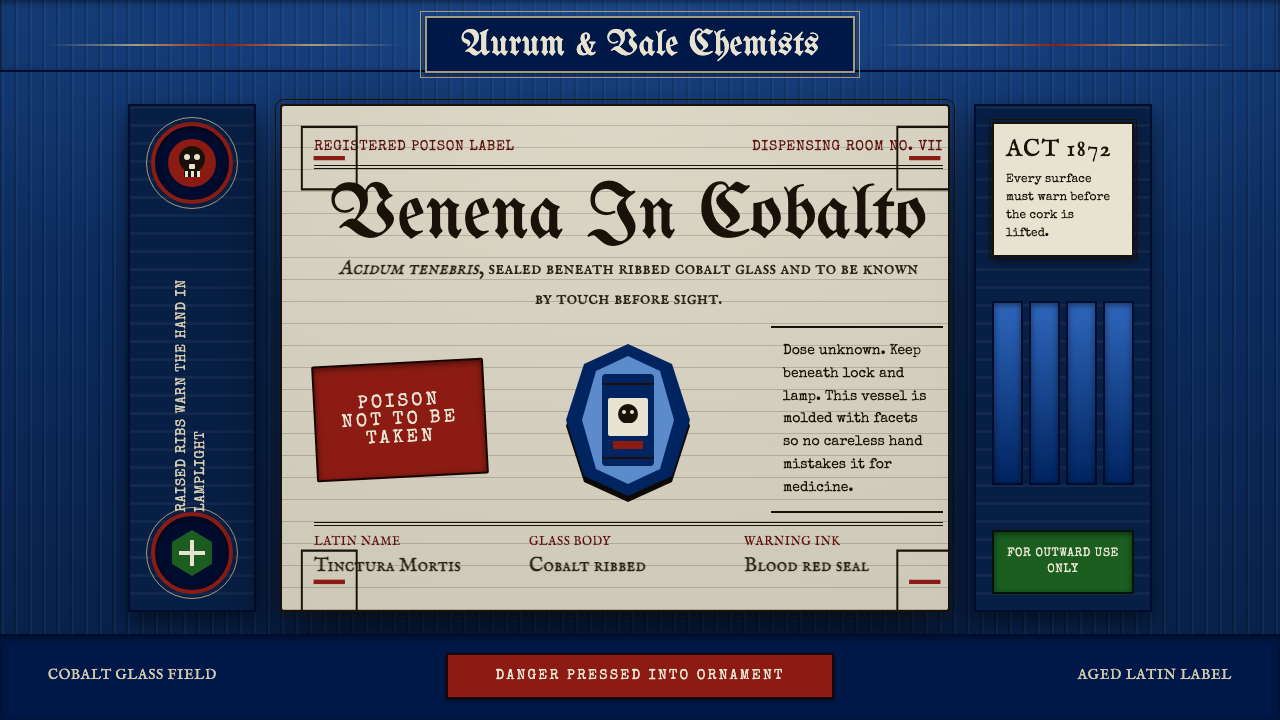 Apothecary Poison LabelDanger made ornate. Cobalt ribs, aged paper, and red POISON rules make fear t…
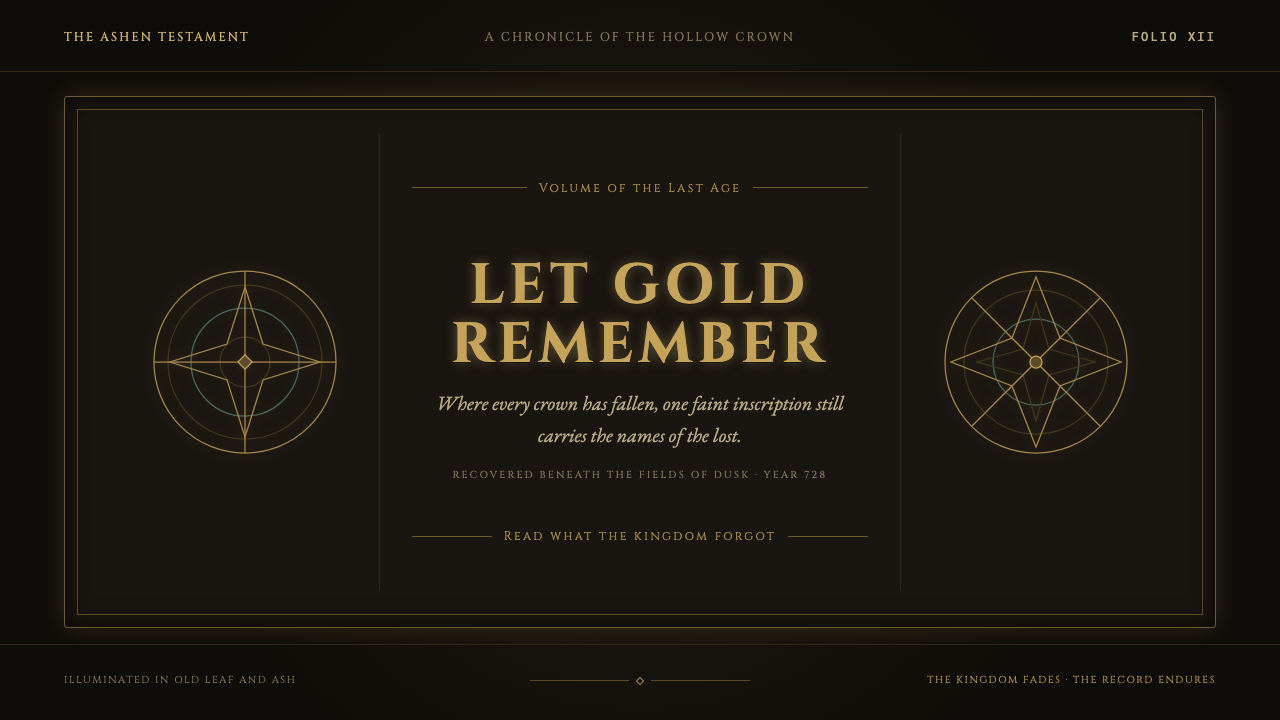 Elden Ring (2022)A kingdom mourns in gilt. Aged gold hairlines and Roman capitals glow in warm…