What is Grafana?
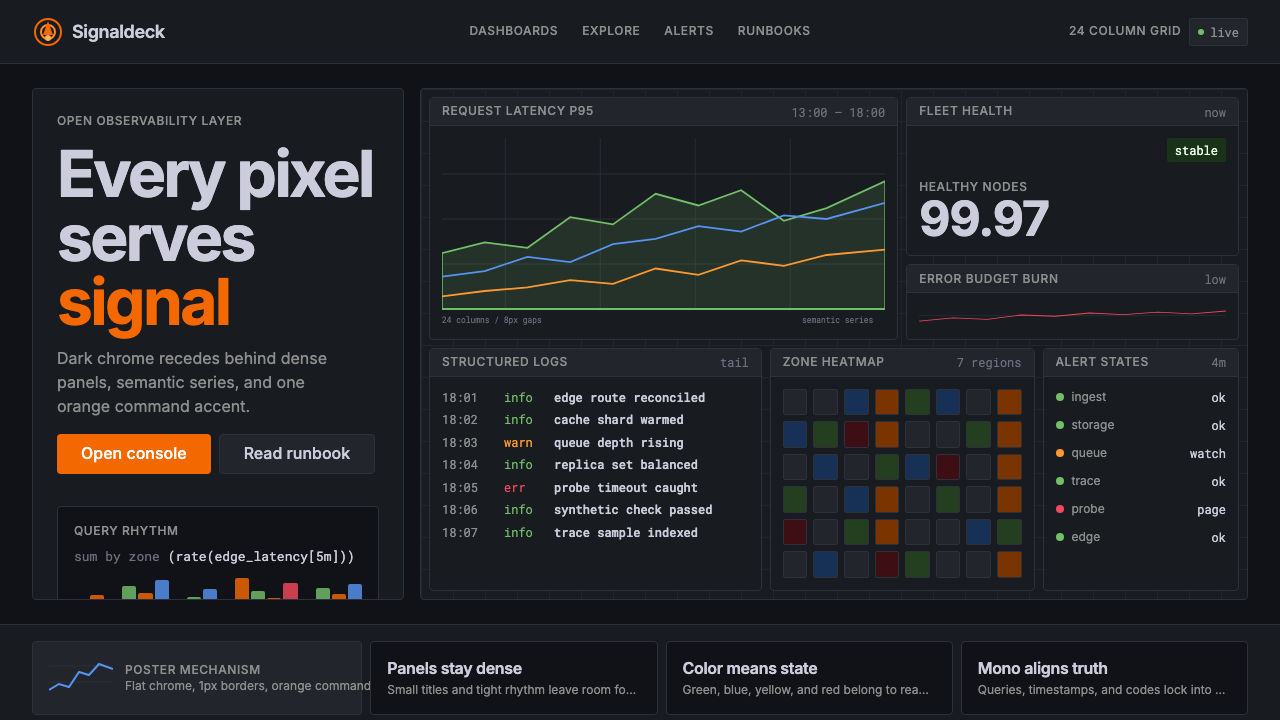
Grafana turned the darkened operations room into a design language — where every orange highlight is an alarm and every silent panel is a promise kept.
Grafana in brief
Grafana is the open-source observability dashboard that became the de facto visual standard for engineering infrastructure worldwide. Its aesthetic — deep navy or charcoal backgrounds, tightly packed grid panels, a signature orange flame accent, and semantic color coding tuned for data distinguishability — is as recognizable to a site reliability engineer as a Bloomberg Terminal layout is to a financial trader. Unlike decorative design systems built from an artistic vision outward, Grafana's visual language was engineered inward from a single constraint: operators must extract accurate signal from dense, fast-moving data under pressure.
The style sits at the intersection of functional instrument design and modern open-source software culture. It inherits the flat, grid-bound information density of scientific dashboards while softening that severity with thoughtful accent colors and panel-level typography that never competes with the data it frames. The result is an aesthetic that feels at once utilitarian and considered — a friendlier Bloomberg Terminal, as one observer put it, or a flight deck designed by engineers who also cared about usability.
Applying the Grafana aesthetic deliberately — in presentations, product interfaces, or editorial design — communicates a specific set of values: precision, transparency, real-time awareness, and a deep respect for the data consumer's cognitive load. It signals infrastructure credibility without resorting to sci-fi decoration or gratuitous darkness.

Where does Grafana come from?
Grafana began in 2014 as a personal fork. Torkel Ödegaard, a Swedish software engineer then at Orbitz, found Kibana — the dominant visualization front-end for Elasticsearch at the time — too tightly coupled to its data source and insufficiently flexible for time-series work. He forked it, rewrote the panel and plugin architecture from scratch, and released Grafana as an independent open-source project. The early interface was closer to Kibana's light-background aesthetic than the dark canvas that would later become iconic, but the architectural decision to be data-source-agnostic planted the seed of Grafana's eventual dominance: any data source, one visual language.
The visual identity crystallized alongside the rise of the cloud-native observability stack. As Prometheus emerged as the standard metrics layer for Kubernetes clusters in the mid-to-late 2010s, Grafana became its canonical frontend. The dark background — practical in low-light operations centers and easier on the eyes during long on-call shifts — solidified as the default. The orange accent color, evoking both a flame and an alert, distinguished Grafana's chrome from the data colors used inside panels. Raj Dutt and Anthony Woods joined the project's leadership and helped Grafana Labs formalize the aesthetic and grow the product into a commercial platform without abandoning the open-source core.
The Grafana 8 release series (approximately 2021 onward) introduced a modernized theme system that codified what had evolved organically: a unified dark and light mode, a constrained set of semantic colors for panel states, and a panel border and spacing language that made dense dashboards feel intentional rather than cluttered. This period also saw the visual language become a recognized design idiom beyond its own product — dashboard builders across the industry began designing toward the Grafana look as a shared vocabulary for engineering observability.
The movements that shaped Grafana's aesthetics include cloud-native observability as a discipline, the open-source DevOps tooling culture that valued radical transparency and shared defaults, and dashboard-as-code culture in which infrastructure teams version-control their visualization configurations alongside their application code. The result is a design language that carries the epistemological values of its community: show the data honestly, minimize chrome, and trust the operator to interpret what they see.
What defines the Grafana look?
Dark Ground and Signal Contrast
The canonical Grafana surface is a deep navy or near-black ground that absorbs ambient light and makes colored data signals pop with minimal eye fatigue. This is not darkness for dramatic effect but an engineering choice rooted in on-call operations: operators staring at screens for hours benefit from reduced brightness, and high-contrast panel data reads faster under stress. Every color applied over this ground is evaluated for its legibility against that dark field, making contrast the organizing principle of the entire palette.
Orange Accent as Identity and Alert
Grafana's signature orange serves a dual function that distinguishes it from purely decorative accent colors. On the chrome level — navigation, logos, selected states, interactive highlights — it acts as brand identity. Within data visualization, orange is reserved for threshold-adjacent states and warnings, so the eye is already trained to treat it as meaningful rather than decorative. This semantic double duty makes orange feel earned rather than arbitrary: every instance of it carries intentional weight.
Semantic Panel Color Vocabulary
Inside panels, colors are chosen for distinguishability across many simultaneously visible series rather than for visual harmony. A Grafana dashboard might display a dozen time-series lines in a single panel, so each color must remain identifiable when lines cross or when a small percentage of the chart area is that color. The palette prioritizes perceptual distance between adjacent colors over any coherent decorative story. State colors — green for healthy, yellow for degraded, red for critical, orange for warning — carry fixed meaning and are never repurposed for decoration.
Grid Density and Panel Architecture
Grafana dashboards are built on a dense multi-column grid — historically described as a twenty-four-column system — that allows panels of varying widths and heights to tile together without wasted whitespace. The panel is the fundamental compositional unit: a bordered or subtly backgrounded rectangle containing a single visualization, a title, and minimal metadata. Panels butt up against each other with tight gutters, and the overall visual impression is one of comprehensive coverage rather than airy openness. This density is not a failure of breathing room — it is a deliberate expression of comprehensiveness.
Typography as Data Substrate
Type in Grafana performs a substrate role: it labels, annotates, and provides time-axis context without drawing attention away from the visualization it accompanies. Panel titles are kept short and use a moderate scale relative to the panel body. Axis labels and legend entries use small, regular-weight letterforms in a muted tone so they recede when the eye is tracking a data line. Big-number panels — which display a single metric value at large scale — are the one exception, inverting the usual hierarchy to make the number itself the visual event.
Minimal Chrome, Maximum Data
The navigational and structural elements of the Grafana interface — sidebars, toolbars, breadcrumbs, time pickers — are deliberately compressed and kept dark so they disappear at peripheral vision. The goal is that when an operator opens a dashboard, their eye goes immediately to the panel content rather than the interface scaffolding. This chrome-minimization principle applies even within panels: gridlines are light and sparse, axes are thin, borders are subtle. Every structural element that can recede does recede.
State-Driven Color Shifts
One of Grafana's most distinctive features is that the same panel can shift its entire color character based on data state. A stat panel showing latency might sit in its neutral muted tone at normal values, shift toward yellow when approaching a threshold, and turn red when a threshold is breached — all without any designer manually specifying each state. This dynamic, data-driven color behavior means the dashboard itself becomes a real-time alert surface. Applying this principle to designed artifacts means color transitions carry meaning rather than mood.

Who shaped Grafana?
Ödegaard created Grafana in 2014 as a fork of Kibana while working at Orbitz, frustrated by that tool's tight coupling to Elasticsearch. His architectural decision to build Grafana as a data-source-agnostic visualization platform — capable of connecting to Prometheus, Graphite, InfluxDB, and eventually hundreds of other sources through a plugin system — is the single decision most responsible for Grafana's ubiquity. The visual language that emerged under his stewardship prioritized operator clarity above all else, establishing the dark-ground, orange-accent aesthetic that became the project's identity.
Dutt co-founded Grafana Labs and served as CEO through the company's growth from open-source project to enterprise platform. His leadership shaped the business model that allowed Grafana to remain genuinely open-source — the core dashboard engine and most plugins available to anyone — while building a commercial layer around managed hosting, enterprise features, and professional support. This model influenced the aesthetic strategy: the visual language had to work as well in polished enterprise contexts as in self-hosted scrappy environments, giving it a disciplined restraint that avoided both startup casualness and corporate over-production.
Woods contributed to Grafana's early plugin and panel architecture, helping establish the extensible system through which the visual language could be applied consistently across dozens of visualization types. The consistency of Grafana's look across line charts, bar gauges, heatmaps, table panels, and alerting views — all using the same dark ground, the same type scale, the same border logic — is a product of careful architectural choices about where visual decisions live in the codebase. Woods's technical work made aesthetic consistency possible at scale across a community-driven project.
Grafana's visual identity cannot be understood apart from the Prometheus monitoring system and the broader cloud-native community that standardized around it. The Prometheus data model — time-series metrics labeled by key-value pairs — demanded a visualization approach that could display many overlapping series at once with clear legend differentiation. The community's conventions for naming, labeling, and alerting thresholds flowed into Grafana's interface defaults, and the community's preference for open, auditable systems reinforced the aesthetic value of showing all the data rather than hiding complexity behind curated summaries.
How do you use Grafana today?
Grafana's visual language translates into deliberate design choices across slide presentations, product interfaces, and editorial work. The key to applying it well is understanding that every visual decision in the Grafana system exists to serve data legibility under high cognitive load — not to decorate, not to impress, not to signal sophistication. When you borrow from it, you borrow that discipline along with the aesthetic.
For presentation slides, Grafana's approach works especially well for technical or data-heavy decks aimed at engineering, infrastructure, or data science audiences. A cover slide in this aesthetic uses a deep dark background with the title in clean high-contrast type and a single accent-colored geometric element — an underline, a bar, or a bordered data callout — to anchor the composition. Content slides follow the panel metaphor: each major point sits in a visually distinct region with a short label above it, mimicking the panel-title pattern. Data slides should lean fully into the visualization: large, uncluttered charts with the dark ground, semantic colors for distinct series, and a deliberately thin axis and legend so the chart data dominates. Avoid mixing decorative imagery with this style — photographs and illustrations fight against its data-first logic.
For web product interfaces, the Grafana visual language is particularly well-suited to dashboards, monitoring views, pricing comparison tables, and any page where the user needs to scan structured information quickly. Apply the approach by committing to a dark theme throughout the interface or section, using the orange accent exclusively for primary actions and alert states, and treating all other interactive elements with muted, border-defined styling. Card components should have clear border definition rather than soft shadows. Status indicators should use the standard state palette — healthy, degraded, critical — without decorative variation. Navigation should be typographically minimal, with icon usage limited to functional indicators rather than decorative fills.
For editorial and marketing design, the Grafana aesthetic signals engineering credibility and data-driven culture. Feature announcements for developer tools, technical case studies, and infrastructure product marketing all benefit from the style's restraint. Full-width dark sections can alternate with lighter analysis sections, with the orange accent reserved for key statistics, call-to-action elements, or threshold-exceeded moments in the data story. Pull quotes and callout figures should be treated like stat panels: large metric value, short label beneath, semantic color for the metric's status. Avoid using the dark background for warm or emotional content — the aesthetic's emotional register is cool, analytical, and authoritative, not welcoming or playful.
The most common mistake when applying the Grafana aesthetic is importing the darkness without importing the discipline. A dark background covered in colorful decorative elements or gradients misrepresents the style entirely — Grafana's darkness is productive emptiness, a space that recedes so data can advance. A second frequent error is treating the orange accent as a general brand color to apply broadly across interactive elements, decorative shapes, and background sections. In authentic Grafana-derived work, orange appears rarely and purposefully: it marks interactive primary actions, alert states, and the brand mark itself. When orange appears on every button and border, it loses its semantic signal and becomes noise — the exact opposite of what the system intends.

Grafana — FAQ
Is Grafana's dark aesthetic purely about aesthetics, or does it serve a functional purpose?
Primarily functional, secondarily aesthetic. The dark background originated in operations center environments where screens run continuously and eye fatigue over long shifts is a real concern. Dark surfaces emit less light, reducing the cumulative strain of extended screen exposure. Beyond fatigue reduction, the dark ground serves a signal-detection function: colored data elements — a red alert, a spiking yellow line — read with higher perceptual contrast against a dark field than against a white one, enabling faster anomaly detection under stress. The aesthetic appeal of the dark look is a beneficial side effect, not the design rationale.
How does the Grafana aesthetic differ from generic dark-mode design?
Generic dark-mode design typically inverts a light-background interface — replacing white with a dark gray and black text with white — while preserving the original compositional and decorative logic. Grafana's dark aesthetic is structurally different: it was built dark from the beginning, with every visual decision made under the assumption of a dark ground. The orange accent is chosen for its behavior against that dark field specifically. The color vocabulary inside panels is tuned for distinguishability in low-contrast, high-density environments. The panel grid density is calibrated for a dark surface where padding does not need to separate visual complexity from blinding white. The result is a dark system, not a dark mode — a fundamental difference in design intent.
Can the Grafana aesthetic work on a light background?
Grafana itself maintains an official light theme, so the answer is yes — but with significant caveats. On a light ground, the orange accent loses much of its drama and can slide toward an ordinary brand orange without the semantic urgency it carries against darkness. The semantic state colors — particularly the greens and reds — also read differently on light grounds, where they carry more conventional connotations (green as positive, red as negative) and less of the pure alert-state significance they hold in dark contexts. The panel grid density that works beautifully on a dark surface can feel cluttered on a light one, because the light background amplifies rather than absorbs visual complexity. A light Grafana-derived design works best when it reduces panel density, increases internal whitespace within panels, and preserves orange strictly for alert and action states rather than letting it expand into general branding.
What types of products or contexts should avoid the Grafana aesthetic?
The Grafana aesthetic carries strong associations with engineering infrastructure, data monitoring, and analytical precision — values that are actively misaligned with several product categories. Consumer-facing emotional products (wellness apps, social platforms, food and beverage brands, children's education) depend on warmth, organic texture, and human relatability that the dark, data-dense, orange-accented visual language actively suppresses. Creative and cultural products — art platforms, fashion brands, experiential services — need visual identities that communicate distinctiveness and sensory richness, neither of which the Grafana system is designed to express. Even within technical products, the aesthetic can feel oppressive in contexts where users are not operators under pressure but explorers making leisurely decisions — onboarding flows, marketing sites aimed at non-technical buyers, or tools designed for casual or occasional use.
How should I handle the orange accent color when adapting this style for a brand that already has its own primary color?
The orange in Grafana is not arbitrary — it was selected for specific behavioral properties against a dark ground: high visibility, warmth that contrasts with the cool dark background, and a hue that sits between yellow (caution) and red (critical) in the semantic color space. When adapting the aesthetic for a brand with a different primary color, the substitution works best if you preserve those behavioral requirements rather than simply swapping in the brand color. Ask whether the brand color has sufficient contrast against your dark ground, whether it reads as energetic and alert rather than calm and recessive, and whether it occupies a distinct enough position in the semantic color space to avoid confusion with state colors. A brand's cool blue, for instance, often fails as an orange substitute because it reads as calm rather than urgent, and can be confused with informational state colors.
Related design styles
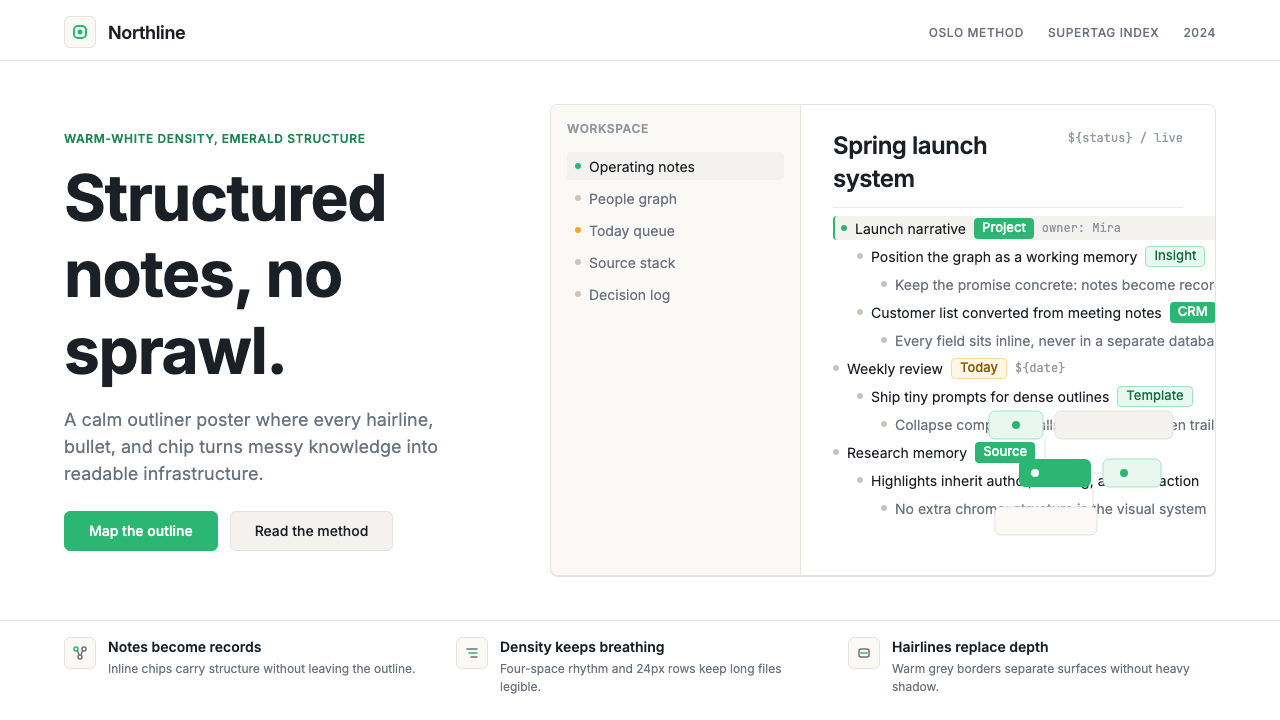 Tana SupertagsCalm density wins. Inter outlines and emerald chips punctuate pure white stru…
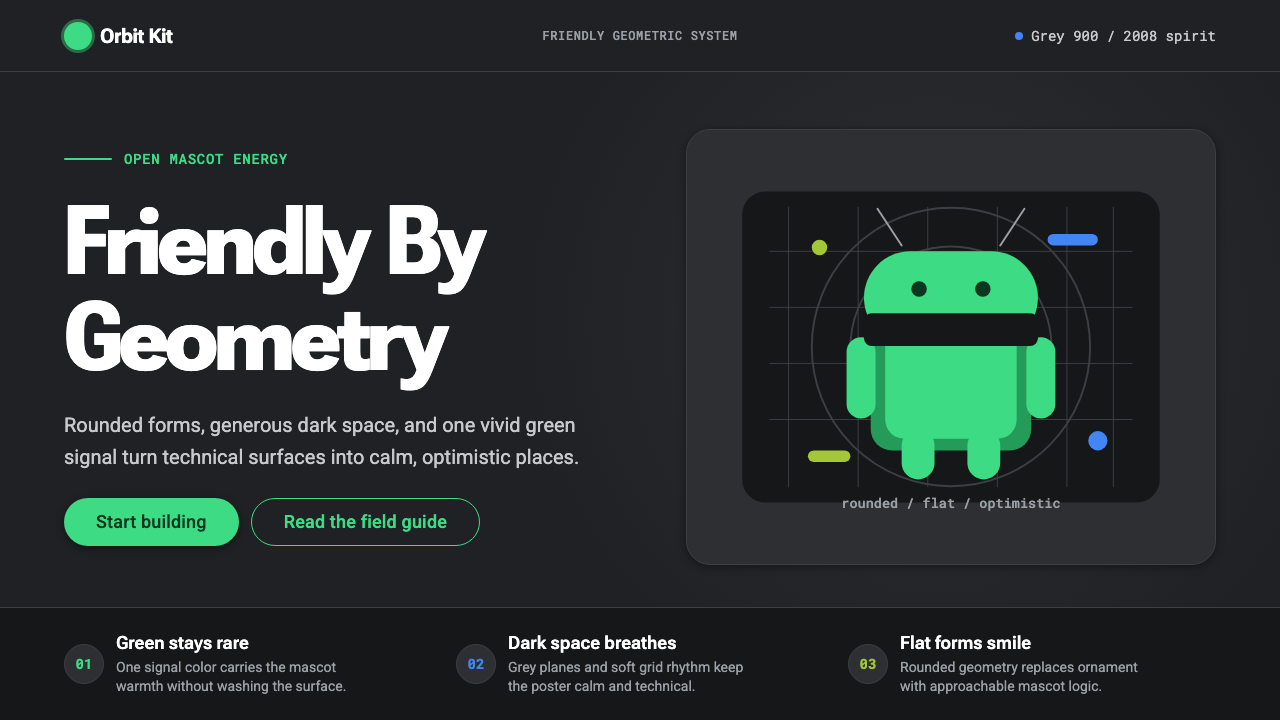 Android Bugdroid GreenFriendly tech, reduced to geometry. Vivid green pops from Grey 900 and rounde…
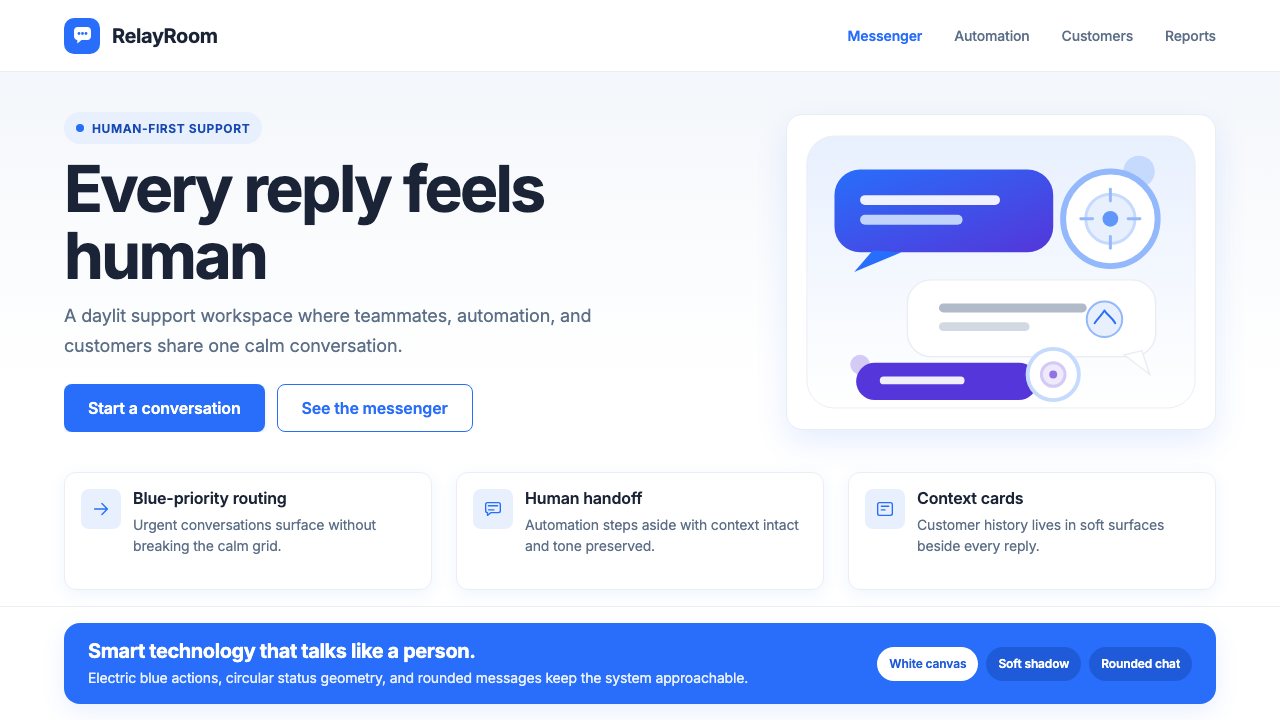 Intercom ModernWarm chat, sharp software. Electric blue bubbles on a daylit white grid.
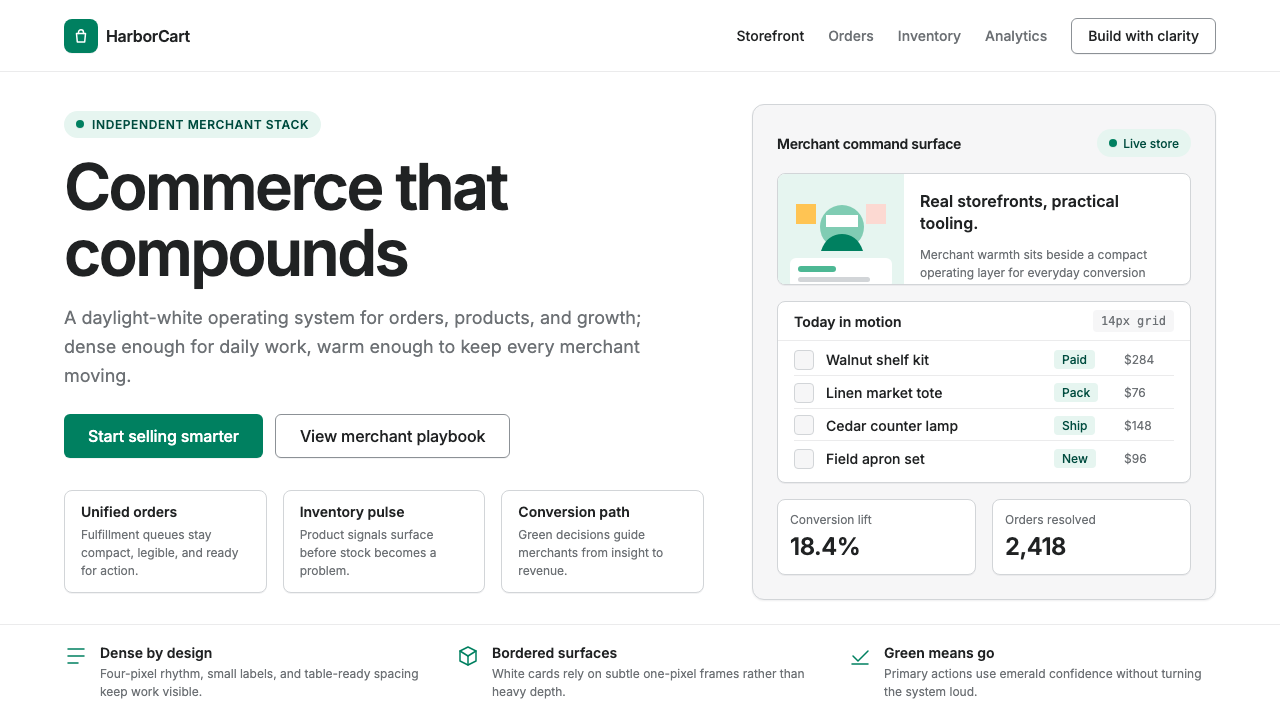 Shopify ModernMerchant ally, not corporate SaaS. Emerald actions on bordered white cards ca…
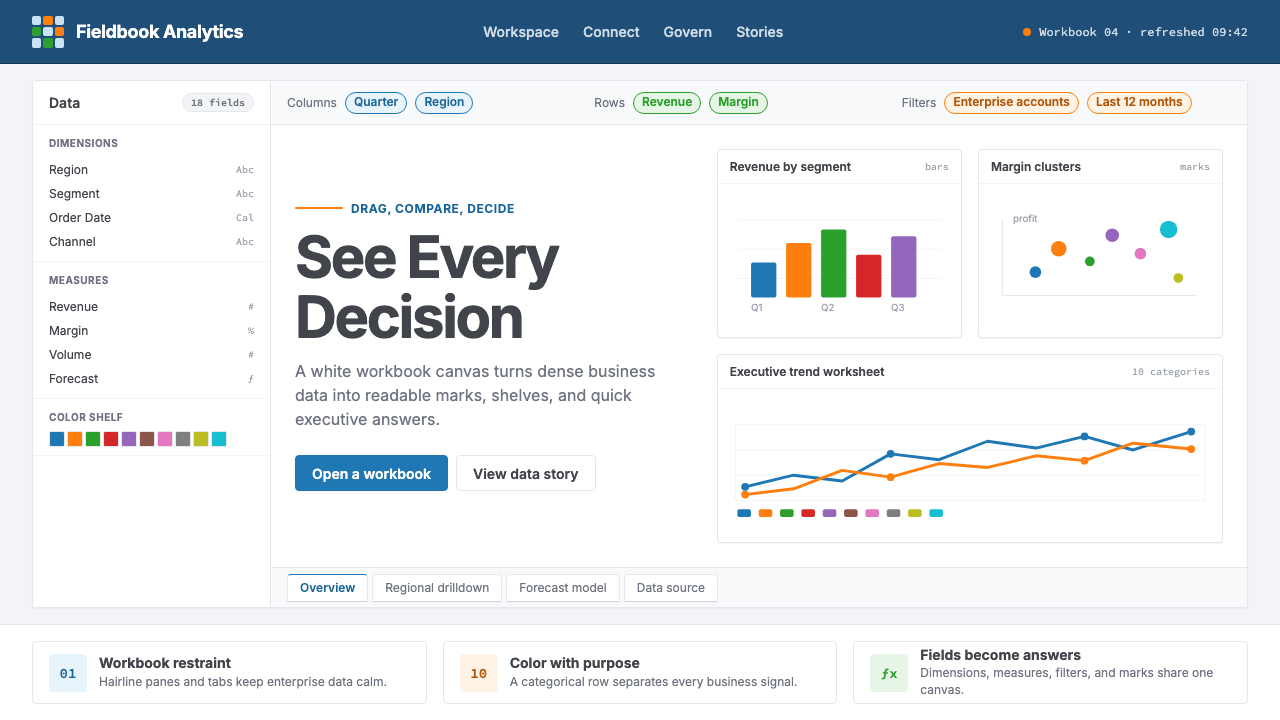 Tableau (Business Intelligence)Enterprise clarity. Navy workbook chrome, hairline panes, and 10-color marks…
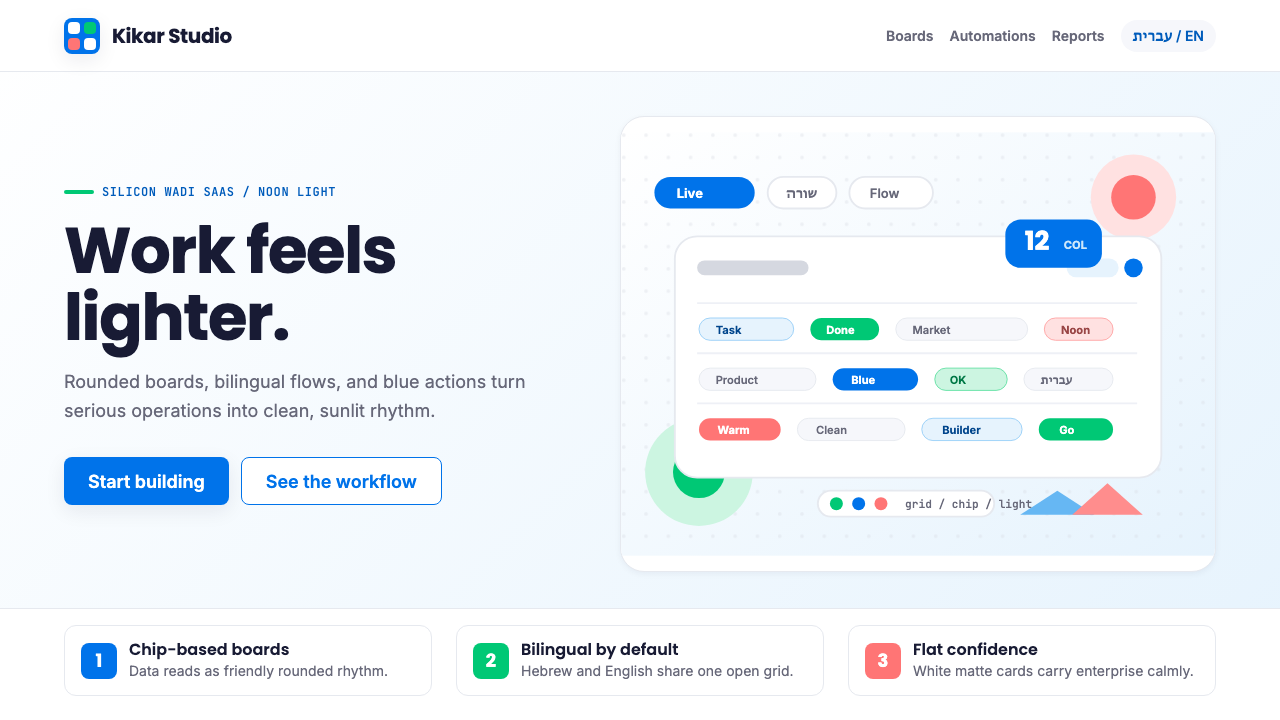 Tel Aviv Silicon WadiEnterprise feels sunny. Azure chips and Poppins grids soften flat SaaS surfac…