What is iOS 7 Flat?
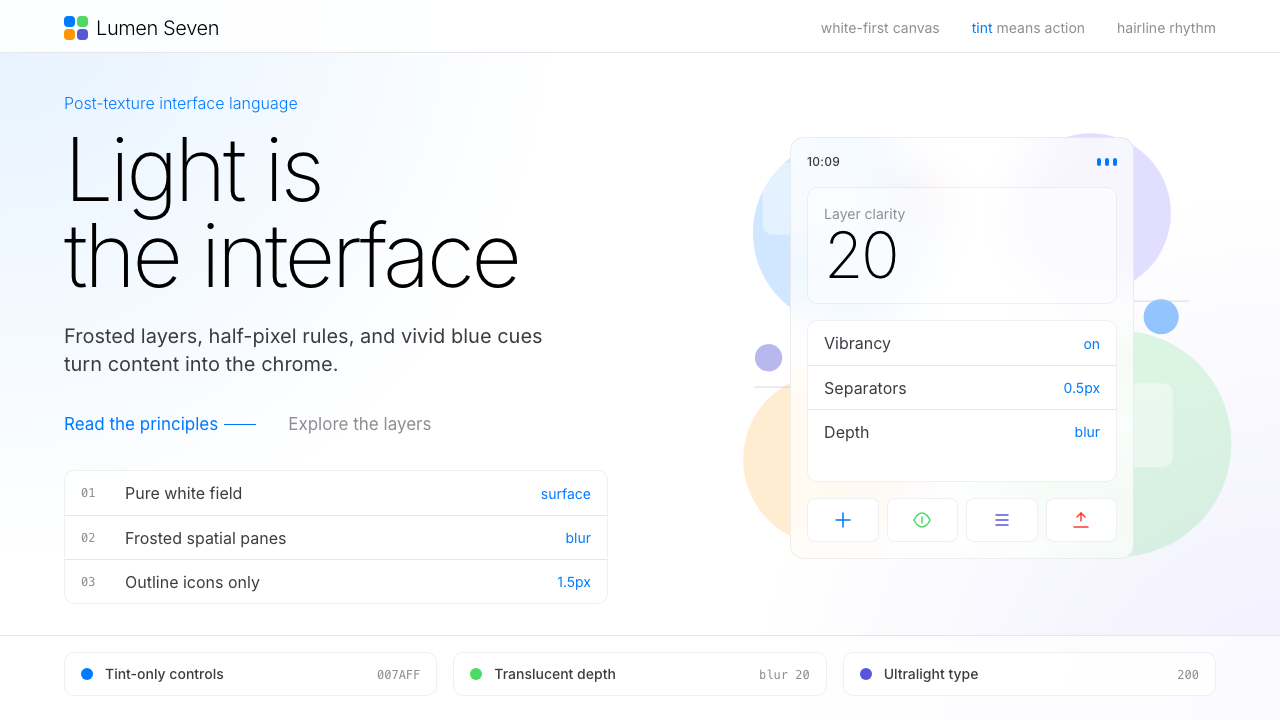
In the summer of 2013, Apple erased a decade of digital leather and linen overnight — and every touchscreen interface has been flatter ever since.
iOS 7 Flat in brief
iOS 7 Flat is the visual language Apple introduced in September 2013 under the direction of Jony Ive. It replaced skeuomorphism — the design philosophy of making digital interfaces look like physical objects — with a system built on pure color, translucency, and spatial hierarchy expressed through depth and blur rather than simulated materials. Bright tint colors on white or near-white grounds, hairline-weight separators, frosted-glass layering, and content-forward layouts became the defining grammar of touchscreen design for the decade that followed.
The style rests on a clear conceptual split: surfaces are flat and chromatic, but the interface still communicates depth through a layering system. Control panels slide up from beneath, notifications float over content, and background elements bleed through translucent sheets to maintain spatial context. This was not minimalism for its own sake — it was a restructuring of the interface metaphor from objects-in-the-real-world to layers-in-a-luminous-space.
What makes iOS 7 Flat historically significant is its velocity of adoption. Within eighteen months, material and formal competitors — from Google's Material Design to Microsoft's Modern UI revision — had absorbed its anti-skeuomorphic premise. The elimination of gradients, drop shadows that simulate weight, and texture-as-chrome became so universal that the baseline expectation for any serious digital product shifted permanently. The style continues to influence interface design well beyond the Apple ecosystem.

Where does iOS 7 Flat come from?
The conditions for iOS 7's radical departure were set by a leadership change. In October 2012, Scott Forstall — the primary champion of Apple's skeuomorphic design direction — was asked to leave the company. Jony Ive, whose influence had been largely confined to hardware, was given responsibility over human interface design. The philosophical shift was immediate: Ive had always been suspicious of surfaces that performed an identity they did not structurally possess. Leather that was not leather, wood that was not wood. The iOS redesign became an opportunity to apply to software the same material honesty he had long advocated in physical products.
WWDC June 2013 was the public unveiling. The demo revealed a system transformed: the green-felt Game Center, the yellow legal-pad Notes app, and the stitched-leather Calendar all vanished. In their place: flat white and near-white surfaces, a new vibrancy system that tinted translucent layers with the colors behind them, and a typeface — the system font updated to a dramatically thinner weight — that looked almost impossibly light on screen. Alan Dye, who led the visual design team, described the goal as letting content be the interface: chrome reduced to a minimum so that photos, text, and apps themselves provided the visual richness.
The intellectual lineage of the style connects to several antecedents. Microsoft's Metro language, introduced in Windows Phone in 2010 and refined into Windows 8 in 2012, had already proposed a typography-first, flat-surface approach for touchscreen interfaces. The broader flat design movement in web design — a reaction against the excessive drop shadows and gradients of the late-2000s web — had built significant critical mass in the design community by 2012. Swiss International Typographic Style, with its grid discipline and spare use of color, had long been an acknowledged influence on Apple's design culture. iOS 7 arrived at an intersection of these pressures and, by virtue of Apple's market position, made the flat premise mainstream rather than experimental.
The style was refined incrementally through iOS 8, 9, and 10, with the system font replaced by San Francisco — a custom typeface designed in-house with optical size variants for display and text use — in 2015. Some of the more extreme thinness and low-contrast choices from iOS 7's first release were moderated in response to accessibility criticism. The frosted-glass translucency system became more sophisticated, with blur parameters adjusted per context. By iOS 10 in 2016, the language had matured into a stable platform that third-party developers had fully adopted, cementing a global interface standard whose core premises remain visible in mobile design to this day.
What defines the iOS 7 Flat look?
Color System
The palette centers on a set of bright, saturated tint colors — vivid blues, greens, oranges, and pinks — deployed against white or near-white backgrounds. Each tint functions as a semantic signal: blue for interactive elements, red for destructive actions, green for affirmative states. The tints are not pastels; they are fully saturated and luminous, chosen to read clearly on backlit screens at high brightness. The white-ground approach maximizes the contrast of these tints and ensures that content — photographs, text, icons — reads as the primary visual matter rather than chrome.
Translucency and Layering
A frosted-glass blur effect defines the iOS 7 Flat spatial system. Panels, sheets, and overlays are not opaque — they blur and tint the content beneath them, creating a sense of physical layers occupying the same screen space. The vibrancy system takes this further: text and icons on translucent surfaces are rendered with a luminosity-blend effect so they appear to be lit from within by the colors behind them. This layering logic replaces the object-and-shadow depth cue of skeuomorphic design with a soft spatial metaphor that feels native to glass-screened devices.
Typography as Primary Structure
Type weight becomes the primary organizational tool. The system font is used at dramatically varying weights — from very light for large display headings to a standard weight for body text — with a narrow, high-frequency size range that creates clear hierarchy without requiring color or borders to distinguish levels. Hairline-weight separators replace heavy ruled lines and bordered containers. The approach concentrates almost all organizational energy into letterform, treating the typeface as architecture rather than decoration. This demands that every typographic decision carry structural meaning.
Flat Icons and Silhouette Clarity
Icons are rendered as flat filled or outlined shapes with no gradients, no drop shadows, and no three-dimensional modeling. The icon grid ensures consistent visual weight across sizes, with rounded rectangles serving as the standard container shape. Color in icons is used to signal category and state rather than to simulate material — a phone icon might be a solid tint of blue, not a beveled glass badge. Line-weight icons at the system level use a single consistent stroke width, creating a family coherence that feels systematic rather than illustrative.
White Space and Content Priority
Margins, padding, and interstitial space are generous by the standards of the skeuomorphic era that preceded the style. The elimination of chrome — decorative containers, textured backgrounds, framing elements — means that what remains is almost entirely content. Photographs occupy edge-to-edge cards. Text lines breathe. Lists are separated by hairlines rather than contained in recessed cells. The cumulative effect is a screen that feels less cluttered and more legible at a glance, with the user's own data — their photos, messages, calendar events — as the primary aesthetic experience.
Motion as Spatial Communication
iOS 7 Flat extended the visual system into animation. Transitions became physics-based: springs and damping replaced linear wipes. Opening an app zooms out from the icon, establishing that apps live behind the home screen rather than replacing it. Parallax effects on the home screen — where icons shift slightly as the device tilts — suggest that the background wallpaper occupies a different physical depth from the icon layer. Motion is not decorative; it is a continuous spatial argument that maintains the user's mental model of where they are in the interface.
Chromeless Navigation
Navigation bars are translucent or white with no background texture and minimal border treatment. The back button is replaced by a simple arrow and label — a text element, not a button shape. Tab bars use tinted icons without beveling or raised-surface treatment. The overall navigation chrome recedes to near invisibility, prioritizing the content it frames. This restraint requires that the tint colors carry all of the interactivity signaling — tapping a tinted label or icon is the universal call to action — which places enormous reliance on color consistency across the system.

Who shaped iOS 7 Flat?
Ive led Apple's design practice for over two decades and was the primary force behind iOS 7's aesthetic transformation. His background was in industrial design — physical objects with material integrity — and he brought that sensibility directly to software when he assumed responsibility for human interface design in late 2012. The iOS 7 redesign was the most consequential design decision in mobile history in terms of adoption speed: within two years, the flat anti-skeuomorphic premise had become the global default for touchscreen interfaces. Ive left Apple in 2019 to found a design firm, but the visual language he established in 2013 remains the recognizable ancestor of every major mobile OS today.
Dye was Apple's Vice President of Human Interface Design during the iOS 7 era and served as the principal creative director of the visual redesign. Where Ive set the philosophical direction, Dye and his team were responsible for the practical execution: developing the vibrancy system, defining the icon grid and tint logic, specifying the motion language, and ensuring that the redesigned interface worked across every screen size and context in Apple's product line. Dye continued leading Apple's software design through subsequent iOS and macOS releases, overseeing a steady evolution of the language he helped create.
The Human Interface team at Apple during the iOS 7 redesign was an unusually tight-knit group of interaction designers, visual designers, and prototypers who worked under strict secrecy and compressed timelines. The entire redesign of iOS — affecting thousands of UI states, every system icon, every native application, and the full animation system — was completed in under a year. The team's achievement was not just aesthetic transformation but systemic documentation: the resulting Human Interface Guidelines, updated to reflect the iOS 7 language, became the most widely referenced interface design specification in the industry, shaping the design education of an entire generation of product designers.
Forstall's departure from Apple in 2012 is inseparable from the iOS 7 story, because it removed the most influential institutional defender of skeuomorphic design. During his tenure as Senior Vice President of iOS Software, Forstall championed the approach of making digital interfaces legible through real-world material analogy — felt textures, stitched leather, wood grain — arguing that these cues reduced the cognitive load of learning new interface conventions. His exit, following a leadership conflict, handed the interface design agenda to Ive and effectively ended one of the most consequential debates in the history of software design.
How do you use iOS 7 Flat today?
iOS 7 Flat is exceptionally well-suited to digital product design contexts — presentations, web dashboards, marketing pages, and editorial layouts — because its principles are structural rather than decorative. Applying it requires understanding what the system is actually doing: using a restrained tint color to signal interactivity, using white space and typography to establish hierarchy, and using translucency sparingly to communicate layer depth. Layering these elements correctly produces the characteristic iOS 7 quality of interfaces that feel simultaneously simple and spatially rich.
For presentation slides, the style delivers best when cover pages use a single dominant tint color as a full-bleed background or a large bold shape, with the title in a clean, high-weight sans-serif on white. Content slides should treat the layout as a content-first grid: generous margins, a clear typographic hierarchy using weight contrast, and thin hairline rules as the only decorative elements. Data slides benefit enormously from the flat color approach — chart bars and pie segments in saturated tint colors against white backgrounds read cleanly at distance and project well, without the visual noise of gradients or dimensional styling.
For web UI design — dashboards, SaaS pricing pages, product landing pages — the style provides a clean operational vocabulary. Navigation bars should be white or frosted-glass with tinted interactive labels; call-to-action buttons use the primary tint color as a flat fill with no gradient and minimal border radius. Cards should have light, neutral borders or subtle shadows — never simulated depth or texture. The color system should be restrained: one primary tint for interactive states, a secondary tint used sparingly for alerts or highlights, and neutral grays for secondary text and dividers.
For editorial and marketing work, the style's boldness is an asset when used with discipline. Full-width feature sections can use the primary tint color as a block background, reversed to white type. Pull quotes and callouts should use tinted text rather than decorative framing. Photography works well in this system when cropped to geometric precision — full-bleed horizontals, square thumbnails, circular avatars — allowing the images themselves to provide textural richness against the otherwise flat surrounding system. The critical editorial mistake is importing complexity from photographic layout traditions: columns of unequal type sizes, ornamental drop caps, decorative borders. None of these belong.
The most common mistake when applying iOS 7 Flat is misreading its visual simplicity as permission for carelessness. The style requires a high level of precision in spacing, color, and typographic consistency because it has no decorative elements to mask inconsistency. A misaligned grid, an inconsistent tint color, or a typography scale with too many competing sizes will be immediately visible because nothing else in the layout provides visual distraction. A second common error is over-using translucency — the frosted-glass effect works precisely because it is used selectively at genuine layer transitions. Applying blur and transparency everywhere produces visual noise rather than spatial clarity.

iOS 7 Flat — FAQ
Is iOS 7 Flat the same as flat design in general?
They overlap but are not identical. Flat design is a broad movement that emerged across web and graphic design around 2010 to 2013, characterized by the elimination of gradients, drop shadows, and three-dimensional styling in favor of clean, solid-color surfaces. iOS 7 Flat is a specific instantiation of that movement — Apple's version — with particular attributes that distinguish it from other flat systems: the translucency and vibrancy layering system, the extremely thin typographic weight, the saturated tint-on-white color logic, and the physics-based motion language. Google's Material Design, released in 2014, is another distinct instantiation of flat design with its own rules around elevation shadows and color theming. Calling something iOS 7 Flat implies these specific Apple-derived characteristics, not just the absence of gradients.
Was iOS 7 Flat universally praised when it launched?
Far from it. The initial reaction in 2013 was sharply divided. Many designers celebrated the departure from skeuomorphism as long overdue. Critics argued that some of the choices sacrificed legibility for aesthetics: the extremely thin system typeface was difficult to read in bright light or for users with lower visual acuity; some tinted text on white backgrounds produced insufficient contrast for accessibility standards; and the aggressive use of motion effects caused motion sickness in a subset of users — a problem Apple acknowledged by adding a reduce-motion accessibility option in iOS 7.1. The backlash was substantial enough that several of the most extreme design decisions were moderated in iOS 8 and 9. Despite its contentious launch, the language's influence became undeniable within two years.
Can iOS 7 Flat work for brands that are not technology companies?
Yes, with important caveats. The style's clean, luminous quality translates well to any brand that wants to communicate clarity, modernity, and precision — finance products, healthcare applications, educational platforms, productivity tools. It struggles where warmth, craft, or sensory richness are primary brand values: artisan food, luxury goods with heritage positioning, wellness brands, or children's products. The tint-on-white palette can feel clinical when over-applied without humanizing typographic choices or photography. The key to extending the style beyond technology is to select a tint palette that carries the brand's warmth or identity, and to ensure that photographic content — which the style's white-ground layouts privilege — provides the human texture the flat geometry itself does not.
How does iOS 7 Flat differ from Google Material Design?
Both systems emerged from the anti-skeuomorphic turn of the early 2010s, but they resolve the problem of depth differently. iOS 7 Flat communicates depth through translucency — surfaces blur what is beneath them, creating a glass-layer metaphor. Material Design communicates depth through elevation shadows — a surface at a higher elevation casts a soft shadow on surfaces below it, using a paper-stacking metaphor. iOS 7 leans toward a luminous, white-ground palette with saturated tints; Material Design uses more varied background colors and a structured color theme system tied to a primary, secondary, and surface color. In motion, iOS 7 uses physics-based spring animations; Material Design uses a more explicit easing-curve system with defined motion categories. For a designer, choosing between them involves deciding whether the brand metaphor is glass and light or paper and elevation.
Is iOS 7 Flat still relevant, or has it been superseded?
Its specific visual vocabulary has evolved rather than been abandoned. Apple's own design language has continued to develop — iOS 16 and later introduce more expressive lock screen customization, deeper use of color, and increasingly refined blur and vibrancy effects. But the foundational premises of iOS 7 Flat — white-ground surfaces, tint-based interactivity signaling, layered translucency, motion that maintains spatial context — remain the load-bearing structure of mobile interface design as of the mid-2020s. For designers, the style's continued relevance is less about replicating its exact 2013 visual fingerprint and more about understanding the principles that fingerprint expressed: content priority, typographic hierarchy, and spatial depth communicated through light rather than simulated material.
Related design styles
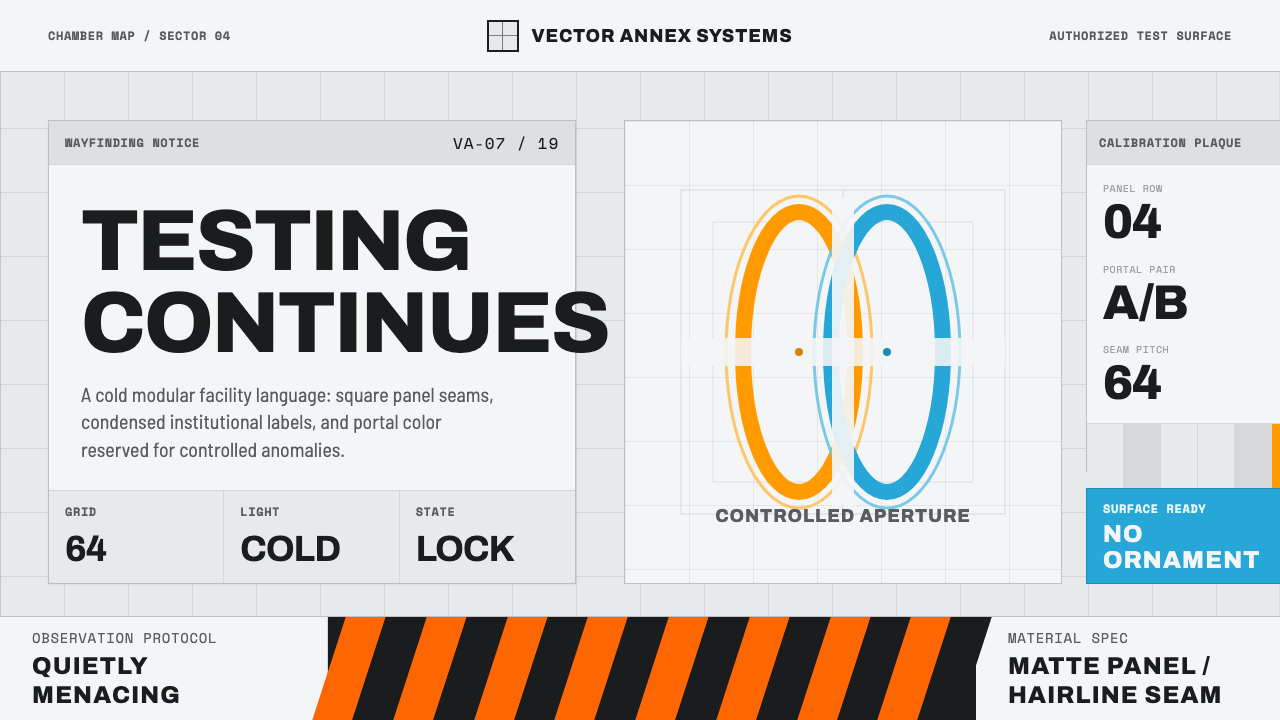 Aperture ScienceSterile authority. Cool panel seams, Archivo signage, and sparse orange-blue…
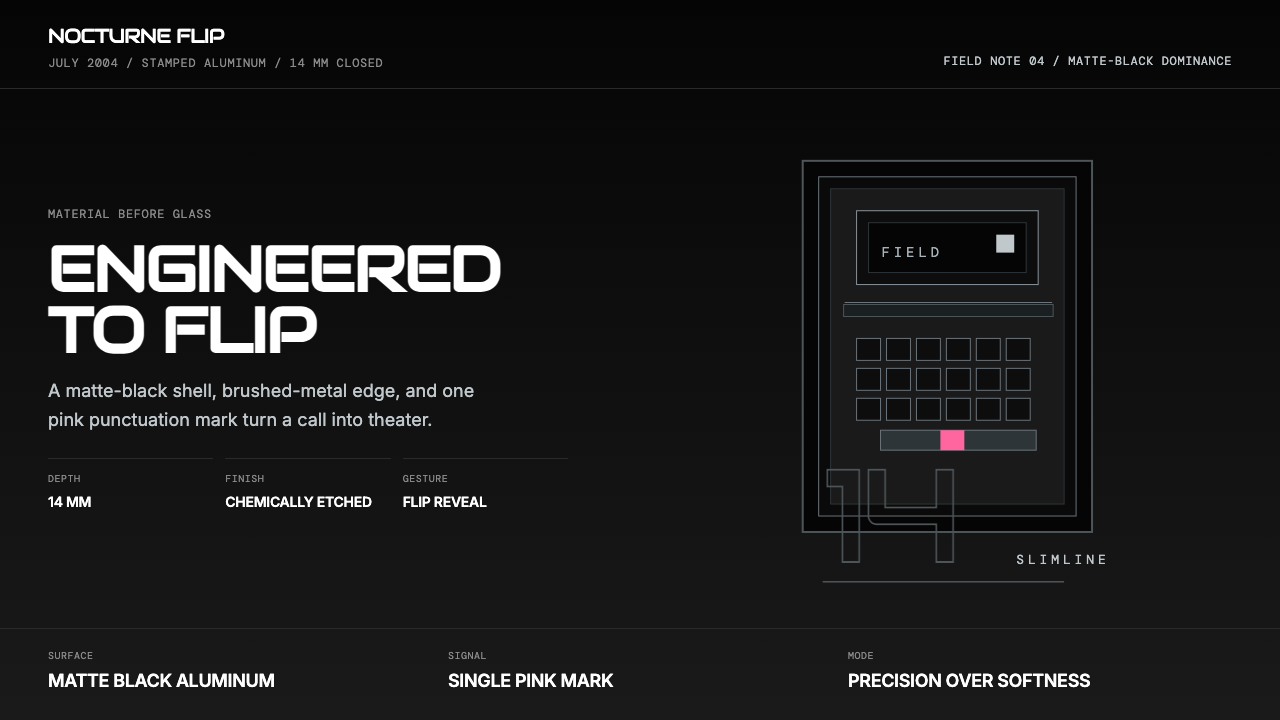 Motorola RAZR Flip (2004)Precision beats glamour. Matte black, brushed steel, and one pink accent.
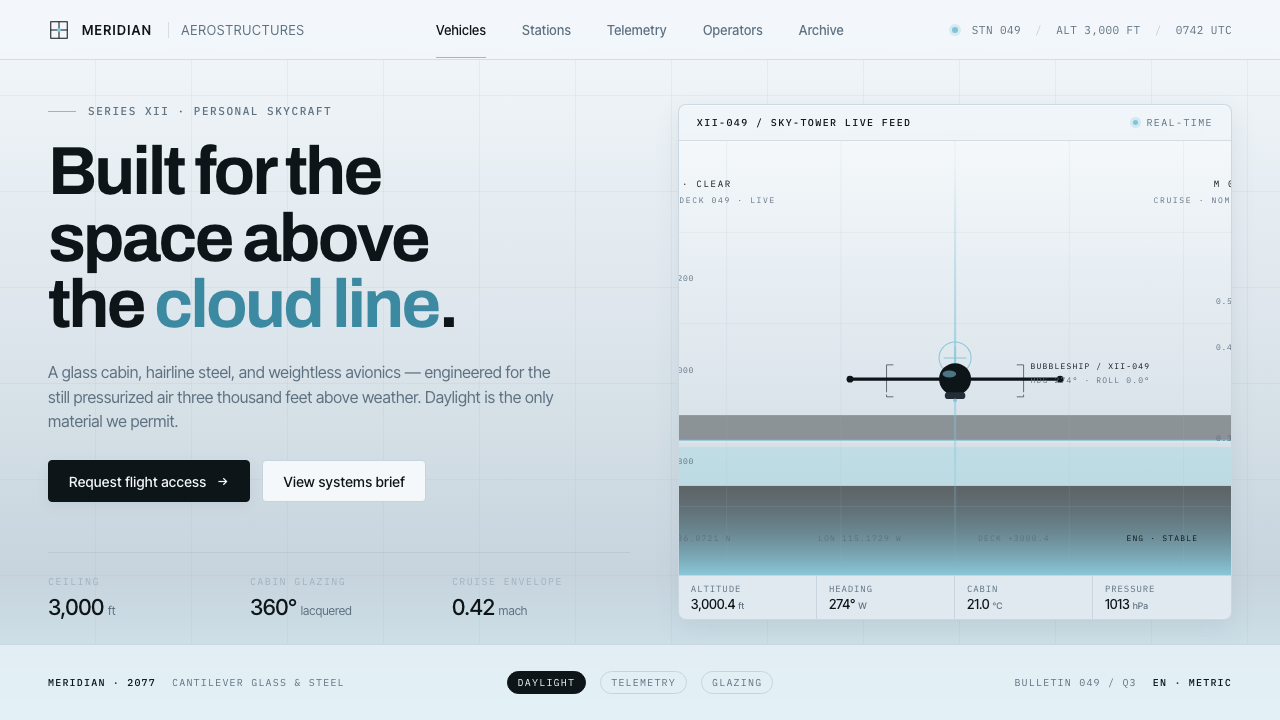 Oblivion Sky TowerSterile daylight futurism. Cool sky-grey glass, hairline steel mullions, a si…
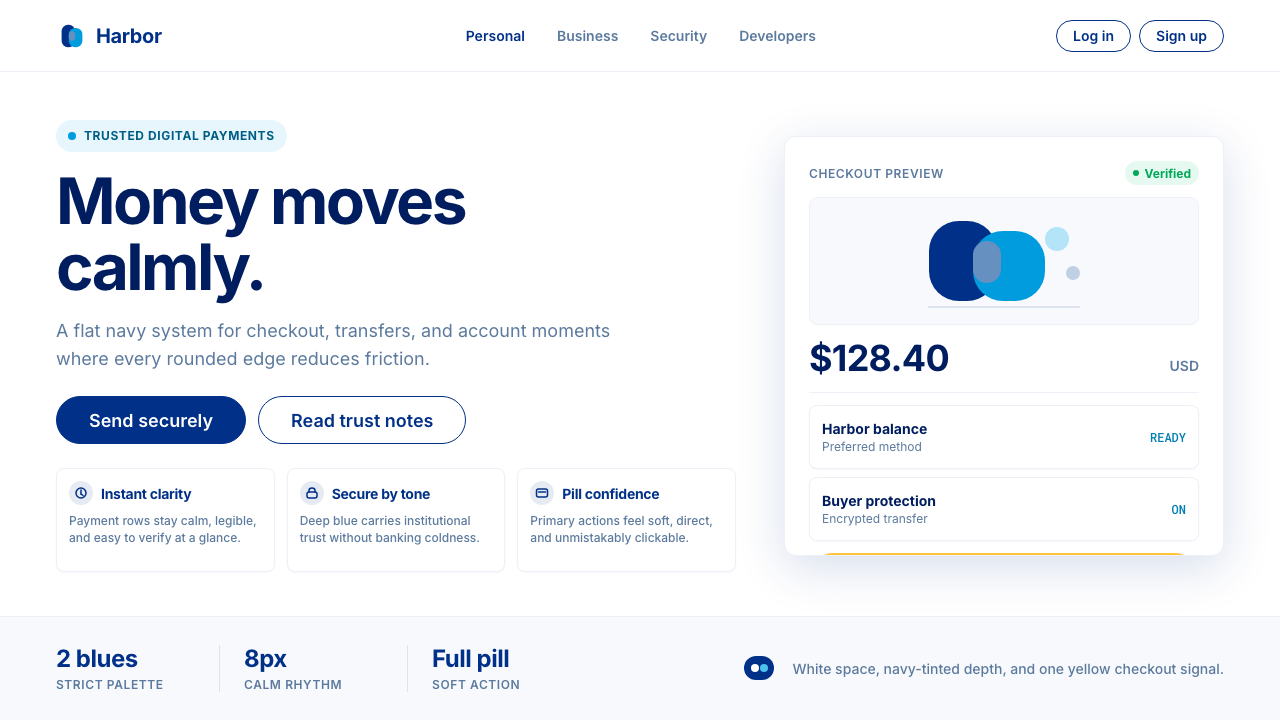 PayPalTrust without coldness. Deep navy, sky cyan, white cards, and pill checkout c…
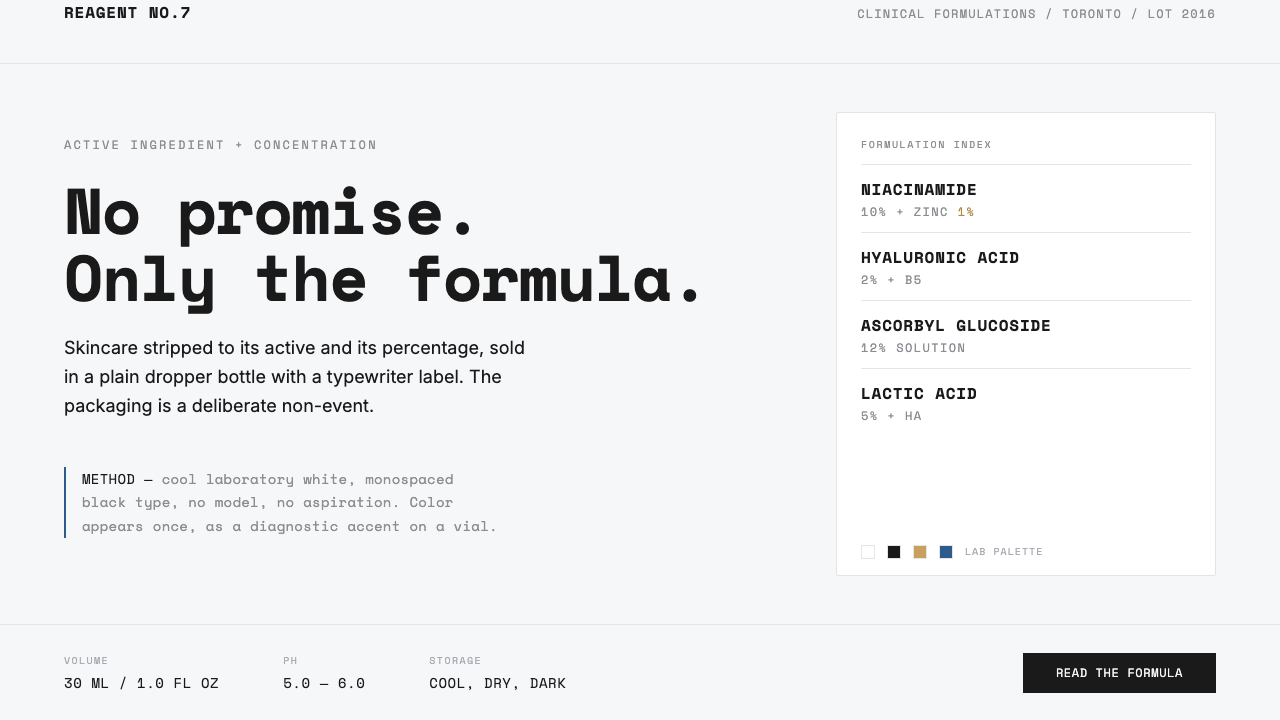 The OrdinaryNo promise, only the formula. Cool lab white, Space Mono labels, color as rar…
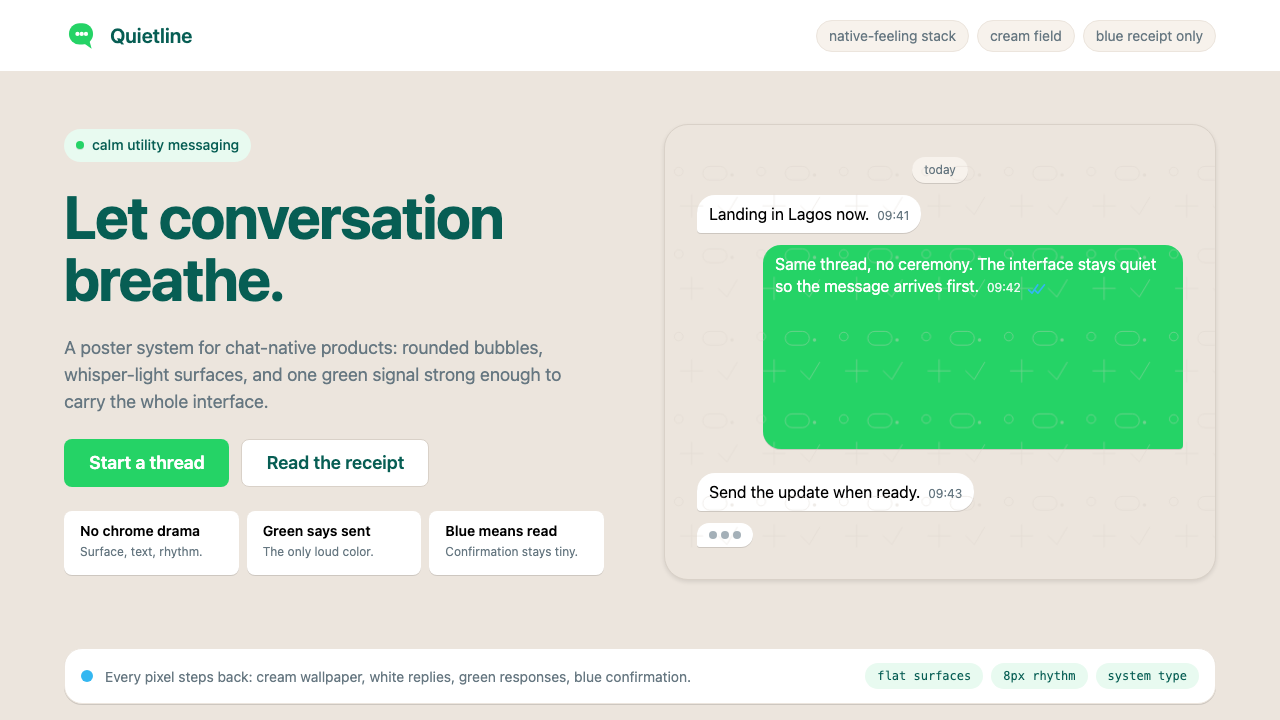 WhatsAppConversation is the interface. Cream wallpaper, green bubbles, and tiny blue…