What is Cursor IDE?
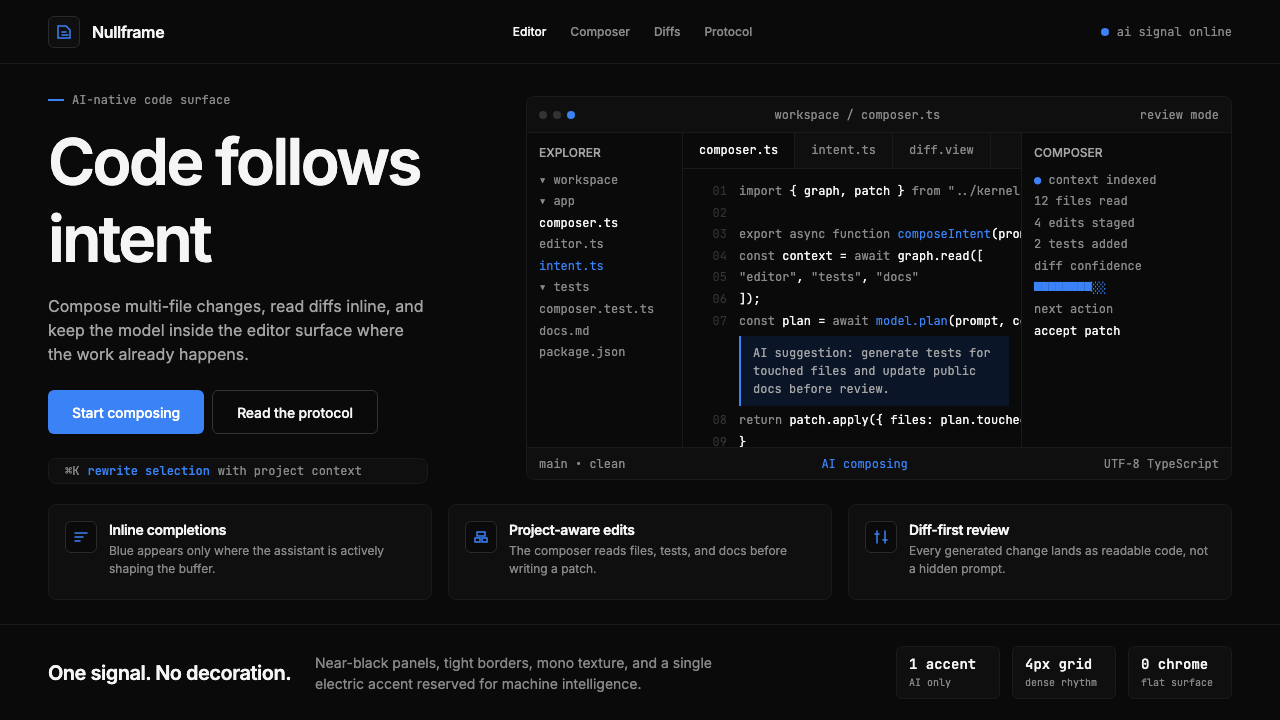
Cursor reduced the code editor to near-black surfaces and a single electric blue accent — the only color reserved exclusively for machine intelligence.
Cursor IDE in brief
Cursor IDE is the visual and interaction language of an AI-first code editor: near-black backgrounds, off-white type, and a single chromatic accent color used exclusively to mark every point where artificial intelligence enters the workflow. Where most productivity software distributes color freely across menus, buttons, and status indicators, Cursor withholds it almost entirely — and then spends it all in one place. The effect is that AI features feel genuinely distinct, not merely labeled.
The aesthetic is not minimalism for its own sake. It is a semantic system in which visual restraint carries functional meaning. Every surface that is dark and quiet is human territory — the editor buffer, the file tree, the terminal pane. Every surface or element that glows with the signature blue is AI territory — the inline suggestion overlay, the chat panel, the command interface. The distinction is enforced purely through color, without icons, badges, or secondary labels.
Cursor's visual identity also makes a cultural argument. By choosing darkness and restraint over the playful gradients and rounded-corner approachability of mainstream consumer software, it positions itself inside the tradition of professional developer tooling — alongside terminal emulators, debuggers, and version-control interfaces — while simultaneously signaling that AI has been added not as decoration but as a load-bearing structural element.

Where does Cursor IDE come from?
Cursor was created by Anysphere, a small startup founded in San Francisco in 2022 by four co-founders — Michael Truell, Sualeh Asif, Aman Sanger, and Arvid Lunnemark — who had met as students at MIT. The company's founding premise was direct: the code editor, as it existed, was not built for a world in which language models could meaningfully assist programming. Rather than building a plugin on top of an existing tool, the team forked Visual Studio Code and redesigned the interface from its foundations around AI-native interaction patterns.
The product launched publicly in 2023 and grew with unusual speed through 2024, accumulating hundreds of thousands of active users within months. Its growth coincided with — and in part accelerated — a broader shift in how professional developers thought about AI assistance. Where earlier tools like GitHub Copilot operated as tab-completion overlays inside conventional editors, Cursor embedded AI more deeply: inline chat, multi-file composition instructions, codebase-wide context retrieval, and agent-mode task execution all appeared within a single coherent interface.
The visual identity crystallized alongside the product. Because Cursor inherited VSCode's underlying architecture and layout — the familiar split-pane structure of file explorer, editor, and panel — the design challenge was not to build a new interface from scratch but to introduce a new chromatic and tonal logic into an existing spatial grammar. The near-black surface color and the single electric blue accent emerged as the solution: they allowed Cursor to look unmistakably distinct from its VSCode parent while preserving the spatial familiarity that developer users expected.
By 2024, the Cursor aesthetic had become recognizable enough to be referenced and imitated outside the developer community — in landing pages, pitch decks, and product marketing created by teams with no direct connection to the product. The dark surface, the precise blue, and the stripped-back interface silhouette became shorthand for a particular cultural positioning: AI-native, technically serious, and confident enough in its own logic not to require decoration. This broader influence placed Cursor in a lineage of developer tools — including early terminal interfaces and the sparse UI of Unix-era text editors — whose design restraint was inseparable from their cultural authority.
What defines the Cursor IDE look?
Near-Black Ground
The foundational surface is not pure black but a very dark neutral that retains a faint warmth or coolness, giving the interface depth without the harshness of a pure void. This near-black functions as a canvas that absorbs rather than competes with content — code, text, and interface elements appear to rest on it rather than sit in front of it. The choice also has practical roots: long coding sessions in pure black can produce visual fatigue, while a dark neutral sustains focus over hours of work.
Single Chromatic Signal
One electric blue accent is the only color in the palette that carries chromatic weight, and it is reserved without exception for AI-related interface elements. This is not a stylistic choice that happens to align with AI branding — it is a semantic commitment. The color appears on the inline completion ghost text, the chat panel border, the AI command palette, and nowhere else. Users do not need to read labels to know when they are interacting with machine intelligence; the color tells them. This single-accent discipline is rarer than it appears: most software allows accent colors to drift across states and contexts, diluting their signal value.
Off-White Typography
Body text and code are rendered in off-white rather than pure white, which reduces the luminance contrast with the near-black ground to a level that is comfortable for sustained reading without losing legibility. The hierarchy within text is established through brightness and weight rather than color: primary labels and active elements are brighter, secondary labels and inactive states are dimmer, with no color variation introduced. This restraint keeps the eye from fatigue and ensures that the single blue accent retains its full visual weight when it does appear.
Code as Hero
In Cursor's marketing materials, documentation, and interface design alike, code blocks and IDE screenshots are treated as primary visual content — not supporting assets or decorative backgrounds, but the central subject of each composition. Syntax-highlighted code sits large, unframed, and unadorned at the center of landing pages and feature illustrations. This approach argues implicitly that the product's value is so clearly demonstrated by showing it working that no additional persuasion is necessary — a confidence that functions as its own form of brand statement.
Radical Typographic Restraint
Interface labels, marketing copy, and documentation all use a narrow range of type sizes and weights, with hierarchy communicated through scale alone. There are no decorative typefaces, no script elements, no display fonts chosen for personality. The type system prioritizes legibility and neutrality: labels should not distract from what they label. In marketing contexts, headline type scales up dramatically in weight and size but retains the same neutral sans-serif character as body text, creating hierarchy without introducing visual noise.
Flat Depth with Hard Edges
Where layering is necessary — panels floating over the editor, dropdown menus, modal dialogs — Cursor uses sharp-edged separation rather than soft shadows or blurs to communicate depth. A border or a small step in background darkness distinguishes a foreground element from its ground. This approach keeps the interface legible at high information density while avoiding the visually busy quality that elaborate drop shadows introduce. The result is a spatial order that reads as hierarchical without requiring the eye to process soft gradients.
Purposeful Negative Space
Cursor's layouts — both in the application and in its marketing — use generous empty space not as a luxury signal but as a functional device for directing attention. The near-black ground is not filled: it surrounds code and UI elements with quiet that makes the content breathe and the blue accent, when it appears, unmissable. In marketing pages, wide margins and low content density per screen communicate confidence rather than an anxious need to explain. The negative space is doing work; it is not absence but emphasis.

Who shaped Cursor IDE?
Truell is the CEO of Anysphere and a primary architect of Cursor's product direction. An MIT graduate, he shaped the founding thesis that AI should be embedded structurally into the editing workflow rather than added as a peripheral feature. His public writing and interviews articulate the design philosophy most directly: that the editor interface should make the presence of AI legible at a glance through consistent visual language, not through modal wizards or separate applications.
Asif is a co-founder of Anysphere whose work focused on the core language model integration that powers Cursor's AI features. The technical decisions he and the team made about how AI suggestions are surfaced — as ghost text, as panel conversations, as multi-file instructions — directly determined the interaction patterns that the visual design subsequently had to accommodate. The single-accent color system arose in part from the need to clearly distinguish AI-generated content from human-authored content in a shared editing surface.
Sanger co-founded Anysphere and contributed to the early product and engineering decisions that established Cursor's approach to AI-native editing. His background informed the team's perspective on how developers actually move through codebases — navigating files, switching contexts, issuing high-level instructions — which shaped the interface's spatial organization and the decision to keep the editing surface visually quiet so that AI interactions could stand out clearly when they occurred.
Lunnemark is the fourth co-founder of Anysphere, rounding out the team of MIT alumni who built Cursor. As the product matured through 2024, the team's collective attention to interface coherence produced a visual system notable for its consistency: the same dark surface, the same accent color, and the same spatial logic appear across the application, the website, the documentation, and conference presentations. This consistency across touchpoints is not accidental — it reflects a shared commitment to treating visual language as an extension of the product's technical logic.
Cursor's visual identity cannot be understood without acknowledging its inheritance from Visual Studio Code, the open-source editor built by Microsoft whose codebase Anysphere forked as Cursor's foundation. VSCode itself popularized the dark-theme developer aesthetic — particularly its default dark themes and the panel-based spatial layout — that Cursor then pushed further toward monochromatic severity. Cursor's innovation was not to invent a dark editor interface but to rethink the chromatic logic within one: stripping all accent colors except one, and loading that one color with specific semantic meaning.
How do you use Cursor IDE today?
Cursor IDE style is most at home in contexts where technical seriousness and AI-native positioning are desired values — developer tool landing pages, B2B SaaS pitch decks, AI product marketing, and technical documentation. The aesthetic communicates competence before a single word is read, which makes it particularly effective for products whose audience is skeptical by default and responds to demonstrated capability rather than persuasive copy.
For presentation slides, the style works on both cover and content pages. A cover in Cursor style uses the near-black ground as the base, sets the product name or headline in large off-white type, and introduces the electric blue accent in a single UI element — a code snippet, a terminal prompt, an interface fragment — positioned as the visual anchor. This tells the story without narrating it. Content slides should be typographically spare: one headline, one or two supporting lines, and if data is present, a single chart treated as a flat graphic object against the dark ground. Data visualizations work well in Cursor style when the chart elements themselves are rendered in the blue accent against dark — bar fills, line traces, highlighted cells — with all secondary elements in dim off-white or dark gray.
For web interfaces and dashboards, the Cursor aesthetic maps naturally to developer consoles, AI product interfaces, and technical analytics tools. The approach: establish the near-black as the base, use off-white for all primary text and label elements, and deploy the blue accent only for interactive states, active selections, progress indicators, and AI-generated content markers. Avoid introducing additional accent colors for secondary functions — if a second signal color is truly necessary, use a desaturated version of the base or a dim neutral, never a saturated hue. Sidebar navigation, command palettes, and inline overlay elements should follow the same tonal discipline as the main surface. Marketing pages built in this style work well for pricing tiers and feature comparisons, where the dark ground gives plan cards a premium density and the blue accent can mark the recommended tier without additional decoration.
For editorial and marketing materials — including social cards, banner ads, and printed conference materials — the Cursor style translates effectively when the hero visual is a code block, a terminal output, or an interface screenshot. These elements, rendered at large scale on near-black, require no additional decoration: the syntax highlighting and the electric blue AI indicators within them carry the visual interest. Headlines should be set in a clean, weight-differentiated sans-serif; the goal is to amplify the technical artifact, not compete with it. When copy is necessary, keep it short and set it in off-white at a size that clearly subordinates it to the code or interface visual.
The most common mistake when applying Cursor style is treating the dark background as an invitation to add more color. The power of the system depends entirely on the blue accent appearing exclusively in its designated semantic role. Introducing secondary accent colors — even low-saturation ones — immediately breaks the categorical distinction between AI and human interface elements that gives the style its communicative force. A second mistake is using pure black as the background rather than the softer near-black: pure black reads as harsh and flat, losing the subtle depth that makes long-session work comfortable. A third error is allowing the typography to become decorative — adding display typefaces, mixing weights arbitrarily, or using colored type where off-white would suffice. In Cursor style, type is infrastructure; it should be invisible until needed.

Cursor IDE — FAQ
Can Cursor style be used for non-technical products?
It can, but it carries inherent associations that may work against non-technical products. The dark surface, monospace code aesthetics, and technical restraint signal developer culture and AI-native seriousness — values that are assets for B2B software, developer tools, and AI products, but misalign with consumer applications that need warmth, playfulness, or organic sensory quality. A wellness app or a food brand in Cursor style would feel cold and alienating; a fintech platform or a data analytics tool would feel authoritative and competent. The question to ask before applying the style is whether technical credibility is a core emotional value for your product's audience.
How does Cursor style differ from generic dark mode design?
Generic dark mode is an inversion of a light interface — the same layout, the same color system, applied to a dark ground. Cursor style is built dark from the foundation: it is not a light design with the colors switched. The distinction shows most clearly in accent color use. A generic dark mode typically maintains the full range of its light-mode accent colors, now rendered at higher contrast against the dark ground. Cursor eliminates all accent colors except one, and loads that one with specific semantic meaning. The result is not merely darker but fundamentally more restrained and more semantically precise.
Is the electric blue accent color essential to the style, or can another color be substituted?
The specific hue of electric blue carries historical and cultural associations with AI and digital intelligence — it echoes earlier computing interfaces, bioluminescent screen glow, and the broad visual language of machine cognition that has developed in film and commercial design since the 1980s. Substituting a different color is technically possible, but changes the cultural resonance. A warm amber accent on dark ground reads as terminal-era nostalgia rather than AI-native future; a green accent reads as security tooling or matrix-era fiction. If the goal is to communicate AI-native credibility in the specific moment Cursor represents, the blue is difficult to replace. If the goal is to apply the broader visual logic — dark ground, single accent, semantic color discipline — the color itself can flex.
How should images and photography be handled in Cursor style?
Natural photographic imagery — people, environments, physical objects — is largely incompatible with the Cursor aesthetic at its most rigorous. The style's semantic clarity depends on surfaces being controllable: dark, flat, and tonal. A photograph introduces uncontrolled color, texture, and lighting that competes with the accent color and breaks the quiet that makes the system work. When imagery is unavoidable, the best approach is to treat it as a flat graphic element — rendered in high contrast, desaturated to near-monochrome, or composited as a dark silhouette against the near-black ground. Interface screenshots, terminal outputs, and code renders, by contrast, are native to the style and should be displayed at their full detail.
Does Cursor style work for light backgrounds, or is it inherently a dark-only system?
Cursor style as practiced is inherently dark — the dark ground is not a mode but the foundational condition of the visual system. A light inversion is technically constructible: near-white ground, dark type, same single accent. But it loses the primary cultural association (developer-tool credibility, late-night coding, machine intelligence) and requires rethinking the accent color's contrast behavior. On a light ground, the electric blue loses some of its luminosity and reads differently against pale surfaces. If a light background is required by context, the safer approach is to treat it as a neutral variant and apply the same single-accent discipline, accepting that the result will feel less distinctly Cursor and more generically modern-minimal.
Related design styles
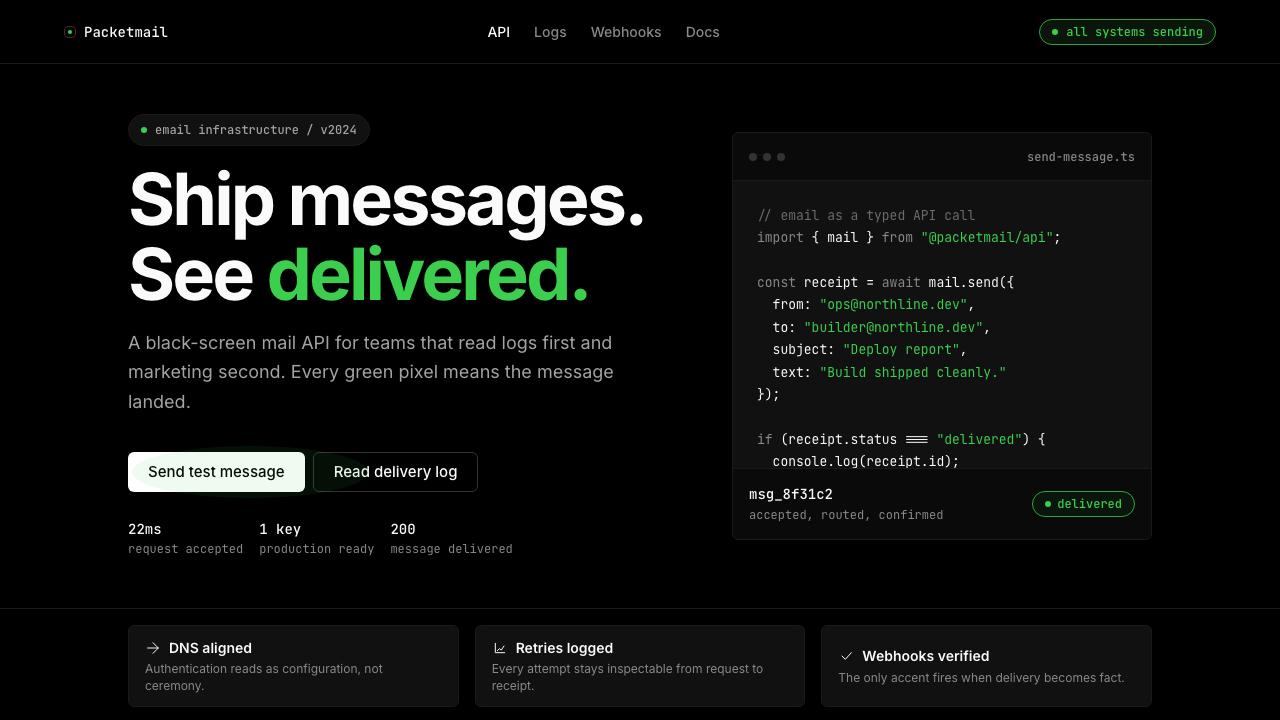 Resend 2024Clean code becomes brand. Pure black, JetBrains Mono, and one green delivered…
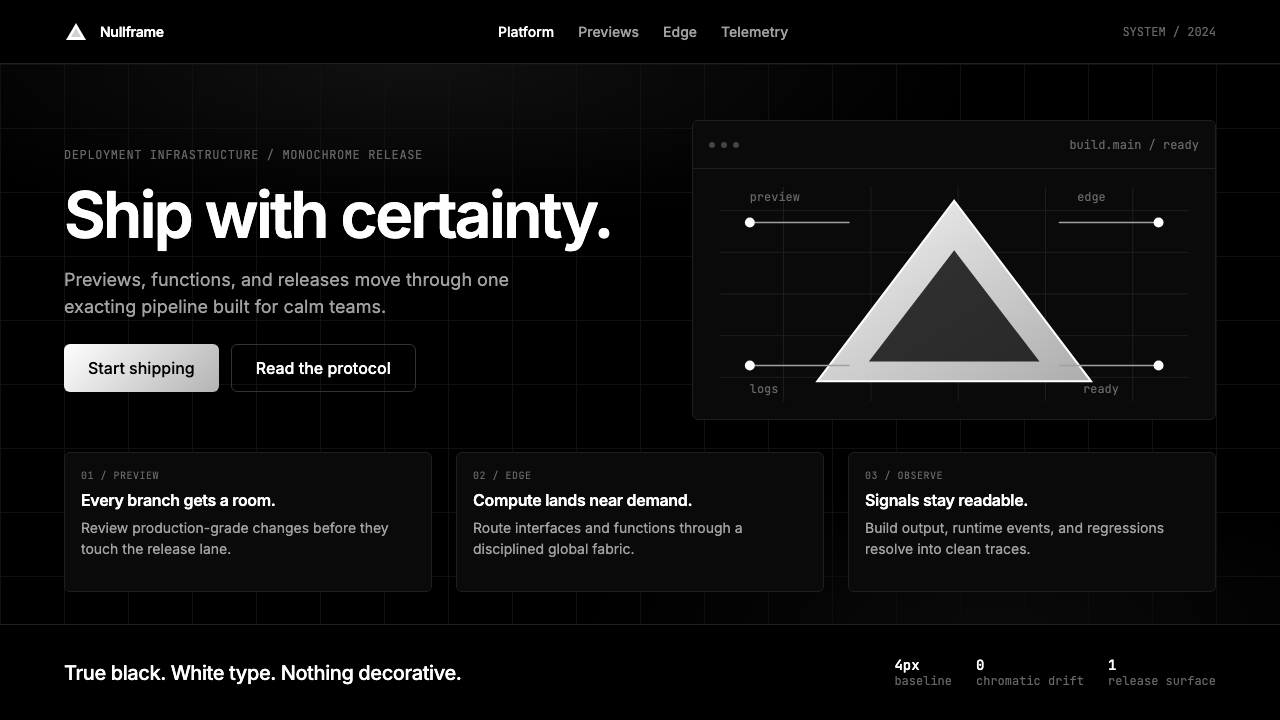 Vercel 2024Developer luxury by subtraction. Pure black, white Inter, rigid grid, triangu…
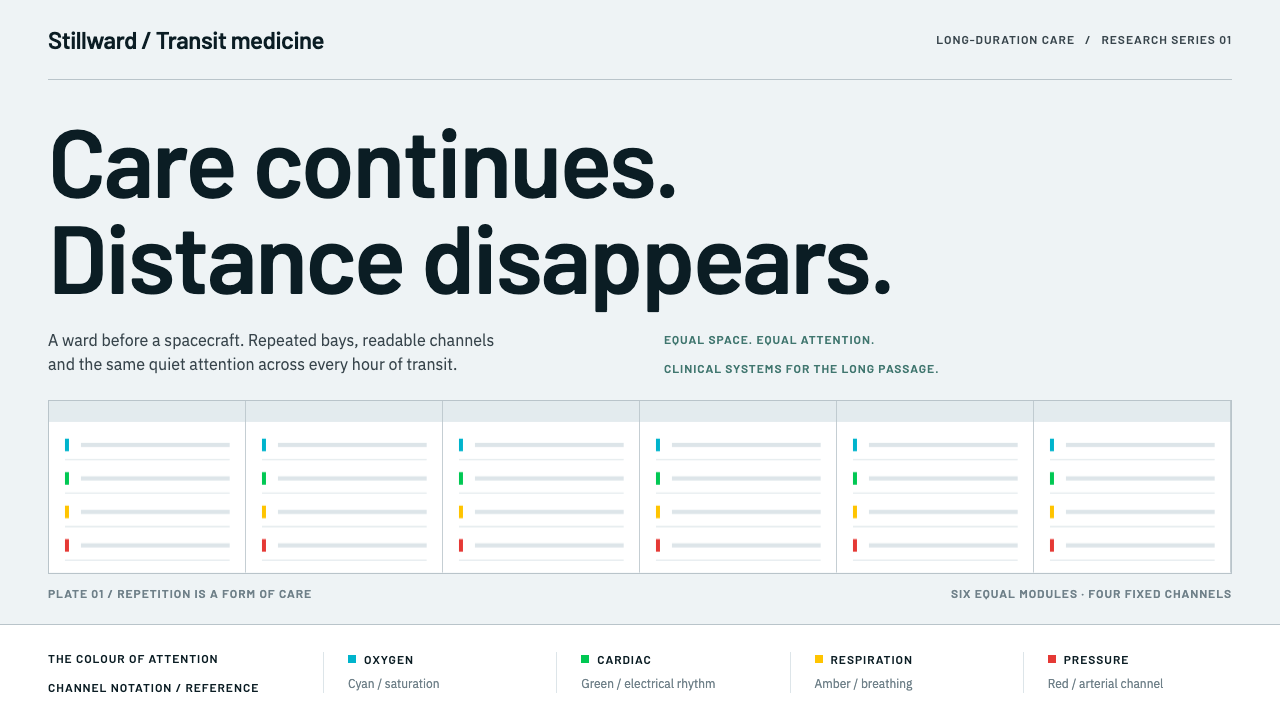 Cryosleep Transit WardCare without spectacle. Clinical white, equal bay grids and the fixed colours…
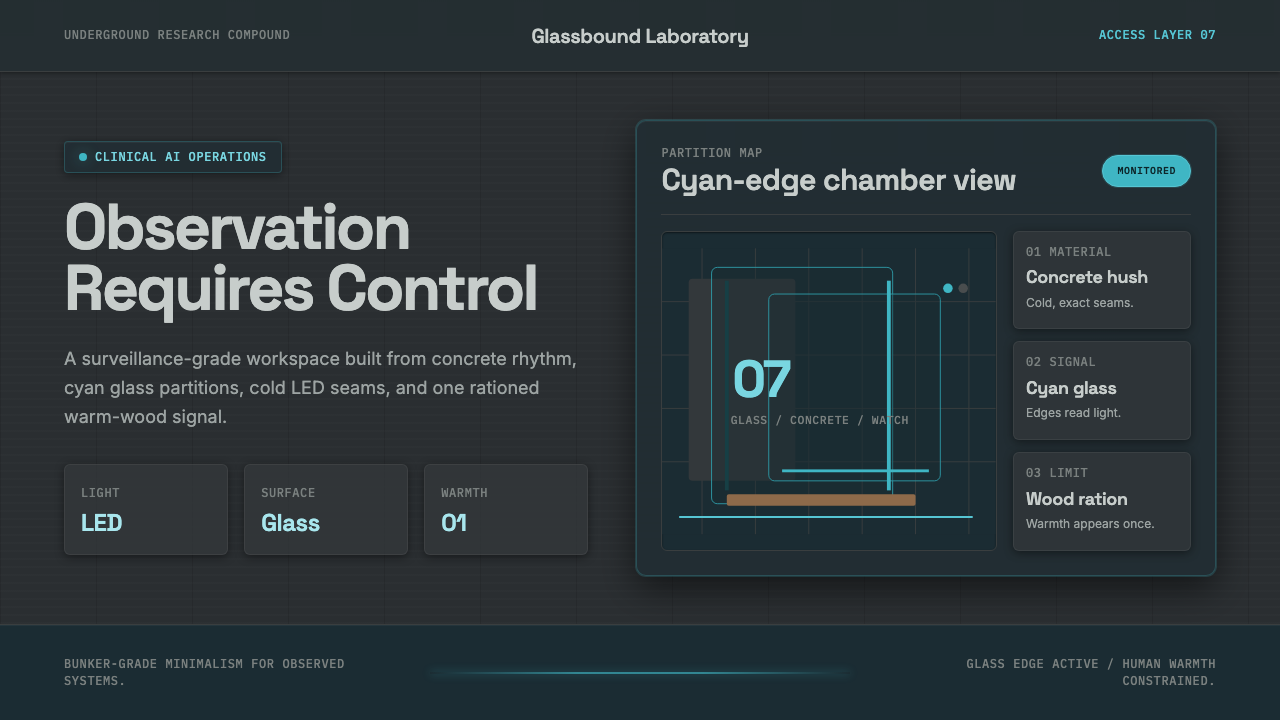 Ex MachinaClinical control, made visible. Concrete gray, cyan glass, LED seams, one woo…
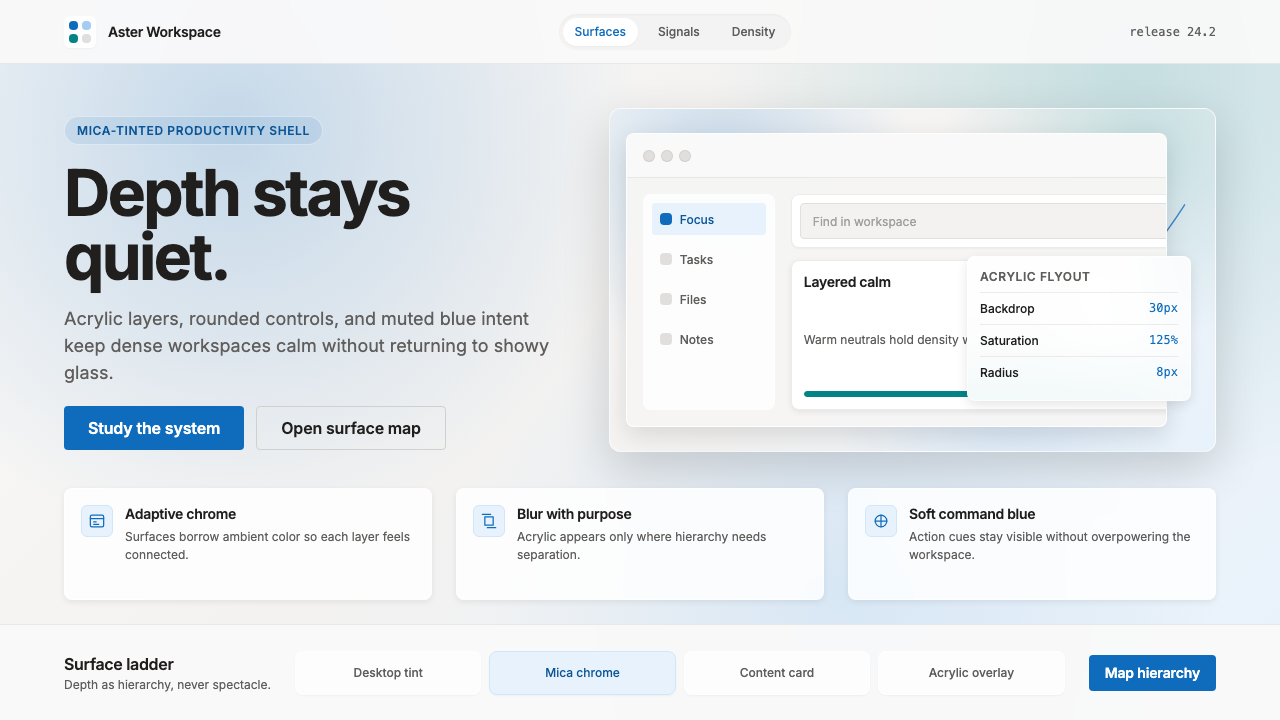 Microsoft Fluent 2Disciplined translucency. Warm Mica neutrals, acrylic blur, and muted blue cr…
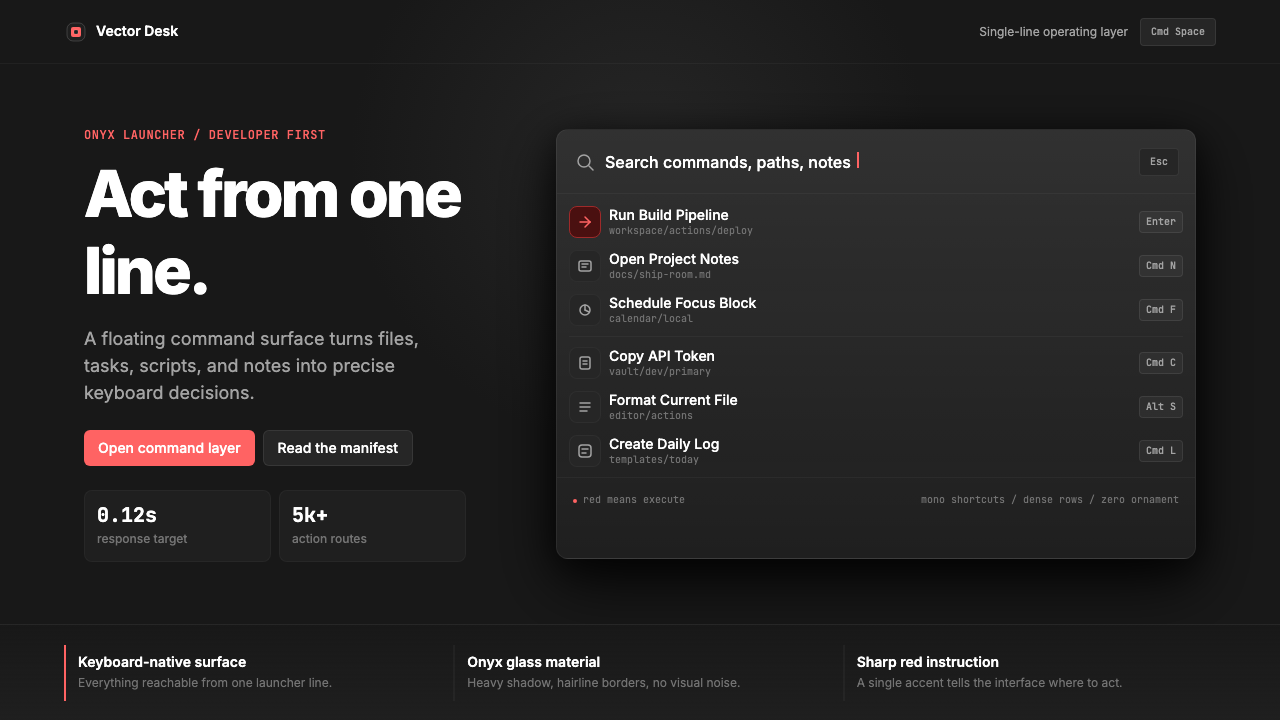 Raycast Spotlight Launcher (2023)Obsidian confidence. Sharp red cuts through Inter rows and mono shortcut chip…