What is Microsoft Fluent 2?
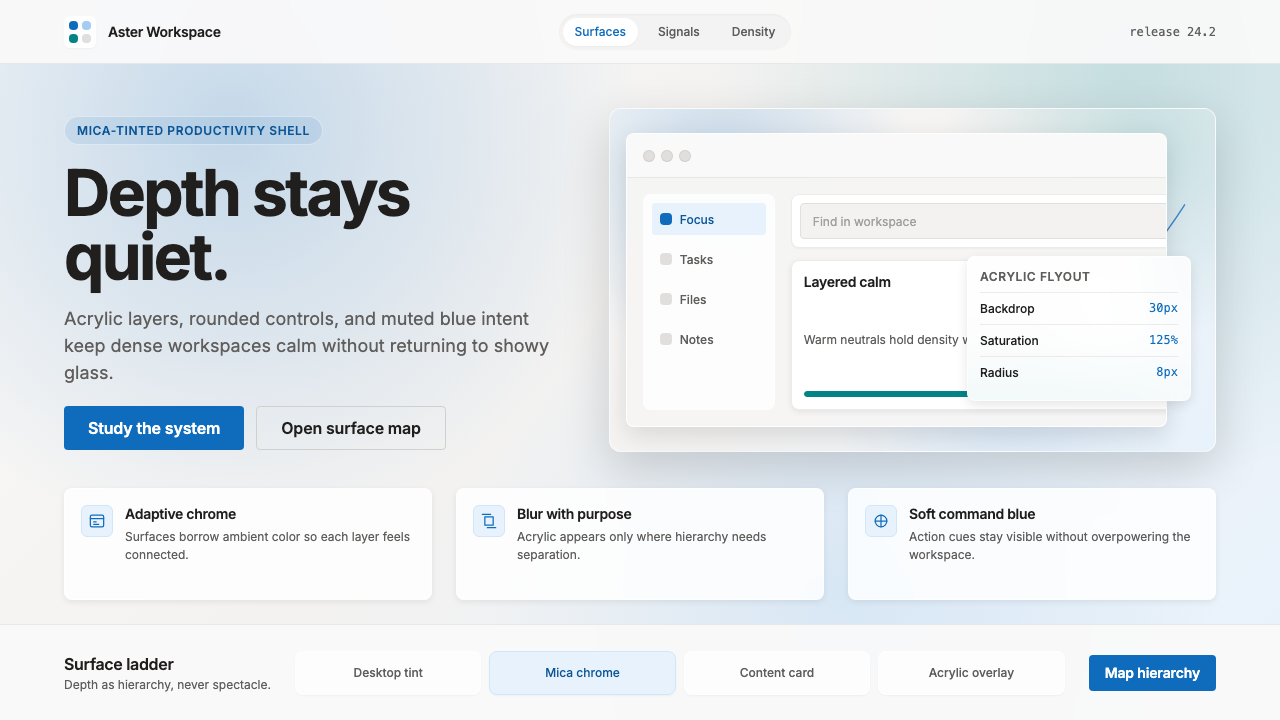
Fluent 2 is Microsoft's disciplined answer to the question of how depth, warmth, and calm can coexist in a productivity operating system.
Microsoft Fluent 2 in brief
Microsoft Fluent 2 is the design language that unified Windows 11, Microsoft 365, and the Office suite beginning in 2021. It is a system defined by disciplined translucency — surfaces that borrow color and texture from the desktop environment beneath them — alongside rounded geometry, a restrained neutral palette broken by a single muted blue accent, and a hierarchy of layered materials that give interfaces a quiet sense of physical depth.
Fluent 2 occupies a precise position in the history of Microsoft's visual identity. It follows Metro, the flat, tile-based language of Windows 8, which stripped the interface down to pure typography and color and deliberately rejected all illusion of physicality. Fluent 2 does not return to the showy translucency of Windows Vista's Aero glass, whose frosted panels existed primarily as visual spectacle. Instead, it finds a disciplined middle ground: materials that respond to context — tinted by the wallpaper through Mica, or blurred by the background through acrylic — without ever becoming theatrical.
The result is an aesthetic that reads as calm, productive, and quietly contemporary. Corners are rounded but not playful. Shadows are soft and layered rather than theatrical. The accent color signals interactivity without competing with content. The overall impression is of a design system built for long hours of work — attentive to comfort, indifferent to ornament.

Where does Microsoft Fluent 2 come from?
The story of Fluent 2 begins with its predecessor. In 2017, Microsoft publicly introduced Fluent Design System — a framework built around five ingredients: Light, Depth, Motion, Material, and Scale. This initial Fluent aimed to give Windows 10 a sense of physicality and dimensionality that had been deliberately erased by Metro. Acrylic material — a semi-transparent surface that blurs and tints the content behind it — was the most visible expression of this ambition. The system was promising but inconsistent, applied unevenly across Windows 10's own applications and largely ignored by third-party developers working against tight schedules.
The decisive moment came with Windows 11, announced in June 2021. Under Panos Panay, then Chief Product Officer of Windows and Devices, and Albert Shum, Corporate Vice President of Design, the Windows 11 redesign committed fully to a new version of Fluent that the team would later characterize as Fluent 2. The visible changes were substantial: corners became uniformly rounded, the taskbar moved to the center of the screen, and a new material — Mica — was introduced alongside acrylic. Mica is a desktop-tinted material: it samples a desaturated version of the user's wallpaper and applies it subtly to application chrome, creating a connection between the desktop environment and the applications running on it without being visually intrusive.
The expansion of Fluent 2 beyond Windows was equally significant. Microsoft Design worked to extend the system across web applications — Microsoft Teams, Outlook on the web, and the Microsoft 365 suite — so that the same visual language that governed the operating system would also govern the productivity applications running within it. This cross-platform unification was a departure from earlier Microsoft design history, where Windows, Office, and web applications had operated under largely separate visual regimes. The Fluent 2 tokens — the shared values for corner radius, elevation, color, and type — were published as an open specification, enabling third-party developers to align their applications with the system language.
The intellectual lineage of Fluent 2 reaches beyond Microsoft's own design history. The system's comfort with layered translucency and material metaphor connects it to the long tradition of skeuomorphic interface design, while its restraint and emphasis on calm productivity distances it sharply from the decorative excesses of that tradition. Its closest contemporary relatives are Apple's macOS materials — Vibrancy and the frosted-glass sidebars of Sonoma — and the Material You system from Google, which similarly uses wallpaper color to inform surface tones. What distinguishes Fluent 2 is its emphasis on neutrality: where Material You is colorful and expressive, Fluent 2 is quiet and recessive, allowing the content of applications — documents, spreadsheets, email — to remain visually primary.
What defines the Microsoft Fluent 2 look?
Layered Materials
Fluent 2 organizes surfaces into a deliberate elevation hierarchy: a base layer of Mica that samples and desaturates the desktop wallpaper, an acrylic mid-layer for flyouts and overlapping panels that blurs the content behind it, and opaque card surfaces for focused content areas. This layering gives interfaces a sense of spatial depth without resorting to hard shadows or dramatic gradients. The materials are subtle — visible only at the periphery of awareness — which keeps visual attention on the content rather than the container.
Rounded Geometry
Windows 11 introduced uniform rounding across all interactive elements — buttons, input fields, cards, menus, and window corners. The rounding is generous enough to soften the clinical feel of earlier Windows interfaces but stops short of the playful bubbliness associated with consumer apps. It signals approachability without sacrificing professional authority. The consistency is the point: every surface in the system shares the same rounding logic, which produces a visual coherence that unifies diverse application types under a single family feeling.
Muted Accent Color
The signature blue of Fluent 2 is deliberately desaturated and cooled — it reads as calm and functional rather than urgent or brand-assertive. This accent is applied sparingly: to primary action buttons, selected states, focus indicators, and links. Secondary and tertiary actions are expressed in neutral tones, ensuring the eye is drawn to the most important interaction on each screen. The muted quality of the blue allows it to sit comfortably alongside the warm neutrals of Mica without creating visual tension.
Warm Neutral Ground
Beneath the accent and material effects, Fluent 2 rests on a palette of warm neutrals — off-white grounds, light gray surfaces, and dark near-black backgrounds in dark mode — that are perceptibly warmer than pure cool grays. This warmth is subtle but consequential: it keeps the interface from feeling clinical or cold during long working sessions. The neutrals are graduated into a fine elevation scale, so that cards, panels, sidebars, and headers can be differentiated without color, using slight tone shifts alone.
Soft Depth and Elevation
Fluent 2 uses shadow with restraint and precision. Floating panels and dialogs cast soft, diffuse shadows that indicate elevation rather than dramatize it — the shadow tells you which layer you are on, not how impressive the interface is. This is the opposite of the hard, offset shadows used in flat design revival styles: Fluent 2 shadows are ambient, barely perceptible at rest, and become more pronounced only when elements are actively dragged or when a popover sits directly above complex content. The softness is a deliberate choice in service of visual calm.
Iconography and Motion
The Fluent 2 icon family uses filled and outlined variants with the same rounded character as the surrounding UI. Icons are drawn on a geometric but not rigid grid — organic enough to feel friendly, structured enough to feel systematic. Motion in Fluent 2 is purposeful and brief: transitions communicate spatial relationships — drawers slide in from the edge that makes logical sense, menus expand from the point of invocation — without lingering for the sake of visual delight. The motion system is calibrated to feel immediate and responsive rather than animated.
Typography as Hierarchy
Fluent 2 typography is built around a single humanist sans-serif typeface scaled across a clear hierarchy of display, title, body, and caption sizes. The type system is restrained — weight and size do the organizational work, while color is used sparingly, primarily to distinguish links and disabled states. Headlines are not aggressive; they are confident and measured. The relative quietness of the type scale reflects the system's overall priority: content legibility over visual spectacle. Long reading sessions — in documents, emails, and dashboards — are the primary use case, and the type hierarchy is calibrated accordingly.

Who shaped Microsoft Fluent 2?
As Chief Product Officer of Windows and Devices during the Windows 11 era, Panos Panay was the executive voice behind the platform's visual transformation. His public presentations of Windows 11 in 2021 introduced Fluent 2 to the world as a deliberate and coherent design philosophy, framing the rounded corners, Mica materials, and centered taskbar not as cosmetic updates but as expressions of a renewed commitment to calm, focused productivity. Panay's championship of the redesign within Microsoft's leadership gave the design team the organizational support needed to implement Fluent 2 consistently across the operating system.
Albert Shum served as Corporate Vice President of Design at Microsoft during the development and rollout of Fluent 2. Under his leadership, the Microsoft Design team extended the system beyond Windows into the web and mobile surfaces of Microsoft 365, Teams, and Outlook — an ambitious cross-platform unification effort. Shum's team was also responsible for publishing the Fluent 2 design token specification and the open-source component libraries that allowed third-party developers to build applications consistent with the system language. His stewardship of the design organization during this period shaped Fluent 2 as a living, extensible system rather than a static visual refresh.
The broader Microsoft Design organization — spanning Windows, Office, and web product teams — is responsible for the ongoing evolution of Fluent 2 as a living system. This distributed team maintains the Fluent 2 design kit, the web component library, the icon family, and the motion guidelines that collectively define the system across platforms. Their public documentation and open-source tooling have made Fluent 2 one of the most thoroughly specified enterprise design systems available, influencing not just Microsoft's own products but the visual expectations of enterprise software more broadly.
A longtime Windows engineer and author of the widely-read blog 'The Old New Thing,' Raymond Chen represents the deep institutional knowledge that constrains and shapes any design evolution at Microsoft. While not a visual designer, Chen's decades of public writing about Windows internals illuminate the engineering realities — backward compatibility, the breadth of the hardware ecosystem, the legacy of Win32 — that Fluent 2 had to accommodate. Understanding the constraints within which the design team operated helps explain why Fluent 2 is more evolutionary than revolutionary: the material effects and rounding had to coexist peacefully with a platform whose foundations date to the 1990s.
How do you use Microsoft Fluent 2 today?
Fluent 2 translates well beyond operating system interfaces into presentation decks, web UIs, and editorial design — but the translation requires understanding what the system is actually doing: creating calm through layering, using neutrals to let accent color carry meaning, and maintaining generous whitespace so that content remains the visual priority. Applying the aesthetic is not about mimicking Windows 11 chrome; it is about adopting the same values of restraint, hierarchy, and purposeful depth.
For presentation slides, Fluent 2 works well on cover pages that combine a dark near-black or very deep navy ground with a prominent card or panel rendered in a slightly lighter tone — the material layering implied through tone rather than actual blur. The title sits in a generous humanist sans-serif at a confident but not aggressive scale, with the accent color touching one word or a short descriptor. Content slides benefit from the system's hierarchical clarity: one level of heading, one level of body text, generous line spacing, and data visualizations that use the muted blue accent as the primary data color against near-white grounds. Data slides take on an executive quality — calm, legible from the back of a room, with the information doing the work rather than the decoration.
For web interfaces, Fluent 2 is a natural fit for productivity dashboards, internal tooling, enterprise SaaS, and analytics platforms — contexts where users spend hours daily and where cognitive comfort is more valuable than visual excitement. The approach: adopt the elevation hierarchy of base, card, and overlay; use warm near-white grounds rather than pure white; reserve the accent color for primary calls to action and active states; and keep navigation typographic rather than icon-driven. Pricing pages work well with the card-based layout that Fluent 2 implies — each pricing tier expressed as a card at a consistent elevation, with the recommended tier given subtle visual distinction through a lightly tinted background rather than a harsh highlighted border.
For editorial and marketing work, the style supports clean, professional information hierarchy that works particularly well for technology brands, financial services, and enterprise software marketing. A Fluent 2-influenced editorial layout uses a structured column grid with generous outer margins, clear differentiation between heading levels purely through size, and callout elements expressed as lightly tinted background panels rather than colored boxes. Marketing pages can use the material depth metaphor to create visual interest without decoration: full-width sections that shift from warm light grounds to muted dark grounds create a sense of depth and rhythm across the page, with the accent color appearing consistently at points of conversion.
A common mistake when applying Fluent 2 outside its native context is overusing translucency as a decorative effect rather than a structural one. In the Windows 11 environment, acrylic and Mica have a functional rationale — they spatially locate the application within the broader desktop environment. In a flat medium like a slide or a web page, a simulated blur effect is pure decoration, and it typically makes content harder to read without delivering the spatial depth it implies. The stronger choice is to use tonal layering — slightly different values of the same warm neutral — to imply elevation without the visual noise of actual transparency.

Microsoft Fluent 2 — FAQ
How does Fluent 2 differ from Google's Material You?
Both systems use wallpaper or environmental color to inform interface surfaces, but their philosophies diverge sharply in emphasis. Material You is expressive and colorful — it generates a full palette of harmonious tones from a seed color and applies them broadly across the interface, resulting in highly personalized, visually vibrant UIs. Fluent 2 is neutral and recessive — Mica takes a desaturated sample of the wallpaper and applies it minimally, allowing the warm neutral ground to dominate. Where Material You celebrates personal expression, Fluent 2 prioritizes informational clarity and professional calm. The practical consequence is that Material You works best in consumer and personal contexts, while Fluent 2 is optimized for productivity and enterprise use.
Can Fluent 2 work in dark mode, and does it change significantly?
Fluent 2 was designed from the outset to support both light and dark modes as first-class experiences, and the dark mode variant is genuinely well-considered rather than a simple color inversion. In dark mode, the base Mica surface shifts to a warm near-black that still samples the wallpaper, the card surfaces sit a perceptible step lighter, and the muted blue accent becomes slightly more luminous to maintain contrast without becoming aggressive. The overall character of the system — calm, layered, neutral — translates well to dark mode. The main challenge in applying dark Fluent 2 to non-Windows contexts is that the subtle warmth of the dark grounds is easy to lose if pure cool blacks are substituted, which collapses the material system into a flat dark UI.
Is Fluent 2 appropriate for consumer apps, or only productivity software?
Fluent 2's values — calm, hierarchy, restrained color — are well matched to productivity, enterprise, and professional contexts. It is less well matched to consumer applications that need warmth, playfulness, or strong brand personality. A food delivery app, a social platform, or a children's educational product would find the system's neutrality and restraint working against the emotional register those products need. Fluent 2 is also heavily associated with Microsoft as a brand; using it without modification in a consumer context can feel generic or enterprise-coded rather than distinctive. The system's components and spacing logic can be borrowed productively, but the overall aesthetic tends to read most naturally in contexts where efficiency and professionalism are explicit user expectations.
How should the acrylic and Mica material effects be referenced in flat design work?
In flat media — slides, static web pages, print — the material effects of Fluent 2 should be interpreted rather than literally reproduced. A literal blur effect on a slide background usually makes content harder to read and communicates visual busyness rather than the calm depth Fluent 2 actually achieves. The better interpretation is tonal: use a surface that is one or two steps lighter or warmer than its ground to imply that a card is sitting above the base layer, without any actual transparency. The warmth and slight variation in tone across the neutral palette is what carries the spatial feeling of the material system; the blur itself is a platform-specific implementation detail that does not port cleanly to other media.
What are the clearest signs that a Fluent 2 application has been done well versus applied superficially?
A well-executed Fluent 2 design is legible, calm, and hierarchy-clear without any single element demanding attention. The layering reads spatially — you can feel that flyouts sit above cards, which sit above the base — even if you cannot consciously describe why. The accent color appears only where it should and is absent everywhere else. A superficial application typically makes several characteristic errors: the accent color is overused and appears in decorative as well as functional elements; all surfaces are the same flat tone with no sense of elevation; the rounding is applied inconsistently; or translucency effects are added without regard to readability, producing surfaces where text floats uncomfortably over shifting background content. The deepest test is whether removing all the stylistic details — the rounding, the material effects, the accent color — would leave behind a well-structured, readable layout. If it would, the execution is genuine; if it would collapse, the style was doing structural work that the content organization should have done instead.
Related design styles
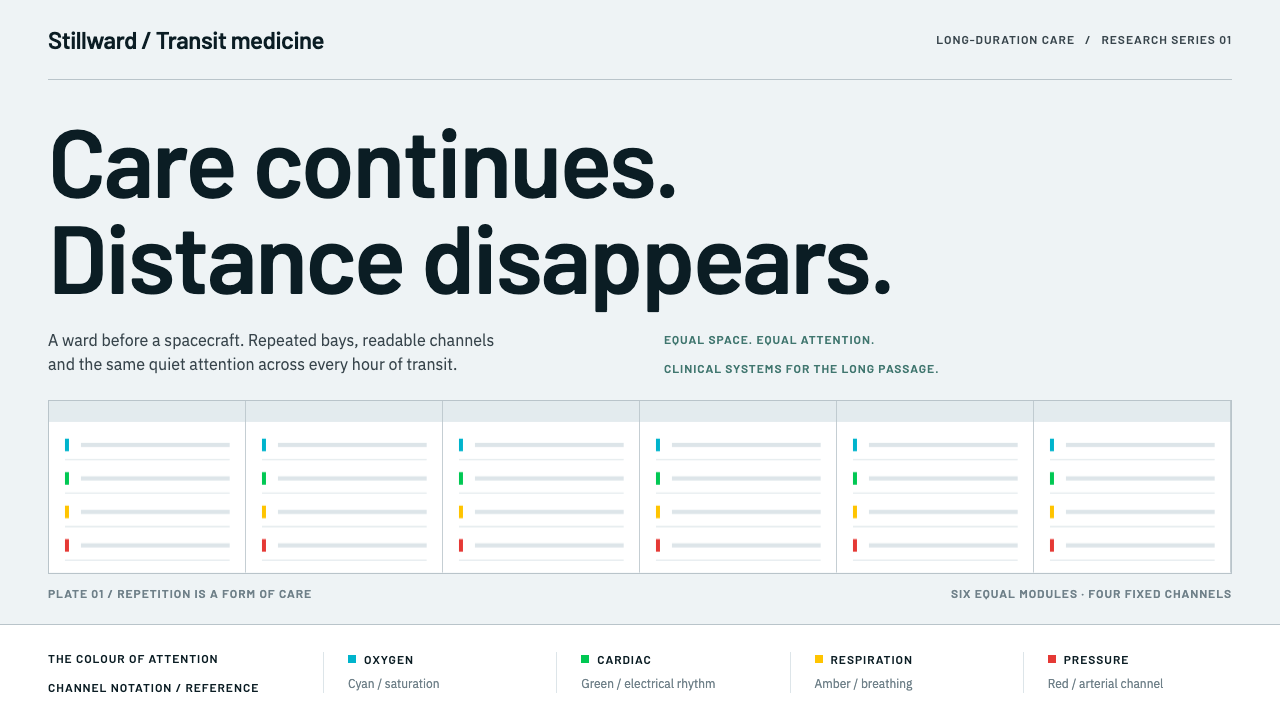 Cryosleep Transit WardCare without spectacle. Clinical white, equal bay grids and the fixed colours…
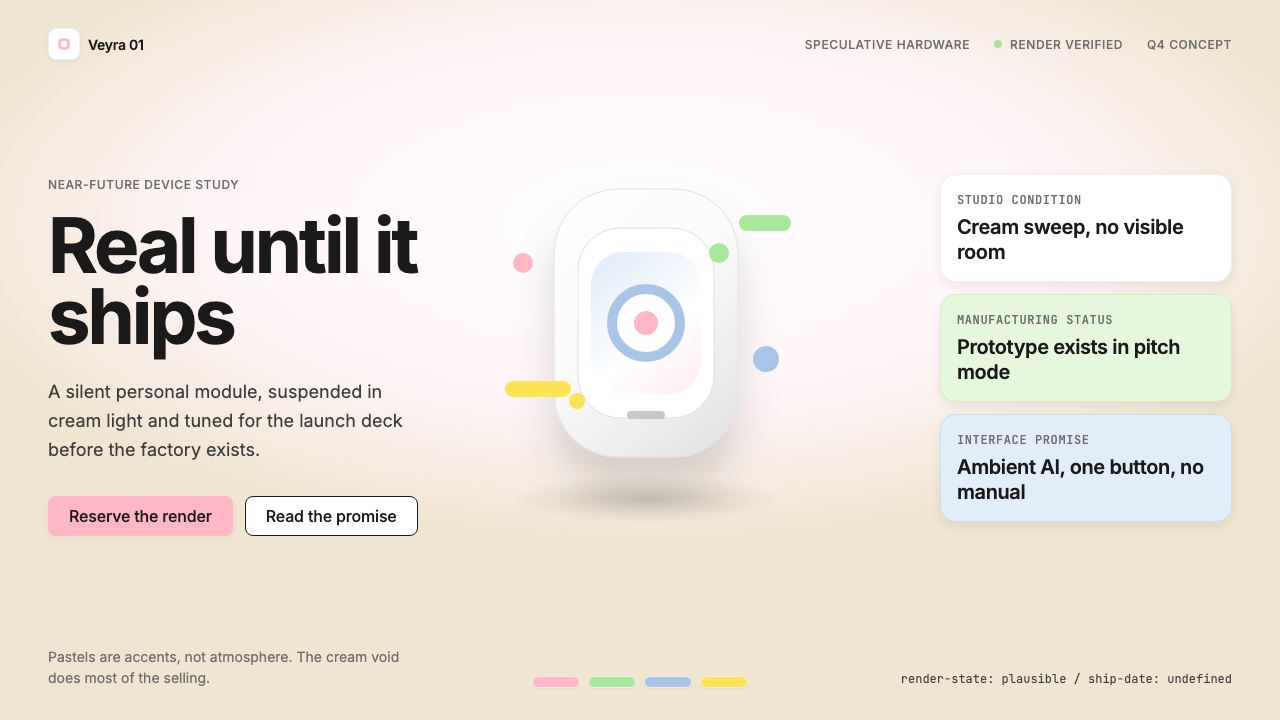 Vaporware Future Product RenderExpensive unreality. Cream sweep, Inter restraint, and pastel chips orbit a f…
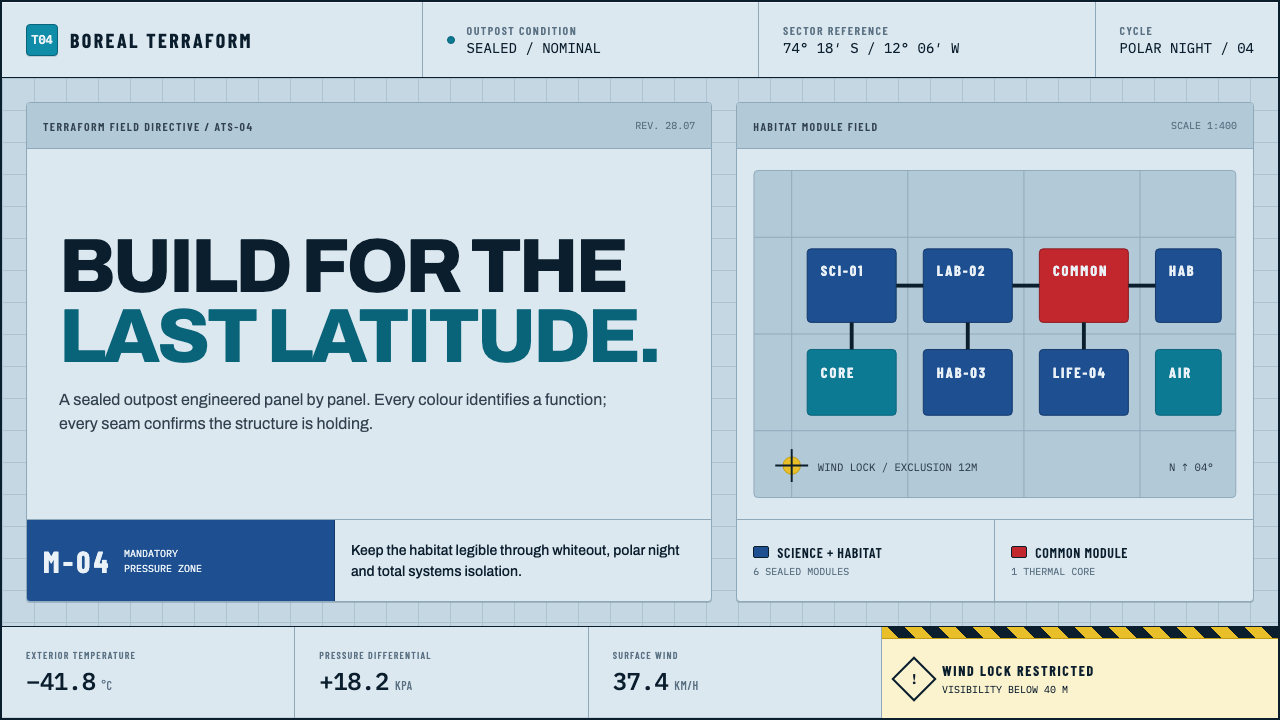 Arctic Terraform StationEvery colour carries a duty. Sky-blue panels, coded modules and hard seams en…
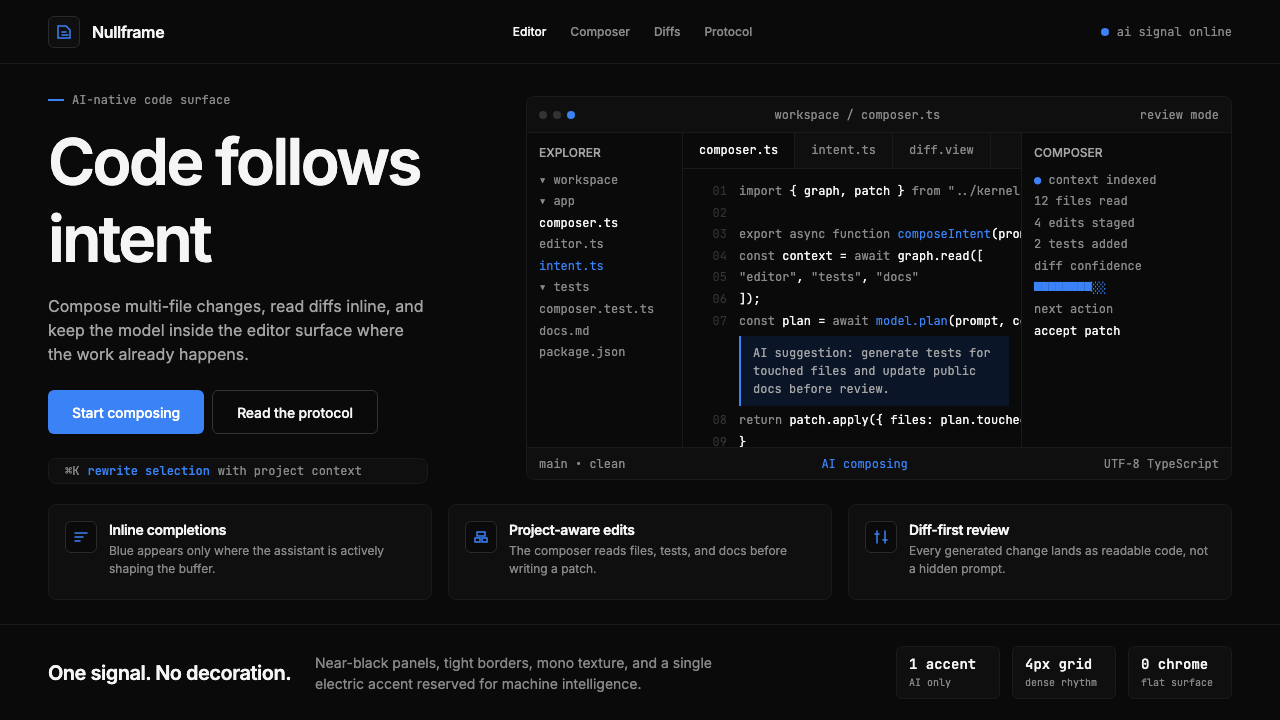 Cursor IDEAI-first code editor. Pure dark surfaces, off-white text, electric blue reser…
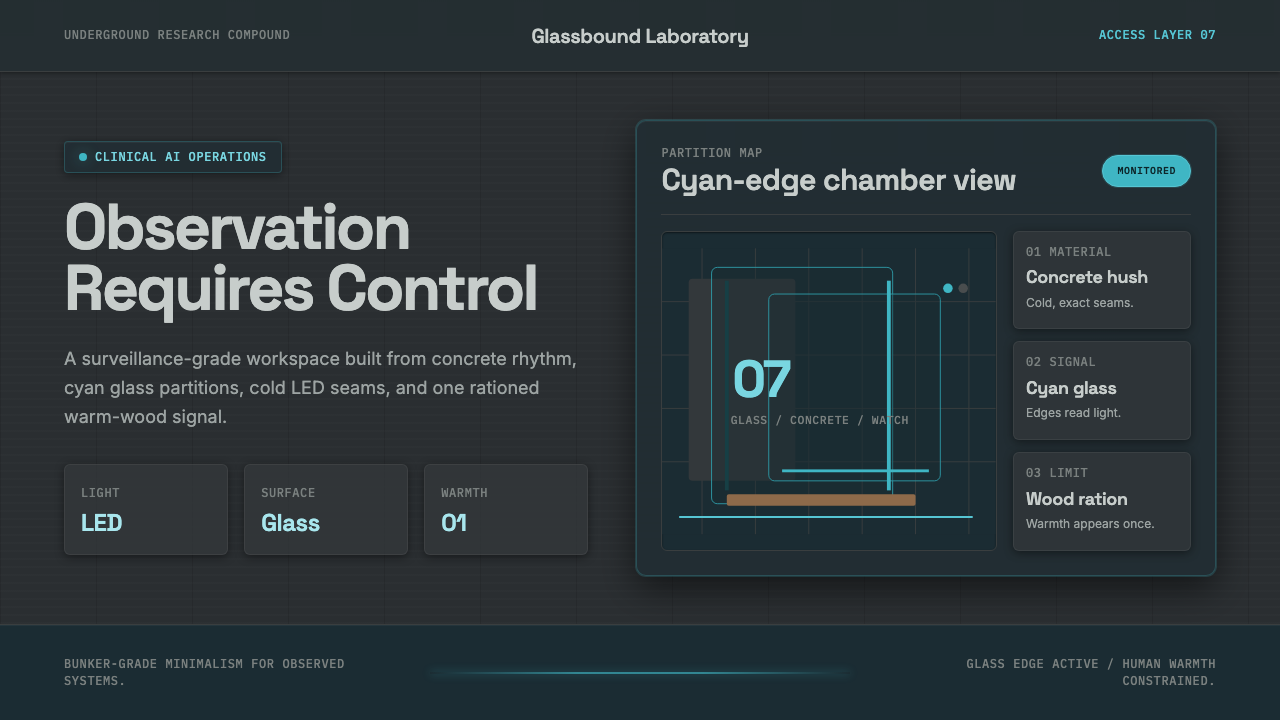 Ex MachinaClinical control, made visible. Concrete gray, cyan glass, LED seams, one woo…
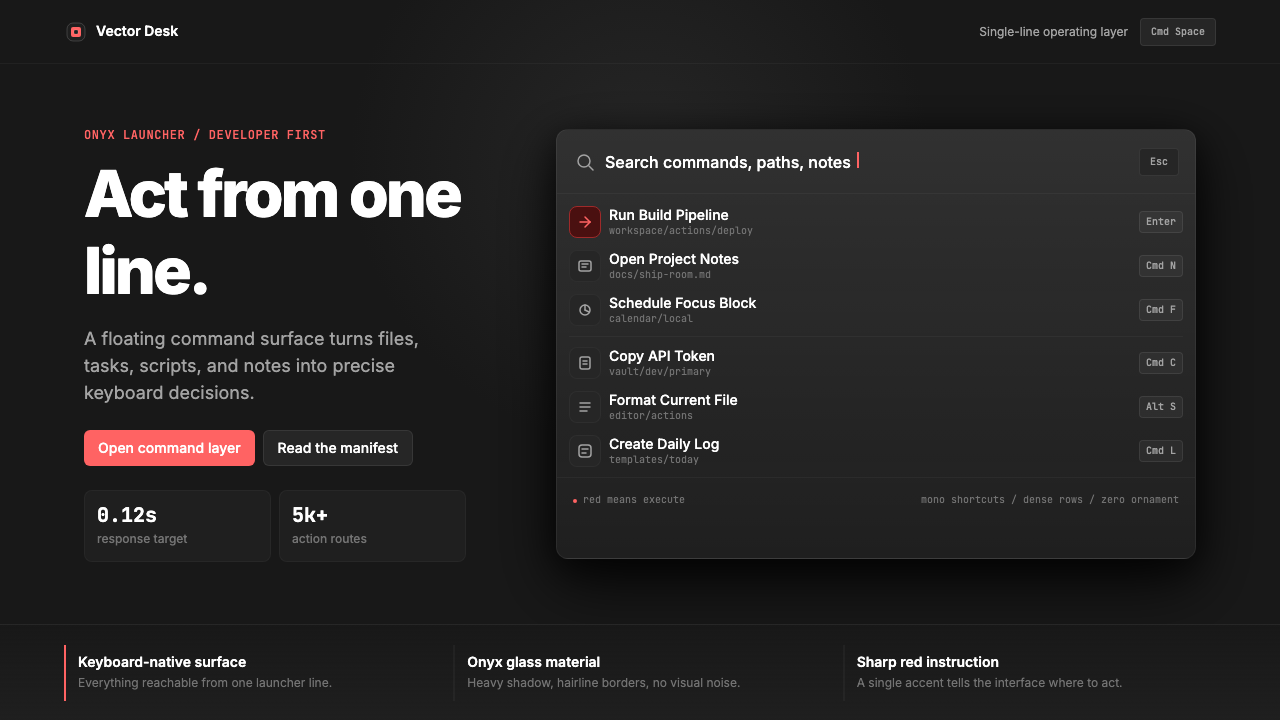 Raycast Spotlight Launcher (2023)Obsidian confidence. Sharp red cuts through Inter rows and mono shortcut chip…