What is Raycast Spotlight Launcher (2023)?
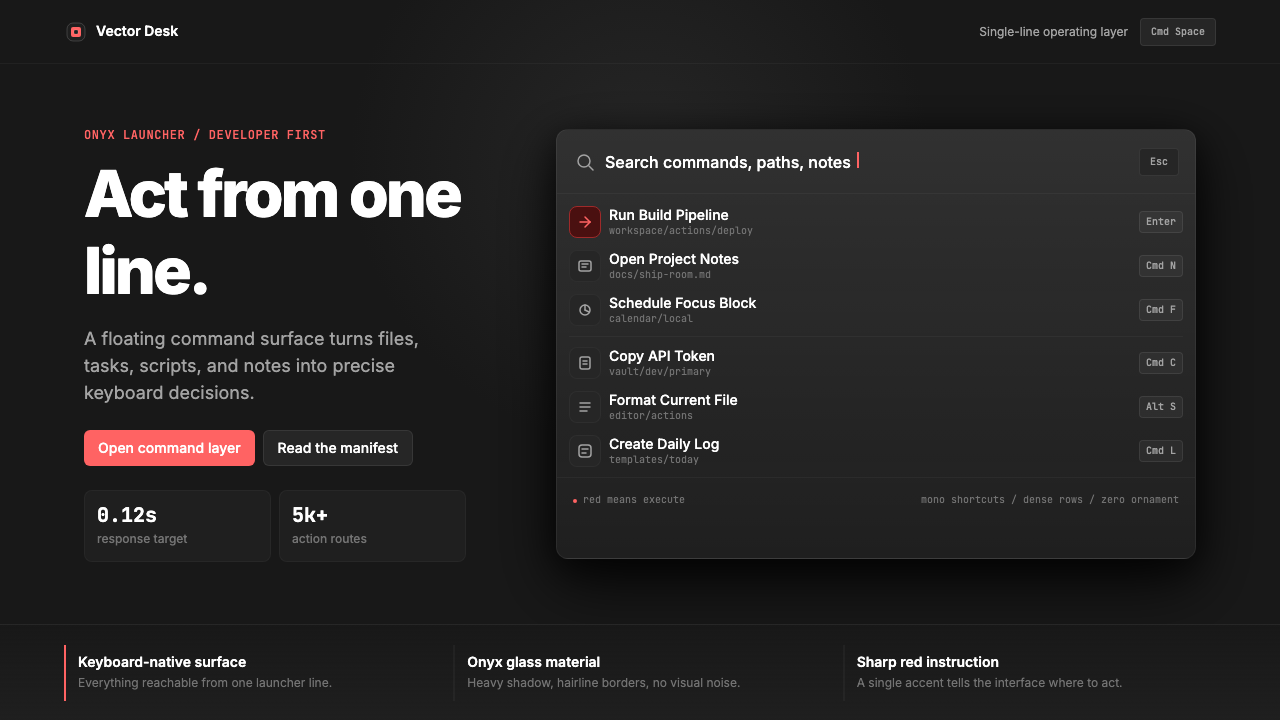
Raycast reimagined the humble application launcher as a statement of developer confidence — obsidian surfaces, surgical red accents, and information density that treats the command palette as the entire operating environment.
Raycast Spotlight Launcher (2023) in brief
The Raycast Spotlight Launcher design system is the visual language of a macOS productivity application that, by 2023, had evolved from a simple command runner into a full developer operating environment. Its aesthetic is instantly recognizable: near-black glass surfaces with barely perceptible depth, a single sharp brand-red accent that cuts through the darkness with surgical precision, and monospaced shortcut chips that treat keyboard shortcuts as first-class typographic citizens.
At its core, the system belongs to the command-palette renaissance of the early 2020s — a moment when developer tooling collectively decided that the fastest interface is the one that surfaces any action through a single, keyboard-first search field. Raycast's particular contribution to this genre was to build that philosophy into an intensely refined visual system: one where darkness is not moodiness but substrate, where red is not decoration but signal, and where every pixel of spacing communicates that the designer has thought about the cognitive cost of every element.
The style sits within the broader developer-tool design movement alongside Linear and Arc, sharing their commitment to information density and emotional restraint. What distinguishes Raycast is its almost terminal-like commitment to the command-line aesthetic — the sense that this interface was designed for people who think in keystrokes, and who would find visual noise not just unpleasant but professionally insulting.
Where does Raycast Spotlight Launcher (2023) come from?
Raycast was founded in 2020 by Thomas Paul Mann and Petr Nikolaev, two former Facebook engineers based between London and Berlin. The company launched into a competitive landscape already occupied by Alfred, the long-standing macOS launcher, and by Apple's own Spotlight. What differentiated Raycast from the start was not just functionality but aesthetic ambition: the founders wanted to build something that felt like a professional tool, not a utility.
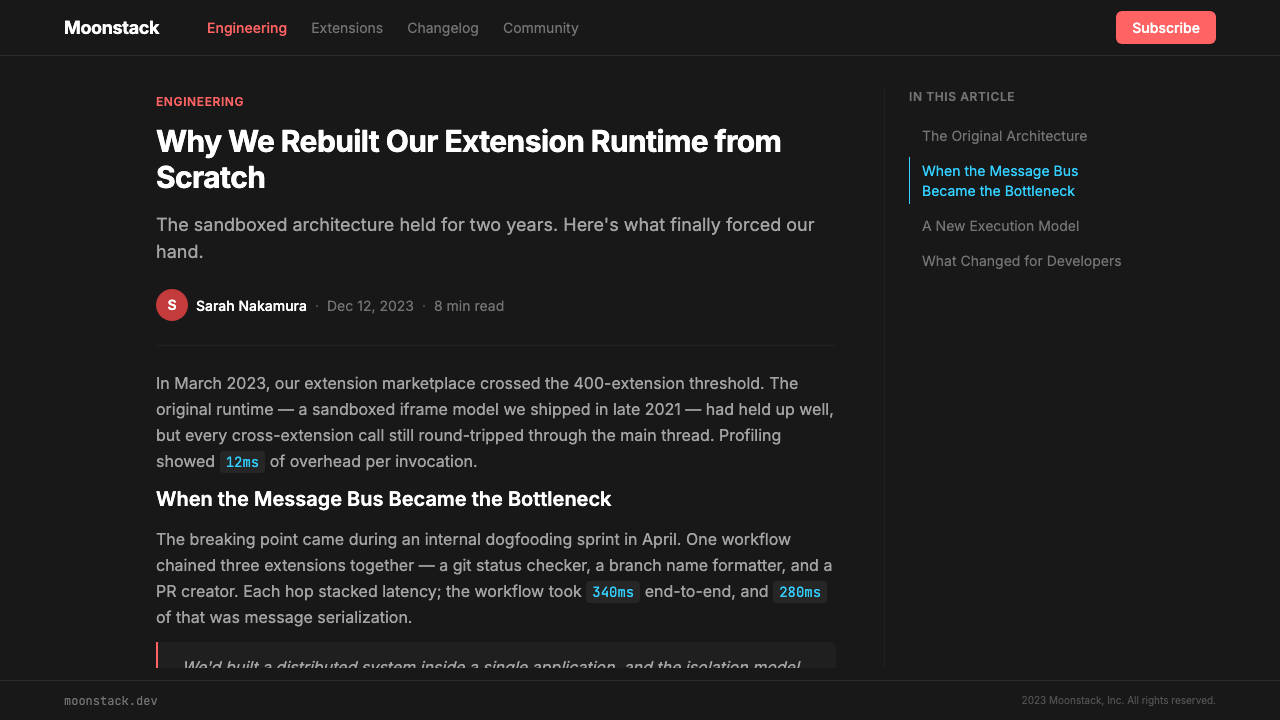
The visual identity that would define the 2023 era of Raycast was shaped significantly by Marin Smiljanic and the design team that coalesced around the product. The key aesthetic decisions — the dark glass panel, the Inter typeface system, the monospaced shortcut chips, the single red accent — were established in the product's early years and then refined rather than reinvented as the company grew. By 2022 and 2023, Raycast had expanded from a launcher into an extensions platform, and the design system had to scale to accommodate third-party extensions while maintaining the coherence of the core experience.
The historical context matters. Raycast emerged during a period when the command-palette paradigm was being rediscovered across professional software. VS Code had demonstrated that keyboard-first interfaces could be primary rather than supplementary. Figma had shown that web-based tools could match the performance expectations of native applications. Linear, founded in 2019, was building its reputation on a similarly dense, dark, and restrained aesthetic. Raycast's design team absorbed and synthesized these influences into something distinctly their own: darker, more terminal-adjacent, and more willing to let the keyboard-shortcut notation system become a visible design element.
The macOS-native launcher genre also carries its own heritage. Apple's Spotlight interface — which Raycast's panel deliberately invokes through its central positioning and keyboard invocation pattern — had established certain expectations: a floating panel, a search field, results below. Raycast honored this ergonomic grammar while completely rewriting the visual vocabulary. Where Spotlight is neutral and system-toned, Raycast is branded and developer-opinionated. The choice of dark-mode-first design was particularly significant: at a time when dark mode was still optional in many applications, Raycast made it the default and built the entire visual system around it, treating darkness not as a preference but as a product value.
By 2023, Roy Marmelstein had joined the product team, and Raycast was attracting meaningful investment and a growing community of extension developers. The design system by this point had become not just the visual language of a launcher but something closer to a design brand — cited in design communities, referenced in developer blogs, and recognizable enough to inspire imitation. The aesthetic had earned the cultural weight that only comes when a visual system is genuinely better at what it does than the alternatives.
What defines the Raycast Spotlight Launcher (2023) look?
Obsidian Surface
The foundation of the entire system is a near-black background that stops just short of pure black — a dark glass quality that implies depth without resorting to explicit layering or shadow theatrics. This obsidian material language gives the interface a sense of premium materiality while keeping cognitive load low. Foreground elements emerge from this darkness with high contrast, treating legibility not as a concern to manage but as the primary design act.
Surgical Red Accent
A single sharp red serves as the entire accent system — no secondary accent colors, no warm or cool variants, just one deliberate brand red used with strict economy. This red marks active states, selected items, and interactive highlights, functioning like a cursor blinking in a terminal: it tells you exactly where attention should go and nowhere else. The restraint with which it is applied amplifies its signal strength every time it appears.
Monospaced Shortcut Chips
Keyboard shortcuts are rendered as distinct visual chips using a monospaced typeface, treating key notation as a first-class typographic element rather than a secondary annotation. These chips carry their own visual grammar — consistent sizing, subtle surface differentiation from the background, and precise spacing — that makes them readable at a glance while reinforcing the interface's keyboard-first identity. In a real sense, they are the punctuation of this design language.
Inter Typography System
The typeface choice is Inter — a typeface designed specifically for screen legibility at small sizes, with letterforms optimized for the kind of dense information display that a command palette demands. The system uses Inter with deliberate typographic hierarchy: search input text at a commanding scale, result labels at reading size, metadata and shortcuts at smaller informational sizes. This scale system communicates hierarchy without resorting to color differentiation beyond the core dark-and-light contrast.
Maximum Information Density
The interface is configured to display the maximum amount of useful information in the minimum visual footprint — a direct expression of respect for the user's time and cognitive bandwidth. Row heights are tight, icon sizes are controlled, and metadata appears at the periphery of attention rather than competing with primary labels. Negative space is used strategically at the boundaries of the panel and between sections, not as decoration but as cognitive segmentation.
Zero Decorative Noise
There are no gradient fills applied for visual interest, no ambient glows or bloom effects, no decorative borders, no illustration or iconographic embellishment beyond the functional application icons that the launcher necessarily displays. Every element earns its presence by doing work. This restraint is not austerity for its own sake — it is the recognition that in a high-frequency-use tool, every decorative element becomes fatigue over time.
Glass Panel Floating Presence
The command panel is conceived as a floating object in space — summoned by keyboard, dismissed by keyboard, never fully integrated into the operating system chrome. This floating quality is expressed through subtle shadow and surface differentiation from the desktop behind it, creating the impression of a discrete interface layer that exists above rather than within the operating environment. The panel's dark surface acts as a portal: productive, focused, and fully reversible.
Who shaped Raycast Spotlight Launcher (2023)?
Co-founder and chief executive of Raycast, Mann brought the engineering perspective that shaped Raycast's fundamental product philosophy: that a launcher should be a platform, not just a utility. His background at Facebook informed the product's ambition to handle complex integrations while maintaining a simple, fast surface. The product values he established — speed above all, keyboard-first interaction, zero tolerance for latency — are directly visible in every interaction design decision.
Co-founder and chief technology officer, Nikolaev was responsible for the engineering architecture that made the Raycast design system's density aspirations achievable. A command palette that holds as much information as Raycast displays, while remaining instantaneously responsive, requires performance engineering that invisibly underpins the design. The visual system's credibility depends on its speed; Nikolaev's engineering ensured the design never made promises the implementation could not keep.
A key member of the design team who helped shape the visual language that came to define the Raycast aesthetic. The specific combination of decisions that makes the system instantly recognizable — the obsidian surface quality, the calibration of the red accent, the typographic hierarchy — reflects design authorship of significant coherence. Smiljanic's work on the system helped transform a functional productivity tool into something recognized as a design reference point in the developer community.
A later addition to the Raycast team who contributed to the product's evolution during the period when the application was scaling from a launcher into a full developer platform. As the design system had to accommodate an expanding extensions ecosystem while protecting the coherence of the core experience, Marmelstein's work helped navigate the tension between platform openness and visual consistency — a design challenge as much as a product one.
How do you use Raycast Spotlight Launcher (2023) today?
The Raycast Spotlight Launcher style is best understood as a confidence-first design language — one that works when the product it is applied to genuinely merits the authority the aesthetic projects. It is at home in tools built for users who operate at high frequency and expect their tools to keep up. When used in this register, the style produces interfaces that feel immediate, trustworthy, and professionally serious without tipping into cold or alienating.
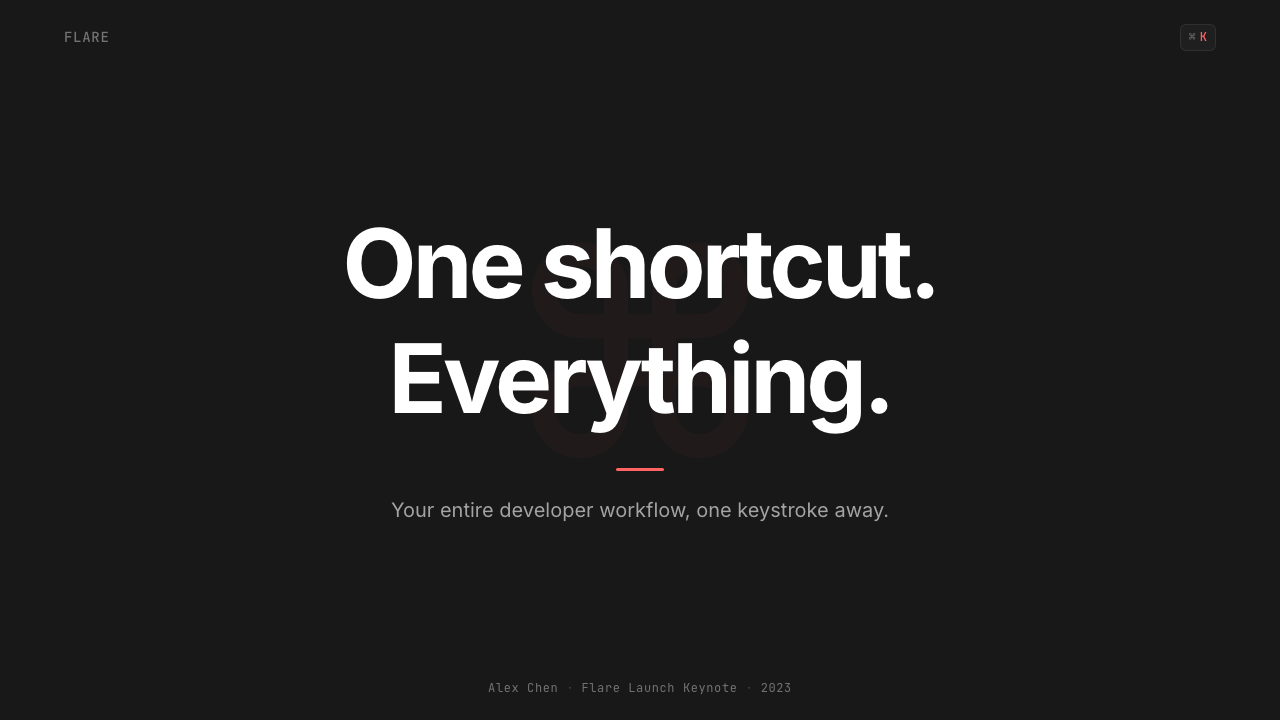
For presentation slides, the system performs best on covers and transition slides rather than dense content pages. A cover page in this style works through high contrast and deliberate restraint: a near-black field, a title set in a clean geometric sans-serif at confident scale, and a single accent element — perhaps a geometric shape or a highlighted keyword — in the brand's red. Content slides should be treated as typographic structures rather than visual compositions: tight line heights, generous column gutters, and a strict typographic hierarchy where scale alone communicates importance. Data slides in this aesthetic work well with high-contrast chart treatments where data points and axes are legible at a glance, backgrounds stay dark, and accent color is reserved for the one data series that matters most.
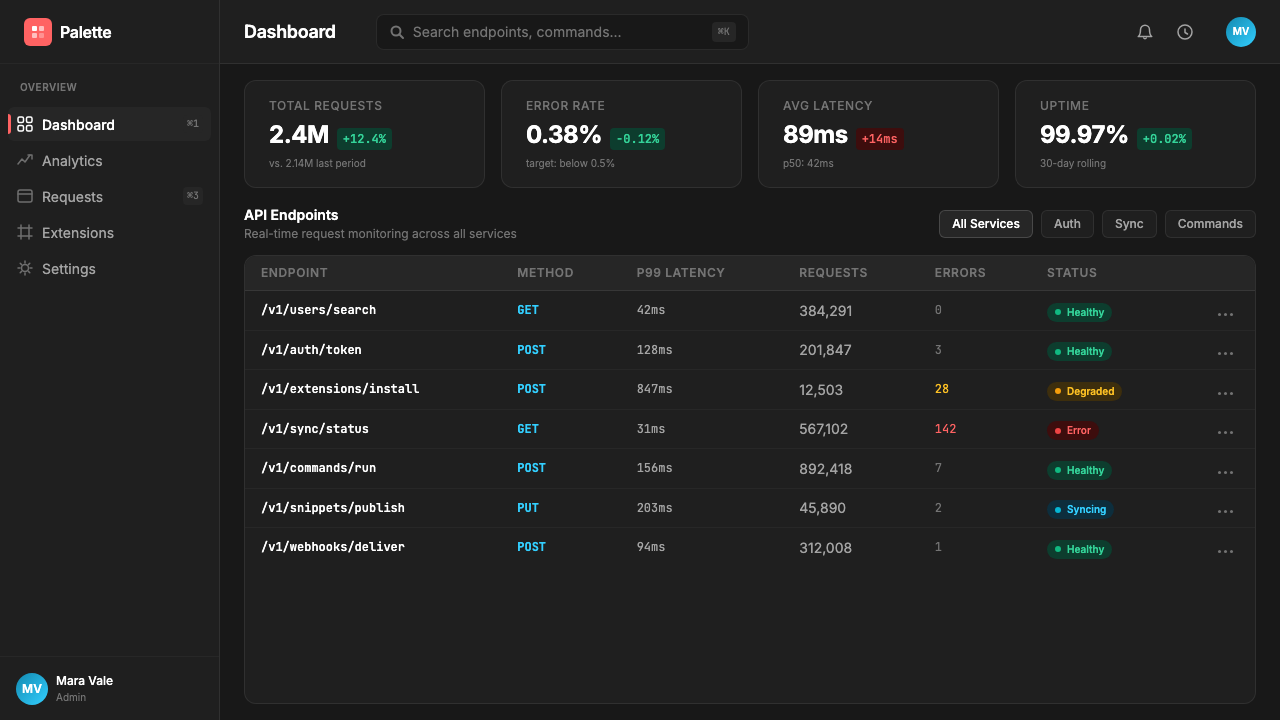
For web UI, dashboards, and SaaS products, this style is especially effective for developer-facing tools, command palettes, keyboard-shortcut-heavy interfaces, and any product where power users represent the primary audience. The approach translates directly: dark backgrounds with near-black surface colors, a single accent color for interactive states and active selections, monospaced type for code or shortcut notation, and information density calibrated to the highest-frequency use cases rather than the average. Navigation and wayfinding should be typographic and keyboard-accessible, with visual affordances that reward mouse interaction but never require it.
For marketing and editorial applications, the style requires some translation. The intensity that makes it feel authoritative in a live tool can read as severe in a marketing context where warmth and approachability are also needed. The most effective approach is to use the aesthetic system's core vocabulary — dark surfaces, typographic precision, single accent — while allowing more generous spacing and slightly softer surface materials than the application would use. Hero sections work well with this style's confidence: bold typographic statements against dark grounds, product demonstrations with the actual interface as the hero image, and an accent color that marks the primary call to action consistently throughout.
A common mistake when applying this style is treating the dark surface as interchangeable with any dark color, or the red accent as one element among many. The system's character depends on the specific combination: the darkness must be near-black without being absolute, implying depth rather than void; the red must be used with the same economy a terminal uses its cursor — appearing rarely enough that every appearance carries full signal weight. Designers who apply this style and then add a second accent color, soften the backgrounds into mid-tone grays, or introduce decorative gradients will find the aesthetic dissolves into generic dark-mode design. The power is in the commitments, not the color choices alone.
Raycast Spotlight Launcher (2023) — FAQ
How is this style different from generic dark mode design?
Generic dark mode design typically inverts a light-mode system — swapping white backgrounds for dark grays and black text for light — while keeping the same decorative elements, gradient accents, and multiple colors. The Raycast style is not a dark mode; it is a dark-first design system where the darkness is the intended substrate, the single red accent is structural rather than decorative, and the entire information architecture is built around keyboard-first, high-density interaction. The diagnostic question is: if you removed the dark background and placed the same layout on white, would it still make sense? Generic dark mode says yes; this system says no — the darkness is load-bearing.
Can this style work on a light background?
A light-background variant is technically possible but requires significant reinterpretation. The style's signature — the obsidian quality, the red-cutting-through-darkness effect, the terminal-adjacent atmosphere — depends on the dark surface. On a light ground, the brand red reads differently, the monospaced shortcut chips lose their contextual meaning, and the system starts to resemble other precise, minimalist design languages rather than retaining its own character. If a light version is needed for accessibility or context reasons, the approach should be to treat it as a distinct design layer rather than a simple inversion, preserving the typographic precision and single-accent discipline while accepting that the atmospheric quality will be different.
Is this style appropriate for consumer-facing products?
The style's strengths — authority, density, keyboard-centricity, professional seriousness — are aligned with professional and developer audiences more than consumer audiences. Consumer products often require warmth, sensory invitation, and visual narrative that this aesthetic deliberately suppresses. That said, the style works in consumer contexts where the user's relationship with the product is tool-like rather than experiential: a personal finance tracker used daily, a writing tool for professional writers, a task manager for knowledge workers. The question is not demographic but relational: is the user here to accomplish a specific task quickly, or to inhabit an experience? The Raycast style is optimized entirely for the former.
What are the most common mistakes when adapting this style?
Three mistakes appear most frequently. First, adding a second accent color — the system's character depends entirely on the discipline of using one red and using it rarely. Second, softening the surface into mid-tone grays rather than maintaining the near-black depth; mid-tones produce a different atmosphere and undermine the contrast ratio that makes the accent land with full force. Third, treating the monospaced chip notation as a decorative element rather than a functional one — applying monospaced type or chip styling to elements that are not actually keyboard shortcuts introduces visual confusion and undermines the system's semantic clarity. Each of these mistakes points to the same underlying misread: the system's power comes from commitment, not from borrowing its surface characteristics.
How does this style relate to the broader developer-tool design movement?
The Raycast style is one of the defining statements of the developer-tool design movement of the early 2020s, alongside Linear's issue-tracker aesthetic and Arc's browser reinvention. What unites these systems is a shared conviction that professional tools should be visually serious, information-dense, and calibrated to expert users rather than designed down to the median. Where they differ is in character: Linear's system is cooler and more systematic, Arc's is warmer and more expressive, and Raycast's is the most terminal-adjacent and keyboard-committed. Understanding this context helps when adapting the style — it works best when it is understood as a position statement about the relationship between designer and user, not just as a set of visual characteristics to be borrowed.
Related design styles
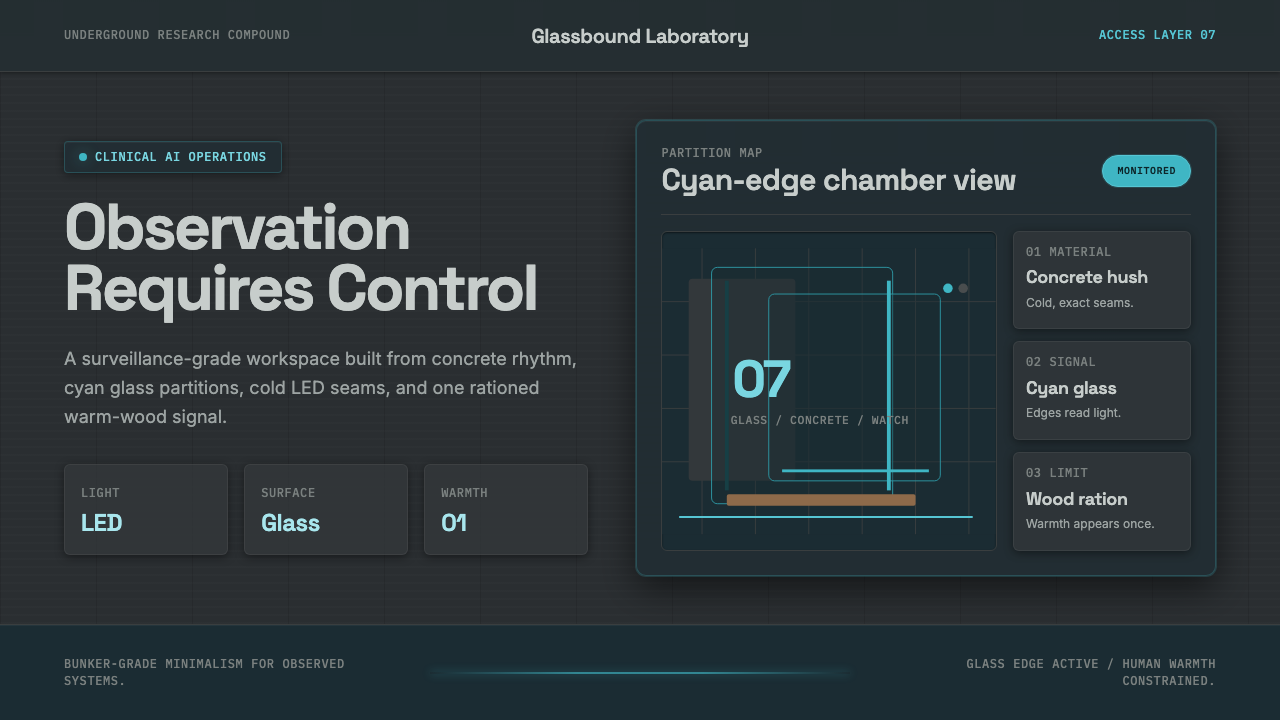 Ex MachinaClinical control, made visible. Concrete gray, cyan glass, LED seams, one woo…
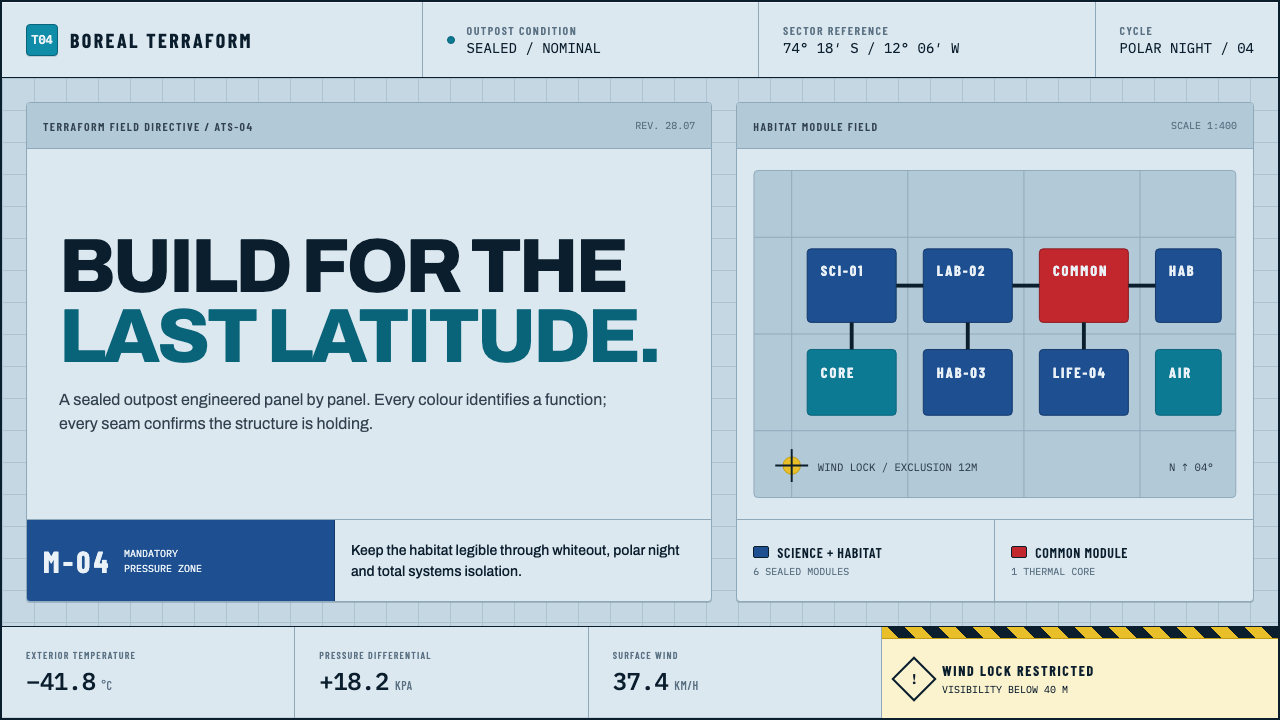 Arctic Terraform StationEvery colour carries a duty. Sky-blue panels, coded modules and hard seams en…
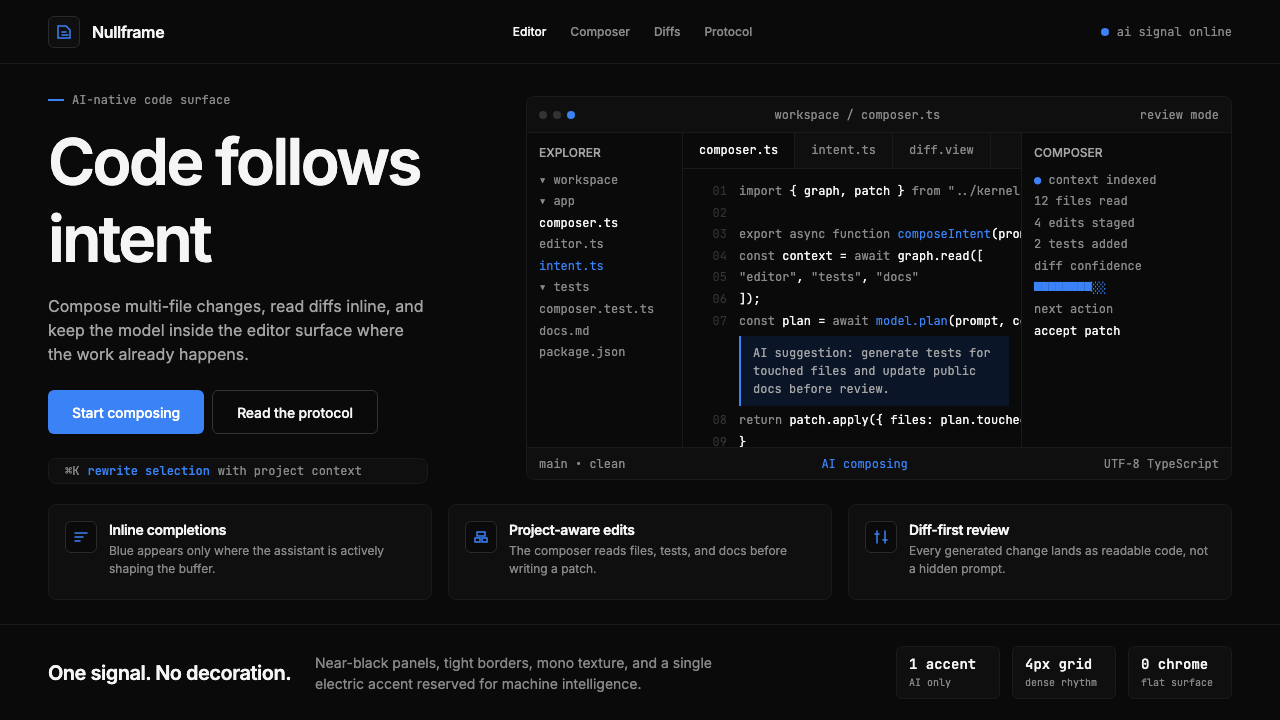 Cursor IDEAI-first code editor. Pure dark surfaces, off-white text, electric blue reser…
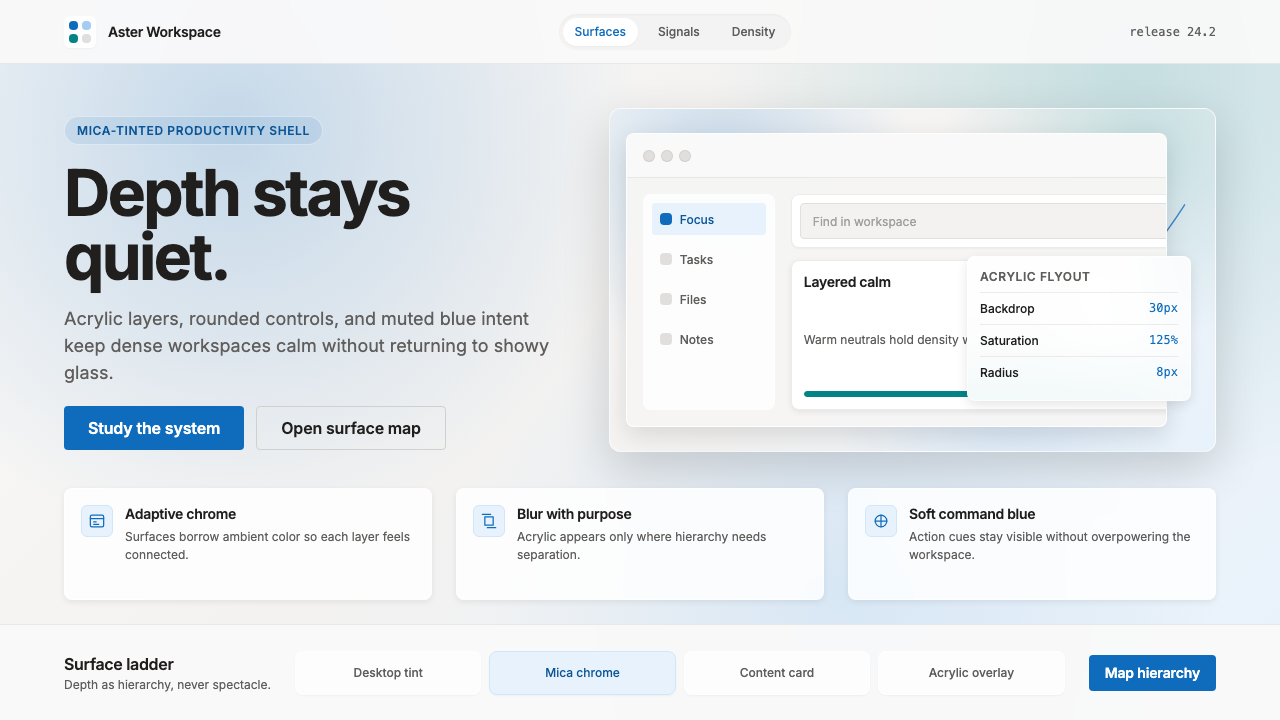 Microsoft Fluent 2Disciplined translucency. Warm Mica neutrals, acrylic blur, and muted blue cr…
 Resend 2024Clean code becomes brand. Pure black, JetBrains Mono, and one green delivered…
 Vercel 2024Developer luxury by subtraction. Pure black, white Inter, rigid grid, triangu…