What is Autonomous Cargo Ship Bridge?
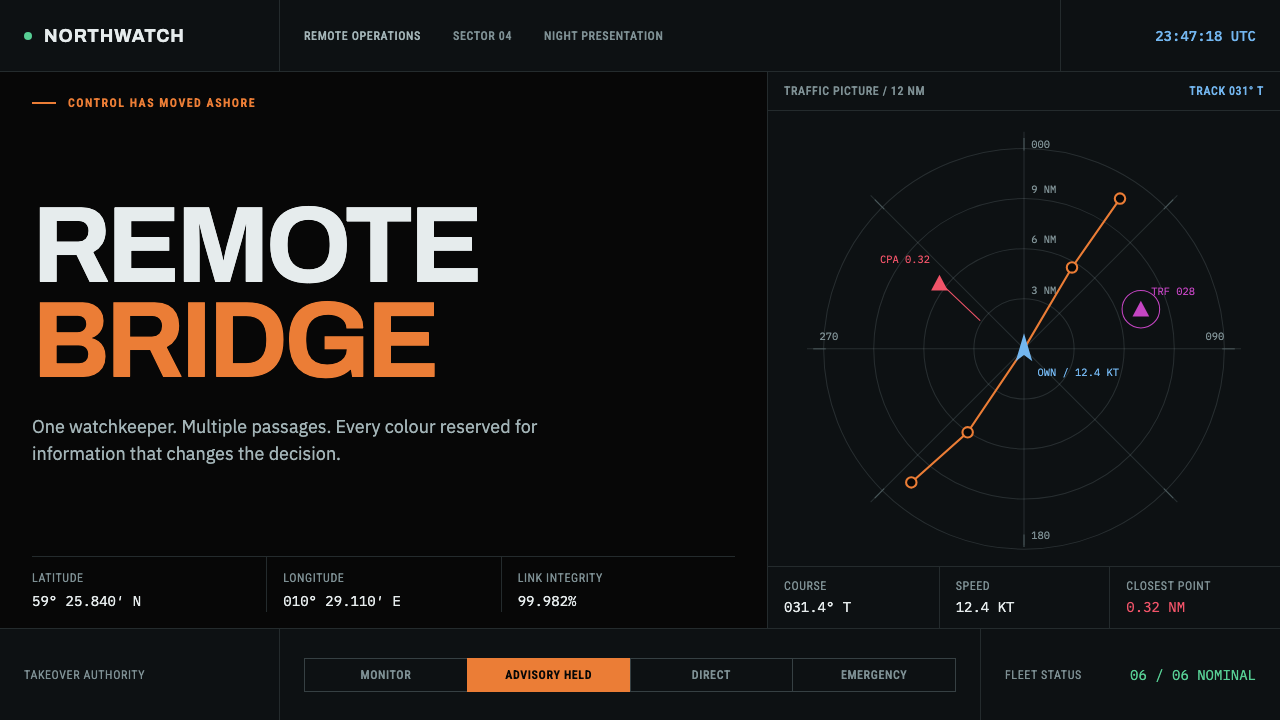
The bridge of an autonomous ship is a dark room onshore, and its interface shows what happens when every colour, every contrast level and every corner is inherited from a standard rather than chosen for effect.
Autonomous Cargo Ship Bridge in brief
Autonomous Cargo Ship Bridge is a dark interface style drawn from the remote operations room of an autonomous cargo vessel. A ship with nobody on its bridge still has a bridge; it is simply onshore, in a dark room in Horten, Norway, where operators watch several hulls at once on a wall of K-Bridge consoles. The style inherits its decisions from that room: a near-black ground, orange held back for the moments that need attention, faint chart lines and panels that fill the screen from edge to edge.
Colour is protocol. The near-black ground follows IEC 62288 night mode, because a bright display would wreck the watchkeeper's dark adaptation. Orange follows the S-52 colour assignments, which give it to the cursor, to navigational information and to alerts. Neither choice is a branding decision or a mood. Each is a rule that exists because a person watching a screen through the night needs to rely on it. Colour carries meaning first, and appearance follows.
Visually the result is calm, dense and serious. Panels sit against each other with little wasted margin. Chart grids are faint, so tracks and targets stand out. Glow is kept for things that really glow, such as a vessel track or an alert, and is never applied as decoration. Corners are barely rounded, closer to instrument housings than to friendly cards. The overall impression is of a tool built to be trusted at three in the morning.
Where does Autonomous Cargo Ship Bridge come from?
The source material dates the style to 2018 and after, the period in which Maritime Autonomous Surface Ships, usually abbreviated MASS, moved from concept to hardware. The vessel Yara Birkeland was launched in 2020, and in 2024 the Massterly Remote Operations Centre opened in Horten. Together they mark the shift from the idea of a ship without a crew to the practical question of where and how people supervise it. The region in the story is Horten and Oslo, Norway, the places where the ship, the operators and the companies behind them come together.
The room itself is the decisive source. A cargo ship with nobody on the bridge still has a bridge, and in this case it is in a dark room in Horten, where operators watch several hulls at once on a wall of Kongsberg K-Bridge consoles. The task is unusual: a handful of people supervising multiple vessels, each far away, through screens alone. Everything about the visual system follows from that situation. It has to hold for hours without tiring the eye, show many ships at once without confusion, and put the one thing that needs attention in front of the operator at once.
The rules for doing that already existed in maritime standards. IEC 62288 defines how navigation information is presented on shipborne displays, including a night mode in which the screen is kept dark to preserve the watchkeeper's dark adaptation. The IHO S-52 Presentation Library, which governs how electronic charts look, assigns colours by meaning, and gives orange to the cursor, to navigational information and to alerts. Behind both sits ECDIS chart standardisation and the International Maritime Organization's e-Navigation programme, whose aim is a consistent presentation of navigation information across systems and ships.
What the design system adds is discipline. It takes the standards at face value and refuses to improve on them for the sake of style. Orange stays reserved. The ground stays dark. Panels stay edge to edge, and corners stay almost square. Because every choice traces back to a standard or a working need, the result looks different from consumer dark mode: less moody, less glossy, and more like an instrument. That is precisely the quality worth borrowing for safety-critical, operations-heavy and monitoring-heavy software.
What defines the Autonomous Cargo Ship Bridge look?
Night-Mode Ground
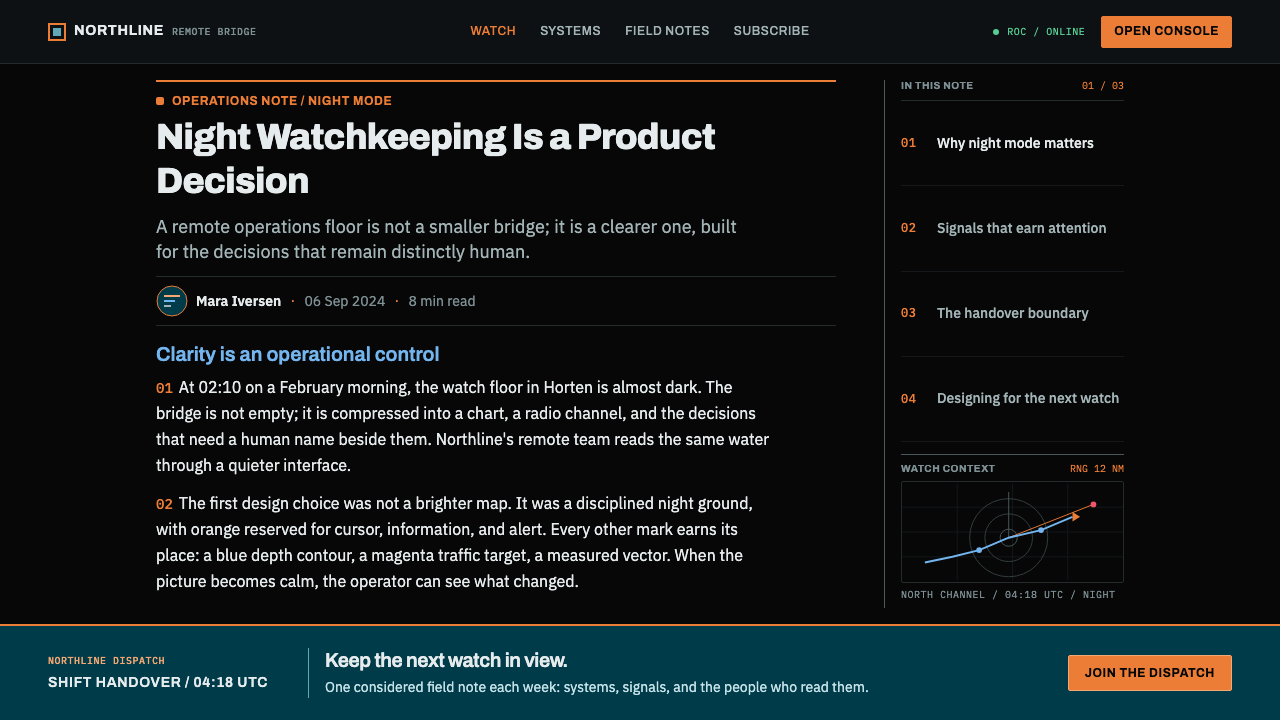
The ground is near-black, taken from IEC 62288 night mode rather than from a mood board. It is dark enough to protect the viewer's dark adaptation and just lifted enough that panels and chart areas can be told apart by subtle shifts of tone. It is never pure white anywhere, because a single bright panel would undo the whole premise. The darkness is a requirement of the task before it is an aesthetic.
Orange Reserved for Attention
Orange is assigned by S-52 to the cursor, navigational information and alerts, and the style honours that. It is not a brand colour and is not used to decorate buttons or headings. When orange appears, it means the operator needs to look. That rule only works if it is absolute, so orange is rationed and kept in a consistent role: the same orange means the same kind of thing everywhere.
Faint Chart Grids
Chart grids and graticules are drawn in low-contrast thin lines against the dark ground, strong enough to give position and scale, faint enough that tracks, targets and labels stay in front. The grid is a reference, not a subject. Grid lines never turn into boxes, and they never grow brighter than the data they serve. The result is a sense of precise space without clutter.
Edge-to-Edge Console Panes
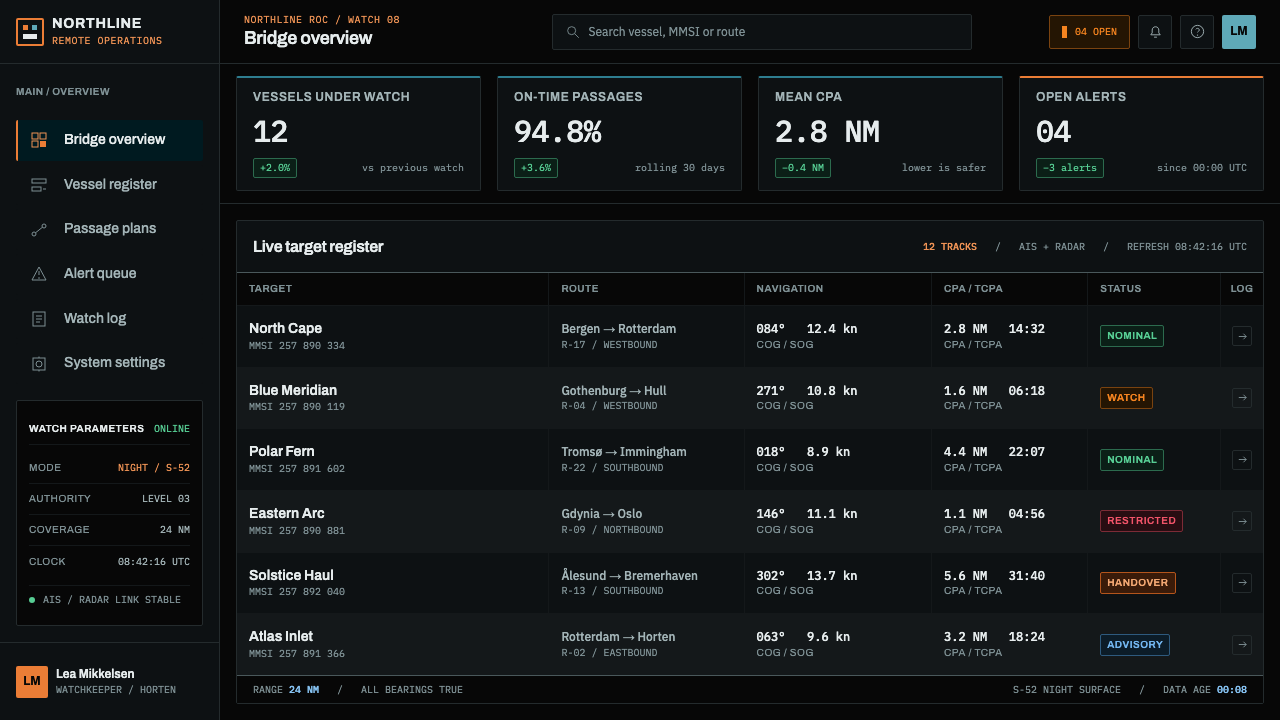
Panels fill the available screen from edge to edge, in the manner of a console wall. Several vessels, several views and several data streams sit side by side, divided by thin rules or small shifts of tone rather than by generous margins. Density is a deliberate response to the operator's job of watching many things at once, and spacing is tight but orderly, with consistent alignment between panes.
Glow Only for Real Light
In the style, only things that actually emit light are allowed to glow: a vessel track, a live target, an alert. Panels, buttons and headings do not glow. This keeps the glow meaningful, because the eye learns that a luminous element is something live. It also keeps the display calm, because there is no ambient shimmer. A small, tight glow on a real signal is worth more than any decorative lighting.
Squared Instrument Corners
Corners are barely rounded, never pill-shaped and never bubbly. They read like the edges of equipment rather than the edges of a toy. This restraint is part of the same logic as the colour: nothing on the screen should suggest softness or play when the job is supervision. The slight rounding that remains is only enough to take the harshness off a hard edge.
Inherited, Not Invented
The deepest characteristic is a stance: nearly every decision comes from the operating room and its standards, not from a designer's taste. Night mode, S-52 colour meanings, ECDIS conventions and the console wall are all inherited. The designer's job is to apply them consistently and resist adding anything else. The style rewards this humility, because the more faithfully the rules are followed, the more trustworthy the display feels.
Who shaped Autonomous Cargo Ship Bridge?
Kongsberg Maritime is the maker whose K-Bridge consoles form the wall that operators watch in the Horten operations room. Its presence among the reference figures ties the style to real bridge hardware and to the ergonomic conventions that come with it: the arrangement of screens, the tolerance for density and the expectation of long, concentrated watches. It stands for the equipment end of the story.
Wilhelmsen is the maritime company named alongside Kongsberg Maritime and Massterly in the source material, and it is one of the two firms behind Massterly. It represents the shipping side of the story: the operators and owners who need an interface they can rely on in daily commercial service, not only in demonstration. Its role anchors the style in working practice rather than in concept art.
Massterly is the autonomous shipping operator whose Remote Operations Centre in Horten opened in 2024. The centre is the room from which the style is inherited: a dark space where operators supervise several hulls at once. Massterly stands for the human end of autonomy. Even when the ship needs no crew aboard, someone still looks at a screen, and the screen has to earn that person's trust.
The committee behind the IHO S-52 Presentation Library is responsible for the colour and symbol conventions that govern electronic chart displays. Its most visible contribution to this style is the colour assignment: orange for the cursor, navigational information and alerts. The committee stands for the idea that a colour can have a fixed meaning shared across systems, which is a form of design carried out through standards.
How do you use Autonomous Cargo Ship Bridge today?
Autonomous Cargo Ship Bridge is made for products whose users must watch, decide and trust. It rewards seriousness and punishes ornament. The style works best in dark, dense, safety-minded interfaces: operations rooms, monitoring tools, fleet and logistics views, infrastructure dashboards. Keep the dark ground, the reserved orange and the edge-to-edge panes, and the rest follows.
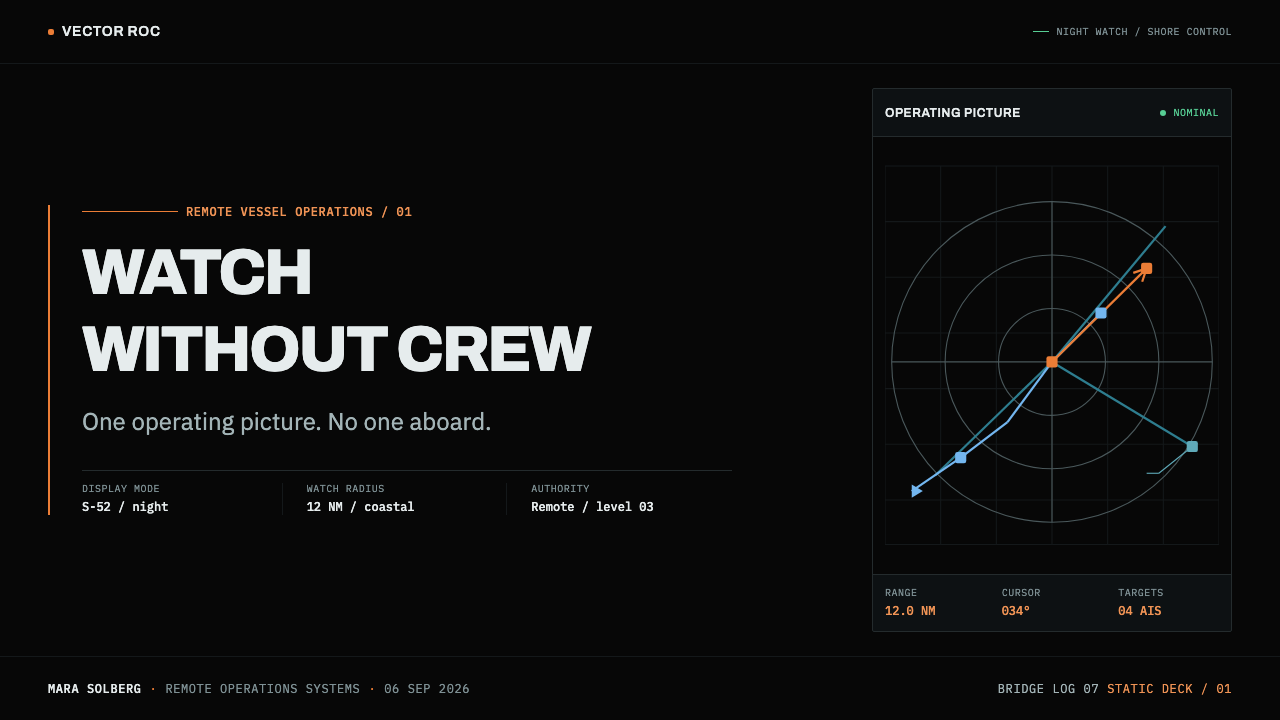
For presentation slides, build the cover on a near-black field with a faint chart grid, a short title in plain type and a single orange element, such as a cursor line or a marker, as the sole point of emphasis. Content slides can be arranged as console panes that fill the slide, with thin rules between them. Data slides suit tracks and time series drawn as thin luminous lines on a faint grid; reserve orange for the one value that needs attention, and keep every other series in cool neutrals.
For web interfaces, the style is a natural fit for monitoring dashboards, incident consoles, maps, logistics tracking, observability tools and anything that has a live state. Keep panels edge to edge, tabs and rules thin, and corners nearly square. Orange belongs to alerts, the cursor and critical navigational information, and nothing else; primary buttons can use a neutral treatment so that orange keeps its meaning. Pricing and marketing pages should stay plain, with tables and clear rules in place of decorated cards.
For editorial and marketing work, the style suits maritime, logistics, energy and infrastructure brands, deep technology and safety-critical software, and long-form pieces about autonomy and supervision. Heroes can show a chart or a map as the main image, with text kept short and calm. Long articles benefit from a near-black ground with comfortably readable text, since the tone is one of trust, and trust is built by sober, accurate presentation rather than by drama.
The common mistake is to treat orange as the brand accent and spread it across buttons, links and headings, which empties it of meaning when a real alert appears. A second mistake is to add neon glows and sci-fi interface decoration, which the style specifically excludes. A third is to introduce bright white panels or large light areas, breaking the night-mode premise. A fourth is to soften the layout with large rounded cards and generous margins, which turns an instrument into a toy.
Autonomous Cargo Ship Bridge — FAQ
Why is orange reserved, and how do I keep it meaningful?
In the S-52 colour assignments, orange belongs to the cursor, navigational information and alerts, so on a bridge display orange means look here. If it also decorates buttons, headings and badges, it can no longer signal urgency. Keep a short, written list of what orange is allowed to mean in your product, and apply it everywhere. Give everyday actions a neutral treatment, so that the first time a user sees orange in a session is a moment that deserves their attention.
Why near-black instead of pure black, and is the dark ground only a mood?
The dark ground is a requirement, not a mood: IEC 62288 night mode exists because a bright display would wreck the watchkeeper's dark adaptation. The ground is near-black rather than pure black so that panels, chart areas and thin lines can still be separated by subtle shifts of tone, which gives structure without brightness. The goal is for the screen to be easy to look at for a long time and easy to look away from without losing night vision.
Can I use this style on a light background?
This theme is a dark one, and night mode is its identity. A daylight variant is conceivable for products that must also be used in bright conditions, but it needs the same semantic discipline: orange still reserved for attention, thin and faint grids, edge-to-edge panes and almost-square corners. Without those, a light version would simply be another dashboard. If the product is mostly used in dim environments, keep the dark ground as the default.
How do I use the style outside maritime products?
Borrow the logic, not the nautical imagery. Identify the one or two states in your product that truly need attention and give them the reserved colour. Choose a dark ground if users watch the screen for long periods or in dim rooms. Fill the screen with orderly panes if they supervise several things at once. Use faint reference grids and glow only for live data. Skip anchors, waves and ship icons unless the product is actually about ships.
How dense should the layout be?
Dense, but orderly. The style is a response to a job in which one person watches several things at once, so panels fill the screen and margins are small. Order comes from consistent alignment, thin rules, a regular rhythm between panes and a clear hierarchy of what is live and what is reference. Density should never come at the cost of legibility: keep text sizes comfortable, contrast sufficient for dark conditions, and leave the one important item visually uncrowded.
Related design styles
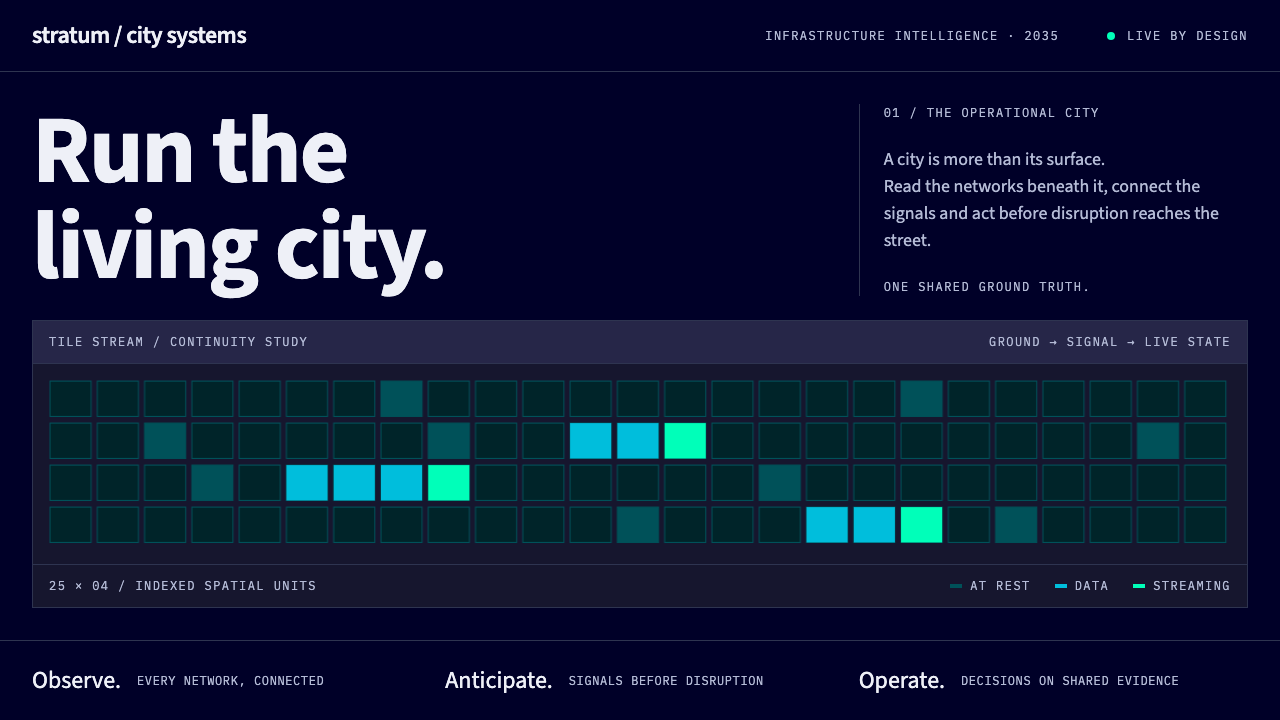 Digital Twin City OpsColour reports, never decorates. Deep blue grids reserve cyan and green for d…
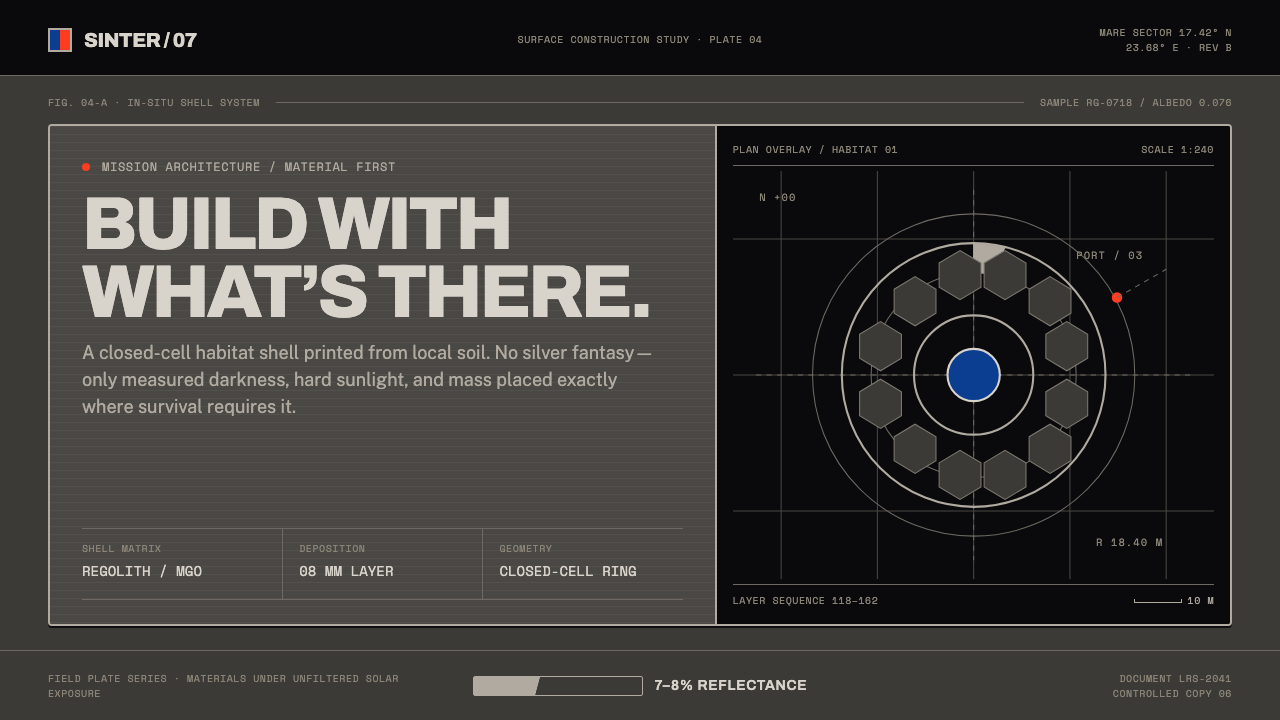 Lunar Regolith SettlementMoonlight without the myth. Regolith gray, hard terminators, and a strict tec…
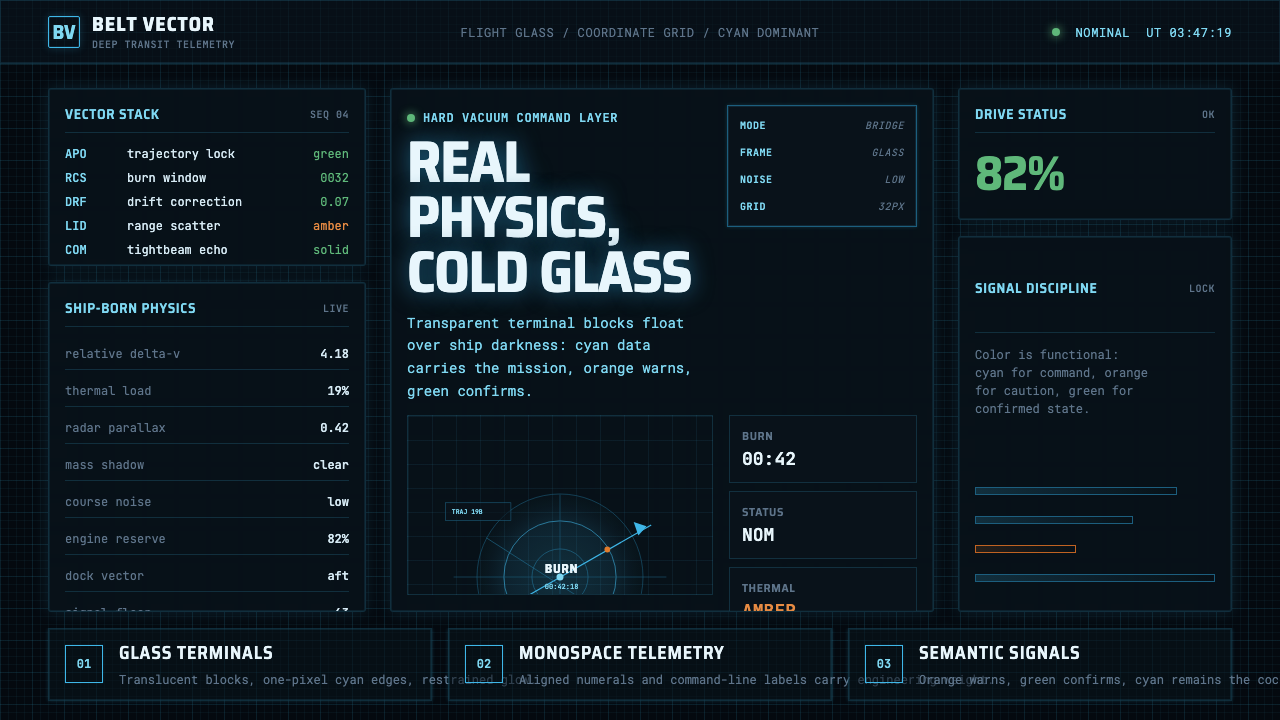 The Expanse Belter UIEngineering, not neon. Cyan glass panels, mono data, orange warnings on ship-…
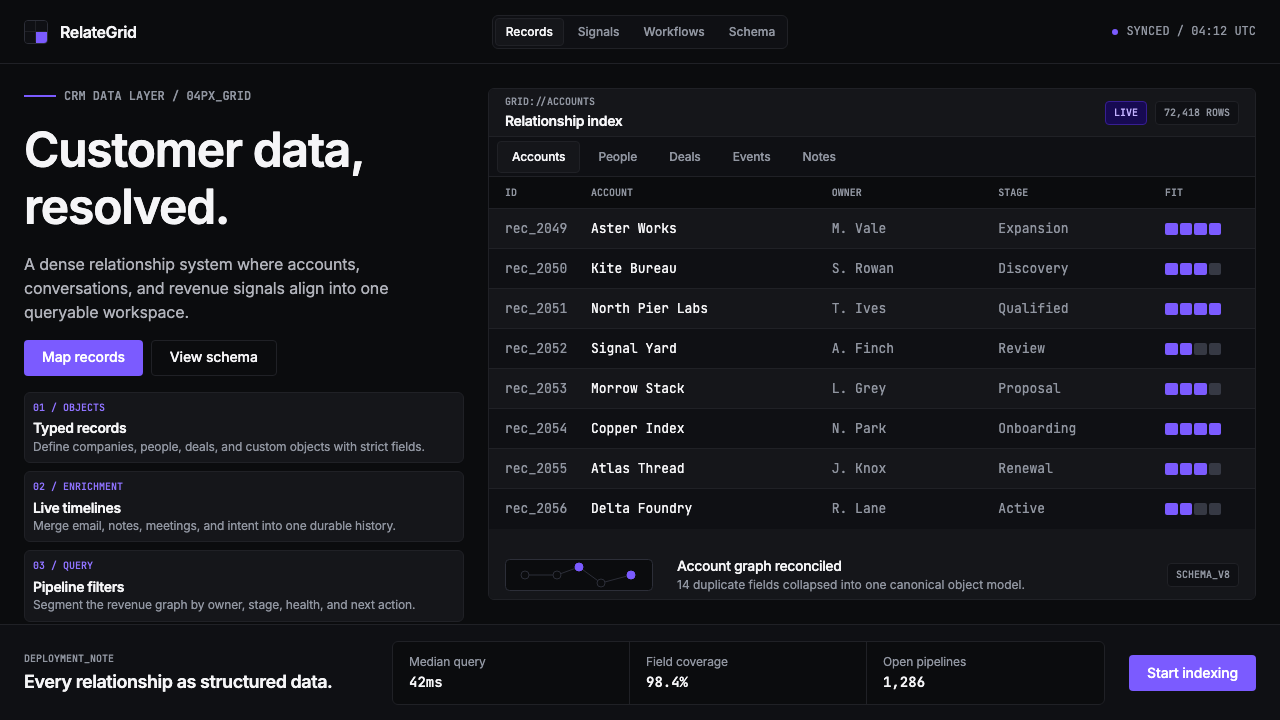 Attio CRMCRM stripped to its data layer. Single-pixel borders, monospaced IDs, violet…
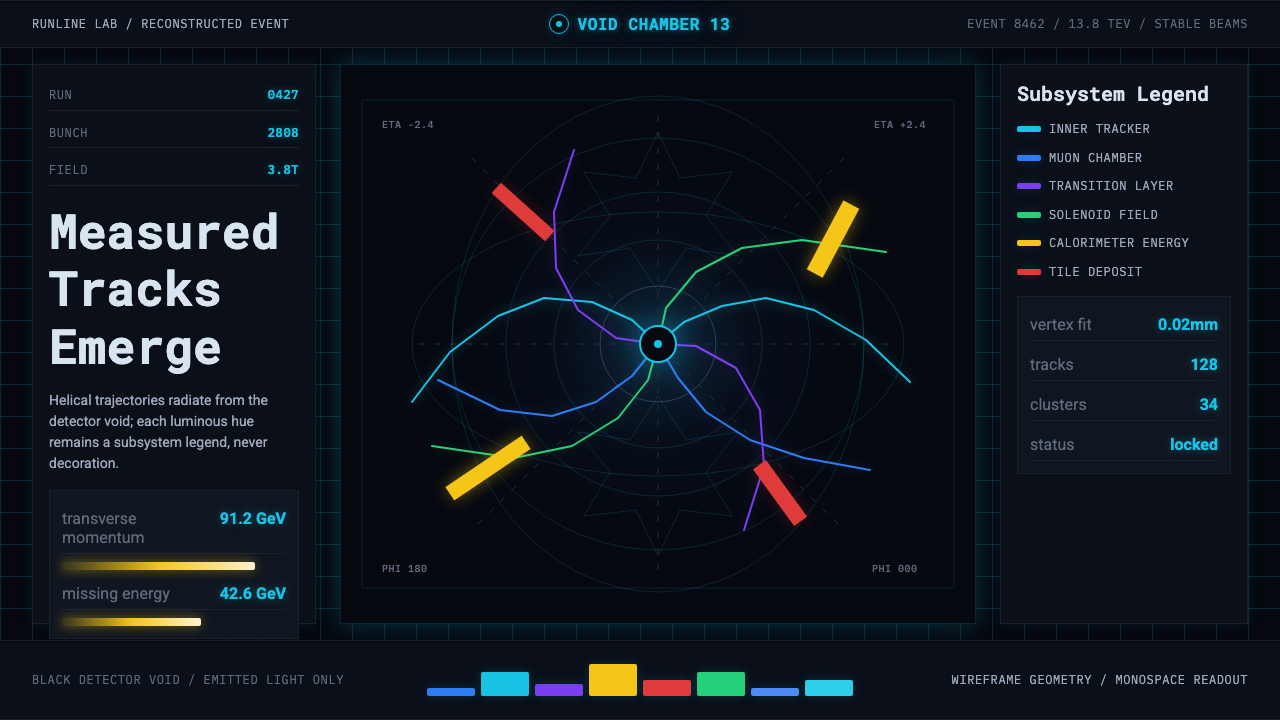 CERN CollisionData, not spectacle. Cyan tracks on black wireframes make every subsystem col…
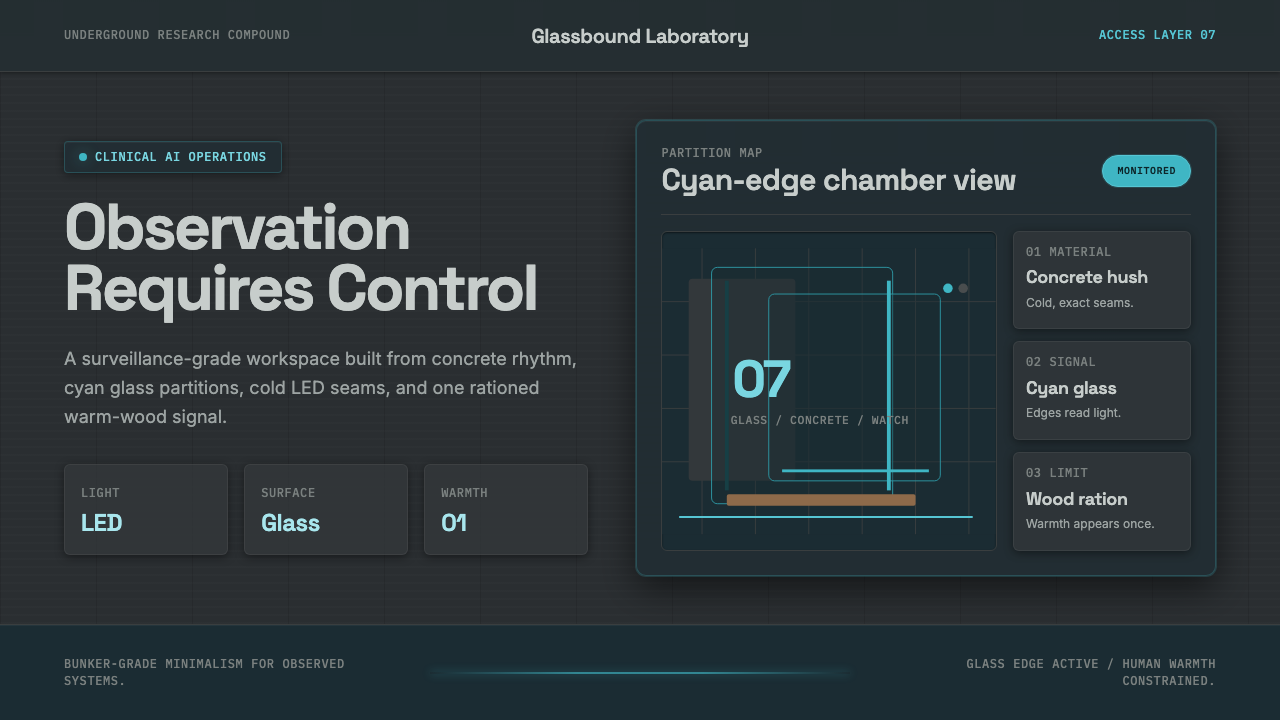 Ex MachinaClinical control, made visible. Concrete gray, cyan glass, LED seams, one woo…