What is Digital Twin City Ops?
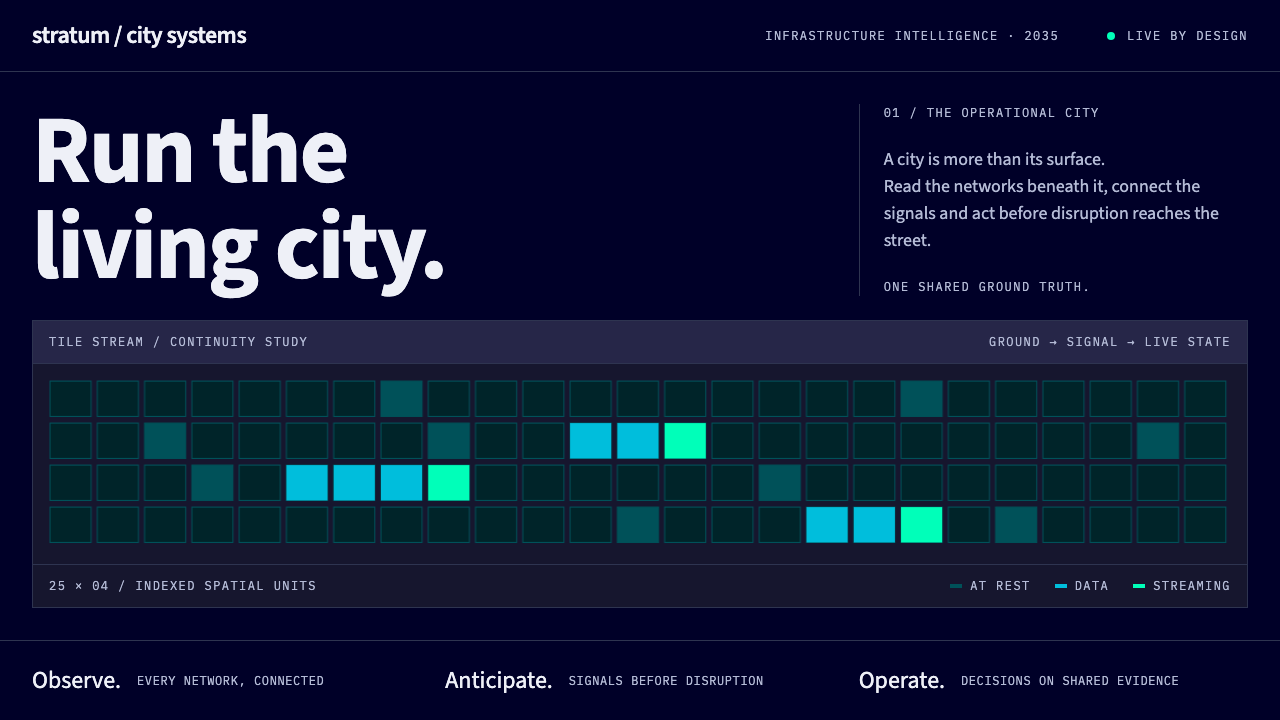
A digital twin city is a city being operated rather than photographed — a deep blue wall where colour reports status and never decorates.
Digital Twin City Ops in brief
The Digital Twin City Ops style describes the look of an urban operations wall: a large screen in a control room that shows a living three-dimensional model of a city, with utilities, traffic and predictive alarms layered on top as switchable overlays. It is the visual language of people who run infrastructure, not of people who market it. Everything on the screen is there because somebody has to read it, usually from across a dim room.
The ground is a very deep blue. It is dark for a practical reason: a video wall has to stay readable in low light without glare, in the same way a ship's bridge is kept dark at night. On this ground sits a streamed street-level model of the city, and above it, panels of data. The palette is rationed. Cyan is used for data highlights, a bold green marks live streams and healthy states, a muted petrol green fills geometry that is inactive, and everything else is navy panel surface and hairline.
Glow is treated as information. Only elements that are genuinely emitting data are allowed to glow, and panels are docked to the edges of the screen rather than floating over the map. There is no lyrical empty space, no ornamental gradient and no poster-like composition. The result is a screen that looks like a tool because it is one: dense, calm, legible and honest about what is live.
Where does Digital Twin City Ops come from?
The style reflects a period that runs from about 2018 to the present, in which cities and large infrastructure operators began to build digital twins: living virtual models of real places, kept up to date with live sensor data and used for monitoring, simulation and planning. The movement draws on three strands that came together over those years: industrial design systems made for control rooms, streamed geospatial 3D data, and simulation platforms for planning and predictive operations. The 2035 in the style's name looks ahead to a point at which such a wall would be routine, but it describes a language that is already recognisable today.
The first strand is the industrial design system. Siemens' Element system, developed by Siemens Smart Infrastructure in Munich, supplies the visual ground of this style: a dark blue environment for operations software, with restrained colour and a clear hierarchy. Industrial design systems of this kind exist because mistakes in control rooms are expensive. Colour has to mean the same thing everywhere, status has to be read in a glance, and nothing can be allowed to distract. The result is a language that is consistent to the point of austerity.
The second strand is geospatial streaming. Cesium, based in Philadelphia, is associated with 3D Tiles, a way of streaming large, detailed models of the physical world to a screen in manageable pieces. This is what lets an operator move from a whole city to a single street without the model collapsing under its own weight. The third strand is simulation: NVIDIA, in Santa Clara, has published smart-city blueprints through its Omniverse platform that combine such models with simulated traffic and sensor data, so that the twin can be used to test what might happen as well as to show what is happening.
These strands together explain the look. A twin that is read at a distance needs a dark ground and rationed colour. A twin that overlays many layers needs toggles and docked panels so the map remains the central object. And a twin that predicts as well as reports needs a clean way to mark which information is live, which is inactive and which is an alarm. The style is an answer to those needs rather than an aesthetic preference.
What defines the Digital Twin City Ops look?
Deep Blue Ground
The page ground is a very dark blue, closer to ink than to black. It is chosen for readability across a dim room and for the way it makes small coloured marks stand out. It should feel like a screen in a control room, calm and lightless, not like a glossy dark theme with decorative glow.
Cyan for Data
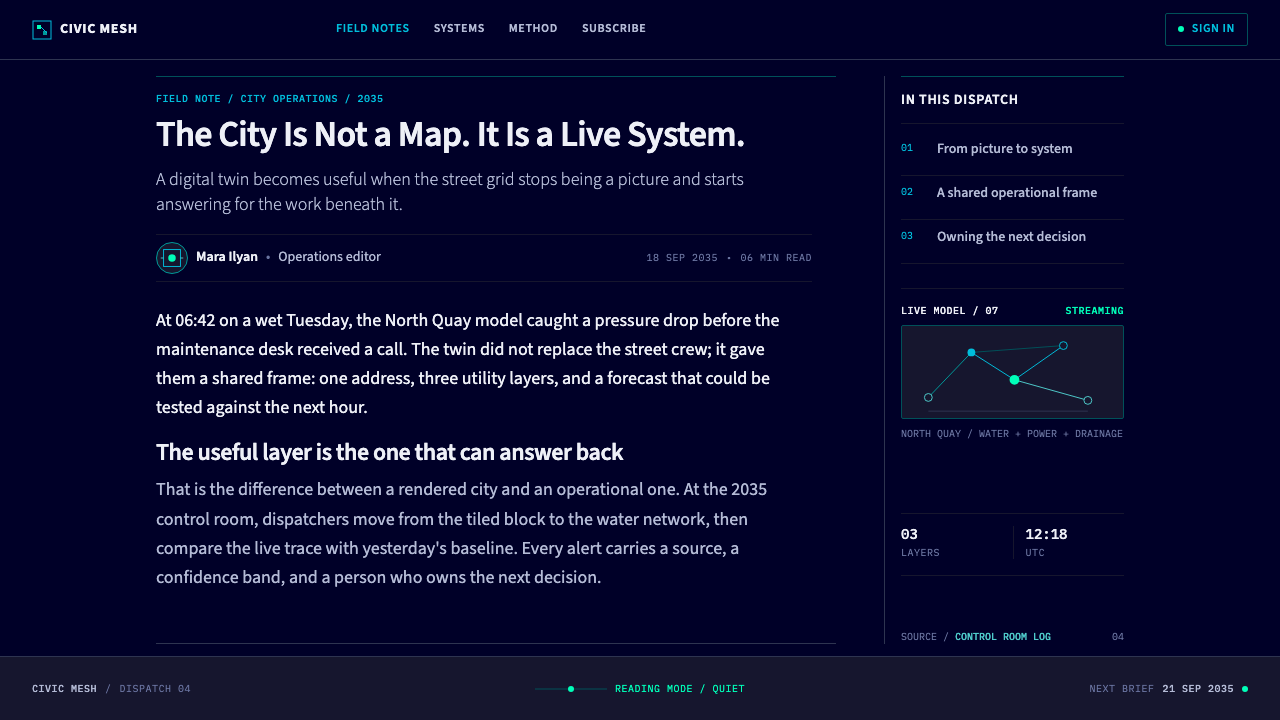
Cyan is the data-visualisation highlight. It appears on chart lines, selected values, map overlays and measured readings. Because it does one job only, a viewer learns quickly that cyan means something has been measured and plotted, and that it is meant to be compared with other cyan marks on the screen.
Live Green
A bold, bright green is reserved for live streams and healthy states. It is the colour of something currently running. Using it anywhere else, for example as a decorative accent or a button fill, would destroy its meaning, so it is kept scarce, small and tied directly to real-time status.
Petrol for the Inactive
A muted blue-green petrol tone fills geometry that is present but inactive, such as buildings with no overlay selected or layers switched off. It sits quietly between the navy ground and the bright signals, giving the map form without competing for attention. It is the colour of context.
Hairlines and Docked Panels
Panels are navy surfaces separated by the thinnest possible lines, and they attach to the edges of the screen instead of floating above the map. This keeps the map visible and gives the interface a stable skeleton. Shadows are unnecessary because depth comes from layering, not from lifting objects off the ground.
Glow Only When Emitting
A soft glow appears only on elements that are actually emitting data: a live sensor, an active stream, a firing alarm. Static labels, buttons and panels do not glow. This rule is what makes a glance across the whole wall informative, since light always means activity.
Dense, Toggleable Layers
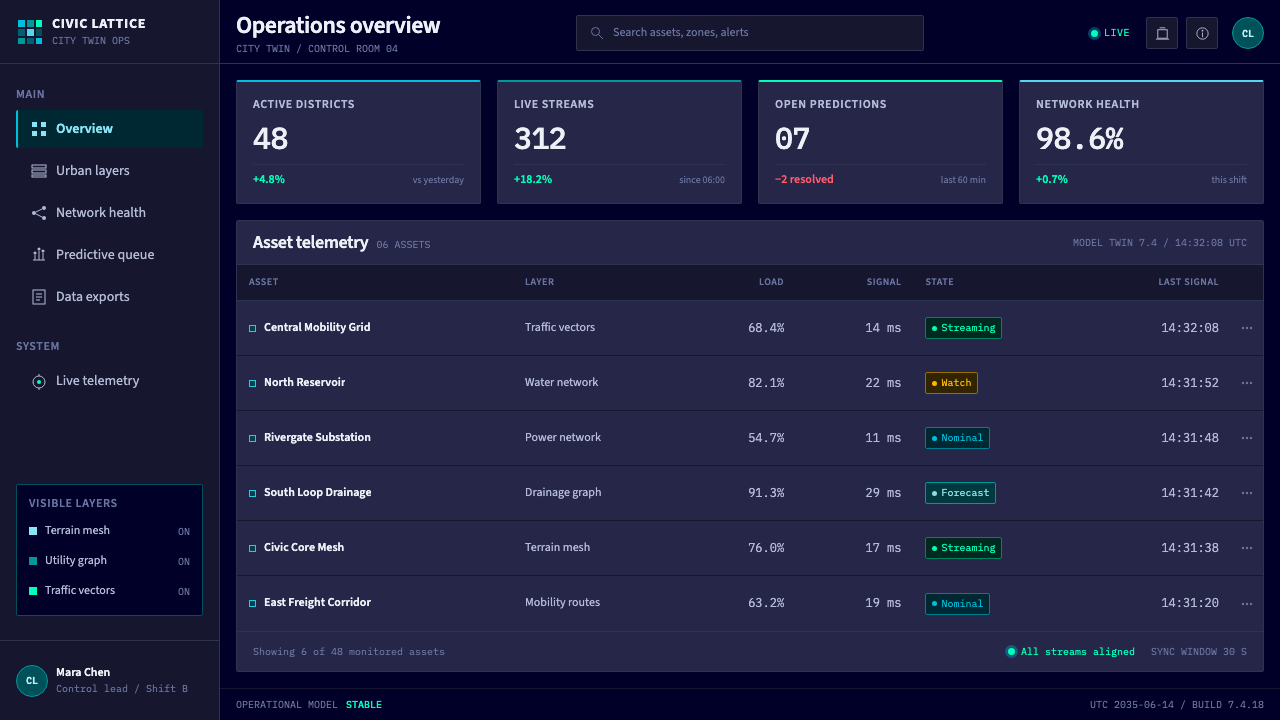
Utilities, traffic and predictive alarms are separate layers that the operator can turn on and off over the same street model. The interface therefore celebrates control and selection, with switches, legends and filters treated as first-class elements. Density is accepted as a virtue, because the user is a trained professional who wants more information at once, not less.
Who shaped Digital Twin City Ops?
This industrial design system supplies the deep blue ground and the discipline of rationed colour that define the look. It is the kind of corporate design system built for operations software, where consistency matters more than expressiveness. Its role in the style is to supply the rules that make an interface readable under pressure.
Based in Munich, this is the part of Siemens concerned with buildings, grids and urban systems. It represents the organisational home of the operations mindset behind the style: infrastructure as something that is monitored, maintained and optimised continuously. The look follows from the needs of people who work in such environments.
Based in Philadelphia, Cesium is associated with 3D Tiles, the approach for streaming large-scale 3D models of the real world in pieces. It makes the map layer of the twin practical, enabling smooth navigation from city scale down to a single street. Its contribution to the style is the street model on which everything else sits.
From Santa Clara, NVIDIA's Omniverse platform is the source of smart-city blueprints that combine geometry with simulated traffic and sensor data. It stands for the predictive side of the twin, where the screen is used to test scenarios as well as to display a current state, and it explains why predictive alarms are part of the visual vocabulary.
How do you use Digital Twin City Ops today?
Digital Twin City Ops is a dark, dense, status-driven style. It works wherever a screen has to be read quickly by someone responsible for a system, and it fails wherever the purpose is atmosphere or emotion. The single most important rule is that colour reports and never decorates. If a colour does not tell the viewer something about the state of the world, it should not be on the screen.
For presentation slides, build the cover as an operations screen: a deep blue field, a quiet map or grid in the background, a title in plain light type, and one cyan line or marker to indicate data. Content slides are panels: a docked column of key numbers on one side, a main chart or diagram on the other, and hairline separators between them. Data slides are at home here. Use cyan for the measured series, bright green only for live or healthy values, and leave everything else in navy and muted blue-green.
For web interfaces, the style suits monitoring and observability products, smart-building and energy platforms, logistics and fleet tools, security consoles, network operations, and any dashboard where several data streams must be compared at once. Keep panels docked, give filters and layer toggles a prominent place, and make the live indicator the most noticeable thing on screen. Avoid large hero images, rounded floating cards and soft drop shadows.
For editorial and marketing work, the style gives technical products a serious, credible tone. A product page can present itself as a live view: a screen-like frame containing real or realistic data, with a legend explaining what each colour means. Case studies for infrastructure customers read well when set as operations reports, with map screenshots, short status captions and consistent colour semantics throughout.
A common mistake is to treat the dark blue and glowing cyan as a generic futuristic look and spread them across everything. Glow on static elements, bright green on decorative buttons, or floating translucent panels all dilute the meaning that makes the style work. Another mistake is to lighten the density in favour of whitespace; an operations wall is meant to be full, and removing information makes it less useful, not more elegant.
Digital Twin City Ops — FAQ
What is a digital twin city?
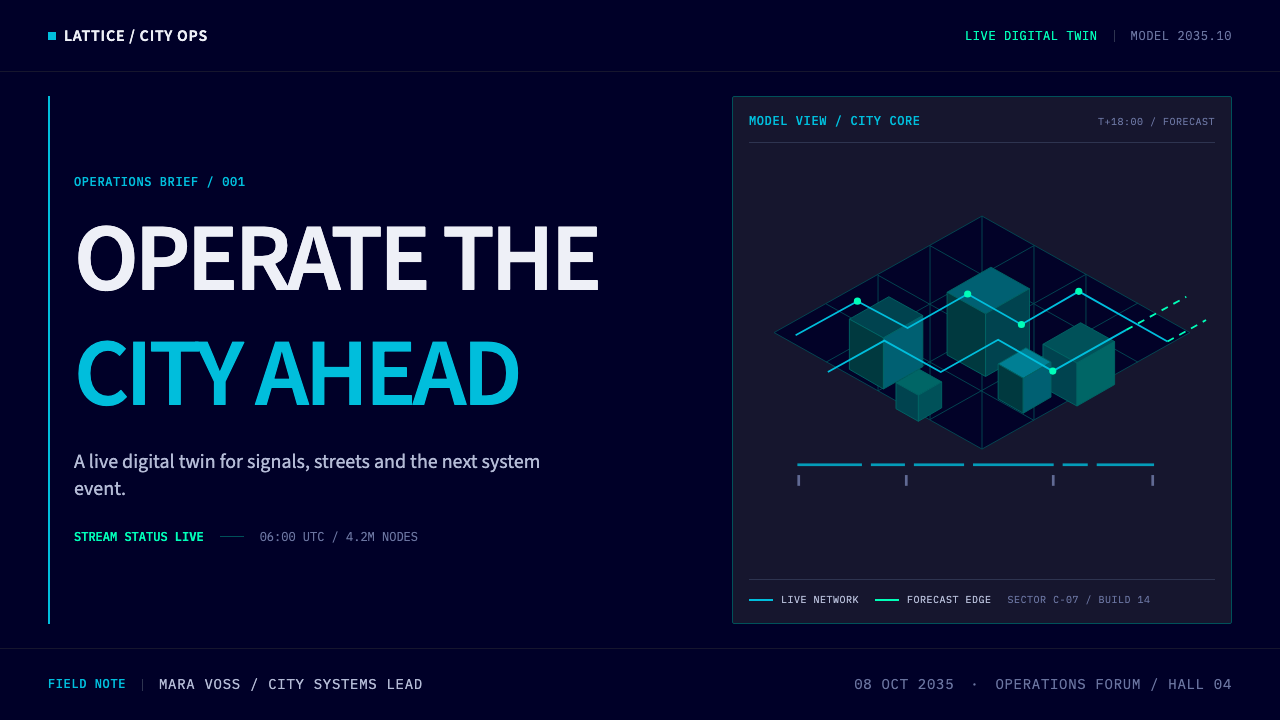
It is a live virtual model of a real city, kept current with sensor and operational data and used for monitoring, simulation and planning. Typically it combines a three-dimensional model of streets and buildings with overlays for utilities, traffic and alarms. Operators can use it to see what is happening now and to test what might happen next.
Why is the background so dark?
For readability, not for fashion. A video wall in a dim control room has to stay legible from across the room without glare, in the same way a ship's bridge is kept dark at night. A dark ground also makes small coloured status marks easier to see and compare.
What do the colours mean?
Cyan marks data highlights. Bright green marks live streams and healthy states. A muted petrol green fills geometry that is inactive. Navy forms the panel surfaces and hairlines divide them. The key point is that each colour has one job, and the system works only as long as colours are not used for anything else.
Can I use this style for a consumer brand?
It can work for consumer products that are genuinely about live data, such as energy, mobility or smart-home apps, but it will feel cold on anything built around warmth, storytelling or indulgence. It is a professional's tool, and its strengths are density, precision and clarity of status. Choose it when those are the values you want the audience to feel.
Does it work in a light theme?
It is designed for dark control rooms, and its signal colours rely on contrast against a deep blue ground. A light version would need different rules for glow, which no longer reads on a bright surface. If a light variant is required, keep the rationed colour logic and the docked panels, but accept that it will resemble ordinary dashboard design more than an operations wall.
Related design styles
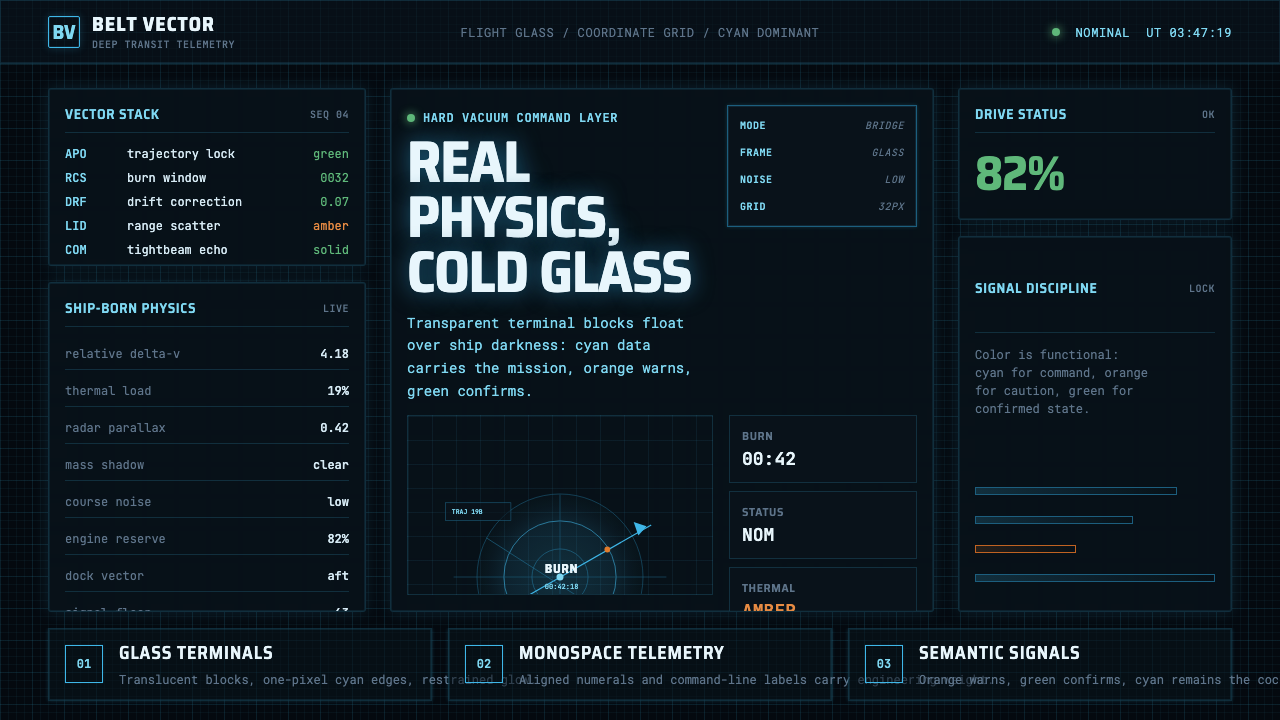 The Expanse Belter UIEngineering, not neon. Cyan glass panels, mono data, orange warnings on ship-…
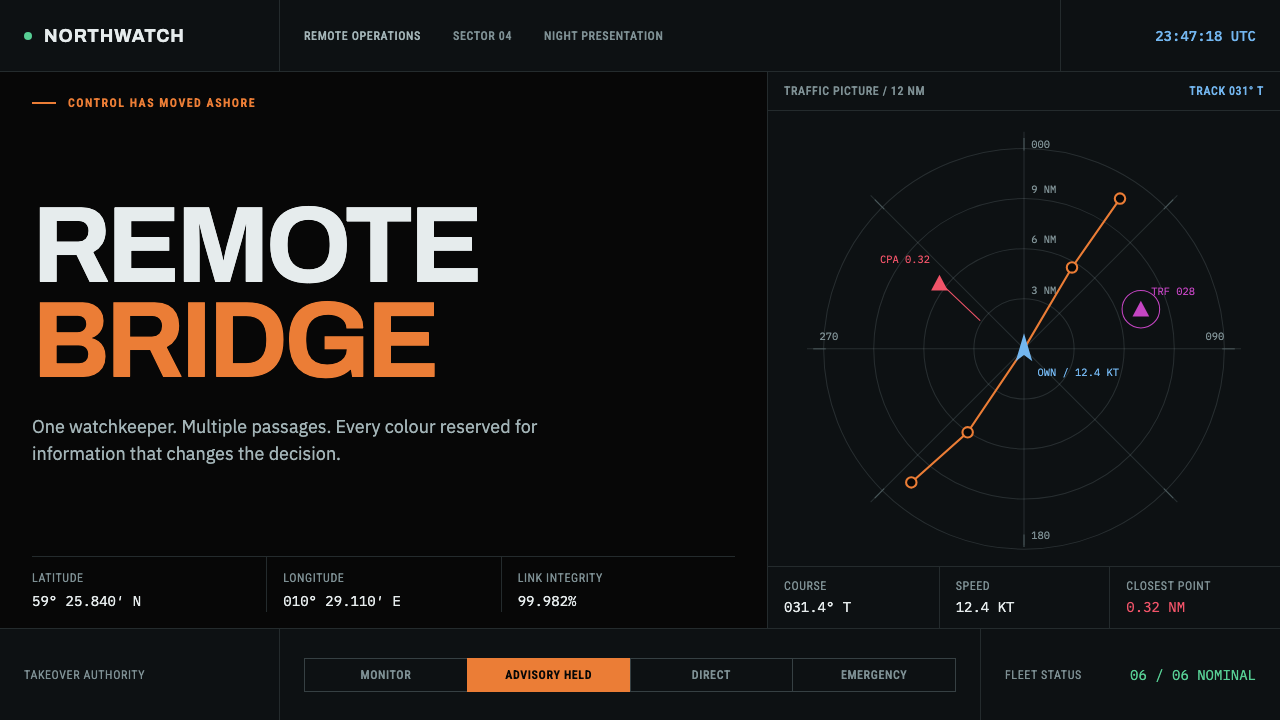 Autonomous Cargo Ship BridgeColour is protocol. Near-black chart grids reserve orange for decisions that…
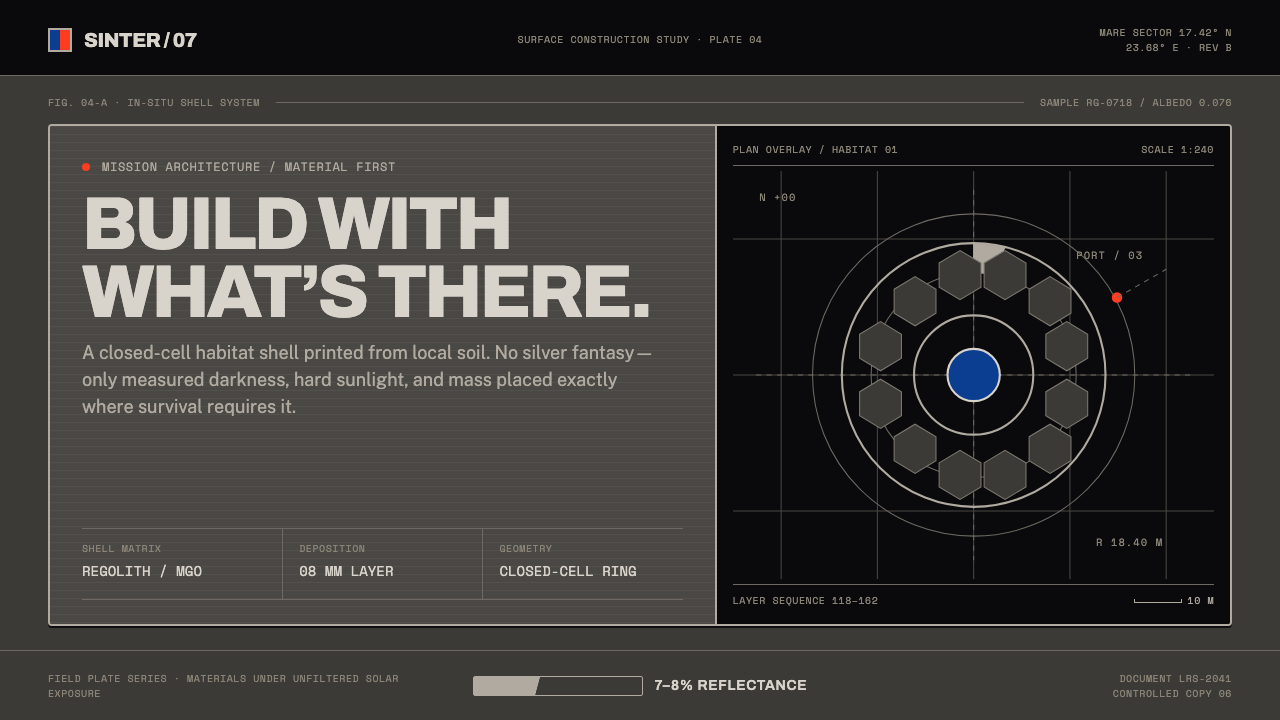 Lunar Regolith SettlementMoonlight without the myth. Regolith gray, hard terminators, and a strict tec…
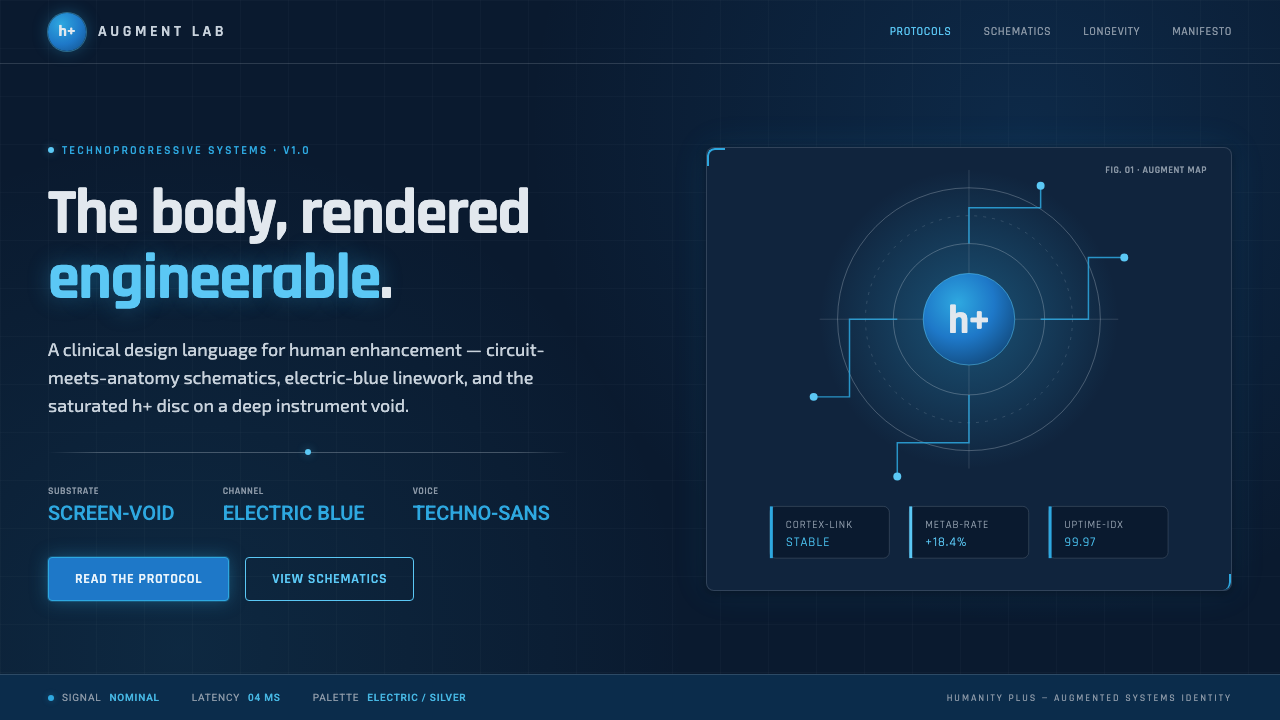 Transhumanism (H+)The body, rendered engineerable. Electric-blue circuit-anatomy schematics and…
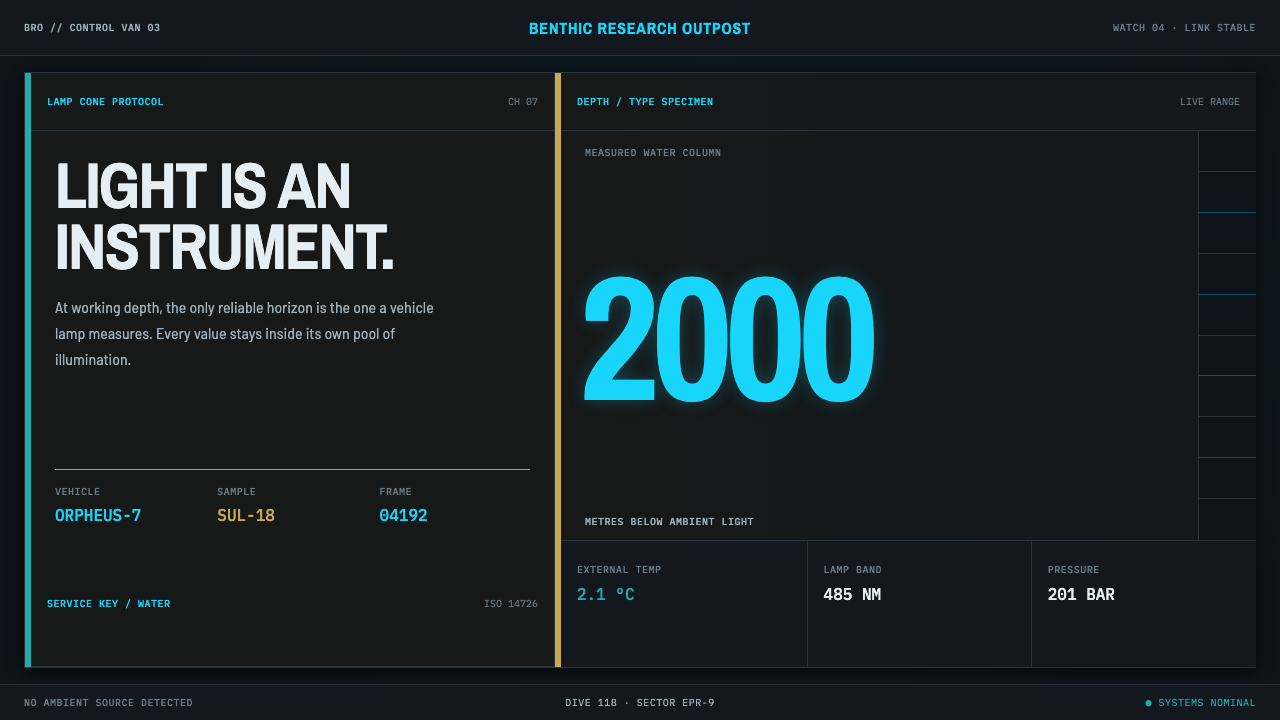 Benthic Research OutpostLight is an instrument. Lamp cyan and hard-racked hairlines measure the abyss.
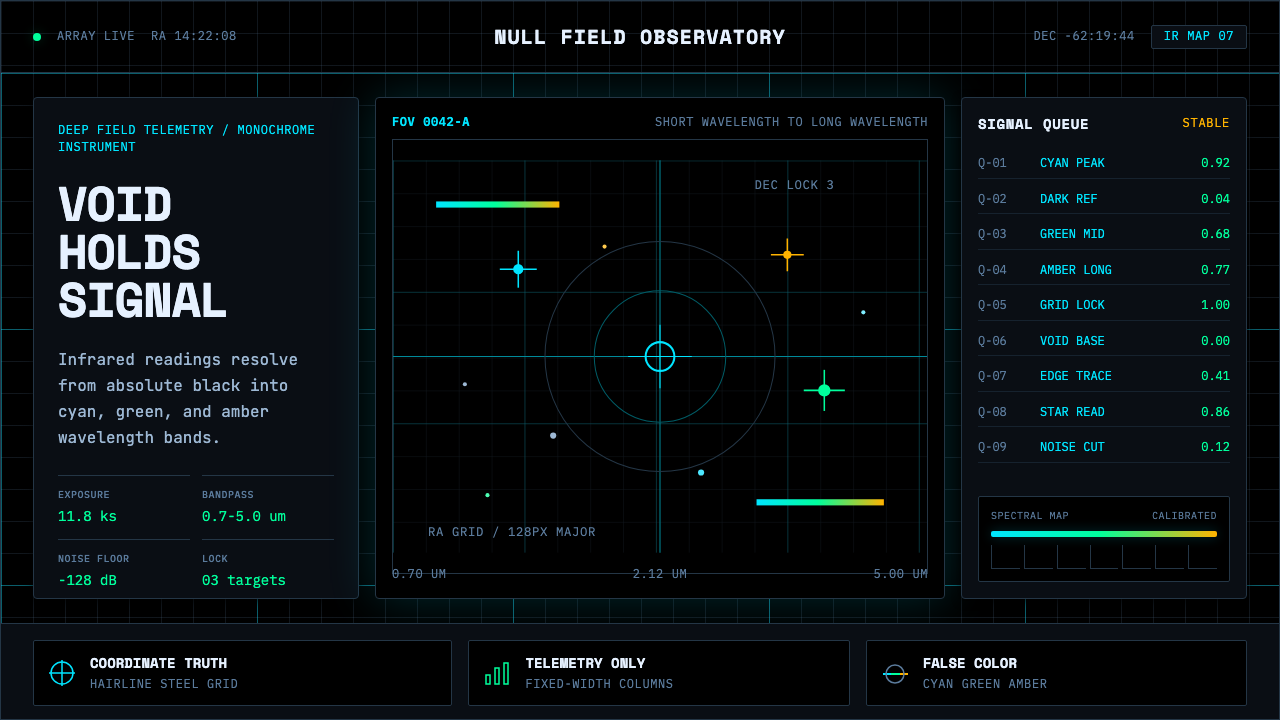 Deep Space ObservatoryTrust the void. Cyan telemetry and amber wavelength bars lock to a steel grid.