What is Attio CRM?
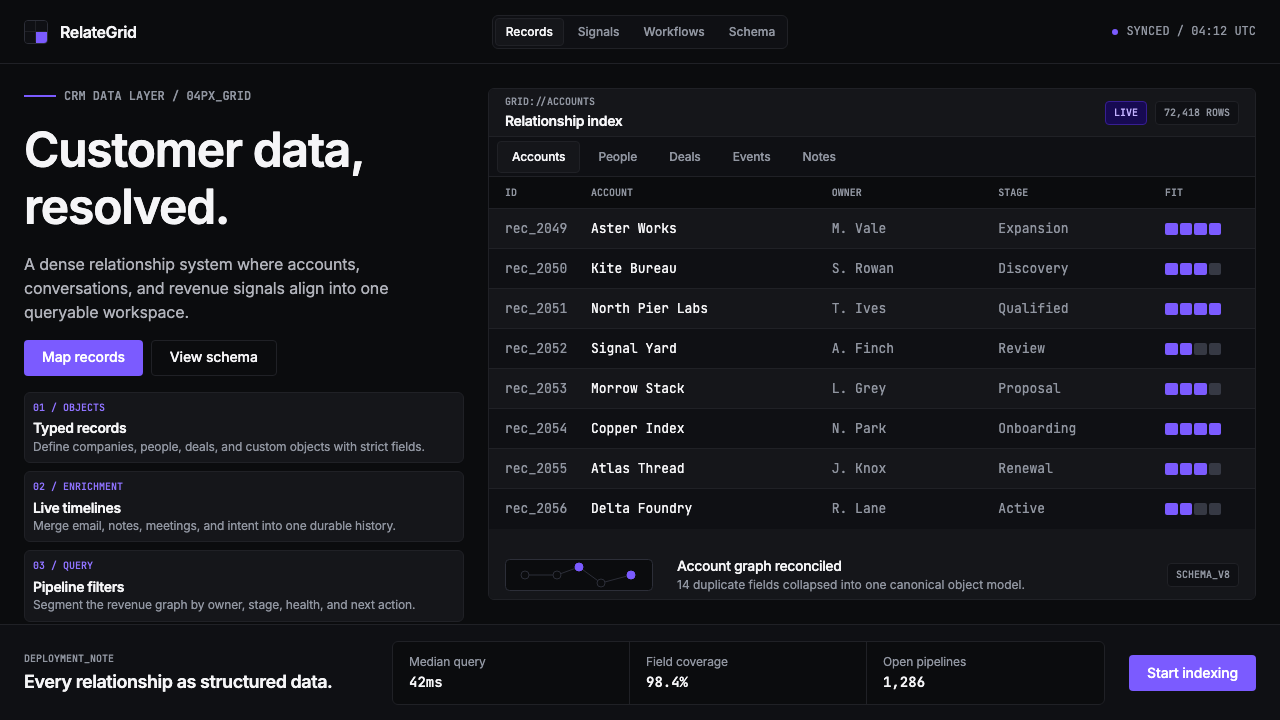
Attio reimagines the CRM as a pure data instrument — dark surfaces, single-pixel borders, monospaced row identifiers, and a single violet accent that carries every ounce of color the interface allows.
Attio CRM in brief
Attio CRM is a visual design language born inside a London-based customer relationship management product launched in 2019. Where most SaaS tools of its era relied on friendly gradients, rounded illustration styles, and pastel palettes to soften the complexity of business data, Attio moved in the opposite direction — stripping back every decorative layer to expose the data itself as the primary visual object. The result is a style that reads more like a Bloomberg terminal or a code editor than a conventional CRM.
The aesthetic rests on a small number of firm commitments: dark backgrounds that make structured data visible without strain, borders so thin they are barely perceptible yet perfectly sufficient, a monospaced typeface for record identifiers that signals machine precision, and a single violet hue deployed with discipline as the sole chromatic accent. Nothing competes with the information. Every visual choice either serves data density or gets removed.
What makes Attio's approach historically significant is that it applied this developer-tool sensibility — established by products like Linear and Vercel in the engineering space — to a customer-data domain that had long been dominated by enterprise bloat and consumer-market friendliness. Attio demonstrated that business users working with complex relational data do not need to be shielded from density; they benefit from it.

Where does Attio CRM come from?
Attio was founded in London in 2019 by Nicolas Sharp and Alexander Christie. The founding premise was that CRM software had stagnated aesthetically and functionally — that Salesforce's visual paradigm, established decades earlier, had become a kind of institutional inertia, and that the tooling available to sales and customer-success teams had not kept pace with the expectations set by modern developer tools. The founders wanted to build a CRM that felt as precise and composable as a database, not as approachable and vague as a legacy enterprise suite.
The visual language that emerged from this premise drew consciously from two parallel movements happening in the software design world around 2020 to 2022. The first was the dark-mode productivity tool aesthetic, exemplified by Linear's issue tracker, which used deep neutral backgrounds, restrained color, and high information density to signal that it was built for serious work. The second was the Notion-meets-Salesforce vision of flexible, structured data — the idea that users should be able to define their own data models rather than accepting whatever schema a vendor had decided was canonical.
The Attio Brand team, working in the period roughly from 2022 to 2024, codified the visual system into its current form. The choice of violet as the single accent color was deliberate and unusual: violet does not appear in the legacy SaaS color vocabulary of blue-and-teal productivity tools or red-and-orange alert systems. It reads as neither warm nor cold, carries no strong cultural pre-association with software categories, and reproduces distinctively on both dark and light surfaces. Against a near-black background, a restrained violet accent reads as precise and intentional — not playful, not aggressive, simply exact.
The grid discipline Attio adopted — a tight four-unit rhythm governing all spacing decisions — reflects the influence of systematic design approaches that became common in high-engineering-quality product organizations after 2015. This is not the organic, eye-balled spacing of early web design; it is the kind of mechanical consistency that code can enforce and that developers and designers at high-precision organizations find mutually intelligible. The combination of monospaced identifiers, single-pixel borders, and a consistent spatial rhythm gives the interface a quality that users often describe as feeling more like a designed system than a designed product — which is exactly what its creators intended.
What defines the Attio CRM look?
Dark Surface Discipline
The foundation of the Attio aesthetic is a near-black background that is neither pure black nor a conventional dark gray — it sits at a depth that makes structured data visible without inducing the contrast fatigue associated with maximum-contrast dark modes. All surfaces are flat; there are no gradients, no vignettes, no ambient glow suggesting depth. The darkness is not atmospheric — it is a neutral field on which data can be read with precision.
Single-Pixel Border Language
Where most modern UI design has moved toward borderless cards defined by shadow or background-color contrast, Attio uses explicit borders rendered at the thinnest legible weight. These borders delineate tables, cells, panels, and input fields with mechanical exactness. The approach is structurally honest — a border is a boundary declaration, not a styling choice — and produces layouts that feel more like data grids than product interfaces. The thinness of the border is load-bearing: thicker borders would introduce visual weight that competes with the data itself.
Monospaced Identifier Logic
Record identifiers, row numbers, timestamps, and code-like references are rendered in a monospaced typeface throughout the interface. This is not decorative — it is functional. Monospaced characters allow users to scan and compare identifiers of equal character length without their eyes performing the variable-width compensation that proportional typefaces require. The visual effect is one of database readout: structured, indexable, machine-generated. The contrast between monospaced identifiers and proportional text elsewhere in the UI creates a clear semantic distinction between system-generated data and human-entered content.
Violet as the Sole Accent
Violet is used exclusively and sparingly for interactive affordances, selected states, active indicators, and branded moments. It does not appear in backgrounds, decorative shapes, or informational elements. Because the surrounding palette is achromatic — near-black, near-white, and mid-grays — even a small deployment of violet reads with strong signal. The color carries no warm-cold ambiguity, no status connotation borrowed from traffic-light metaphors, and no genre association with legacy enterprise software. It is categorically distinct, which allows it to serve simultaneously as a brand signal and a functional indicator without confusion.
Maximum Information Density
Attio's layout philosophy treats every unit of screen space as a resource to be allocated to data, not to whitespace for comfort. Row heights are compact; column widths are fitted to content rather than padded for breathing room; side panels and drawers open in context rather than replacing the primary view. This density is not carelessness — it is a deliberate choice premised on the belief that power users of structured data benefit from seeing more records, more fields, and more relationships simultaneously. The visual discipline required to maintain legibility at high density — consistent alignment, thin borders, clear typographic hierarchy — is what keeps the interface readable rather than overwhelming.
Mechanical Grid Rhythm
All spatial relationships in the Attio system — padding, margin, gap, and component sizing — are governed by a strict unit-based rhythm. This grid is not a loose guideline; it is enforced with the consistency that comes from having spacing values defined as design tokens and applied programmatically. The effect is that no element sits at an arbitrary distance from its neighbor. Every gap is a multiple of the base unit. The resulting precision is perceptible even to users who cannot articulate why the interface feels unusually orderly — it is the same quality that distinguishes a typeset document from a word-processed one.
Flat Depth Without Shadow
In most UI systems, visual hierarchy is established through shadow — elevated elements cast diffuse shadows that signal their layer priority. Attio achieves layer differentiation through border contrast and background-tone shifts rather than shadow. A modal or panel sits on a surface that is very slightly lighter or darker than the background, outlined by a border at the same weight as all other borders in the system. The result is a layering system that remains architecturally flat — there is no simulated lighting model, no ambient depth — yet communicates containment and priority with equal effectiveness.

Who shaped Attio CRM?
Co-founder and CEO of Attio, Nicolas Sharp shaped the product's founding thesis: that CRM should be rebuilt from the data layer up rather than from the feature list down. His background in software and his dissatisfaction with incumbent CRM products drove the decision to position Attio as a structured-data platform with a radical density-first visual philosophy, rather than yet another SaaS product competing on feature count and friendly onboarding.
Co-founder of Attio, Alexander Christie contributed the technical architecture that made the Attio data model flexible enough to support its visual system's information-density ambitions. The ability to define custom attributes, relationship types, and computed fields programmatically is what allows the interface to remain consistent — a monospaced identifier, a single-pixel border, a compact row — across wildly different customer data configurations.
The in-house brand team working primarily between 2022 and 2024 codified the visual system into its current state. Their decisions — violet as the exclusive accent color, the enforcement of a tight unit-based grid, the commitment to flat depth without shadow, the use of monospaced type for identifiers — were not arbitrary stylistic preferences but reasoned positions derived from the product's core thesis: that business data deserves a visual environment as precise as the data itself.
Linear is not an Attio product, but its visual language — established between 2019 and 2022 for a software issue-tracking tool — was the most direct precedent for Attio's aesthetic. Linear proved that a dark, dense, high-contrast SaaS interface could be commercially successful and aspirationally positioned, and gave the broader market a reference for what post-gradient, post-illustration B2B software design could look like. Attio took that precedent and applied it to the CRM domain.
Vercel's design system, developed alongside its developer deployment platform, established a different but complementary set of principles to Linear: the idea that developer-facing infrastructure could be presented through an interface of almost typographic austerity — near-black backgrounds, monospaced terminal output, system-level precision. Vercel's influence on Attio is most visible in the identifier and timestamp treatment, where the interface borrows the grammar of a deployment log and applies it to CRM record fields.
How do you use Attio CRM today?
The Attio design language is a precision instrument, and its correct application depends on understanding what generates its authority: the combination of chromatic restraint, structural honesty, and density. Applying violet to a light-background interface, or adding soft shadows to components that should be defined by border alone, or inflating row heights for breathing room — any of these moves breaks the system's logic and produces something that looks like an imitation rather than a principled application of the aesthetic.
For presentation slides, the Attio style works exceptionally well in contexts where the content is data-heavy or technically sophisticated. A cover slide benefits from the style's poster-like restraint: a near-black background, the title set in proportional type at large scale, a single structural detail — a thin horizontal line, a monospaced identifier in the corner — rendered in violet. Content slides should be treated as data panels: tight column grids, compact row heights, text hierarchies expressed through size and weight differences rather than color variation. Data visualization slides take on a terminal quality — charts and tables styled as if rendered by a system rather than decorated by a designer, with violet used sparingly to highlight the single most important data point.
For web UI and dashboard design, Attio's principles apply most naturally to internal tools, analytics products, and any interface where power users need to process large volumes of structured records. The approach: commit fully to a dark base surface, use borders rather than shadows to define components, apply violet exclusively to interactive affordances and active states, and resist the temptation to add illustration or photography to soften the density. Pricing pages and feature comparison tables benefit from the style's grid discipline — every cell aligned, every value presented in the same typographic weight and size, with violet highlighting the recommended tier.
For editorial and marketing contexts, the Attio aesthetic suits content that positions itself as analytically credible — research reports, data journalism, technical documentation, and brand communications aimed at an audience of builders and operators. A marketing page in this style uses a dark hero section with a near-white headline at large scale, a subhead in mid-gray at smaller scale, and a violet call-to-action rendered as a bordered button rather than a filled one. Body content sections can use a lighter surface — near-white rather than near-black — with the same thin-border, compact-spacing discipline carried through. The shift between dark hero and light body sections creates structural contrast without requiring decorative elements.
The most common mistake when working with the Attio style is treating the dark background as atmospheric rather than functional. Designers who add subtle grain textures, radial gradient glows around feature illustrations, or soft ambient lighting effects to a dark Attio-inspired layout are misreading the system: the darkness is not mood-setting, it is a neutral precision environment. A second common mistake is overusing violet — deploying it in backgrounds, decorative shapes, or section dividers rather than restricting it to interactive and selected states. Because the surrounding palette is entirely achromatic, violet appears disproportionately loud when misapplied, and the system's calibrated restraint collapses.

Attio CRM — FAQ
Is the Attio style only suitable for dark-mode interfaces?
The canonical Attio aesthetic is dark-first — the entire system is calibrated for near-black backgrounds, and the violet accent reads with its intended precision against a dark neutral field. A light-mode transposition is possible and Attio itself offers one, but it requires re-calibrating several decisions: the border weight that reads as 'barely there' on a dark surface becomes more visually heavy on white, the violet accent needs to be slightly more saturated to maintain its signal against light backgrounds, and the overall sense of density that dark mode enables naturally requires more deliberate spacing discipline on light surfaces. It is not that a light variant cannot work — it is that the dark version is the aesthetic's native state.
How is the Attio style different from other dark B2B SaaS aesthetics like Linear or Vercel?
All three share the dark-base, high-density, low-decoration orientation, but each makes different choices at the level of color accent and domain context. Linear uses a broader accent palette — it allows multiple colors to encode issue status and priority — which gives it a more categorical, triage-oriented quality. Vercel's aesthetic is more purely typographic and terminal-derived, with almost no color outside of status indicators; it reads as infrastructure. Attio's specific contribution is the exclusive commitment to a single violet accent applied to a relational data domain — CRM records, pipelines, contact attributes — rather than code deployments or engineering tasks. The violet also differentiates it tonally from the blue-gray default of developer tooling, giving it a distinctly commercial rather than purely technical character.
Can the Attio style work for consumer-facing products, or is it inherently a business-tool aesthetic?
The Attio aesthetic is inherently optimized for power-user, data-intensive contexts — its density, precision, and chromatic restraint communicate seriousness and competence rather than warmth or accessibility. In consumer contexts where users arrive with low domain expertise, low motivation to learn the interface, and high expectations for sensory richness, the style's severity will work against the product. However, there are consumer-adjacent contexts where it can succeed: personal finance tools for technically sophisticated users, productivity applications aimed at knowledge workers, and any product whose users self-select for precision and dislike visual noise. The question is not whether the user is a 'consumer' by demographic, but whether their relationship to the product is one of skilled tool use or of casual engagement.
How should violet be used when building with the Attio style — are there proportions to respect?
The operating principle is that violet should never appear where it is not needed as a functional signal. In practice this means: interactive elements in their default state are achromatic — bordered, gray-text — and violet appears only when an element is active, selected, focused, or used to mark the primary action on a screen. There is no fixed ratio, but a useful heuristic is that a correctly applied Attio layout should look almost entirely achromatic at a glance, with violet visible only when the user's attention is directed toward it intentionally. If violet is visible as a background color, a decorative shape, or a section divider, it is being overused. The contrast between the achromatic field and the violet signal is what gives violet its precision — diluting the surrounding achromacy dilutes the signal.
Does the Attio style support data visualization, and if so how should charts and graphs be styled?
Data visualization is central to the Attio style, not incidental to it — the entire aesthetic is premised on making structured data readable. Charts and graphs in this system should be styled as components of the data environment rather than as decorative infographics. This means: axes and grid lines at the same single-pixel weight as all other borders in the system; data series rendered in near-white or light-gray against the dark background, with violet reserved for the single highlighted series or the key data point being communicated; no fill gradients under line charts; no drop shadows under bar columns; no rounded bars or segments. The chart should look like it belongs to the same visual family as the data table next to it — which it does, because both are representations of the same underlying structured data.
Related design styles
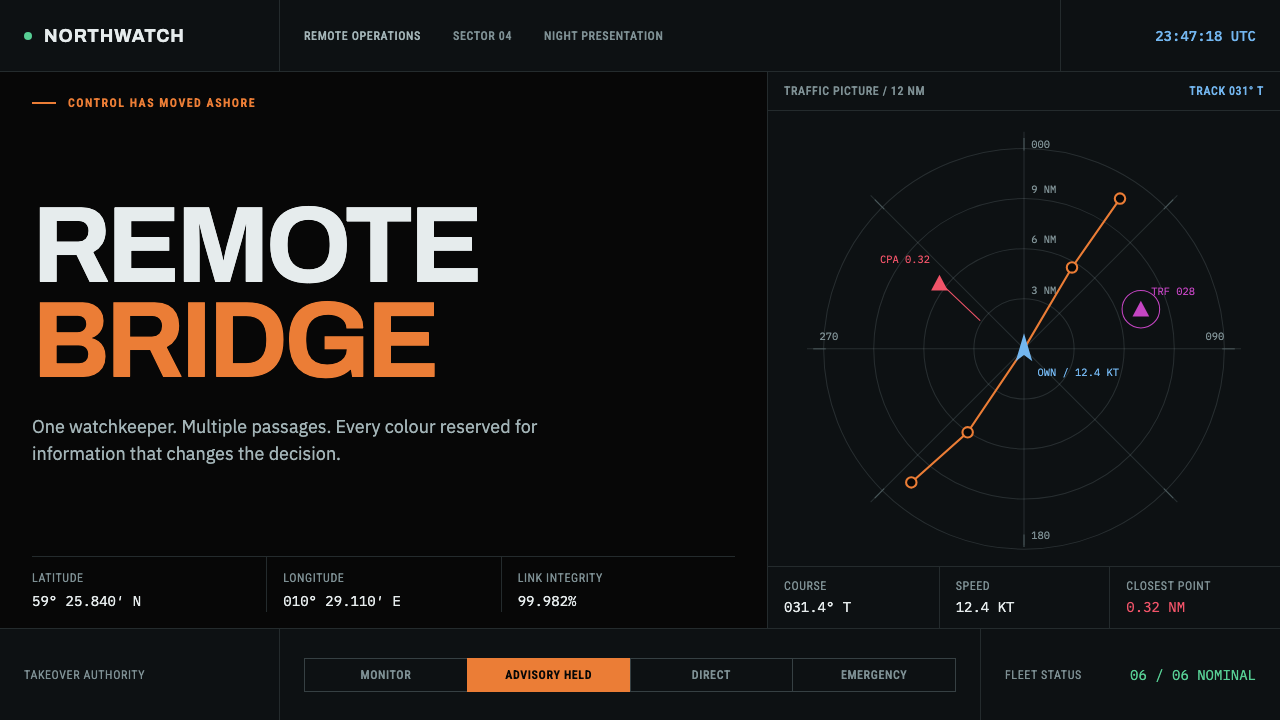 Autonomous Cargo Ship BridgeColour is protocol. Near-black chart grids reserve orange for decisions that…
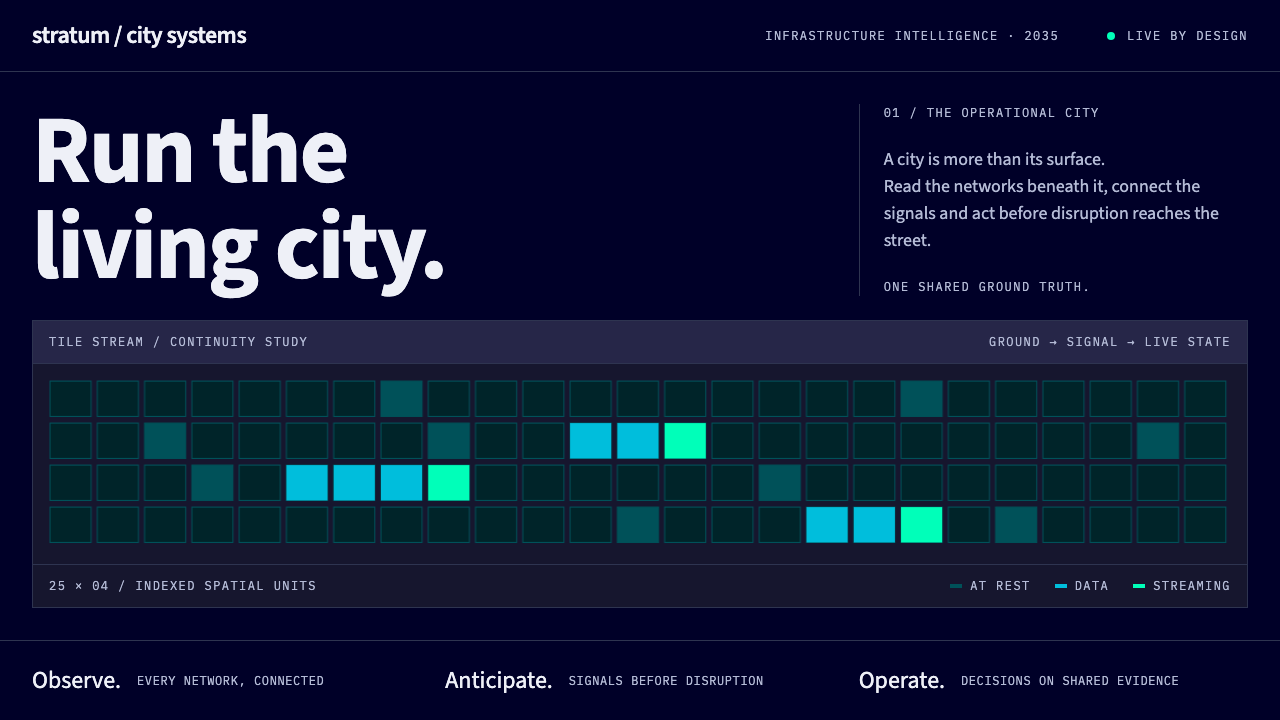 Digital Twin City OpsColour reports, never decorates. Deep blue grids reserve cyan and green for d…
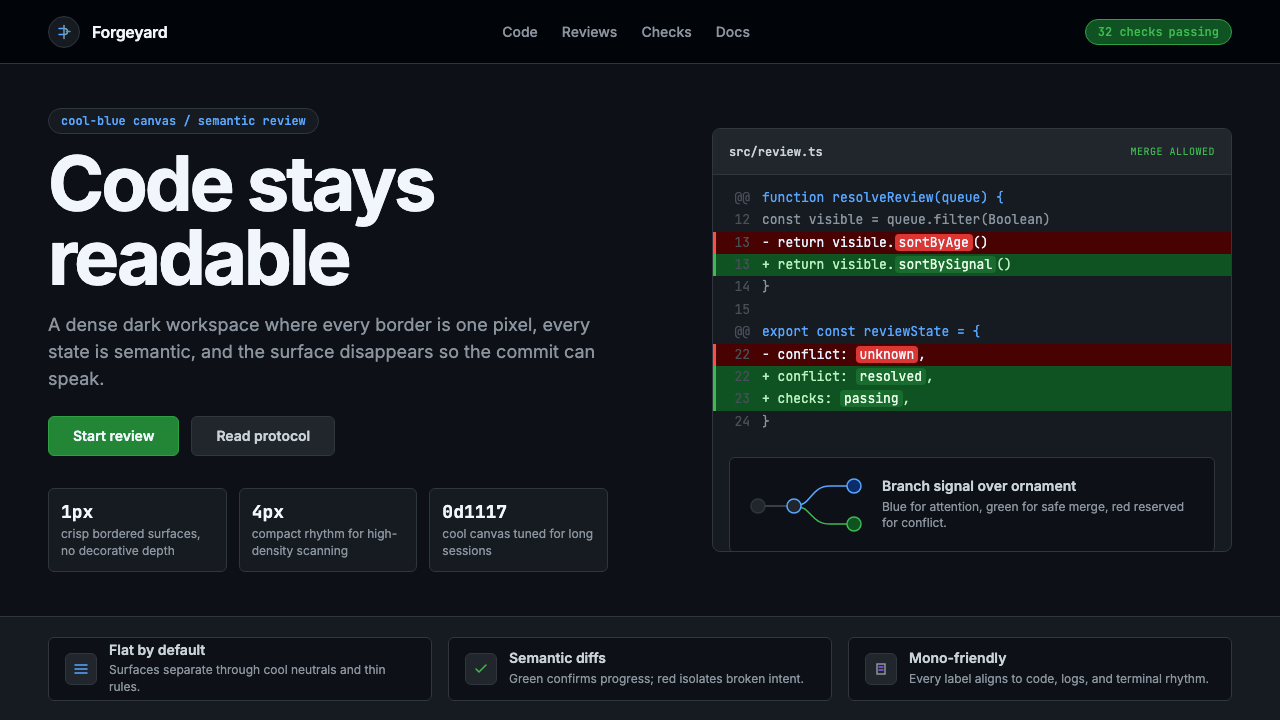 GitHub DarkCode-first darkness. Cool-blue canvas, 1px borders, green/red diff lines.
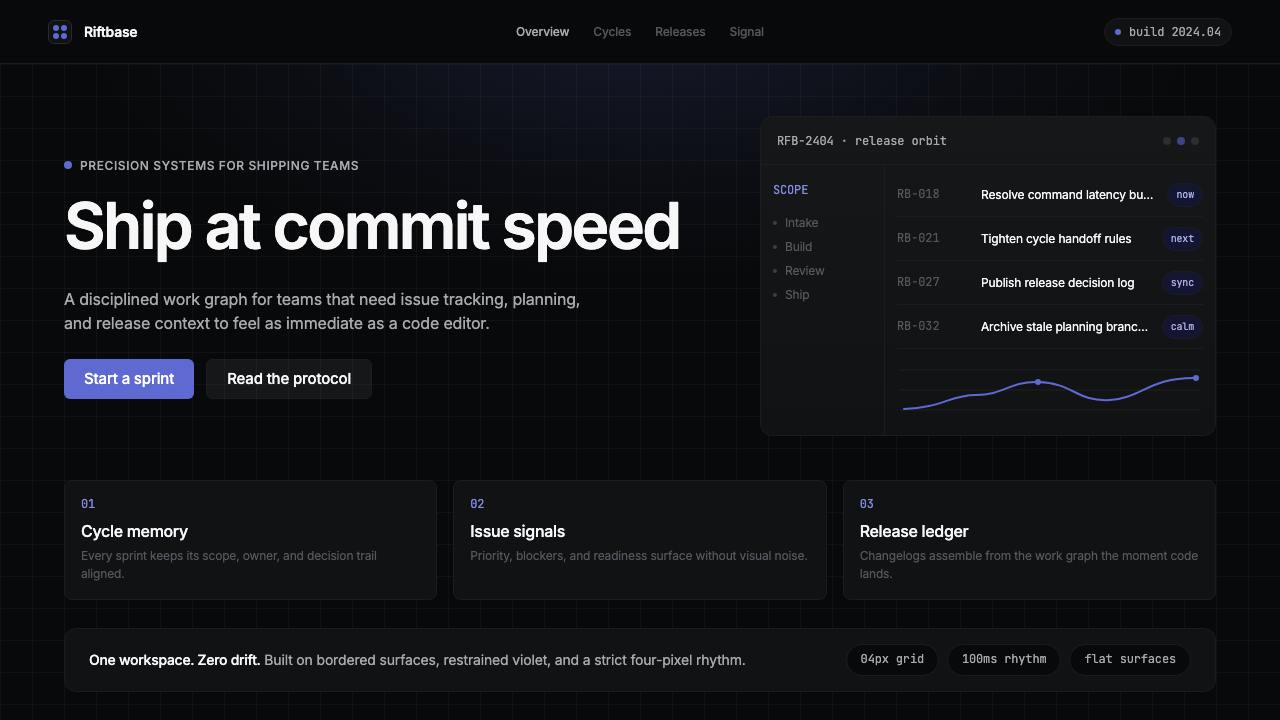 Linear 2024Precision down to the millisecond. Near-black, indigo-violet accents, Inter D…
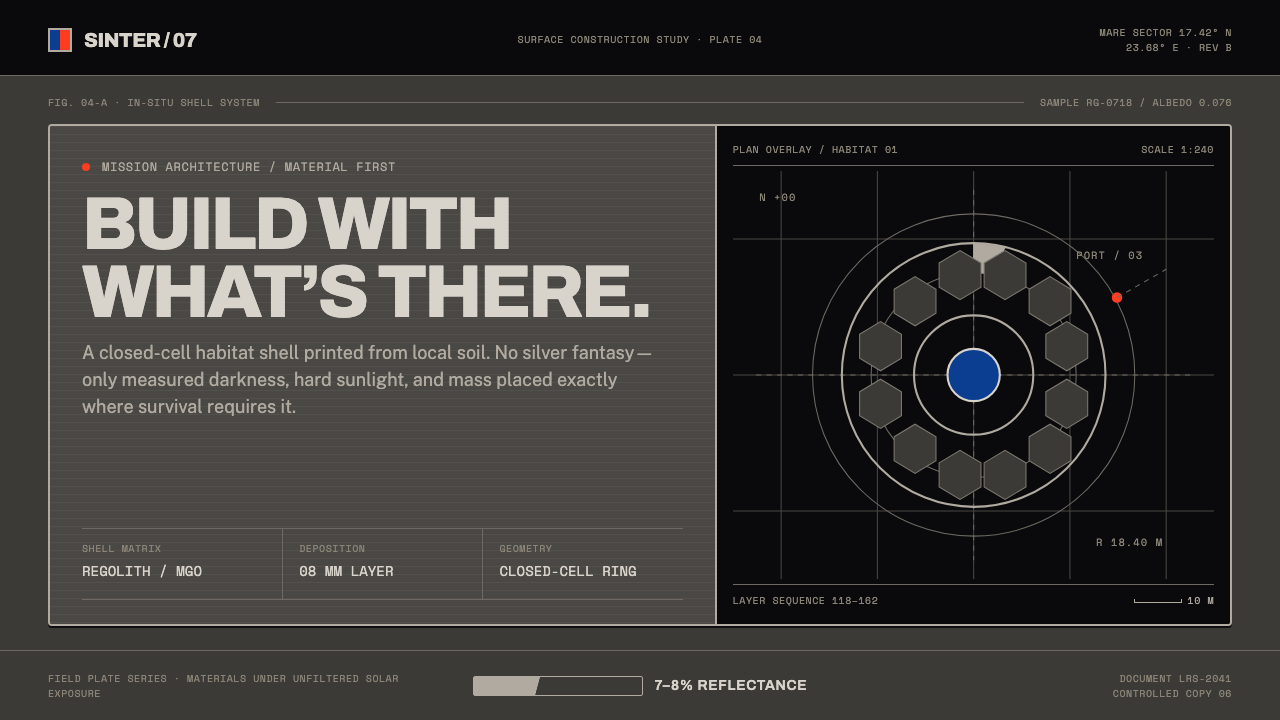 Lunar Regolith SettlementMoonlight without the myth. Regolith gray, hard terminators, and a strict tec…
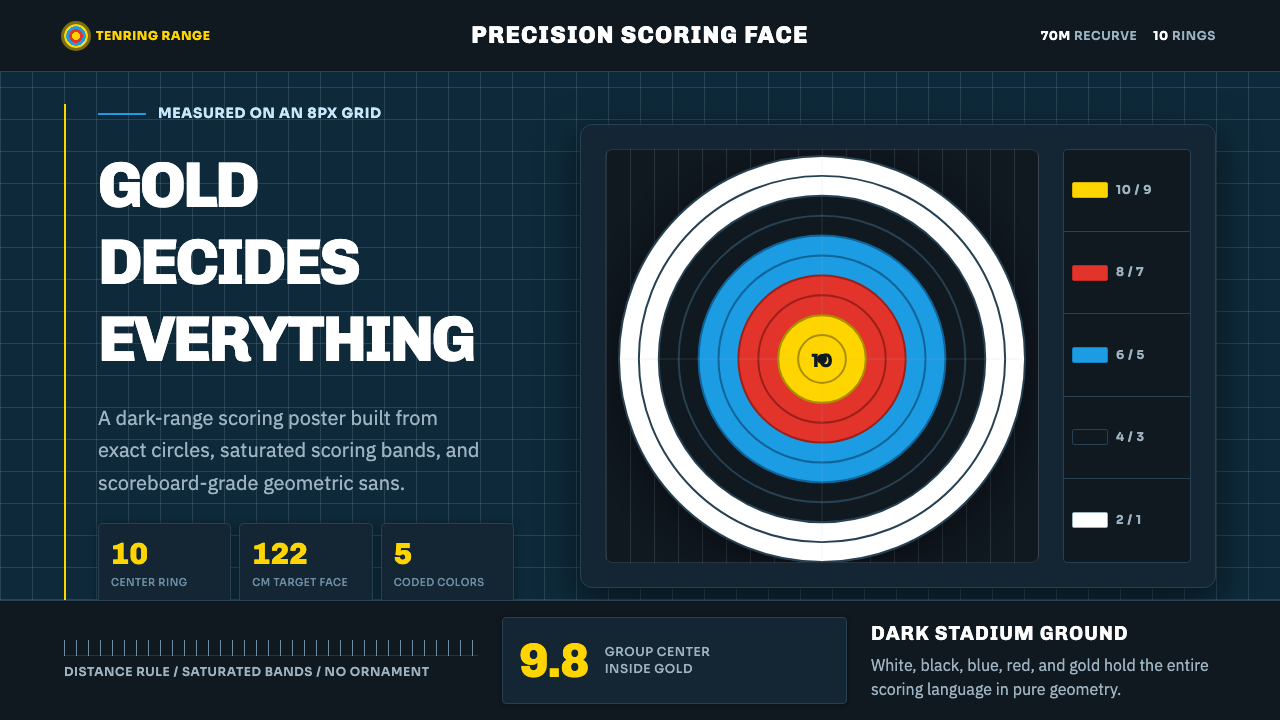 Olympic ArcheryPrecision is the drama. Gold-red-blue rings snap from a dark stadium grid.