What is GitHub Dark?
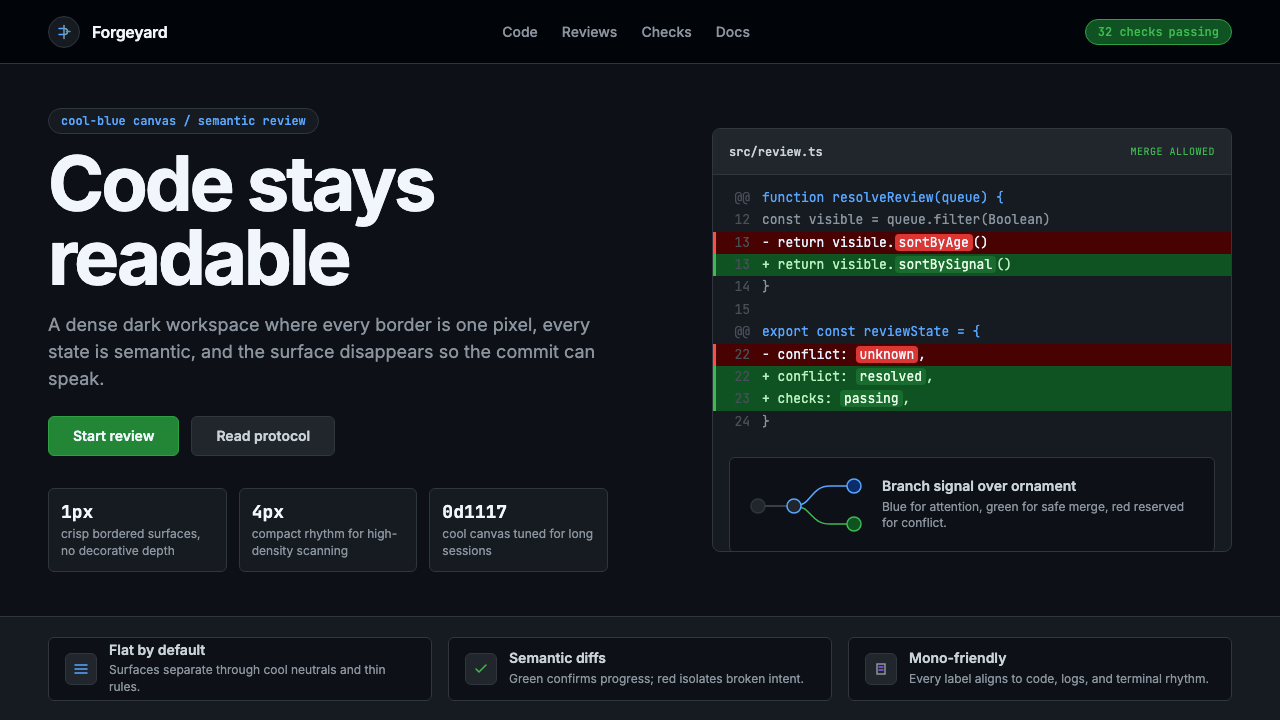
GitHub Dark turned developer infrastructure into a visual language — cool-blue canvas, semantic diff colors, and crisp hairline borders that code every decision in restraint.
GitHub Dark in brief
GitHub Dark is the canonical dark-mode interface of the world's largest code-hosting platform, introduced in September 2020. It rapidly became the most widely referenced dark UI among technical users, establishing a visual standard that rippled outward into developer tooling, documentation sites, terminal emulators, and productivity software across the industry.
Its visual identity rests on a cool-blue-tinted canvas — neither the absolute black of a terminal nor the neutral charcoal of generic dark themes — that gives the interface a distinctive, immediately recognizable atmospheric quality. Against this ground, a tight hierarchy of surface tones separates code panels from sidebars, modals from backgrounds, and active states from resting ones, all without ever reaching for drop shadows or gradient transitions.
The design philosophy is unapologetically utilitarian. Every visual decision serves the reading and writing of code: monospace-friendly column structures, hairline borders that delineate without adding visual mass, and a carefully restrained semantic color system where green signals a successfully merged addition and red marks a conflicting deletion. Decoration that does not carry meaning does not appear. What remains is a system that feels designed by engineers for engineers — disciplined, information-dense, and quietly confident.

Where does GitHub Dark come from?
GitHub was founded in San Francisco in 2008 by Tom Preston-Werner, Chris Wanstrath, PJ Hyett, and Scott Chacon, and quickly became the dominant platform for open-source software collaboration. For its first twelve years, the site operated with a single light-mode interface — a practical default for the era, when dark mode was associated with terminal windows rather than polished web products. By the late 2010s, the conversation had shifted. macOS introduced system-wide dark mode in 2018, and users began expecting their everyday web tools to follow suit.
GitHub's dark mode launched in September 2020, after years of community requests that had accumulated in its public feedback forums. The project was led in part by Diana Mounter, GitHub's Head of Design at the time, whose team worked within the constraints of the open-source Primer Design System — GitHub's own systematized design foundation. The challenge was not simply inverting the existing light palette. The team had to construct a new tonal hierarchy from scratch, one that preserved all the semantic meaning of the light interface — status colors, diff highlighting, syntax themes — while working coherently in low-light conditions.
The Primer Design System, which GitHub open-sourced and maintains publicly, provided the structural scaffolding for the dark mode rollout. Primer encodes design decisions as variables — semantic color roles rather than fixed values — which meant the dark mode could be implemented as an alternative theme rather than a parallel codebase. This architecture also meant that third-party projects built on Primer could adopt GitHub Dark semantics with relatively little effort, accelerating the style's spread across the developer ecosystem.
Since its launch, GitHub Dark has remained largely stable in its core visual character, evolving through refinements rather than overhauls. Its influence is visible in the dark-mode implementations of documentation platforms, code editors, developer-facing SaaS tools, and design systems that emerged after 2020. Alongside the aesthetic, Mona the Octocat — GitHub's mascot, a playful hybrid creature — persisted as a humanizing counterpoint to the interface's technical rigor, appearing in onboarding flows and empty states as a reminder that the platform serves people, not just code.
What defines the GitHub Dark look?
Cool-Blue Canvas
The base surface is a deep blue-leaning dark tone rather than a neutral dark grey or pure black. This chromatic lean is subtle but pervasive: it gives the interface a cooler, crisper atmosphere than warmer dark alternatives and aligns visually with the bluish light of monitors in low-ambient environments. The effect is an interface that feels like a professional workspace rather than a void — purposefully chosen, not default-dark.
Tonal Surface Hierarchy
Rather than relying on elevation shadows to separate UI layers, GitHub Dark uses a progression of subtly distinct surface tones — each slightly lighter or darker than its neighbors — to create depth and structure. Code blocks, sidebars, modals, and active list items each occupy their own tonal register. This shadowless hierarchy feels flat in the geometric sense but informationally layered, with every region clearly distinguishable without visual noise.
Semantic Diff Colors
The green-and-red diff palette is perhaps the most culturally resonant element of GitHub Dark. Green backgrounds mark added lines in a code review; red backgrounds mark removed lines. These are not decorative choices but communicative ones with direct operational meaning: green is safe passage, red is a site of conflict or removal. The saturation is deliberately moderate — vivid enough to scan instantly across hundreds of diff lines, muted enough not to create fatigue during extended review sessions.
Hairline Borders Over Shadows
Where other dark interfaces rely on drop shadows to communicate element boundaries, GitHub Dark uses hairline borders — single-pixel-weight lines in a tone slightly elevated from the surrounding surface. This choice maintains crispness at all zoom levels and screen densities, avoids the blurring effect that soft shadows introduce, and gives the interface a technical, almost schematic quality. The result is an aesthetic that reads as engineered rather than styled.
Restrained Accent Palette
Beyond the diff greens and reds, GitHub Dark uses a small set of accent colors with clear semantic assignments: a muted blue for links and interactive text, a purple tone for visited states or certain label categories, an amber-orange for warnings. Each accent appears sparingly and carries a consistent meaning throughout the interface. The discipline prevents color inflation — the state where so many things are highlighted that nothing is emphasized.
Monospace-First Layout Logic
Code is the primary content type on GitHub, and the layout system reflects this priority. Column widths, line heights, and spacing rhythms are calibrated for the reading of code in monospace type — fixed-width glyphs that align vertically into columns. Prose content shares the same underlying grid but is rendered in a proportional typeface, creating a clear visual register difference between documentation and code without requiring structural changes to the layout.
Status-Color Consistency
Pull request states, issue lifecycle stages, build pipeline results, and security alerts each carry consistent color coding throughout the interface. Open states are green, closed states are purple, merged states are a deeper violet, and failed builds are red. This consistency means an experienced user can parse the status of a repository at a glance from a list view, without reading a single label. The color system functions as a secondary language layered over the typographic one.

Who shaped GitHub Dark?
Diana Mounter served as GitHub's Head of Design during the development and launch of dark mode, and is one of the central figures behind the project's thoughtful execution. Her team's work went far beyond a simple palette inversion: they rearchitected GitHub's color system into semantic roles, ensuring that every state — from diff highlighting to alert severity — remained legible and meaningful across both light and dark contexts. Mounter has spoken publicly about the accessibility considerations that shaped the rollout, including contrast ratios for users with low vision, and about the organizational challenge of threading a major visual change through a mature, complex product.
As one of GitHub's co-founders, Tom Preston-Werner set the platform's founding ethos: open, developer-first, and built by people who use the tools they create. The early GitHub interface reflected his sensibility — functional, unadorned, oriented toward the needs of people reading and writing code rather than passive consumers. While Preston-Werner left GitHub in 2014, the product philosophy he established — that the interface should serve the code, not frame it — persisted as a cultural inheritance that shaped how later design leaders, including those who built dark mode, approached visual decision-making.
Mona the Octocat is GitHub's mascot — a whimsical hybrid of octopus and cat, designed to be technically absurd and humanly warm. Created originally as a stock illustration and adopted by GitHub around its founding, Mona has evolved into a versatile icon that appears throughout the product in empty states, onboarding flows, and error pages. Within GitHub Dark, Mona serves a specific tonal function: she is the counterweight to the interface's clinical precision, a reminder that behind the pull requests and code reviews are people with a sense of humor. Her visual presence keeps the platform from feeling like pure infrastructure.
Primer is GitHub's open-source design system — the systematized foundation of components, tokens, and guidelines that underpins the entire GitHub interface. Its role in GitHub Dark's creation was architectural: by encoding color decisions as semantic variables (background default, border muted, accent emphasis, and so on) rather than literal values, Primer made it possible to ship dark mode as a theme overlay rather than a ground-up rebuild. The open-source nature of Primer also meant that its dark-mode token conventions became a freely available reference point for teams building their own developer-facing interfaces, spreading GitHub Dark's visual logic well beyond GitHub itself.
How do you use GitHub Dark today?
GitHub Dark translates well into professional contexts where technical credibility and information density are core values. Its design language communicates rigor and craft without resorting to decorative assertiveness — an important quality in environments where the audience is trained to distrust visual noise. Applying it correctly means internalizing its logic: tonal layering instead of shadows, hairline borders instead of elevation, semantic color instead of expressive color.
For presentation slides, GitHub Dark works best when the content is itself technical or data-driven. A cover slide benefits from the style's atmospheric quality: a cool-tinted dark field with crisp, high-contrast type in a weight that reads from a distance, and a minimal accent color to anchor the title. Content slides should use the tonal hierarchy to separate sections — a slightly elevated surface for callout boxes, the base tone for body text regions — rather than relying on dividers or decorative rules. Data slides become particularly effective: charts rendered against the dark canvas with bars and lines colored according to semantic conventions (green for positive, amber for warning, red for critical) carry the interface's operational legibility into the presentation format.
For web UI and dashboards, GitHub Dark is directly at home. Developer tool dashboards, API documentation portals, monitoring interfaces, and analytics platforms all benefit from its information-density ethos. The practical approach: establish a clear surface hierarchy using three or four tonal levels, reserve accent colors strictly for interactive and status-bearing elements, use borders to delineate cards and panels rather than box shadows. Navigation should be text-forward with minimal iconography; active states should shift surface tone rather than adding color overlays. The result is an interface that lets data and functionality lead, with the visual layer serving as scaffolding rather than statement.
For editorial and marketing contexts, the style rewards selectivity. Developer-facing landing pages — product announcements, open-source project pages, technical blog headers — suit the aesthetic naturally. A full-width dark banner with a prominent code sample or terminal output establishes authority immediately. Section breaks can use the tonal step between surface levels rather than graphic separators. When color appears in a marketing context following this style, it should be purposeful: a green accent for a core capability, an amber accent for a pricing tier, never a gradient or a purely decorative hue. Marketing copy benefits from the style's typographic restraint — generous sizing for headlines, comfortable measure for body text, no decorative type treatments.
A common mistake when working with GitHub Dark aesthetics is overextending the semantic color system into pure decoration. The green and red of diff highlighting carry strong associative weight — applying green to positive marketing claims and red to competitor comparisons can feel manipulative rather than informative. Similarly, layering too many surface tones without clear structural purpose produces muddiness rather than depth. The style's power comes from its restraint: a single tonal step between surface levels communicates hierarchy more clearly than three competing levels of shadow, and a single semantic accent color communicates more than five gradient stops trying to express brand warmth.

GitHub Dark — FAQ
Is GitHub Dark the same as any dark mode?
No. Most dark modes are achieved by inverting a light palette or substituting a neutral dark grey for white, with minimal structural thought. GitHub Dark is a distinct visual system built on a cool-blue-tinted base tone, a semantic color hierarchy where every accent carries operational meaning, and a hairline-border architecture that replaces elevation shadows. The result has a specific atmospheric quality — technical, cool, information-dense — that is immediately distinguishable from generic dark themes. Many dark interfaces have borrowed elements from it, which sometimes creates confusion, but the full system has a coherence that goes well beyond palette choice.
Can GitHub Dark work for non-developer products?
It can, but with meaningful trade-offs. The style's authority comes partly from its strong association with technical contexts — applying it outside that zone can feel borrowed or incongruent without careful adaptation. Products that emphasize analytical rigor, data transparency, or professional seriousness (financial dashboards, monitoring tools, research platforms) can adopt the style's logic coherently. Products oriented toward warmth, creativity, leisure, or broad consumer audiences will find that the style's cool technical register works against their emotional goals. The question to ask is not whether the style can be applied, but whether its implied values — engineering discipline, information density, technical credibility — match the product's desired perception.
How does GitHub Dark handle accessibility in a dark interface?
Accessibility was a primary concern in GitHub Dark's development, not an afterthought. The team calibrated contrast ratios for text against each surface tone, ensuring that body text, code, and interactive labels met or exceeded standard legibility thresholds across all surface levels. The semantic color system was also tested for color-blindness scenarios — particularly for the green-red diff palette, which is critical for code review workflows and directly affects users with red-green color vision deficiency. GitHub later introduced additional color themes (including high-contrast variants) partly in response to feedback from users with specific visual needs, demonstrating that the semantic variable architecture of Primer made such extensions relatively practical.
What makes GitHub Dark different from terminal or code-editor dark themes?
Terminal and code-editor themes are designed for a single primary task: rendering and distinguishing syntax tokens in a monospace code context. Their color systems optimize for syntax highlighting variety — they typically use six to ten distinct accent colors to differentiate keywords, strings, comments, functions, and types. GitHub Dark has a completely different design scope: it must handle prose, navigation, forms, status indicators, avatars, charts, and code simultaneously within a complex application UI. Its color system is therefore much more restrained in accent variety and much more systematic in semantic assignment. It borrows the cool-tinted dark atmosphere from terminal culture but applies a web product's structural discipline to every other element.
Is it appropriate to mix GitHub Dark aesthetics with warmer or more colorful styles?
Mixing is possible but requires a clear hierarchy of decisions. GitHub Dark's visual logic depends on restraint — the moment warm tones, expressive gradients, or decorative color enter the system, the semantic clarity of the original language starts to dissolve. If hybridization is intentional, the better approach is to treat GitHub Dark's tonal surface structure and border conventions as fixed, and introduce warmer or more colorful elements only in content zones (illustrations, marketing imagery, icon sets) rather than in the structural chrome of the interface. This preserves the information architecture while allowing brand expression in bounded regions. Attempting to warm the structural layer itself — replacing cool-tinted surfaces with neutral or warm-tinted ones — tends to produce something that is neither coherent GitHub Dark nor a coherent alternative, simply a weakened version of both.
Related design styles
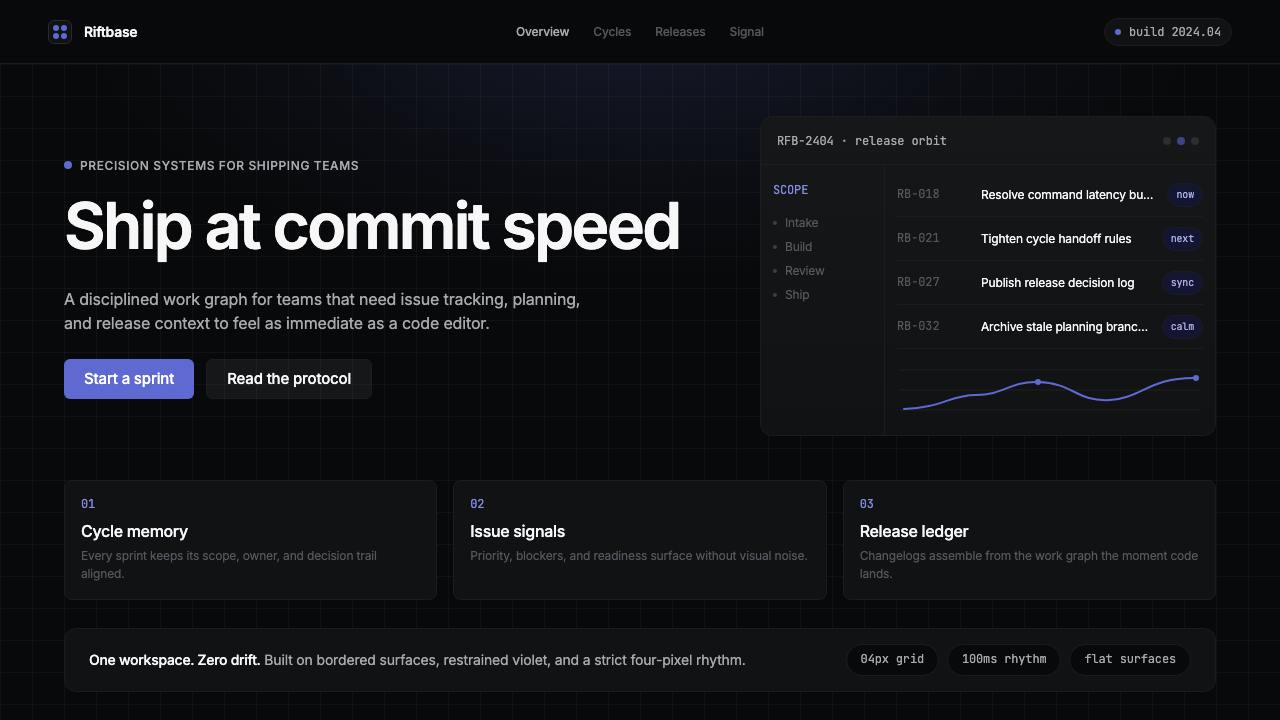 Linear 2024Precision down to the millisecond. Near-black, indigo-violet accents, Inter D…
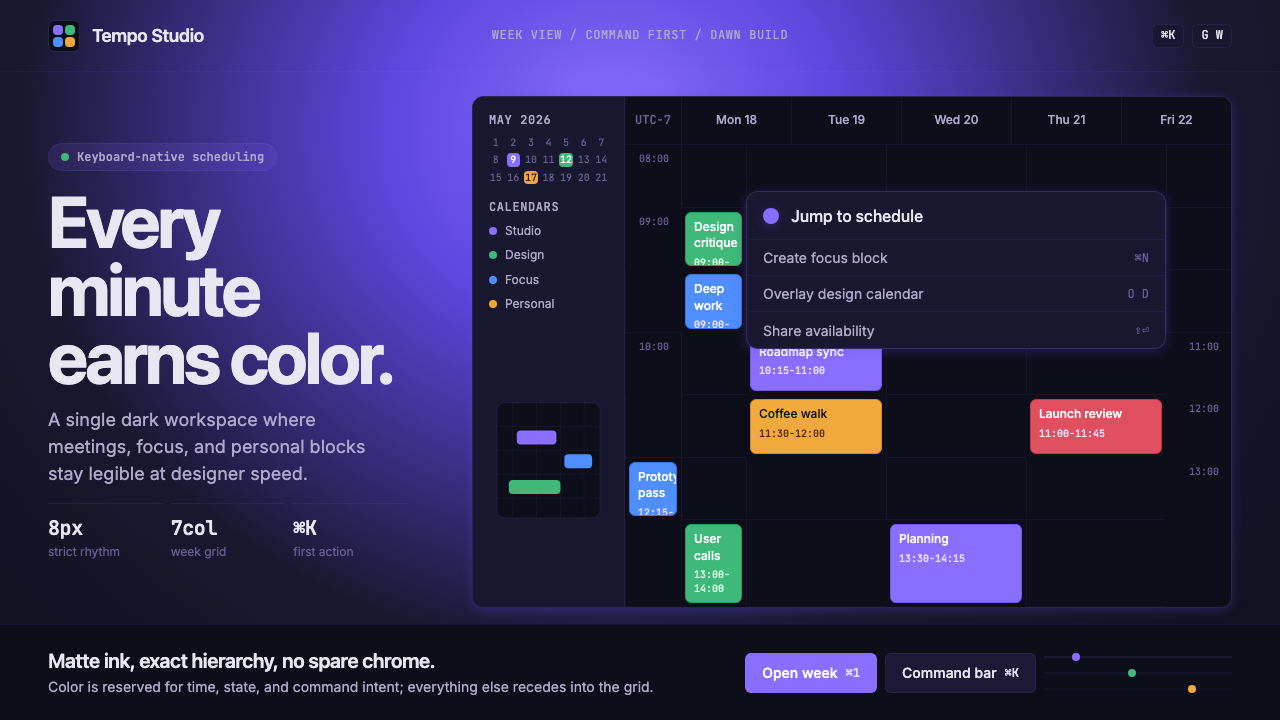 Cron CalendarDesigner-tech restraint. Purple wash, ink grid, mono shortcuts, surgical even…
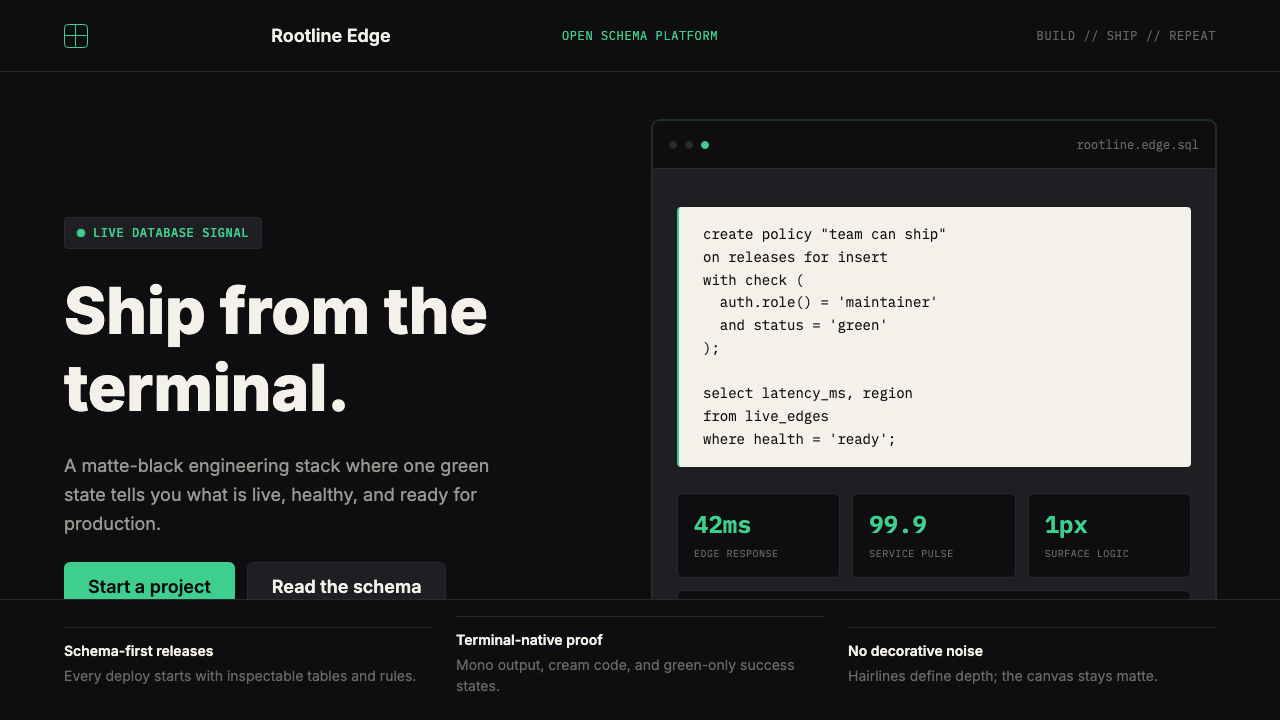 Supabase Postgres Green (2024)Midnight-terminal confidence. Matte black, Inter, mono code, and one electric…
 Arc'teryx Technical OutdoorEngineered, never ornamental. Glacier silver grid, mono specs, one acid-green…
 Foundry Industrial GrayBuilt for the dark shop floor. Graphite canvas, hairline plates, mono labels,…
 Glacier Arctic SurveyCold precision. Crevasse-blue panels, cyan readouts and contour grids calibra…