What is Cron Calendar?
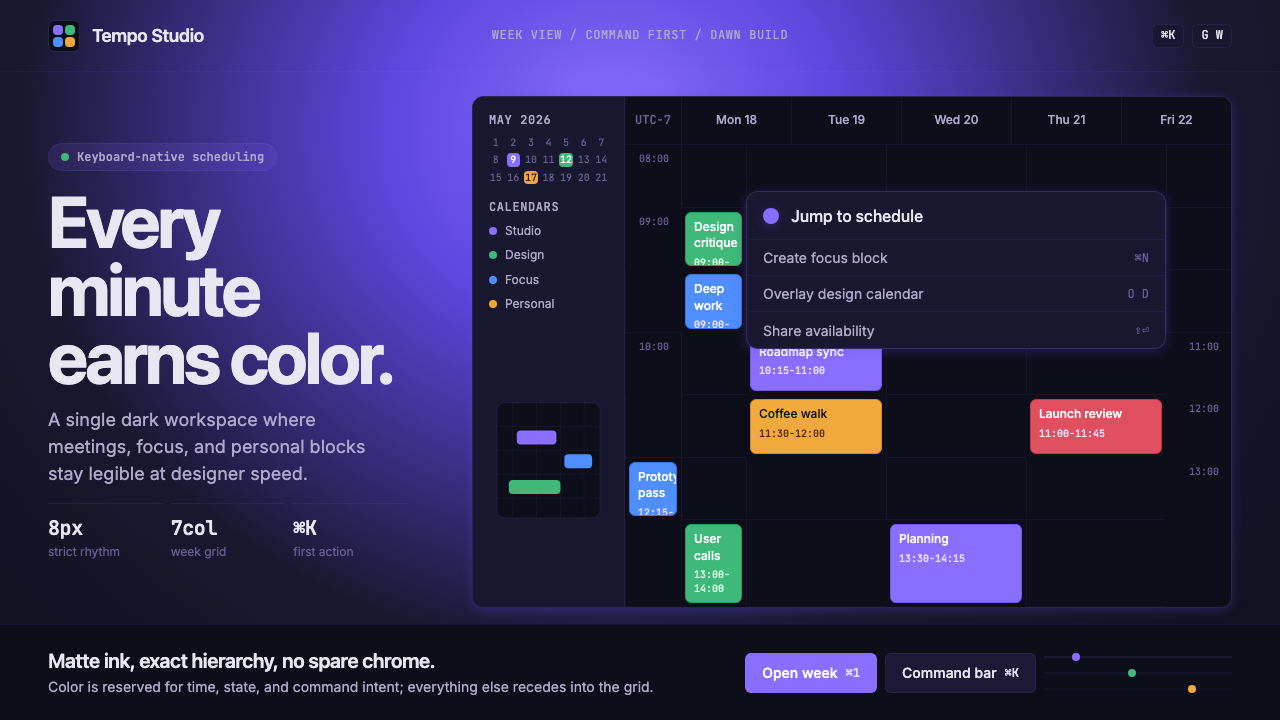
Cron crystallized a new vocabulary for serious software — deep ink surfaces, a saturated purple glow, and the radical idea that a keyboard shortcut could be the most beautiful thing on screen.
Cron Calendar in brief
Cron Calendar is the visual design system pioneered by the Cron calendar application in the early 2020s — a style built on matte dark backgrounds washing into deep purple gradients, monospaced typography that elevates keyboard shortcuts to first-class interface citizens, and surgical event colors that cut through the darkness with precise, saturated accent blocks. Unlike the playful darkness of gaming interfaces or the cool neutrality of developer terminals, Cron's dark mode feels intentional in a different register: it is the aesthetic of craft, of something made by people who care too much.
The system is rigorously restrained. Every element earns its presence: the subtle grid anchors time without screaming for attention, the event blocks occupy exactly the space they need and no more, the command palette appears and disappears like a thought completing itself. Chrome is stripped to near nothing. What remains is pure density — the feeling of a city seen from altitude at night, all signal and no noise.
Cron's influence spread quickly because it solved a real problem: how to make productivity software feel like something a designer would actually want to use. Before Cron, calendar apps leaned either corporate-flat or consumer-cheerful. Cron proposed a third register — precision instruments for people who ship things — and that register resonated so strongly with the designer-developer demographic that it became the benchmark against which subsequent productivity tools measured their taste.

Where does Cron Calendar come from?
Cron was founded in New York City in 2018 by Raphael Schaad and Brian Hough, two designers who had grown impatient with the state of calendar software. Their founding premise was simple and almost confrontational: the people building the internet spent enormous portions of their lives in calendar applications, and those applications were, almost without exception, aesthetically negligent. Schaad and Hough set out to build the calendar they wanted to use — one that treated keyboard interaction as primary, visual density as a virtue, and the designer's eye as a constraint rather than a luxury.
The visual identity that defined Cron emerged through the early 2020s as the product matured. The signature deep purple-to-near-black gradient — a wash of saturated violet that gives the application its twilight quality — was not borrowed from any design system or trend report. It grew from a specific functional insight: dark surfaces reduce eye strain during long working sessions, but pure black backgrounds read as harsh and terminal-like. The purple middle ground felt alive without being loud, technical without being cold. It became the style's most recognizable and most copied element.
Keyboard shortcuts, in most software, are a power-user escape hatch — hidden, reluctant, undocumented. Cron made them the interface itself. Shortcut badges appeared as first-class typographic objects, rendered in monospaced type against rounded containers, visible in the UI rather than buried in a help document. This decision reflected the founding team's understanding of their audience: designers and developers who navigate primarily through keyboards and who read shortcut notation as naturally as they read prose. Riley Tomasek, who joined the core team, contributed significantly to the interaction model that made this feel natural rather than nerdy.
The acquisition by Notion in 2022 — led by Notion co-founder Ivan Zhao — marked the peak of Cron's influence as an independent visual statement. By that point the aesthetic had already propagated beyond the application itself: it had become a reference point, a way of saying 'we take design seriously' that competing tools understood and responded to. When Notion rebranded the product as Notion Calendar in 2024, the Cron visual language was absorbed into a larger system, but its core decisions — the dark ground, the purple accent, the monospaced shortcut culture — survived as the clearest expression of what designer-tech taste looked like in that moment.
What defines the Cron Calendar look?
Dark Ground with Purple Wash
The defining surface is a near-black background that subtly blooms into deep violet toward the center or top of the composition — a gradient that reads not as decoration but as ambient light, as though the interface itself is slightly illuminated from within. This creates warmth without brightness, depth without theatrics. The dark ground is never pure black; the purple undertone prevents the heaviness of a true terminal aesthetic and keeps the surface feeling alive.
Monospaced Shortcut Culture
Keyboard shortcut indicators are not tooltips or documentation afterthoughts — they are typographic objects placed directly in the interface at full visibility. Rendered in monospaced letterforms against rounded, subtly outlined containers, they communicate that this software rewards keyboard fluency. The monospaced choice is deliberate: fixed-width characters align predictably, read like code, and signal precision. The shortcut badge has become as much a stylistic signature as the purple gradient.
Surgical Event Colors
Event blocks are rendered in saturated accent colors — distinct hues assigned to different calendars or categories — that cut through the dark ground with confident clarity. These colors are never soft or desaturated; they are chosen to read at a glance against deep ink. Yet they are also disciplined: each color occupies only the block it owns, never bleeding into surrounding space, never used decoratively outside the context of a specific event. The result is an information layer that feels surgical — every color means something, and nothing is colored arbitrarily.
Restrained Grid and Negative Space
The underlying calendar grid is expressed through the lightest possible marks — thin lines that organize time without asserting themselves visually. Between events, negative space is treated as a breathing room rather than an emptiness to fill. This restraint is counterintuitive in software design, where the tendency is to fill every available cell with affordances. Cron's grid says: the empty hour is also part of the interface. The discipline of not filling space is as active a design decision as any element that appears.
Command Palette Primacy
The command palette — a floating search-and-action layer invoked by a single keystroke — is treated as the primary navigation paradigm rather than a convenience shortcut. Visually, it is rendered with a distinct elevation: a slightly lighter or more luminous surface appearing above the main canvas, with enough contrast to read as a separate plane. Its appearance and disappearance feel immediate and decisive. This elevates the command palette from a feature to a philosophy: the ideal interface is one where the user never needs to reach for the mouse.
Zero Decorative Chrome
Cron's surfaces carry no decorative embellishment — no gradients applied for visual interest, no borders drawn for visual rhythm, no icons used to make a button feel warmer. The restraint is total. What look like aesthetic decisions are almost always functional ones: a dividing line exists because it separates information hierarchies, a lighter surface exists because it signals an interactive layer, a rounded corner exists to soften the visual weight of a dense block. Nothing is there for visual appeal alone.
Typographic Hierarchy Through Weight Contrast
Text hierarchy in the Cron system is established primarily through weight and luminosity rather than color. Primary information — event titles, times, date numbers — appears at full brightness against the dark ground. Secondary information — calendar labels, metadata, day names — appears at reduced brightness, present but subordinate. Tertiary information recedes further. The result is a layered reading experience where the eye is guided by light itself, not by ornamental devices. Typeface choices lean toward geometric or neutral sans-serifs that do not assert personality over function.

Who shaped Cron Calendar?
Schaad co-founded Cron and served as the primary design voice shaping its visual language. His background in interaction design informed the system's most distinctive decisions: treating keyboard shortcuts as typographic objects, using negative space as actively as positive space, and maintaining a discipline of zero decorative chrome that distinguishes Cron from calendar apps that merely look dark. After the Notion acquisition, Schaad's design principles continued to influence how the broader Notion design team approached productivity interface aesthetics.
Hough co-founded Cron with Schaad, bringing engineering precision to the product's founding philosophy. His insistence that calendar software should be fast — genuinely, perceptibly fast — shaped the interaction model in ways that fed back into the visual language: an interface designed around instantaneous keyboard response looks and feels different from one designed around click-and-wait patterns. The snappiness that users associate with Cron is not only a technical achievement but a design position embedded in every transition and animation decision.
Tomasek contributed to the interaction and product design of Cron, with particular influence on the keyboard-first navigation model that became the application's signature. His work on making shortcut discoverability feel natural — showing the right hints at the right moment without cluttering the interface — represents one of the most difficult design problems the team solved. The shortcut badge design, which manages to feel both technical and refined, reflects the kind of typographic care Tomasek brought to interaction details.
As Notion's co-founder and the architect of the 2022 acquisition, Ivan Zhao recognized in Cron a visual intelligence that aligned with Notion's own commitment to software that respects its users' aesthetic sensibility. Zhao's decision to acquire Cron rather than build a competing calendar product from scratch preserved the Cron visual language long enough for it to influence a generation of productivity tools. His understanding that design culture is a product asset — not merely a surface quality — made the acquisition strategically coherent beyond its functional rationale.
How do you use Cron Calendar today?
Applying the Cron Calendar style begins with committing to the dark ground — and understanding that the dark ground is not simply a light layout with colors inverted. The surface carries warmth from its purple undertone; stripping that warmth and substituting a neutral dark grey produces an interface that looks like a developer tool rather than a design artifact. The purple wash should be subtle and central, not dramatic or edge-heavy. Think of it as the ambient temperature of the composition rather than a spotlight.
For presentation slides, the style is most effective on cover and title sequences where the dark surface can assert itself at scale. A cover designed in this register places event-color accent blocks as the primary visual anchor — a horizontal bar or a set of stacked indicators that establish the palette before any text appears. Shortcut badge typographic objects, rendered in monospaced type within rounded containers, can be used decoratively on slides that introduce product features or workflow concepts. For content slides, the discipline is restraint: light text against the dark ground, with hierarchy established through brightness variation rather than color or decorative devices. Data visualization on content slides should use the surgical accent palette — each data series in a distinct, saturated color — against the dark background, which gives charts an almost luminous quality.
For web interfaces, the style is most at home in dashboards, command-driven tools, and any product positioning itself as a serious instrument for focused work. The approach requires genuine commitment to the dark ground as the canonical state — do not offer a light mode as an afterthought that undermines the visual system's coherence. Interactive elements should appear at slightly higher luminosity than their surroundings, creating a light-on-dark hierarchy that guides attention without decorative cues. Navigation should be typographic: wordmarks and text labels in appropriate weight hierarchies, with no icon-only affordances and no decorative separators. Keyboard shortcut indicators, rendered as typographic badges, can appear on hover states to reward keyboard-literate users without cluttering the default view.
For editorial and marketing applications, the style's most powerful register is the full-bleed dark background used as a stage for product screenshots or interface details. A marketing page built in this system alternates between the dark-ground feature sections — where product UI appears at near-full scale — and brief light-ground sections for pricing or testimonials, creating rhythm without abandoning the system's character. Event colors from the palette can be used as accent elements in calls to action, section indicators, or typographic highlights, always at high saturation and always tied to a specific semantic role rather than deployed decoratively.
A common mistake when adapting this style is confusing darkness for minimalism and stripping out the purple warmth in favor of pure black or cold dark grey. The purple undertone is not optional decoration — it is what prevents the interface from reading as a terminal emulator or a gaming surface. A second common error is overusing the accent color palette: in authentic Cron-derived work, saturated colors appear only on objects that carry specific information meaning (events, categories, status states). When they appear on borders, backgrounds, or typographic elements without informational justification, the surgical quality that makes the system compelling collapses into visual noise.

Cron Calendar — FAQ
Is the Cron style the same as dark mode?
Dark mode is a preference setting; Cron is a design language. Many applications implement dark mode by inverting a light layout, which produces surfaces that feel flat, cool, or terminal-like. The Cron visual system is architected from the dark ground up: the purple warmth in the background, the luminosity-based hierarchy, the surgical event colors, and the monospaced shortcut culture all depend on each other and were designed as a unified whole. Stripping the purple warmth or transplanting individual elements into a generic dark layout produces something that looks dark without feeling like Cron.
How does this style handle information-dense layouts without feeling cluttered?
The system achieves density without clutter through luminosity hierarchy. In a light-background design, the eye distinguishes information levels primarily through color and typographic weight. In the Cron system, brightness does that work: primary information appears at full luminosity, secondary information at reduced brightness, tertiary information nearly at the darkness of the ground itself. Because the eye naturally moves toward light, this creates a scanning path without requiring decorative devices like rules, borders, or color blocks to separate information layers. The dark ground essentially provides infinite depth for information to recede into.
Can the Cron aesthetic work for non-productivity products — a brand, a publication, a food business?
With significant adaptation, some elements transfer — but the system's soul is built around a specific type of user and a specific set of values: precision, focus, keyboard fluency, and the belief that information density is a feature rather than a problem. These are not universal values. A food brand needs warmth, organic texture, and sensory richness that the dark ink surface and surgical accent colors actively suppress. A publication might use the dark ground for a tech-focused section, but will struggle to apply the shortcut-badge culture outside that context. The Cron aesthetic is most authentic when the product it describes genuinely rewards the same values the aesthetic expresses.
What is the relationship between Cron Calendar and Linear's design aesthetic?
They are parallel expressions of the same broader movement — designer-tech taste, sometimes called the indie productivity-tool renaissance — that emerged in the early 2020s. Both chose dark grounds, monospaced type for technical notation, and keyboard-first navigation as load-bearing structural decisions rather than stylistic choices. Where Cron's signature move was the purple warm gradient and the saturated calendar event palette, Linear's visual identity leaned toward a cooler, more neutral dark with violet accents expressed through geometric interface elements. They influenced each other and their contemporaries collectively, establishing the visual grammar that now reads as the standard for premium productivity software in that era.
How do you avoid making the style feel dated as dark-mode interfaces become ubiquitous?
The elements most likely to date are the most imitated ones: the purple gradient background and the monospaced shortcut badge. As these spread across productivity tools, they shift from distinctive decisions to generic conventions. To keep the style's logic alive without its most recognizable surface features, focus on the underlying principles rather than the specific motifs: luminosity-based hierarchy, information density without decoration, color tied strictly to meaning rather than mood. An interface built on those principles will feel contemporary even as the specific purple-on-ink palette recedes into period style. The goal is to inherit Cron's discipline, not its surface.
Related design styles
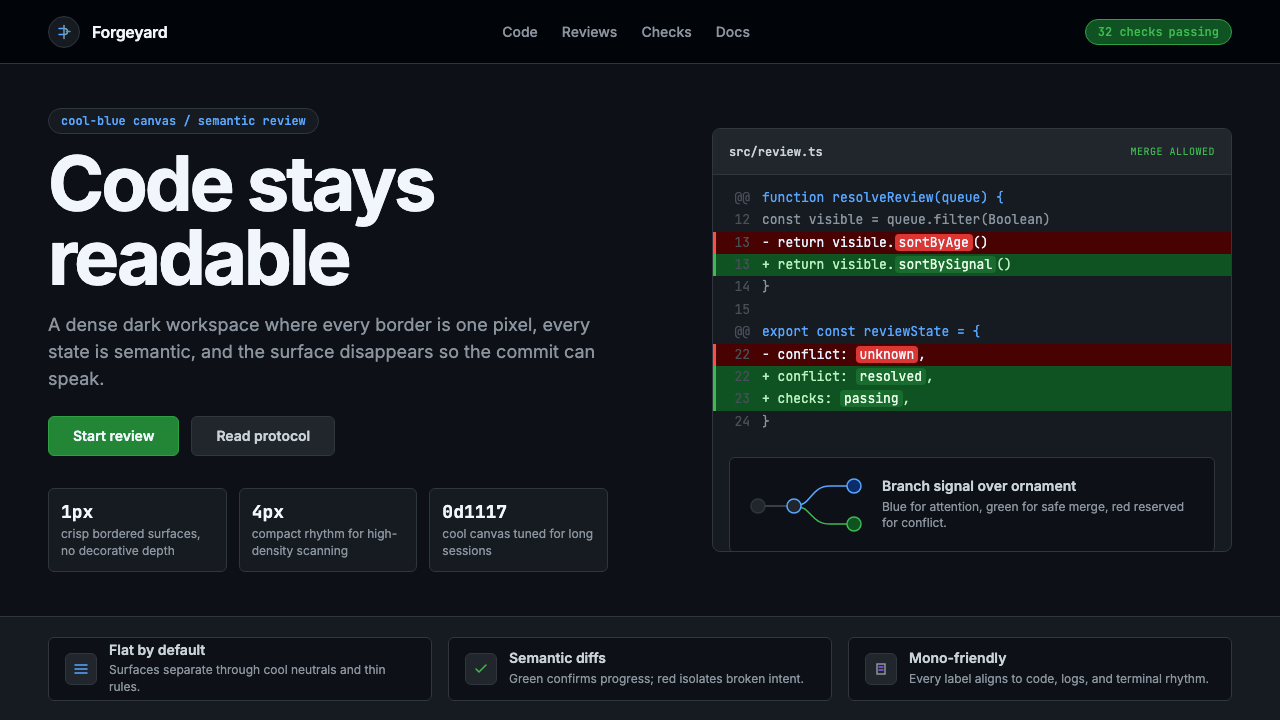 GitHub DarkCode-first darkness. Cool-blue canvas, 1px borders, green/red diff lines.
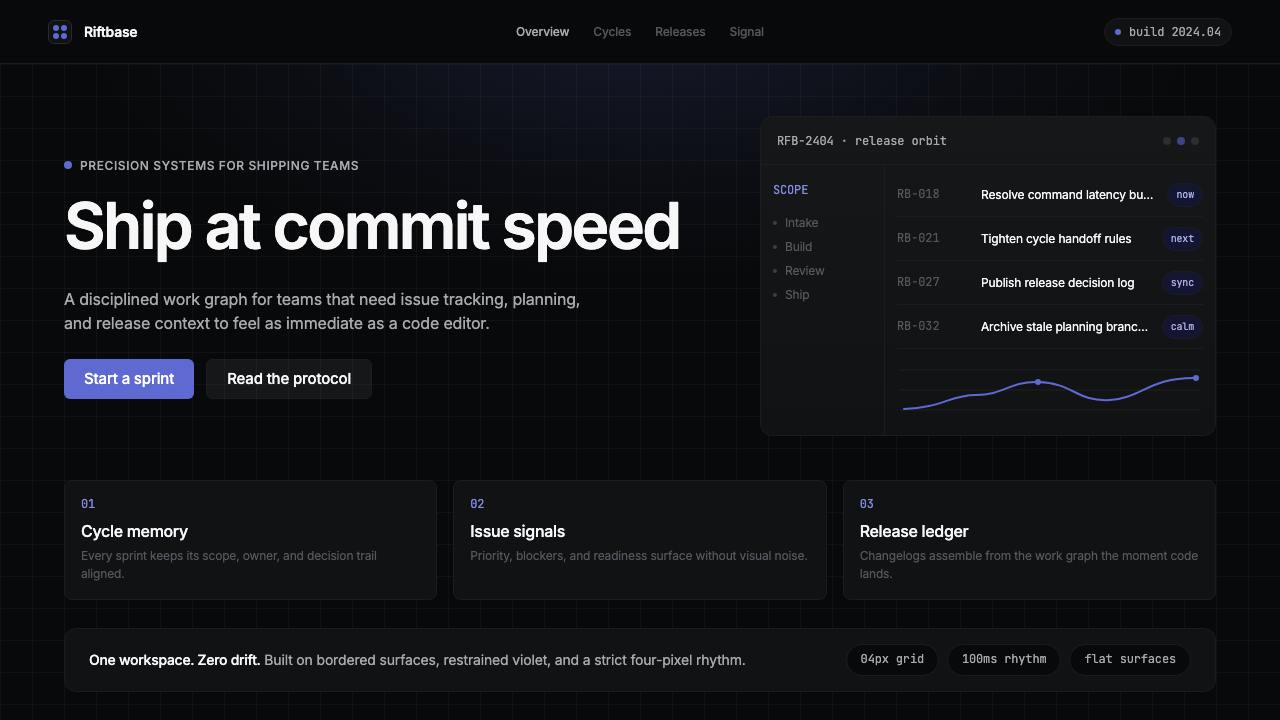 Linear 2024Precision down to the millisecond. Near-black, indigo-violet accents, Inter D…
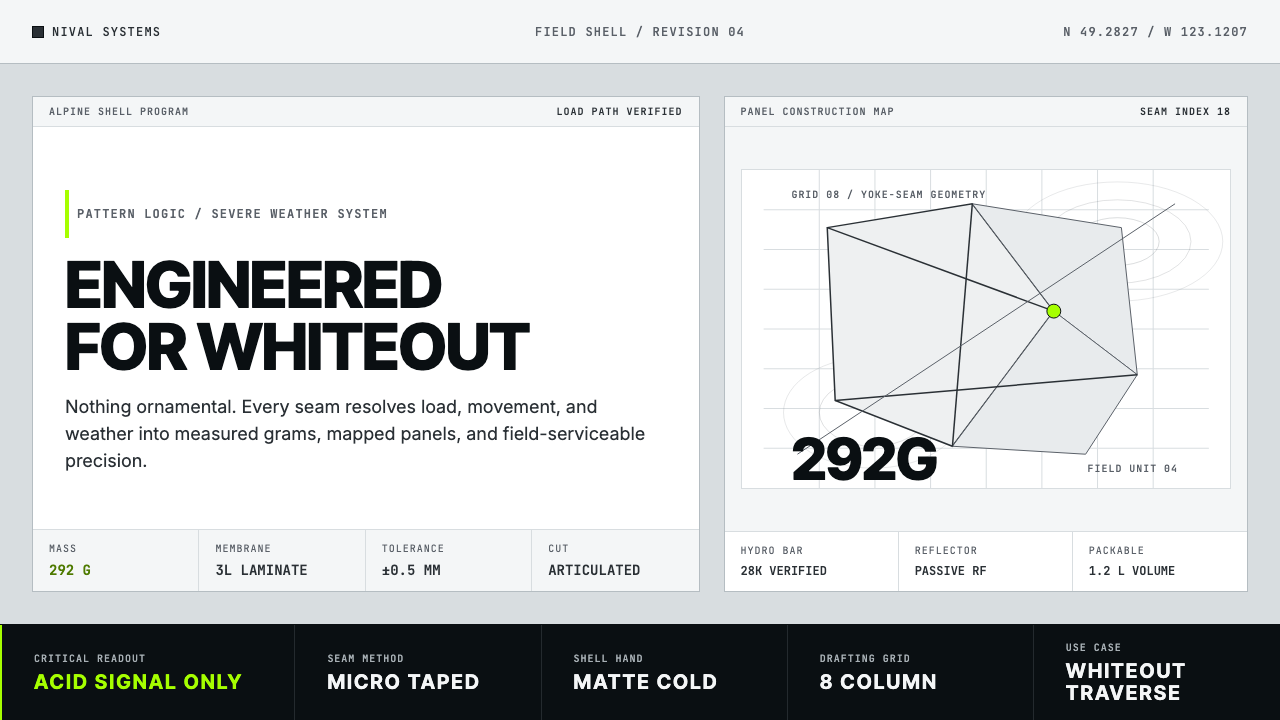 Arc'teryx Technical OutdoorEngineered, never ornamental. Glacier silver grid, mono specs, one acid-green…
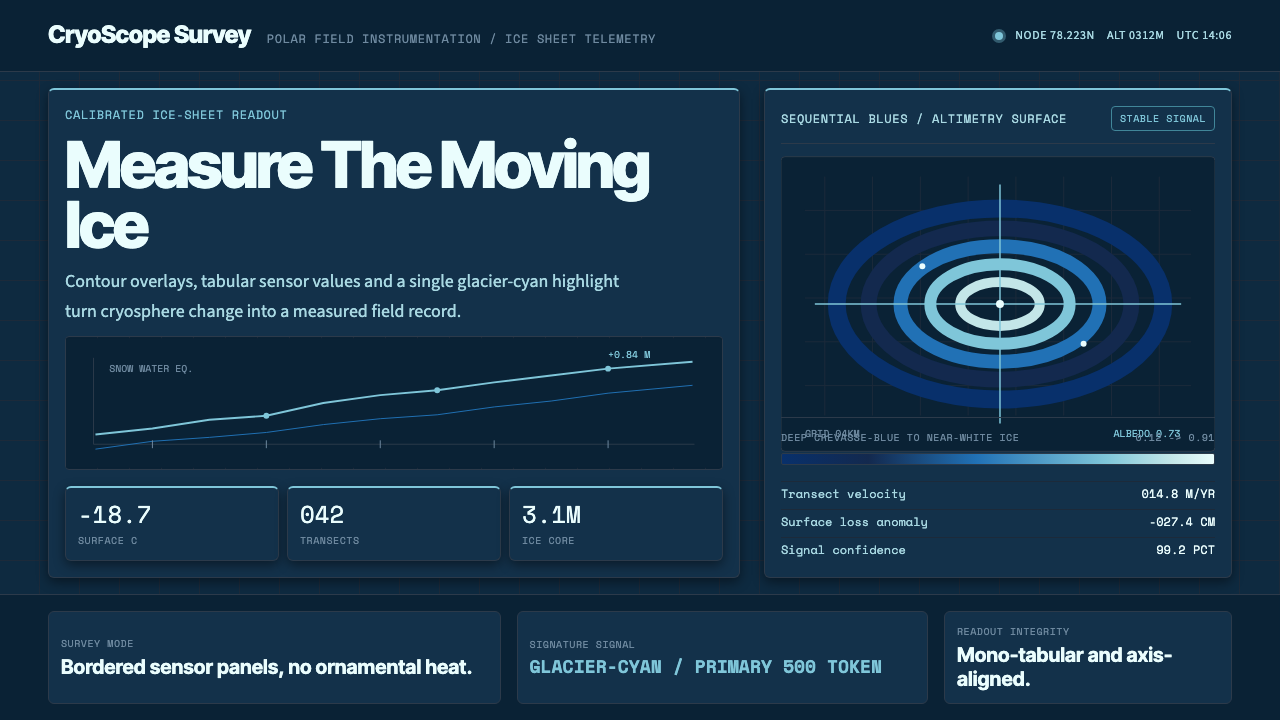 Glacier Arctic SurveyCold precision. Crevasse-blue panels, cyan readouts and contour grids calibra…
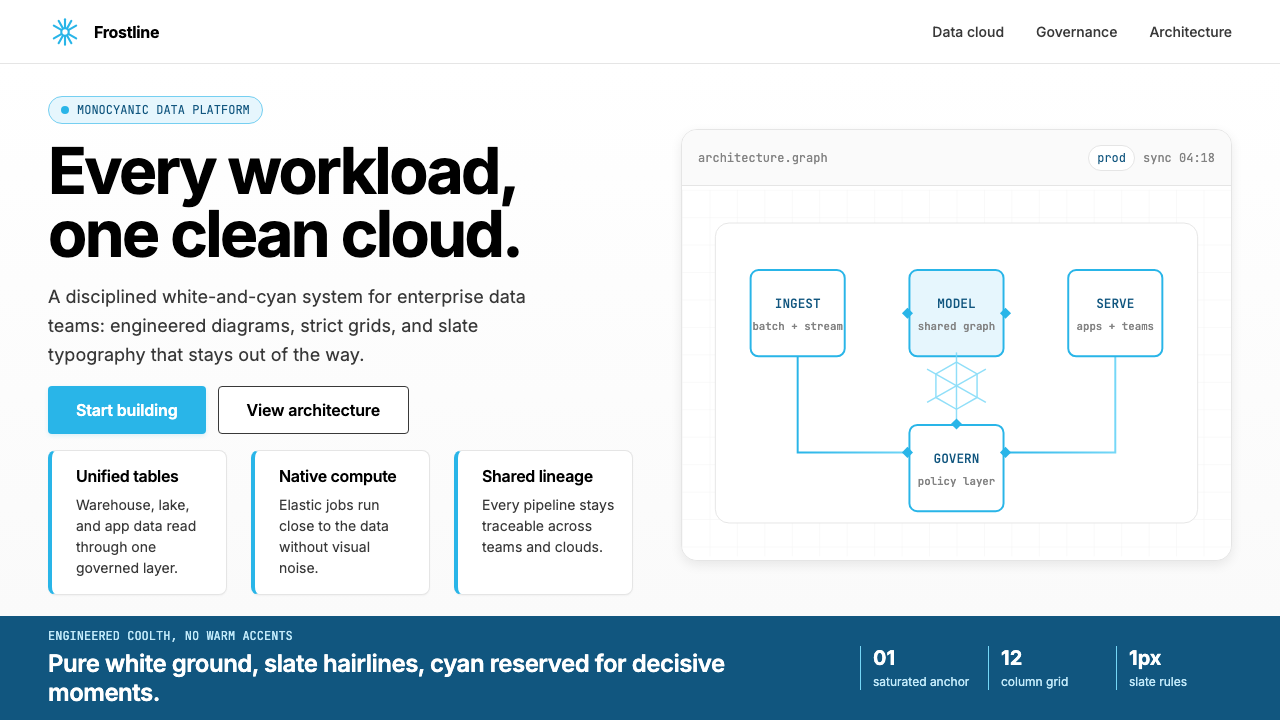 Snowflake Data CloudCool precision wins. Icy cyan, Inter grids, and hex data diagrams stay engine…
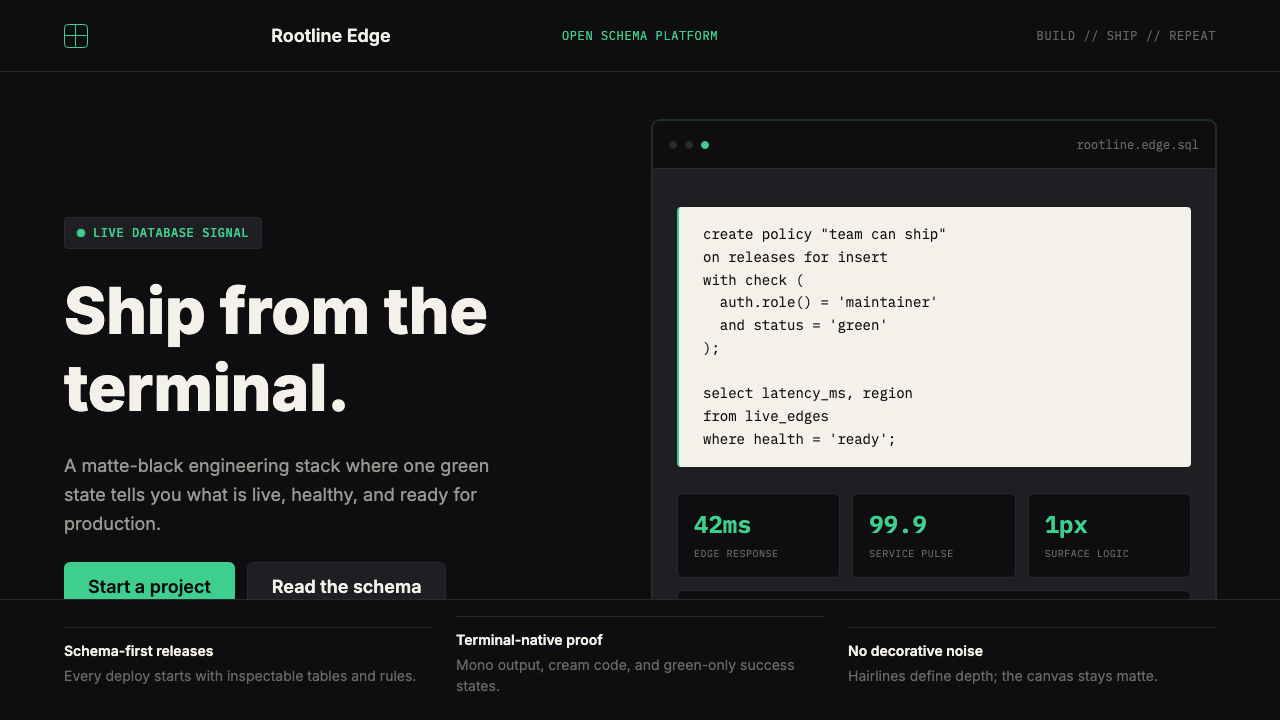 Supabase Postgres Green (2024)Midnight-terminal confidence. Matte black, Inter, mono code, and one electric…