What is Terminal Vim Dracula (2014)?
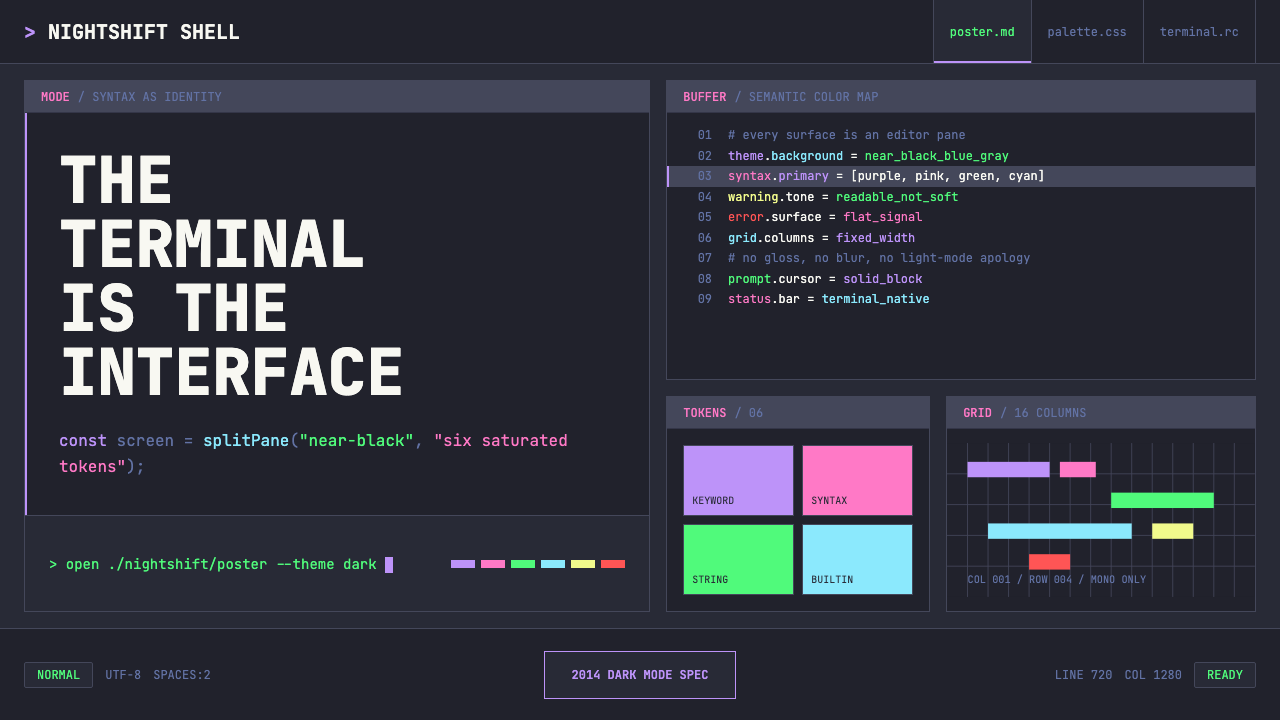
Dracula turned the developer's terminal into a design statement — six saturated syntax colors glowing against a near-black, slightly violet-shifted canvas that coders across every tool and platform adopted as their permanent night mode.
Terminal Vim Dracula (2014) in brief
Terminal Vim Dracula is a dark color scheme and design vocabulary that originated in 2014 when Brazilian developer Zeno Rocha released it as a Vim and terminal theme. Its visual identity rests on six saturated accent colors — purple, pink, green, cyan, orange, and yellow — hovering over a background that is neither pure black nor neutral dark gray, but a deep near-black carrying a subtle violet undertone. That particular background choice is the design's fingerprint: it prevents harshness while maintaining contrast, and it gives every foreground color a unified atmospheric quality.
The system treats the entire screen as an editor pane. Type is always monospaced, surfaces stack like split terminal panels, and color functions the way syntax highlighting does in code — not as decoration, but as a semantic signal. Purple marks keywords, green marks strings, pink marks function names, cyan marks constants, orange marks numbers, and yellow marks special tokens. This strict color-to-meaning mapping means the palette is never arbitrary; each hue carries a specific communicative role.
Dracula spread far beyond Vim: by the mid-2020s it had been officially ported to over three hundred applications, editors, and terminals, making it the most widely installed dark theme in the history of developer tooling. Its influence extended into the broader design culture of developer-facing products, where deep dark backgrounds, saturated neon accents, and monospaced type became conventions rather than novelties.

Where does Terminal Vim Dracula (2014) come from?
The theme emerged from a personal frustration. Zeno Rocha, a front-end developer based in São Paulo, Brazil, was dissatisfied with the available dark color schemes for Vim in 2013 and 2014. Existing dark themes tended toward either muddy, low-contrast palettes that strained the eyes after hours of reading code, or aggressively high-contrast schemes where pure white text on pure black backgrounds produced uncomfortable visual tension. Rocha wanted something between those poles — saturated and vivid enough to be pleasant, dark enough to reduce eye strain, and internally coherent enough to feel like an intentional visual system rather than a collection of arbitrary color choices.
He released the first version in 2014, initially targeting Vim and the iTerm2 terminal emulator. The name was a deliberate flourish — Dracula, with its gothic connotations of darkness and nocturnal life, suited a theme designed for developers who worked deep into the night. The aesthetic sensibility was already present in that first release: the violet-tinged dark background, the specific set of six accent colors, the commitment to keeping backgrounds recessive and letting foreground colors carry all communicative weight. What Rocha had intuited was that a dark theme could be a designed object, not merely a preference setting.
The theme's adoption accelerated dramatically in 2015 and 2016, when the open-source community began producing ports for editors and tools far beyond Vim — Sublime Text, Atom, Visual Studio Code, JetBrains IDEs, Xcode, iTerm, Hyper, and dozens of others. Each port preserved the core palette while adapting it to the host environment's syntax categories. By maintaining a clear specification of what each color meant semantically, Rocha ensured that the theme remained recognizable across wildly different host applications. This portability was itself a design achievement: most color schemes degrade or mutate across ports, but Dracula retained its identity.
In 2020, Rocha launched Dracula PRO, a commercial extension of the free theme that added refined variants, additional color roles, and UI components beyond the terminal and editor context. The move signaled a broader ambition: Dracula was no longer purely a syntax theme but a design system with commercial and lifestyle dimensions. The community that had formed around the theme — hundreds of contributors, fan art, merchandise, and a strong social media presence — reflected how the theme had become something closer to a subculture identity marker than a mere tool configuration. Terminal aesthetics had arrived as lifestyle.
What defines the Terminal Vim Dracula (2014) look?
Background and Atmosphere
The background is Dracula's most deliberate choice: a very deep tone that is not neutral black but carries a perceptible violet lean. This violet undertone creates atmospheric unity — every accent color is perceived against a background that shares a color family with the purple accent, producing a sense of coherence rather than arbitrary contrast. The result is a canvas that feels less like a void and more like a specific place: a well-lit room at night, dark but not hostile.
Six-Color Accent System
Where most color systems use two or three accent colors, Dracula deploys six: purple, pink, green, cyan, orange, and yellow. Each color originated in a semantic role within syntax highlighting — marking keywords, strings, functions, constants, numbers, and special tokens respectively. This one-to-one relationship between color and meaning is what prevents the palette from feeling chaotic. When applied outside code contexts, the six colors retain their identity as a coherent family because they are tuned to coexist against the specific background tone.
Monospace as Visual Grammar
Monospaced type is not merely a font choice in Dracula — it is the grammar of the entire visual system. When every character occupies the same horizontal space, layout becomes a coordinate grid: columns align perfectly, indentation becomes meaningful spatial structure, and the text block reads as architecture rather than prose. In design applications of the style, monospaced type communicates that the interface is precise, technical, and honest about its underlying structure. It is type that refuses to prettify itself.
Terminal Panel Composition
Dracula's spatial logic comes from the split-pane terminal. Surfaces are stacked and divided like editor windows — a slightly lighter dark panel sitting inside a darker outer frame, status bars running as solid horizontal bands at top or bottom, column structures that evoke file trees or buffer lists. This paneled architecture replaces the card, modal, and container conventions of mainstream UI design with something rawer and more modular. Space is divided rather than floated; elements sit in defined regions rather than casting shadows to imply elevation.
Semantic Color Logic
In Dracula, color is never purely aesthetic. Every accent hue entered the system with a function — marking a grammatical category in source code — and that functional origin disciplines how the colors should be used in any context. When applied to UI components, Dracula colors work best when they continue to carry consistent meaning: one color for interactive actions, another for success states, another for warnings. The system resists decoration because its colors remember their origins as communication tools, not paint.
Flat Darkness Without Void
Dracula is rigorously flat — no gradients, no soft shadows, no simulated depth through blurring. But its darkness does not feel empty or hostile, because the violet undertone and the calibrated saturation of its accent colors give the dark space warmth and atmosphere. This distinguishes it from both the austere darkness of purely neutral dark themes and the aggressive darkness of themes that maximize contrast without concern for prolonged readability. Dracula is designed to be lived in for hours at a time.
Powerline and Glyph Integration
Dracula was designed to work with Powerline — the terminal prompt extension that uses special glyphs to create arrow-shaped status bars and segmented information displays. These glyphs, rendered in the Dracula accent colors, become structural elements: they define boundaries between information zones and communicate the direction of reading. This glyph vocabulary, borrowed from terminal power-users, is part of what gives the style its recognizable technical character — it is a design language that requires knowledge of its own toolchain.

Who shaped Terminal Vim Dracula (2014)?
Rocha is the creator and primary steward of Dracula. A Brazilian front-end developer and technologist, he built the original theme in 2014 out of personal dissatisfaction with existing dark color schemes for Vim. His decision to open-source the theme and actively support community-contributed ports was the key factor in Dracula's extraordinary spread: by welcoming hundreds of contributors and maintaining a clear color specification, he enabled the theme to proliferate across every major developer tool while retaining a coherent identity. His subsequent launch of Dracula PRO in 2020 transformed the theme from an open-source utility into a commercial design system, demonstrating that a developer tool aesthetic could sustain a product and community of significant scale.
Sivers, founder of CD Baby and prolific technology writer, was among the early adopters and vocal advocates who gave Dracula credibility beyond the Vim-centric community. His adoption of the theme and references to it in writing helped extend its reach into a broader audience of developers and technologists who followed his work. The endorsement pattern he represents — respected practitioner adopts and names the theme publicly — was central to how Dracula built trust across communities that had no direct connection to the original Vim ecosystem.
Prakash, a policy researcher and open-knowledge advocate, represents the cross-disciplinary reach that Dracula achieved as it spread beyond pure software development contexts. His presence among key figures associated with the theme illustrates how a developer tool aesthetic can travel into adjacent communities of researchers, writers, and knowledge workers who adopted terminal-centric workflows and, with them, the visual culture those workflows carry. Dracula's influence among non-developer technologists was a significant part of its cultural footprint.
No single figure, but the hundreds of community contributors who built and maintained official ports for editors, terminals, and tools across the ecosystem deserve recognition as collective authors of Dracula's reach. Each port required understanding the semantic roles of the six accent colors well enough to map them correctly to the target application's syntax categories and UI states. The quality and consistency of these ports — many of which are meticulously maintained years after initial release — transformed a personal Vim theme into a cross-platform design standard.
How do you use Terminal Vim Dracula (2014) today?
Dracula is one of the few design styles rooted in developer tooling that translates coherently to slides, interfaces, and editorial contexts — but only when its internal logic is respected rather than superficially borrowed. The core rule is that the six accent colors must retain semantic consistency: each should mean something specific and should not appear interchangeably. When every accent appears on every element, the system collapses into decoration. When each accent occupies a defined role — one for primary actions, one for data highlights, one for warnings, one for navigational indicators — the palette earns its complexity.
For presentation slides, Dracula works especially well on covers and data-heavy content pages. A cover benefits from the depth of the near-black background: title text in the lightest neutral tone reads against the dark field with high contrast, while one accent color — purple or pink — appears as a single geometric accent or underline to anchor the hierarchy. Content slides should respect the monospaced grid logic: use a monospaced typeface for code samples or data labels, apply the semantic color assignments to charts and tables (green for positive values, orange for cautionary figures, red tones for critical states), and resist the temptation to use all six accents on a single slide. Data visualization in this style looks best when bar charts and line graphs are treated as terminal outputs — stark, high-contrast, labeled with monospaced annotations.
For web UI design, Dracula is ideally suited to dashboards, developer consoles, CLI-tool companion interfaces, and pricing pages targeting technical audiences. The approach: use the near-black violet-tinged background as the primary surface, establish a slightly lighter dark panel tone for card and sidebar backgrounds, and reserve the accent colors for interactive states, status indicators, and categorical differentiation in data. Navigation should be typographic and minimal — labels in a neutral light tone, with active state marked by a single accent highlight. Form elements and inputs look most coherent in this style when they have defined borders in a mid-dark tone rather than ghost or floating appearances. The Powerline-inspired segmented status bar is a natural header or footer treatment for technical dashboards.
For editorial and marketing work, the style functions as a signal of technical credibility and nocturnal energy. A Dracula-inspired landing page places the near-black background against full-width feature sections, with headlines in a large monospaced typeface and accent colors used sparingly for call-to-action elements, category labels, or data pull-quotes. The aesthetic resonates with developer tools, cybersecurity products, data platforms, and any product that wants to communicate precision and depth. Marketing emails in this style use the dark background throughout rather than alternating with light sections — consistency reinforces the sense of a complete designed environment rather than a borrowed palette.
A common mistake when applying Dracula is treating the six accent colors as an invitation to use all of them at once at full saturation. The colors coexist because they were tuned to do so against the specific background tone — but on a dense slide or a busy UI, they compete rather than harmonize. Effective Dracula application picks two or three accents as the working palette for a given context and holds the others in reserve for specific semantic duties. A second common error is substituting a pure black background for the violet-tinged near-black: the result loses the atmospheric warmth that distinguishes Dracula from generic dark mode and makes the accent colors read as harsh rather than vivid.

Terminal Vim Dracula (2014) — FAQ
Is Dracula appropriate outside developer and technical contexts?
It can work outside those contexts, but its signals travel with it. Dracula communicates precision, technical depth, and nocturnal seriousness. In creative industries, gaming, music, cybersecurity, and data-heavy media — where those associations are positive — the style translates well. In contexts where warmth, accessibility, or broad consumer appeal are priorities — retail, family products, healthcare, food — the style's darkness and technical vocabulary work against it. The question is always whether the product's audience will read the visual signals as credible and cool, or as alienating and opaque.
How does Dracula differ from other popular dark themes like Monokai or Solarized Dark?
Monokai, which predates Dracula and was the default theme for Sublime Text, uses a warmer dark background with more orange and yellow in its accent palette — it reads as vivid and energetic. Solarized Dark is a precision-calibrated scheme where every color relationship was mathematically defined to maintain constant perceptual contrast; it is cooler and more restrained, with muted accent tones rather than saturated ones. Dracula occupies a middle position: more saturated and vivid than Solarized Dark, more systematically purple-shifted and coherent than Monokai. Its particular combination of violet background undertone and high-saturation accents gives it a distinctly atmospheric quality that the other two lack.
Can Dracula be used effectively in a light-mode layout?
The honest answer is that a light-mode Dracula is not Dracula — it is a palette derived from Dracula. The six accent colors are tuned specifically to appear against the violet-tinged near-black background; on a light or white ground, they behave differently. Purple and pink may still work at high contrast, but green and cyan tend to read as muted against light backgrounds, and the overall atmospheric coherence that defines the Dracula experience dissolves. If the goal is to use the color family in a light context, treat it as a separate design problem: select which two or three of the six translate cleanly, adjust saturation for light-ground readability, and do not claim the result as Dracula.
Why is monospaced type so central to the Dracula aesthetic, and is it mandatory?
Monospaced type is central because the entire design system originates in the terminal and the code editor — environments where monospaced type is not a stylistic choice but a functional requirement. Every structural decision in Dracula flows from this origin: the column-based layout logic, the way information is annotated rather than typeset, the sense that content is being output rather than composed. Monospaced type in Dracula contexts signals technical authenticity. That said, it is not mandatory for every element in every application. Proportional type can appear in body copy or long-form content while monospaced type anchors code references, data labels, and UI controls — this combination acknowledges the origin while remaining readable at length.
What makes Dracula feel different from generic dark mode, and how do you avoid a generic result?
Generic dark mode typically means a neutral near-black or dark gray background paired with white or light gray text, with blue as the single interactive accent. Dracula differs in three specific ways: the violet undertone in the background creates atmospheric warmth; the six-color accent system creates categorical richness; and the monospaced typographic convention creates a sense of technical grammar. To avoid a generic result, the violet undertone must be present — pure black or neutral dark gray destroys the effect. At least two accent colors should be actively used, with semantic roles assigned to each. And monospaced type, even if limited to specific elements, should appear somewhere to anchor the terminal-origin signal.
Related design styles
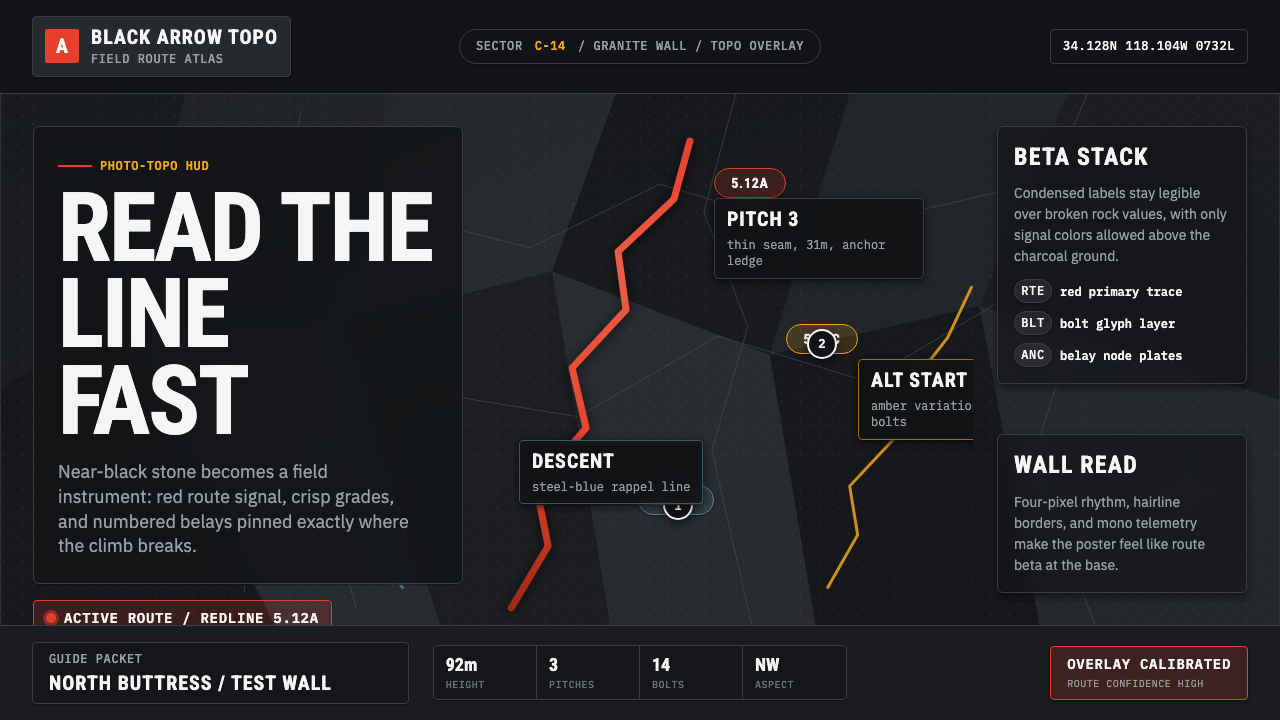 Climbing Topo GuideBeta at a glance. Red route telemetry cuts across near-black stone and conden…
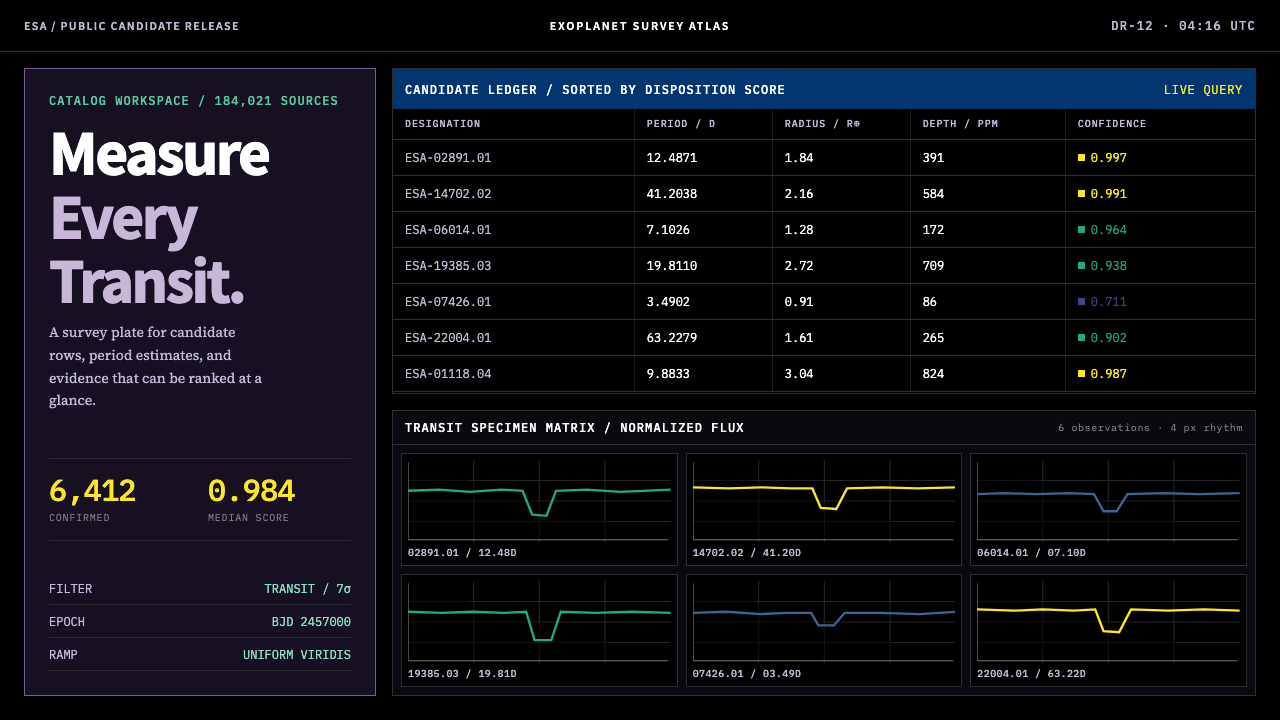 Exoplanet Survey AtlasNumbers stay legible at survey scale. Viridis ranks dense mono tables and tra…
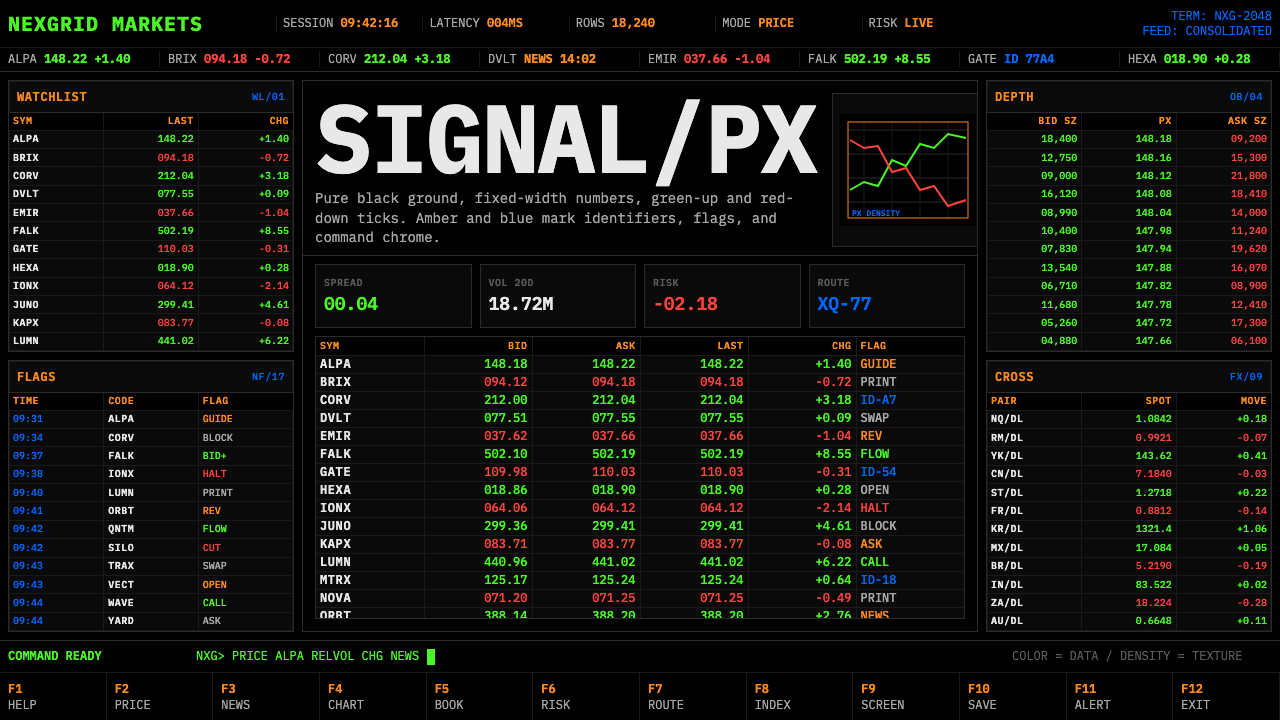 Financial Terminal MonoMaximum signal per pixel. Pure black, IBM Plex Mono, green-red ticks, amber-b…
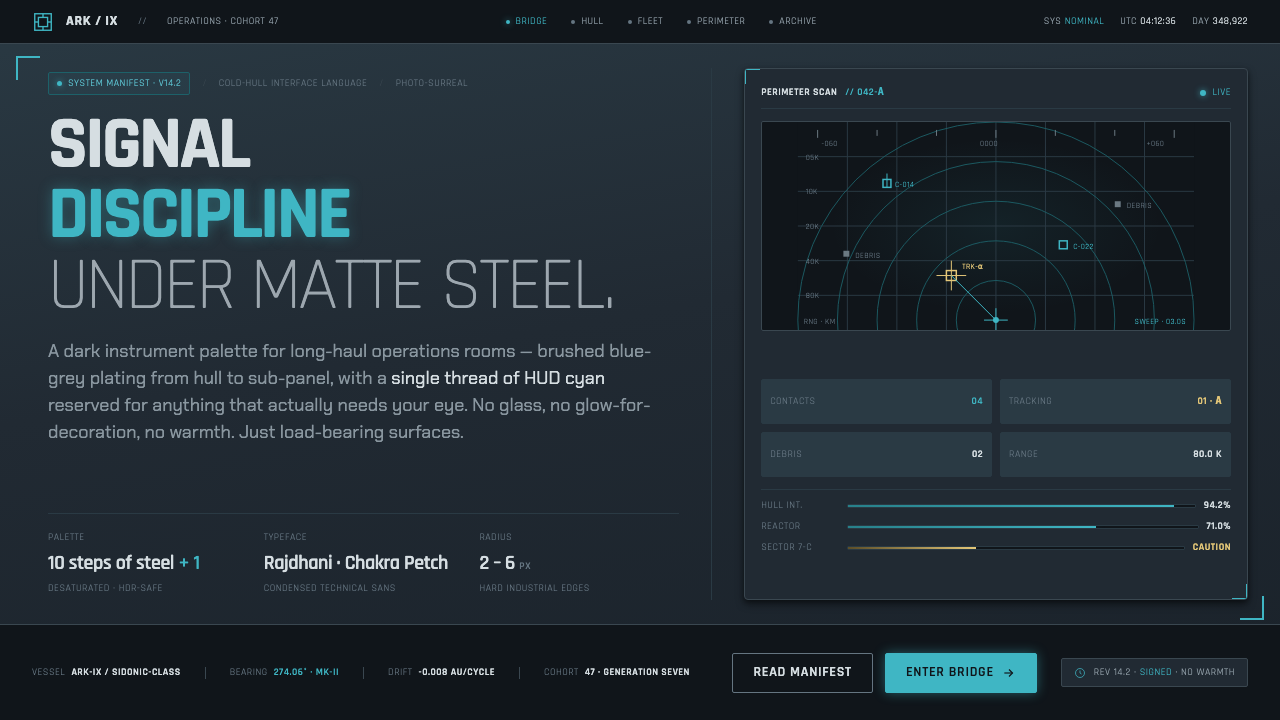 Knights of SidoniaSignal discipline under matte steel. Blue-grey hull, condensed Rajdhani, one…
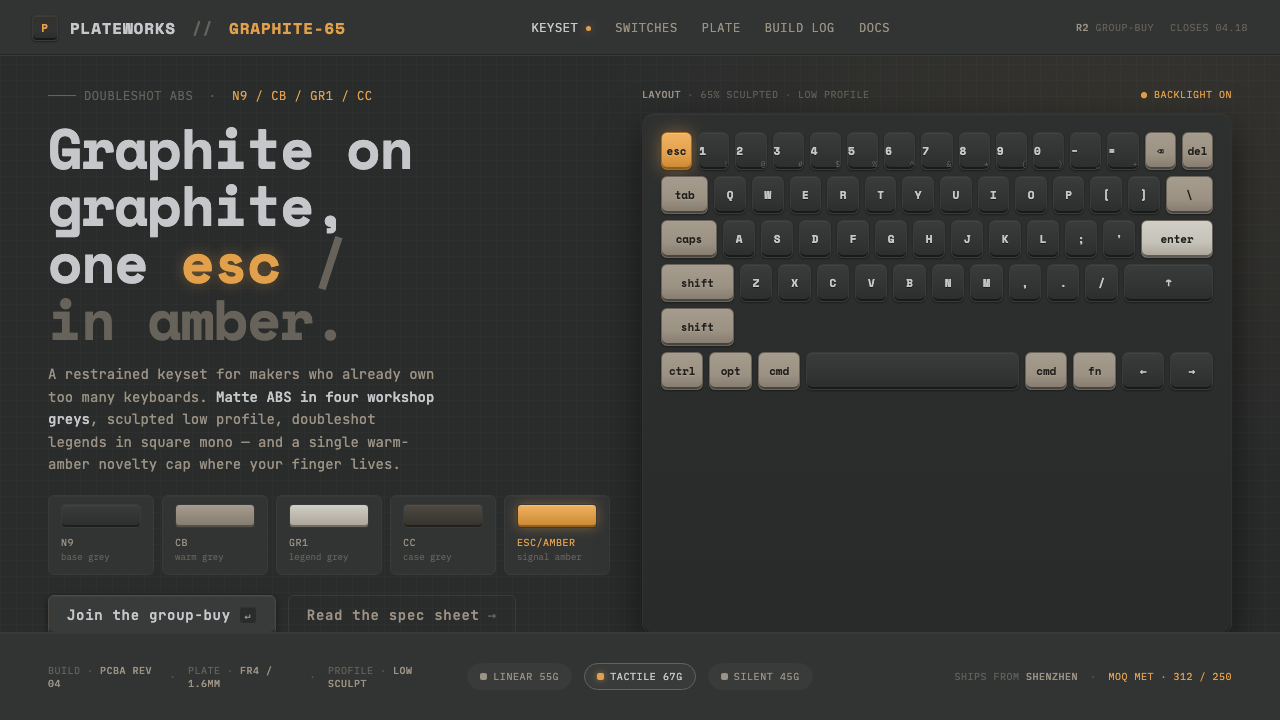 Mechanical KeyboardGraphite on graphite, one key in amber. Doubleshot ABS in GMK greys with mono…
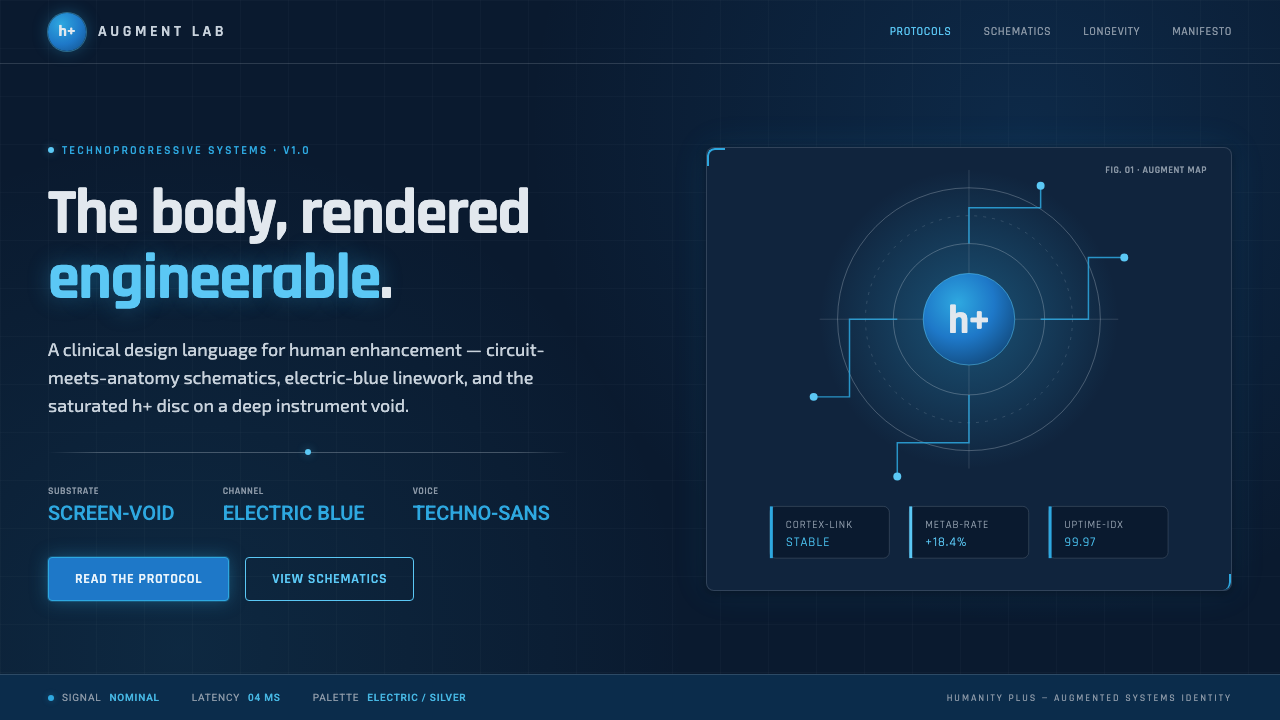 Transhumanism (H+)The body, rendered engineerable. Electric-blue circuit-anatomy schematics and…