What is SCADA Grid Wallboard?
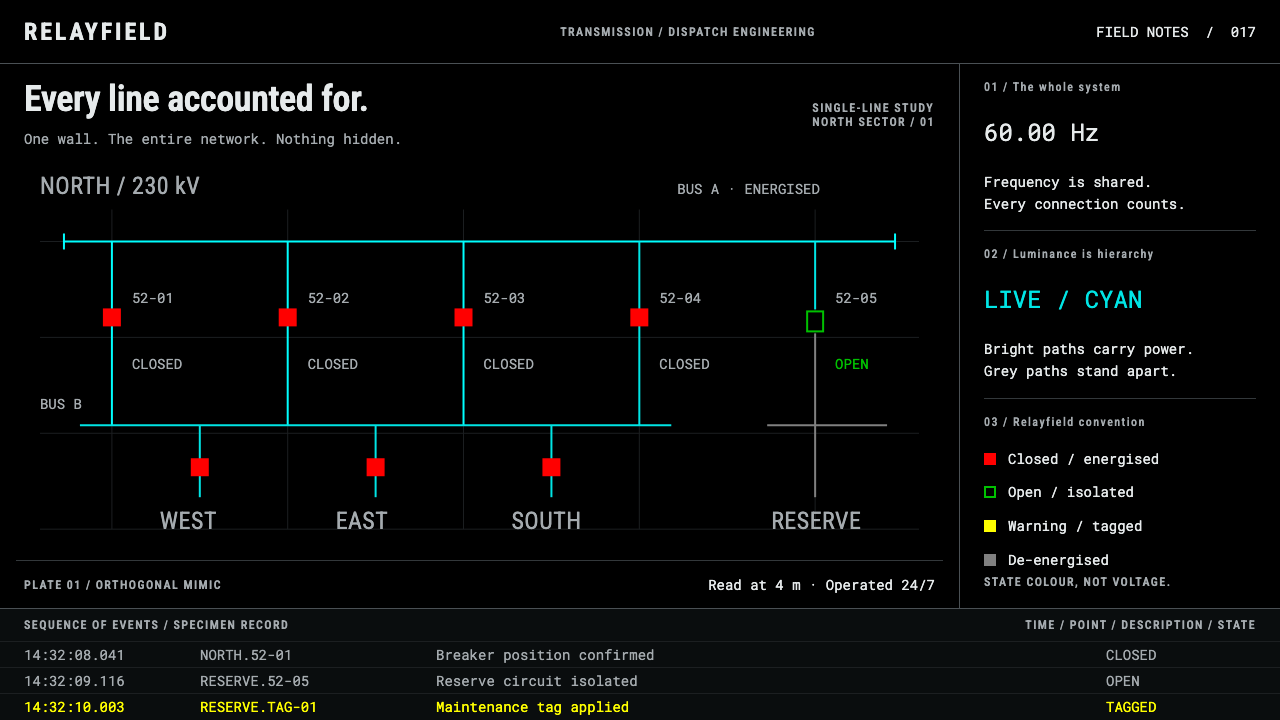
The SCADA wallboard is what a power grid looks like to the people who run it — saturated strokes on pure black, colour used strictly as state, and nothing hidden behind a hover.
SCADA Grid Wallboard in brief
The SCADA Grid Wallboard is a design system drawn from the video wall of a utility dispatch centre. A single-line mimic — buses, breakers and transmission lines drawn as a one-line diagram — fills the wall in saturated strokes on black. Beside it, frequency and system load trend as curves. Underneath, a fixed-column alarm list scrolls. The result is one of the least decorative visual languages in any working interface: every mark on the screen is a piece of equipment, a measurement or an event.
The organising idea is that colour is state, not decoration. Closed breakers are red, open breakers are green, warnings are yellow, and de-energised plant is grey, while cyan buses carry the network across the black. Red here means live, following a North American breaker convention that is the reverse of what web designers expect, where red means error or stop. Take the colours away and the picture falls apart; add colours the plant does not have and the picture lies.
It is a deliberately unfashionable reference. The wallboard is the legacy convention that high-performance HMI reformers argue against, and the system keeps it as built rather than correcting it: a console that is lit around the clock and read across a room by people who already know what every stroke means. Nothing hides behind hover, nothing softens into a card, nothing is rounded or frosted. As a design language it is dense, literal and instantly legible to its audience, and gently hostile to everyone else.

Where does SCADA Grid Wallboard come from?
SCADA, supervisory control and data acquisition, and its close relative the energy management system are the software layers that let operators watch and switch an electrical grid from a distance. The system gives its era as roughly 1990 to 2020, and its visual lineage runs back through CRT-era mimic boards and sixteen-colour graphics consoles. Before screens, a mimic board was a panel with the network laid out on it; the first graphic consoles replaced the panel with coloured symbols on a monitor, and the drawing habits survived the change of medium.
Three practices feed it. The first is SCADA and energy-management engineering itself: telemetry, alarms and remote control. The second is single-line diagram drafting, the long-standing convention of drawing a three-phase network as one line per circuit, with standard symbols for breakers and buses, which is why the picture is built from right angles and plain squares. The third is control-room human factors, the study of how operators scan screens for hours, respond to alarms and avoid mistakes. Together they produced a picture where the geometry belongs to the draughtsman and the colour belongs to the operator.
Where the style is used matters as much as where it came from. Transmission and distribution control rooms worldwide run displays of this kind, and the breaker colour mapping in this system is the North American one. Other regions can assign the same states different colours, and some operators prefer the opposite mapping. That is part of why the system insists on the artefact as built: red-closed, green-open is a regional convention, not a universal truth, and the system holds it as a historically accurate position.
The criticism is part of the story. Reformers in the high-performance HMI movement argue, broadly, that saturated colour on black tires operators and hides what matters: that calmer backgrounds with colour reserved for abnormal conditions help people notice problems sooner. Whether or not you accept that argument, it is useful context. The wallboard in this system is exactly the thing they were arguing against, preserved on purpose. It shows how a mature, high-stakes interface looked when colour was assigned freely to every state, and it is valuable precisely because it is so unfashionable.
What defines the SCADA Grid Wallboard look?
Colour Is State
Each colour means one thing. Closed breakers are red, open breakers are green, warnings are yellow and de-energised plant is grey, with cyan buses carrying the network against black. Colour is never used to make the screen look lively; if a hue appears, a piece of plant is in that state. The palette is a legend that happens to be a picture.
Single-Line Mimic
The network is drawn as a single-line diagram: buses, breakers and transmission lines as saturated strokes that run only at right angles. Equipment symbols are plain geometry, with breakers as squares. The mimic is a map of the physical grid, not an illustration of it, which is why it can be read by people who know the plant and ignored by those who do not.
Pure Black Ground
The wall sits on pure black with no texture, vignette or panel chrome. Saturated strokes separate from the ground by contrast alone, so a colour change is visible from far away. Black is the reference field against which every state is read, and it is never lightened to make the screen friendlier.
Trend Panels
Frequency and system load trend beside the diagram as plain traces on black. They are there to be glanced at, not studied: a line leaving its usual path is the message. Labelling is minimal, and the display is composed to be read from across the room rather than from arm's length.
Fixed-Column Alarm Log
Under the diagram, the alarm list scrolls through columns that never move. Operators learn where to look, so a new line is found by position as much as by reading. The list is terse and tabular, with events arriving in sequence rather than being grouped, summarised or tucked into a drawer.
Everything Visible
Nothing hides behind hover, no panel collapses, and no state needs a tooltip to be understood. The wall is permanent and dense because the people reading it must take in the state of a grid at a glance, around the clock. Density is treated as a feature of the medium, not a flaw to be redesigned away.
Hard, Unsoftened Surfaces
There are no rounded cards, no frosted glass, no shadows and no gradients. Elements are lines and flat fills with square corners. The visual language says that this is an instrument, not a product page, and that its authority comes from accuracy rather than polish.

Who shaped SCADA Grid Wallboard?
Olsen is the name this system's research lists as a key figure for the SCADA and control-room tradition it draws on. The conventions on the wall, mimic diagrams, state colours and alarm lists, are the shared inheritance of many engineers rather than the invention of one person, so he is best read as a pointer into that literature, and this article attributes no specific design to him.
This is the software layer that gathers telemetry from substations and lets operators open or close equipment remotely. It supplies the vocabulary of the screen: buses, breakers, analogue values, alarms. Every element on the wall exists because an operator needs to see it or act on it.
Engineers have long drawn a power network as one line per circuit, with standard symbols for breakers and buses. The practice explains why the wall is built from right angles and plain squares and why it reads as a technical drawing rather than an illustration.
This is the research on how operators watch screens for hours, notice abnormal conditions and avoid errors. It explains the fixed positions, the permanent state colours and the refusal to hide information. It is also the field from which criticism of this style comes.
The reform movement in operator interface design argues against the saturated, colourful wallboard, broadly in favour of calmer backgrounds and colour reserved for abnormal conditions. They are the opposing voice in this system's own introduction, and the contrast is the reason the legacy style is preserved as built.
How do you use SCADA Grid Wallboard today?
The SCADA wallboard is a specialist style, strongest where state is the content. It works when the audience is already fluent in the vocabulary and when the set of statuses is small, fixed and important. The first decision is the legend: decide what each colour means, write it down, and never use those colours for anything else.
For slides, a cover is a pure black field with a minimal single-line diagram motif and a plainly set title. Content slides can borrow the three zones of the wall, a diagram area, a trend area and a log strip along the bottom, so that every slide has a fixed layout the audience learns once. Data slides favour line traces and numeric readouts; avoid pie charts and decorative infographics. A state key belongs on any slide that uses colour.
For web interfaces the style is made for dashboards: status pages, observability and network operations screens, device fleets, incident rooms and any console that is left open all day. Use fixed columns, persistent status indicators and tables that do not reflow. For pricing or plan comparisons, borrow only the discipline of the table, with fixed columns and fixed positions, and define each state colour explicitly so nobody reads red as an error when the legend says live.
In editorial and marketing work the style fits industrial, energy and infrastructure brands, technical white papers, case studies and reliability reports. A real or schematic screen in the hero says seriousness faster than any slogan. Copy should be terse and factual; the style punishes boasting. Use it sparingly in consumer settings, where its density and lack of softness read as a deliberate choice, not as a default.
The common mistakes are about meaning. Importing the web habit that red is bad and green is good contradicts the red-for-live mapping the system is built on, so state the mapping or change it consciously. Using the saturated colours decoratively destroys the point of the system. Hiding detail behind hover, rounding corners or adding glow turns an instrument back into a product page. And relying on colour alone leaves some viewers behind: pair each state with a label or a shape, and keep the positions fixed.

SCADA Grid Wallboard — FAQ
Why is red closed and green open, when red usually means danger on the web?
The system follows a North American breaker colour convention in which red means closed and energised, and green means open. It is a regional convention, not a universal rule, and it runs opposite to the web habit. If your audience is not control-room staff, state the mapping on the screen, or consider whether you want the style's palette without its meanings.
Reformers criticise this look. Why build a design system on it?
Because the wallboard is a real artefact with its own logic, and the system preserves it as built. The criticism is useful context: it tells you where the style trades comfort for speed of recognition. Use it where the audience knows the vocabulary and the density helps, and choose a calmer system where it does not.
Can I use it outside the energy sector?
Yes, wherever state is the content: network operations, logistics, fleet and device monitoring, industrial dashboards, incident consoles. It also works as an aesthetic for technical brands that want to show seriousness. The condition is the same everywhere: assign each colour a single meaning and keep it.
Does it have a light-mode version?
The theme is classified as dark, and the black ground is central to how the saturated strokes work, because contrast alone separates them from the field. A light variant is possible in principle, but it would need its own colour decisions rather than a simple inversion. The state-colour discipline travels better than the black field does.
How should I handle colour-blind users when red and green are the main states?
Never let colour carry a state alone. Pair each state with a text label, a different shape or a fixed position, so the meaning survives without hue. The system's habit of fixed positions and permanent legends helps: the viewer learns where a breaker lives and what it says, whatever colour it shows.
Related design styles
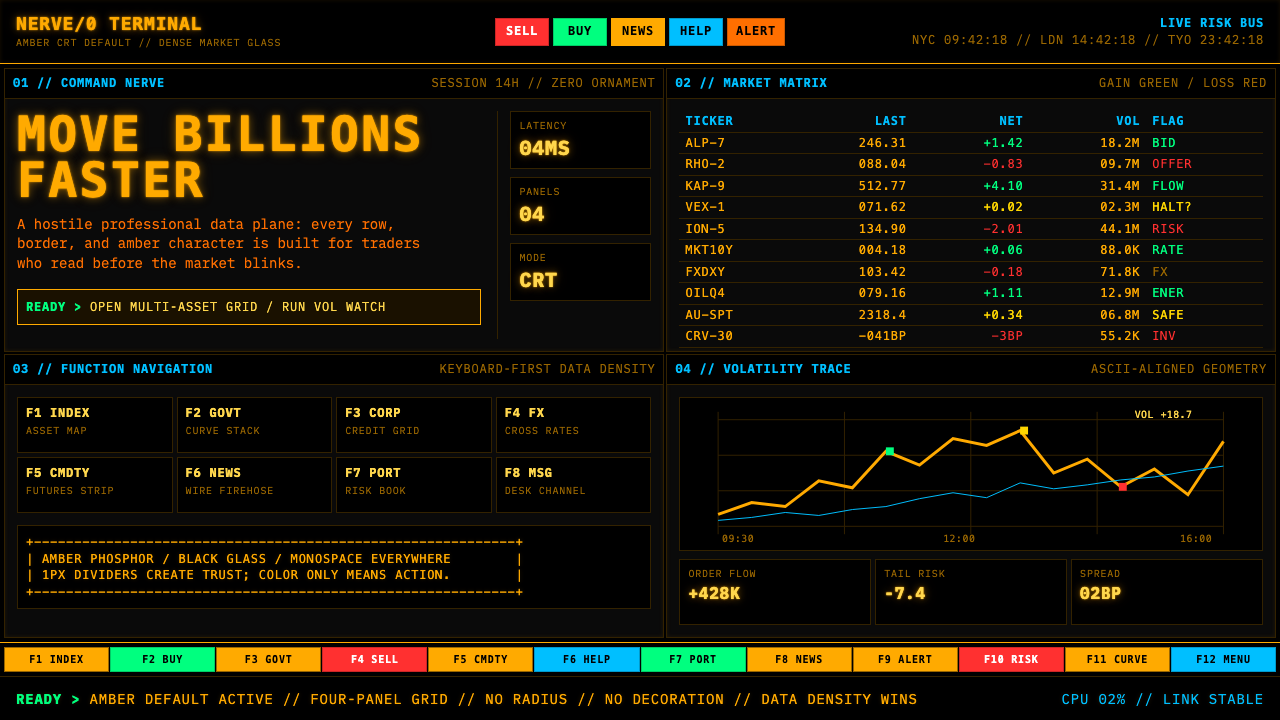 Bloomberg Terminal (Amber CRT)Hostile data authority. Amber mono grids and four hard panels make black glas…
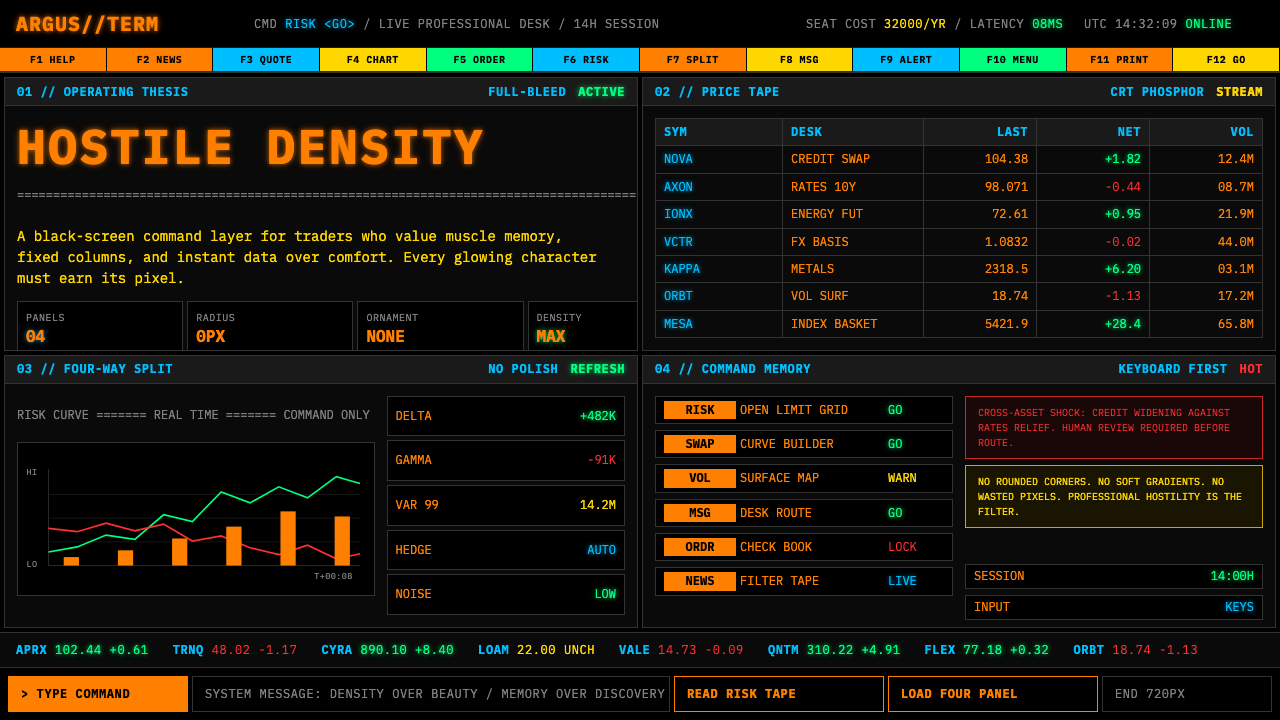 Bloomberg Terminal (CRT Green)Hostile density wins. Orange CRT mono, black grids, and four-panel data walls.
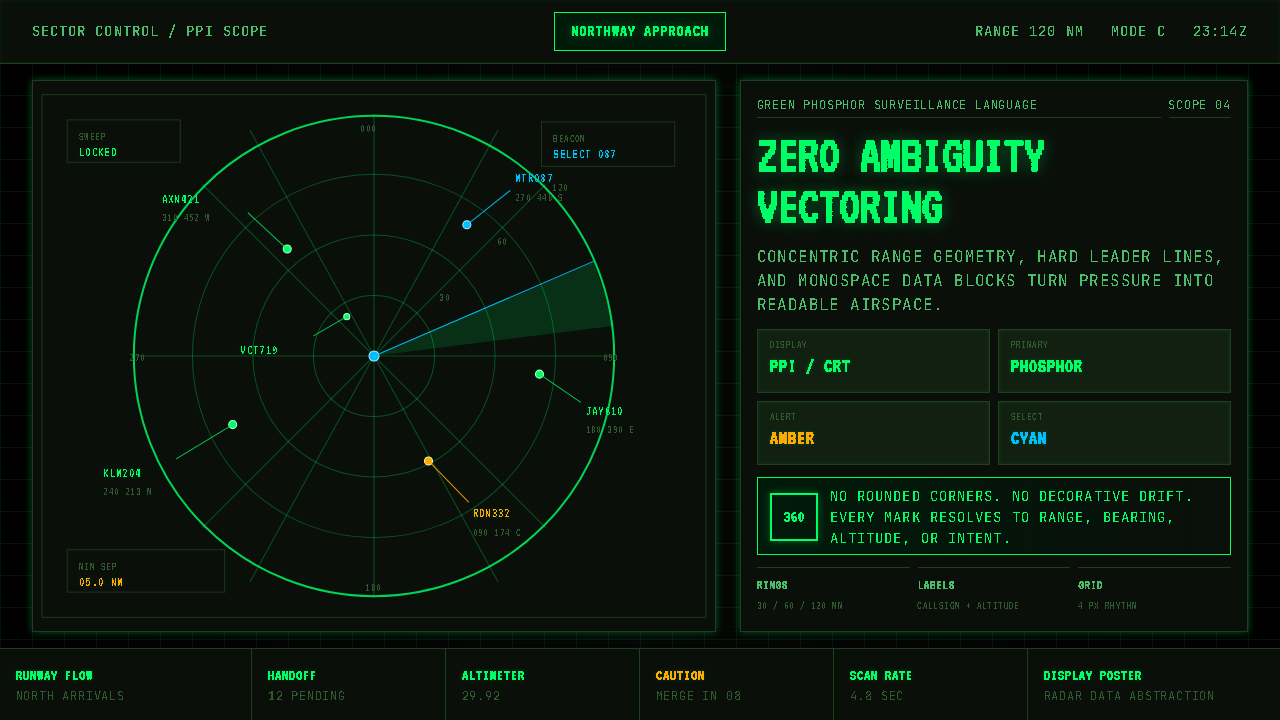 Air Traffic Control RadarOperational gravity. Phosphor green rings, sweep wedges, and monospace blips…
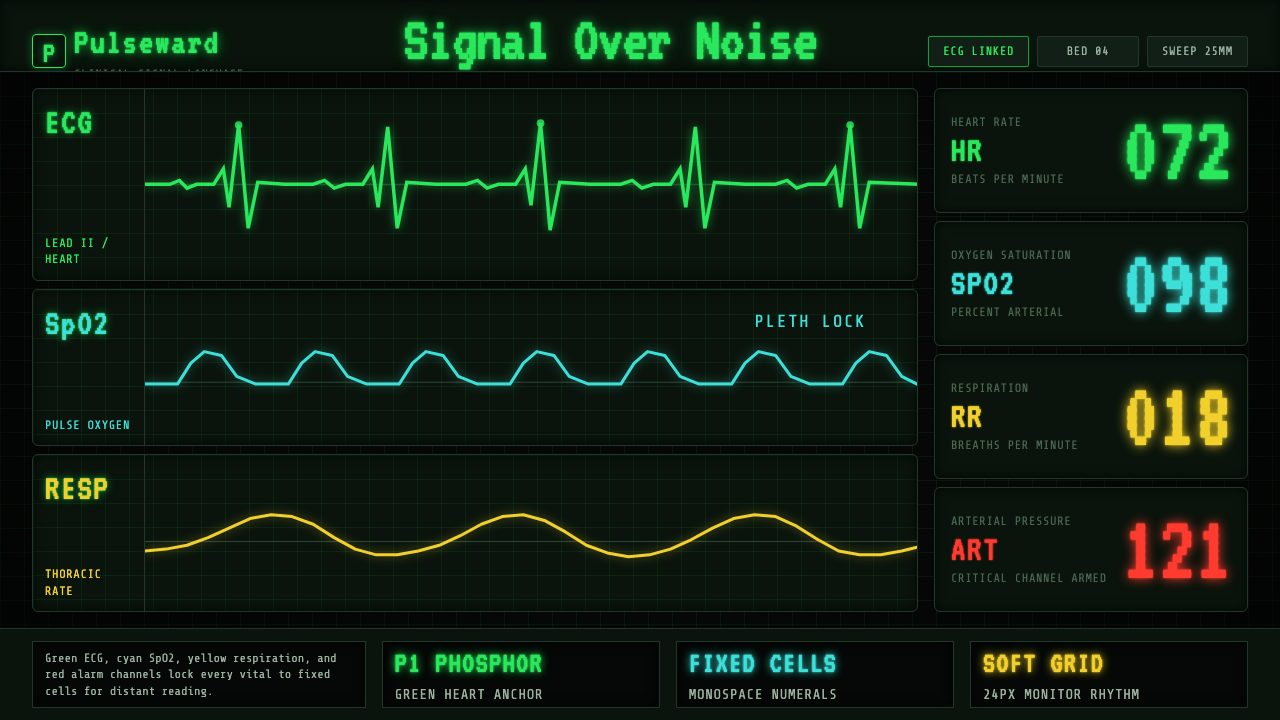 EKG Vital MonitorClinical clarity glows. Phosphor ECG green, cyan and yellow channels lock to…
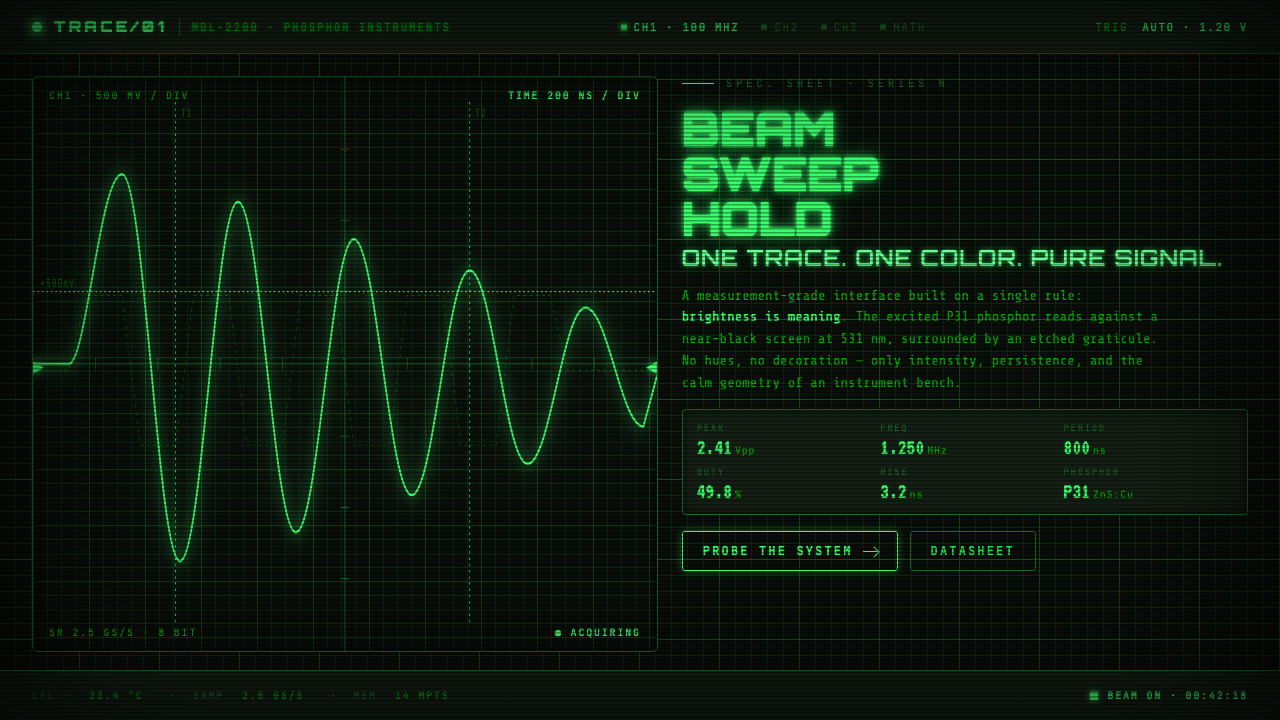 Oscilloscope WaveformBrightness is meaning. One P31 phosphor trace glowing across an etched gratic…
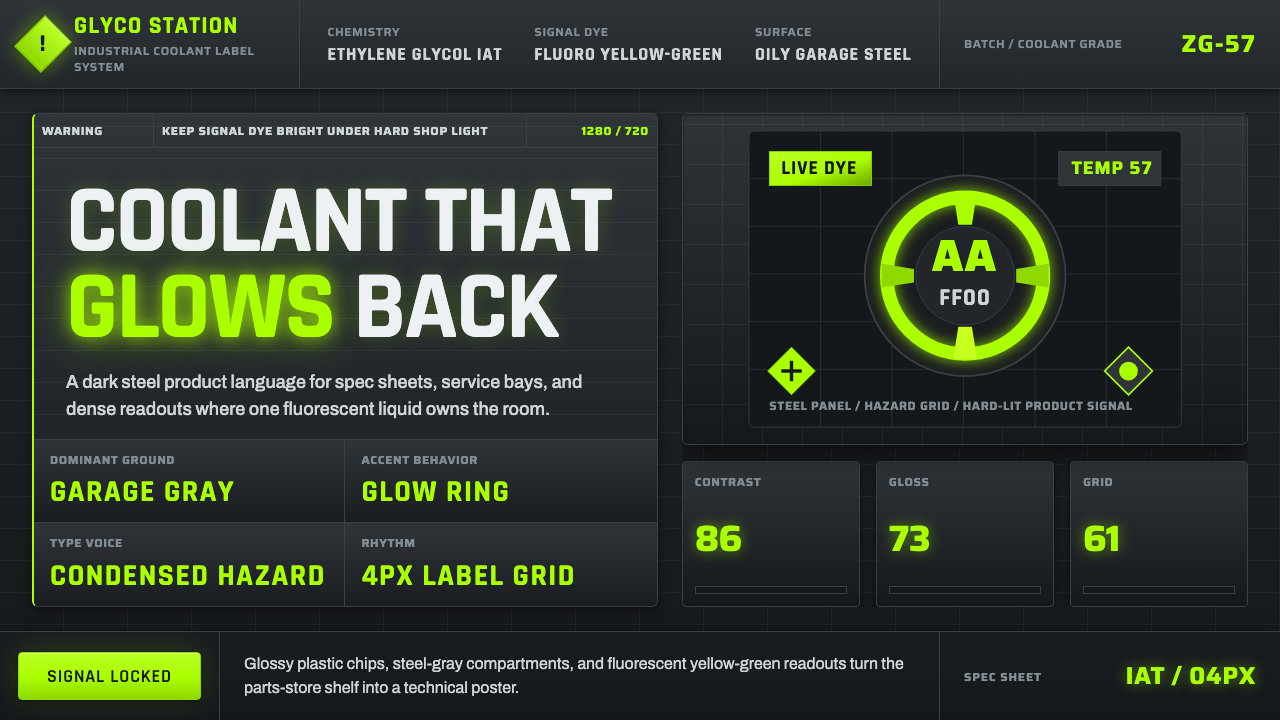 Fluorescent Antifreeze GreenCoolant becomes hazard signal. Fluoro green burns through steel-gray label gr…