What is Raycast 2024?
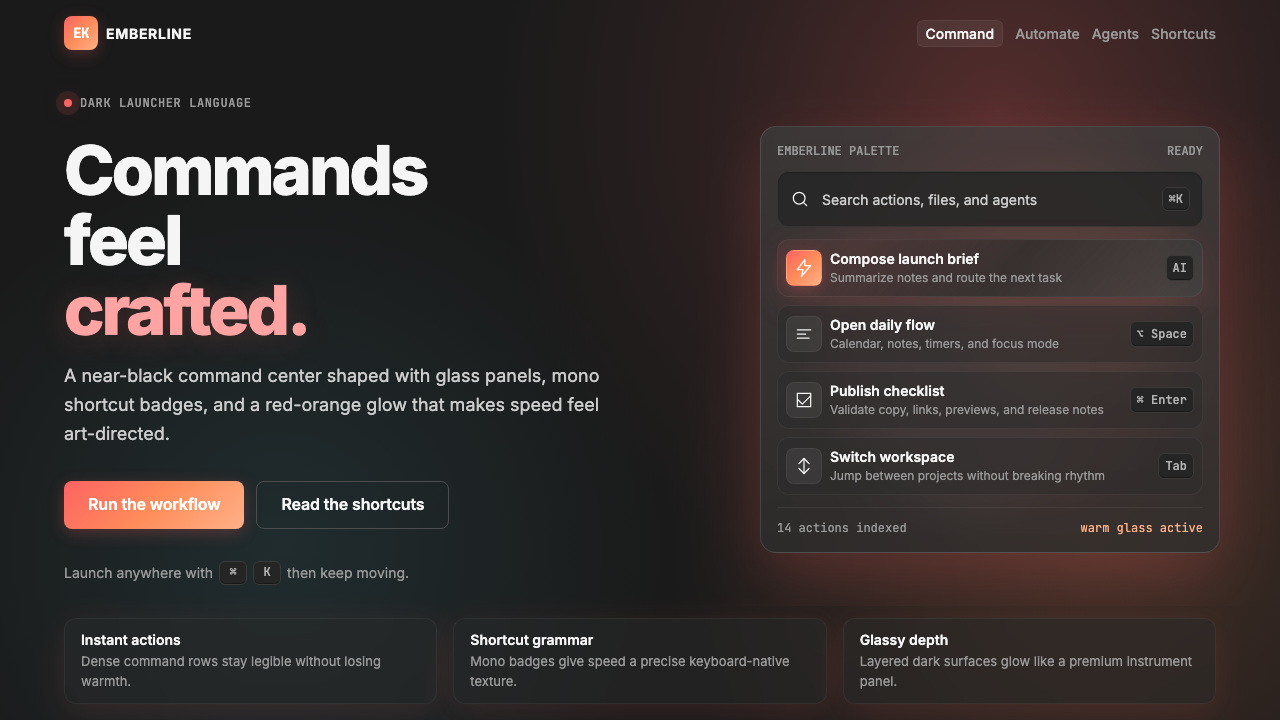
Raycast turned the humble command palette into a full design language — dark surfaces, red-orange glow, and micro-interactions so polished they make productivity feel like craft.
Raycast 2024 in brief
Raycast 2024 is the visual design language developed by and for Raycast, the Mac launcher application that reframed how a command-palette interface could look and feel. Where most productivity tools treat visual design as an afterthought subordinate to function, Raycast inverted that hierarchy: every surface, every motion, and every typographic detail was given the same level of attention one might expect from a premium consumer product. The result is a dark-mode-first aesthetic that feels simultaneously precise and warm.
The style is built on a near-black base — not pure black, but a deeply saturated dark tone that absorbs light rather than reflecting it — against which a signature red-orange accent glows with deliberate luminosity. This accent is not applied uniformly as a flat tint; it radiates, blooms, and fades across surfaces in a way that suggests an internal light source. Multi-stop gradients layer warmth over cool darkness, and the interplay between these two temperatures gives the interface a sense of depth that no flat two-tone system can achieve.
Beyond color, Raycast 2024 is distinguished by its treatment of glass-like card surfaces, monospaced keyboard shortcut badges, and interaction states so considered that hovering over a list item or pressing a key feels like operating a precision instrument. The style has influenced a generation of developer tools, productivity applications, and dark-mode product interfaces, demonstrating that a utility can have a point of view without sacrificing clarity or speed.

Where does Raycast 2024 come from?
Raycast launched in 2020 as a Mac productivity application aimed at power users — developers, designers, and knowledge workers who had outgrown Apple's built-in Spotlight launcher. The founding team, based in London and working across a distributed remote organization, built the product around a command-palette interaction model: a single floating window, invoked by a keyboard shortcut, through which any action on the computer could be routed. The early versions were functional but visually conservative, resembling many other developer-adjacent tools of the era.
The visual identity that the world now recognizes as Raycast's began crystallizing around 2022 and reached its definitive expression through 2023 and 2024. The design was shaped by a small, opinionated team that included Thomas Paul Mann, Petr Nikolas Halicki, and Marc Bos — designers who shared an ambition to prove that productivity software did not have to look utilitarian. Influenced by the broader movement of Mac power-user tools and Spotlight successors that emerged after macOS Catalina, as well as by the accelerating integration of AI-augmented workflows into everyday computing, the team developed an aesthetic language that could absorb rapid feature growth without losing coherence.
The rise of dark mode as a mainstream interface preference, accelerated by Apple's systemwide dark mode support introduced in macOS Mojave in 2018, created the cultural and technical context in which the Raycast aesthetic could emerge. Dark mode had by 2022 moved from novelty to expectation for developer tools and terminal applications. Raycast's contribution was to refuse the flat, utilitarian approach to dark interfaces that characterized most of its peers, and instead to invest in light — in glow, gradient, luminosity — as an expressive tool rather than a liability.
By 2024, Raycast had expanded from a launcher into a platform for extensions, AI integration, and team workflows. The design language evolved in parallel, absorbing new component patterns — floating panels, contextual overlays, rich list items with metadata — while maintaining the visual consistency established by its core palette and surface treatments. The aesthetic became influential far beyond the application itself: its glass-card components, glowing accents, and monospaced badge vocabulary were widely adopted or cited as reference by other dark-mode product teams, particularly in the developer tools and productivity software spaces.
What defines the Raycast 2024 look?
Near-Black Ground
The foundation of the Raycast palette is not pure black but a deeply saturated dark tone with a slight chromatic warmth — closer to a very dark neutral than to the flat black of a terminal window. This subtle distinction matters: pure black creates harsh, optically flat surfaces, while the Raycast ground has just enough depth to make foreground elements feel elevated rather than simply overlaid. The darkness is consistent across UI layers, unified by slight tonal shifts rather than dramatic value jumps.
Red-Orange Glow Accent
The signature element of the style is a red-orange accent that does not behave like a conventional flat color. It is applied with a luminous quality — blooming outward from focused elements, glowing along selected states, radiating through gradient stops — so that it reads as light emanating from within the interface rather than paint applied to its surface. This glow treatment gives interactive states an almost tactile quality: an active item does not merely change color, it appears to activate. The warmth of the red-orange sits in deliberate tension with the cool darkness of the ground, and it is this tension that generates the style's characteristic visual energy.
Multi-Stop Gradient Depth
Raycast 2024 uses gradients not as decoration but as a primary tool for conveying dimensionality on dark surfaces. These are not simple two-stop transitions but carefully staged multi-stop gradients that modulate color temperature, saturation, and luminosity across a surface. A background panel might shift from a very dark warm-neutral at its edges to a slightly lighter, more chromatically alive center. Card surfaces carry their own gradient logic, distinct from but harmonious with the ground beneath them. The effect reads as atmospheric depth — as if the interface exists in a space with ambient light rather than on a flat screen.
Glass-Like Card Surfaces
Content containers in the Raycast style have the visual properties of frosted or lightly smoked glass: they are semi-distinct from the ground beneath them, with a surface that suggests both transparency and material presence. This effect is achieved through subtle tonal lightening, delicate inner-edge highlights, and carefully calibrated border treatments — not through literal transparency, but through the impression of it. The glass card vocabulary allows layered information to feel organized and contained without resorting to heavy or opaque dividers. When cards are interactive, their surface state shifts in response — deepening, lightening, or glowing — with a continuity that makes the UI feel physically coherent.
Monospaced Keyboard Badge Typography
Keyboard shortcut indicators in the Raycast system are rendered in monospaced letterforms inside compact, pill-shaped or rectangular badges with controlled visual weight. The use of monospaced type for these elements is not arbitrary: it references the vocabulary of terminals and code, signaling to developer and power-user audiences that the interface is precise and programmable. The badges are sized to be legible at a glance without competing with adjacent content labels — they occupy a distinct visual register that makes the keyboard-first interaction model legible at the UI level.
Obsessive Micro-Interaction Polish
What distinguishes Raycast 2024 from dark interfaces that merely adopt its palette is the quality of its motion and state-change behavior. Hover states are not simple color swaps but transitions with precise timing and easing that feel responsive without feeling mechanical. Selected states carry their own glow logic. Focus rings are calibrated to be visible without being distracting. Loading states and transitions are brief enough to feel fast and considered enough to feel crafted. This level of interaction polish is expensive to produce and expensive to maintain — it signals that the team treats the interface as a product in its own right rather than as a container for features.
Controlled Information Density
Raycast interfaces are dense by necessity — command palettes surface many options simultaneously — but the density is managed through a rigorous visual hierarchy rather than spatial expansion. List items carry structured metadata in a way that reads at multiple distances: the primary label is always dominant, secondary information recedes visually through size and opacity, and tertiary elements like keyboard badges occupy their own consistent position in the row layout. This controlled density lets power users process large amounts of information quickly while maintaining an aesthetic that feels composed rather than cluttered.

Who shaped Raycast 2024?
A core member of the Raycast design team, Thomas Paul Mann contributed to defining the visual language that distinguishes Raycast from its productivity tool peers. His work on the interface system helped establish the principles that govern how the near-black ground, glowing accents, and glass card surfaces interact — ensuring that the language remained coherent as the product expanded from a simple launcher into a multi-feature platform with extensions, AI integration, and team collaboration capabilities.
Petr Nikolas Halicki contributed to the design identity that made Raycast recognizable as a brand rather than merely a utility. His work spanned interface components and the broader visual communication of the Raycast product — including the marketing surfaces, motion language, and component systems that carry the red-orange glow and glass-card vocabulary into every touchpoint. His participation helped ensure that the design language translated from the application itself into the wider ecosystem of extensions and community work.
Marc Bos was part of the design team that shaped the Raycast visual identity during its defining period. His contributions to the product's aesthetic helped establish the micro-interaction standards and component-level polish that distinguish Raycast interfaces from superficially similar dark-mode tools. The attention to interaction state detail — how a hover responds, how a selection activates, how a badge renders at different sizes — reflects the kind of systematic design thinking that his work represented.
The Raycast extension ecosystem — a community of thousands of developers building extensions for the platform — played an indirect but significant role in the evolution and propagation of the Raycast design language. Extensions must conform to the Raycast component system, which means the visual vocabulary of near-black grounds, glass cards, and monospaced badges is reproduced across thousands of third-party integrations. This community-driven reproduction acted as both validation and amplification of the design language, making it one of the most widely encountered dark-mode interface systems in the developer tool ecosystem.
How do you use Raycast 2024 today?
Applying the Raycast 2024 aesthetic to presentation slides requires understanding that the style was born from a floating UI window — compact, layered, and precise — rather than from the broad canvas of a slide deck. A cover slide works best when it commits to the near-black ground fully, uses the red-orange accent as a single focal glow rather than a uniform fill, and sets the title in a clean, geometric sans-serif at high contrast against the dark field. The glow should feel like it emanates from behind or around the type, not from the text itself. Avoid placing the accent at full saturation across a large area; its power comes from restraint and concentration.
For slide content pages, adopt the glass-card vocabulary: frame each major content block — a bullet cluster, a diagram, a code snippet — inside a card surface that reads as slightly elevated from the dark ground. Maintain consistent spacing between cards so the grid breathes. Data visualizations translate naturally into the style: chart bars and data points should carry the warm accent at their active or highlighted state, while inactive or comparative elements recede into cooler, lower-opacity tones. Labels and axis values rendered in monospaced type reinforce the analytical, precise character of the language. The keyboard badge motif can be repurposed for callouts, footnotes, or category tags — anywhere a compact, legible label anchors secondary information.
For web interfaces — dashboards, pricing pages, developer documentation, and tool landing pages — the Raycast language is especially effective because it speaks directly to the audience most likely to use those products. A dashboard built in this style should use the near-black ground as the base for the full viewport, card surfaces for data modules, and the red-orange accent reserved for primary metrics, active states, and calls to action. Navigation should be typographic and restrained, with monospaced or geometric sans-serif labels and minimal iconography. Pricing pages benefit from the style's ability to create clear tier differentiation: a featured plan can carry a glass card with a subtle glow accent while standard plans recede into quieter, less luminous surfaces.
For editorial and marketing work, the style carries a strong developer-and-power-user cultural signal that functions as positioning. A product campaign in this aesthetic immediately communicates that the product is serious, precise, and built for people who care about craft. Feature announcement graphics work well with the central glow composition: the product or feature is the light source, with darkness receding around it. Marketing copy should be set in clean, geometric type with tight letter-spacing — the tightness reinforces the interface-native character of the language. For editorial layouts such as blog posts or documentation, the glass card can serve as a pull-quote or example block container, visually separating illustrative material from body text without resorting to colored backgrounds or heavy borders.
The most common mistake when applying Raycast 2024 is treating the red-orange accent as a primary background color rather than as a luminous, concentrated point of emphasis. Covering large UI surfaces with the accent color destroys the tension between warmth and darkness that gives the style its character — the whole screen becomes orange rather than dark with a glow. A second frequent error is applying the glass-card surface treatment to every container indiscriminately, which collapses the depth hierarchy: if everything is glass, nothing reads as elevated. Reserve the card surface for content that genuinely needs to be separated from the ground, and let flat dark surfaces carry secondary or background content. Finally, the micro-interaction polish that defines the style at its best is the element most often omitted when the aesthetic is borrowed: static reproductions can approximate the palette and the surfaces, but without the precise timing and easing of state transitions, the result feels like a costume rather than a coherent design language.

Raycast 2024 — FAQ
Is Raycast 2024 purely a dark-mode style, or can it work on light backgrounds?
The style is fundamentally dark-mode-first. Its key effects — the red-orange glow reading as internal luminosity, the glass-card surfaces distinguishing themselves from the ground, the multi-stop gradient depth — all depend on the near-black base to function as intended. On a light ground, the glow accent becomes a flat warm tint, the glass cards lose their sense of elevation, and the gradient depth collapses into a slightly tinted rectangle. A light-mode adaptation is possible but requires rethinking the entire system: cooler, more neutral backgrounds, heavily reduced glow treatments, and a fundamentally different approach to surface distinction. What results would share DNA with the Raycast aesthetic but would not reproduce its character.
How does Raycast 2024 differ from generic dark-mode UI design?
Generic dark-mode design typically treats darkness as a background condition — a neutral field on which content sits — and addresses contrast with white or light-gray foreground elements. Raycast 2024 treats darkness as a positive material with its own behavior: it absorbs, it recedes, and it makes warm accents glow by contrast. The style also differs in its investment in micro-interaction quality, its use of gradient depth as a primary compositional tool, and its vocabulary of glass surfaces and monospaced badges. Most dark interfaces are dark-on-neutral; Raycast is dark-with-warmth, and the distinction is perceptible even to users who cannot articulate it.
Can the glow accent work with colors other than red-orange?
Yes, and many derivative interfaces have explored this. The structural logic of the Raycast approach — a warm or saturated accent glowing against a near-black ground — transfers to other hues: electric violet, deep teal, amber, and cool blue have all been used in interfaces that draw on this vocabulary. What matters is that the accent color carries enough saturation and warmth (or deliberate coolness, for a different mood) to create the luminous contrast the style depends on. Desaturated or pastel accents do not glow — they merely sit on the dark surface without generating depth. The further a chosen accent departs from warmth, the more the composition risks feeling cold or clinical rather than precise and crafted.
Is the style appropriate for products outside the developer and productivity space?
The Raycast aesthetic carries strong cultural associations with developer tools, Mac power-user communities, and technology products aimed at professional users. Applied outside these contexts — to a food brand, a children's application, a wellness product, or a fashion retailer — it risks feeling cold, inaccessible, or simply incongruous. The dark ground, in particular, carries connotations of technical environments (terminals, code editors, night-mode tools) that may not align with the warmth or approachability some products need to communicate. That said, the premium-craft signal the style sends can be valuable in any vertical where price, precision, or professional credibility is a primary message. Luxury goods, financial products, and professional services have successfully borrowed elements of this vocabulary. The test is whether the product's core values — what it wants users to feel about it — align with what the style communicates.
How should the glass-card surface be distinguished from the background when both are very dark?
This is one of the most technically demanding aspects of the style. The distinction between a glass-card surface and the near-black ground cannot rely on dramatic value contrast — by definition, both are very dark. Instead, separation is achieved through a combination of subtle tonal lightening on the card surface, delicate edge highlights along the card border (particularly on the top and left edges, which would catch light in a physical scene), and occasionally a very slight inner shadow along the card's interior edge. The card's gradient — slightly warmer or slightly lighter at its center than its edges — contributes to the sense of separation. Background blur or texture behind a glass surface reinforces the layering metaphor. The entire system is calibrated so that the hierarchy reads immediately at a glance but is difficult to describe in words — a sign that the depth is perceived pre-attentively rather than analytically.
Related design styles
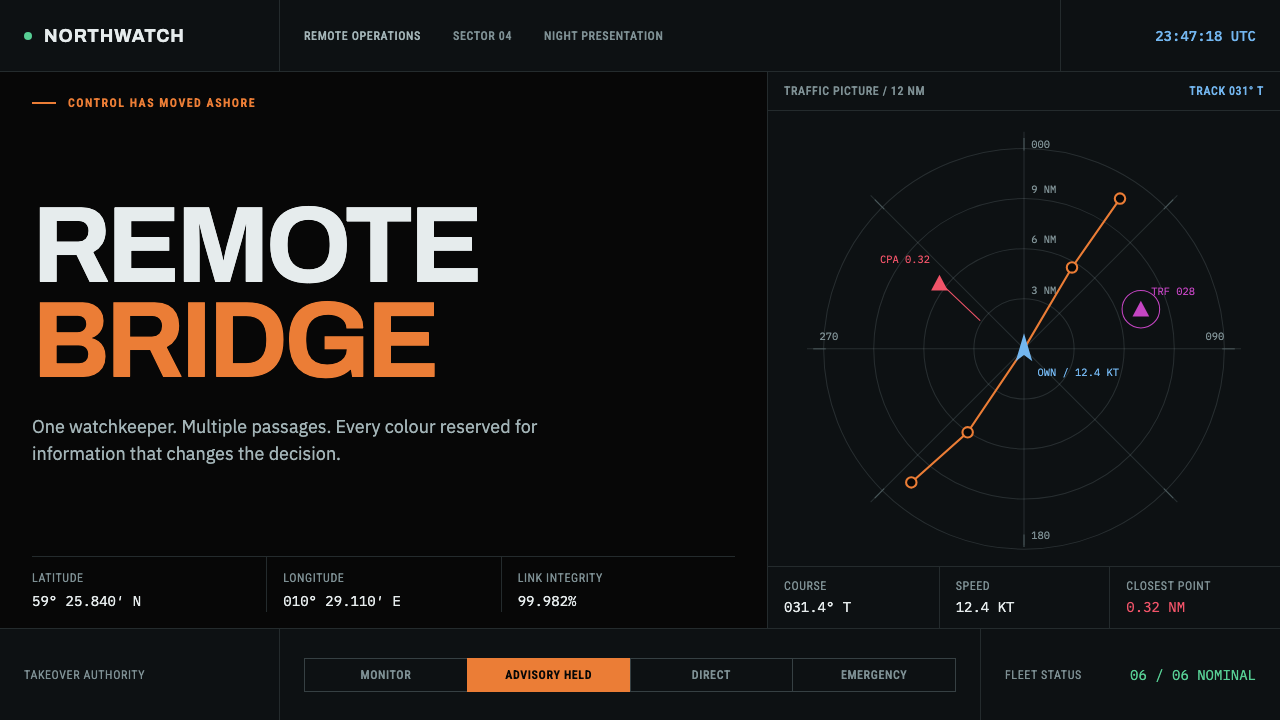 Autonomous Cargo Ship BridgeColour is protocol. Near-black chart grids reserve orange for decisions that…
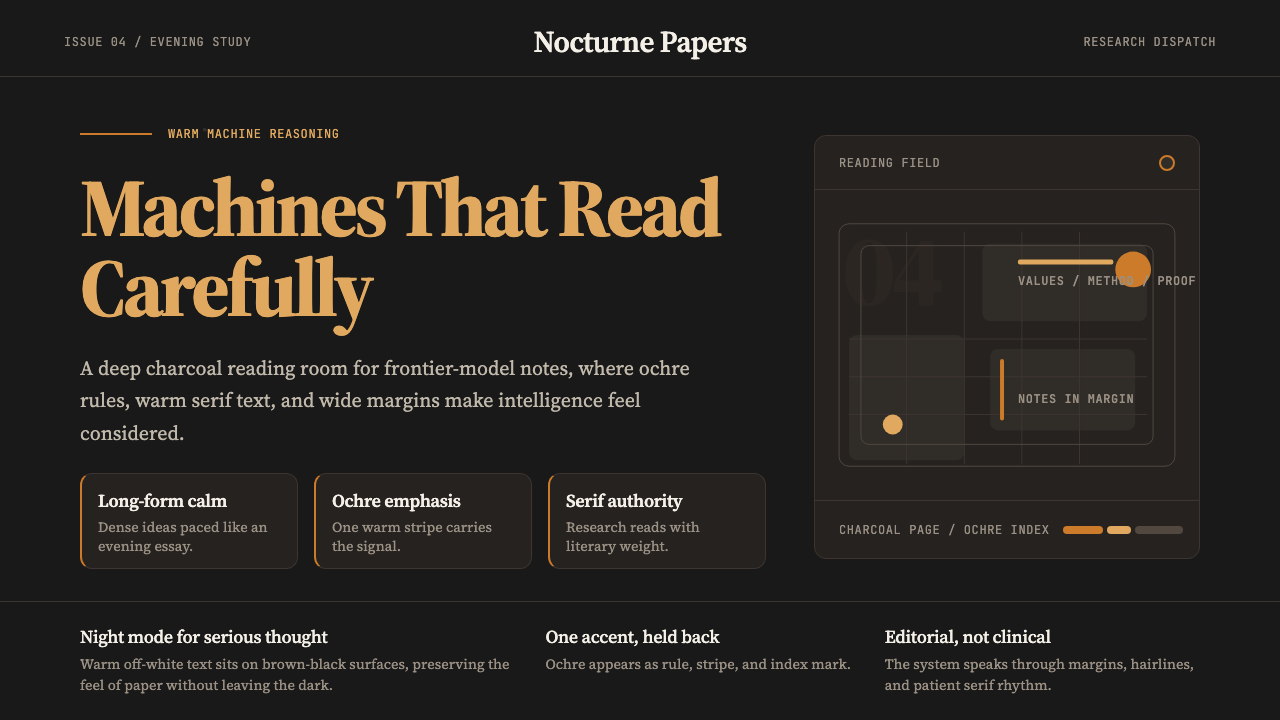 Claude / Anthropic Warm 2024Warm intelligence at night. Ochre rules and Source Serif glow on deep charcoa…
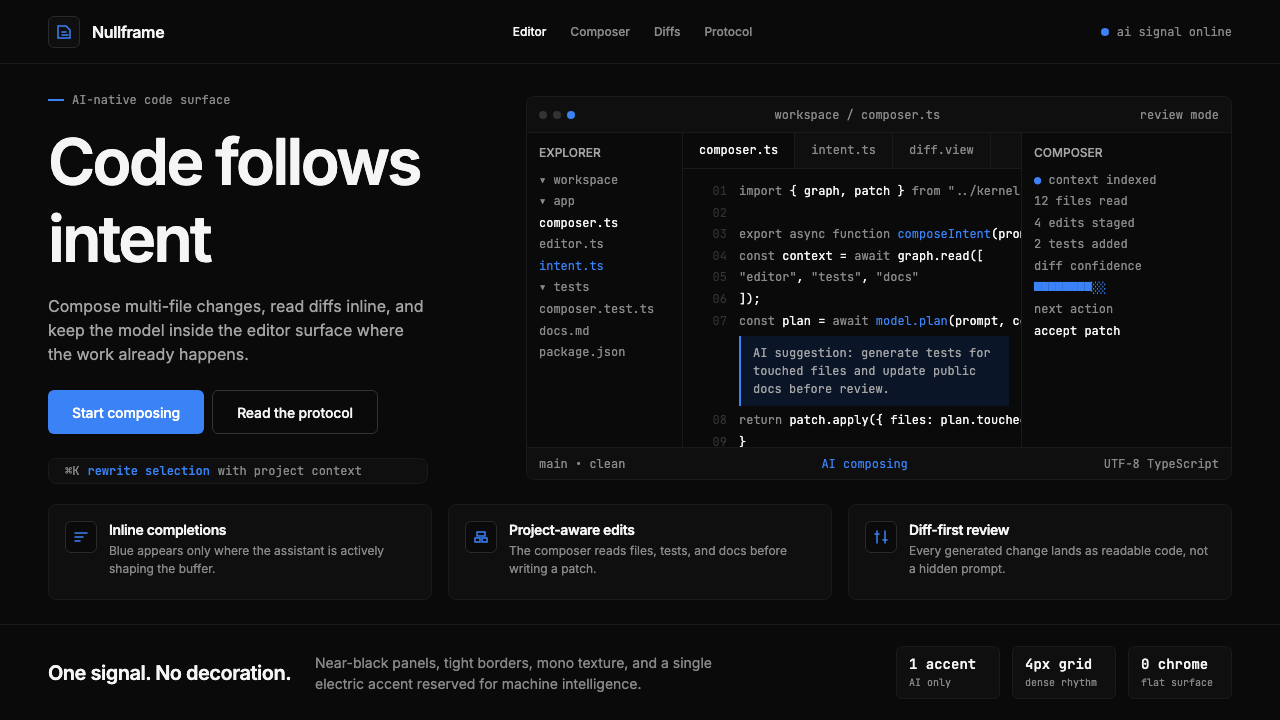 Cursor IDEAI-first code editor. Pure dark surfaces, off-white text, electric blue reser…
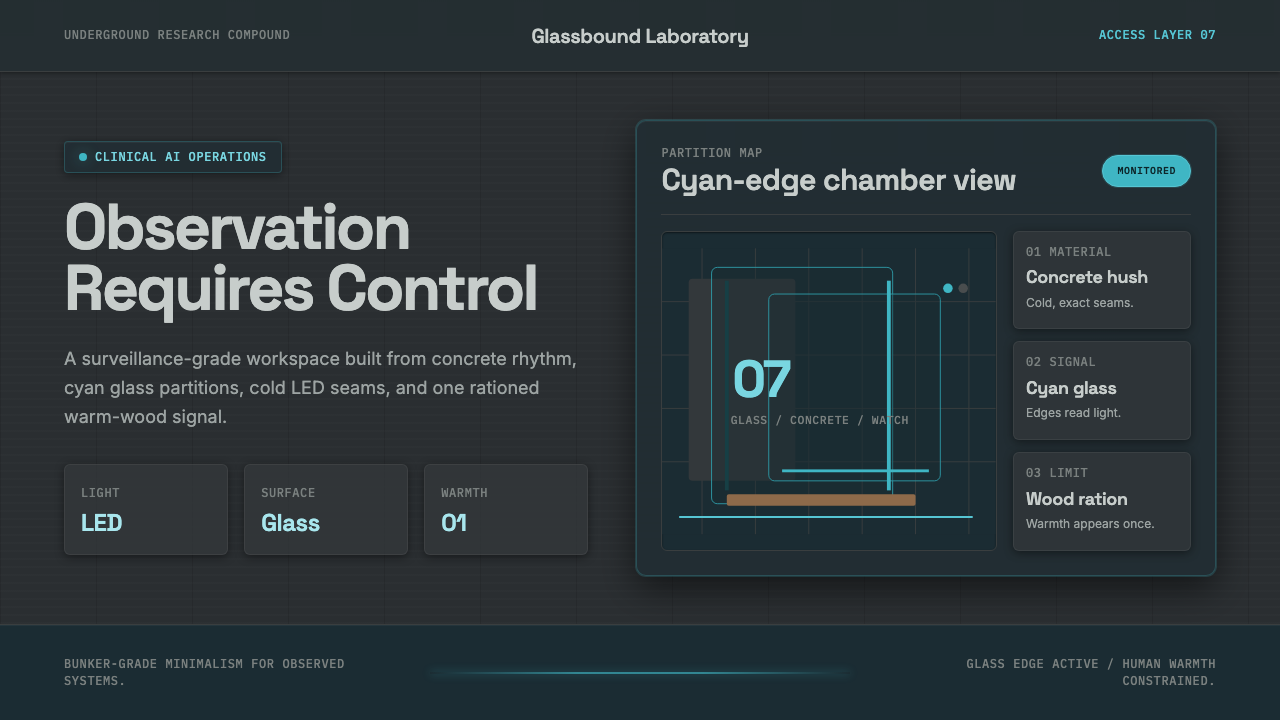 Ex MachinaClinical control, made visible. Concrete gray, cyan glass, LED seams, one woo…
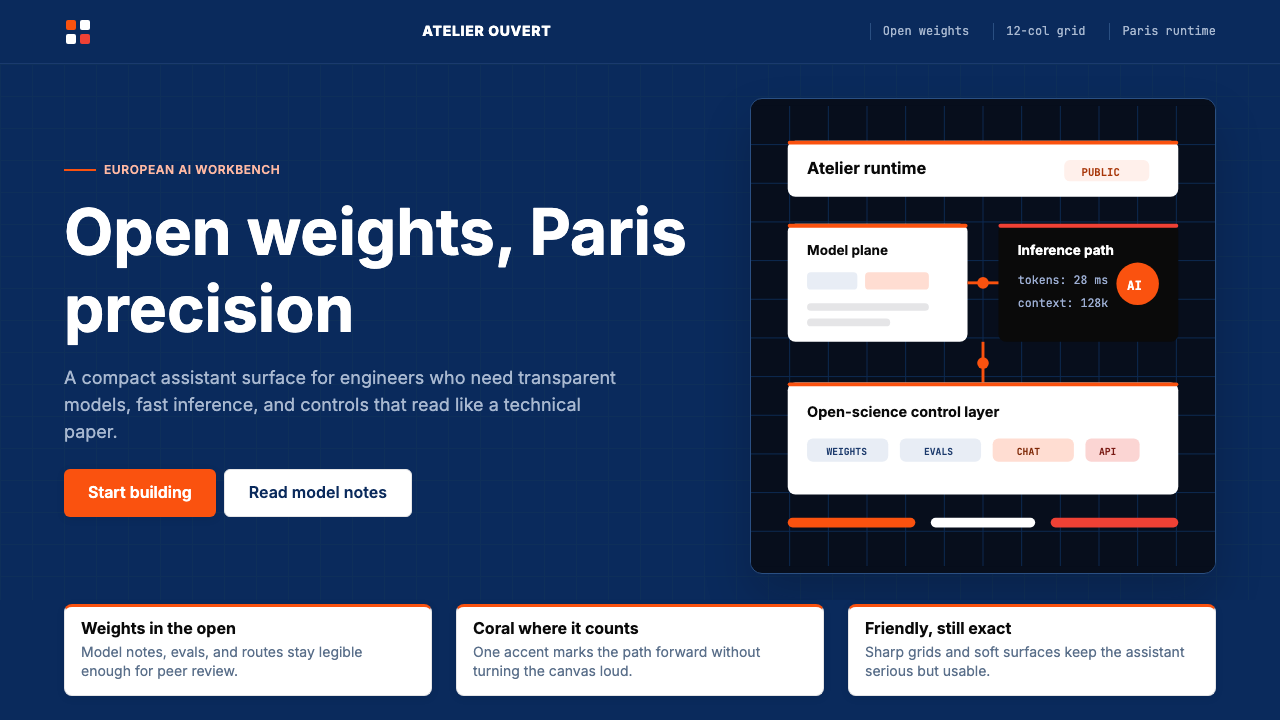 Mistral Le Chat French AIOpen science feels engineered. Navy panels, Inter grids, and coral stripes ke…
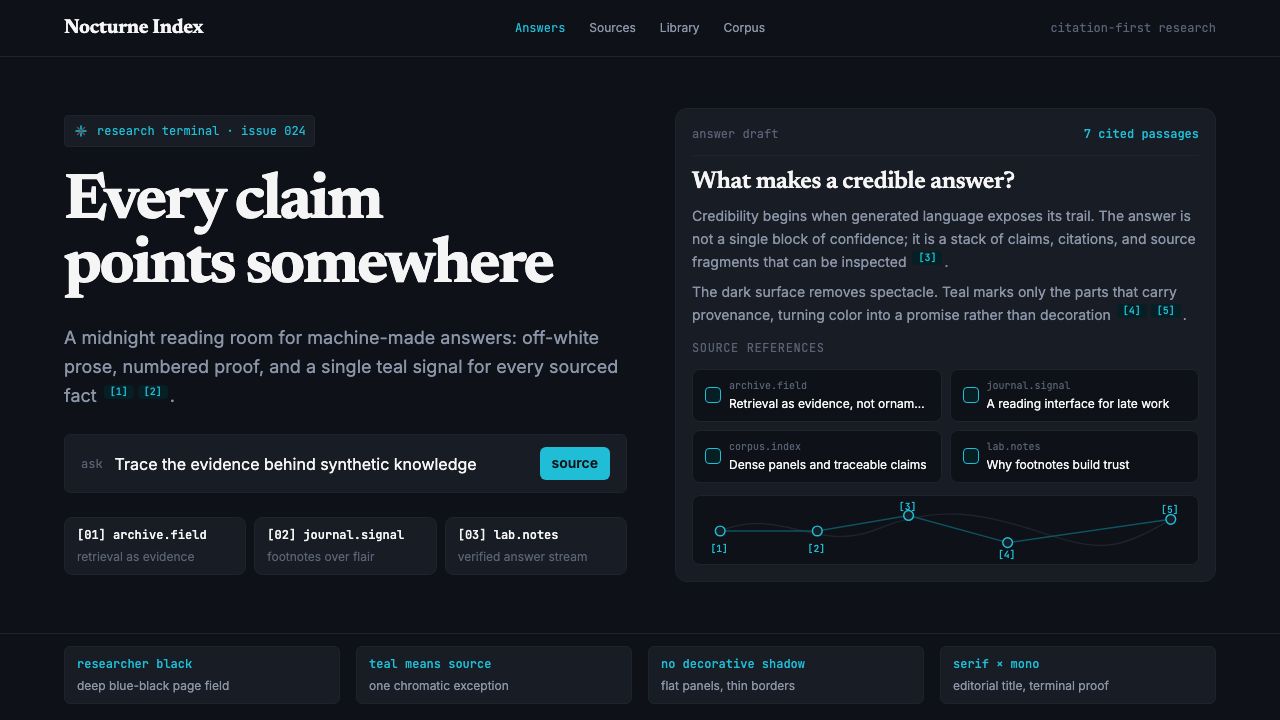 Perplexity AISerious search after midnight. Teal citations cut through black panels and de…