What is Notion Modern?
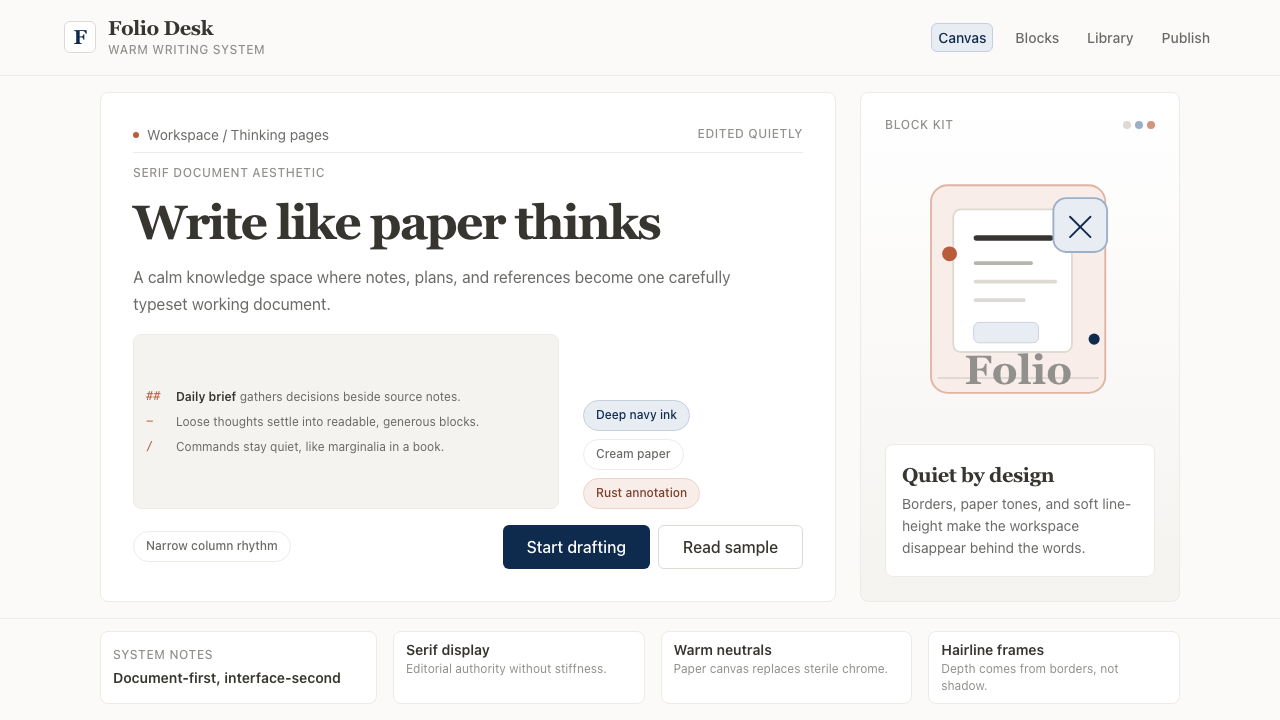
Notion taught a generation of SaaS designers that a screen could feel like paper — warm, quiet, and built for long reading.
Notion Modern in brief
Notion Modern is the design language associated with Notion, the knowledge-management and productivity platform whose visual identity — warm off-white backgrounds, serif display headings, restrained navy accents, and hairline borders — defined what writing software looks like in the 2020s. The aesthetic sits at the intersection of classical book typography and minimal digital interface design: it borrows the cream page, the generous line-height, and the quiet authority of well-set text from print, and combines them with the structural precision expected of a software product.
The system is built around a single strong idea: the interface should recede so the content can speak. Where most productivity software of the 2010s competed for visual attention with bold gradients, icon-heavy navigation, and saturated brand colors, Notion stripped all of that away. The result is an environment that feels more like an editor's desk than an application — a neutral surface that makes whatever is written on it look considered.
Notion Modern spawned an identifiable genre. After Notion popularized the warm-neutral SaaS look, dozens of tools in overlapping categories — Coda, Reflect, Tana, Linear's documentation views, Craft, Bear — adopted variations on the same vocabulary: off-white or cream canvas, a single serif or humanist typeface for headings, restrained body text in near-black, and subtle borders rather than background fills as the primary separating device. The style is now so widely reproduced that it reads as the default for a certain class of thoughtful, writing-first software.

Where does Notion Modern come from?
Notion was founded in San Francisco in 2016 by Ivan Zhao and Simon Last, with Akshay Kothari joining as COO in 2019. Ivan Zhao, who studied cognitive science and art at the University of British Columbia, brought a strong conviction about the relationship between visual environment and thinking: he believed that the tools people write in shape what they are able to write. This belief became the design philosophy of the product from its earliest days. Zhao has cited influences ranging from HyperCard, the late-1980s Apple application that let non-programmers build linked databases, to traditional Japanese aesthetics and the pared-back paper culture of certain editorial publications.
The visual language that Notion is now known for consolidated between roughly 2019 and 2021, as the product moved from a niche tool used by early adopters to a platform with millions of users. The shift coincided with a broader cultural moment: the rise of Markdown as a writing format had given technically literate users a taste for plain, structured text with minimal formatting overhead, and Notion's interface literalized that preference in pixels. The decision to use a warm off-white rather than a cool grey or pure white as the canvas color was deliberate — it brought associations of physical paper and reading comfort into the digital surface.
The serif heading was an equally significant choice. In the early 2010s, SaaS products had largely abandoned serif typefaces as relics of a pre-digital era, favoring geometric or humanist sans-serifs for their legibility at small sizes on low-resolution screens. By 2020, screen resolution had improved dramatically, and Notion's use of a display serif for headings — combined with a sans-serif for body text — reintroduced the typographic hierarchy familiar from books and newspapers. The pairing sent a signal: this is software designed around reading and writing, not around clicking and switching.
The hand-drawn illustration style that Notion used in its onboarding and marketing materials added another dimension to the brand. These illustrations — loose, sketch-like figures in a limited palette — reinforced the analog, papery quality of the interface and positioned Notion against the slick, vector-smooth illustration style dominant in SaaS at the time. They communicated approachability and human craft in contrast to the polished abstraction of competitors. The combination of serif headings, warm canvas, hairline borders, and hand-drawn accents established a design vocabulary that became one of the most imitated in software design history.
What defines the Notion Modern look?
Warm Neutral Canvas
The foundational surface is a warm off-white — not the sterile white of a blank application window, not the cool grey of a system interface, but something closer to the tone of uncoated paper stock. This warmth is the first and most pervasive signal the design sends: what you are about to do here is read and write, not process and navigate. The canvas color creates a sense of ambient comfort that reduces eye strain during long sessions and gives every element placed on it a slightly analog, considered quality.
Serif Display Headings
Headings are set in a display serif — a typeface with the full complement of serifs, optical size adjustments, and weight contrast characteristic of classic book typography. This is the system's most legible departure from the sans-serif monoculture of SaaS design. At large sizes, the serif letterforms carry visual weight and gravitas that announce hierarchy unmistakably. The contrast between a substantial serif heading and a lighter, neutral body text creates the same reading rhythm a well-designed book achieves — scanning from one section to the next feels natural rather than mechanical.
Navy and Near-Black Ink
Rather than using pure black for text and interface elements, Notion Modern leans toward a deep navy or ink tone — a color with enough blue in it to feel deliberate and considered, like fountain pen ink on quality paper, rather than mechanical printer output. This deep ink tone has become a signature of the aesthetic: it reads as warm at scale, subtle at small sizes, and pairs naturally with the cream canvas without creating the harsh contrast of pure black on pure white. Interactive elements and accents often pick up this navy as a primary color choice.
Hairline Borders as Separators
Notion Modern separates content regions with borders so thin they read as drawn lines rather than blocks of color. This approach borrows directly from print design — the column rules and table borders of well-typeset documents — rather than from the filled-card pattern common in digital interfaces. Hairline borders allow the warm canvas to show through between content blocks, maintaining the sense of a single continuous surface rather than a stack of discrete panels. The effect is more editorial than applicational: the page breathes, and the borders are structural notation rather than visual containers.
Generous Vertical Rhythm
Line-height and paragraph spacing are set at values more generous than typical UI defaults, deliberately evoking the reading comfort of a well-typeset book or magazine. This vertical generosity does several things at once: it signals that the content is meant to be read slowly and attentively, it creates visual breathing room that reduces cognitive load, and it makes the hierarchy of the page scannable — headings stand out not only because they are larger but because they have space around them. The overall impression is of a layout that respects the reader's time and attention.
Hand-Drawn Illustration Accents
The Notion visual system incorporates loose, sketch-like figurative illustrations as decorative accents in onboarding flows, empty states, and marketing contexts. These illustrations are deliberately imperfect — line weights vary, forms are simplified, and the palette is limited — in contrast to the smooth, precision-vectored illustrations that dominated SaaS design at the time. They function as warmth injectors: small human and organic moments in an otherwise structured digital environment. The effect is a softening of what could otherwise feel like a clinical productivity tool.
Structural Simplicity in Navigation
Navigation in Notion Modern is typographic and hierarchical rather than iconic and flat. The sidebar presents a tree of pages as labeled text, indented by level, with minimal visual decoration — no large icons, no colored badges beyond functional indicators, no gradient backgrounds on active items. This treatment extends the reading-environment metaphor into navigation: moving between pages feels like turning to a new section of a document rather than switching applications. The navigation recedes into the background so that the content of whatever page is open can fill the visual field.

Who shaped Notion Modern?
Co-founder and CEO of Notion, Zhao studied cognitive science and studio art at the University of British Columbia before moving to San Francisco to build the product. His background at the intersection of cognition and visual art shaped Notion's foundational belief that visual environment influences the quality of thought and writing. Zhao has spoken publicly about influences including HyperCard, traditional Japanese design, and the editorial aesthetics of certain independent publications. His insistence on a warm, paper-like interface rather than a cool, systematic one established the design direction that defined the product and, subsequently, an entire genre of tools.
Co-founder and COO, Kothari joined Notion in 2019 after serving as LinkedIn's India country manager and co-founding the news-reading app Pulse, which was acquired by LinkedIn in 2013. His experience building a content-consumption product informed Notion's approach to information architecture and the experience of navigating large volumes of linked content. Kothari has been a vocal advocate for Notion's design philosophy in interviews, articulating the connection between the calm visual environment and the goal of making deep work more accessible.
The in-house design and brand team responsible for developing and iterating on the Notion visual system from approximately 2019 onward. This team refined the core choices — the serif heading, the warm canvas, the hand-drawn illustration voice — into a consistent and scalable design language across product, marketing, and documentation. They also maintained the discipline of restraint that is central to the aesthetic: deciding, with each release and campaign, what to leave out. The team's work is arguably more influential through the genre it spawned than through the product itself.
Not a person but a technical and cultural movement that Notion's design made visible. Markdown — the lightweight markup syntax created by John Gruber and Aaron Swartz in 2004 — gave technically literate writers a way to structure plain text documents without leaving the keyboard. By the late 2010s, Markdown had become a lingua franca among developers, technical writers, and note-takers. Notion's design literalized Markdown aesthetics: the interface looked like a Markdown document rendered beautifully, which made it immediately legible to this audience and aspirational to those adjacent to it.
How do you use Notion Modern today?
Notion Modern is one of the most immediately deployable design styles in contemporary practice because it is defined by editorial restraint rather than bold graphic gestures. Applying it well means choosing to leave things out: no unnecessary borders, no colored section backgrounds, no decorative icons where a text label will do. The baseline posture is a warm, quiet surface that makes content the foreground and everything else the background.
For presentation slides, the style works on every page type. A cover slide benefits from a large, display-weight serif heading set against the warm canvas, with a simple hairline underline or narrow rule as the only graphic element. The heading should feel typeset, not designed. Content slides follow the same economy: text in a clear hierarchy defined by size and weight, generous spacing between sections, and minimal use of the navy accent. Data slides work well when charts are treated as editorial graphics — clean axes, one accent color for the primary series, and labels sized to match the body text hierarchy rather than competing with it. Avoid background fills on data callouts; a simple hairline border or the accent color alone carries enough emphasis.
For web UI and dashboard applications, Notion Modern provides a strong vocabulary for interfaces built around reading and navigating structured content. A sidebar navigation should be typographic — page names and section labels only, with indentation as the hierarchy signal and a hairline left border or subtle weight change to mark the active state. Content areas should use the warm canvas as the base, with hairline-bordered cards or tables rather than filled backgrounds to delineate regions. Pricing pages work particularly well: the restrained palette allows the primary call-to-action to stand out with minimal visual effort, and the serif heading pairs naturally with the considered, text-forward copy that premium pricing tiers often require.
For editorial and marketing applications, the style supports long-form layouts with natural authority. An article or documentation page benefits from a narrow text column — wide enough to read comfortably, narrow enough to hold the eye across a long session — with a proportionally wide margin reserved for pull quotes, asides, or metadata. Section breaks should be marked by a hairline rule rather than increased spacing alone, borrowing the convention from print. Marketing landing pages suit the style's poster-like typographic scale: a large display serif heading in the hero, body copy set at comfortable reading size, and the accent color used once at the primary conversion point rather than scattered through the page.
A common mistake when applying Notion Modern is over-serializing the serif: using serif type not just for headings but for subheadings, pull quotes, captions, and body text, which collapses the hierarchy the typeface contrast is supposed to create. The serif earns its effect through contrast with the neutral body text; when everything is serif, nothing is a heading. A related mistake is adding color to content regions — tinting section backgrounds, using colored tags beyond navigation, or introducing illustration accents throughout body content. The style's warmth comes from the canvas tone and the typographic generosity, not from decorative color. Keep the palette to the canvas, the near-black ink, and a single deliberate accent, and the Notion Modern voice will be legible at any scale.

Notion Modern — FAQ
How is Notion Modern different from generic minimalism?
Generic minimalism typically means reducing the number of elements on a screen — fewer buttons, thinner UI chrome, more white space. Notion Modern is specifically about editorial warmth: the warm canvas tone, the serif heading, and the hairline border are all deliberate choices that evoke print media and reading environments rather than simply removing things. A purely minimalist interface might be cold and clinical; Notion Modern is minimal but warm, spare but legible. The typographic specificity — that serif heading paired with a neutral body — is the key distinguishing feature.
Can this style work for applications with dense data, like financial dashboards?
Yes, with adaptation. The key challenge in dense-data contexts is maintaining the warm, reading-friendly quality while accommodating tables, charts, and numerical hierarchies that require tight spacing. The approach is to keep the canvas warm and the typography quiet — use the serif only for section headings, not column headers — and treat tables as typographic objects: hairline borders between rows, the navy accent only for totals or key metrics, no colored backgrounds on data rows. The result reads as a well-typeset financial report rather than a data-heavy dashboard application, which can itself be a differentiating quality in a market full of high-density dark-mode finance tools.
Is Notion Modern suited to dark mode?
Notion does offer a dark mode, and the style adapts more gracefully than many because its core logic is about contrast and typographic hierarchy rather than about the specific canvas color. A dark Notion Modern replaces the warm off-white with a deep charcoal or near-black with a warm undertone — avoiding the cool blue-black common in developer dark themes — and keeps the serif heading in a soft off-white rather than pure white to maintain the paper-like reading quality. The navy accent often becomes redundant in dark mode and can be replaced by the off-white type itself as the primary contrast element. The hand-drawn illustration accents may need to be desaturated or reduced to maintain legibility against the dark ground.
How do you apply Notion Modern to a brand that is not itself a note-taking or writing tool?
The style is transferable to any product that benefits from associations with thoughtfulness, considered communication, and reading. Editorial publications, consultancy and professional services firms, educational platforms, and documentation-heavy developer tools all have natural affinity with the aesthetic. The approach is to lead with the typographic choices — the serif heading, the generous line-height, the warm canvas — and adapt the accent color from Notion's specific navy to a hue aligned with the brand's identity. The hand-drawn illustration accent is optional and should only be used where it reinforces an approachable, human brand personality. What should not be adapted away is the discipline of restraint: the style falls apart if you add colored backgrounds, drop-shadow cards, or icon-heavy navigation.
What is the relationship between Notion Modern and the broader warm-neutral SaaS trend?
Notion Modern is the origin point — or at least the most visible early articulation — of the warm-neutral SaaS aesthetic that became widespread between roughly 2020 and 2024. Before Notion, the dominant SaaS visual language was cool, bright, and systematic: white or light-grey backgrounds, geometric sans-serif typefaces, saturated brand accent colors, and card-based layouts with soft drop shadows. Notion's decision to warm the canvas, introduce a serif, and strip the accent palette to near-nothing was a visible departure that became enormously influential. The subsequent genre — which includes Craft, Linear's documentation, Reflect, and many others — borrowed the palette and typographic approach with varying degrees of fidelity. Understanding Notion Modern specifically, rather than the genre it spawned, is useful precisely because the genre contains many diluted or incorrectly combined versions of the original principles.
Related design styles
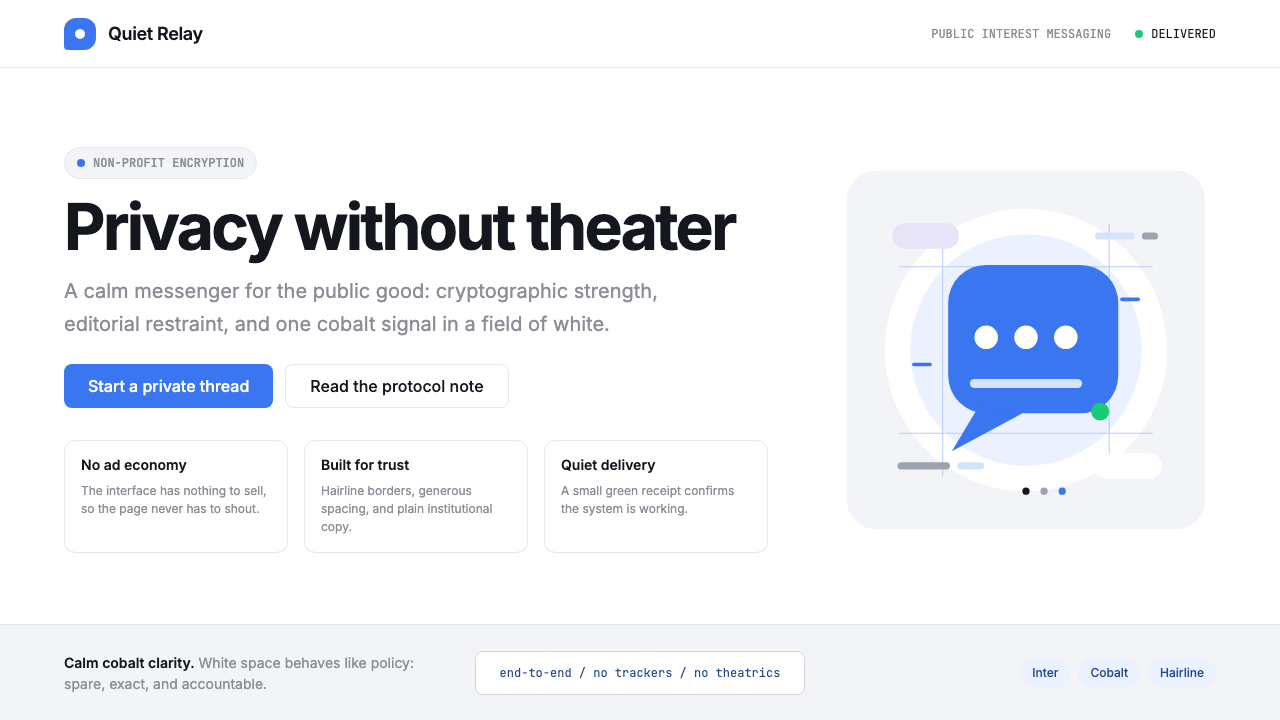 Signal Encrypted MessengerCalm privacy, plainly stated. Cobalt Inter type and white space carry the tru…
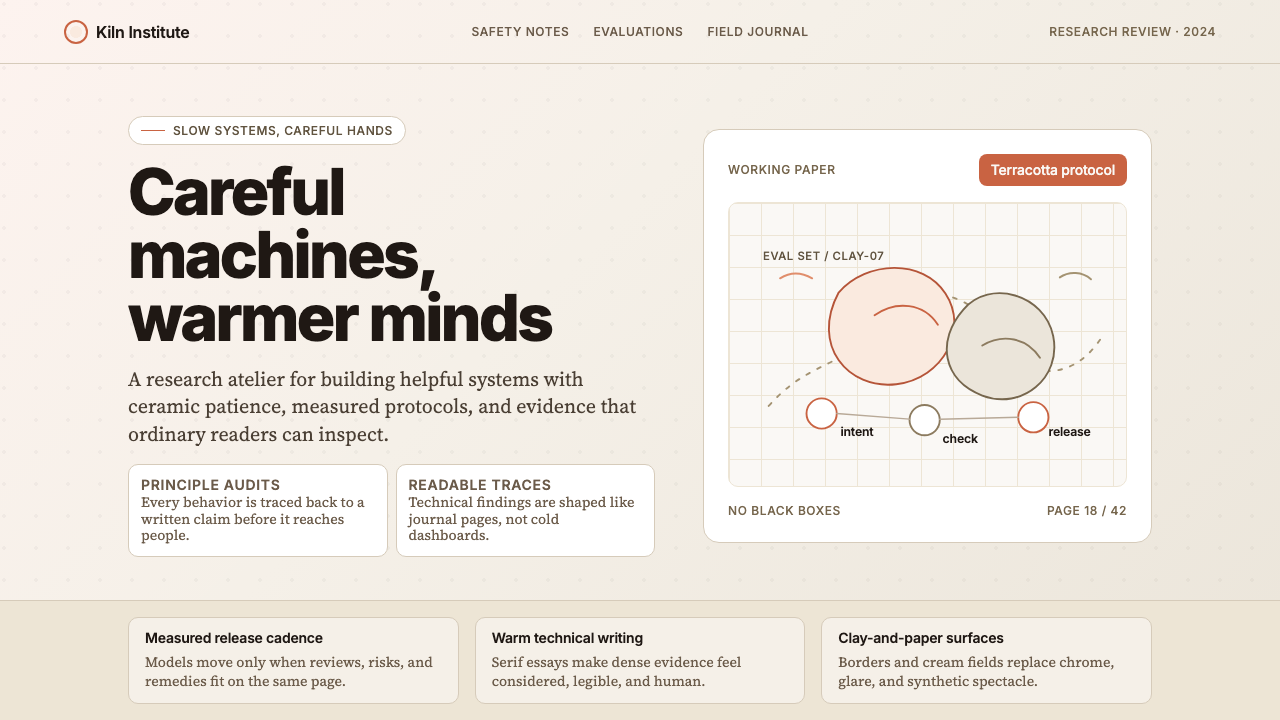 Anthropic ClayAI safety in handmade clay. Sand backgrounds, terracotta accents, serif body…
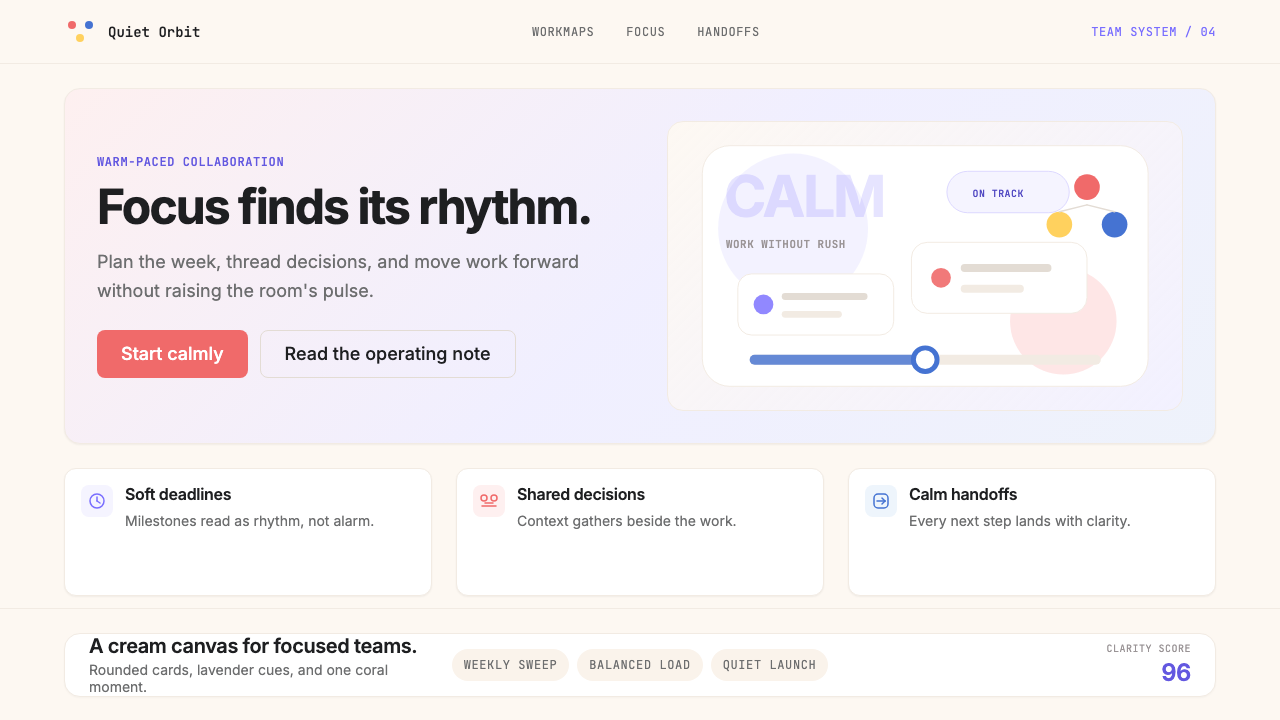 AsanaCalm productivity breathes. Cream canvas, lavender panels, coral-blue-yellow…
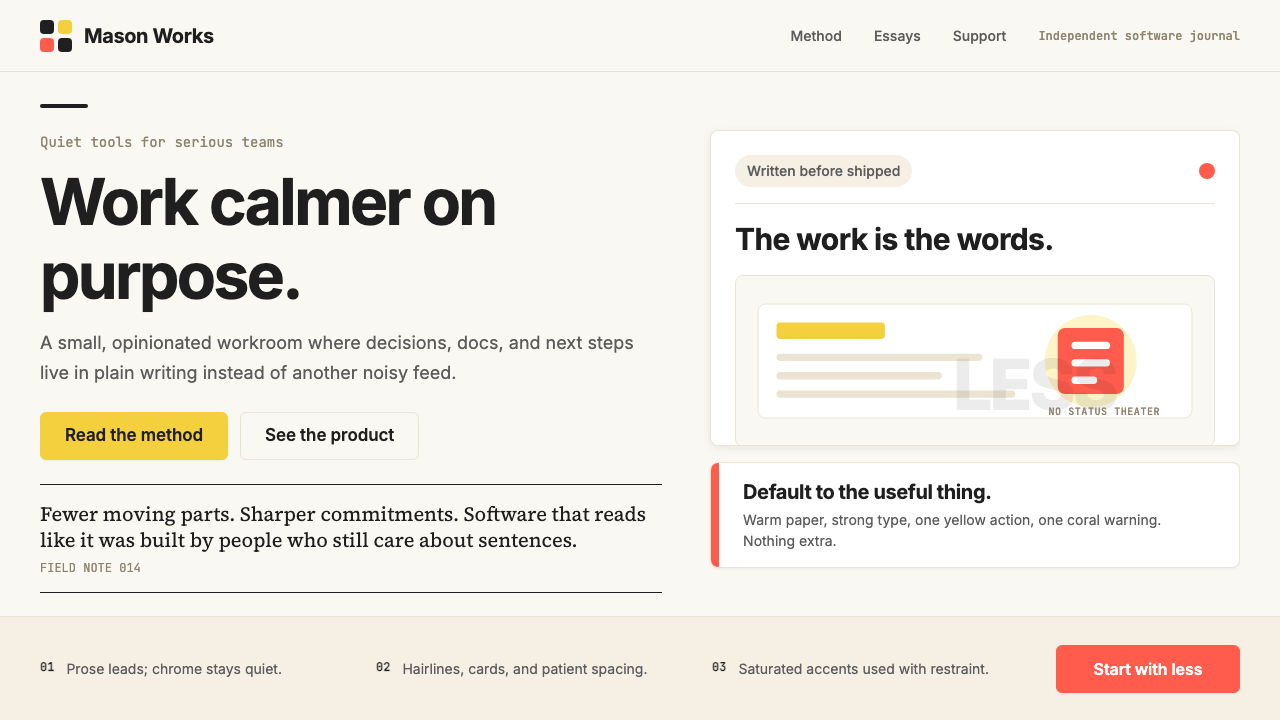 Basecamp / 37signalsQuiet craft, strong opinions. Cream paper, tight sans type, yellow and coral…
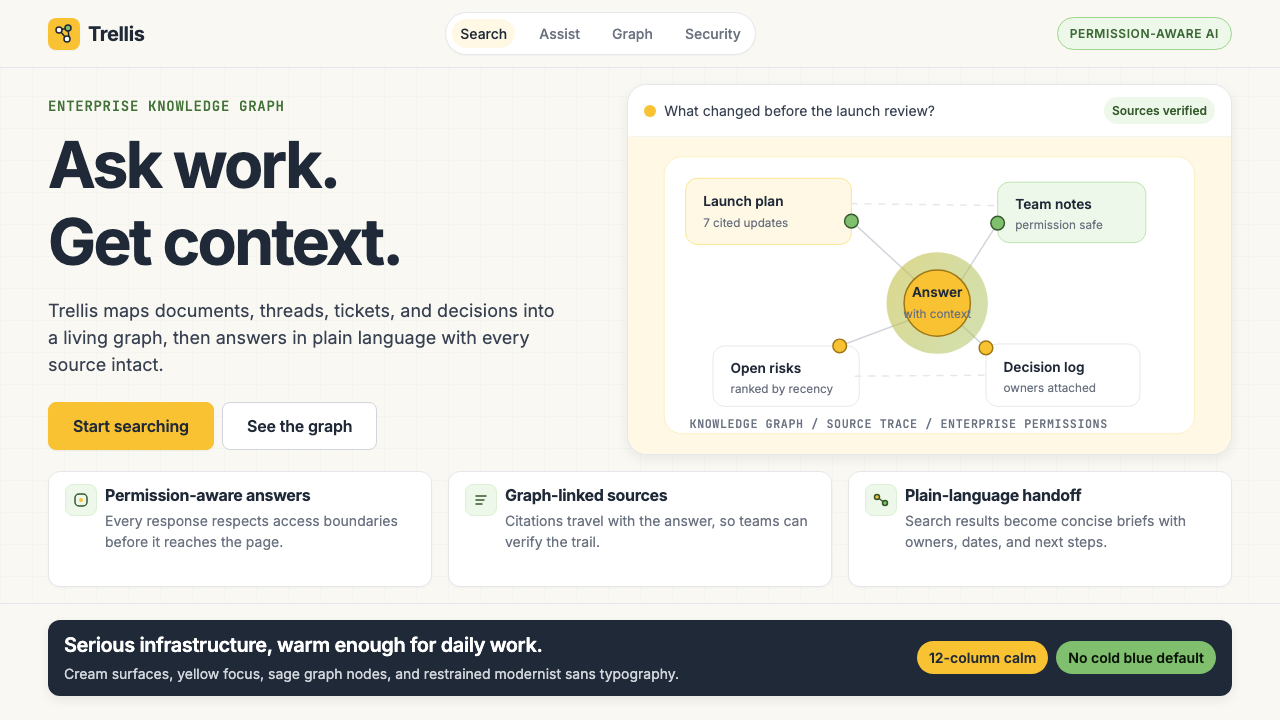 Glean Enterprise-SearchWarm enterprise AI. Cream ground, yellow focus, sage graph nodes, and sans ca…
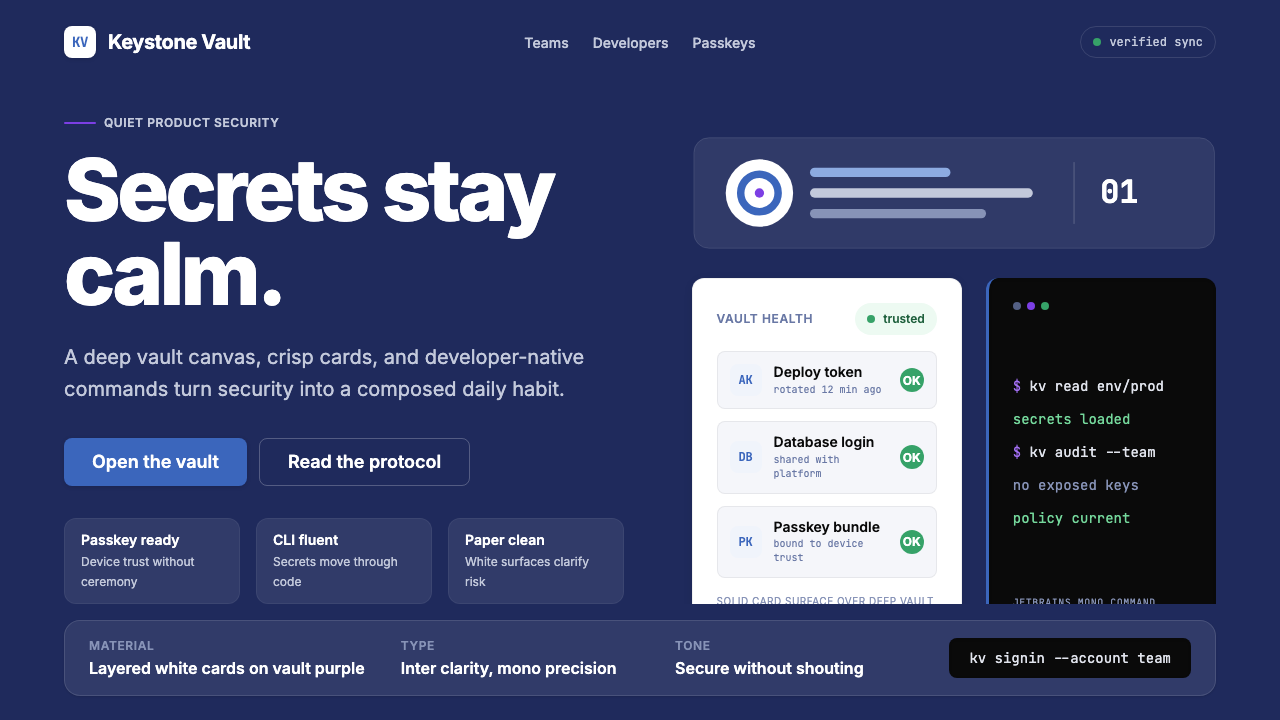 1Password Purple VaultSecurity stays quiet. Vault purple, Inter type, and crisp white cards do the…