What is 1Password Purple Vault?
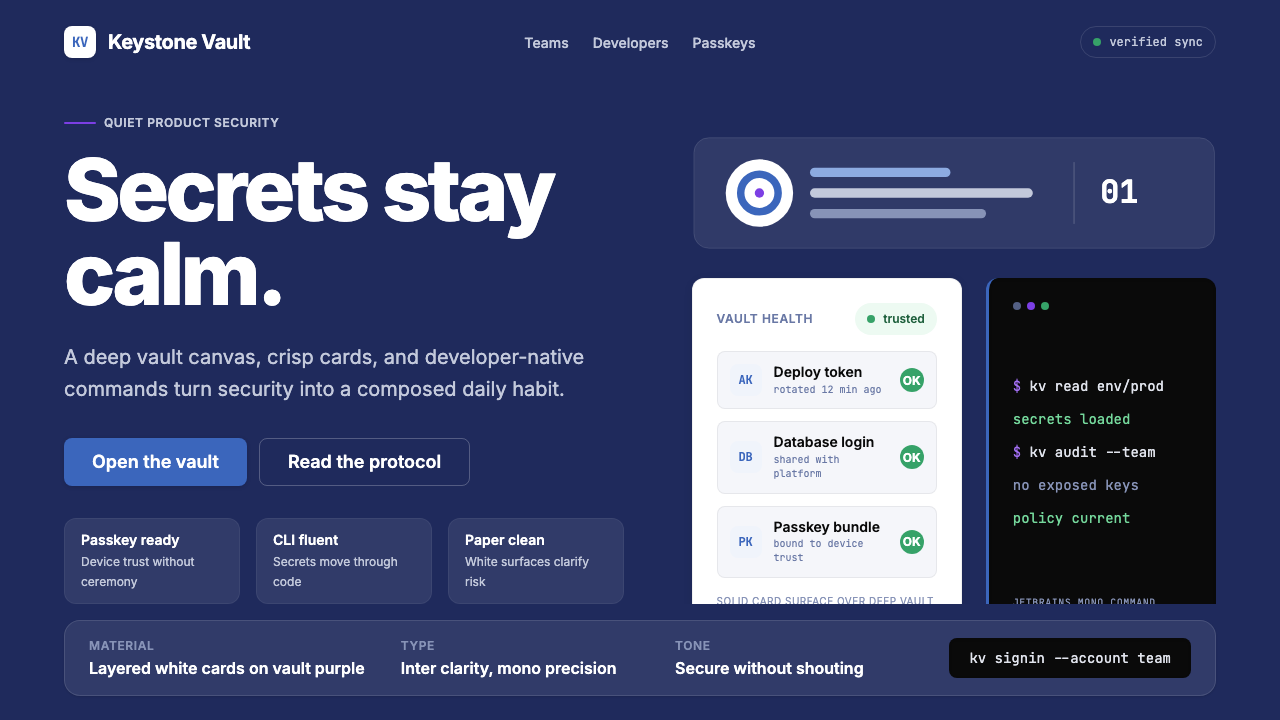
1Password's 2023 identity proves that security software can feel calm, assured, and even beautiful — a vault-purple canvas, warm paper tones, and crisp white cards that communicate trustworthiness without a single padlock icon.
1Password Purple Vault in brief
The 1Password Purple Vault style is the visual language that emerged from AgileBits' sweeping brand refresh in 2023. It replaced a decade of blue-gradient security-product convention with something more confident and product-forward: a deep, slightly warm purple that evokes the interior of a well-made vault, white content cards that feel clean and structured, and a warm off-white surface tone reminiscent of high-quality paper stock. Together these elements signal that the product knows what it is doing, without resorting to fear or urgency.
The style sits at an unusual intersection — it is a security product aesthetic that actively refuses to look like one. Traditional security software reached for dark blues, hard edges, and padlock iconography to convey protection. The 1Password identity instead borrows from the calm confidence of premium consumer apps: generous whitespace, friendly but precise illustration, a warm surface palette, and type choices that prioritize readability and approachability over technocratic authority. The result is a product that feels trusted rather than guarded.
Central to the system is the vault-purple — a hue that reads as deep and purposeful on dark surfaces yet gives way gracefully to white card layers on top, allowing content to remain legible and light. Paired with the warmth of the paper-toned backgrounds, the purple never feels cold or corporate. The overall palette creates a consistent impression across marketing pages, in-app screens, and developer-facing documentation: secure, calm, and in control.
Where does 1Password Purple Vault come from?
AgileBits was founded in Toronto in 2006 by Dave Teare, Roustem Karimov, and Sara Teare, originally building utilities for the Apple platform. Their password manager, first released for Mac in 2006, arrived at a moment when the Mac developer community was small, closely knit, and deeply invested in software craft. That community prized thoughtful interfaces, polished icons, and applications that felt native to the operating system — a culture that shaped the product's early aesthetic of clean, restrained design aimed at Apple professionals.
For most of its first decade, 1Password wore the visual conventions of the Mac security category: blue hues, vault or keychain iconography, and interfaces that communicated seriousness through formal restraint and technical precision. When the company expanded onto Windows, iOS, and Android, and then pivoted to a subscription model in 2015, the brand began signaling a broader audience — not just power users and developers, but anyone managing digital accounts. The subscriber base grew to encompass families, small businesses, and enterprise IT departments, each with different expectations of what a trustworthy software product should look like.
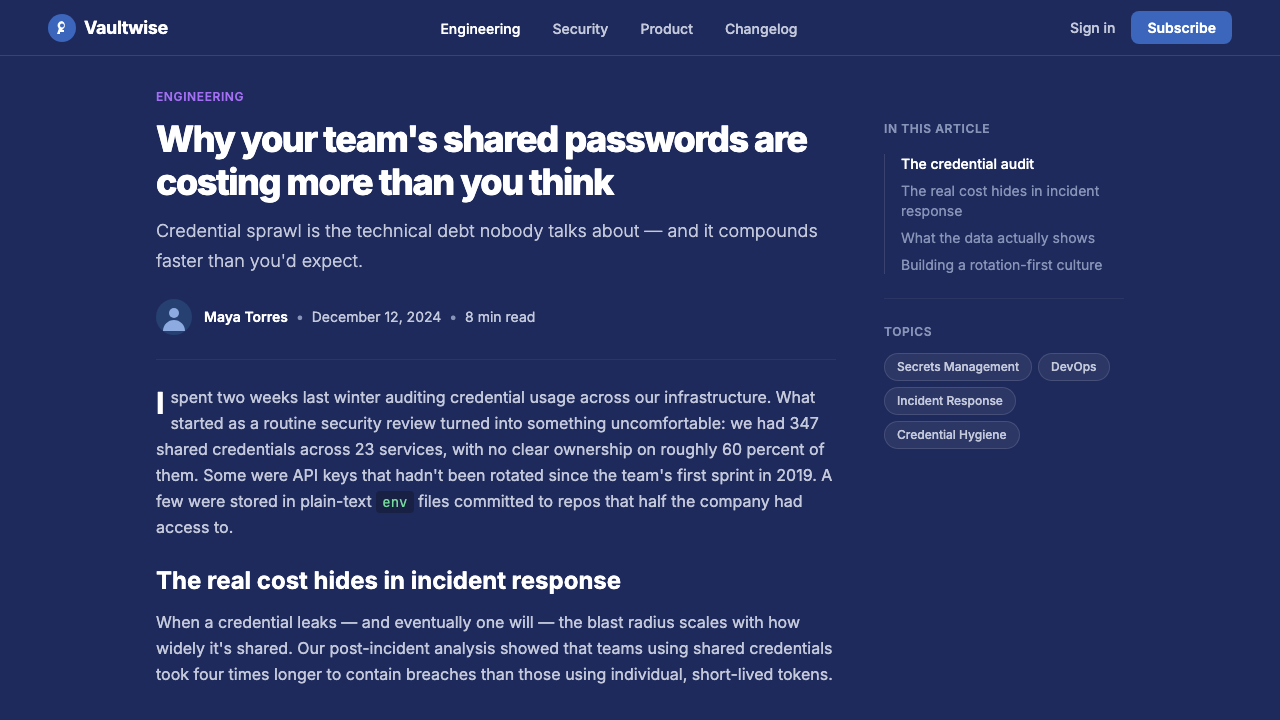
The 2023 brand refresh, led by the design team under CEO Jeff Shiner's direction, coincided with the company's increasing visibility in the passkey and FIDO2 adoption conversation. As the web authentication ecosystem shifted — with major platforms reducing reliance on traditional passwords — 1Password repositioned itself as a broader credential management platform. The new visual identity needed to carry that larger ambition without losing the trust equity the existing brand had accumulated. The vault-purple emerged as a solution: it retained the sense of a literal vault (depth, enclosure, security) while shedding the cold corporate blue that the category had inherited from enterprise IT.
The warm paper tones in the palette trace a lineage to the Mac software aesthetic of the mid-2000s through the early 2010s, where warm off-white backgrounds helped distinguish consumer-quality interfaces from the grey-on-grey utilitarian appearance of Windows enterprise software. The illustration style — rounded, geometric, and deliberately approachable — reflects a broader shift in the SaaS design landscape of the early 2020s, when companies across the security, developer-tools, and productivity categories moved away from stock photography and toward proprietary illustration systems that could convey complex concepts without defaulting to cliché.
What defines the 1Password Purple Vault look?
Vault Purple
The dominant hue is a deep purple-blue that anchors the dark-mode canvas and the brand's primary identity. It reads as sophisticated and purposeful rather than playful — serious enough to communicate security credibility, yet warm enough to avoid the clinical coldness of navy or slate. On marketing surfaces and hero sections, this purple functions as the primary environment; on content surfaces, it recedes to let white cards hold the foreground.
Warm Paper Surface
Beneath the vault purple, the secondary surface tone is a warm off-white — closer to natural paper stock than to a pure digital white. This tone appears in light-mode interfaces and in marketing layouts that alternate between dark and light sections. It distinguishes the system from the cold grey neutrals that dominate enterprise software and reinforces the sense that the product is approachable and human-crafted, even in its lightest moments.
White Content Cards
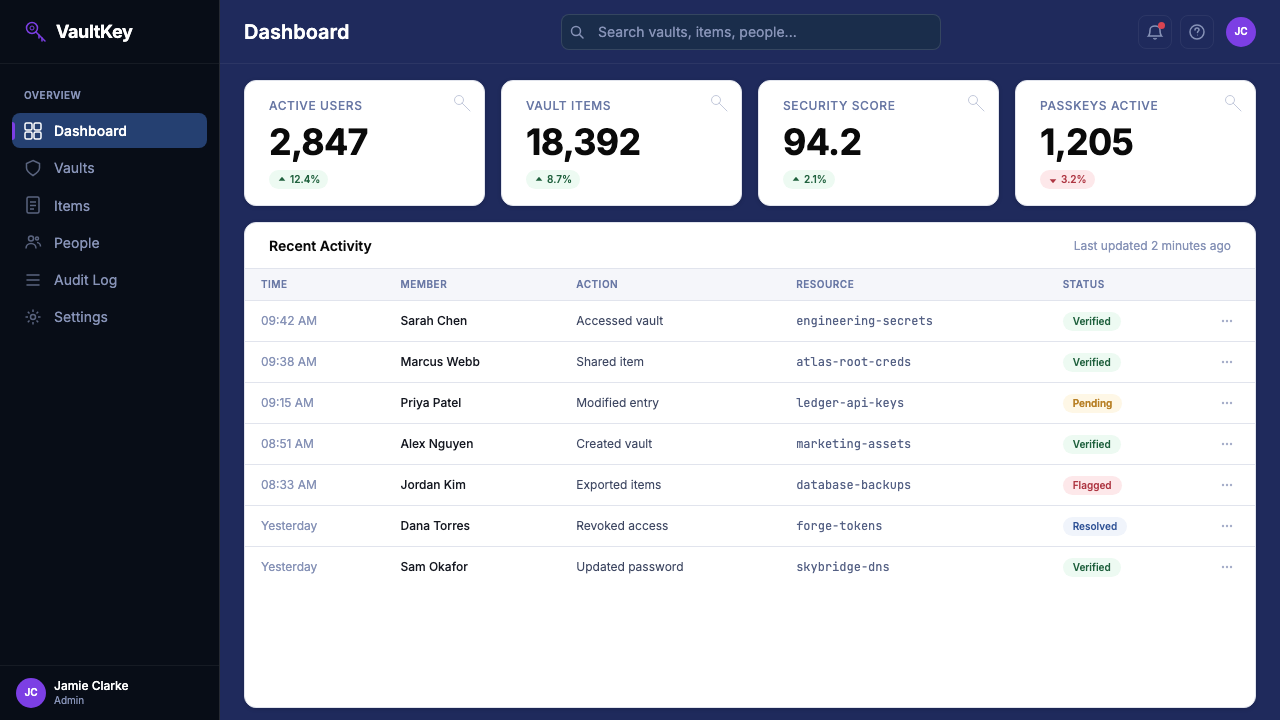
Content is consistently organized into white card containers that float above both the purple and the paper backgrounds. The cards create a reliable hierarchy: the background tells you where you are in the brand experience; the cards tell you what the product contains. Their edges are clean and their corners are modestly rounded — enough to feel modern and approachable without drifting into the soft-edged visual style of wellness or social apps.
Purposeful Typography
The typographic system pairs a clean humanist sans-serif for product and marketing text with a monospaced typeface for developer contexts, code samples, and command-line references. The distinction is deliberate: the humanist face keeps the product accessible and warm; the monospaced face signals the developer-first heritage without imposing it on general audiences. Both faces are deployed at generous scales with clear hierarchical contrast between display and body text.
Friendly Illustration
The illustration system is geometric and rounded — abstract enough to work across different cultural contexts, specific enough to communicate concepts like credential sharing, vault organization, or multi-device sync without photographic literalism. Characters and objects have a gentle, slightly whimsical quality that softens the inherently serious subject matter. Illustrations avoid hard-edged realism; they occupy a register closer to considered product iconography than to editorial or narrative illustration.
Restrained Color Accent
Beyond the core purple and paper tones, accent colors are used sparingly and functionally — to mark interactive elements, signal states, or differentiate tiers in pricing and plan contexts. The system avoids palette proliferation: additional hues appear at reduced saturation and serve semantic rather than decorative purposes. This restraint ensures the vault purple retains its identity as the unambiguous brand color, rather than competing with a rainbow of secondary accents.
Elevated Shadow and Depth
The card-and-canvas model relies on subtle but meaningful depth cues. Shadows beneath white cards are soft and diffuse — they lift the content layer off the background without dramatic contrast, maintaining the overall sense of calm. This is notably different from both the flat-design conventions of the early 2010s (no shadows at all) and the skeuomorphic era (heavy, literal shadows). The shadows here serve orientation, not drama.
Who shaped 1Password Purple Vault?
Co-founder of AgileBits and the original creator of 1Password, Teare built the first version as a tool for his own productivity needs while working in Toronto's Apple developer community. His orientation toward thoughtful, native-feeling software established the product's early character: meticulous attention to detail, deep integration with platform conventions, and a design ethos that prioritized the user's trust above visual trend-following. That founding sensibility persists in the brand's commitment to coherence over novelty.
Co-founder and long-serving CTO of AgileBits, Karimov shaped the technical architecture that made 1Password's end-to-end encryption model credible and verifiable — a foundation without which the design language would carry no authentic trust signal. His work on the Secret Key system and the secure remote password protocol established security standards that the brand has consistently communicated, and the product's visual restraint reflects the same philosophy applied to interface: nothing unnecessary, everything deliberate.
CEO of AgileBits since 2012, Shiner led the company's transformation from a niche Mac utility into a multi-platform subscription business serving millions of households and enterprises. The 2023 brand refresh happened under his direction and reflects his articulated belief that security products should earn trust through transparency and clarity rather than through intimidation and technical mystification. The shift from blue-gradient security conventions to vault-purple calm was a strategic brand decision as much as a visual one, positioning 1Password for the passkey era.
The 2023 identity refresh was the work of the in-house AgileBits design team, working in close collaboration with brand and motion partners. Rather than outsourcing the identity to an external agency, AgileBits built the system internally — a decision consistent with the company's engineering-led culture and its preference for depth of understanding over surface polish. The result is a design system that scales from icon to billboard, from onboarding flow to command-line reference documentation, with unusual coherence.
Toronto's technology community, which grew substantially through the 2010s and early 2020s, provided the cultural environment for 1Password's aesthetic evolution. The city's product studios — working at the intersection of consumer software, developer tooling, and design systems — developed a recognizable sensibility: warm, considered, technically rigorous, and deliberately distinct from the high-energy visual style of Silicon Valley. 1Password's calm, vault-purple identity is partly a product of that local culture, which prized durability and craft over attention-seeking.
How do you use 1Password Purple Vault today?
The 1Password Purple Vault aesthetic translates well to any context where trust, security, and calm expertise are the primary values being communicated. Its core logic — dark anchoring surface, white content cards, warm secondary tones, and restrained accent use — is transferable to presentation decks, web product interfaces, marketing layouts, and editorial design. The key is maintaining the hierarchy: the purple sets the stage, the white cards hold the content, and everything else serves one of those two layers.
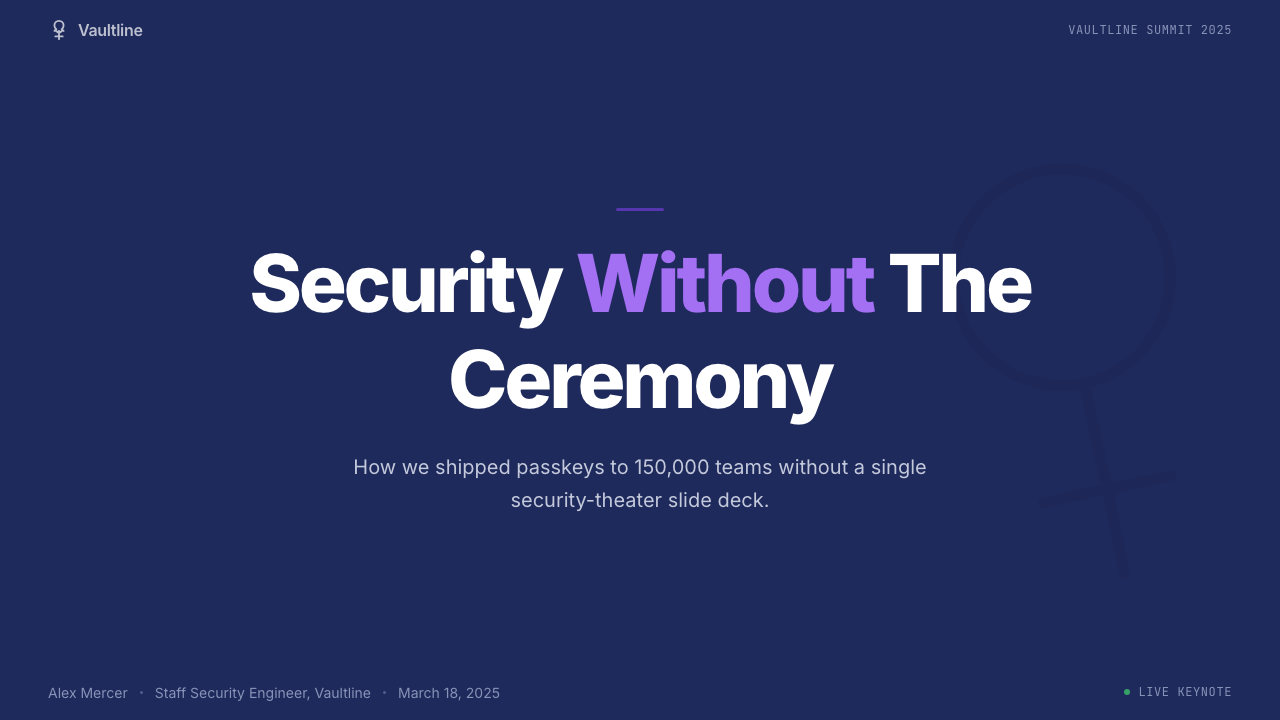
For presentation slides, the style works best when used with conviction. A cover built on the vault-purple canvas with a single, well-placed white card for the title and subtitle creates an immediate sense of authority. Content slides should lean into the card metaphor: each key point or data visualization sits in its own white container, with the purple canvas providing visual continuity between slides. For data-heavy decks, the warm paper tone works well as an alternative slide background — it provides relief from the deep purple while maintaining tonal coherence, and it allows charts and tables to sit cleanly without competing with a saturated background.
For web interfaces and dashboards, the style is particularly well suited to settings pages, account management interfaces, and security dashboards where calm legibility matters more than visual excitement. The white-card-on-dark-purple structure naturally creates depth and hierarchy without relying on complex visual treatments. Navigation and sidebar elements can carry the purple at reduced opacity or as a tinted surface, keeping the primary canvas color present without overwhelming interface chrome. Input fields and form elements work best as light-on-light — white fields on the paper tone, with purple reserved for active and focused states.
In editorial and marketing applications, the style supports both long-form trust-building content and punchy feature announcements. For long-form pieces — security explainers, how-to guides, or transparency reports — the warm paper background with dark type provides a readable, unhurried reading experience. For feature launches or campaign pages, the full vault-purple canvas with white card callouts and a single accent color for calls to action delivers the confident punch the style is capable of. A useful structural move is alternating sections between purple-canvas and paper-tone backgrounds, which creates rhythm across a long marketing page without introducing new colors.
The most common mistake when working with this aesthetic is treating the vault purple as merely decorative — using it as a background pattern, a border accent, or a gradient ingredient — rather than committing to it as the primary environmental layer. Another frequent error is reaching for additional colors to add visual energy: because the palette is deliberately restrained, the temptation is to supplement it. Resist this. The power of the system comes from its editorial discipline. When in doubt, add another white card, not another color.
1Password Purple Vault — FAQ
Is this style only suited to security or technology products?
Not exclusively, though that is where it is most immediately recognizable. The vault-purple identity works for any product or service where trust, reliability, and calm expertise are the primary values. Financial products, legal services, healthcare platforms, and professional productivity tools can all adapt the aesthetic effectively. What matters is whether the core message is 'we are competent and dependable' — the style amplifies that message. It works less well for products seeking to project energy, playfulness, or youthful spontaneity, where a lighter palette and more expressive forms would be more honest.
How does this style differ from generic dark-mode design?
Generic dark mode typically inverts a light-mode interface, replacing white backgrounds with near-black or very dark grey, and adjusting text and icon colors for legibility. The 1Password approach is distinct in that the dark surface is not a neutral grey but a purposeful, warm purple that carries brand identity. The white card system creates genuine layering rather than merely flipping tones. And the warm paper surface offers a counterpoint — a light-mode equivalent that shares the same palette family rather than feeling like an entirely different product. The result is a coherent dual-mode system rather than an afterthought dark toggle.
Can this aesthetic work for consumer audiences, or is it too serious?
The 1Password identity was explicitly designed to work for consumer audiences — families, non-technical individuals, and casual users as much as developers and enterprise IT teams. The warmth of the paper tones, the friendly rounded illustration system, and the generous whitespace prevent the vault-purple from reading as austere or intimidating. The key is calibrating the balance: heavy purple coverage with tightly packed content tips into seriousness; a lighter use of the purple as a canvas accent with predominantly card-based content stays accessible. For family-oriented or onboarding contexts, favor the paper tone as the dominant surface and use purple as accent.
How should illustration be used within this style?
Illustration in the 1Password system serves to explain complex or abstract concepts — vault organization, credential sharing, cross-device sync, passkey authentication — in ways that photography cannot do well without becoming either clichéd or literally inaccurate. The illustration style is geometric and approachable, with rounded forms that signal friendliness without being childish. When adapting the style, treat illustration as a clarifying layer rather than a decorative one: each illustration should answer a specific question the user might have, not simply add visual warmth. Avoid photographic imagery; it breaks the system's tonal consistency and introduces naturalistic depth that contradicts the flat card model.
What is the right approach for light mode versus dark mode in this style?
The two modes are not mirrors of each other but siblings with a shared palette. Dark mode leads with the vault purple as the primary canvas and uses white cards as the primary content surface. Light mode leads with the warm paper tone as the primary canvas and uses white as the card surface — a subtler differentiation, but one that maintains the card-and-canvas logic. In both cases, the vault purple should appear as an accent in the opposing mode: as a background splash or section header in light mode, as a tinted surface for secondary navigation or sidebar elements in dark mode. Mixing the two modes mid-page — dark purple hero section transitioning to paper-tone content section — is a common and effective pattern in marketing contexts.
Related design styles
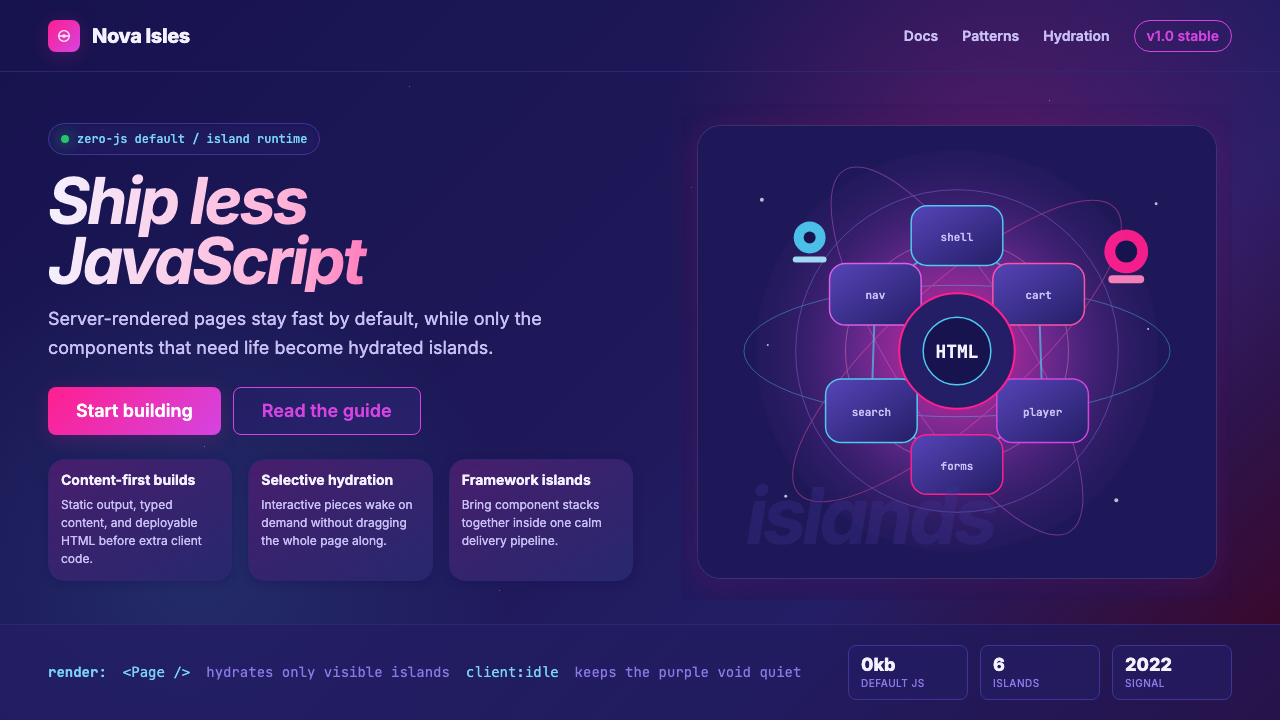 Astro Islands Architecture 2022Warm cosmic devtools. Deep violet, magenta glow, Inter clarity, and island ge…
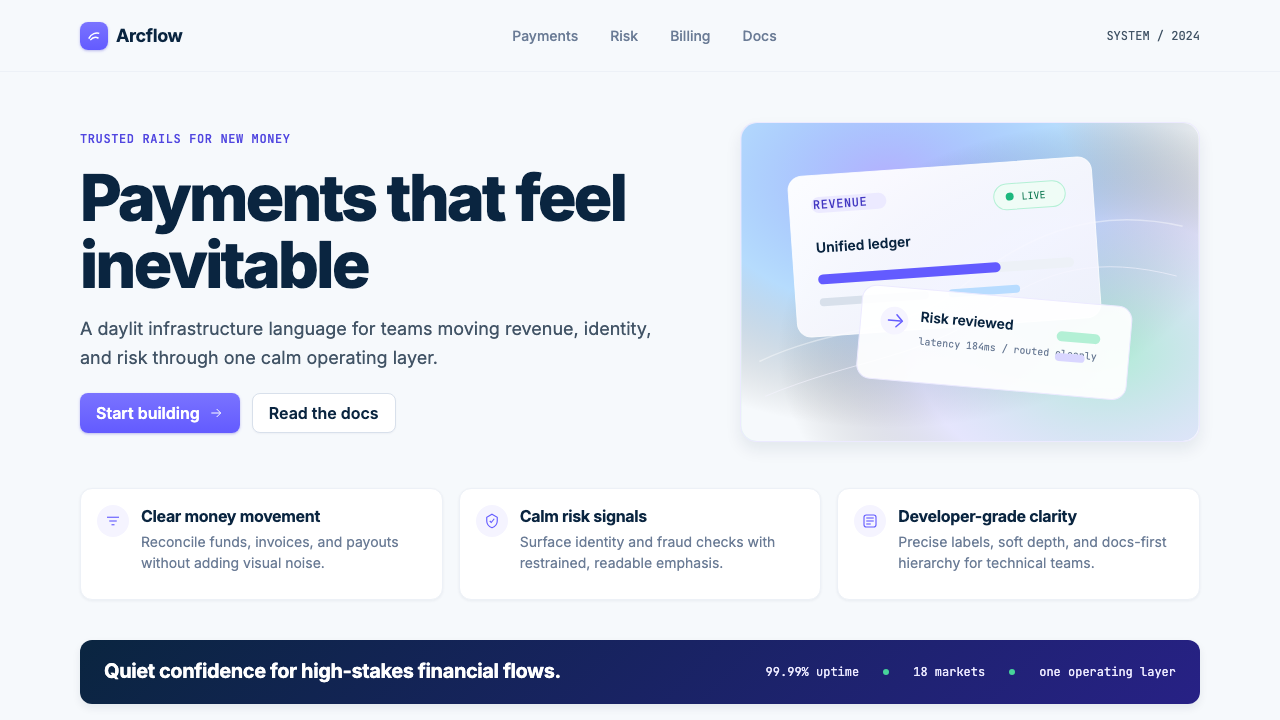 Stripe 2024Trust earns its glow. Indigo mesh, neutral type, and whisper cards float on n…
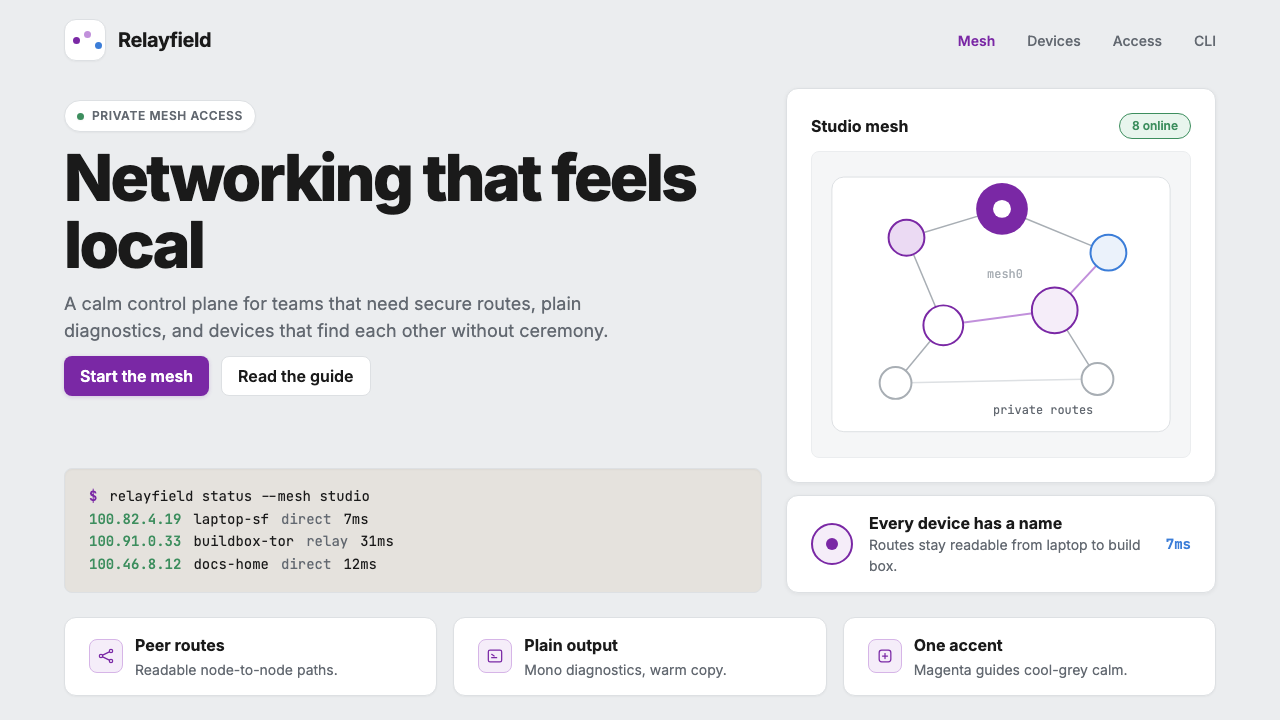 Tailscale Mesh VPN 2024Friendly infrastructure. Cool grey cards, magenta mesh nodes, and mono CLI bl…
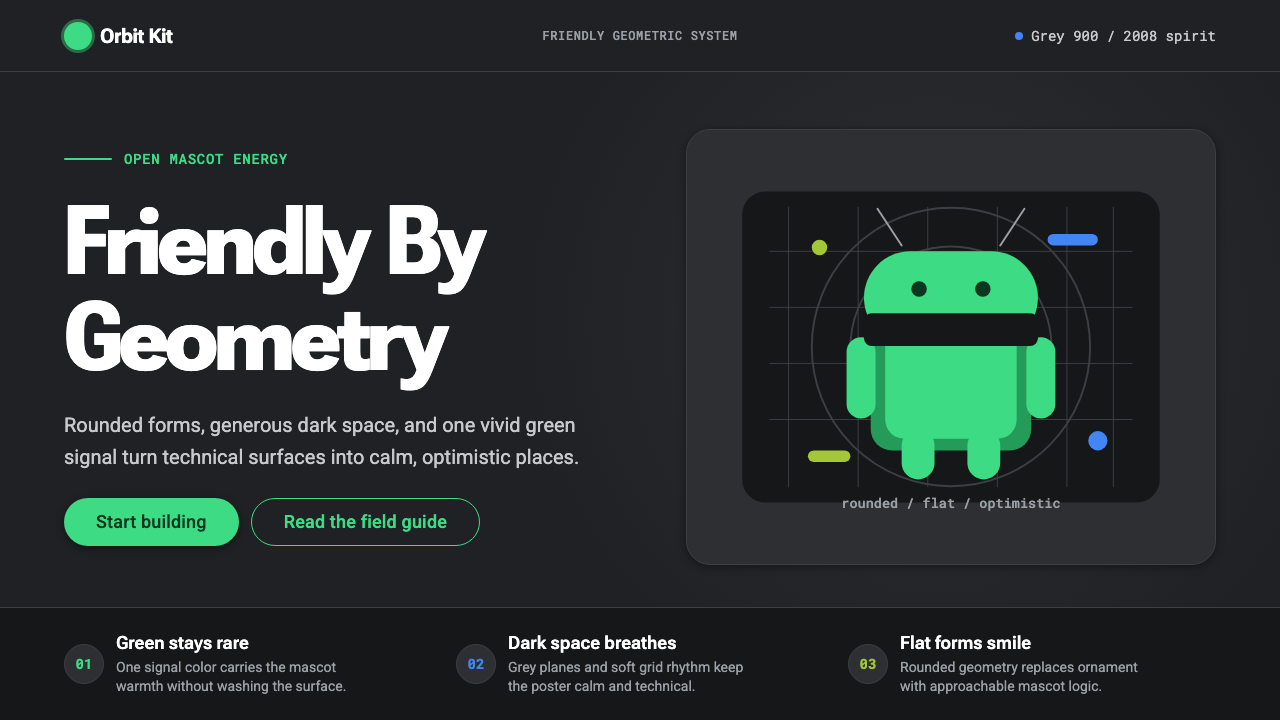 Android Bugdroid GreenFriendly tech, reduced to geometry. Vivid green pops from Grey 900 and rounde…
 AsanaCalm productivity breathes. Cream canvas, lavender panels, coral-blue-yellow…
 GitLab 2023DevOps in daylight. Tanuki orange-to-purple gradient, Inter, warm enough for…