What is Green Bar Printout?
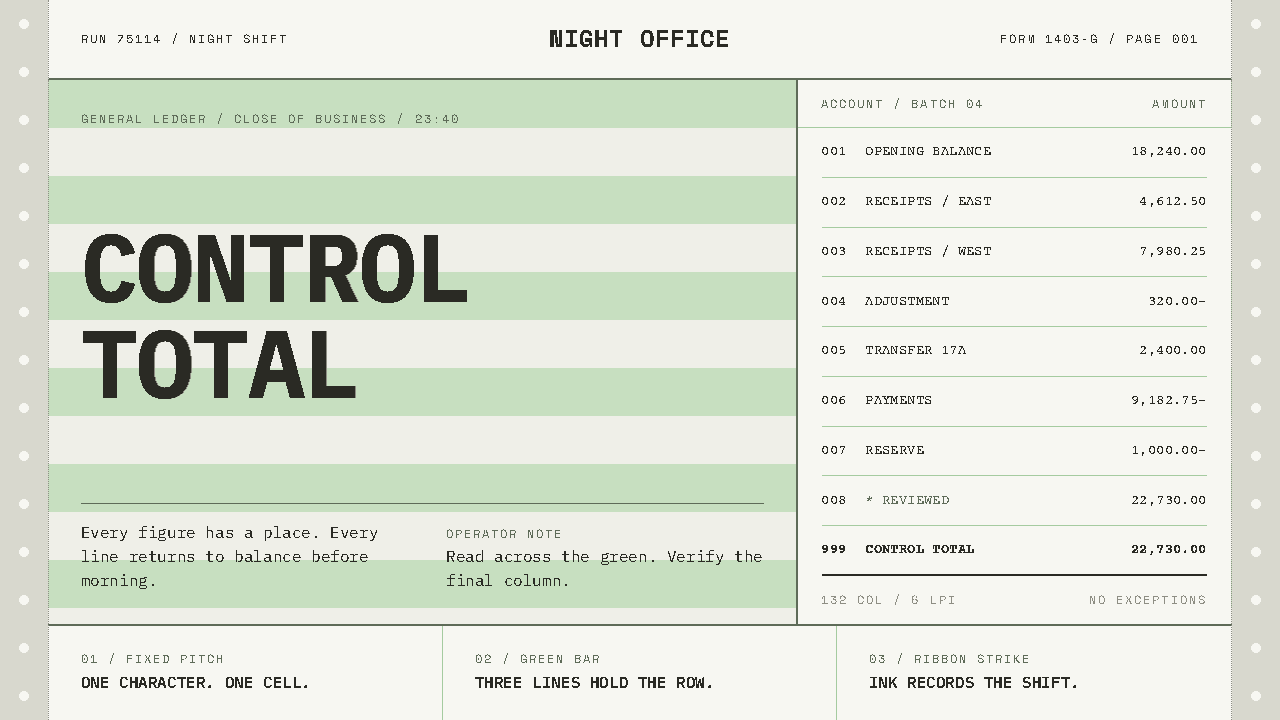
Green Bar Printout recreates the fan-fold line-printer paper of the 1970s machine room: fixed-width type struck onto pale green bands, where order is not decoration but the way the page works.
Green Bar Printout in brief
Green bar is the look of continuous line-printer paper from the era of batch computing. The stock was fan-folded white bond with pale green bands printed across it every half inch, and a row of tractor holes punched down both edges so that the printer could pull it through. A chain printer such as the IBM 1403 struck 132 columns of Gothic capitals across each line, at ten characters to the inch. This sheet carried payroll runs and other business reports out of the machine room for decades.
The green bands were not ornament. They existed so that a reader scanning a long row of figures could keep their eye on the correct line from the left margin to the far edge of the sheet; a misread row in a payroll run was a real error. That functional origin shapes the whole visual system. Everything is set in a single fixed pitch, flush left, snapped to a character cell. The bars lock to whole numbers of lines, never to arbitrary heights.
Equally important is what is absent. Nothing is rounded, nothing floats, nothing glows. This is paper that has been struck, not a screen that has been lit: the ink is grey-black and uneven, characters sit slightly off the baseline as the sheet feeds, and the green is the pale printed tint of a business form, not the phosphor glow of a terminal. The style is a study in how order looks when it is produced by mechanical machines.

Where does Green Bar Printout come from?
Batch computing defined the room in which green bar paper lived. From the 1950s and for decades afterwards, companies and universities ran their work through central machines in data centres: jobs were submitted, processed together, and returned as printed output. The printout was the product. Reports of every kind were produced in bulk as stacks of fan-folded sheets, and the mid-1970s mark the peak of this batch-report era, although the form persisted into the 1990s.
The stationery itself belonged to its own industry: continuous forms. Business-forms printers such as Moore Business Forms and Wallace Computer Services supplied the paper, with its pale green bands, perforated folds and tractor-hole margins as standard features. IBM, which built the printers and much of the surrounding equipment, is the best-known name in the lineage, but the look of the page was equally the work of those who made the stationery. The ruling and the machine were designed to meet each other.
The printing method fixed the typography. A chain printer carried a loop of characters that moved past the paper while hammers struck each position as the desired character went by. The type was a plain Gothic of capitals, spaced evenly, which is why everything lines up in rigid columns and why proportional spacing, italics and flourishes never appear. The page is a grid of character cells because the machine could only produce character cells, and the style honours that limit rather than disguising it.
A third influence is the language of business reporting. COBOL, the business programming language of the period, produced output as records and columns: a name, an account number, an amount, each in its own fixed field. The page therefore feels like a ledger, with data set left-flush in columns and nothing ornamental to distract from it. When the era passed, the paper became a cultural artefact, a reminder of what data looked like when it was physical. This style recovers that artefact as a design system with the discipline of the machine room intact.
What defines the Green Bar Printout look?
One Fixed Pitch
The page uses one monospaced letterform at one size throughout. Every character occupies the same cell, so the grid is visible in the text itself: a column of numbers lines up because the machine could do nothing else. There are no size jumps for emphasis and no second typeface. Hierarchy comes from position, capitalisation and the structure of the report, as it did on the original sheet.
Flush Left, Always
Nothing is centred, justified or floated. Text starts at the left edge of its cell and runs right, and columns begin where their headers begin. That gives the page a stiff, honest edge on the left and a ragged one on the right, which is exactly what a printer produces. The absence of alignment tricks is itself the aesthetic: the page looks arranged by a machine, because it was.
Bars Locked to Lines
The pale green bands fall in whole line counts, so a band never cuts through the middle of a row of text. They function as a reading aid, guiding the eye along a long line of figures, and they alternate with white in a steady cadence. Their regularity gives the page a quiet rhythm, and their pale tone keeps text easily legible on top.
Paper, Not Glass
The ground is white bond and the green is a printed tint. Nothing glows, nothing is backlit, and there is no phosphor-green text on black. This is the key distinction from terminal aesthetics: a terminal is light emitted through glass, whereas a printout is ink pressed onto paper and read by reflected light. The surface is matte, flat and slightly dry.
Uneven Ink
The ink is grey-black rather than pure black, and it varies: some characters strike heavier, some lighter, and as the sheet feeds, lines drift slightly off the baseline. These imperfections come from hammers and ribbons, not from a filter applied afterward. They should be restrained and consistent, because over-exaggerated wear looks like a costume and the real printout looked merely worked.
Edge Furniture
Tractor holes run down both margins, the perforated fold marks the page boundary, and the sheet continues beyond what the eye sees. These details frame the content as a segment of a longer, continuous stream rather than as a self-contained card. They can be evoked lightly in an interface, as margin marks or page breaks, without turning the whole view into a pastiche.
Flat, Square, Unshadowed
Nothing is rounded, nothing floats, nothing casts a shadow. Elements are rectangles that sit in cells, and depth does not exist because paper is one thin layer. Emphasis comes from inversion, underscoring with characters, or repetition rather than from shadow and glow. The result feels sober and administrative, in the way a ledger feels.

Who shaped Green Bar Printout?
The company that built the 1403 chain printer and much of the machinery surrounding it. Its equipment fixed the grid of 132 columns and the plain Gothic capitals that define the page. The style takes from IBM's machines not a brand but a set of physical limits: one pitch, one row at a time, characters in cells.
A business-forms printer that supplied continuous stationery to the data centres of the period. Firms like Moore are the reason the sheet had its pale green bands, perforated folds and tractor-hole margins, and a reminder that the page was designed by stationery makers as much as by computer makers.
Another producer of continuous forms for computer output. Together with Moore, it stands for the industry of printed stationery that grew up alongside batch computing and turned the output of machines into paper that a human could navigate quickly and check line by line.
The line printer named in the style's own description: a machine that struck full lines at once, at ten characters to the inch, in capitals. Its mechanical way of printing explains the uneven ink and the slight baseline drift, and it is the reason the page is a field of cells rather than a flow of text.
How do you use Green Bar Printout today?
Green Bar Printout is best used where the content really is rows and columns, or where a feeling of administrative order and machine honesty is wanted. Its strength is plainness: it carries data without dressing it up, and it signals that the numbers on the page were produced by a process rather than composed by a designer.
A cover slide works as a report header: a block of capitals at the top, a line or two of run information, and a wide band of green behind the text. Content slides become listings, each line set in the single pitch, with the bands marking groups of lines. Data slides are the style's home territory: tables with fixed columns, totals on their own line, and bar charts built from repeated characters or flat rectangles instead of gradient fills.
On the web, the style is natural for data tables, logs, audit views, invoices, ledgers and admin consoles. Rows can alternate between white and pale green to guide the eye, with no rounded corners, no shadows and no hover animations beyond a plain inversion. Pricing pages can become plain tabular comparisons. Navigation should read like a menu on a report: capitalised labels, left-flush, separated by lines rather than by icons or pills.
In editorial and marketing work, the style suits essays about computing history, data journalism, fintech and back-office products with a sense of humour about their own roots. Long text can be set in the single pitch at a narrow measure, which reads like a printed memo. Marketing pages gain character from a single sheet-like column with margin holes, as if the page had been pulled from a printer in the machine room.
The most common mistake is confusing green bar with the hacker terminal: bright green text on black is a different artefact, light on glass, and it ruins the paper logic. Another is rounding corners, adding drop shadows or using a friendly sans-serif for convenience, each of which breaks the system's rules at once. A third is making the bands too strong or cutting them to arbitrary heights; they should stay pale and lock to the lines. And finally, over-distressing the ink makes the page look theatrical rather than used.

Green Bar Printout — FAQ
Is this the same as retro terminal green?
No. Terminal green is light on glass, usually bright green characters on a black ground. Green bar is ink on paper: grey-black type on white bond with pale green bands. The two share a computing heritage but have opposite surfaces, and mixing them is the most common way to lose the style.
Why did the paper have green bands at all?
To keep a reader's eye on the correct row. Printouts carried very long lines of figures, and in a payroll run, reading across to the wrong line was a real error. The bands made each group of lines visible as a unit, so the eye could follow a row from one edge of the sheet to the other without drifting.
Can it work for modern dashboards and developer tools?
Yes, particularly for tables, logs, reports and any view built on rows and columns. It is less comfortable for rich, image-led or interactive layouts, where its flat, boxy discipline gets in the way. A good approach is to use the style for the data surfaces and keep controls plain and square, with no rounded or floating elements.
Is a monospaced face practical for reading long text?
It is workable in moderate amounts. Short paragraphs at a narrow measure read well, much like a printed memo. For long articles, keep the line length modest and give the text room, or use the style for headers, tables and sidebars while letting reading text sit in a plain, quiet block. What matters is that the pitch stays fixed wherever it appears.
Does the style have a dark mode?
Not in any authentic sense. The look is defined by white paper and pale printed tint, so a dark inversion would turn it into a terminal, which is the very thing the style is not. If a dark environment demands it, treat the result as a separate, adjacent style rather than as a variant of this one.
Related design styles
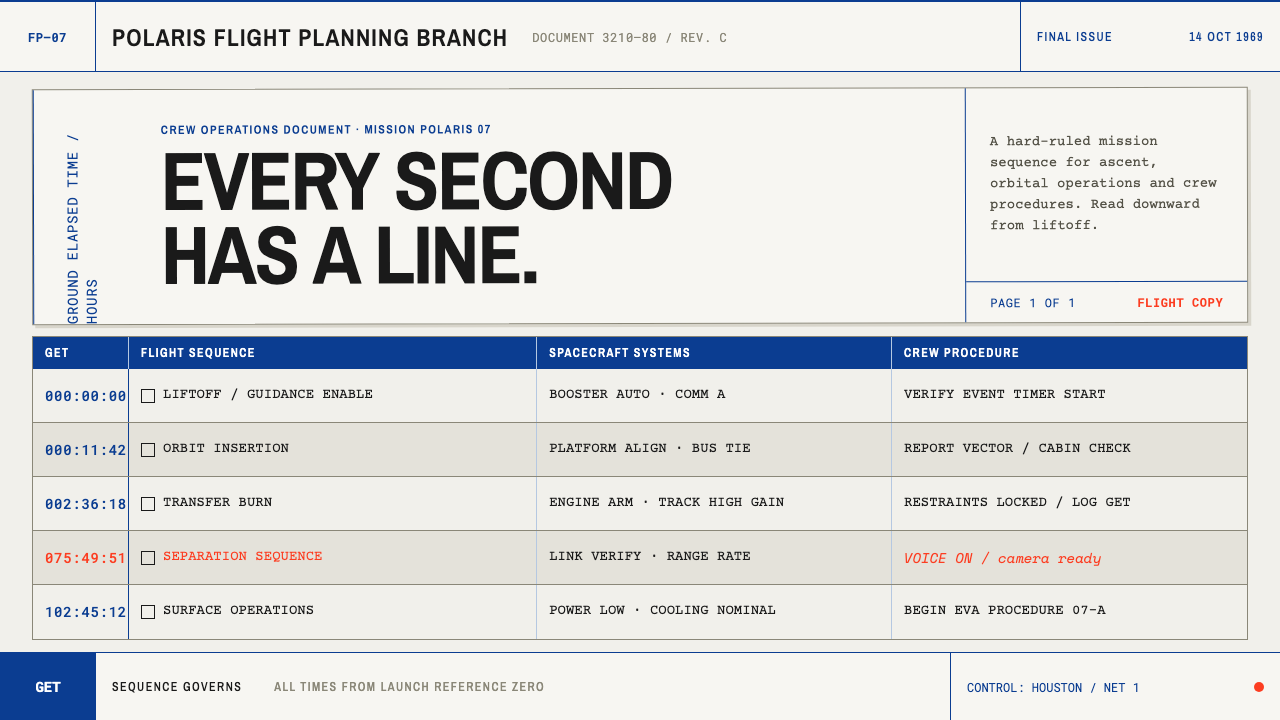 Apollo Flight PlanEvery second has a line. NASA blue rules and monospaced GET stamps discipline…
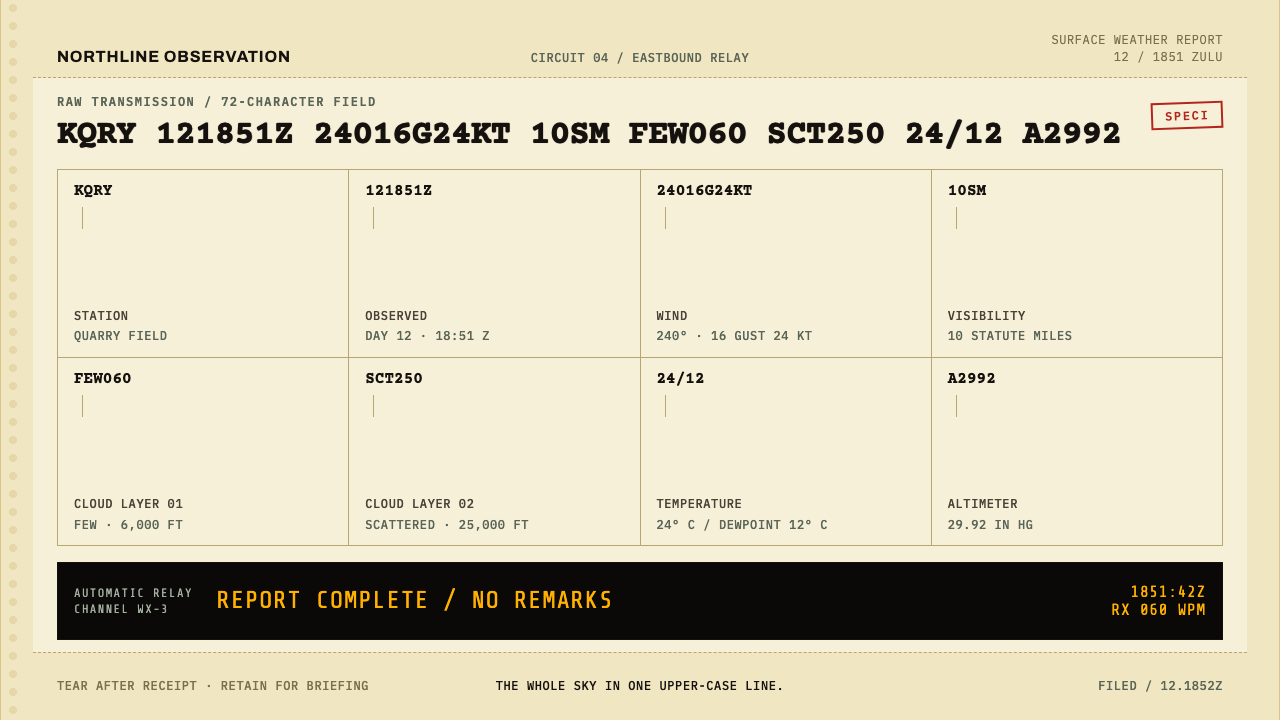 METAR Weather CodeThe whole sky, compressed. Ribbon-black code strikes across canary teleprinte…
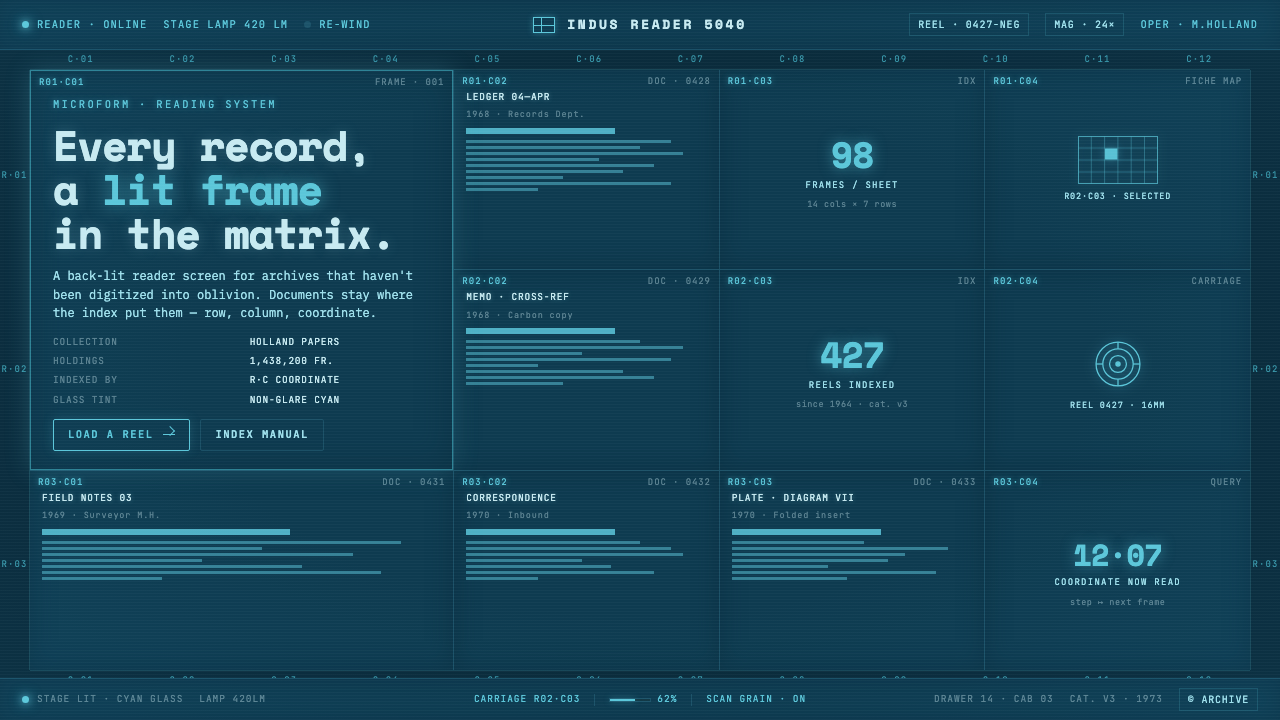 Microfiche ArchiveRecords as lit frames in a matrix. Cyan-blue back-lit panel, glowing mono typ…
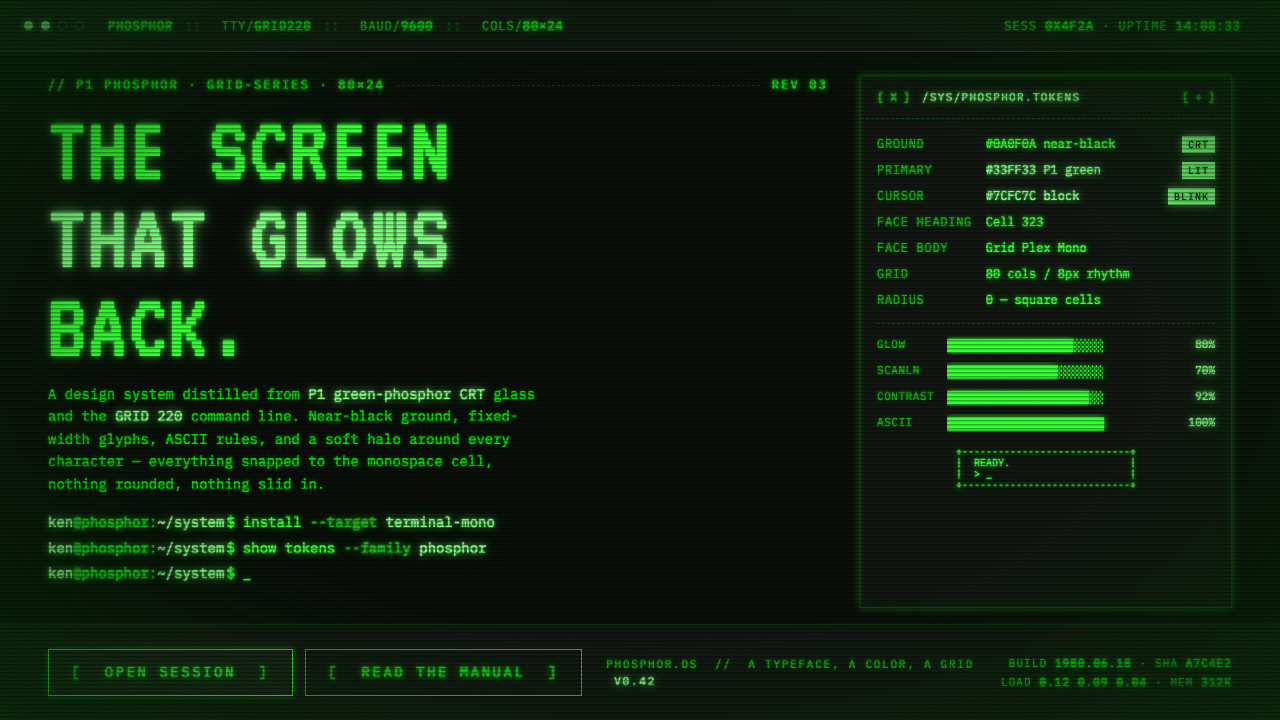 Unix Terminal MonoNear-black CRT glass that glows back. P1 phosphor green, VT323 mono, ASCII ru…
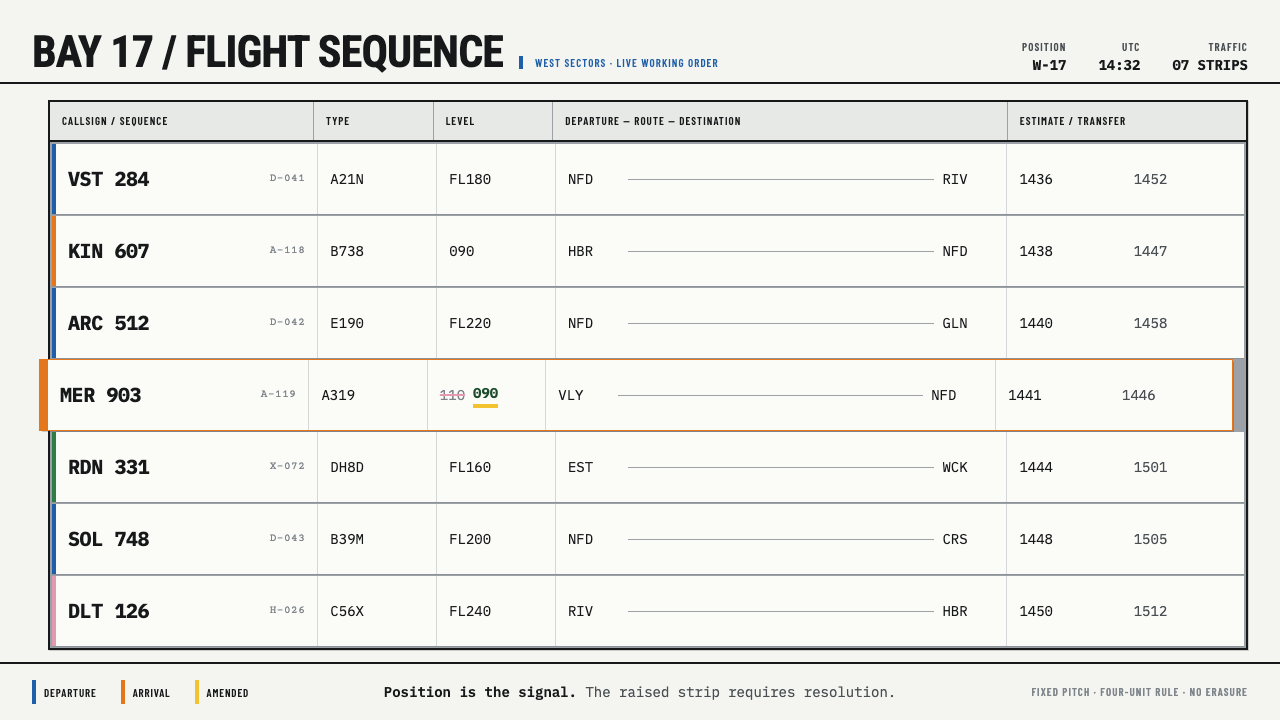 Flight Progress StripsPosition carries urgency. Pale ruled strips use blue and orange edges to sign…
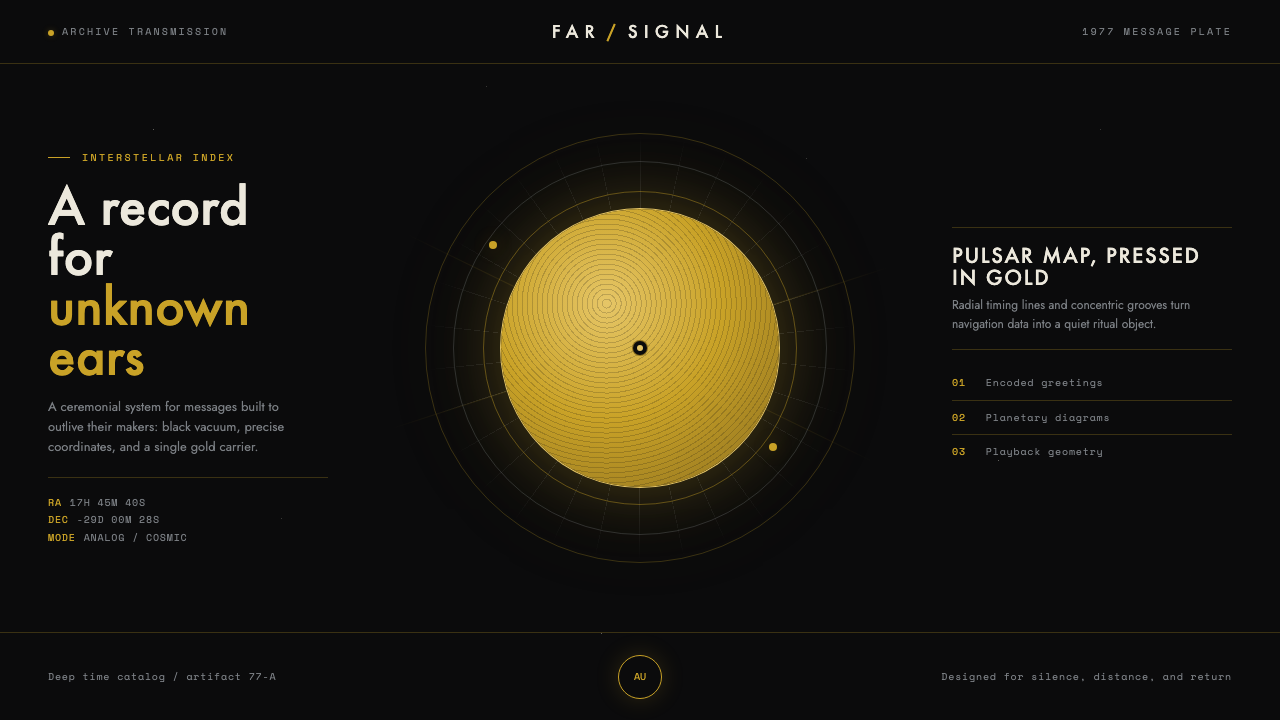 Voyager Golden RecordSends silence across the void. Warm gold on matte black, with compass-precise…