What is LINE Messenger Green?
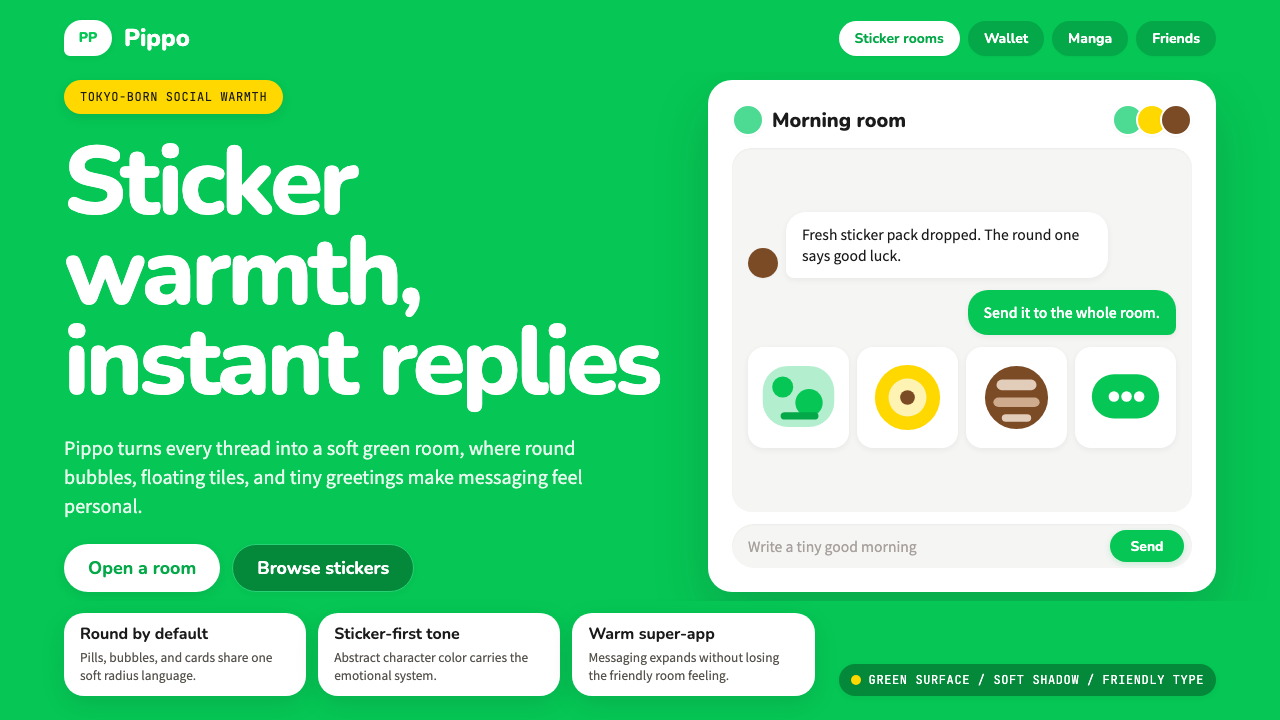
Born from a disaster and built on bear stickers, LINE's signature green became the warmest color in East Asian digital life.
LINE Messenger Green in brief
LINE Messenger Green is the visual design system originating from LINE Corporation's flagship chat application — a system defined by a vivid, friendly green as its anchor color, compulsively rounded surfaces on every interactive element, and a warmth that stems directly from the app's character-driven identity. Where most messaging platforms reach for cool neutrals or bold primaries, LINE reaches for approachability: a green that reads as energetic yet safe, paired with pill-shaped buttons, softly shadowed cards, and type choices that feel hand-selected for legibility at every size.
The system is unified not just by its signature color but by a philosophy of what a chat interface should feel like. LINE was designed from the beginning to communicate affection — its sticker economy, featuring characters like Brown the bear and Cony the rabbit, demanded a visual environment that did not compete with the characters but complemented and elevated them. The result is a UI language where every rounded corner, every gentle shadow, every carefully balanced white space reads as an invitation rather than an instruction.
Today, LINE Messenger Green has become a recognized aesthetic in East and Southeast Asian digital design — a shorthand for warmth, accessibility, and character-forward personality. Designers reference it the way they reference Duolingo's green or Spotify's black: as a tonal commitment that goes beyond color into gesture, shape, and emotional register.

Where does LINE Messenger Green come from?
LINE was not designed in a design studio on a slow Tuesday afternoon. It was built in a crisis. On March 11, 2011, the Tōhoku earthquake and tsunami struck northeastern Japan, killing nearly twenty thousand people and collapsing telecommunications infrastructure across the region. Engineers at NHN Japan, working in Shinjuku, Tokyo, found that conventional phone calls were impossible but data packets were still moving. Within weeks, they had built a network-agnostic messaging app that could route communication over any available data connection. LINE launched publicly in June 2011 — and the urgency of its origin gave it a design imperative that most apps never face: it had to work, immediately, for everyone, without instruction.
That founding context shaped the aesthetic in ways that persist to this day. Approachability was not a design trend LINE chose — it was a survival requirement. Rounded forms, high-contrast color, large tap targets, and immediately legible interface elements were not refinements added later; they were baked in from the beginning by teams who understood that the first users might be disaster survivors operating unfamiliar devices under extreme stress. The warm, friendly visual register that defines the brand is therefore not superficial: it is structural, inherited from an engineering culture that treated ease of use as a humanitarian value.
The sticker economy, which launched shortly after the app itself, transformed LINE from a utility into a cultural phenomenon. Designer Kang Byung Mok and the Line Friends creative team developed the original character lineup — Brown the bear, Cony the rabbit, Sally the chick, and their companions — as a system of expressive shorthand for emotions that typed language struggles to convey. These characters became enormously popular across East and Southeast Asia, spawning physical retail stores, cafes, collaborations with global brands, and a manga platform. The visual system had to scale to contain an IP empire while remaining a functional messaging interface — a tension that the rounded, character-first design language resolved by making warmth the organizing principle at every level.
The 2019 brand refresh and the subsequent visual evolution through the early 2020s refined the system without abandoning its foundations. The signature green deepened slightly and became more precisely defined across digital contexts. Type choices became more deliberate, leaning toward rounded humanist letterforms that echoed the curves of the interface elements rather than imposing geometric rigidity. The current visual system, representing the design language at maturity, reflects a decade of refinement in which every design decision was tested against the question: does this feel like LINE? That question has a clear answer — it should feel warm, rounded, and alive with personality.
What defines the LINE Messenger Green look?
Signature Green
The anchor of the entire system is a vivid, mid-tone green that sits between the natural world and the digital — more saturated than a leaf, more organic than a neon, warm enough to feel inviting rather than clinical. It appears on primary action buttons, navigation bars, confirmation states, and key brand touchpoints. The green is not neutral; it carries an emotional charge that the system leans into deliberately, using it as the primary signal that something is active, friendly, and ready.
Rounded Everything
Where many design systems reserve rounded corners for a few select components, LINE rounds everything — buttons, input fields, message bubbles, avatars, cards, modal windows, and even notification badges. The radius is generous rather than token: elements are pill-shaped or bubble-shaped at their most characteristic. This pervasive roundness communicates the same message at every scale: no sharp edges, no hard stops, no severity. The interface is a soft space.
Message Bubble Language
The chat bubble is the fundamental unit of the LINE interface, and its design carries the system's warmth at the most granular level. Outgoing messages appear in the signature green; incoming messages appear in white or a very light neutral — the color contrast immediately communicates direction without requiring the user to read sender labels. The bubble's tail is soft and rounded, never angular. System messages and timestamps are rendered in muted, secondary tones to recede behind the conversational content.
Sticker-Scale Expressiveness
The LINE visual system is built to coexist with an enormous library of illustrated stickers, animated characters, and expressive imagery. This requires a UI language that does not compete with rich content — backgrounds stay clean, layouts stay open, and color is used with enough restraint that a large illustrated sticker can enter the composition without clashing. The design system treats empty space as a stage, not as waste, because character content needs room to perform.
Soft Shadow Depth
Unlike design systems that use hard-edged shadows derived from Bauhaus or flat design principles, LINE employs soft, diffuse shadows that give cards and panels a gentle elevation above the background. These shadows are not dramatic — they do not simulate strong directional lighting or theatrical depth. They are ambient and slight, just enough to separate layers and establish hierarchy without creating visual weight. The overall effect is comfortable and approachable rather than sharp and assertive.
Warm White Ground
The backgrounds in LINE's interface trend toward a warm white rather than a pure or cool white. This slight warmth keeps the interface from feeling clinical or sterile, and it creates a harmonious relationship with the signature green — which is itself a warm-leaning tone. Chat list screens, settings panels, and content areas all sit on this warm white ground, ensuring that even densely packed information screens feel inviting rather than demanding.
Humanist Typographic Register
The typefaces chosen to represent LINE across its interfaces share a common quality: humanist warmth. Rather than geometric sans-serifs with their cool precision, LINE's type leans toward letterforms with slightly organic curves, generous letter-spacing, and an overall feeling of friendliness. Headlines are confident but never aggressive. Body text is legible at small sizes without sacrificing personality. The typographic register consistently says: this is a communication tool made for humans, by humans who thought carefully about how words should feel.

Who shaped LINE Messenger Green?
Lee Hae-jin co-founded NHN Corporation (which later became Naver and the parent organization of LINE) and served as a driving force behind LINE's development and international expansion. His vision of a networked communication platform that could withstand infrastructure failure — informed directly by the 2011 disaster — gave LINE its founding design philosophy: build for accessibility and universality above all else. Lee's strategic decisions to expand LINE aggressively into East and Southeast Asia rather than competing head-on with WhatsApp in Western markets shaped the cultural contexts in which LINE's warm, character-forward aesthetic would take root.
As CEO of Line Corporation, Akira Morikawa oversaw the period in which LINE transformed from a disaster-response messaging tool into one of Asia's most recognized consumer technology brands. Under his leadership, the app expanded its feature set — from messaging to payments, news, gaming, and e-commerce — while maintaining the visual and tonal consistency that defined the LINE experience. His stewardship of the brand through the 2019 refresh and the subsequent merger discussions with Naver and SoftBank's Yahoo Japan shaped the current state of the visual identity.
The designer credited with creating the original Line Friends character system — Brown, Cony, Sally, Moon, Choco, and the extended cast — Kang Byung Mok produced the visual personalities that became the emotional backbone of the entire LINE brand. His character designs were not merely illustrative add-ons; they defined the emotional register that the UI system had to honor and support. The visual warmth, rounded forms, and expressive palette of the LINE interface can be understood as the UI designer's response to the design imperative that Kang's characters established: every element must feel like it belongs in the same world as these characters.
Idezawa succeeded Morikawa as Line Corporation's CEO and presided over the company's progression toward a super-app model — a vision in which LINE's friendly interface would become the gateway to a comprehensive suite of services spanning financial products, healthcare, government services, and daily commerce. This super-app ambition placed new demands on the visual system, requiring it to maintain warmth and approachability while accommodating the complexity and trust signals needed for financial and civic applications. The design language's ability to stretch across these contexts without losing its identity is testament to its underlying strength.
Beyond Kang Byung Mok's founding character designs, the ongoing Line Friends creative team has continued to expand the character universe — introducing new characters, seasonal variants, collaborations with external IP owners, and creator-made sticker sets that number in the hundreds of thousands. This collective creative output has maintained the visual diversity that keeps LINE's ecosystem feeling alive and personal, while the core design team's work on the app itself has ensured that the interface remains a stable, legible frame around that abundance of expressive content. The ongoing tension between UI restraint and character abundance is one of the defining creative challenges the team navigates.
How do you use LINE Messenger Green today?
LINE Messenger Green is one of the most instructive styles for designers who need to communicate warmth, friendliness, and approachability through a digital interface — particularly in Asian markets where the LINE brand has deep cultural resonance. Applying it correctly means understanding that the warmth is not produced by the green alone, but by the combination of color, form, shadow quality, and type register working together. A green button on a cold, angular layout with hard shadows does not feel like LINE; it feels like a contradiction.
For presentation slides, LINE Messenger Green works exceptionally well on covers and opening sequences where emotional tone needs to be established quickly. A cover built in this style might pair the signature green with a warm white ground, a rounded display typeface set at generous scale, and a character illustration or icon with soft, diffuse shadows. Content slides benefit from the system's clarity: consistent use of the green for key terms, data points, or CTAs against clean white fields, with information organized in card-like containers that use rounded corners and subtle elevation. Data visualizations should use the green as the primary data color, with supporting neutrals and the occasional warm accent for secondary series — the result feels readable and friendly rather than clinical.
For web UI including dashboards and pricing pages, LINE Messenger Green adapts well to contexts where complex information needs to feel manageable. A dashboard built in this aesthetic uses soft-shadow cards as the primary container unit, with the signature green appearing on active states, primary action buttons, and positive metric indicators. Pricing pages benefit from the system's built-in approachability: tier cards with generous rounded corners, the signature green on the recommended tier, and typographic hierarchy that uses scale and weight rather than aggressive color contrast. Navigation should feel open and unhurried — generous spacing, rounded toggle elements, and a warm white background that prevents the information density from feeling overwhelming.
For editorial and marketing contexts, the style supports a warmth-forward approach to content presentation. An editorial layout in this register keeps the signature green for pull quotes, key facts, or section introductions — using it sparingly enough that each appearance carries emphasis. Marketing pages built in this style benefit from full-width sections that alternate between the signature green background and warm white, with character or product imagery given generous space. Email marketing in this style uses the green header confidently but keeps the body area clean and well-padded, with a single green call-to-action button per section. The emotional register should always feel like receiving a message from a friend, not receiving a notification from a system.
The most common mistake when applying LINE Messenger Green is using the green in ways that remove its warmth — particularly by pairing it with cool-toned neutrals, sharp corners, or hard-edged shadows. The green is warm and organic; set it against cool greys or pure blue-whites and it becomes jarring rather than inviting. A second common error is over-saturating the composition with the green, turning a warm accent into an overwhelming field. In authentic LINE-inspired work, the green appears where action or emphasis is genuinely needed, and the majority of the visual field stays in the warm whites and light neutrals that give the green room to breathe and signal.

LINE Messenger Green — FAQ
How does LINE Messenger Green differ from other friendly app design systems like Duolingo or Headspace?
All three use green or warm tones to signal approachability, but they serve very different emotional registers. Duolingo's green is energetic and slightly gamified — it pairs with aggressive streak mechanics and high-contrast alerts, making it motivating rather than soothing. Headspace uses warmth through color temperature and organic illustration, aiming for calm rather than energy. LINE Messenger Green is specifically social: it is warm in the way a received sticker is warm — personal, expressive, and relational. Its visual language is built around the presence of other people and character personalities, which gives it a distinctly different feeling from apps oriented toward individual habit formation or personal wellness.
Can LINE Messenger Green work for professional or enterprise contexts, or is it too playful?
LINE itself has expanded successfully into financial services, government integrations, and healthcare through LINE Pay and LINE Health — which suggests that the visual system has more range than its sticker-economy origins might imply. The key is calibration: for professional contexts, reduce the character imagery and the most exuberant green usage to accents and CTAs only, increase the typographic weight and hierarchy, and lean into the system's clean, open white space rather than its warmest, roundest elements. The resulting aesthetic reads as approachable and trustworthy rather than playful. Contexts that are genuinely incompatible with this style tend to be those requiring visible authority signals — legal, governmental, or high-stakes financial services where severity is itself a trust signal.
Is LINE Messenger Green suitable for dark mode?
LINE does support a dark mode, and the visual system adapts with care. In dark mode, the backgrounds shift to deep charcoal and dark neutral tones rather than pure black — maintaining the warmth of the original system by avoiding a cold, pitch-black ground. The signature green remains largely consistent, though it may appear slightly more vivid against dark backgrounds. Message bubbles in dark mode use dark neutrals for incoming messages and the signature green for outgoing, preserving the directional color logic. The soft shadows become more subtle or are replaced with slight border treatments to maintain layer separation without losing the gentle quality of the lighting system.
Why does LINE use green as its primary color rather than blue, which dominates most communication apps?
The choice is both practical and cultural. At the time of LINE's launch, the major messaging platforms — iMessage, early WhatsApp, Facebook Messenger — were using blues and greens derived from the convention of telecommunications (blue for technology, trust, and distance). LINE's green is warmer and more organic than the blues of these competitors, positioning it as friendlier and more personal. In East Asian cultural contexts, green carries associations of freshness, growth, and positive energy without the formal distance that blue can suggest. It also photographs well against the light backgrounds of the Asian mobile interfaces of the early 2010s, where LINE was building its earliest and most passionate user base.
How should a designer handle the sticker and character imagery if they are not working with official LINE assets?
The character imagery is a significant part of what makes LINE feel like LINE — but the visual system's warmth is not exclusively dependent on it. Designers working without official character assets can draw on the system's other elements: the signature green, the pervasive rounded forms, the soft shadow system, the warm white backgrounds, and the humanist typographic register. Custom illustrations in a rounded, expressive style — not necessarily animal characters, but any illustration language that shares the same warmth and exuberance — can occupy the role that the official characters play. Alternatively, emoji used generously and at scale, or user-generated avatar imagery, can fill the expressive function. The essential principle is that the interface should feel populated with personality, even if that personality comes from sources other than the original Line Friends cast.
Related design styles
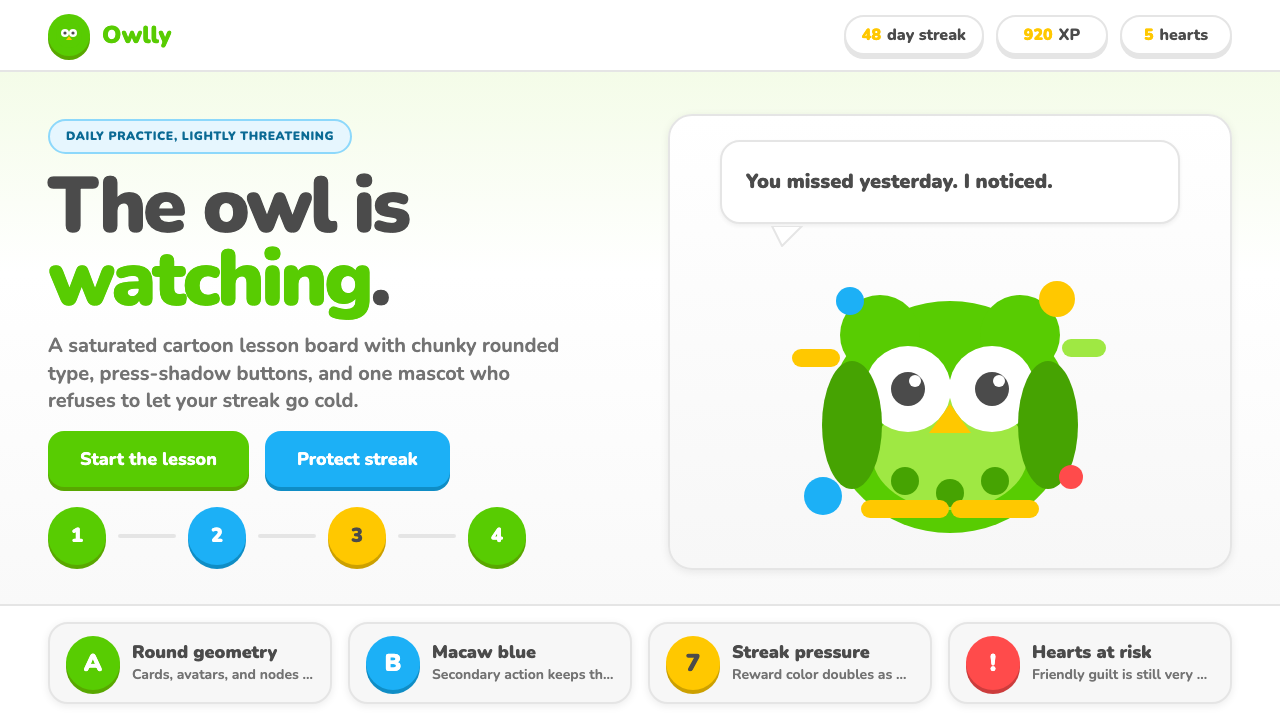 Duolingo Green Owl MascotFriendly guilt goes loud. Saturated green, Nunito heft, and press-shadow butt…
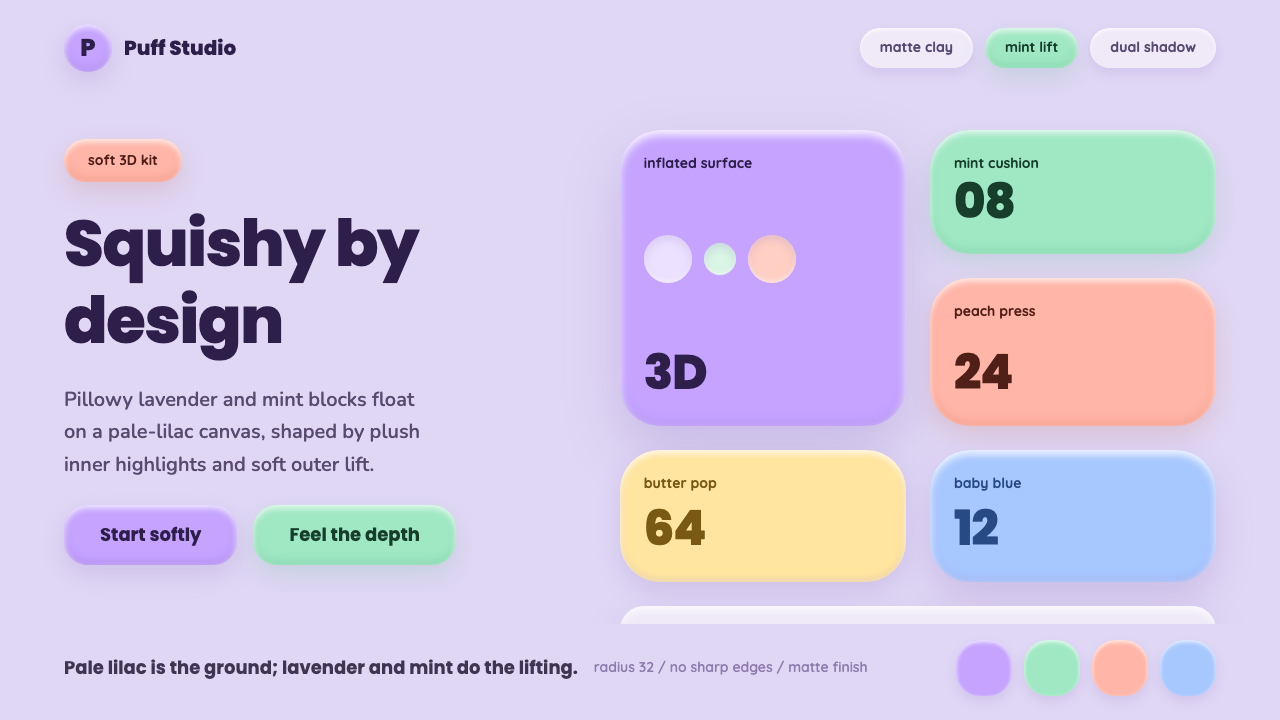 ClaymorphismSquishy, not flat. Lilac clay surfaces puff up with mint and lavender dual sh…
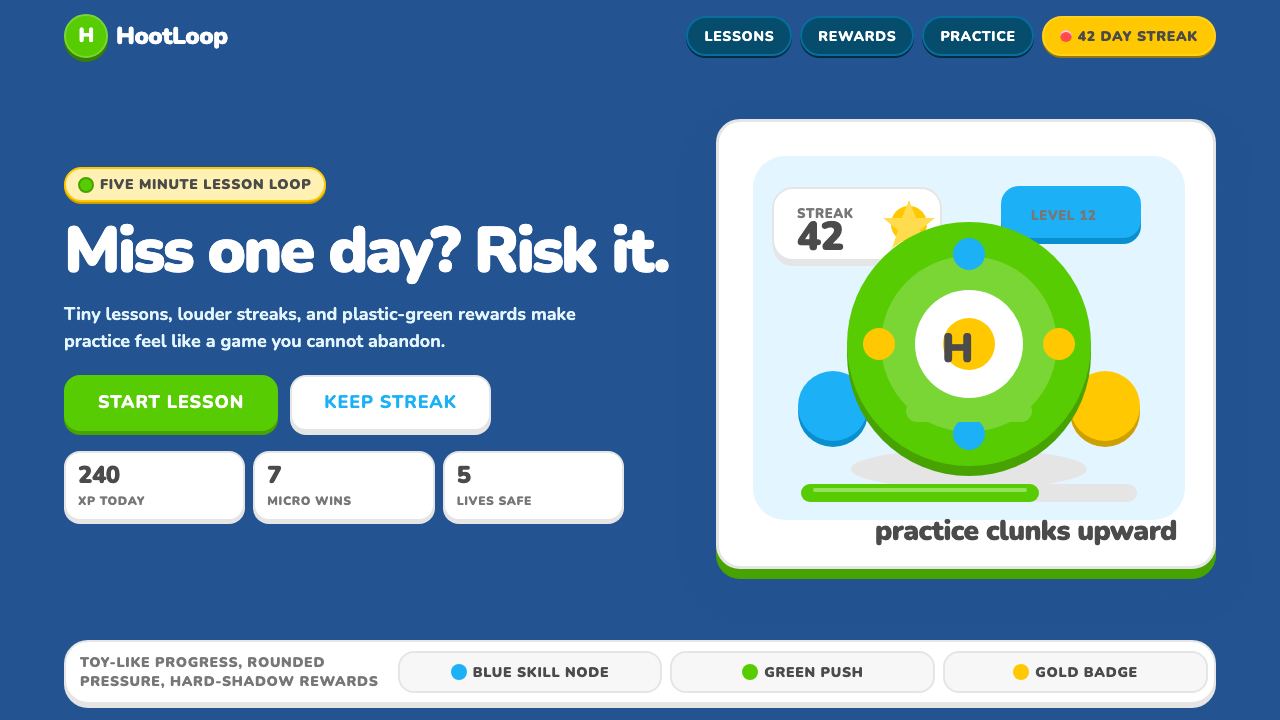 Duolingo 2024Adorable pressure wins. Feather Green, Nunito heft, rounded push-shadows gami…
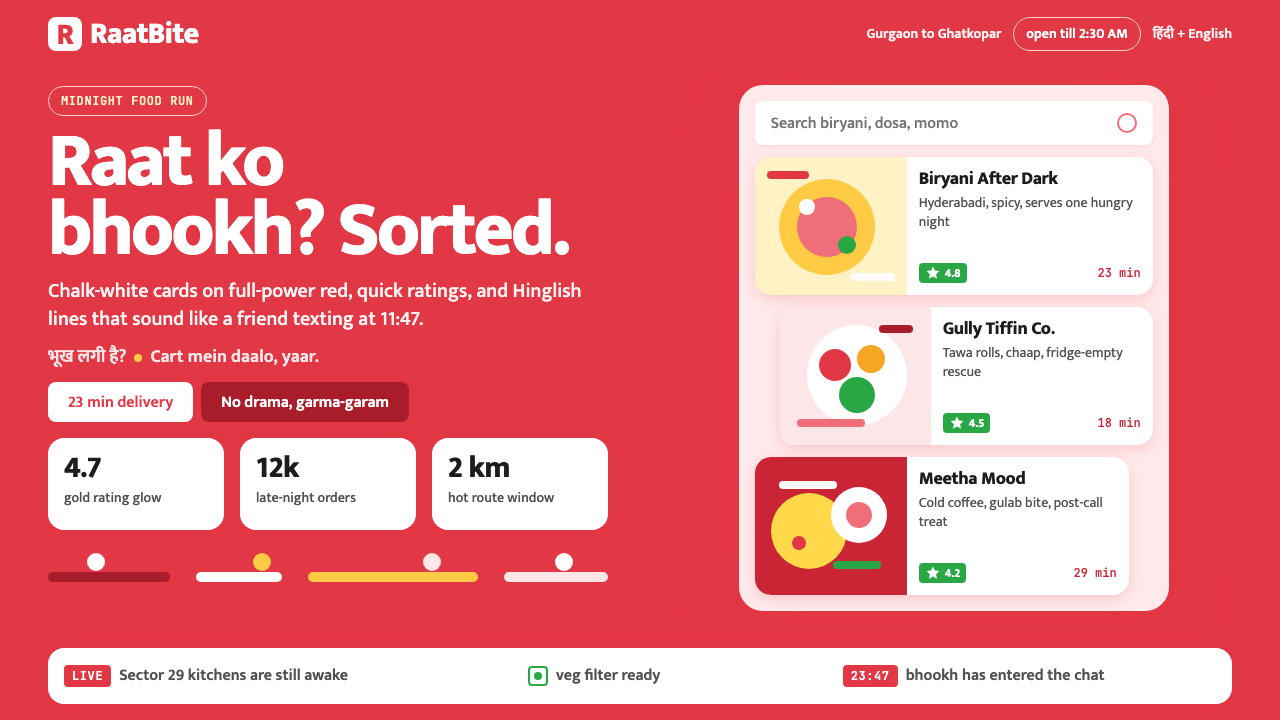 Zomato India DeliveryOwns the midnight scroll. Saturated red, Mukta Hinglish, white cards and gold…
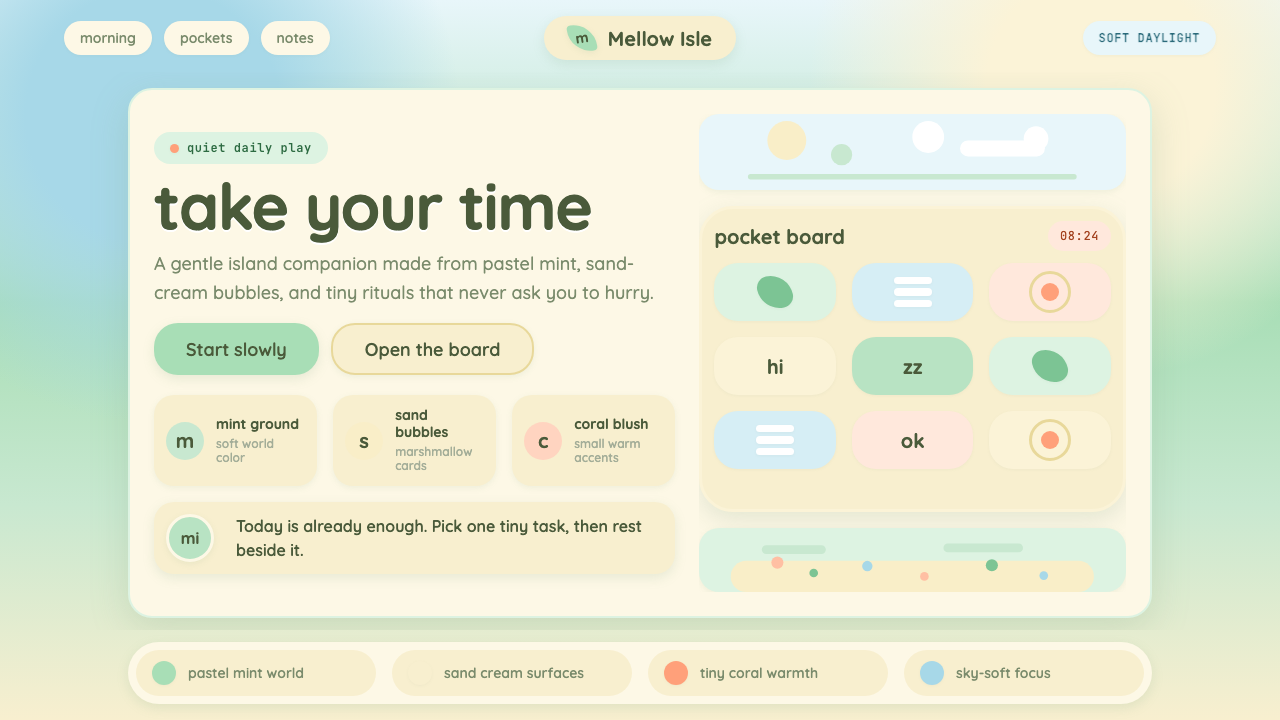 Animal Crossing — New HorizonsNo pressure, only daylight. Mint fields and sand bubbles soften every edge.
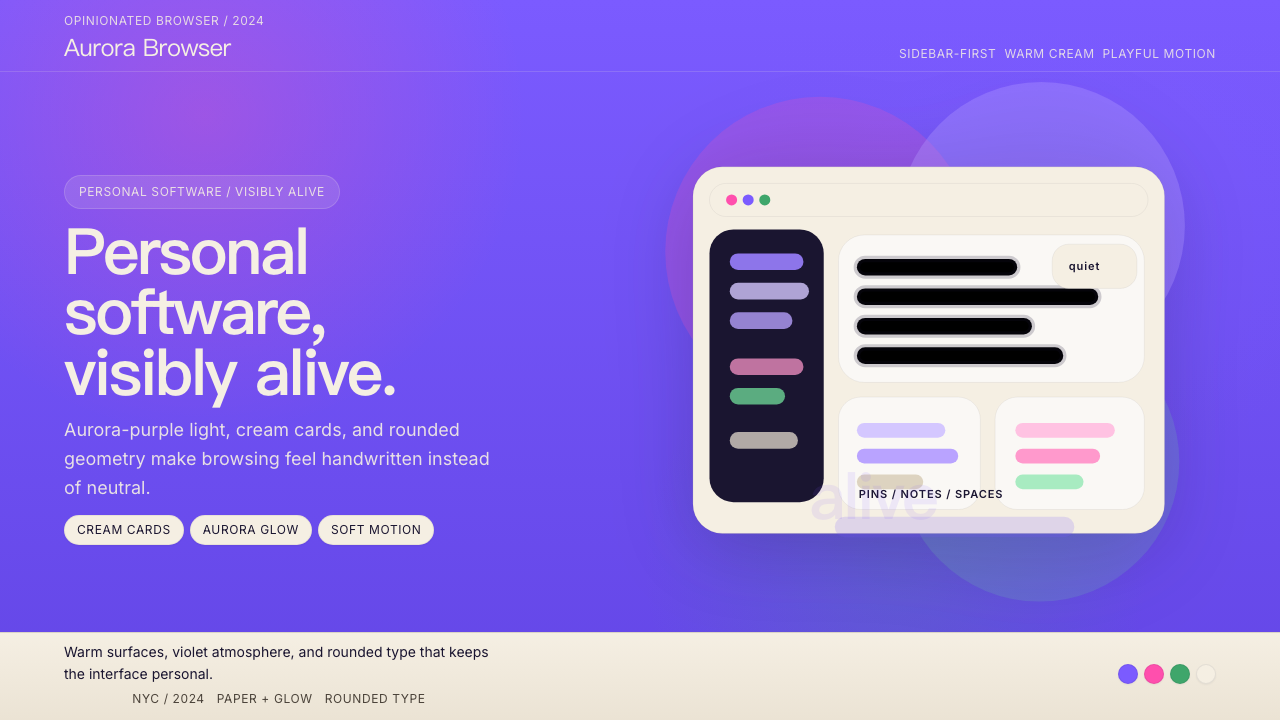 Arc BrowserPersonal software, visibly alive. Aurora purple glows over cream cards and ro…