What is Arc Browser?
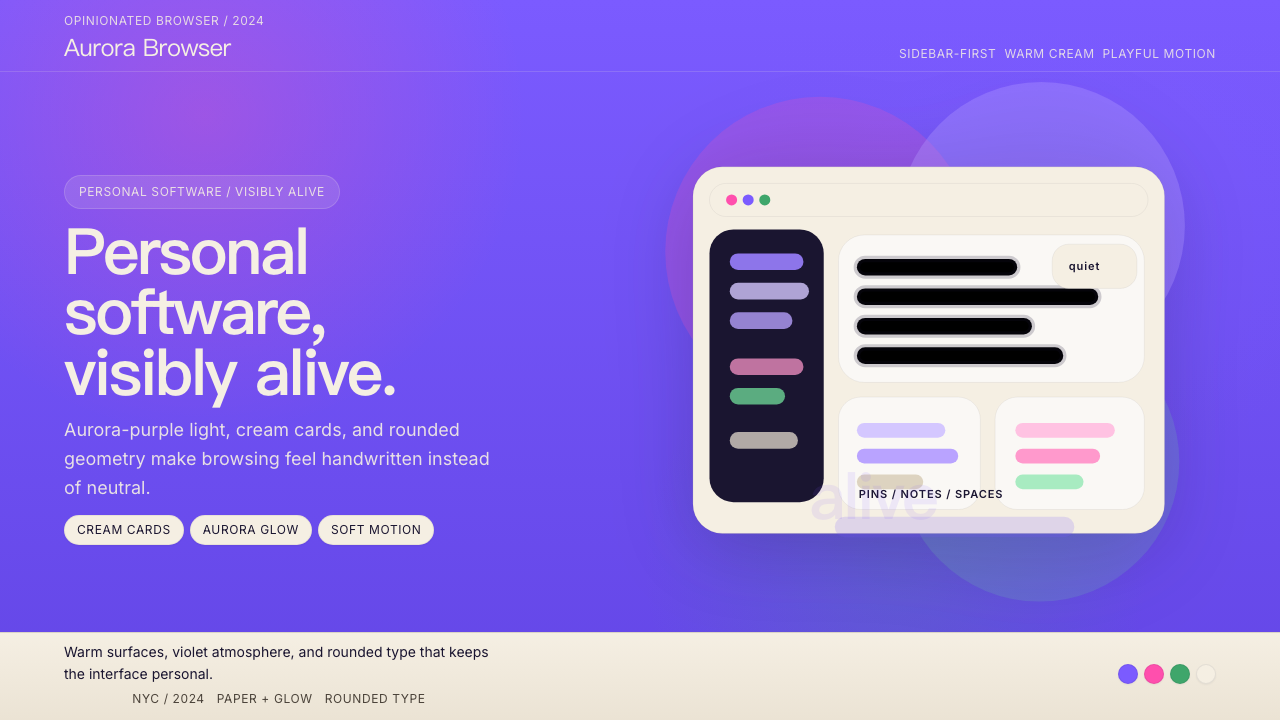
Arc Browser turned a web browser into a personality — aurora-purple gradients, warm cream cards, and hand-drawn mascots that make software feel genuinely alive.
Arc Browser in brief
Arc Browser is a visual design language born from The Browser Company's conviction that software can have warmth, personality, and emotional presence. Its most recognizable feature is an aurora-purple gradient that sweeps across the sidebar and primary surfaces — not a flat tint but a living, shifting field of violet and indigo that recalls the natural phenomenon it is named after. Against this gradient, cream-white cards float with generous rounding at every corner, giving the interface a softness that distinguishes it sharply from the hard-edged chrome of conventional browsers.
The type choices reinforce this warmth. Geometric, rounded sans-serif headlines pair with a neutral, highly legible body face — the combination reads as simultaneously friendly and serious, casual but considered. Hand-illustrated characters appear throughout the product: a small cat named Pip occupies empty states and onboarding screens, converting potentially frustrating UI moments into something closer to a greeting. These illustrations are not decorative afterthoughts; they are load-bearing elements of the brand's emotional register.
Taken together, Arc's visual language argues a specific position: that personal software should reflect the personality of its user, not dissolve into the bland neutrality of a generic tool. The aesthetic is opinionated, warm, and unapologetically expressive — a direct reaction to a decade of grey Chromium-based browsers that treated the browser chrome as something to minimize rather than celebrate.

Where does Arc Browser come from?
The Browser Company was founded in New York City in 2019 by Josh Miller, previously a product manager at Facebook, and Hursh Agrawal, a former engineer at Stripe. The company's founding premise was that the web browser — unchanged in its fundamental interaction model since the early 1990s — was overdue for reimagining. Rather than building a feature-competitive product that targeted power users with tab management add-ons, the team decided to reconceive the browser as personal software: something that should feel more like a journal or a workspace than a neutral viewport.
Arc launched in public beta in 2022 and saw its visual identity crystallize through 2023 and into 2024. The aurora-purple palette did not arrive fully formed; early builds experimented with more muted, neutral tones before the team committed to the expressive gradient system that became the product's signature. The decision to center the identity on purple was deliberate — purple occupies a space in color culture that primary red, blue, and yellow do not. It carries associations with creativity, individuality, and a certain romantic quality that supported the product's narrative of the browser as a personal companion.
The hand-illustrated mascot Pip emerged from a broader design philosophy championed by Ellie Sands and the design team: that software interfaces had become so rationalized and abstracted that they had lost any sense of human authorship. Pip's presence in the UI was a deliberate act of restoration — proof that a human being had made choices, had cared enough to add something unexpected. The cat's appearances are contextual and sometimes surprising, occupying the gaps in the UI where most applications would show only a generic empty state or a loading spinner.
Nate Parrott, whose background spanned both engineering and design, played a significant role in developing the motion and interaction language that made Arc's visual identity feel dynamic rather than static. The sidebar's animated responses to hover states, the way new Spaces transition, and the general sense that the UI is aware of and responsive to user presence — these qualities distinguish Arc's implementation from products that might share surface visual similarities but lack the underlying animation philosophy. By 2024, Arc's visual identity had become a reference point in product design discussions, representing the possibilities of opinionated, emotionally engaged software design in an era dominated by neutral design systems.
What defines the Arc Browser look?
Aurora Gradient
The defining visual element is a gradient that shifts from deep violet through purple and into softer lavender tones — evoking the natural aurora borealis rather than any conventional UI color ramp. It appears primarily on the sidebar and background surfaces, giving them a sense of atmospheric depth. The gradient is neither flat nor photorealistic; it occupies a middle register that feels crafted rather than procedurally generated, and its warmth prevents it from reading as cold or corporate.
Cream-White Card System
Content areas sit on warm cream-white cards that contrast cleanly against the purple ground. These cards carry generous corner rounding — not the subtle rounding of conventional UI components, but a full, soft curve that gives each card an almost pillowed quality. The card system creates a clear visual hierarchy: the aurora background recedes as atmosphere, and the cream foreground advances as content. This contrast is fundamental to the design's legibility at a glance.
Rounded Geometric Type
Headlines and prominent UI labels use a rounded geometric sans-serif — letterforms built on circular and oval structures with softened terminals rather than hard cuts. The effect is simultaneously contemporary and approachable: the geometric construction reads as modern and confident, while the rounded details prevent it from feeling clinical. Body text shifts to a more neutral, highly legible face that steps back from the expressiveness of the headline choice, giving the typographic system a clear two-register structure.
Hand-Illustrated Characters
The mascot Pip — a small, loosely sketched cat — appears throughout the interface in contextual moments: empty states, onboarding flows, and error conditions. The illustration style is deliberately imprecise and warm, more like a quick notebook sketch than a polished brand asset. This imprecision is the point: it signals human authorship and breaks the mechanical predictability of software UI. Pip's presence asserts that someone cared enough to draw something, and that care is legible even to users who cannot name the design choice explicitly.
Spatial Depth and Layering
Arc creates a sense of depth not through hard drop shadows but through layered translucency and surface differentiation. The sidebar and the content area feel as though they occupy different spatial planes — one atmospheric and receding, the other solid and present. This spatial logic is carried through in motion: transitions between states feel like moving through space rather than swapping flat images. The result is an interface that has genuine volumetric presence without relying on skeuomorphic simulation.
Color as Personality, Not Hierarchy
Where most design systems deploy color primarily to signal interactive states and information hierarchy, Arc uses color to express mood and belonging. The purple palette is not a neutral container for content — it is an assertion of identity. Accent colors shift across different Spaces in the browser, allowing users to assign distinct color personalities to different contexts of their digital life. Color here is biographical, not functional: it tells you who this Space belongs to, not what tier of information it represents.
Restrained Animation Language
Arc's motion is conspicuous by its quality, not its quantity. Transitions are swift and spring-based, with a physical elasticity that makes UI elements feel as though they have mass. Hover responses are immediate and subtle — a slight brightening, a gentle translation — rather than elaborate effects. The animation philosophy is that motion should confirm, not entertain: every animated transition answers a user's implied question about what just happened or what is about to happen, without adding theatrical delay.

Who shaped Arc Browser?
Josh Miller co-founded The Browser Company after a career in consumer product at Facebook, where he worked on Groups and other social infrastructure. His product vision for Arc was explicitly humanistic: that software could be a companion with a distinct point of view, not merely a neutral tool. Miller has been the primary public voice articulating the philosophy that browsers had stagnated and that the interaction paradigm of tabs and bookmarks inherited from the 1990s was worth challenging fundamentally. His leadership framed Arc not as a feature race against Chrome but as a question about what personal software could be.
Hursh Agrawal brought engineering leadership and a sensibility shaped by his time at Stripe — a company whose own design language had demonstrated that developer-facing products could be visually sophisticated and brand-expressive. Agrawal's technical decisions enabled the animation quality and spatial depth that distinguish Arc's interface from conventional browser UIs. The spring-based motion system and the layered surface architecture that gives Arc its characteristic sense of volume both required engineering investment that most browser projects would not have prioritized.
Nate Parrott's background bridging design and engineering made him central to the development of Arc's interaction language — specifically the motion principles and spatial transitions that give the browser its sense of physical presence. His work demonstrates how animation can operate as a medium of meaning rather than decoration: the way a Space transition communicates navigation depth, the way the sidebar's response to user gestures confirms that the system is aware and reactive. Parrott's contributions are most visible not in any single screen but in the cumulative felt experience of using Arc over time.
As a key member of the design team, Ellie Sands was instrumental in establishing the human and emotional register of Arc's visual identity — particularly the decision to include hand-illustrated characters as first-class interface elements rather than optional decorations. Her design philosophy, that software had become too abstracted from human authorship, directly shaped the inclusion and treatment of Pip and the broader approach to illustration in the product. Sands's work is a reminder that the most consequential design decisions in a product are often about what to add that rationalization would argue against.
How do you use Arc Browser today?
Arc Browser's visual language is most effective when adapted rather than copied wholesale. Its power comes from a specific emotional position — warmth, personality, and the feeling of being made by humans for humans — and any application of the aesthetic must serve that position rather than simply reassemble its surface features. Before reaching for the aurora gradient or the rounded card system, the designer should ask whether the product's intent aligns with Arc's values: personal, expressive, emotionally present. The style will feel hollow applied to products whose personality is institutional, transactional, or deliberately neutral.
For presentation slides, Arc's visual language works best on covers and section dividers where atmosphere takes precedence over information density. A cover that uses a deep violet-to-lavender gradient as the full-bleed background, with cream-colored type and a single loosely illustrated accent, immediately signals personality and craft. Content slides should pull back from the gradient drama and work within the cream card paradigm — a warm light background with generous padding, rounded containers grouping related information, and type weight as the primary hierarchy signal. Data slides benefit from the card system: each chart or table sits in its own rounded card, giving data visual containment without resorting to hard borders.
For web UI and dashboards, the style translates well to products positioning themselves as personal or creative tools — project management for individuals, portfolio platforms, productivity applications aimed at knowledge workers who value aesthetics. Apply the aurora gradient sparingly: as a sidebar background, a hero section gradient, or a focused highlight rather than a global skin. Navigation elements and interactive controls should carry the rounded corner language consistently — inputs, buttons, and dropdowns with a unified corner radius create the cohesive softness that makes Arc's UI feel finished. Pricing pages work well with a card-per-tier structure using the cream card treatment, with gradient accents reserved for the recommended or featured plan.
For editorial and marketing work, Arc's aesthetic supports a visual voice that is confident and personality-driven without being loud. A marketing page in this style opens with a full-width gradient hero — atmospheric and rich in color depth — transitions to cream-background content sections, and uses illustration moments to break up long text passages or mark key value propositions. The hand-drawn character approach, when adapted, should maintain its loose and imprecise quality; a polished, over-rendered illustration defeats the purpose of human warmth the style depends on. Email templates in this idiom use cream backgrounds with a centered column layout, subtle rounded card sections for feature callouts, and the gradient palette as a header treatment rather than a body background.
The most common mistake when working with Arc's visual language is treating the aurora gradient as wallpaper — applying it as a full-page background behind all content. The gradient works because it is atmospheric: it recedes behind cream cards and lets content come forward. When content sits directly on the gradient with no intermediate card layer, the color noise competes with text legibility and the spatial hierarchy collapses. A related mistake is over-illustrating: Pip's power comes from scarcity and surprise. Placing character illustrations in every section of a marketing page turns a signature moment into clutter. Use the illustration device at the moments of highest emotional significance — onboarding, error states, empty states, and calls to action — and leave the rest to typography and color.

Arc Browser — FAQ
Can the Arc visual language work for B2B or enterprise products?
It can work, but only for B2B products that are explicitly positioning themselves as human-centered or that serve creative and knowledge worker audiences who respond to expressive design. The aurora gradient and rounded warmth carry strong associations with personal, consumer-facing software; applying them to an enterprise compliance tool or a financial infrastructure dashboard would create a mismatch between the aesthetic's implied values and the product's actual purpose. For enterprise contexts, the more transferable elements are the card system, the rounded type choices, and the spatial depth approach — the gradient itself is the most context-specific element and should be used most cautiously.
How is Arc's design different from other rounded, friendly UI styles like Notion or Linear?
All three share a commitment to approachable, rounded corners and clean information architecture, but they diverge sharply in emotional temperature and use of color. Notion is deliberately neutral — its palette is near-monochrome and its personality is designed to recede so that user content can take center stage. Linear is high-contrast and precise, prioritizing clarity and speed over warmth. Arc is the most emotionally committed of the three: its gradient is atmospheric and immersive, its mascot is deliberately imprecise and warm, and its color choices assert personality rather than recede. Arc treats the browser chrome as expressive content; Notion and Linear treat their containers as near-invisible.
Does the aurora gradient work well in dark mode?
Arc's aurora gradient is actually well-suited to dark contexts because deep purple and violet tones naturally read as dark without requiring a separate dark-mode inversion. The gradient's depth — the shift from very dark indigo at one edge to a slightly lighter violet — provides the atmospheric layering that dark mode needs to avoid feeling flat. The main consideration is that cream cards, which contrast cleanly against the gradient in light contexts, may need to shift toward a more neutral warm grey in dark-mode implementations to prevent the card surfaces from feeling too bright or harsh against the darker gradient background.
Should illustrations always be used when applying this style?
No — and forcing illustration where it does not fit is one of the most common ways to misapply the style. The hand-drawn character device in Arc works because it is specific, contextual, and scarce. It is not a decorative pattern that repeats across every surface; it appears at specific moments of emotional significance. If an application of the style omits illustration entirely but maintains the gradient, card, and rounding systems, it can still feel coherent and warm. The illustration element is the most brand-specific aspect of Arc's visual language and the one most likely to feel derivative or forced when transplanted to a different product context.
How does Arc's aesthetic handle information density — can it scale to complex data-heavy interfaces?
Arc's visual language was designed for a browsing context where information density is moderate and atmosphere is a legitimate design priority. It scales reasonably well to moderately complex dashboards, but it encounters challenges at high information density. The generous corner rounding and warm card surfaces consume screen real estate that data-dense interfaces cannot afford to give up. At high density, the softness that makes the style appealing at normal density can read as space-inefficient. The approach for data-heavy contexts is to keep the atmospheric gradient as a peripheral or structural element, tighten the card padding, and allow the rounded corners to diminish toward a more compact radius — preserving the aesthetic's softness directionally while not sacrificing the data space that complex interfaces require.
Related design styles
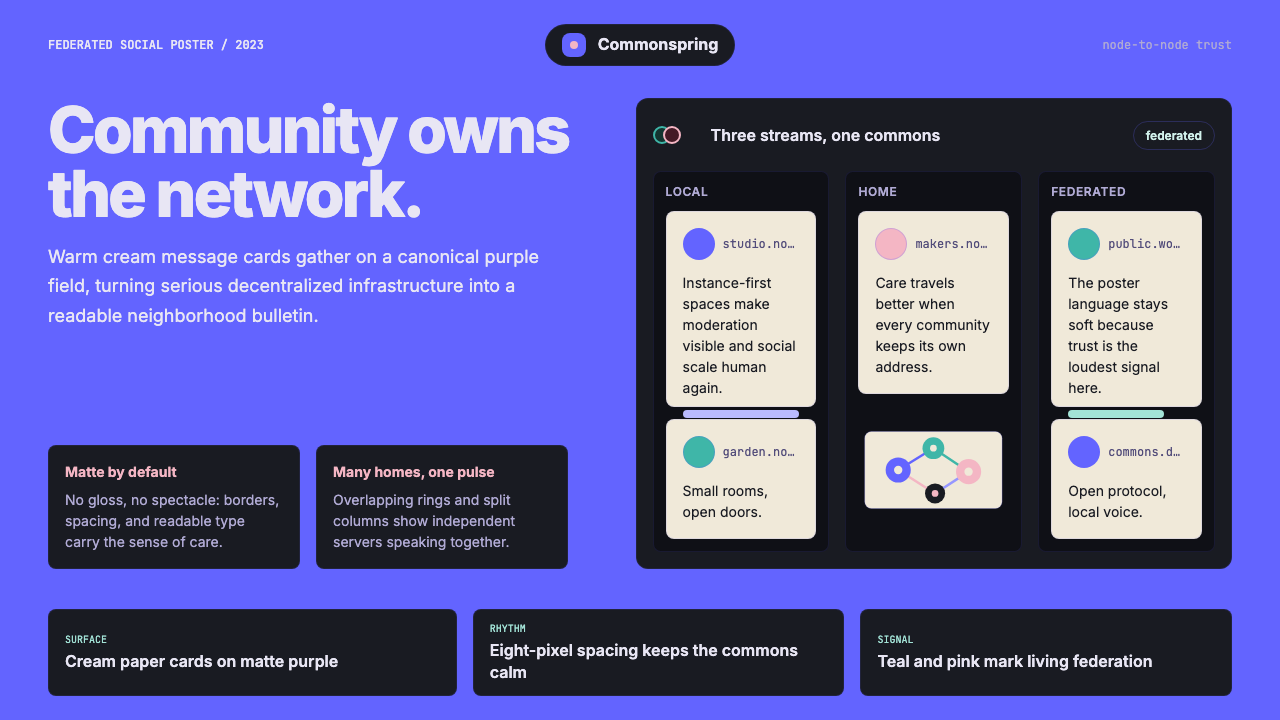 Mastodon FediverseDecentralized warmth. Purple fields and cream toot-cards make federation feel…
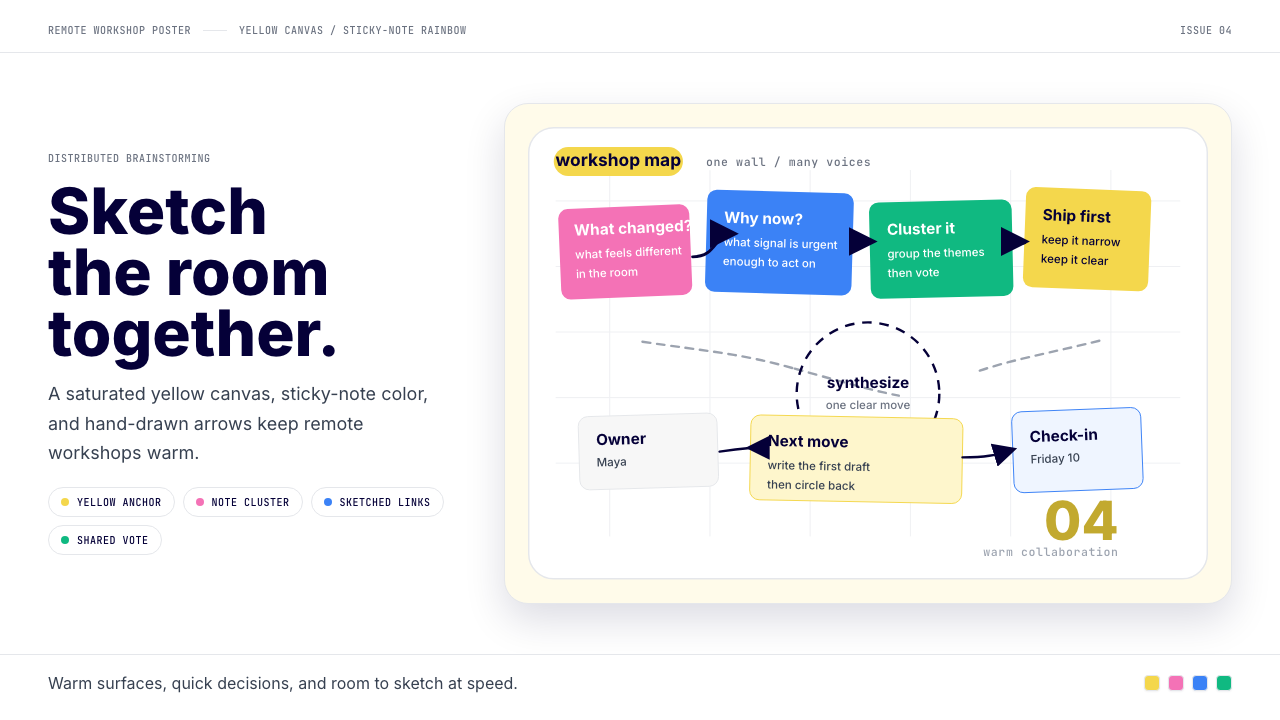 Miro Collab YellowWarm brainstorming in motion. Yellow canvas, sticky-note rainbow, hand-drawn…
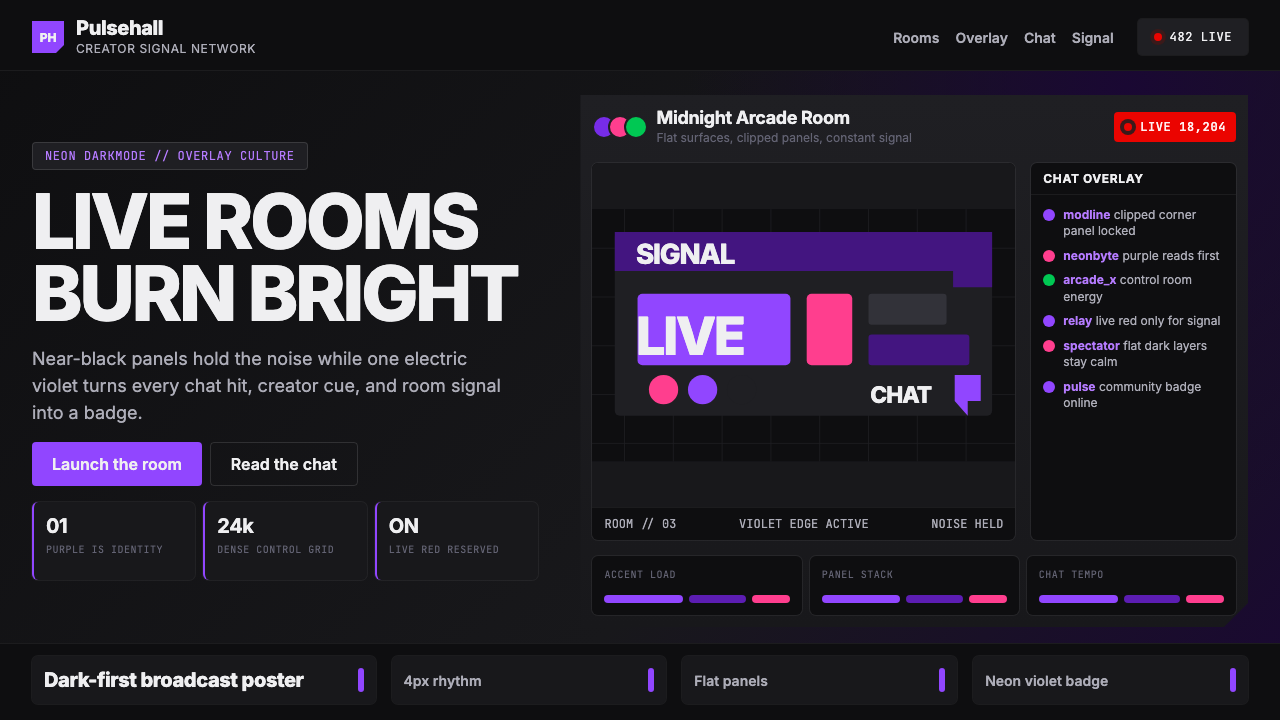 TwitchPurple is tribal signal. Neon violet cuts through flat dark panels and chat g…
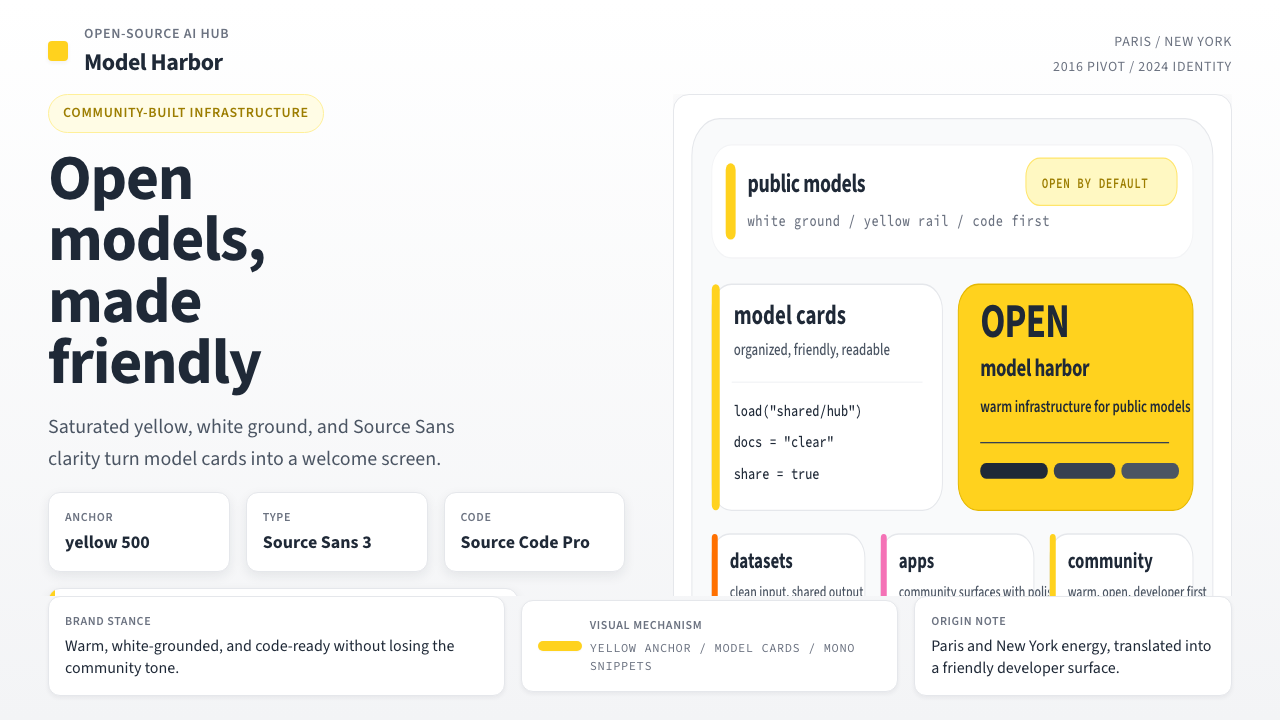 Hugging Face Emoji-YellowWarm infrastructure. Yellow rails, Source Sans, and code cards make openness…
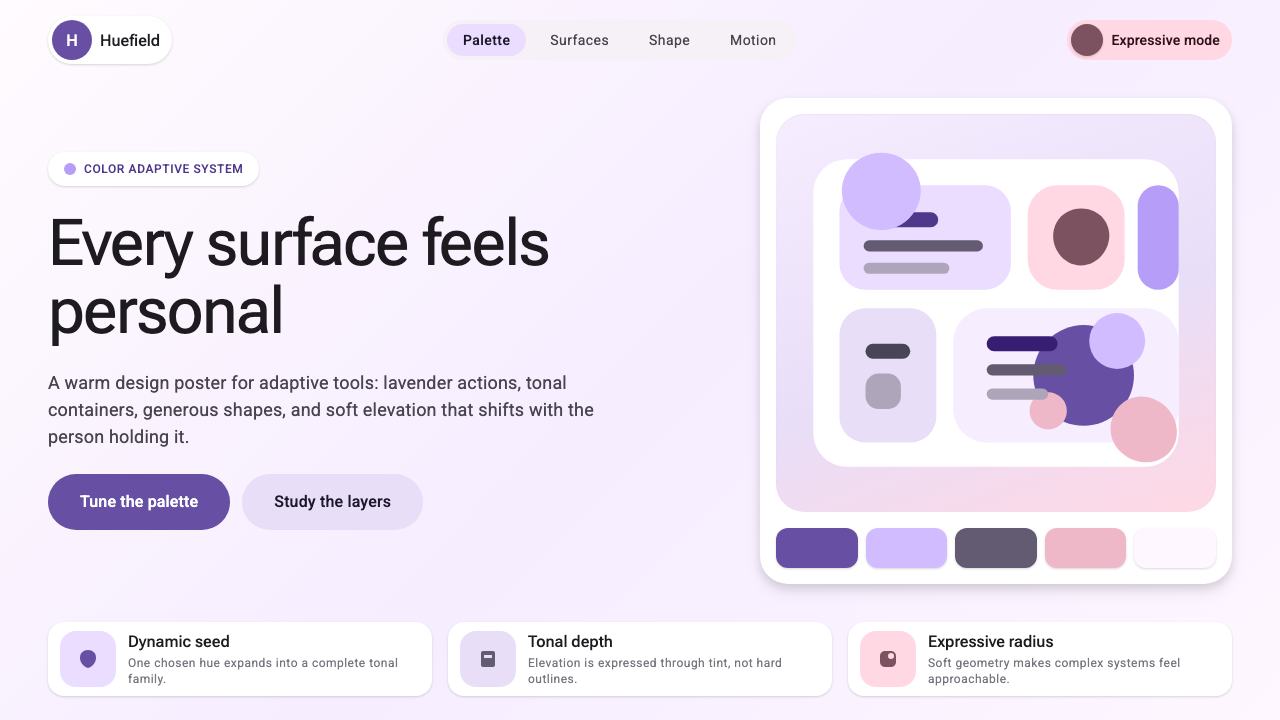 Google Material 3 ExpressiveA living system, themed by your wallpaper. Larger radii, tonal surfaces, emot…
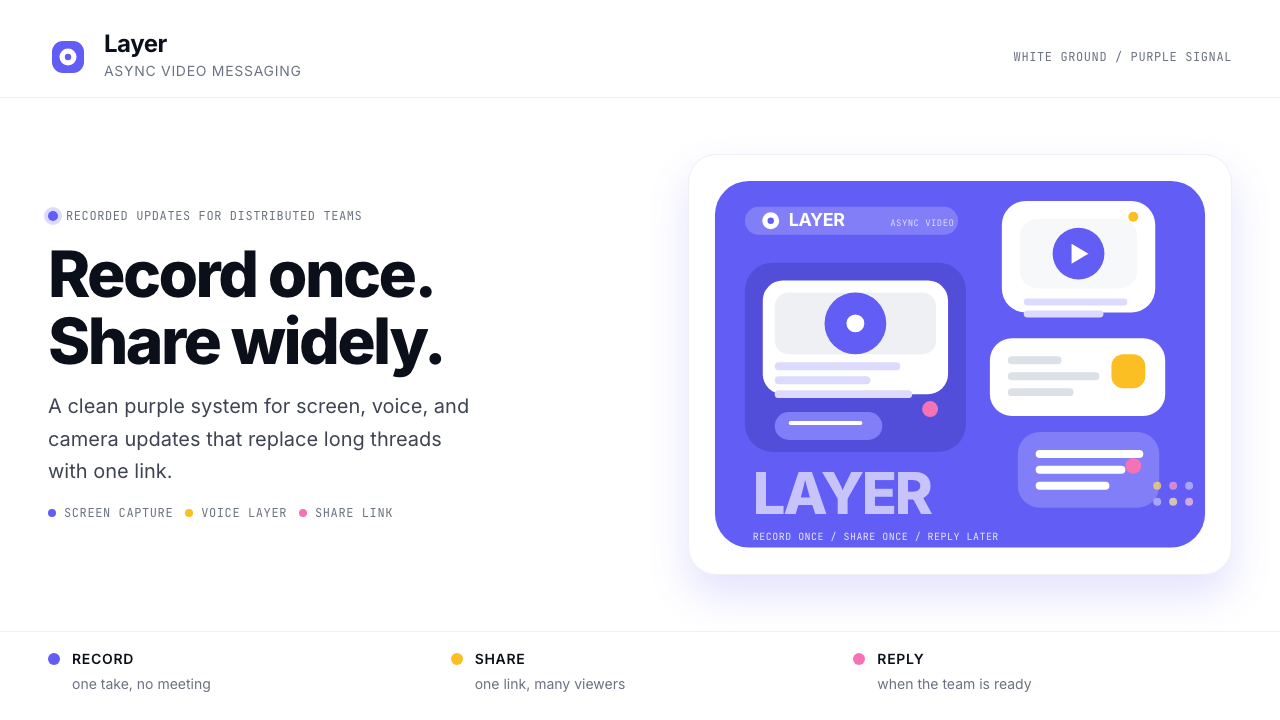 Loom Async-Video PurpleAsync, not meetings. Pure white ground, electric purple, record-button geomet…