What is Google Material 3 Expressive?
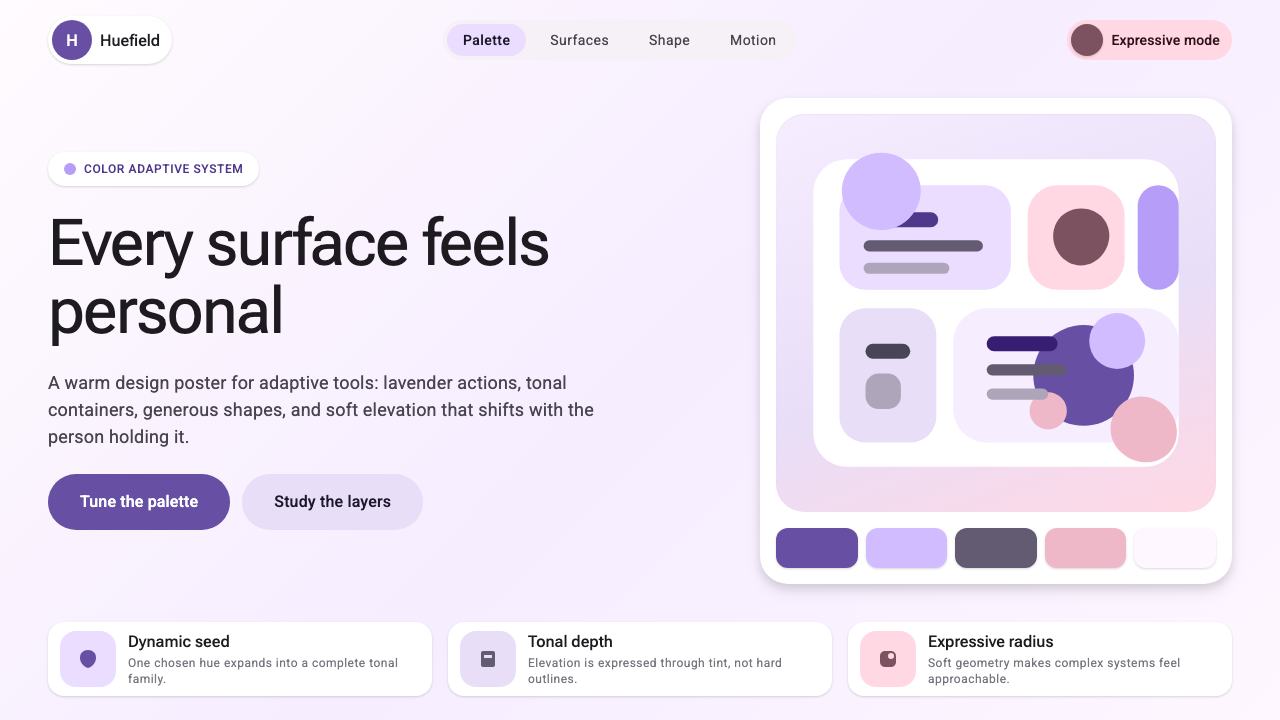
Material 3 Expressive is Google's boldest move yet — a design system that reads your wallpaper, generates your palette, and turns every interface into something that feels unmistakably yours.
Google Material 3 Expressive in brief
Material 3 Expressive is the latest evolution of Google's Material Design system, launched with Android 12 as Material You and pushed further in 2024 with an Expressive update that amplifies personality, motion, and tonal depth. Where earlier Material versions leaned toward neutral, utility-first surfaces, Expressive embraces warmth and playfulness — larger corner radii that make components feel soft and approachable, emotive shape variation that lets components carry personality without sacrificing the underlying grid logic, and tonal color surfaces that create depth through warmth and saturation rather than harsh boundaries.
The defining feature of the system is dynamic color theming. Rather than asking users or designers to select from a fixed brand palette, the system extracts a seed color from the user's current wallpaper and algorithmically generates a complete, harmonious palette — primary, secondary, tertiary, and neutral tones, all calibrated together for legibility and visual coherence. The result is that the same app shell can feel warm terracotta on one device and cool periwinkle on another, each version feeling intentional rather than accidental.
Visually, Material 3 Expressive is characterized by generous roundness, layered tonal surfaces, and a restrained but emotive use of color. Containers sit on top of containers, each shifted slightly warmer or cooler in tone, creating a sense of atmospheric depth without hard shadows. Shape is used as a communication tool — a floating action button might be rounded, while a card carrying urgent information might carry a more angular cut — so that form and content are in dialogue. The system is geometric and systematic at its core, but it wears that geometry lightly, always bending toward the human.
Material 3 Expressive sits at the intersection of two traditions: the systematic, component-driven thinking that Google has championed since the original Material Design in 2014, and a newer emphasis on emotional resonance and individual ownership that reflects how people actually relate to their personal devices. It is a living system — one that acknowledges that a design language deployed across billions of devices must be adaptable enough to feel personal to each one.

Where does Google Material 3 Expressive come from?
Material Design was introduced by Google at Google I/O in 2014, conceived by Matias Duarte and the Google design team as a unified visual language for Android, Chrome OS, and the broader web. The system drew on the metaphor of paper and ink: surfaces were treated as physical layers of paper that could be raised, cast shadows, and slide over one another, while ink — color, type, icons — sat flat on those surfaces. The language was principled and teachable, organizing the sprawling diversity of Google products under a coherent set of rules about elevation, motion, and color.
The first and second generations of Material Design (Material 1 and Material 2, roughly 2014 to 2021) established Google's visual identity across its product ecosystem. Material 2, refined around 2018, softened some of the first version's more rigid surface metaphors and introduced a more flexible color system, but the palettes remained essentially brand-prescribed — developers and designers selected from a curated set of Material color swatches rather than generating palettes from their own content.
The pivotal shift came with Android 12 in 2021, when Google introduced Material You — renamed as Material 3 in the open design system documentation. The innovation was algorithmic personalization: the system would analyze the dominant colors in a user's wallpaper and generate a complete tonal palette derived from that seed color, applied consistently across system UI and all apps that adopted the framework. This was not merely a cosmetic change. It represented a philosophical reorientation: the system was no longer a fixed brand language but an adaptive platform whose visual output was co-authored by the user's own aesthetic choices.
The 2024 Expressive update built on that personalization foundation by expanding the expressive range of the design vocabulary itself. Shape variation became more pronounced and intentional — the system acknowledged that rounded forms communicate differently than angular ones and gave designers a richer toolkit for leveraging that communicative dimension. Motion became more physically playful, with spring and bounce curves that convey energy and responsiveness. Tonal surfaces gained more nuance, allowing designers to build layered, atmospheric interfaces without resorting to the heavy drop shadows of earlier material eras. The Expressive update marked Google's most explicit embrace of emotional design: the goal was not just clarity and function, but delight and genuine personal resonance.
What defines the Google Material 3 Expressive look?
Dynamic Color
The palette is not prescribed — it is generated. The system extracts a seed color from the user's wallpaper and algorithmically derives a set of coordinated tonal roles: primary, secondary, tertiary, and neutral, each expressed across a range of light and dark variants. Color in Material 3 Expressive is therefore always harmonious by construction, because all tones originate from the same perceptual root. The result is a system where color feels deeply personal rather than brand-imposed.
Tonal Surface Layering
Depth and hierarchy are communicated through tonal shifts rather than hard borders or heavy drop shadows. Containers placed upon containers shift subtly in warmth and saturation — a background might carry the coolest neutral tone while a card above it picks up a slightly warmer variant of the same hue family. This creates a sense of atmospheric layering that feels soft and habitable rather than mechanical. The result is depth that reads as light rather than mass.
Expressive Shape
Shape variation is used deliberately to carry meaning. Components are not uniformly rounded or uniformly angular; instead, different shape vocabularies signal different communicative intentions. A primary action might take a highly rounded, pill-like form to convey approachability and invitation, while a container holding structured data might carry more restrained, subtly rounded corners that signal stability and organization. The system treats shape as a language alongside color and type — a dimension of expression, not mere decoration.
Motion and Physicality
Transitions and micro-interactions in Material 3 Expressive are designed to feel physically plausible — spring and bounce curves give interface elements a sense of weight and momentum that makes them feel tangible rather than purely graphical. Elements overshoot slightly and settle, or compress and release in ways that mirror natural elasticity. This physicality is calibrated to feel playful and responsive rather than heavy or slow, reinforcing the sense that the interface is alive and reacting to the user.
Typography as Tone
Type in Material 3 Expressive plays a central role in setting emotional tone. The typographic scale ranges from compact, dense body copy to expressive, large-scale display text that can fill significant portions of a screen. The display sizes in particular are designed to carry personality — not just information hierarchy — and are often rendered in tonal colors derived from the dynamic palette rather than defaulting to pure black. This means that headline text can feel warm and welcoming or crisp and authoritative depending on how the palette is configured.
Component Ecosystem
Material 3 Expressive ships as a comprehensive component library with detailed specifications for buttons, cards, dialogs, navigation bars, chips, sliders, and dozens of other interface primitives, all of which are pre-wired to the dynamic color system. Each component is designed to work across the full range of palette variations without special-casing, because color roles — not fixed values — govern their appearance. This means that the same component set serves a user with a warm amber palette and a user with a cool cyan palette equally well.
Accessibility Through Contrast
Legibility is built into the generative process. When the system derives a palette from a wallpaper seed, it does not simply pick attractive tones — it ensures that each on-color value maintains sufficient contrast against its corresponding container color for readable text and recognizable icons across the full generated range. This means that the personalization is not achieved at the expense of usability. The warmest amber palette and the coolest blue-grey palette both meet the same legibility threshold, preserving accessibility regardless of what aesthetic the user's wallpaper drives.

Who shaped Google Material 3 Expressive?
Matias Duarte was Vice President of Design at Google and the principal architect of Material Design from its original 2014 launch through the Material You era. He articulated the foundational paper-and-ink metaphor that gave the first generation of Material its coherence, and championed the shift toward emotional and personal design that would eventually manifest as Material 3 Expressive. His vision that design systems should be both systematic and deeply human shaped the philosophical trajectory of the entire Material lineage.
The broader Material Design team at Google — spanning UX researchers, visual designers, motion designers, and engineers — developed the algorithmic color system that makes dynamic theming possible. The engineering and design collaboration required to build a palette-generation algorithm that reliably produces harmonious, accessible color schemes from arbitrary seed colors represents one of the more technically sophisticated achievements in recent design systems work. Their research into how users respond to personalized interfaces informed the Expressive direction.
Android itself — as a platform deployed across billions of devices made by hundreds of manufacturers — is a key figure in the Material 3 story. The requirement that Material 3 function coherently across low-end devices and flagship phones, across manufacturer-skinned Android variants and stock Android, across a vast range of screen sizes and densities, shaped every design decision in the system. Material 3 Expressive is as much a platform engineering achievement as a design achievement: its adaptability is a consequence of the constraints imposed by the platform's extraordinary diversity.
The expressive typographic dimension of Material 3 Expressive owes much to the Google Fonts project and the type designers whose work populates it. The availability of a vast, freely licensed library of typefaces — spanning styles from minimalist grotesques to humanist serials, from variable fonts with expressive axes to distinctive display faces — means that the typographic personality of a Material 3 Expressive interface can be tuned independently of its color personality. Type choice becomes a design decision with the same weight as palette choice.
Material 3 is an open specification, and the community of developers and designers who build, extend, and critique it is an essential part of how the system evolves. Community-built implementations across frameworks beyond Google's own — including community ports for React, Vue, and other ecosystems — have extended Material 3 Expressive's reach far beyond Android and the Google product family. Community feedback on accessibility edge cases, rendering quirks, and palette generation outliers has shaped successive revisions of the specification.
How do you use Google Material 3 Expressive today?
Material 3 Expressive is a style system built for warmth, responsiveness, and personal resonance, and applying it well means leaning into those qualities rather than flattening them toward the neutral. Its dynamic color logic gives designers a framework where aesthetic coherence is guaranteed even as specific tones vary — which makes it especially well suited to contexts where the interface needs to feel approachable and trustworthy simultaneously.
For presentation slides, Material 3 Expressive brings a cover-page boldness that differs sharply from the neutral white decks that dominate most presentation contexts. A cover page built in this idiom typically anchors a large, rounded shape in the primary tonal color to one corner or edge, allows generous white space or surface-color fills to breathe, and uses display-scale type in a tonal color — not necessarily black — so that the headline carries warmth rather than authority alone. Content slides work best when they maintain the tonal surface logic: slide backgrounds should shift slightly in warmth from the cover rather than defaulting to stark white, and data visualizations — bar charts, progress indicators, status systems — should use the primary-secondary-tertiary roles to encode meaning rather than arbitrary color choices.
For web user interfaces, Material 3 Expressive's strengths align closely with dashboard and productivity application needs. The component library's pre-built navigation rails, card systems, chips, and action buttons translate directly to information-dense interfaces without requiring extensive visual customization. The tonal surface layering works especially well for dashboards where multiple panels of information need to feel organized and distinct without relying on heavy borders or drop shadows. Pricing pages benefit from the shape vocabulary — primary tier cards might carry more rounded treatment to signal friendliness, while enterprise or advanced tiers might adopt a slightly more structured corner profile to signal capability and formality.
For editorial and marketing applications, Material 3 Expressive provides a palette logic that rewards consistency. A marketing landing page built in this language should commit to one palette — ideally derived from a brand seed color fed into the Material color algorithm — and apply it uniformly across hero sections, feature blocks, call-to-action components, and testimonial cards. The expressive shape vocabulary supports a landing page structure where hero sections use large, rounded feature cards that feel soft and inviting, while data-heavy comparison sections shift to more angular containers that signal precision and reliability. Motion is an underutilized asset in editorial contexts: the spring transitions that Material 3 Expressive codifies can make scroll-triggered reveals feel physically satisfying rather than merely animated.
A common mistake when applying Material 3 Expressive is treating the dynamic palette as a license for color maximalism — deploying primary, secondary, and tertiary accents simultaneously at full intensity across every component. Authentic Material 3 Expressive work uses the tonal hierarchy with restraint: the primary color appears on the most important interactive elements and nowhere else at full saturation; secondary and tertiary tones appear on supporting surfaces and as accent layers. Similarly, the expressive shape vocabulary should not result in every component carrying the maximum corner radius — contrast between rounder and more restrained shapes is what makes the system communicative rather than merely decorative. The goal is a system where every design choice feels intentional and where the overall impression is warm but never chaotic.

Google Material 3 Expressive — FAQ
How is Material 3 Expressive different from earlier versions of Material Design?
The most fundamental difference is in how color is determined. Material 1 and Material 2 provided curated color palettes that designers selected from; Material 3 generates palettes algorithmically from a user's wallpaper. This shifts color from a brand-level decision to a user-level one. The Expressive update compounds this with expanded shape variation and more physically playful motion — qualities that earlier Material versions deliberately restrained in the interest of platform-wide consistency. Where Material 2 leaned toward the controlled and neutral, Material 3 Expressive leans toward the personal and emotive.
Can Material 3 Expressive work for a brand with strict color guidelines?
Yes, with deliberate configuration. While the dynamic wallpaper-based theming is the system's signature feature on Android, the underlying color architecture — primary, secondary, tertiary, and neutral tonal roles — can be seeded with a fixed brand color rather than a user-generated one. The algorithm then generates a complete harmonious palette derived from that brand seed. This means the tonal relationships and surface layering remain coherent while the overall palette stays anchored to the brand's signature hue. Many web and cross-platform implementations of Material 3 take this approach, using the system's structural logic without the device-level personalization.
Does Material 3 Expressive work in dark mode?
Dark mode is a first-class consideration in Material 3 Expressive, not an afterthought. The dynamic palette generation produces both light and dark variants of every tonal role, and the surface layering logic inverts elegantly — in dark mode, surfaces that appear lighter in light mode use darker, slightly elevated tonal values to maintain the same sense of hierarchy and depth. The dynamic color system ensures that the dark palette derives from the same seed as the light palette, so the two modes feel visually related and intentional rather than like separate design exercises. In practice, dark mode Material 3 Expressive interfaces often feel more dramatic and atmospheric than their light counterparts.
Is Material 3 Expressive only relevant for Android apps?
No. While Material 3 originated as an Android design language and its dynamic wallpaper theming is most deeply integrated at the Android OS level, the design system's visual principles — tonal surface layering, expressive shape vocabulary, emotive motion — are fully applicable to web interfaces, cross-platform mobile apps, and marketing materials. Google has published open specifications and component libraries for web and Flutter implementations, and the design community has built additional ports for other ecosystems. The system's aesthetic — warm, rounded, layered, human — is just as readable in a web dashboard or a marketing landing page as in a native Android application.
What kinds of products are a poor fit for Material 3 Expressive?
Material 3 Expressive is optimized for personal, consumer-facing digital products where warmth and approachability are desired. It struggles in contexts requiring extreme visual authority or austerity — high-end luxury goods, formal financial instruments, or products that signal status through restraint and exclusivity. The system's rounded, friendly character can undermine the gravitas that those contexts require. It also fits less naturally in design contexts with strong cultural visual vocabularies of their own — traditional editorial design, historical or heritage brand identities, or specialized professional tools that have developed their own visual conventions over decades. In those cases, the expressive warmth of Material 3 can feel like an intrusion rather than an enhancement.
Related design styles
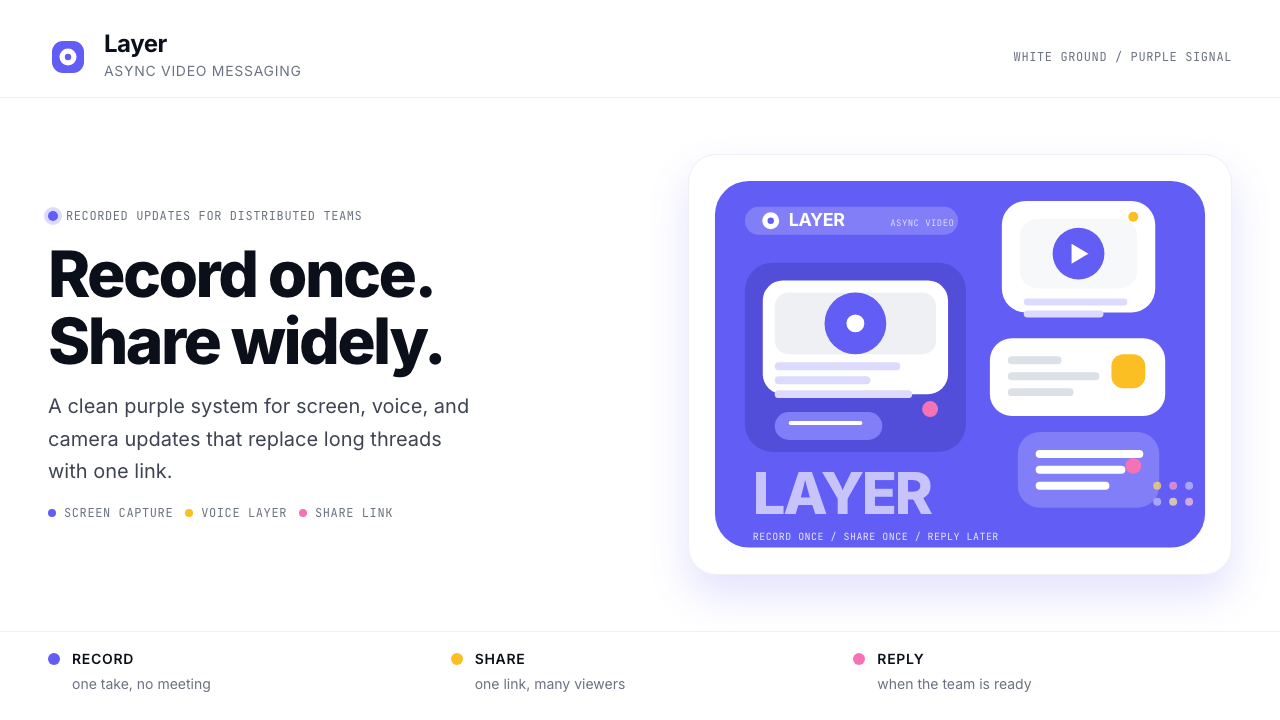 Loom Async-Video PurpleAsync, not meetings. Pure white ground, electric purple, record-button geomet…
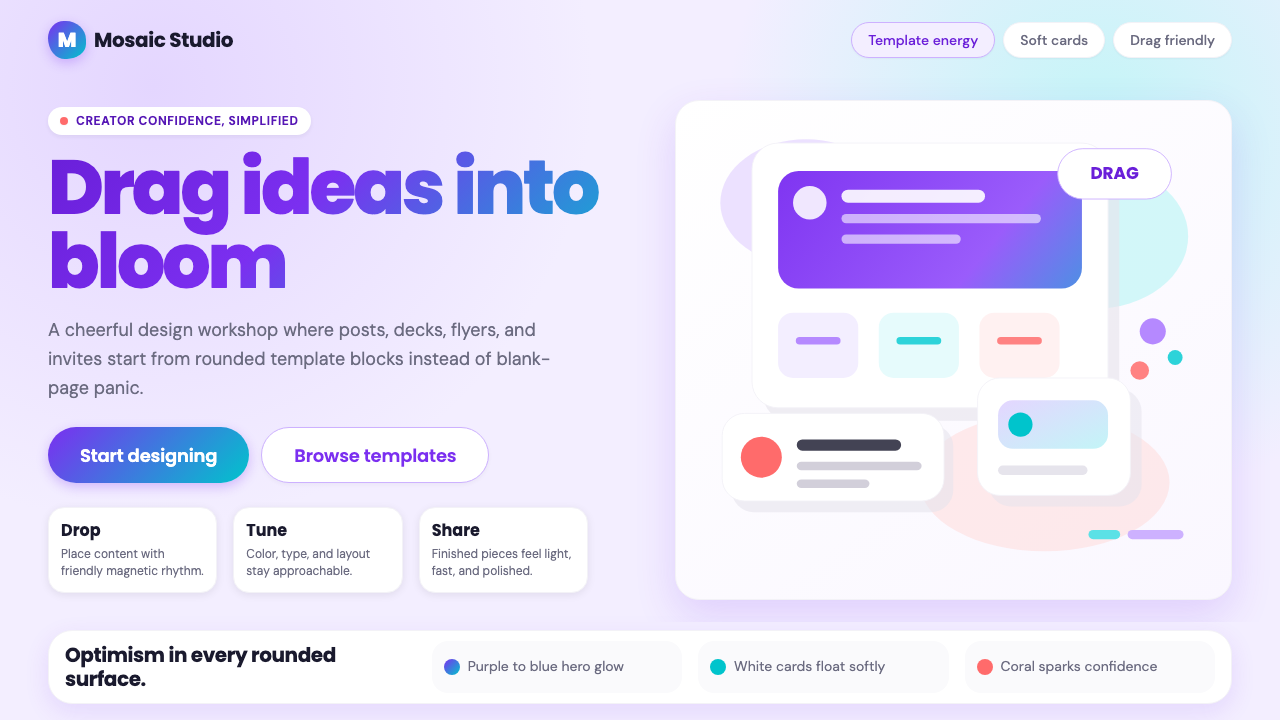 Canva 2024Confidence feels draggable. Purple-blue gradients and floating white template…
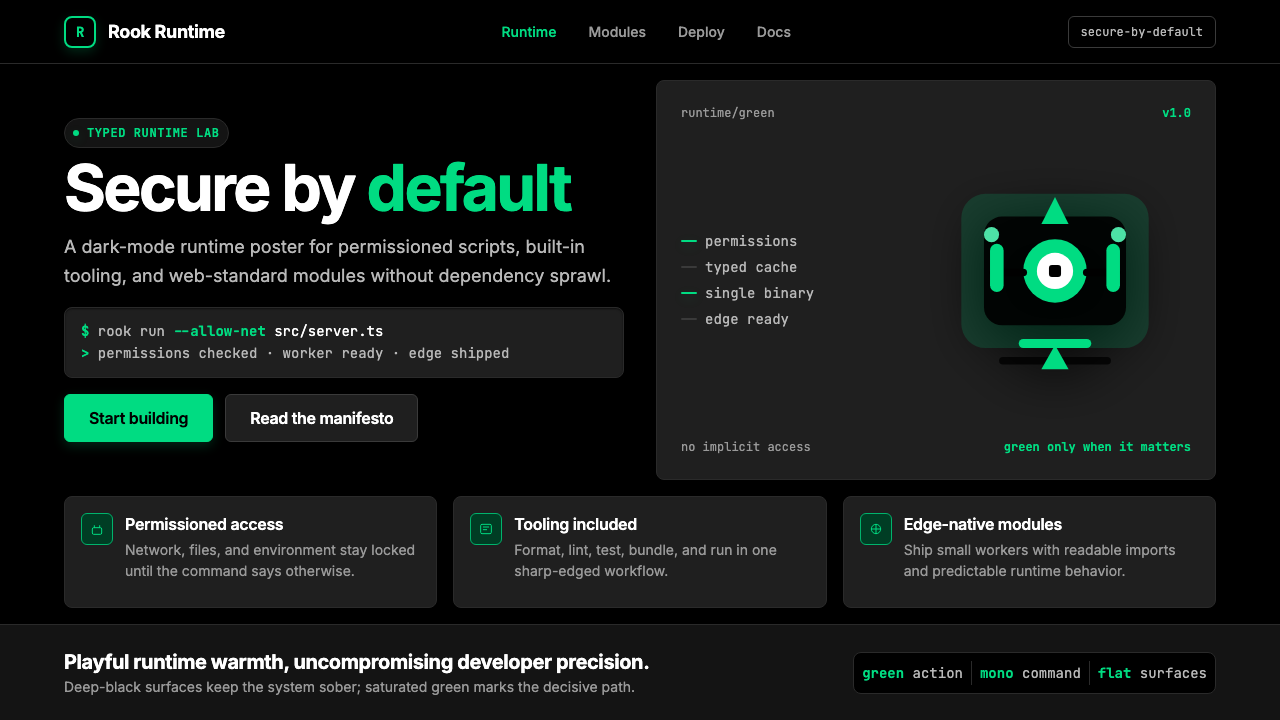 Deno Runtime-GreenWarm precision on black. Saturated green, Inter, and mono code turn security…
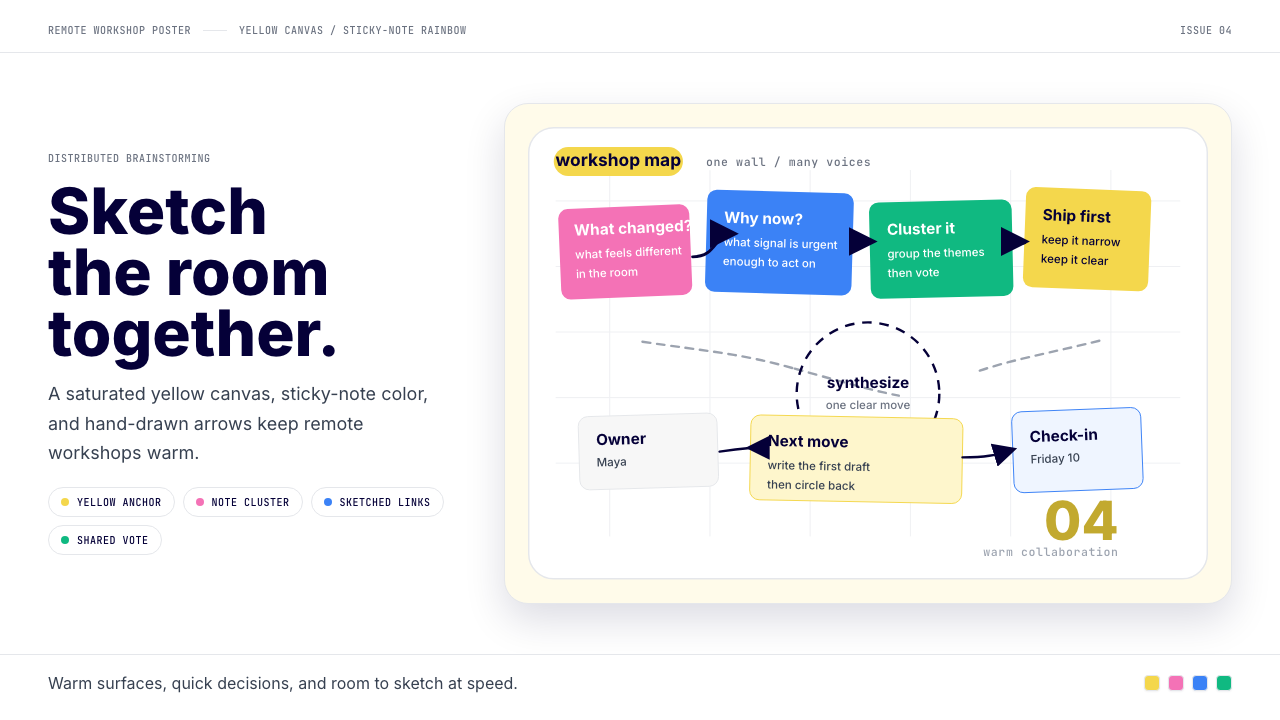 Miro Collab YellowWarm brainstorming in motion. Yellow canvas, sticky-note rainbow, hand-drawn…
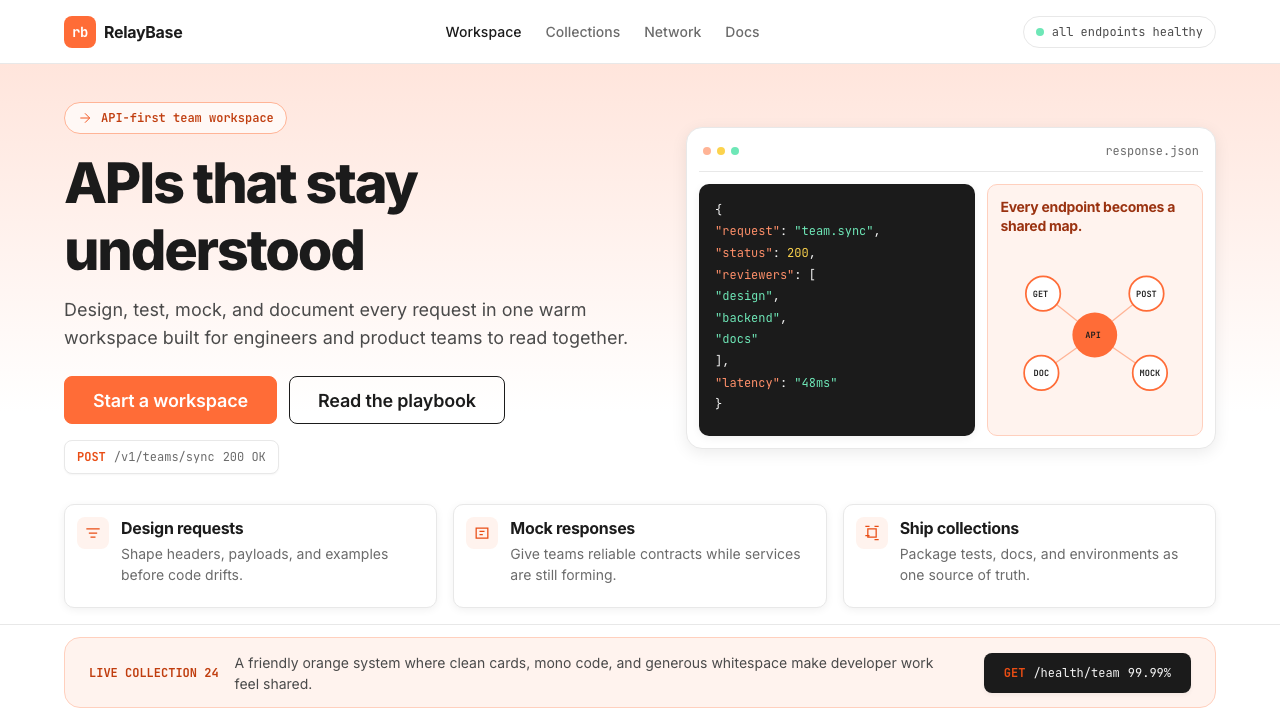 Postman 2024Warm APIs feel approachable. Orange gradients, Inter headlines, and dark mono…
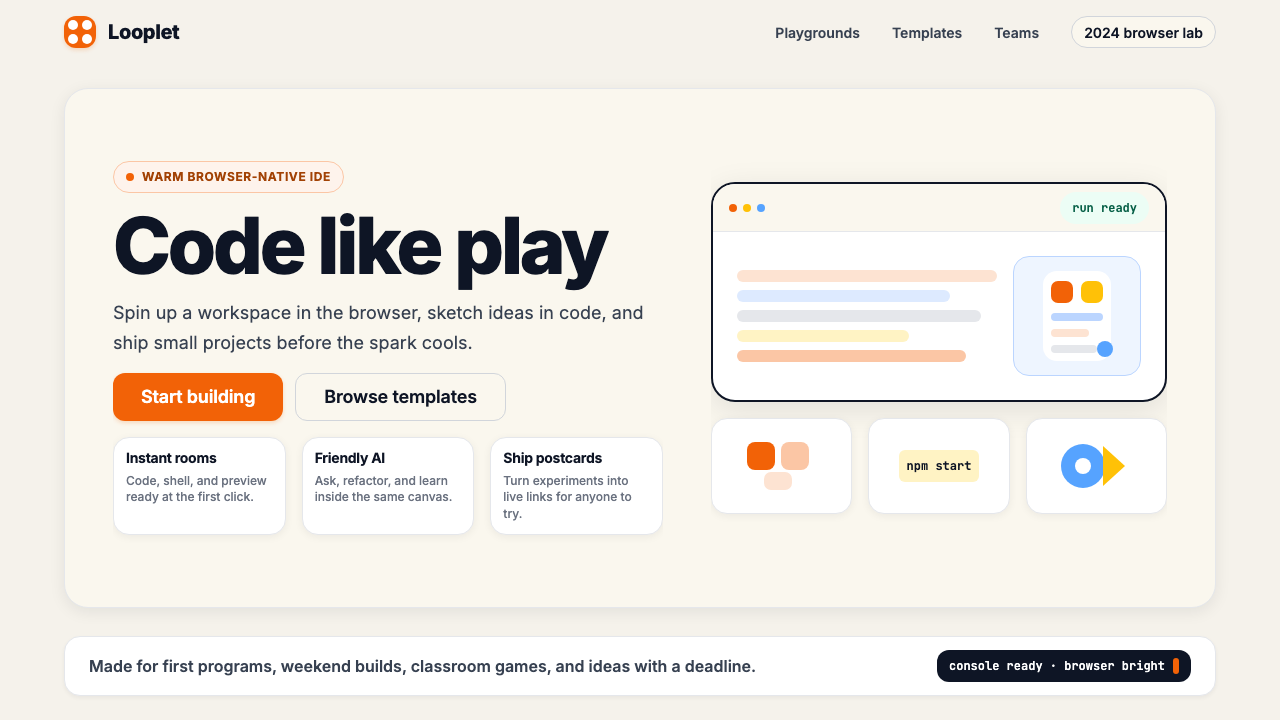 Replit 2024Coding feels warm. Coral buttons, cream panels, rounded code tiles make build…