What is Deno Runtime-Green?
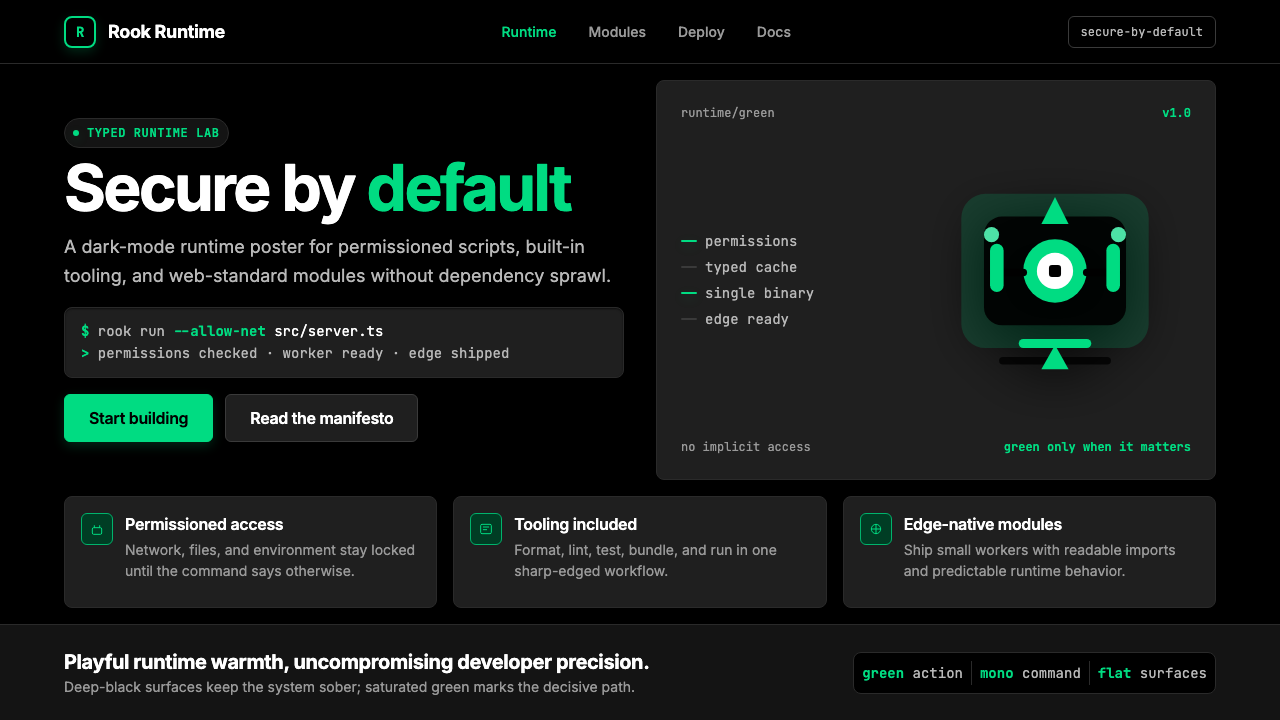
Deno Runtime-Green pairs a single saturated anchor color against pure black to make security and precision feel as warm as a mascot dinosaur.
Deno Runtime-Green in brief
Deno Runtime-Green is the visual identity forged by the Deno company for its JavaScript and TypeScript runtime — a dark-mode-native developer aesthetic that uses a single vivid green as the sole accent color against deep black and slate surfaces. The result is a toolkit that feels simultaneously rigorous and approachable: terminal-precise in its spacing and typographic discipline, yet warmed by a cartoon dinosaur mascot and a green that glows rather than merely sits.
The system operates through extreme restraint. One accent color handles every interactive element, every syntax highlight, every call-to-action button. Everything else — backgrounds, body text, borders, secondary labels — lives in a tightly controlled family of blacks, near-blacks, and cool neutral tones. This single-hue discipline means the green carries enormous communicative weight: wherever it appears, it signals action, security, or the Deno brand itself.
Unlike developer-tool aesthetics that accumulate multiple semantic colors as a product matures, Deno Runtime-Green holds the line. Its visual vocabulary is monochromatic in palette and modular in structure — geometric, grid-governed, and built around humanist sans-serif prose paired with monospaced code. The cartoon mascot is not decorative noise; it is the system's deliberate warmth valve, balancing the technical precision with enough personality that the product feels made by and for human beings.

Where does Deno Runtime-Green come from?
Deno's story begins with a confession. In May 2018 at JSConf EU, Ryan Dahl — the creator of Node.js — gave a talk titled 'Ten Things I Regret About Node.js.' He described structural mistakes baked into Node from its earliest days: a security model that gave scripts unconstrained access to the file system and network by default, a module resolution algorithm that produced the infamous node_modules directory, and the abandonment of browser-standard Promises in favor of callbacks. The talk ended with an announcement: he had been building a new runtime, called Deno, that would correct these regrets from first principles.
Deno 1.0 shipped in May 2020, joined by Bert Belder, Bartek Iwańczuk, and later Andy Jiang. The runtime was written in Rust rather than C++, embedded the V8 engine, and adopted TypeScript as a first-class language without a build step. Security was permissions-based by default: a Deno script could not read a file, make a network request, or access environment variables unless the operator explicitly granted that capability via a flag. This security model was not merely a feature — it was the product's central argument, and the brand's visual language was built to embody it.
The visual identity that emerged through 2022 to 2024 was designed to communicate that security argument at a glance. The choice of a single saturated green as the sole accent color was not arbitrary — green carries a long-established association with terminals, command-line interfaces, and the act of a process completing successfully. On a black surface, a green cursor or green output text signals that something ran without error. Deno appropriated that cultural memory and elevated it: a vivid, warm green that reads as affirmative rather than merely technical.
The cartoon dinosaur mascot — the Deno-saur — was present from the beginning and is inseparable from the brand's tonal strategy. Developer tools have historically presented themselves with aggressive minimalism or corporate neutrality; the Deno-saur introduced irreverence and warmth into a category that had largely forgotten those qualities. The mascot gives the brand permission to be playful in documentation, friendly in error messages, and humanizing in marketing without sacrificing the underlying precision that serious engineers require. This pairing of rigor and warmth is the brand's most unusual and intentional quality.
The broader context is the TypeScript-first developer tooling wave of the early 2020s, which saw runtime environments, package managers, and build tools converge on dark interfaces, monospace code presentation, and minimal color palettes as signals of technical credibility. Deno Runtime-Green participates in this wave but distinguishes itself by committing more deeply than most: where competitors used two or three accent colors, Deno used one; where others hedged with light-mode support, Deno made dark-mode canonical. The visual restraint was a claim about the runtime's philosophy — that constraints, applied thoughtfully, produce better outcomes than unconstrained choice.
What defines the Deno Runtime-Green look?
Single-Accent Color System
The entire palette is organized around one vivid, saturated green that sits at the warm end of the green spectrum — neither cool nor lime, but a green with enough yellow warmth to feel energetic rather than clinical. This single accent color handles every interactive affordance, every syntax highlight, every CTA, every brand mark. All other colors in the system — the blacks, the slates, the neutrals — exist to give this green maximum contrast and clarity. The deliberate mono-accent approach means every instance of green carries brand significance; diluting it with secondary accent colors would collapse the system's communicative logic.
Dark-Ground Canonical
Deno Runtime-Green treats dark backgrounds as the native state, not as an optional theme. Deep black is the base surface; slightly lighter slate tones define cards, panels, and elevated layers. This is not dark mode as an afterthought applied to a light design — the entire visual hierarchy, the contrast ratios, and the green's warmth are calibrated for dark grounds. On a light background the system works technically, but it loses the terminal-native quality that makes the green feel earned rather than decorative.
Humanist Sans with Monospaced Code
Typography is split across two typeface roles that never blur together. Prose — headings, body copy, labels, navigation — uses a humanist sans-serif with open apertures and generous letter spacing that reads comfortably at long form lengths. Code, terminal output, file paths, and technical identifiers use a distinctly monospaced companion that makes character-by-character precision visible. The contrast between the two is purposeful: the sans-serif communicates, the monospace signals precision. Switching between them marks the boundary between human explanation and machine instruction.
Geometric Modular Layout
Layouts are built on strict invisible grids with consistent column gutters and a clear vertical rhythm tied to the base type size. Sections break cleanly — no gradual fades, no overlapping bleed zones, no organic shapes interrupting the grid. Cards and panels use rounded corners held at the smaller end of the visible range, just enough to soften the hardware feel without approaching the roundness associated with consumer apps. Spacing is generous to the point of airy: breathing room is treated as a quality signal, not wasted real estate.
Mascot as Tonal Device
The Deno-saur is not a logo add-on — it is a deliberate systemic element that gives the brand permission to be warm in contexts where pure engineering aesthetics would feel sterile. The dinosaur appears in documentation, error states, empty states, and marketing without undermining the precision of the surrounding technical content. Its cartoon register serves as a contrast foil: the more precise and demanding the surrounding content, the more the mascot's presence signals that the humans behind the tool understand their users are people, not machines. The mascot's green matches the accent color, tying personality to the brand's primary signal.
Permission-Signal Hierarchy
Because Deno's core product argument is security-by-default, the visual system reinforces the concept of explicit permission throughout its UI language. Green is used only for affordances that are safe, successful, or intentionally granted — not as a general-purpose highlight color. Warning and error states use colors that stand distinctly apart from the green accent, preserving the green's meaning as affirmative. This semantic discipline means the color system is not purely decorative; it is making a real-time argument about what is safe, what requires attention, and what requires user intent.
Flat Depth with Hard Borders
Elevation in the system is communicated through slight surface lightness differences between layers rather than soft drop shadows or blurs. Where borders exist, they are crisp and solid — a single-pixel line rather than a diffuse glow. This approach avoids the soft-shadow aesthetic associated with consumer interfaces and preserves the visual precision associated with code editors and terminal environments. The overall effect is a UI that reads as purposefully constructed — every boundary is a decision, not a style default.

Who shaped Deno Runtime-Green?
Dahl created Node.js in 2009 and returned to runtime design with Deno, announced in 2018 and released as version 1.0 in May 2020. His JSConf EU talk, 'Ten Things I Regret About Node.js,' became the founding document of Deno's design philosophy and, by extension, the conceptual frame for its visual identity. The brand's emphasis on security, permissions, and principled constraint all derive from the arguments Dahl made in that talk. His influence on the visual system is indirect but fundamental: the aesthetic is a direct translation of the product's engineering values into color, type, and layout decisions.
A co-founder of the Deno company, Belder contributed to the technical and organizational foundations that allowed the Deno runtime to evolve from a solo project into a commercially viable platform. The professionalization of the Deno company — the move from open-source experiment to funded product with a coherent brand — is partly the result of this organizational work. The visual identity's polish and consistency, particularly from 2022 onward, reflects the stage of development that Belder helped enable.
A core contributor who shaped Deno's technical architecture, particularly around its TypeScript compilation pipeline and runtime internals. The TypeScript-first decision — treating TypeScript as a first-class language without a separate build step — was not merely a technical convenience; it was a brand statement about the kind of developer Deno wanted to attract. That positioning informed the visual system's precision and the documentation's assumption of a technically sophisticated audience.
Jiang joined the Deno team and contributed to the product and community development phases that coincided with the visual identity's most mature period. Developer relations and documentation quality — areas of focus that involve translating technical precision into accessible communication — are directly reflected in the visual system's balance between rigorous structure and human warmth. The Deno-saur's presence in documentation is inseparable from the community-facing work of making a technically demanding runtime feel genuinely welcoming.
How do you use Deno Runtime-Green today?
Deno Runtime-Green is one of the most transferable dark-mode developer aesthetics available as a reference system, because its principles are few and its discipline is high. Applying it correctly requires treating the single green accent as a semantic signal, not a decorative hue — everywhere the green appears, it should mean something specific: action, success, permission granted, or brand. If the green is being used simply to add color to a layout, the system has been misapplied.
For presentation slides, the system works best when the cover page commits fully to the dark ground with a single green accent element — a glow behind the title, a thin underline on the product name, or the mascot positioned off-axis in a corner. Content slides should use the dark background consistently, keep body text in a light neutral rather than pure white, and reserve green for the single most important piece of information per slide: a metric, a status indicator, or a key term in a code snippet. Data slides take on a terminal-like quality — use monospaced type for numbers, green for the positive or affirming values, and neutral tones for comparative or contextual data.
For web UI including dashboards and pricing pages, the system is well-suited to any interface where trust and precision are the primary values. Apply a dark base to all primary surfaces, use the lighter slate tones for secondary panels and cards, and bring in the green only for interactive elements: active states, selected items, progress indicators, and primary CTAs. Pricing pages work particularly well — tier differentiation through green accents on the featured plan, with neutral card treatments for other tiers, communicates hierarchy without visual clutter. Navigation should be typographically driven, with the green reserved for the active or current page indicator.
For editorial and marketing work, Deno Runtime-Green supports a distinctive visual voice that reads as credible and technically serious without feeling inaccessible. Article layouts work best with the dark ground, a generous measure for body text set in the humanist sans-serif, and code examples treated as visual objects in their own right — full-width blocks on a slightly different surface tone, with the syntax highlights in green pulling the reader's eye to the semantically important tokens. Marketing pages can introduce the mascot more liberally: the Deno-saur at larger scale in hero sections provides the warmth that prevents the dark precision from reading as cold or intimidating. Feature grids should stay typographic and grid-governed, with green used only for affirming statements or capability indicators.
A common mistake when applying this system is reaching for additional accent colors to solve information-hierarchy problems. When a design using Deno Runtime-Green feels visually flat or lacks hierarchy, the instinct is often to add a secondary color — amber for warnings, blue for information states, purple for a premium tier. Resist this instinct: the correct solution is almost always typographic contrast (larger scale, heavier weight, lighter or darker neutral tone) rather than chromatic contrast. Introducing additional saturated colors beside the green immediately undermines the single-accent logic that gives the system its identity. If semantic color coding is genuinely required — as in a log viewer with multiple severity levels — keep those colors muted and cool so they read as data rather than brand.

Deno Runtime-Green — FAQ
Is Deno Runtime-Green suitable for products that are not developer tools?
It can work in any context where technical credibility, precision, and a sense of principled constraint are desirable brand values — infrastructure dashboards, security platforms, data monitoring tools, and B2B SaaS products targeting technically sophisticated buyers. It struggles in contexts that need warmth, sensory richness, or approachability for non-technical audiences: consumer apps, food and beverage brands, wellness products, or anything where the primary emotional register is comfort rather than capability. The mascot can extend the system's range somewhat — the Deno-saur's charm can humanize what would otherwise be a cold precision aesthetic — but the fundamental dark-ground, single-accent-color system is calibrated for audiences who already find technical precision appealing.
How does this system differ from other dark-mode developer aesthetics like Vercel or Linear?
The primary distinction is the single vivid accent color against an otherwise achromatic palette. Vercel's aesthetic uses near-black grounds with white as the dominant active color and introduces chromatic accents sparingly and only contextually — it is closer to a refined monochrome. Linear's aesthetic uses a dark background with a wider range of purple and violet accents, creating a richer chromatic presence that implies product richness and craft. Deno Runtime-Green is more assertive in its single-color commitment: the green is warm and vivid rather than neutral or cool, and it appears frequently enough to feel like a brand signature rather than a contextual highlight. The mascot is also unusual in this category — neither Vercel nor Linear uses a character, and its presence in the Deno system explicitly introduces humor and warmth that the others eschew.
Can the system work effectively in a light-background version?
A light-background adaptation is technically possible but requires significant recalibration. The green's warmth and saturation level is optimized for dark grounds — on a white or light background, the same green can appear fluorescent or harsh rather than warm and affirming. A light adaptation typically requires pulling the green toward a slightly deeper, less saturated register to maintain readability and tonal comfort. The monospaced code elements work well in both modes. The mascot translates readily. What is genuinely lost in the light adaptation is the terminal-native quality — the implicit cultural memory of green on black that is part of the dark system's meaning. A light version can be clean and credible, but it will read as a generic developer-tool aesthetic rather than something distinctly Deno.
How should the mascot be used without undermining the system's technical credibility?
The mascot earns its credibility by appearing in contexts where it provides genuine emotional function rather than decoration. Error states and empty states are ideal: a technical audience that encounters an error already feels friction, and a mascot that acknowledges the situation with light humor reduces that friction without trivializing the error. Documentation sidebars and onboarding flows benefit similarly. Where the mascot becomes a liability is when it appears in contexts that require pure authority: security advisories, critical error dialogs, compliance documentation. In those contexts, restraint is the correct call. A useful rule: the mascot should appear where a human customer service representative would be appropriate, and disappear where a formal legal or technical notice would be required.
What is the most common way this style is misapplied in practice?
The most common failure is treating the vivid green as a general-purpose highlight color and spreading it across too many elements simultaneously. When every interactive element, every hover state, every selected item, and every icon accent uses the same saturated green, the color stops carrying meaning and starts functioning as a theme color — wallpaper rather than signal. The second most common failure is inconsistent dark-ground application: using the dark background for some screens and a light background for others creates a split personality that undermines the system's coherence. The terminal-native quality of the dark ground is not a stylistic preference — it is the context in which the green's cultural meaning is activated. Breaking the dark ground breaks the metaphor.
Related design styles
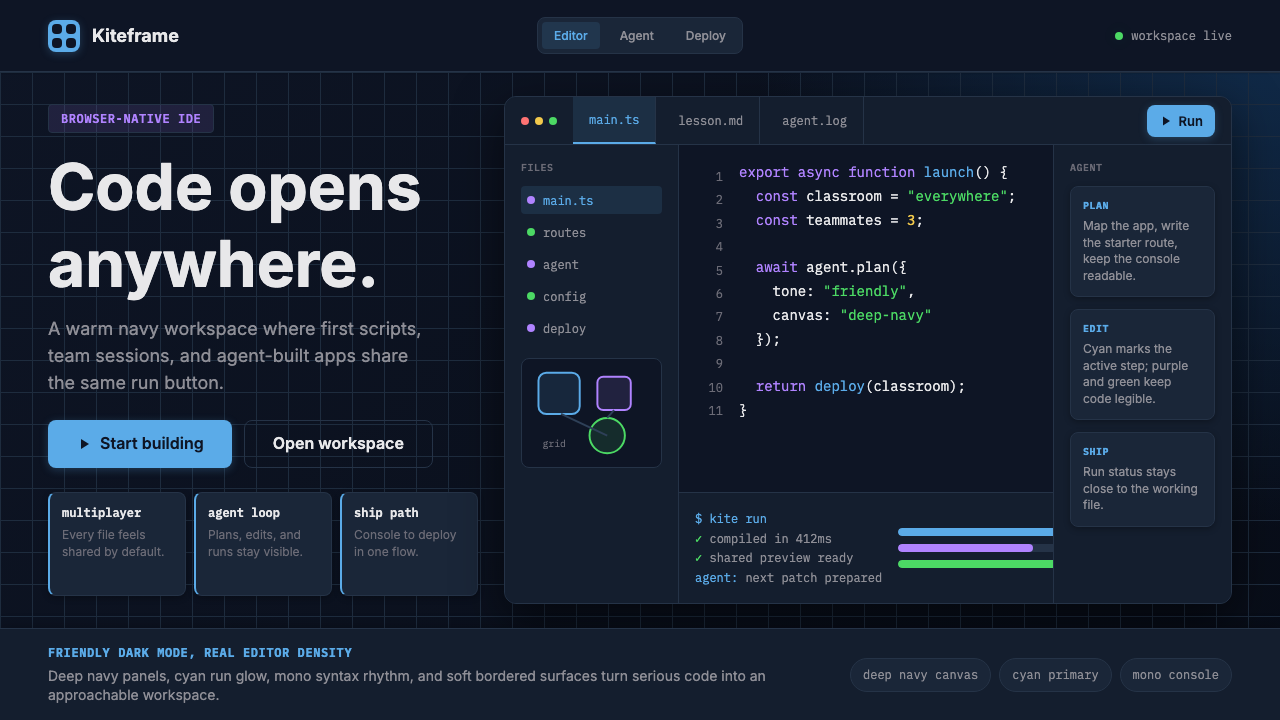 Replit Browser IDE BlueFriendly code gravity. Cyan run lights and mono panels warm the deep navy IDE…
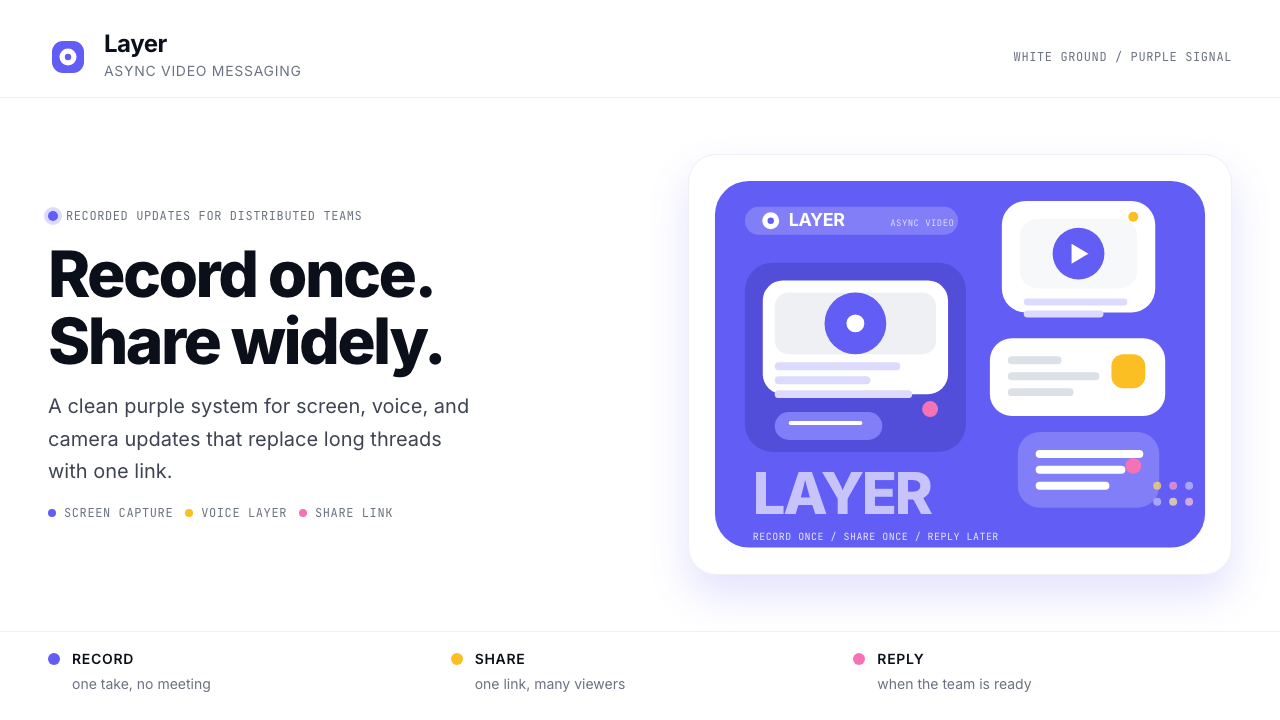 Loom Async-Video PurpleAsync, not meetings. Pure white ground, electric purple, record-button geomet…
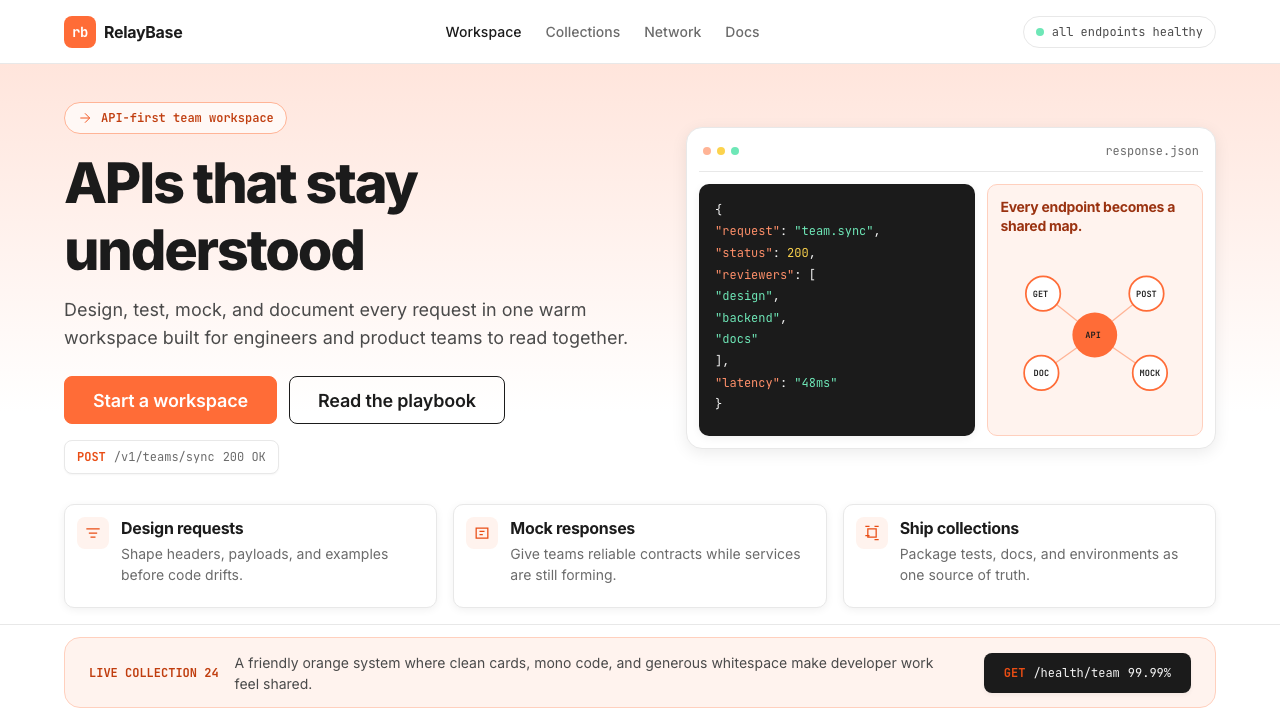 Postman 2024Warm APIs feel approachable. Orange gradients, Inter headlines, and dark mono…
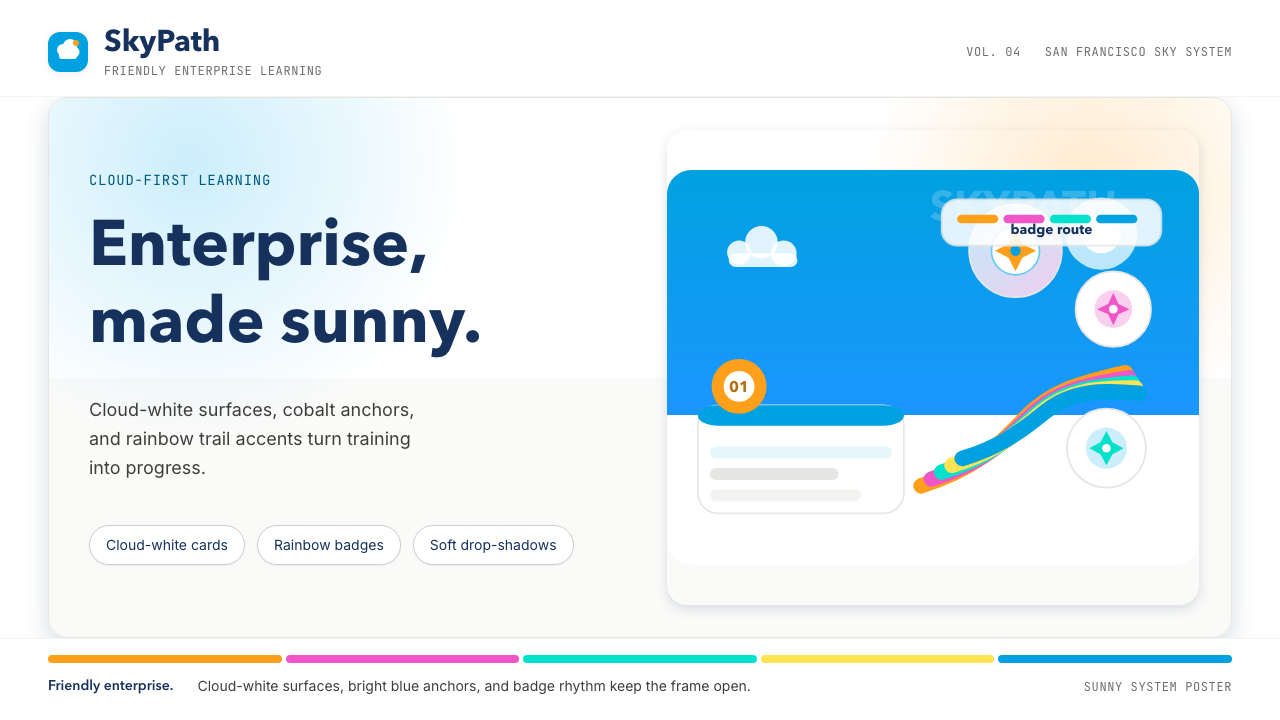 Salesforce TrailheadFriendly enterprise glows. Cloud-white, cobalt, and rainbow badges keep it wa…
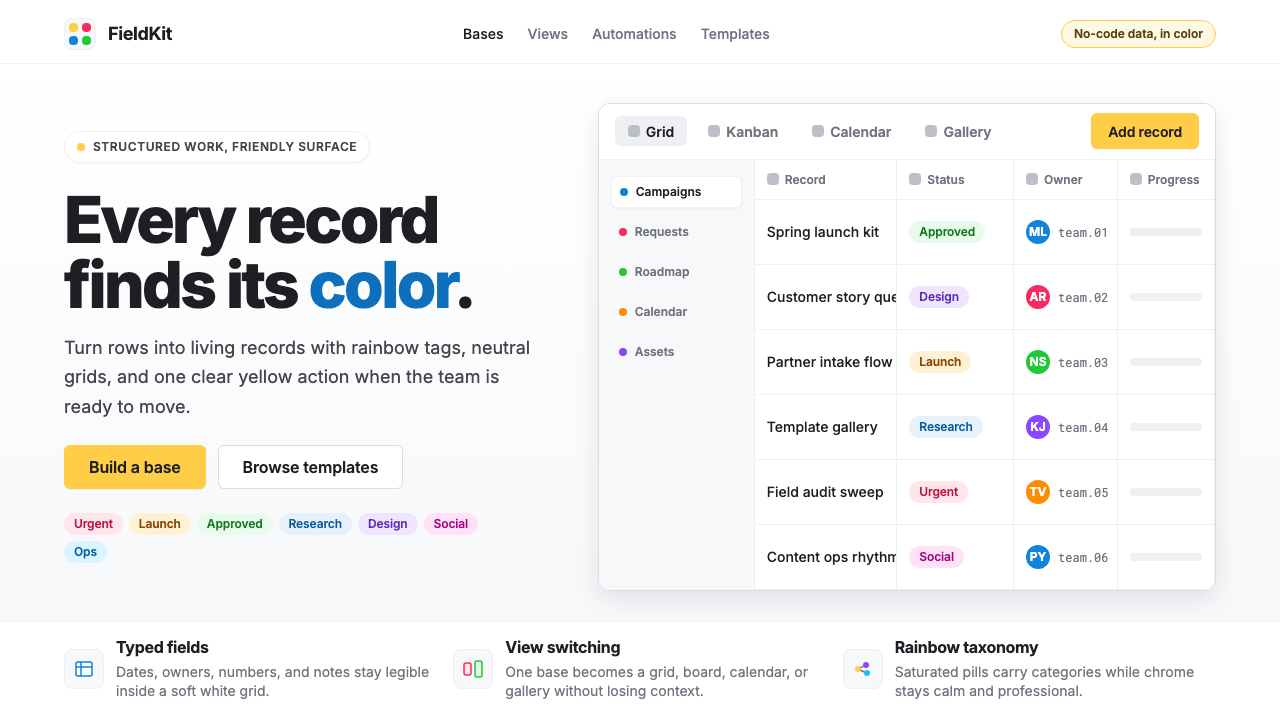 Airtable Spreadsheet-RainbowWork becomes celebratory. Inter grids stay white while rainbow pills and yell…
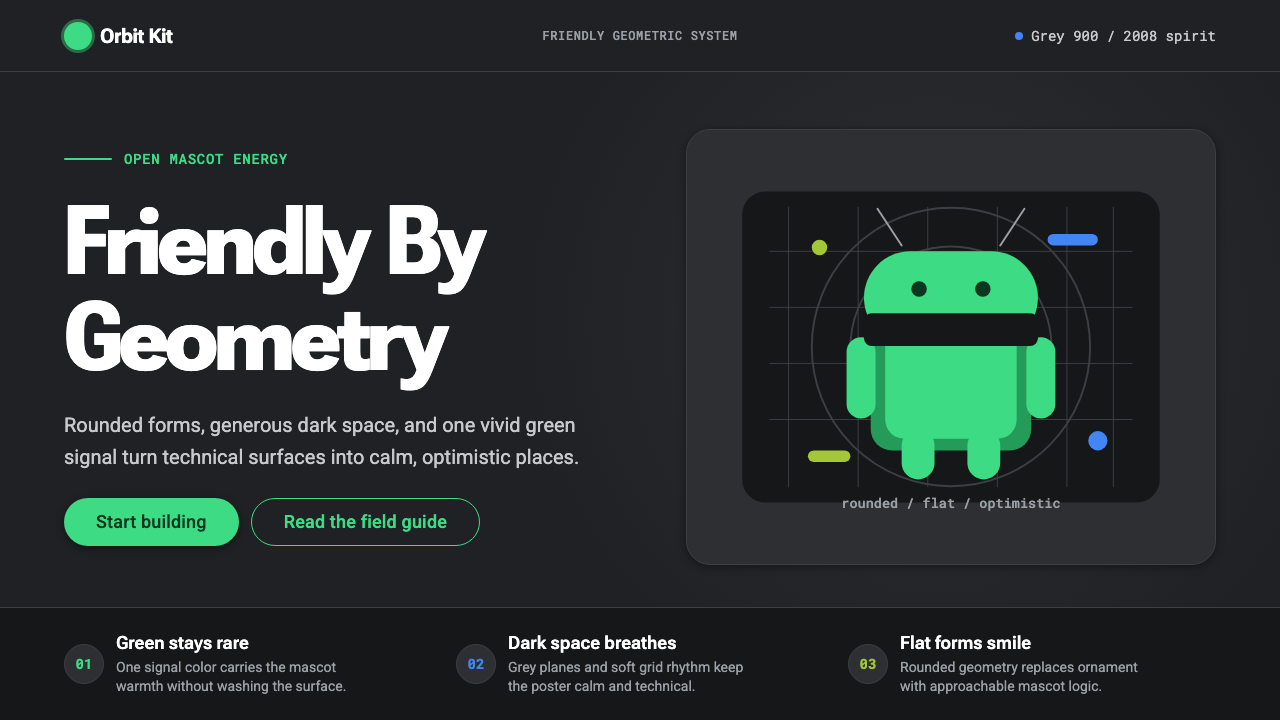 Android Bugdroid GreenFriendly tech, reduced to geometry. Vivid green pops from Grey 900 and rounde…