What is Fly.io Edge-Compute Purple?
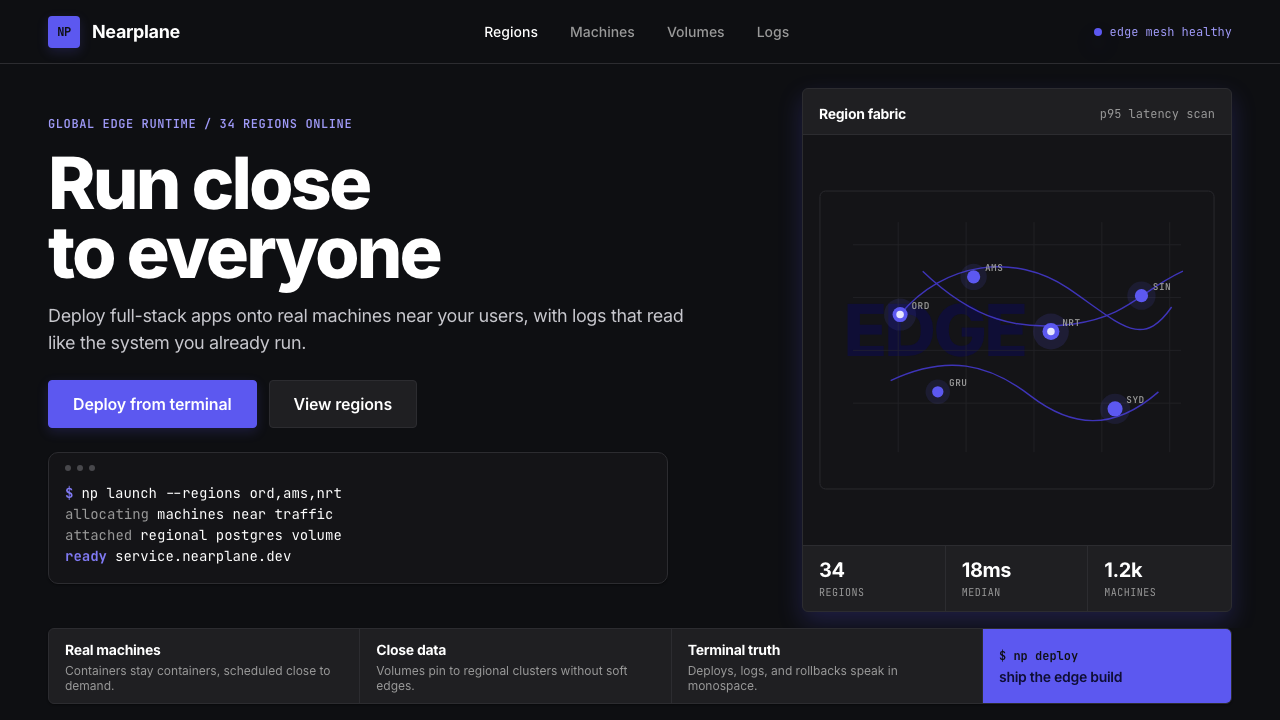
Fly.io distilled edge-cloud infrastructure into a visual creed: one saturated purple, deep black, monospace code blocks, and the quiet authority of a terminal that never sleeps.
Fly.io Edge-Compute Purple in brief
Fly.io Edge-Compute Purple is the visual identity of the developer-cloud platform that runs full-stack applications in regions physically close to their users. Its defining characteristic is restraint raised to a discipline: a single saturated violet hue commands every surface — buttons, node markers, active states, and calls to action — while everything else recedes into deep black or near-neutral dark grays. The result is a visual system that feels simultaneously sparse and high-energy, the way a terminal window looks when something important is actually happening.
The aesthetic belongs to the 2020s wave of developer-tooling brands that chose darkness and chromatic commitment over the safe neutrality of white SaaS. Where those cautious alternatives hedge with pastel accents and soft shadows, Fly.io Edge-Compute Purple plants its flag: electric violet on deep black, modernist sans-serif type at every scale, and monospace code blocks that blur the line between marketing surface and technical documentation. The world map dotted with glowing region markers — each one a live deployment node — functions both as product diagram and visual anchor.
The system is opinionated about what it refuses. There are no rainbow accent palettes, no light-mode defaults offered as a softer alternative, no decorative serif typefaces invoking heritage or warmth. Cards have sharp or minimally rounded corners. Shadows, where they appear, carry a purple tint that connects them back to the dominant hue rather than neutralizing them. Every choice argues for the same thing: that infrastructure software should look like what it is — precise, always-on, and fundamentally honest about its nature.

Where does Fly.io Edge-Compute Purple come from?
Fly.io was founded in 2017 in Chicago by Kurt Mackey, Thomas Ptacek, and Michael Dwan. The company's original proposition was developer-centric: run applications at the network edge, in dozens of regions simultaneously, with the operational simplicity that had previously been available only to large engineering organizations. From the beginning, the platform's identity was inseparable from its audience — software engineers who read documentation more carefully than they read marketing copy, and who treated visual noise as an indicator of conceptual confusion.
The current visual identity took its definitive form around 2022 to 2024, as Fly.io grew its regional footprint and competed directly with established cloud providers. The timing matters: this was a moment when developer tooling had fragmented into two opposing aesthetics. One camp leaned into warm, approachable design — friendly gradients, playful illustration, rounded everything — trying to reduce the perceived intimidation of infrastructure software. The other camp moved toward darkness and technical seriousness, signaling competence through visual austerity. Fly.io chose the second path and committed to it without compromise.
The choice of deep black as the dominant ground was not merely stylistic. Dark-mode interfaces had become the preferred working environment for a significant proportion of professional developers by the early 2020s. Building the primary brand experience in dark mode — rather than treating it as a secondary option toggled from light — sent a clear signal about whose workflow the platform was designed for. The saturated purple accent, planted directly on that dark ground, reads as an active system indicator: the color of a process that is running, a deployment that is live, a region that is responding.
The typography choices reinforced the positioning. Modernist sans-serif typefaces with the neutral precision associated with technical documentation replaced any warmer or more expressive alternatives. Monospace code presentation was elevated from a secondary element — the small block of copy-paste instructions tucked at the bottom of a marketing page — to a primary design component given the same visual weight as headlines. This decision reflects the audience: developers do not distinguish sharply between reading about a product and reading the product itself. The code block is not evidence of what the platform can do; it is the platform making its case directly.
What defines the Fly.io Edge-Compute Purple look?
Color
The palette is built on a single saturated violet-purple that sits at the warm edge of the blue-violet spectrum — vivid enough to hold its own against deep black backgrounds, disciplined enough to avoid sliding into neon excess. Every interactive element, active state, and navigational indicator draws from this one hue. Secondary surfaces use stepped dark grays rather than secondary accent colors; the result is a system that reads as monochromatic in all but the decisive purple moments. Purple-tinted shadows connect component depth to the dominant hue rather than introducing neutral grays.
Typography
Modernist sans-serif faces at multiple scales carry the entire typographic hierarchy. Headlines are set at generous scale with restrained letter-spacing; body text is compact and dense, reflecting the reading habits of an audience accustomed to documentation and code. Monospace type is treated as a first-class typographic element — given the same visual prominence as headings, styled with a subtly differentiated dark background to evoke the terminal, and never buried as a footnote. The overall text texture is tight, confident, and reads as engineered rather than styled.
Surface and Depth
Depth is constructed through stepped dark surfaces rather than light-and-shadow simulation. Cards and panels sit one tone above the base background; modals and overlays step up another tone; interactive elements gain a purple-tinted glow on hover or focus. Corners are sharp or carry only a minimal radius — enough to read as intentional rather than default, not enough to suggest softness or approachability. The overall volumetric effect is that of layered panels in a control room rather than floating cards in a consumer application.
The Region Map
A world map dotted with glowing deployment markers serves as the system's most characteristic recurring motif. The markers pulse or glow in the dominant purple, against a dark cartographic ground that suppresses national borders and geography in favor of infrastructure topology. This motif works as product diagram, hero image, and brand element simultaneously — it communicates global reach, real-time operation, and the physical reality of edge computation in one image. When adapted for presentations or marketing materials, it functions as an immediately recognizable visual signature.
Code as Content
Terminal output and code snippets are compositional elements, not supporting footnotes. They occupy the same visual weight as marketing headlines, are formatted with syntax distinction that makes them readable at a glance, and are styled with background differentiation that evokes the physical terminal without simulating it literally. This treatment reflects the platform's conviction that the developer audience reads code before it reads prose — the code block earns its hierarchical position not despite being technical, but because of it.
Motion and State
Interactive states — hover, focus, active, loading — are communicated through the purple accent changing intensity or extending into a controlled glow, rather than through positional shifts or color changes that introduce new hues. Loading states evoke terminal spinners rather than consumer-grade progress bars. The motion vocabulary is short, purposeful, and never decorative: a button darkens when pressed, an indicator pulses when a process is running, a connection line draws when a region comes online. Every animated element models the system's actual behavior rather than performing enthusiasm.
Information Density
Layouts are denser than typical consumer SaaS — more data points per viewport, tighter line heights, narrower margins relative to content. This is a deliberate design value, not an oversight: the target audience is comfortable with dense information environments because they spend their working hours in terminals, editors, and monitoring dashboards. Whitespace is used to create reading rhythm and visual hierarchy, not to add breathing room as a substitute for meaningful content. Empty areas in the layout signal importance through contrast, not absence.

Who shaped Fly.io Edge-Compute Purple?
Co-founder and CEO of Fly.io, Mackey's product thinking is inseparable from the platform's visual identity. His public writing on infrastructure, developer experience, and the economics of edge computing established the philosophical foundation from which the visual language grew. Under his leadership, Fly.io chose to target sophisticated engineering teams rather than lowering the technical barrier — a strategic decision that directly permitted the visual system's austerity and density.
Co-founder and security researcher whose background in systems security and network infrastructure shaped Fly.io's deeply technical positioning. The platform's refusal to soften its interface for non-technical audiences reflects the founding team's conviction that infrastructure software should be designed for the people who understand it. Ptacek's security-first perspective also influenced the visual system's emphasis on clarity and explicit state representation over decorative ambiguity.
Co-founder whose technical contributions to the platform's distributed systems architecture shaped the product reality that the visual language had to communicate. The region-map motif and the emphasis on live operational state in the interface both reflect the underlying infrastructure model Dwan helped design: a network of independent nodes, each representing a running application close to a user population, visible and queryable in real time.
The visual system that crystallized between 2022 and 2024 represents the mature statement of the Fly.io aesthetic. This iteration committed fully to the dark-first, single-accent approach and elevated monospace code blocks to first-class design components. It is this system that established Edge-Compute Purple as a recognizable design language in the developer-tooling space — one that has influenced how other infrastructure platforms signal technical seriousness through chromatic and typographic restraint.
Fly.io Edge-Compute Purple emerged within a broader 2020s movement of developer-infrastructure platforms — including Vercel, Railway, Render, and others — that treated visual identity as a product signal rather than a marketing exercise. Within this movement, Fly.io represents the most monochromatic and terminal-referencing position: less expressive variety than competitors, more chromatic discipline, and a stronger identification with the actual working environment of its users. Its visual influence on the category has been measurable.
How do you use Fly.io Edge-Compute Purple today?
Fly.io Edge-Compute Purple is purpose-built for technical audiences and performs best when the content genuinely reflects infrastructure, developer tooling, data systems, or any domain where precision and competence are primary values. Applying it correctly requires accepting its core principle: visual restraint is not a limitation but a form of argument. The single-accent approach communicates that the system knows what matters and has eliminated everything that does not.
For presentation slides, the style works well across both cover and content formats. A cover slide benefits from using the purple accent on a single dominant element — a network diagram, a region map, a typographic lock-up — against a dark field, with the title set in clean sans-serif at significant scale. Content slides should treat information density as a feature: data tables, code samples, and architecture diagrams sit as primary content, not as supporting material. Data visualizations — latency charts, throughput graphs, availability maps — adopt the style's palette naturally, with the purple accent marking the active or highlighted series and grays carrying the comparison data.
For web UI, dashboards, and product interfaces, the system's real-time operational aesthetic translates directly. Use the deepest background tone as the base, step up one tone for primary panels and cards, and step up again for modals or focus areas. Reserve the purple accent for every interactive or stateful element: active navigation items, selected rows, focus rings, progress indicators, and primary action buttons. Ghost buttons and secondary actions should live in the gray range without touching the accent. Pricing pages benefit from the style's natural authority: tier differentiation through accent color on the recommended plan, with sharp-edged cards and dense feature lists signaling that this is a product for people who read specifications.
For editorial and marketing content — landing pages, documentation headers, blog post layouts, developer relations materials — the system's code-as-content principle is its most distinctive contribution. Place code blocks and terminal output as visual anchors alongside headlines, not as subordinate elements below the fold. Feature sections alternate between full-width dark panels and panel-within-dark-page layouts; the purple accent appears in icon fills, underlines on active navigation, and in illustration elements that represent infrastructure nodes or connection paths. Avoid decorative illustration styles that conflict with the technical register; geometric diagrams and schematic linework are the appropriate illustration vocabulary.
A common mistake when adapting this style is importing additional accent colors to add variety or warmth. A second bright color — even a complementary one — immediately dismantles the single-accent logic that gives the system its identity. If color variety is needed to communicate additional meaning (alert states, severity levels, status categories), use the purple accent at varying opacity levels or intensity rather than introducing new hues. Similarly, switching to a light-mode version of the layout by inverting to white backgrounds loses the terminal reference that makes the style coherent; if light-mode output is required, treat it as a distinct design problem rather than a simple inversion.

Fly.io Edge-Compute Purple — FAQ
Is this style usable for non-developer audiences?
With significant adaptation, yes — but be clear-eyed about the trade-offs. The style's authority and seriousness translate well to any context where technical credibility is valued: fintech dashboards, data-heavy reports, infrastructure procurement materials, and enterprise software interfaces. It struggles in contexts where approachability, warmth, or consumer-facing friendliness are primary values: food and lifestyle brands, children's products, wellness applications, or any context where the user's emotional state matters more than their professional confidence. Forcing the style onto misaligned content tends to read as cold or intimidating rather than authoritative.
How does Edge-Compute Purple differ from generic dark-mode design?
Generic dark-mode design typically inverts a light-mode layout: white becomes dark gray, black type becomes light gray, and accent colors remain unchanged. Edge-Compute Purple is built dark-first — the deep black ground is the design's foundation, not a recolored surface. The critical differences are the single-accent discipline (generic dark-mode often retains a full range of accent colors), the elevation of code and terminal elements to first-class visual components, and the region-map motif that grounds the aesthetic in a specific product reality. Most dark interfaces are consumption experiences; this one models an operational system.
Can the style be adapted for light-background output, such as printed reports or white-background slides?
Yes, but treat it as a systematic translation rather than a simple inversion. The purple accent carries well onto white or very light gray grounds — it retains its identity as an active, technical color even in light contexts. The challenge is the code-block treatment: on dark backgrounds, the monospace block has a natural container defined by the surface contrast; on white, it needs an explicit light-gray or very pale background fill to read as distinct. Typography should remain modernist and sans-serif. The region-map motif can be adapted with a lighter geographic ground and darker node markers. Expect the light variant to feel less atmospheric and more utilitarian — that is appropriate for the print or document context.
How should the style handle illustration and iconography?
Illustration should be schematic and geometric — network diagrams, infrastructure topology maps, architectural flow charts — rather than expressive or figurative. Human figures, organic shapes, and isometric 3D illustrations conflict with the style's terminal-derived flatness. Iconography should be geometric and line-based, drawn at consistent weights that match the body type, and colored either in the purple accent for active or interactive icons, or in mid-range gray for inactive or informational ones. Filled icon styles work better than outlined ones on dark backgrounds. Avoid illustrative icon sets with personality — the visual register here is closer to technical documentation than to a consumer app store.
Does the style work for team presentations that mix Fly.io-branded content with general technical slides?
Yes — this is one of the style's strongest applications. Because the system is built on typographic clarity and information density rather than decorative motifs, it accommodates a wide range of technical content naturally. Architecture diagrams, benchmarking data, operational runbooks, post-incident reviews, and API documentation all sit comfortably within the visual system. The key discipline is maintaining the single-accent rule across non-branded slides: resist the urge to introduce additional colors to make charts or diagrams feel more expressive. The monochromatic discipline is what keeps a heterogeneous deck feeling coherent.
Related design styles
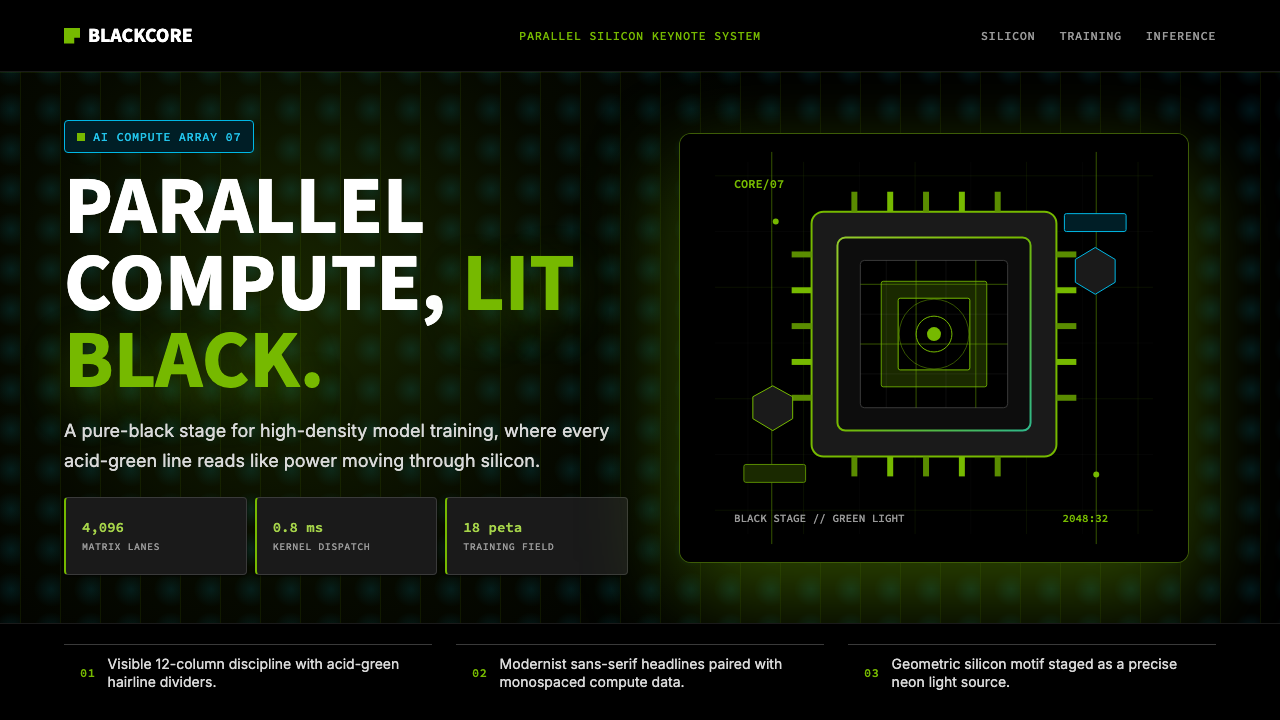 NVIDIA GPU Green-BlackPure black turns compute theatrical. Acid green hairlines and chip geometry s…
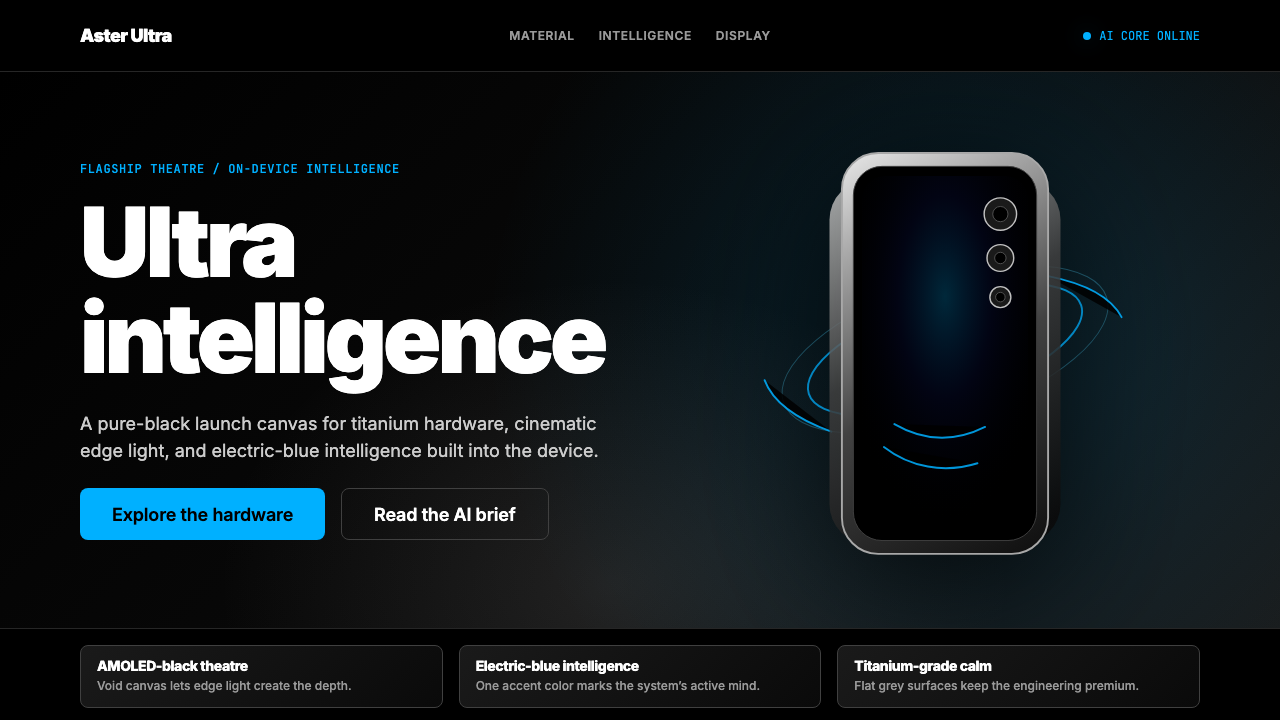 Samsung GalaxyTech-luxury goes black. Electric blue cuts through AMOLED void and titanium-g…
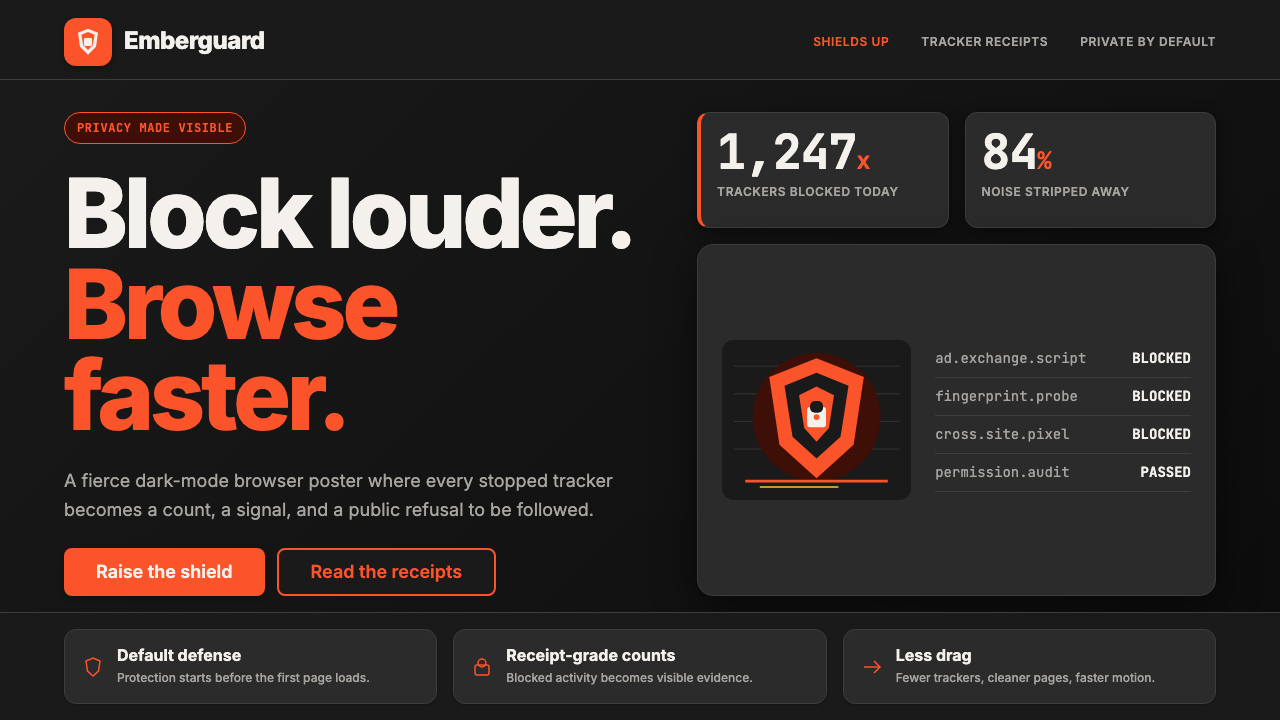 Brave Browser Lion OrangePrivacy gets loud. Lion-orange counters and shield geometry cut through warm…
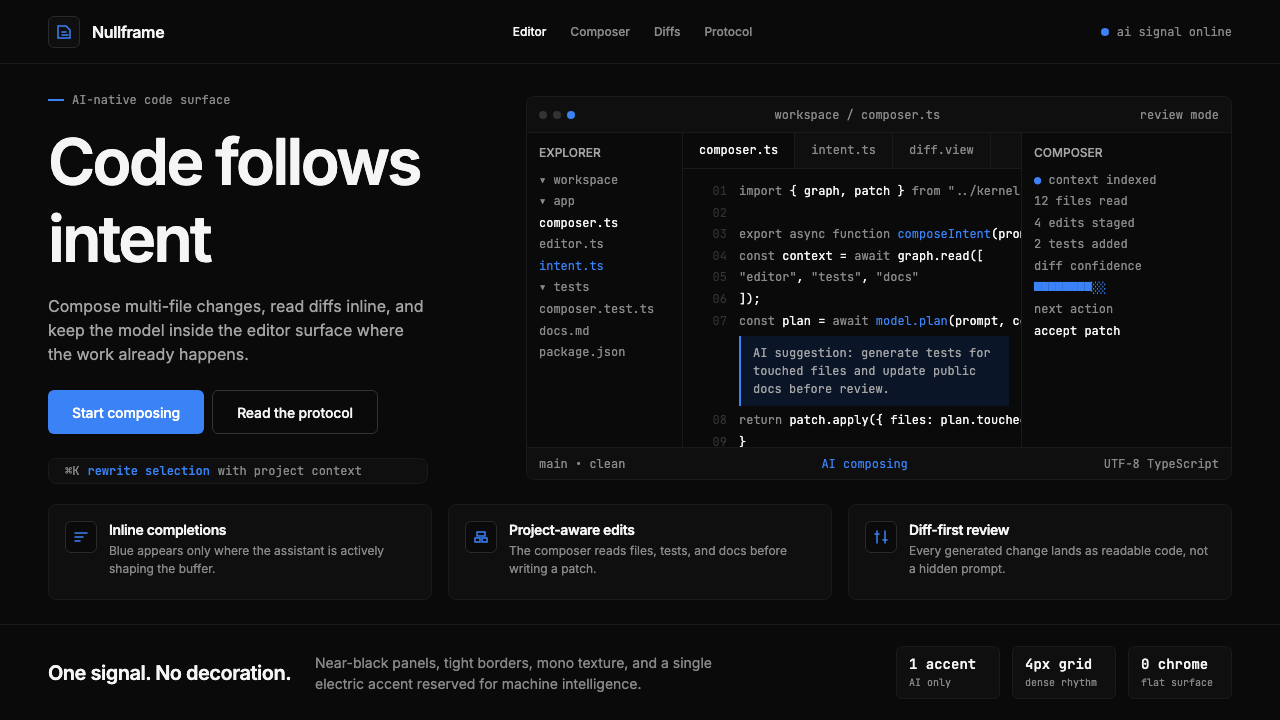 Cursor IDEAI-first code editor. Pure dark surfaces, off-white text, electric blue reser…
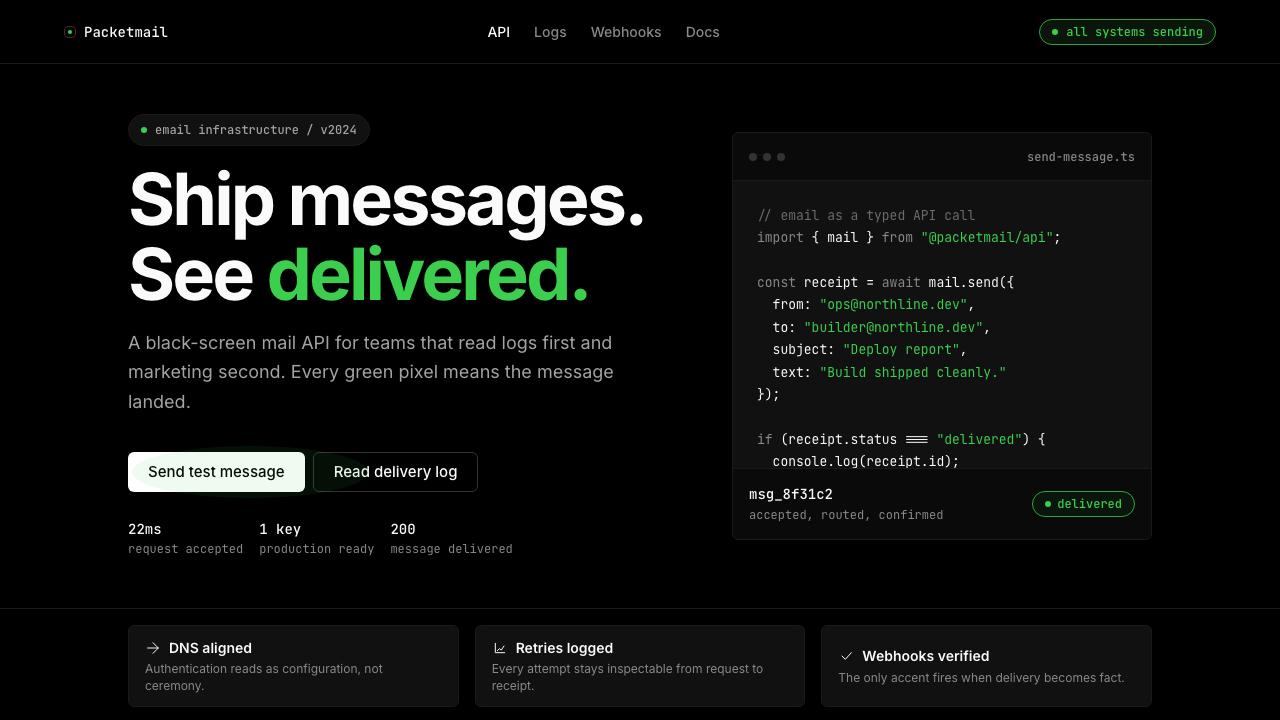 Resend 2024Clean code becomes brand. Pure black, JetBrains Mono, and one green delivered…
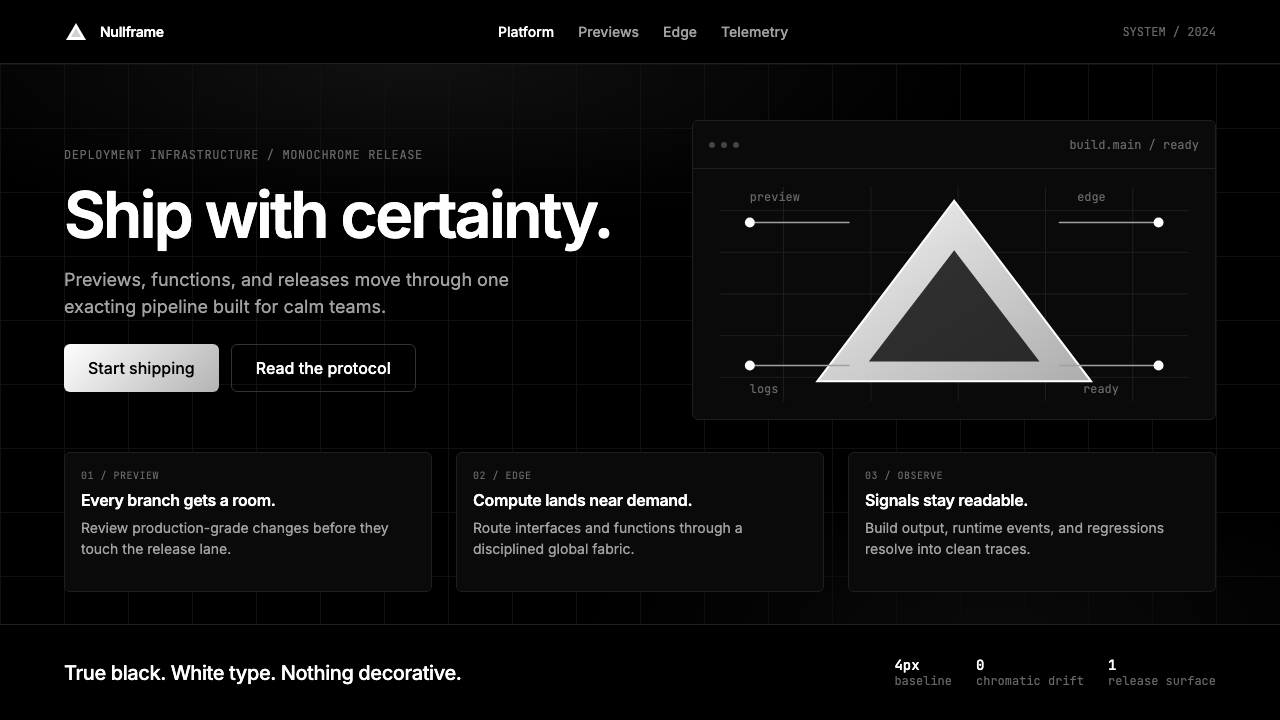 Vercel 2024Developer luxury by subtraction. Pure black, white Inter, rigid grid, triangu…