What is Exoskeleton Gait Clinic?
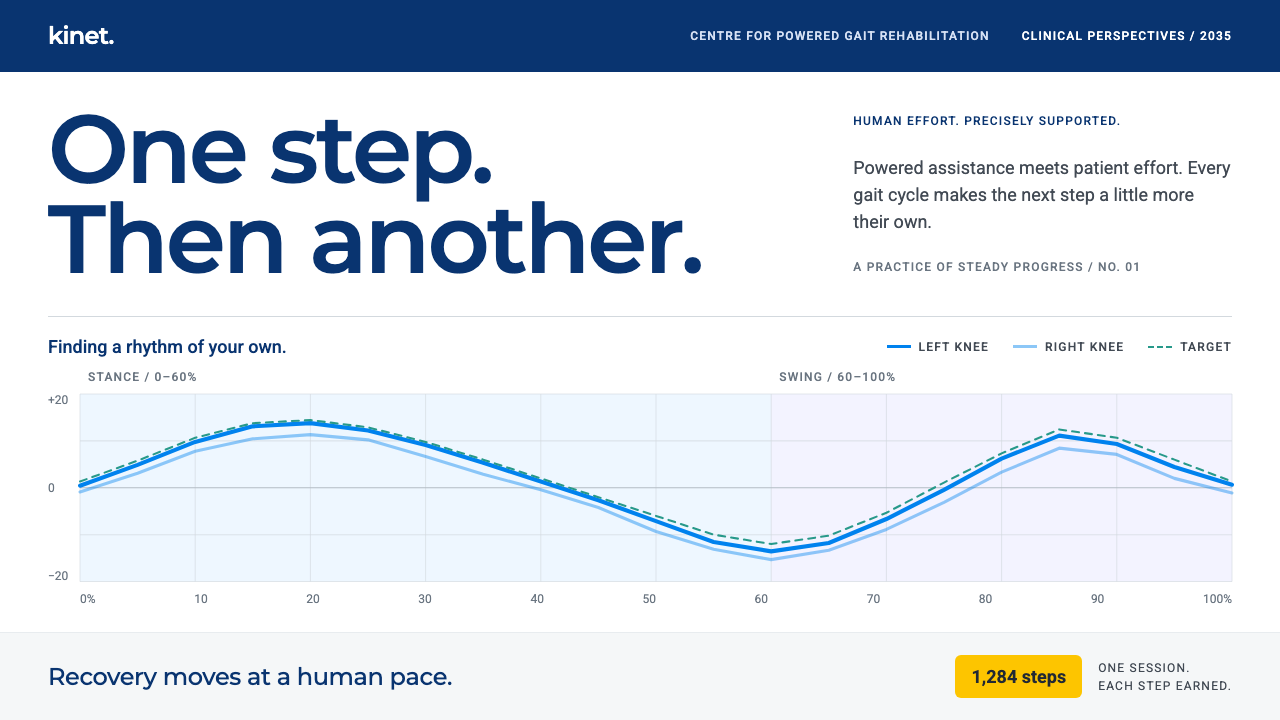
A speculative 2035 rehab dashboard where the screen is white, the brace is white, and the only colour that matters is data.
Exoskeleton Gait Clinic in brief
The Exoskeleton Gait Clinic style is a rehab dashboard imagined for 2035, designed for the hour a patient spends relearning to walk in a powered leg exoskeleton. It is a clinical interface used by a therapist beside the patient, with a tablet in hand, adjusting settings and reading curves while the person moves.
It is deliberately an extrapolation, not a fantasy. The system starts from clinical software already shipping today: the EksoNR exoskeleton and its EksoView controller, the GaitCoach session dashboard, and patient apps such as the Indego app and the myReWalk app. It imagines what those tools would look like after another decade of refinement.
The visual idea is simple. The screen is almost entirely white, matching the white shell of the brace. Colour is reserved for information: a vivid blue traces the joint torque curve, navy anchors the header, teal marks the target stride, and yellow counts steps and milestones. There is no superhero imagery and no glowing wireframe body, only a gait-cycle axis and a patient who is steadily getting better.

Where does Exoskeleton Gait Clinic come from?
This style is speculative, set in 2035, but its roots are real. The wearable-robotics field it draws on was shaped by figures such as Homayoon Kazerooni, Russ Angold and Nathan Harding, who are associated with Ekso Bionics in Richmond, California; Amit Goffer, linked with the ReWalk approach in Yokneam, Israel; and Yoshiyuki Sankai, linked with exoskeleton work in Tsukuba, Japan. Together they stand for a global effort to put walking back within reach.
The anchoring products are specific. EksoNR has received FDA clearances from 2016 onward for clinical rehabilitation. GaitCoach, from 2024, added a coaching-oriented session dashboard. The Ekso Indego app arrived in 2024 and the myReWalk app in 2025, giving patients their own window into progress. The 2035 setting simply continues the line these releases draw.
The design field the system belongs to has three strands. Wearable robotics is the hardware domain, where a person and a machine move together. Gait rehabilitation after stroke and spinal cord injury is the clinical purpose, in which repetition and measurement matter more than spectacle. Data-driven physical therapy is the working method, in which a therapist adjusts assistance based on curves and targets rather than only intuition.
That combination explains the restraint. Clinical interfaces must be readable at arm's length, in a bright room, by someone who is also watching a patient. The result is an aesthetic closer to medical instrumentation than to science fiction: calm, white, legible, and quietly optimistic about progress at a human pace.
What defines the Exoskeleton Gait Clinic look?
Clinical white ground
The whole interface sits on white, echoing the white shell of the exoskeleton and the cleanliness of a treatment room. White keeps the data curves the clear focus of attention.
Dynamic Blue for torque
A vivid brand-like blue draws the hip and knee torque curves and the primary buttons. It is the colour of action and measurement, so it appears wherever the therapist needs to look or press.
Navy header
A deep navy bar anchors the top of the screen and holds session context such as the patient and the programme. It is the darkest element, giving the white layout a stable frame.
Teal for targets
The target stride is drawn in teal, so the therapist can see at a glance how closely the blue trace follows the intended pattern. Distance between blue and teal is the story of the session.
Yellow for milestones
Steps, distance and achievements are counted in yellow. It is the only warm colour, which makes progress feel like a small celebration rather than a number buried in a table.
Gait-cycle axis
Charts run along a gait cycle from start to finish, so each curve describes one full step. The shared horizontal axis lets a therapist compare joints, sessions and targets directly.
Human-pace restraint
No glow, no glass, no cinematic effects. Motion is gentle and information is dense but calm. The interface wants to feel like a trusted instrument, not a spectacle.

Who shaped Exoskeleton Gait Clinic?
Pioneer of wearable robotics associated with Ekso Bionics in Richmond, California.
Exoskeleton engineer associated with the early Ekso Bionics work.
Associated with Ekso Bionics and the development of its exoskeleton technology.
Linked with the ReWalk exoskeleton approach, centred in Yokneam, Israel.
Linked with exoskeleton research and development in Tsukuba, Japan.
How do you use Exoskeleton Gait Clinic today?
In slides, the style suits healthtech pitches, clinical training decks, hospital technology reviews and research updates about rehabilitation robotics. A cover can be a white slide with a navy band and a single blue curve. Content slides work as one idea with one chart each. For data slides, draw the measured line in blue, the target in teal, and use yellow only for the milestone you want the audience to remember.
On the web and in apps, it is a natural base for therapist dashboards, patient progress apps, device companion screens and clinical analytics. Put the session context in a navy header, keep the white canvas open, and show curves on a shared gait-cycle axis. Large, clear controls matter because the therapist may be operating with one hand while watching the patient.
In editorial and marketing work, the style fits explanatory articles on wearable robotics, rehabilitation case studies and honest product pages for medical devices. The calm white look signals trust; the data colours add precision. Avoid futuristic imagery and let the numbers and curves speak.
The style also gives a useful template for any measurement-led interface outside medicine, such as sports performance, ergonomics studies or physical-training tools, where one trace is compared against a target.
The most common mistake is making it look like science fiction: dark backgrounds, glowing outlines and a hero image of a heroic robot. That is the opposite of the point. Another mistake is spreading the four data colours into decoration, so that blue, teal and yellow no longer mean torque, target and milestone.

Exoskeleton Gait Clinic — FAQ
What is the Exoskeleton Gait Clinic style?
It is a speculative 2035 rehab dashboard style for powered leg exoskeletons: a white clinical screen with blue torque curves, a navy header, teal targets and yellow milestones.
Is it based on real products?
Yes, by extrapolation. It builds on the EksoNR exoskeleton and EksoView controller, GaitCoach, the Ekso Indego app and the myReWalk app, then imagines their interfaces a decade later.
What do the colours mean?
Blue traces joint torque and marks main actions, navy anchors the header, teal marks the target stride, and yellow counts steps and milestones. Everything else stays white.
Why is the interface so white and plain?
A clinical screen has to be read quickly in a bright room while the therapist watches a patient. White keeps the curves clear, matches the white brace, and avoids science-fiction spectacle.
Where else can this style be used?
Anywhere a measured trace is compared with a target: rehabilitation apps, sports analytics, ergonomics tools, physical-training dashboards and healthtech presentations.
Related design styles
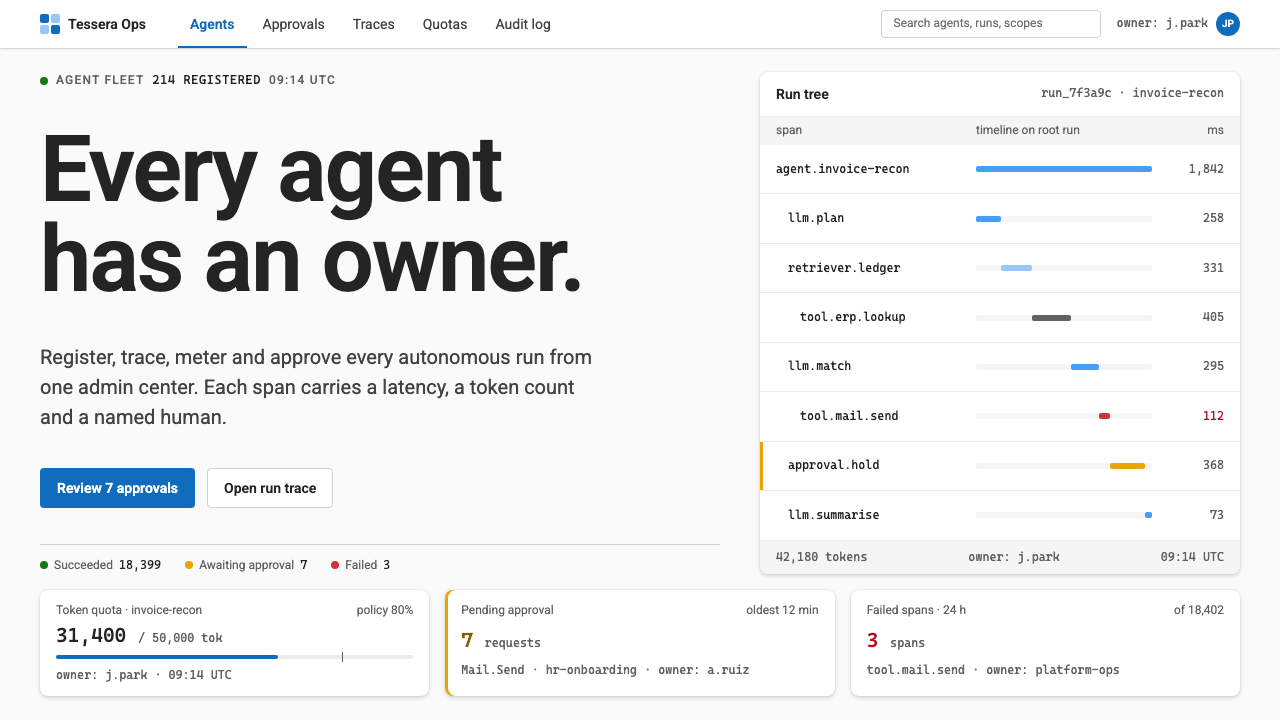 Agent Ops ConsoleGovernance as a queue. Fluent blue on grey, mono run trees, marigold for pend…
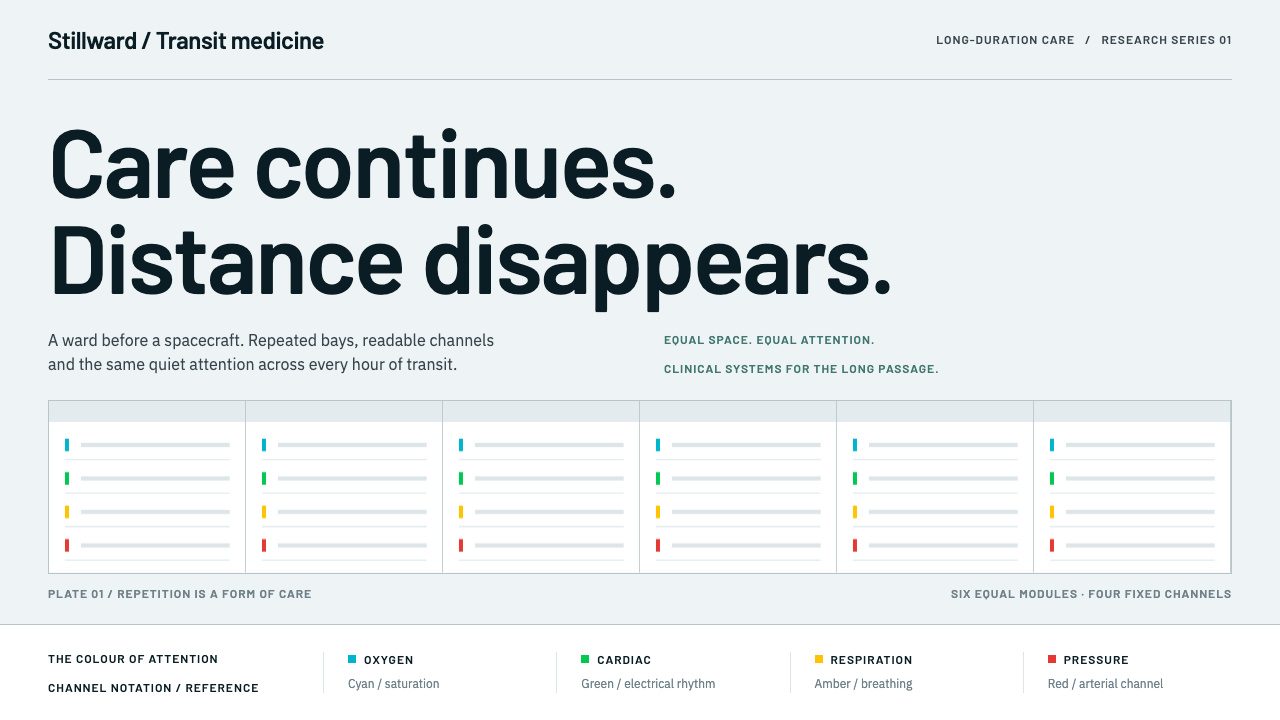 Cryosleep Transit WardCare without spectacle. Clinical white, equal bay grids and the fixed colours…
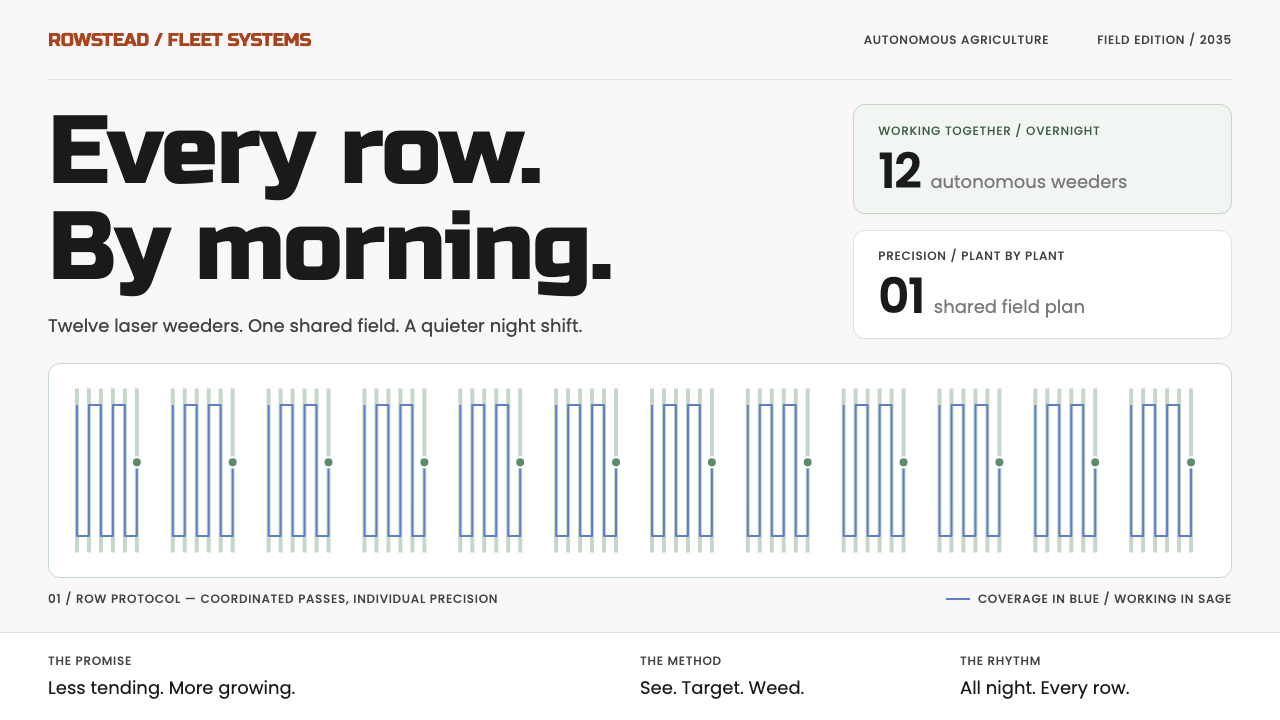 Farm Robot FleetPrecision without noise. Sage row patterns and blue routes meet plain black P…
 Robotic Ghost KitchenColor is always a status. Tile-grout grid, steel rails, robot orange, tickets…
 Apple Fitness Rings Closed (2024)Midnight feels exact. Magenta, green, and cyan rings lock onto OLED black.
 Europa Ice Drill StationShelter is a depth, not a room. Blue bore axis, hard tables, and earned radia…