What is CLI Hacker Phosphor Green (1985)?
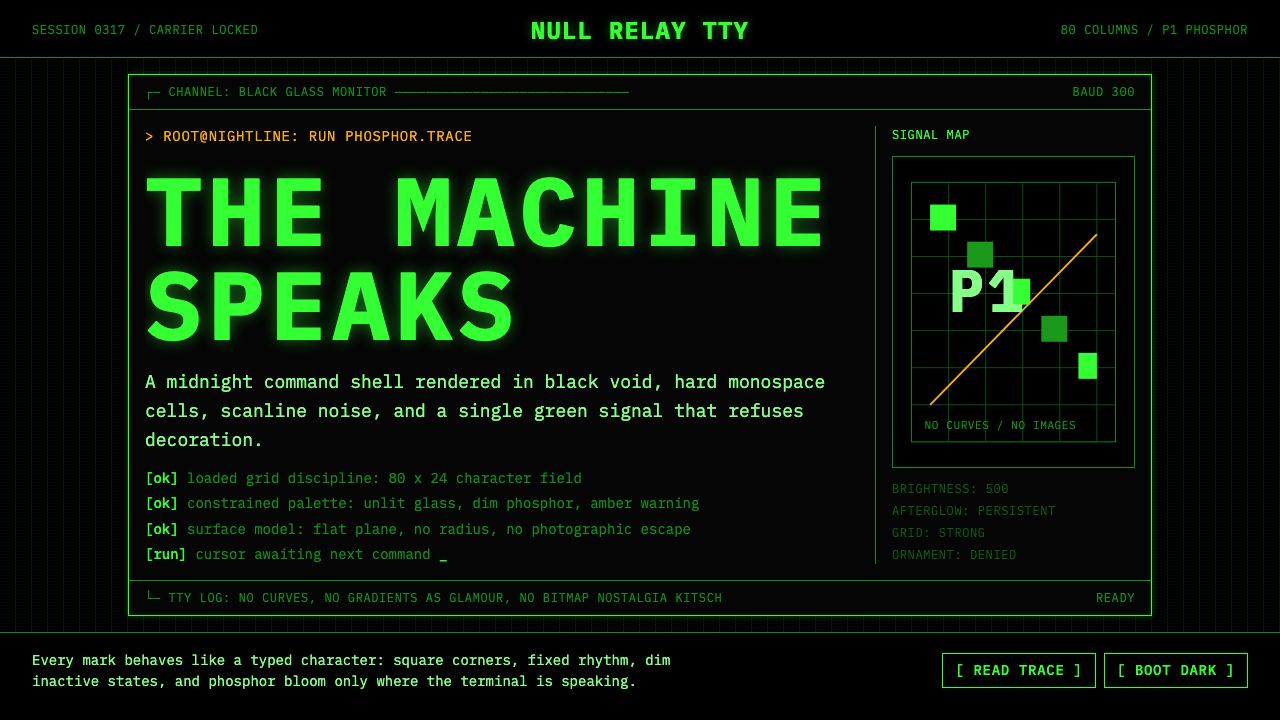
When computing meant staring into a glowing green void at three in the morning, the phosphor-green terminal became the visual language of those who built the digital world.
CLI Hacker Phosphor Green (1985) in brief
CLI Hacker Phosphor Green (1985) is a design system rooted in the visual grammar of the cathode-ray tube terminal at its cultural peak. It reproduces the aesthetic of a late-night session on a monochrome VT220 or similar machine: an absolute black ground, a single color of phosphor-warm monospace text, the faint horizontal banding of scanlines, and the strict eighty-column grid that imposed discipline on every character displayed. There are no images, no curves, no decoration — only text, structured space, and light.
The '1985' designation pins the system to a specific moment: the mid-decade when the personal computer had arrived but the graphical interface had not yet conquered the working environment. Power users, systems administrators, network engineers, and the nascent hacker subculture all lived inside command-line interfaces. The terminal was not a fallback or a legacy relic — it was the primary surface of professional computing. The aesthetic that emerged from that environment carries the authority and discipline of a tool that was genuinely used to build consequential things.
Unlike many revival aesthetics that borrow surface characteristics without understanding their function, phosphor-green terminal design has an unusually coherent internal logic. Every visual decision — the monospace grid, the absence of imagery, the reliance on ASCII-art borders and block characters for structure — derives directly from the constraints of hardware that rendered only text, in only one color, at only one weight. Applying this system means accepting those constraints as design decisions, not as limitations to work around.
Where does CLI Hacker Phosphor Green (1985) come from?
The story of the phosphor-green terminal begins not with design intent but with physics. Early cathode-ray tubes used phosphor coatings that glowed when struck by an electron beam. The P1 phosphor compound, chosen for its brightness and persistence characteristics, produced a distinctive yellow-green emission that became synonymous with computer output through the 1970s and into the 1980s. Engineers chose P1 for practical reasons — it was bright enough to read in a normally lit room and its persistence reduced flicker — but the color became so culturally embedded that later alternatives like the amber P3 phosphor or white-phosphor displays were often perceived as less authentically 'computerly.'
Digital Equipment Corporation's VT100, introduced in 1978 and manufactured in Maynard, Massachusetts, established the canonical form. It defined the ANSI escape code standard still used in terminal emulators today, fixed the eighty-column display as the default for professional computing, and shipped with a keyboard whose physical layout — the sculpted keycaps, the arrangement of control keys — became a touchstone for an entire generation of systems programmers. The VT220, introduced in 1983, refined the form further. Together, these machines defined what a terminal looked and felt like at the critical moment when the hacker subculture was consolidating its identity.
Bell Labs in Murray Hill and later Holmdel, New Jersey, contributed the intellectual environment that shaped how the terminal was used. The UNIX operating system, developed by Ken Thompson and Dennis Ritchie at Bell Labs in the late 1960s and 1970s, established the philosophy that programs should do one thing well and communicate through text streams. This philosophy meant that the terminal's text-only constraint was not merely a hardware accident but an ideological position: text was the universal medium, and the command line was the most direct route between human intention and machine execution. Richard Stallman at MIT's Artificial Intelligence Laboratory, and later the Free Software Foundation, extended this into an ethical framework — the terminal and its associated tools were not just efficient but morally preferable to opaque graphical systems.
The years between approximately 1983 and 1992 represent the peak cultural moment for the phosphor-green aesthetic. The 1983 film WarGames introduced the terminal-as-thriller-prop to a mass audience. Steven Levy's 1984 book Hackers: Heroes of the Computer Revolution documented the subculture and its visual environment in the same year that the Macintosh arrived to begin displacing it. The Terminal and the GUI coexisted through the late 1980s in an uneasy tension, and the hacker culture's attachment to the command line was increasingly an aesthetic and ideological choice as much as a practical one. By 1995, when the film Hackers appeared and The Matrix's production design team began conceiving their visual approach, the phosphor-green terminal had completed its transformation from working tool to cultural symbol — a transformation the 1999 film made permanent by rendering falling green glyphs as the literal appearance of a simulated reality.
What defines the CLI Hacker Phosphor Green (1985) look?
Monochrome Palette
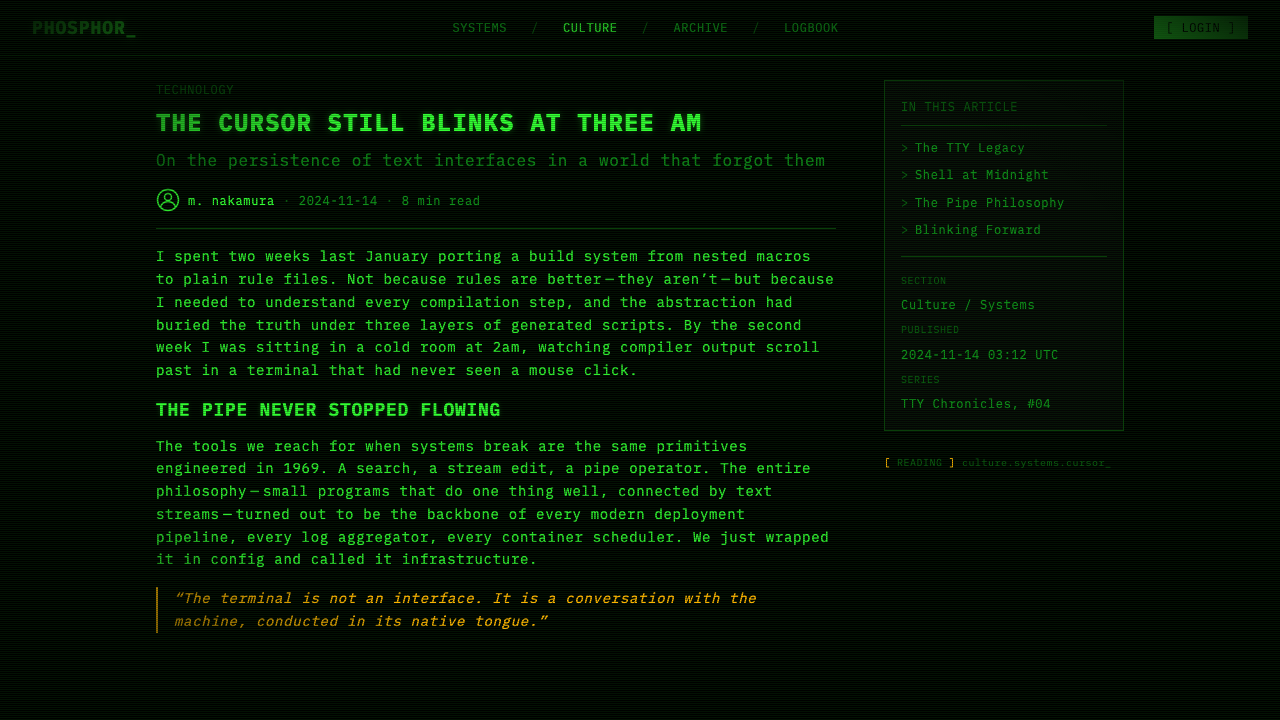
The entire system operates in a single color: the warm, slightly yellowish green of P1 phosphor on absolute black. There are no secondary colors, no accent hues, no grays used to soften contrast. Hierarchy and emphasis are communicated entirely through brightness variation — brighter text for active elements, dimmer text for secondary information — and through the spatial logic of the grid itself. The color is not decorative; it is the only available medium, and that constraint gives it a visual weight that polychromatic systems rarely achieve.
Strict Monospace Grid
Every element occupies a fixed cell in a character grid. Text does not flow freely — it is placed at specific column-and-row coordinates. This constraint, inherited from the hardware that could only address individual character positions, produces an unusually rigid but also unusually precise compositional system. Alignment is absolute rather than approximate; spacing is measured in characters rather than in abstract units. The grid imposes a discipline that makes every layout decision legible as a decision rather than a convenience.
Scanline Texture
The CRT display refreshed its image by scanning an electron beam horizontally across the screen in rapid succession, producing faint horizontal banding visible between rows of characters. This scanline texture is not a flaw to be corrected but a material signature — the evidence of how the image was physically produced. In the design system, scanlines serve as a reminder that the surface is a display, not a page; that the light is emitted rather than reflected; that what appears to be solid is in fact a persistent flicker. The texture adds depth without introducing any new color.
ASCII Structure and Box Drawing
Without access to images or drawn lines, terminal interfaces developed a vocabulary of box-drawing characters — horizontal and vertical bars, corners, intersections — to create visual structure. These characters, originally encoded in IBM's CP437 and later standardized, allowed operators to build tables, panels, menus, and dialogs entirely from typographic elements. The result is a design vocabulary that is simultaneously primitive and rigorous: borders are exactly one character wide, corners are precise, and the relationship between structure and content is always explicit.
Cursor and Blink
The blinking block cursor is one of the most recognized elements of the terminal aesthetic, and one of the most functionally precise: it marks exactly where the next input will appear. There is no ambiguity about focus, no subtle highlight or shadow to suggest interactivity. The cursor blinks because the refresh cycle of the phosphor creates a natural periodicity; the blink became a standard affordance, a clear signal of liveness. In the design system, the cursor metaphor — hard-edged, unambiguous, blinking — stands for precision and attention.
Typographic Hierarchy Through Case and Density
Without multiple typefaces or weights, the terminal interface communicated hierarchy through other means: uppercase text for system messages and prompts, lowercase for user input; sparse lines for headings, dense columns for data; indentation to indicate nesting and dependency. These conventions were not arbitrary — they evolved through use to solve real legibility problems under tight constraints. Applied deliberately, they produce a typographic system of considerable sophistication that relies on rhythm and whitespace rather than on typographic decoration.
Phosphor Glow and Bloom
Phosphor at the peak of its excitation produces a slight halo around bright characters — a bloom effect where the light overshoots the precise boundaries of the character cell and bleeds into adjacent space. This glow is not sharp; it is soft at the edges while the character itself remains crisp. The effect gives the terminal image its characteristic sense of luminosity rather than mere brightness: the screen appears to emit light rather than to display it. Restrained use of glow in the design system evokes the material quality of the original hardware without becoming a cheap atmospheric effect.
Who shaped CLI Hacker Phosphor Green (1985)?
Thompson is the co-creator of UNIX and the C programming language, developed at Bell Labs in the late 1960s and 1970s. More than any other individual, Thompson defined the philosophical environment in which the terminal was used: a world of small, composable tools, text streams as the universal data format, and the command line as the primary site of human-computer interaction. His design decisions about UNIX — the file system, the shell, the pipeline — are the reason the terminal aesthetic is not merely visual but also procedural and epistemic. Thompson's work established that computing is fundamentally about text and transformation.
Ritchie co-created UNIX with Thompson and designed the C programming language, which became the dominant language for systems software through the 1980s. Ritchie's contribution to the terminal aesthetic was less visible but foundational: by creating a language that could express operating system logic in readable text, he ensured that the terminal environment was self-documenting. Source code, configuration files, and system logs were all legible text, readable with the same tools used to write programs. This integration of writing and computing — everything is text — is the deepest philosophical root of the hacker terminal aesthetic.
Stallman began his career at MIT's Artificial Intelligence Laboratory in the 1970s, where he worked in a culture that treated shared source code and terminal access as communal goods. When commercial interests began restricting software access in the early 1980s, Stallman's response was to found the GNU Project in 1983 and the Free Software Foundation in 1985, and to articulate a moral framework — the four freedoms — in which the right to read, modify, and share software was treated as a fundamental value. For the design system, Stallman's significance is cultural rather than visual: he gave the phosphor-green terminal its ethical weight, transforming it from a tool into a statement about the proper relationship between people and technology.
Raymond is the author of The Cathedral and the Bazaar and the primary editor of the Jargon File, both published in the 1990s. Together, these works served as the first systematic documentation of the hacker subculture — its values, its aesthetic sensibilities, its social structures. Raymond did not create the culture but he codified it at the moment when it was transitioning from an oral tradition to a written one, and in doing so, he fixed the visual vocabulary of the terminal as part of the hacker identity rather than merely as a technical circumstance. His writing made it possible for later generations to consciously choose the terminal aesthetic as a form of cultural identification.
Bell was the chief architect of DEC's PDP and VAX series and the technical lead whose decisions shaped the hardware that hosted the phosphor-green terminal culture. Working at DEC's Maynard, Massachusetts facility from the 1960s through the 1980s, Bell designed the minicomputer systems that gave universities, research labs, and corporate computing centers their first experience of interactive computing. The VT100's heritage traces directly to the interactive terminal interfaces developed for Bell's VAX architecture. He later led the establishment of the Computer History Museum in Silicon Valley, ensuring that the physical artifacts of the terminal era were preserved as cultural heritage rather than discarded as obsolete technology.
How do you use CLI Hacker Phosphor Green (1985) today?
The phosphor-green terminal aesthetic is among the most contextually specific design systems available — it carries strong cultural associations with technical competence, late-night focus, and the principled austerity of early computing culture. Applied with understanding, it produces work that reads as authoritative and precise. Applied carelessly, it produces nostalgia theater. The difference lies in whether the constraints are treated as the design or as a costume placed over a different design.
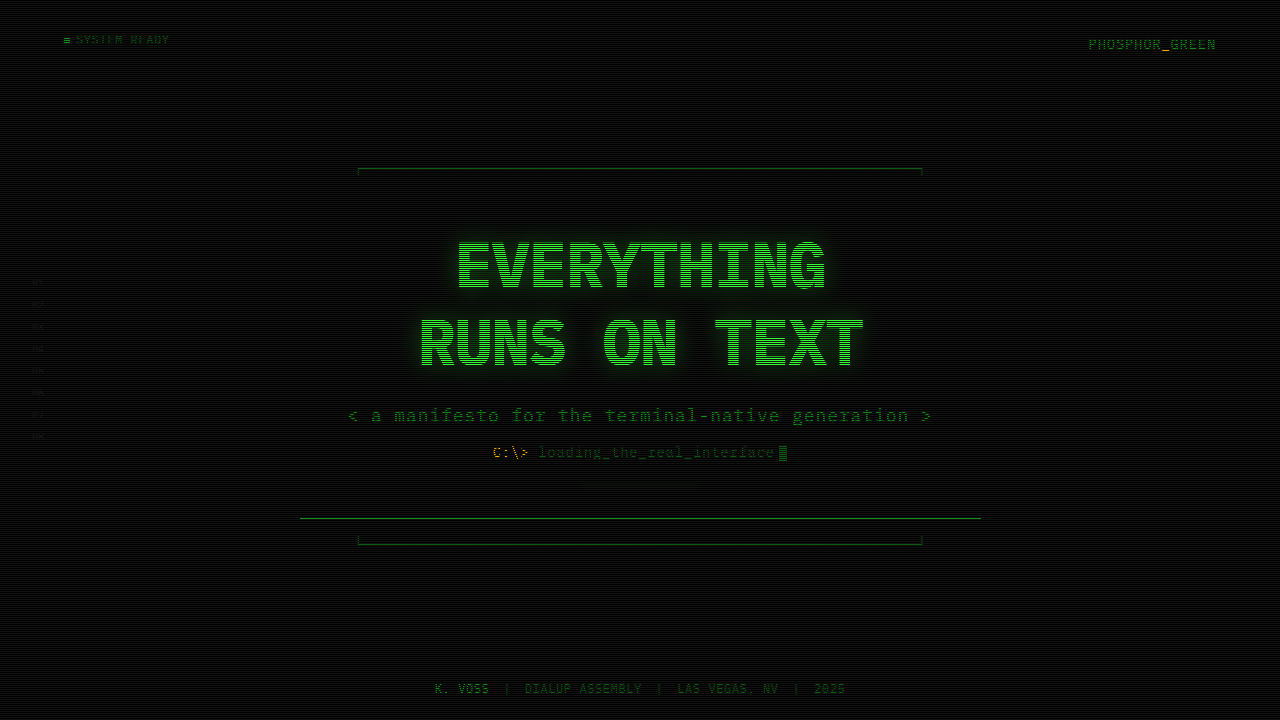
For presentation slides, the system works best for technical subjects where the content itself has the density and precision the aesthetic implies. A cover slide benefits from the stark contrast of a single large monospace command or identifier against absolute black, with a cursor marking the end of the line. Content slides should maintain the grid discipline: text aligned to a consistent left margin, hierarchy communicated through indentation and case rather than through decorative typography. Data slides translate well into the terminal idiom — tabular data displayed as if rendered by a command-line reporting tool, with column headers in a brighter value and data rows in a slightly dimmer one. Avoid using the aesthetic for sales or consumer-facing presentations where warmth and approachability matter more than authority.
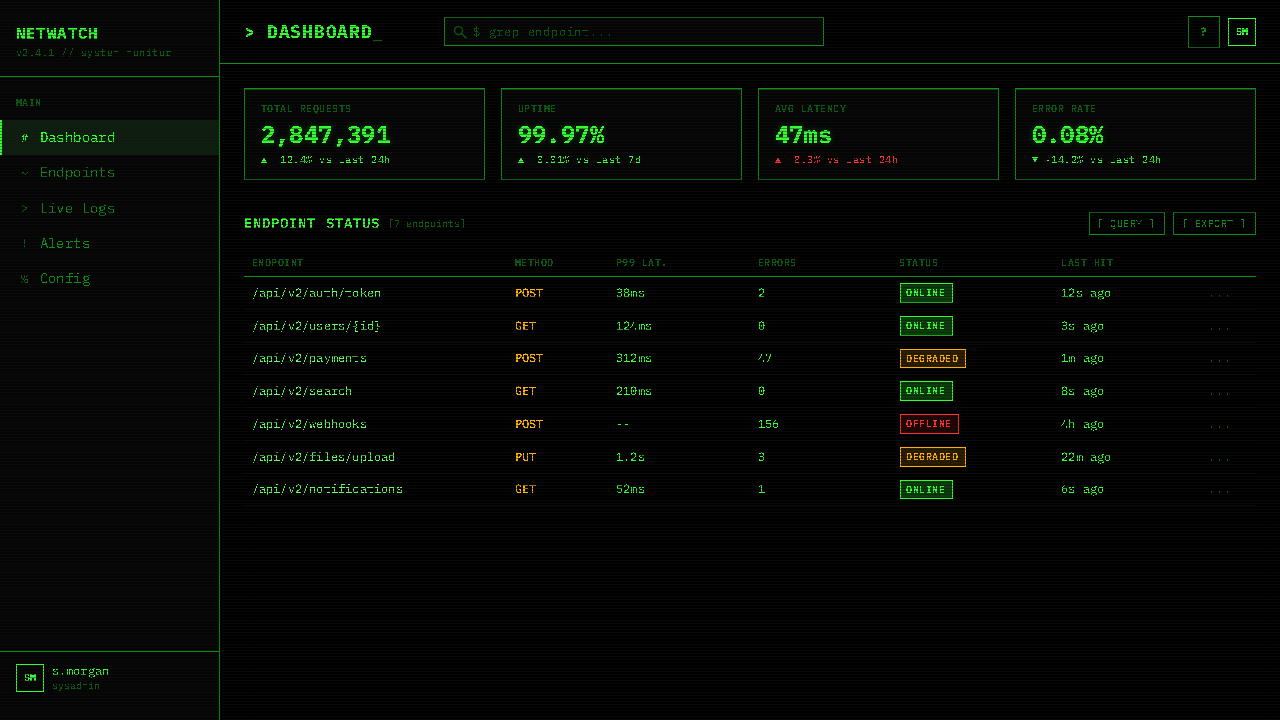
For web interfaces, the style is most effective for developer tools, technical documentation, system monitoring dashboards, and command-line-adjacent products where the user is expected to be comfortable with density and precision. The approach: set the base background to the deepest possible black, use a single monospace typeface family throughout, restrict interactive highlights to the single phosphor color, and build spatial structure through consistent character-width spacing rather than through decorative borders or card shadows. Status indicators, log viewers, and progress outputs all benefit from the terminal idiom's established vocabulary. Avoid using this system for general-purpose web products or for interfaces where the primary user interaction is browsing rather than commanding.
For editorial and marketing work, the style supports headlines and cover designs that want to project technical authority. A poster or cover in this style reads as coming from inside the culture rather than commenting on it from outside. Key discipline: every character must earn its place, and any visual element that would not have been possible on an actual VT220 requires explicit justification. Mixing terminal type with photographic imagery tends to undermine the style's logic; the system is most coherent when it operates within its own constraints throughout.
A common mistake when applying this aesthetic is treating the green glow as the main feature and neglecting the underlying grid discipline. Designers often add phosphor-green color and scanline effects to layouts that are otherwise structured with contemporary conventions — variable-width typefaces, organic spacing, gradient shadows — and expect the color to carry the meaning alone. It does not. The authority of the phosphor-green terminal comes from the combination of color and grid and constraint; remove the grid and you have a Halloween costume, not a design system. Similarly, mixing in ornamental elements — icons, photography, soft gradients — immediately breaks the material logic. The style's power is inseparable from its austerity.
CLI Hacker Phosphor Green (1985) — FAQ
Is the phosphor-green color essential, or can the system work in other terminal colors?
The system can be adapted to other authentic terminal colors — amber P3 phosphor and white-phosphor displays were historically accurate alternatives — but each color shift changes the cultural register significantly. Amber reads as slightly warmer and more industrial, less associated with the hacker subculture specifically and more with the word-processing environment of early business computing. White-on-black reads as more contemporary and is closer to modern terminal emulator defaults. The P1 green, however, carries the strongest cultural specificity: it is the color most associated with WarGames, with The Matrix, with the specific late-night technical culture the system evokes. Choosing a different color is a valid design decision but it is not the same system.
How should the scanline effect be handled — always visible, or subtle?
Subtle and consistent is almost always correct. Heavy scanlines dominate the composition and read as retro gaming pastiche rather than terminal authenticity; they attract attention to themselves rather than to the content. The authentic terminal experience was not one where scanlines were the first thing you noticed — they were ambient texture that you ceased to see after a few minutes of work. Applied correctly, scanlines should be barely perceptible at normal reading distance, adding material texture and reinforcing the emitted-light quality of the image without competing with the text. If a viewer immediately notices the scanlines, they are too strong.
Can this system be used for products aimed at non-technical audiences?
It can, but with significantly reduced effectiveness. The phosphor-green terminal aesthetic communicates competence and technical authority to audiences who recognize its reference — developers, engineers, technically literate users. For audiences without that cultural context, the same aesthetic communicates something different: it may read as retro, as gaming-adjacent, as deliberately obscure, or simply as difficult to read. The system does not have a neutral mode; it is a strong cultural signal that either resonates or alienates depending on the audience. The appropriate question before applying it is not 'is this technically achievable?' but 'does my audience share the cultural frame that makes this meaningful rather than merely unusual?'
How does this aesthetic relate to contemporary dark-mode design?
They share a dark ground, but their logic is opposite. Contemporary dark mode typically reduces eyestrain by softening contrast — using off-black backgrounds, gray text rather than white, subtle shadows to suggest depth, and a full color palette with reduced saturation. The phosphor-green terminal maximizes contrast, uses a single color, eliminates all softening, and produces a surface that is optically demanding. Dark mode is about comfort and flexibility; the terminal aesthetic is about focus and constraint. The two can coexist in the same product if their purposes are clearly separated — terminal palette for data-dense interfaces, contemporary dark mode for reading and browsing — but mixing them in the same UI components typically produces something that satisfies neither purpose.
What makes an application of this style feel authentic versus derivative?
Authenticity in this system comes from operating within its constraints rather than selecting its surface elements. A derivative application might use a monospace typeface and a green color scheme but maintain flowing text, rounded corners, and multiple typeface weights — importing contemporary layout conventions into a period-specific aesthetic. An authentic application treats the grid as non-negotiable, uses only one color of text at varying brightness, builds spatial structure from indentation and whitespace rather than from decorative borders or cards, and limits visual complexity to what would have been achievable on the original hardware. The key question: if you printed this in black and white and removed the color, would the underlying structure and hierarchy still be entirely legible? If the answer is yes, the application is working within the system's logic. If the answer is no, it is borrowing the system's appearance without its discipline.
Related design styles
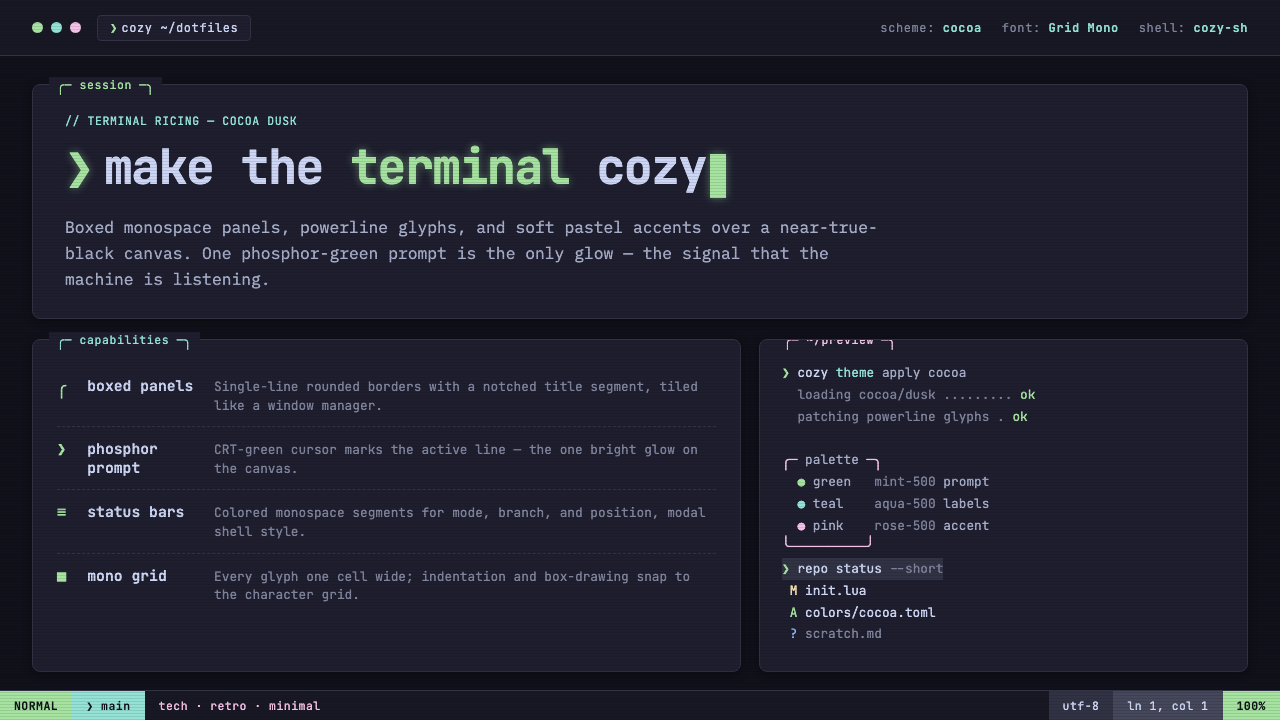 Cozy Terminal TUI RevivalMake the terminal cozy. Boxed mono panels in Catppuccin Mocha, lit by one pho…
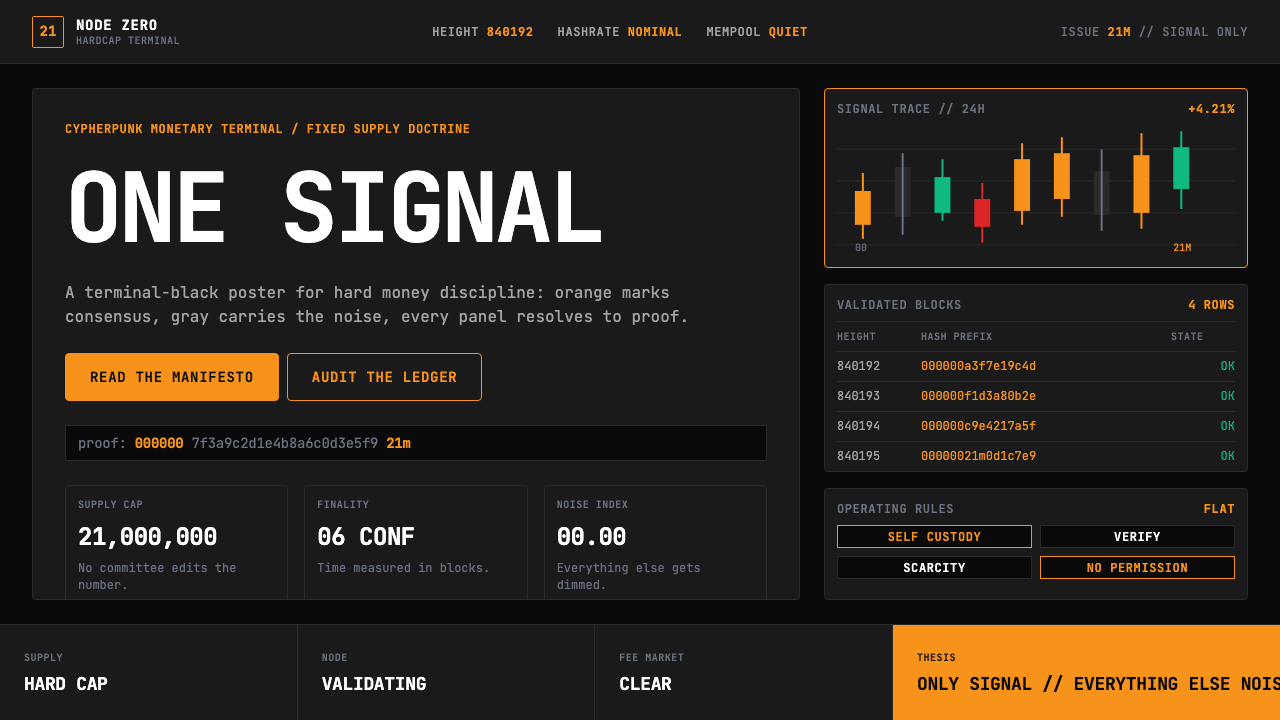 Bitcoin Maximalist OrangeOnly signal, zero spectacle. Orange mono data grids on terminal black enforce…
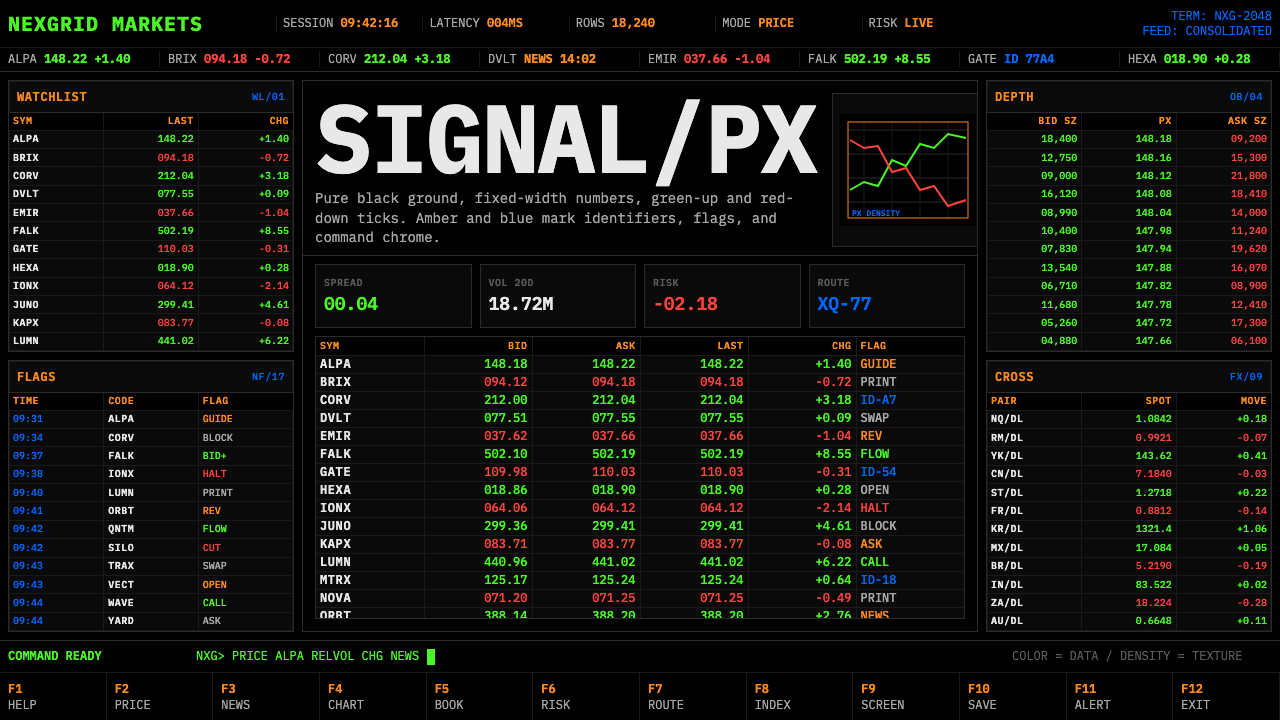 Financial Terminal MonoMaximum signal per pixel. Pure black, IBM Plex Mono, green-red ticks, amber-b…
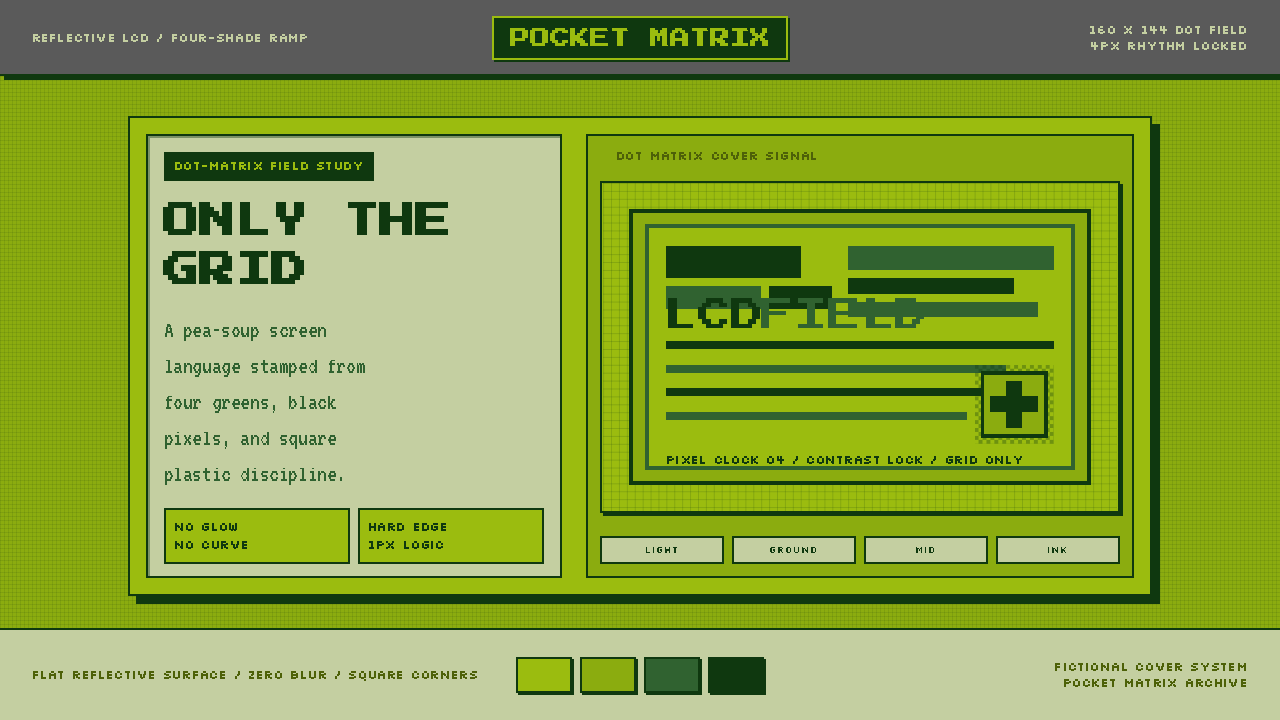 Game Boy DMG Green ScreenOnly the grid remains. Olive LCD tones, pixel type, and hard black borders.
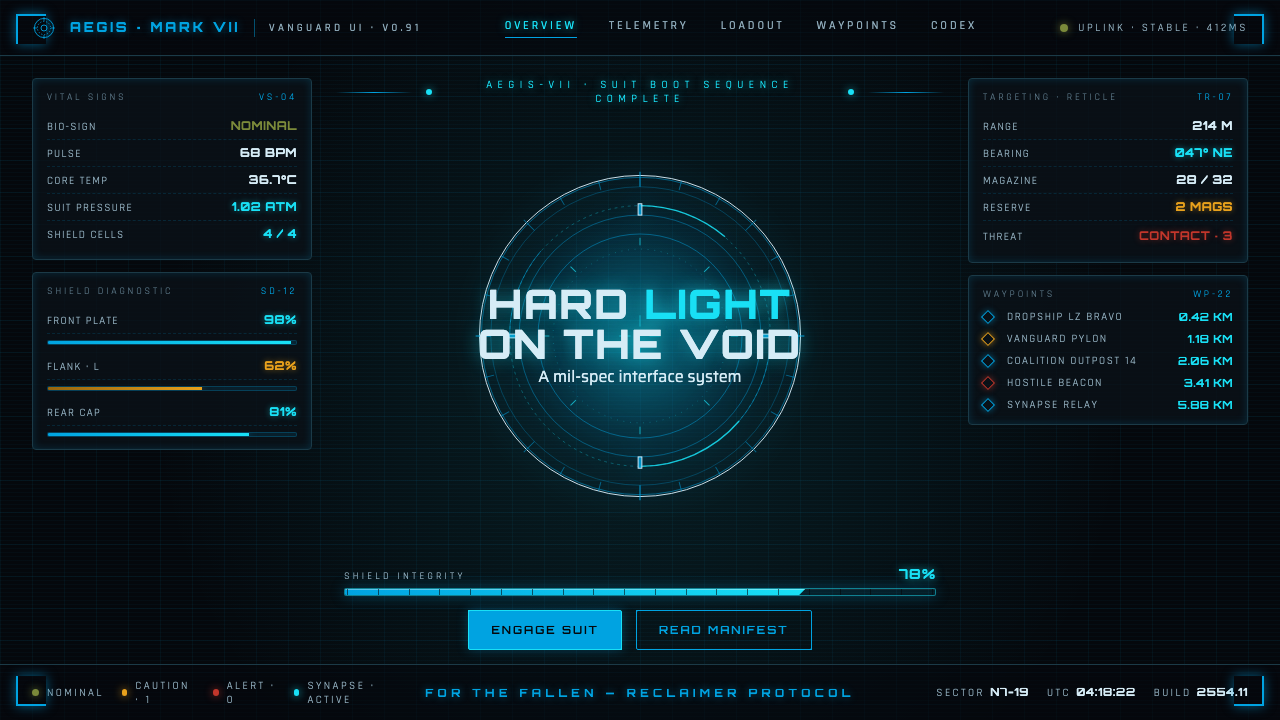 Halo (Forerunner UI)Hard light on the void. Cyan shield bars and concentric glyph rings glow on a…
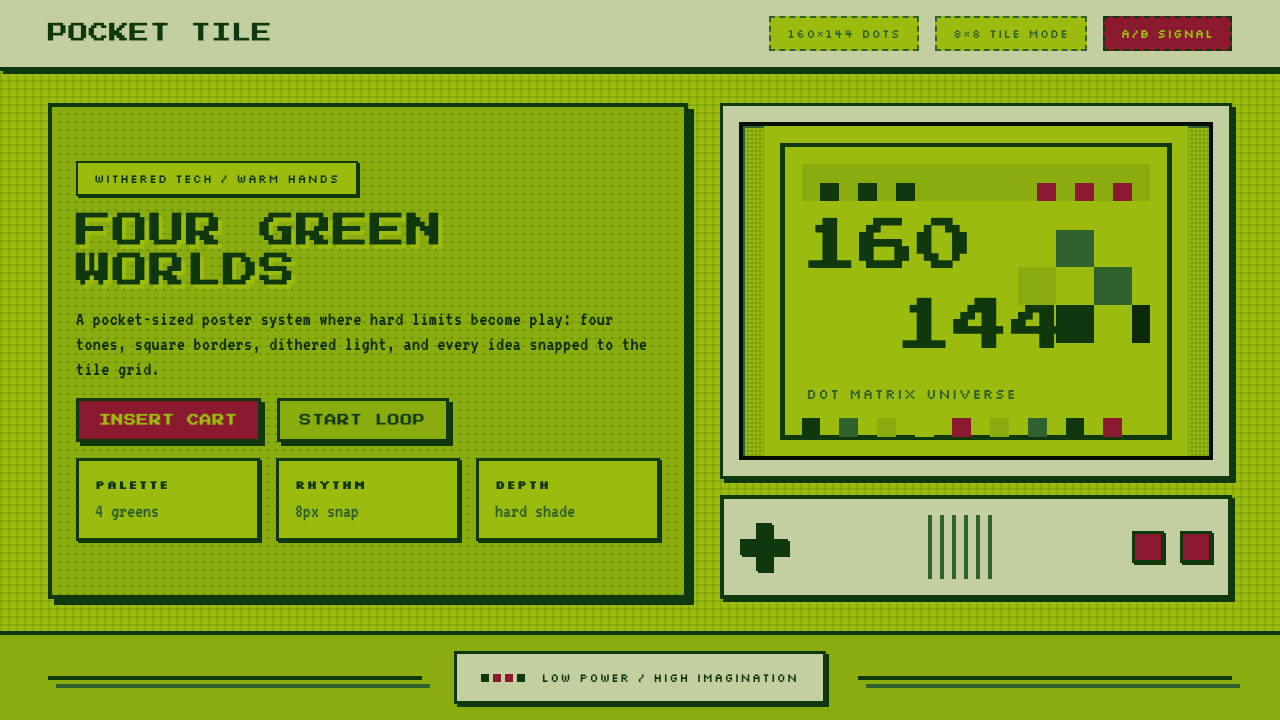 Nintendo Game BoyConstraint becomes play. Four swamp greens, pixel type, and an 8×8 grid do th…