What is Android Lollipop (Material 1.0)?
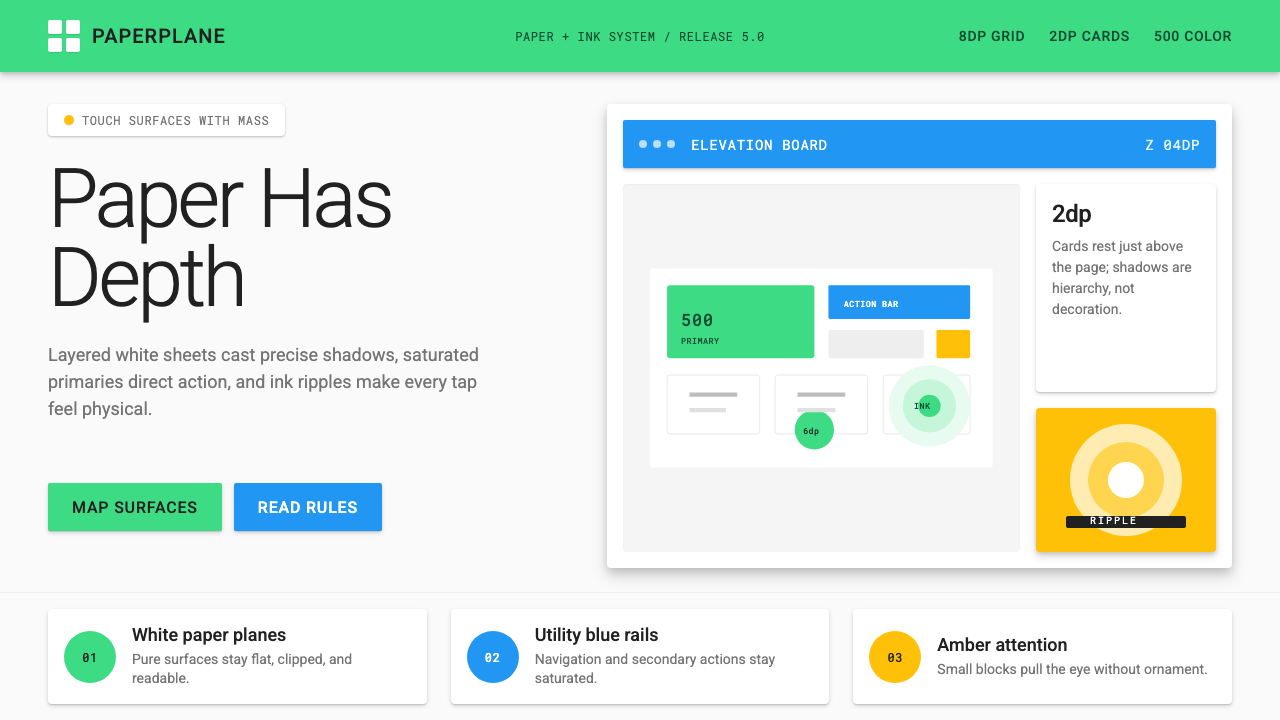
Material Design turned the screen into layered paper — every tap blooms into a ripple, every card casts a shadow with real depth.
Android Lollipop (Material 1.0) in brief
Android Lollipop's Material Design 1.0, launched in November 2014, was Google's first attempt to unify the visual language of every surface it owned — phone, tablet, watch, television, and web — under a single coherent system. The central metaphor was paper and ink: interfaces were composed of layered sheets of digital material, each occupying a distinct elevation in a three-dimensional space. Shadows were not decorative; they were information, communicating which surface sat above which and by how much.
The system broke decisively from both the skeuomorphic textures that had characterized early touchscreen design and the flat, purely two-dimensional minimalism that emerged as a reaction to skeuomorphism. Material Design kept the flat, colorful surfaces of the post-skeuomorphic moment but restored a sense of physical hierarchy through mathematically precise shadows and layering. The result was a design language with genuine spatial logic: components could move through space, stack on top of each other, and cast shadows that changed as their elevation changed.
Color was saturated and deliberate. The Material palette organized hues into numbered intensity levels, and the canonical usage called for bold, unapologetic primaries and accents — the kind of vivid, high-saturation colors that look confident on a bright mobile display. Motion was equally principled: every transition followed the physics of the real world, with elements accelerating and decelerating in ways that felt natural rather than mechanical. The floating action button — a circular element hovering above the content plane — became the defining icon of the era, a shape that still reads immediately as Material Design.

Where does Android Lollipop (Material 1.0) come from?
The story of Material Design begins inside Google's scattered design culture of the early 2010s. By 2012, Google operated dozens of products — Search, Maps, Gmail, YouTube, Play, Chrome, Android — each with its own visual conventions, interaction patterns, and typography. The Android ecosystem itself was fragmented: device manufacturers layered their own skins over the operating system, and Google's own apps looked inconsistent from one product to the next. The company was producing beautiful individual moments but no coherent experience.
Matías Duarte, who had led interface design at Palm and Danger before joining Google in 2010, was the central creative force behind the effort to unify this chaos. Duarte had a background in industrial design philosophy and brought a discipline that was unusual in software: he insisted that digital interfaces should behave as if they had physical properties — mass, momentum, and material composition. His team began developing what they internally called 'authentic motion' and 'tactile surfaces,' language that foreshadowed the paper-and-ink metaphor that would define the final system. Nicholas Jitkoff contributed the interaction model, and Christian Robertson designed Roboto, the typeface that would become inseparable from the platform.
The design system was formally revealed to the world at Google I/O in June 2014 under the name Material Design, and deployed in the Android 5.0 Lollipop release that November. The launch was accompanied by an unusually thorough public specification — a comprehensive guidelines document covering everything from the physics of motion to the exact elevation values of every standard component. This specification was itself a design artifact: it communicated to third-party developers and designers worldwide that Material Design was a system with rules, not a collection of loosely connected visual decisions.
The timing placed Material Design at an inflection point in the mobile industry. The smartphone market had matured past its early novelty phase; users now expected applications to feel coherent and considered. Apple had launched its own flat redesign with iOS 7 in 2013, and the broader industry was searching for a post-skeuomorphic visual language that felt modern without feeling cold. Material Design offered an answer that was systematic, optimistic, and backed by the full weight of Google's platform reach — it shipped simultaneously on Android, on the web through a comprehensive component library, and was explicitly offered to iOS developers as well.
What defines the Android Lollipop (Material 1.0) look?
Elevation and Shadow
Every element in the Material system occupies a specific position in a virtual z-axis, and its shadow communicates that position to the viewer. A resting card casts a shallow, close shadow; a dialog box lifted above the page casts a deeper, more diffuse shadow. These shadows are not stylistic flourishes — they encode hierarchy. The floating action button, raised highest of all standard components, receives the most dramatic shadow and consequently draws the eye before any other interactive element on the screen.
Ink Ripple
When a user touches any interactive surface, an expanding circular wave — the ink ripple — emanates from the point of contact. This animation serves a functional purpose beyond aesthetics: it confirms exactly where the touch was registered and communicates that the system has received the input. The ripple is always centered on the precise touch point, making it both a feedback mechanism and a quiet demonstration of the paper-and-ink metaphor. Buttons, list items, cards, and navigation tabs all share this same interaction signature.
Bold, Saturated Color
Material Design's color approach organizes hues into a numbered intensity scale, and the intended usage calls for the five-hundred-series shades — deep, vivid, fully saturated — as primary surfaces, with the accent color drawn from an even more intense level. The effect is confident and unapologetic: interfaces built on this system do not retreat into neutral grays. The accent color, often a complementary or high-contrast hue to the primary, is reserved for the floating action button and key interactive states, creating a clear visual hierarchy between structural surfaces and action affordances.
Physics-Based Motion
Material Design codified motion as a design discipline rather than an afterthought. Transitions follow easing curves that mimic the behavior of physical objects: elements enter the screen with a quick acceleration and leave with a gradual deceleration, mimicking the way a sheet of paper would behave if slid onto a surface. Elements that expand — like the floating action button transforming into a full-screen dialog — do so from their point of origin, preserving spatial continuity. Staggered entrance animations on lists reinforce the sense that items have weight and arrive with momentum.
Card-Based Layout
The card — a bounded, elevated rectangle containing a discrete unit of content — became Material Design's primary organizational metaphor for heterogeneous information. Cards allow disparate content types to coexist without explicit grid lines; the shadow of each card defines its boundary implicitly. A feed of cards can contain images, text, actions, and media in any combination, and the card container normalizes their visual weight relative to each other. This made cards the default choice for social feeds, search results, product listings, and any context where content variety was high.
Roboto and Type Scale
Christian Robertson's Roboto typeface was designed specifically for Material Design and optimized for screen legibility across a wide range of display sizes. Its letterforms balance geometric precision with natural, slightly condensed proportions — more mechanical than humanist, but warm enough to avoid clinical coldness. Material Design specified a deliberate type scale with named roles — display, headline, title, subheading, body, caption — each with a recommended size relationship to the others, creating a system where hierarchy is communicated purely through scale and weight without relying on decorative differentiation.
Floating Action Button
The floating action button — a circular element that hovers above all other content at the highest standard elevation — represented Material Design's most architecturally specific contribution to interface conventions. It signals the single primary action of a screen: composing a message, adding an item, initiating a recording. Its persistent visibility and prominent shadow ensure it is never ambiguous about what the page's principal affordance is. The button's boldly saturated accent color, distinct from the primary surface palette, marks it as action rather than content. Its shape, circular and self-contained, became one of the most recognizable UI signatures of the decade.

Who shaped Android Lollipop (Material 1.0)?
Duarte served as Vice President of Design at Google and was the primary creative architect of Material Design. With a background spanning industrial design philosophy and software interface work at Palm and Danger, he brought an unusually physical sensibility to digital design. His insistence that interfaces should behave as if they possessed mass, momentum, and material composition gave Material Design its defining conceptual framework. He led the team that developed the paper-and-ink metaphor and championed the comprehensive public specification that made Material Design a cross-platform standard rather than merely an Android visual update.
Robertson designed Roboto, the typeface that became inseparable from Material Design and Android as a platform. Roboto was built to address a specific challenge: delivering typographic clarity and warmth across the extreme variety of screen sizes, pixel densities, and use contexts in the Android ecosystem. Its balanced geometry — precise enough to feel systematic, natural enough to feel readable at small sizes — made it one of the most widely deployed typefaces in the history of digital design. Robertson also contributed to the broader typography guidelines that defined Material Design's type scale and weight system.
Jitkoff was a key interaction designer on the Material Design team, contributing to the behavioral model that gave the system its physical coherence. Where Duarte shaped the conceptual and visual framework, Jitkoff worked on the interaction principles that governed how elements entered, exited, and moved through the interface. His work on motion and transition helped translate the paper metaphor from visual description into behavioral specification — rules that could be implemented consistently across the thousands of applications built on the platform.
Lockheimer, as the engineering leader for Android at the time of Lollipop's launch, was responsible for ensuring that Material Design shipped as a functioning system rather than a design vision document. The challenge was formidable: Android runs on thousands of device configurations with different screen sizes, hardware capabilities, and manufacturer customizations. Lockheimer's leadership ensured that the elevation model, motion system, and component library were implemented at the platform level — making them available to every application developer on the platform rather than requiring each team to build them independently.
Wiley led the design work on Google Search and was one of the early advocates for bringing Material Design coherence to Google's web presence. His work helped ensure that Material Design was not purely a mobile-native system but extended to the browser-based experiences that formed the majority of Google's user touchpoints. The challenge of translating the elevation and shadow model — conceived for the relatively constrained dimensions of a mobile screen — to the variable widths and scroll behaviors of a web page required significant adaptation, and Wiley's team developed many of the responsive grid and breakpoint conventions that are now standard in Material Design for web.
How do you use Android Lollipop (Material 1.0) today?
Material Design 1.0 translates cleanly into contemporary presentation work when its spatial logic is understood rather than superficially copied. The system's elevation hierarchy is its most useful organizing principle for slides: treat the background as the lowest layer, content blocks as mid-elevation surfaces, and key callouts or data points as elevated elements that demand attention. A slide built this way has inherent depth without relying on arbitrary decorative elements — the shadow of a highlighted card does the work that a colored border would do less elegantly.
For presentation covers and section dividers, the Material aesthetic supports bold, full-bleed color surfaces in the deeply saturated primary range, with white or near-white type set at a generous scale. The floating action button's visual grammar — a high-contrast circular element floating above a colored field — can be adapted as a logo lockup or a large numeral on a section break slide. Content slides should follow a card-based discipline: each major point contained in its own bounded surface, with spacing doing the work of separation rather than rules or borders.
In web UI design, Material 1.0 is particularly well-suited to dashboards, analytics interfaces, and structured data products. The card metaphor handles heterogeneous data types elegantly — metrics, charts, tables, and alerts can each inhabit their own bounded container at varying elevations without the layout becoming cluttered. For pricing pages, the elevation model provides natural affordance for tier differentiation: the recommended plan can be visually elevated above its alternatives through a deeper shadow, without requiring a different color or an arbitrary badge. Navigation should follow the Material tab and drawer conventions — horizontal tabs for primary navigation, a side drawer for secondary pathways.
Editorial and marketing applications of Material Design work best when the color confidence of the system is embraced rather than neutralized. A feature article layout can use a full-width saturated primary color as the header surface, with white type at display scale, transitioning to white cards for body content below. Marketing pages benefit from the system's built-in contrast between action and content: calls to action in the accent color stand apart from body content surfaces without requiring additional visual complexity. The ripple interaction signature, even simulated as a static circular glow behind a button, signals the design language instantly.
A common mistake when applying Material Design is using the shadow system decoratively rather than informationally — adding maximum-elevation shadows to everything to create a sense of richness, rather than reserving deep shadows for components that are genuinely elevated above others. This collapses the hierarchy the system is built around and produces layouts that feel busy rather than layered. Similarly, using the full range of the saturated palette simultaneously — many different bold colors across a single surface — violates the system's logic, which calls for one dominant primary, one accent, and careful neutrals. Material Design's visual energy comes from restraint applied to bold raw material, not from the boldness alone.

Android Lollipop (Material 1.0) — FAQ
What distinguishes Material Design 1.0 from the flat design movement it emerged alongside?
Flat design, as popularized by Windows Phone and iOS 7, pursued two-dimensionality as an aesthetic end: all surfaces existed on the same visual plane, shadows were eliminated entirely, and depth was not part of the visual vocabulary. Material Design shared flat design's rejection of skeuomorphic textures and gradients but reintroduced depth as a systematic, informational element rather than a decorative one. The result is sometimes called 'material flat' — surfaces are clean and geometric, but they stack in space and their spatial relationships carry meaning. The shadow under a card is not decoration; it tells you the card floats above the background.
Can Material Design 1.0 work for premium or luxury product contexts?
Material Design 1.0 is optimistic, bold, and democratic — its visual character communicates accessibility and platform consistency more than exclusivity. For contexts where luxury positioning is essential, the saturated primary palette and high-contrast components can read as utilitarian rather than refined. The system adapts better to premium when the palette is constrained to a single deep primary and near-neutral accents, the type scale is used conservatively, and the elevation model is simplified rather than fully deployed. In practice, many luxury digital products prefer a system with more typographic refinement and more neutral color discipline than Material 1.0 natively provides.
How does Material Design 1.0 handle dark mode or dark-background layouts?
Material Design 1.0 was conceived as a light-surface system — white and near-white cards on light backgrounds were canonical. Dark mode was not a defined part of the original specification; it was introduced systematically in Material Design 2 in 2018. Applying the Material 1.0 aesthetic to dark backgrounds requires significant adaptation: shadows lose their communicative value on dark surfaces because they rely on contrast against light backgrounds. Elevation on dark surfaces must instead be communicated through overlaid color tints — lighter tints at higher elevations — which departs from the original system. The saturated accent colors remain effective on dark grounds, but the primary palette often requires desaturation to avoid visual aggression.
Is Material Design 1.0 appropriate for non-Google, non-Android products?
Material Design was explicitly designed as an open system and Google encouraged its adoption beyond Android from the start — the web component library and the cross-platform specification were intended for any developer or designer. Many non-Google web applications, progressive web apps, and even iOS applications adopted Material components either wholesale or in adapted form through the mid-2010s. The risk is one of attribution rather than aesthetics: a product built with strict Material 1.0 conventions reads as Google-adjacent, which may or may not align with how the product wants to position itself. For distinctive brand contexts, the system works best as a structural foundation whose color, type, and specific components are customized enough to carry a distinct identity.
How does Material Design 1.0 relate to later Material versions?
Material Design has gone through substantial evolution since 2014. Material Design 2, released in 2018, refined the elevation model, introduced dark mode, expanded the color system's flexibility, and softened many of the system's harder edges — rounded corners became more prevalent, and the floating action button's prominence was reduced. Material Design 3, released in 2021 as Material You, introduced dynamic color — the ability to derive a complete palette from the user's wallpaper — and moved the system much further toward personalization and away from the bold, fixed palette of the original. The original Material Design 1.0 aesthetic is now the most visually distinct of the three versions: its sharp corners, deep shadows, and highly saturated fixed palette read immediately as a specific historical moment rather than a generic contemporary interface style.
Related design styles
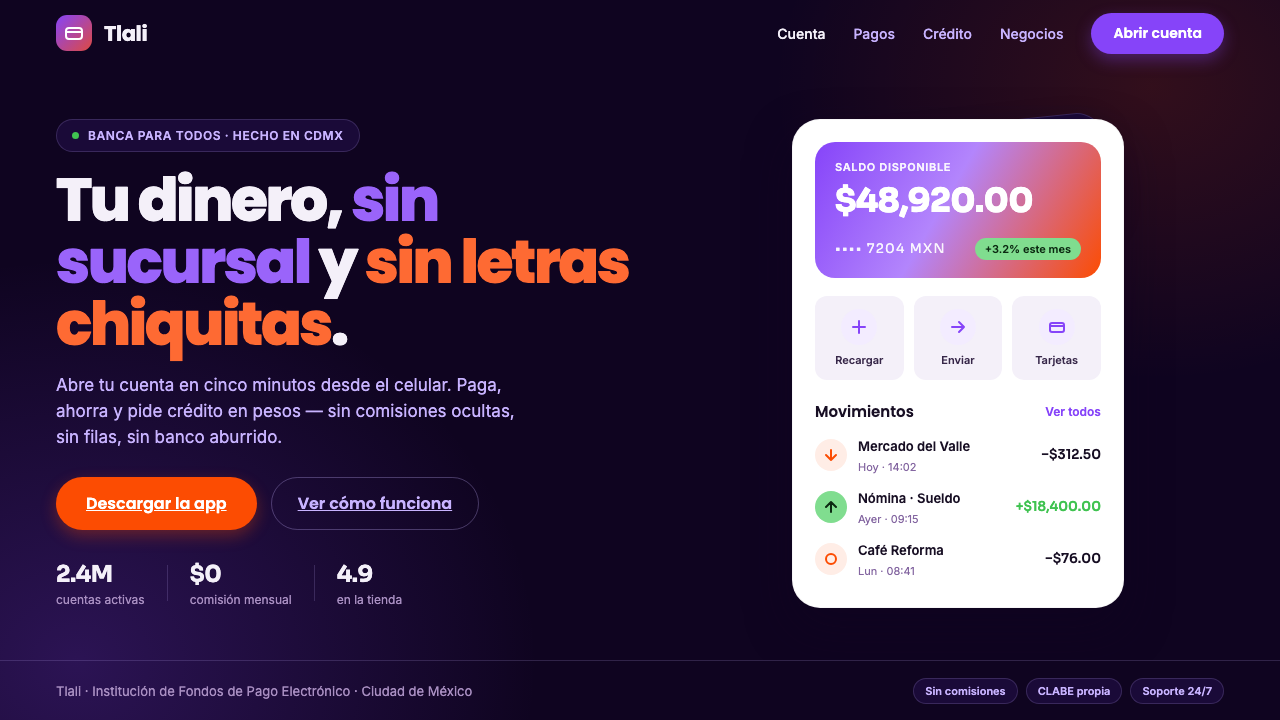 Mexican Fintech StartupNeobank, not legacy bank. White rounded cards float on near-black plum, lit b…
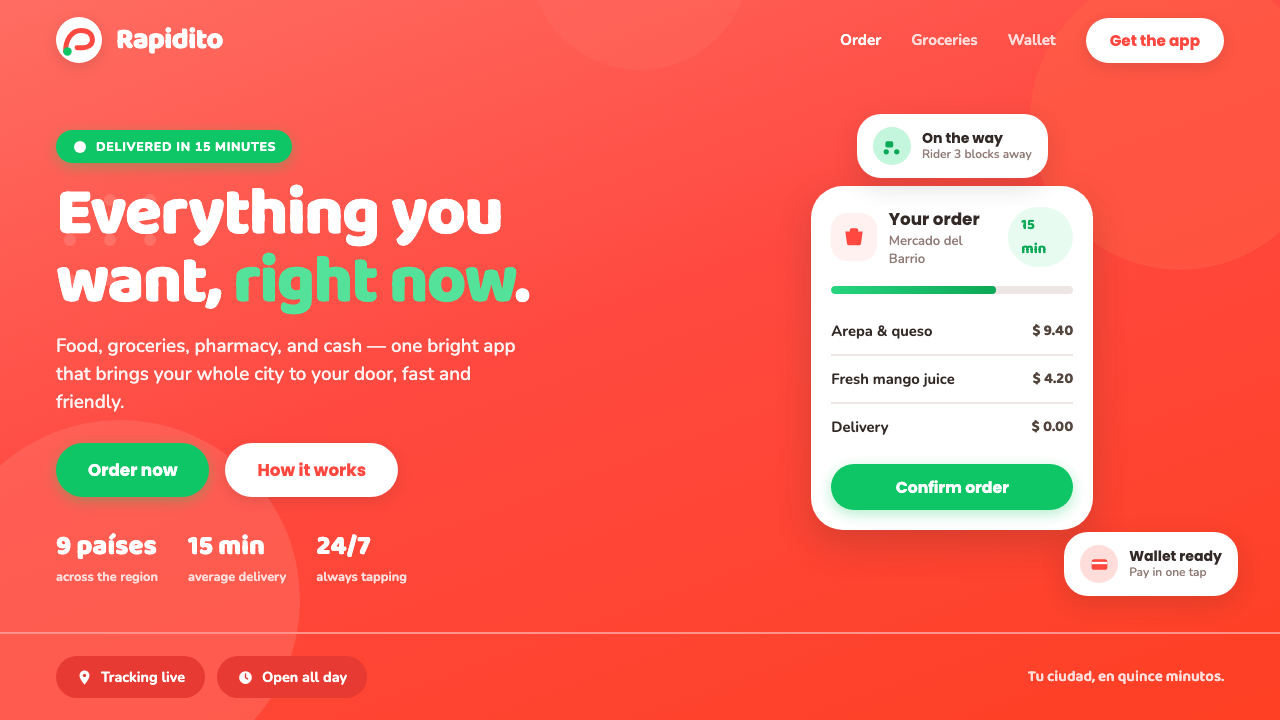 Rappi DeliveryOrdering, made joyful. A hot red-orange wash floods the page; white pill card…
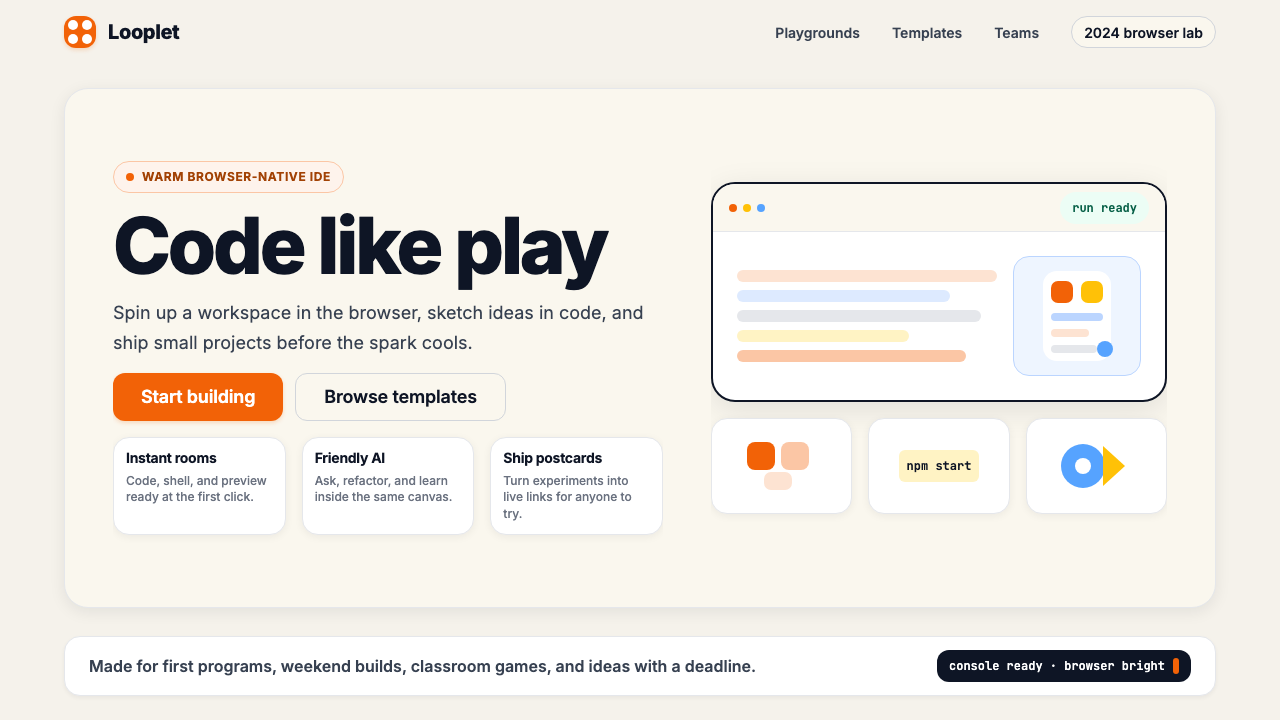 Replit 2024Coding feels warm. Coral buttons, cream panels, rounded code tiles make build…
 Slack 2019Warm enterprise chat. Aubergine rail, Manrope type, and single-accent badges…
 YouTube Creator EconomyThe UI disappears. Near-black Roboto grids let thumbnails shout; red only mea…
 Canva 2024Confidence feels draggable. Purple-blue gradients and floating white template…