What is AI Memory Archive?
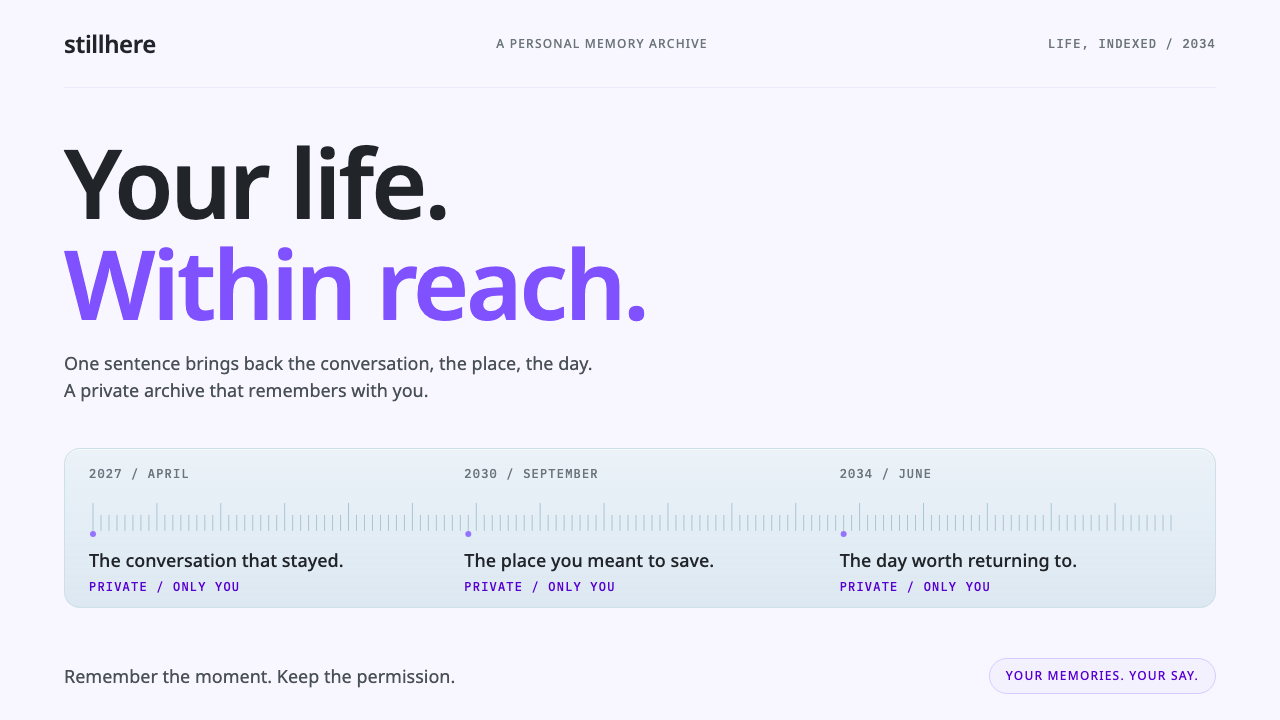
AI Memory Archive imagines a life kept as a searchable record, and designs it to feel calm, light and private rather than futuristic.
AI Memory Archive in brief
AI Memory Archive is a speculative interface set in 2034: a web app that keeps a person's life as a searchable record. Days run along a timeline scrubber across the top, a plain sentence typed into a search field pulls back a conversation or a photograph from years ago, and every memory carries a small lock that states who is allowed to see it. It is a product that does not exist yet, designed as if it already did.
Its visual language extends real interfaces of the 2020s rather than inventing a sci-fi look. The timeline and the Hello-style lock come from Microsoft Recall, placed on a cool, pale Mica-like window, and the lavender surfaces and purple fills echo the way Shopify's Polaris design system marks features that use AI. The result is light, legible and composed: a calm archive, not a control room.
The central design decision is restraint. A system that remembers everything could easily look intrusive or dramatic, so this style does the opposite. Type is quiet, panes are cool and flat, and the only recurring accent is a soft lavender that says 'this was made or found by AI' without raising its voice. Trust is built through calm, not through spectacle.

Where does AI Memory Archive come from?
The idea of an external memory is much older than any software. In 1945 the engineer Vannevar Bush described the memex, an imagined desk-sized device in which a person would store books, records and letters and retrieve them by association. The memex never shipped, but it set the agenda for generations of personal knowledge tools, and its central promise, that you could get back to anything you had once seen, is exactly what this interface is built around.
The lifelogging movement turned the dream into experiments. Gordon Bell, a computing pioneer, spent years capturing his own emails, documents, photos and calls into a personal database, a project known as MyLifeBits. It showed both the appeal and the difficulty of a total record: storage was easy, but finding the right moment among everything was the real problem. That is why this style puts search and the timeline at the centre rather than the archive's size.
The 2020s brought the first mainstream versions. Microsoft announced Recall in 2024 and released it in 2025, a feature that keeps a browsable timeline of what a user has done on a PC, protected by Windows Hello. Yusuf Mehdi, a Microsoft executive, was one of the public faces introducing the idea. The announcement also set off an intense debate about privacy, and the shipped version was reworked around on-device processing and explicit user control, a story that shapes how visible the privacy lock must be in any design that follows.
On the product side, tools built around recording and recalling conversations, such as those associated with Dan Siroker's work on personal-memory software, showed that people would trade some comfort for the ability to ask what was said last spring. In parallel, Shopify's Polaris design system, in 2024, set out tokens that give AI features their own lavender and purple identity. This style sits at the meeting point of those threads: a timeline from Recall, an AI colour from Polaris, and a privacy-by-design stance from the on-device movement.
What defines the AI Memory Archive look?
Cool Mica Window
The base surface is a pale, slightly cool, almost translucent window in the manner of Windows Mica, a material that lets a faint trace of the desktop tint the pane. Because it is light, the interface reads as open and daytime rather than as a dark, surveillance-like screen. Panels sit on it as flat layers with hairline separation, so depth is suggested by tone alone.
Lavender AI Layer
Lavender surfaces and purple fills mark anything AI has surfaced, summarised or generated, following the convention that Shopify's Polaris system uses for AI. It is a soft tint, not a glowing neon, and it appears only where AI is actually involved. This is what lets a user tell at a glance which parts of a memory are source material and which are interpretation.
Timeline Scrubber
Days are laid out as a horizontal strip across the top, with density marks showing how much happened on each one. Dragging along it moves through years. It is the interface's main navigational idea, borrowed from Recall, and it makes time, rather than folders, the way a life is organised. The strip is plain and thin so it feels like a ruler, not a feature.
Privacy Lock on Every Memory
Each memory carries a small lock icon and a short label saying who can see it: only you, your family, or one named person. The lock is drawn in the same quiet style as everything else but is placed consistently, so a user learns to look for it. The design makes privacy a permanent, visible property of every item instead of a settings page, in the spirit of Windows Hello's authentication gesture.
Quiet Noto Sans Type
Text is set in Noto Sans, a humanist sans-serif chosen for its even colour and its wide script coverage, which matters for an archive that mixes languages. Hierarchy comes from modest changes in weight and size rather than dramatic display type. Dates and timestamps are small and steady; the user's own words are given the most room.
Natural-Language Search
The search field is wide and inviting, and it accepts a plain sentence instead of keywords. A query such as the ramen place Mia mentioned last spring is the kind of request the whole system is designed around. Results come back as small cards with a source, a date and a lock, so the answer can always be traced to the original memory rather than being presented as a conclusion.
Calm Without Spectacle
There are no glowing grids, no dark command-centre panels, no animated particles. Motion, where used, is a gentle reveal, and the overall mood is of a well-kept notebook. This is the defining aesthetic judgement: for a product about intimate personal data, the least dramatic option is also the most credible one.

Who shaped AI Memory Archive?
Bush described the memex in 1945, an imagined device for storing and retrieving a person's books and records by association. It never shipped, but it is the intellectual ancestor of every personal archive, and its promise of retrieving anything once seen is the core of this interface.
A computing pioneer who captured his own emails, documents, photos and calls in a personal database known as MyLifeBits. His experiment made the central problem of lifelogging clear: the record is easy to make, but the right moment is hard to find.
A Microsoft executive who was among the public voices introducing Recall in 2024. The feature's timeline and its Windows Hello-protected access are the most direct models for this style, and the privacy debate that followed shaped how visible its lock needs to be.
Associated with personal-memory software that records and recalls conversations. His work stands for the product side of the idea, showing that people will accept some friction in exchange for being able to ask what was said, and who said it, long after the fact.
How do you use AI Memory Archive today?
AI Memory Archive works for any product whose job is to hold personal or sensitive material and return it on request: journals, photo libraries, note apps, meeting-recall tools, customer-history views and family archives. Its principle is that when a product knows a great deal about a person, it should look calmer than average, not more impressive.
For presentation slides, it suits decks about AI, privacy, data and personal tools. A cover can be a pale, cool background with one short title, a thin timeline strip along the top and a single lavender highlight. Content slides should keep a lot of empty space, with one finding per slide and AI-derived claims in lavender panels so that sourced facts and model output stay visually distinct. Data slides work well as timelines, where the horizontal axis is time and the marks are quiet.
For web interfaces, it fits archive views, search-first products and anything with a history. Put a wide natural-language search field at the top, a timeline scrubber beneath it, and results as small cards with date, source and a lock. Use the lavender tint only for AI-generated summaries, suggestions or answers, and keep sharing and permission states visible on every item. On dashboards, keep the surface pale and flat, and let privacy status be part of each row rather than a separate settings area.
For editorial and marketing work, the style gives a trustworthy tone to explanations of on-device AI, privacy-by-design and digital memory. A landing page can lead with a plain sentence query and its answer, followed by a calm timeline illustration, instead of a dramatic hero image. Because it avoids sci-fi imagery, it can speak about data without sounding like surveillance.
The common mistakes are to make it dark, glowing or cinematic, which contradicts its premise, and to spread the lavender across every button, which removes its meaning as an AI marker. A third mistake is hiding the lock. If privacy is not visible on each memory, the style loses its central promise. Keep the surface pale, keep the accent rare, and keep the lock where people can see it.

AI Memory Archive — FAQ
What is the AI Memory Archive style based on?
It is a speculative 2034 interface that extends real 2020s products: the timeline and Hello-style lock from Microsoft Recall, a cool Mica-like window surface, and the lavender and purple fills that Shopify's Polaris design system uses to mark AI features.
Why does it look so calm instead of futuristic?
Because the subject is intimate personal data. A product that remembers a whole life would feel intrusive if it looked dramatic, so the style uses pale surfaces, quiet type and a single soft accent. Credibility comes from restraint rather than spectacle.
What does the lavender colour mean?
It marks content that AI has surfaced, summarised or generated, following the convention of Shopify's Polaris system. It should appear only where AI is actually involved, so that users can distinguish original memories from interpretation.
Why is there a lock on every memory?
The lock makes privacy a permanent, visible property of each item, stating who can see it. This answers the concerns raised when Microsoft introduced Recall, and it is central to how the style earns trust.
What kinds of products suit it best?
Journals, photo libraries, note apps, meeting-recall tools, customer-history views, family archives and any search-first product that holds sensitive material. It also suits presentations and editorial pieces about AI and privacy.
Related design styles
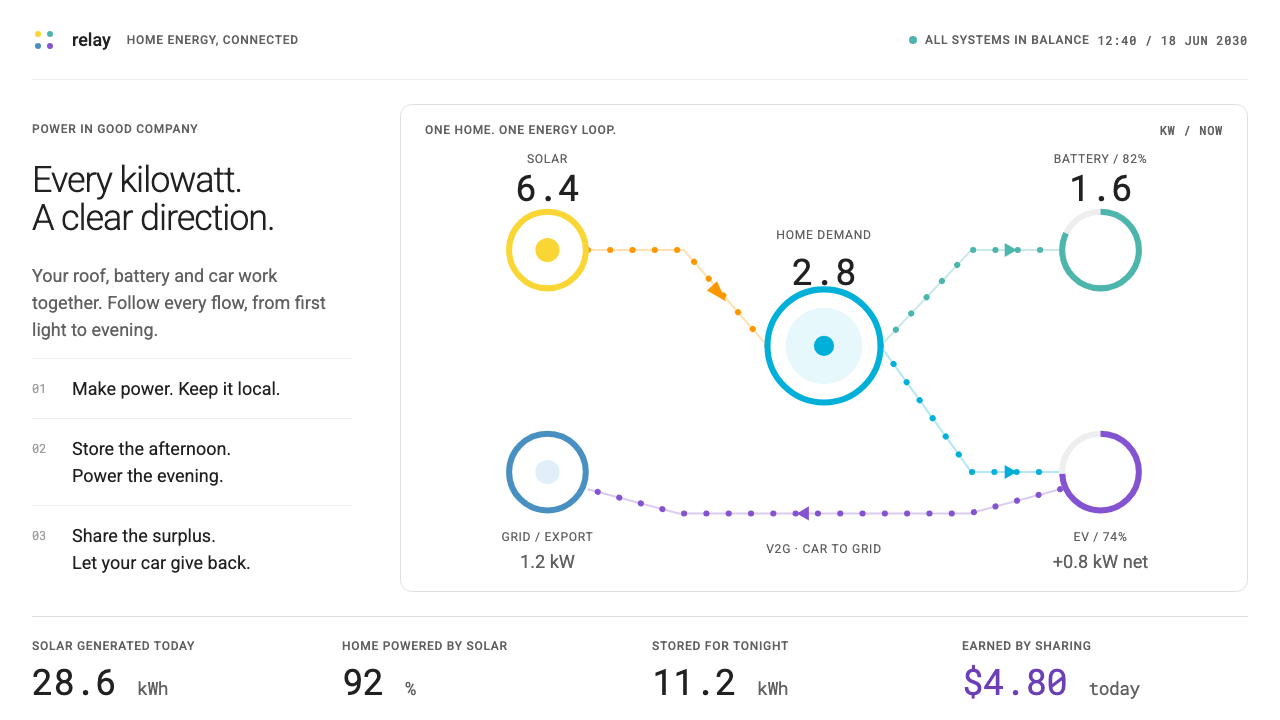 Home Energy HubEvery kilowatt has a direction. Colour-coded flows and mono readings on quiet…
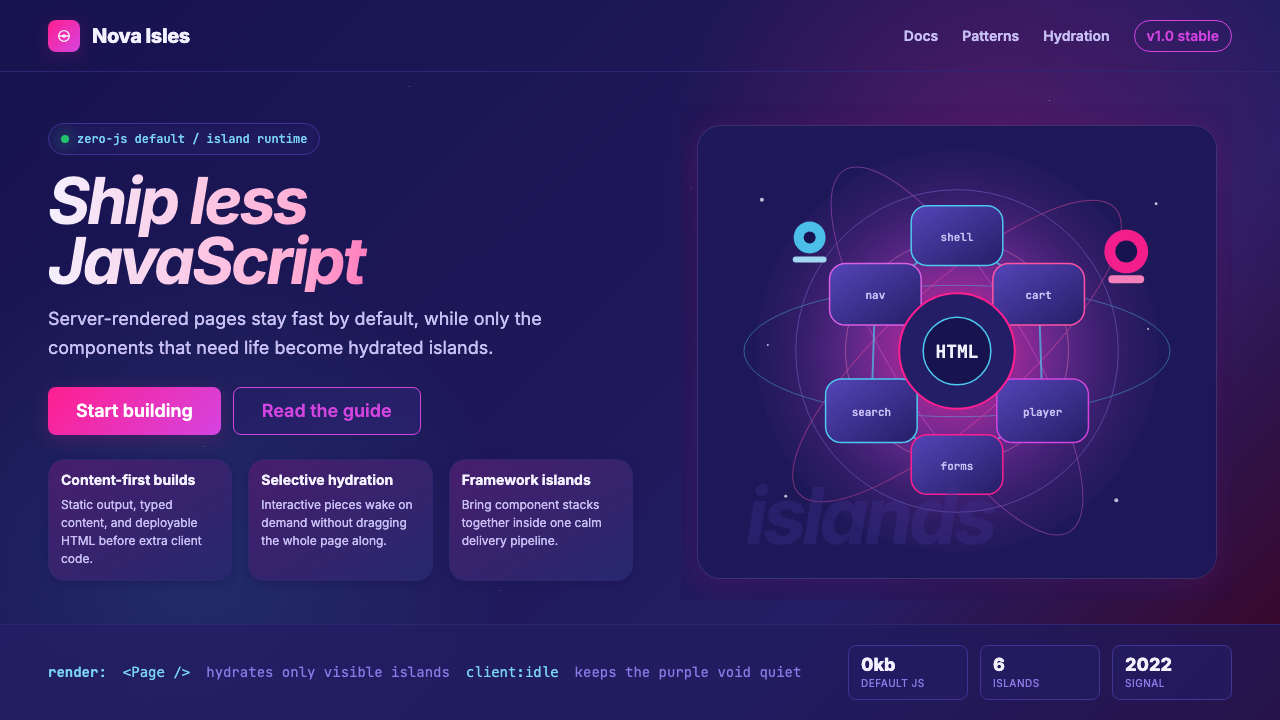 Astro Islands Architecture 2022Warm cosmic devtools. Deep violet, magenta glow, Inter clarity, and island ge…
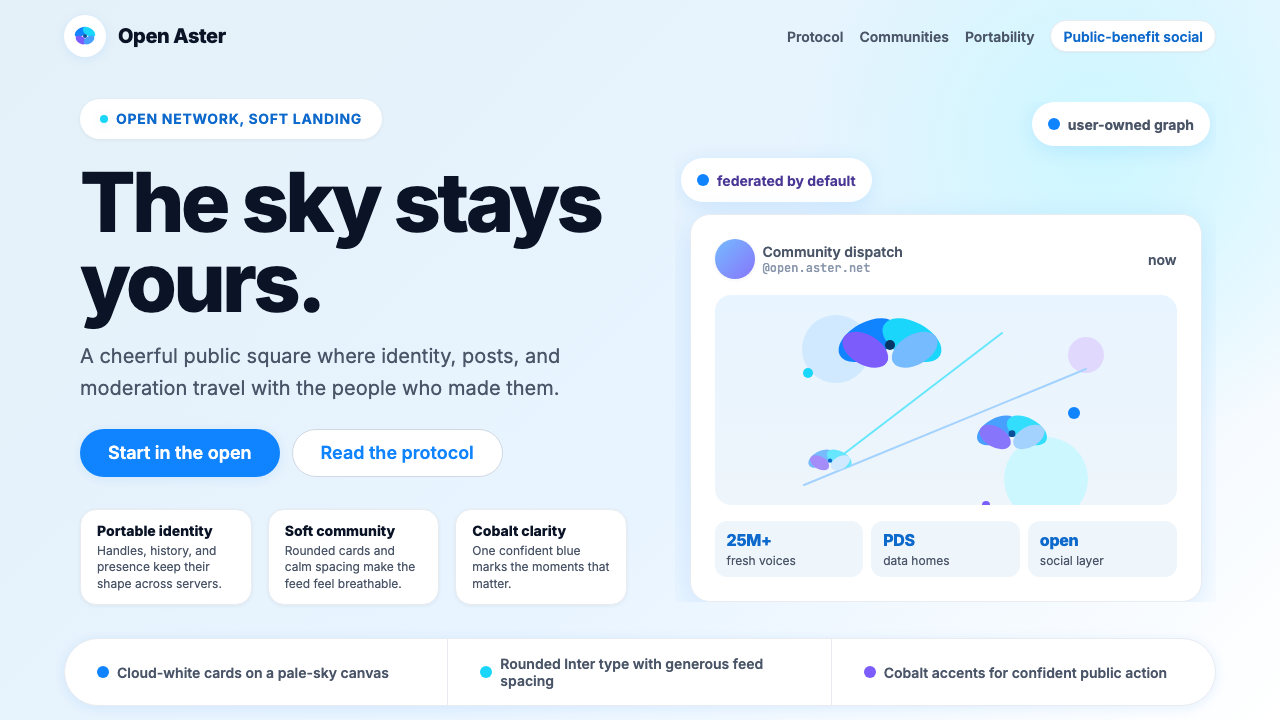 Bluesky AT Protocol 2024Open tech feels warm. Pale sky, cloud cards, Inter, and one cobalt accent car…
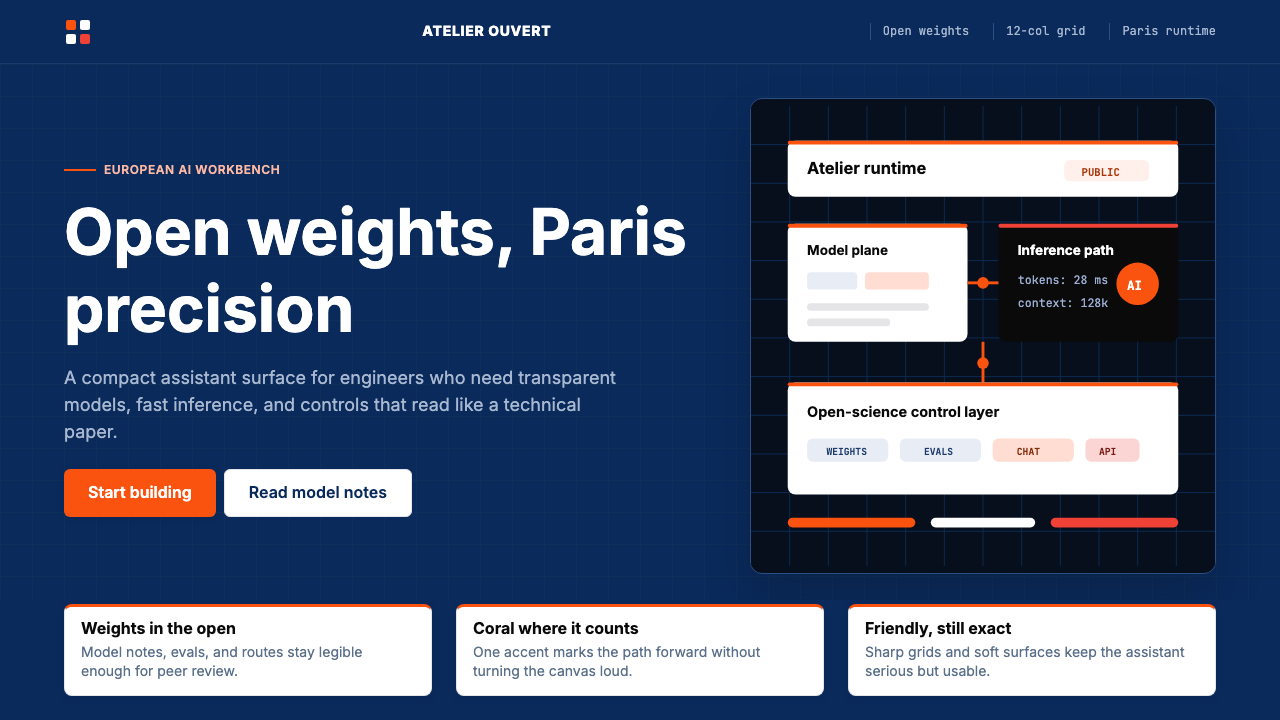 Mistral Le Chat French AIOpen science feels engineered. Navy panels, Inter grids, and coral stripes ke…
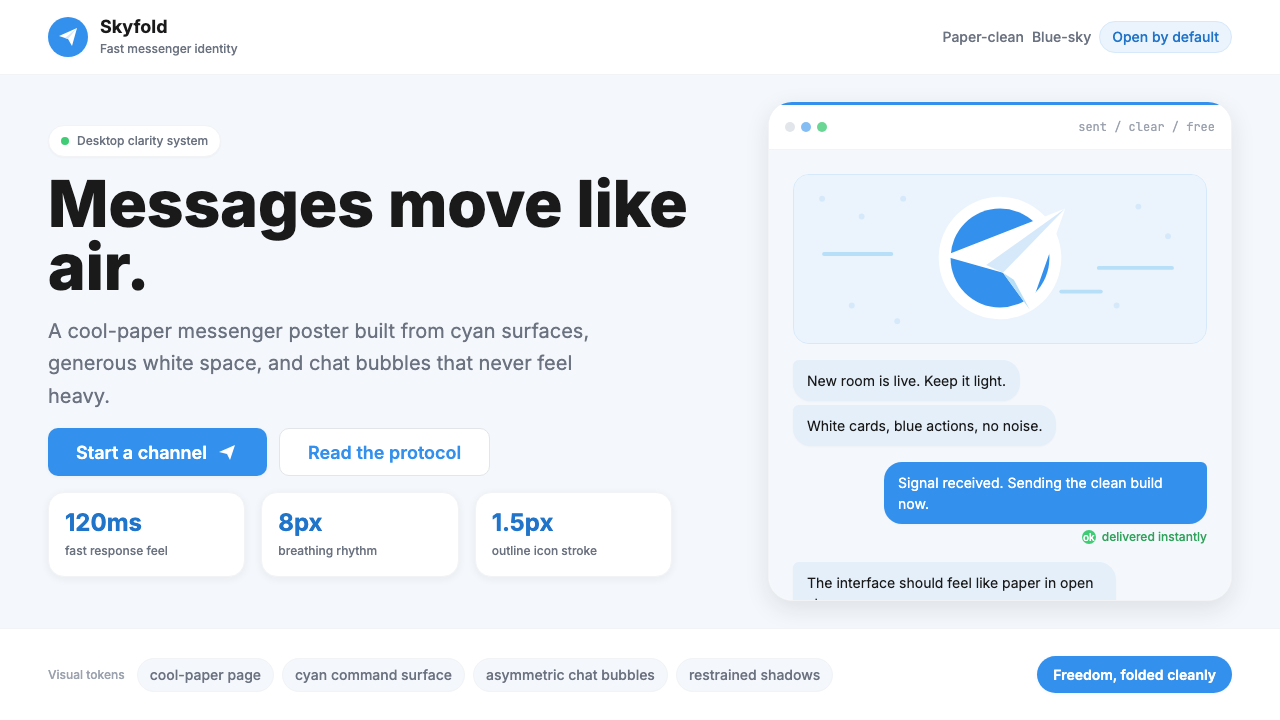 Telegram Blue Paper PlanePaper-clean speed. Cyan planes, white cards, and chat bubbles carry the ident…
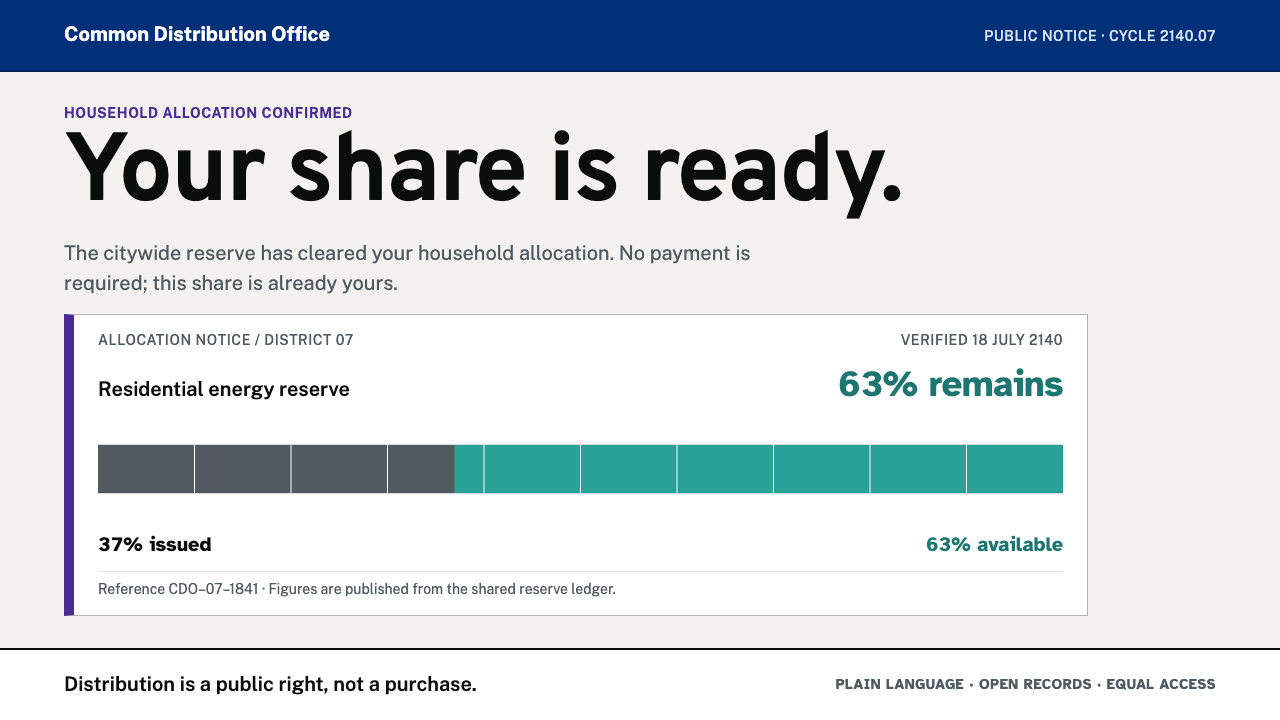 Post-Scarcity CivicAllocation replaces price. Civic grey, plain type, and turquoise meters make…